
Razer Kishi - Game list integration & controller support
Discover top games seamlessly with an integrated list & instant access for Razer Kishi users.

- 1.0.75 Version
- 2.1 Score
- 199K+ Downloads
- Free License
- 3+ Content Rating

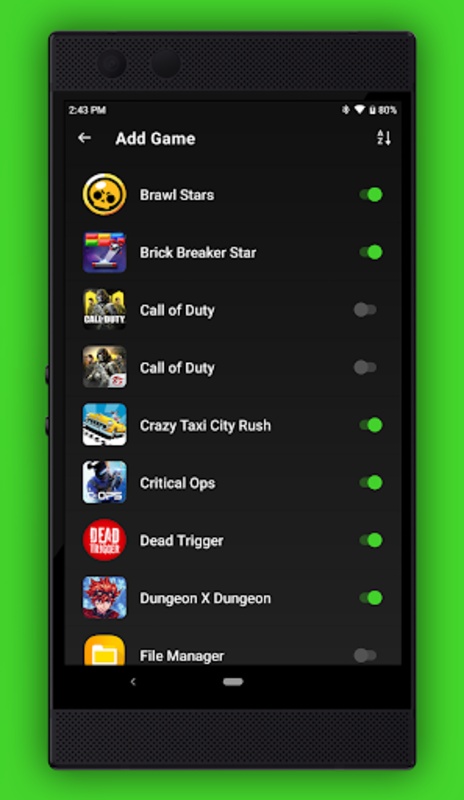
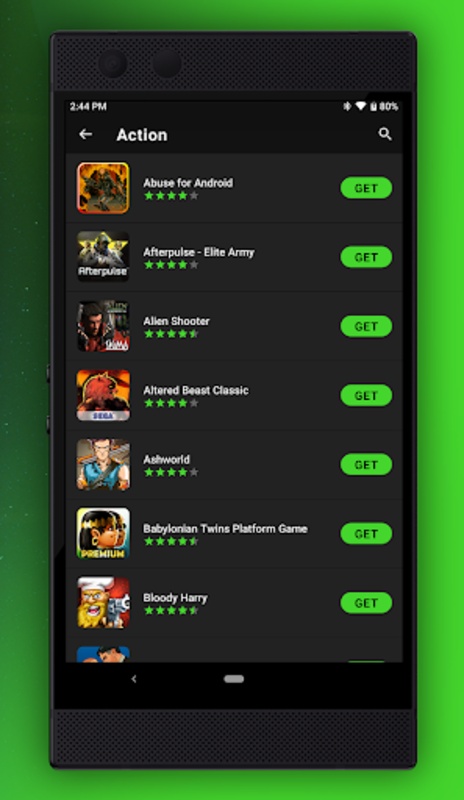
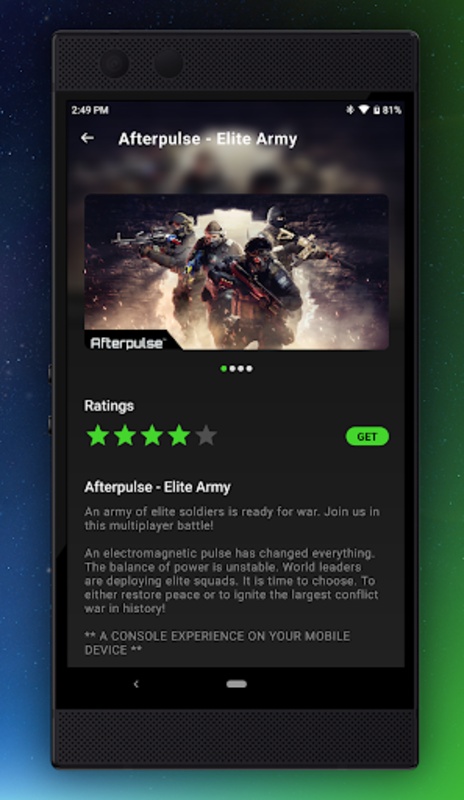
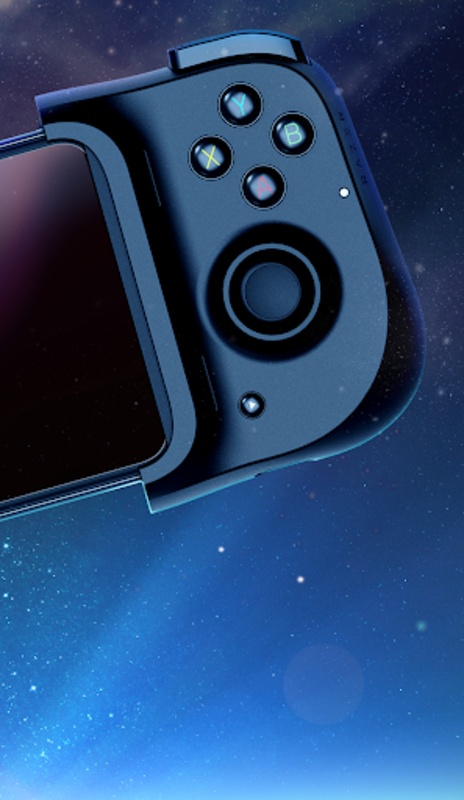
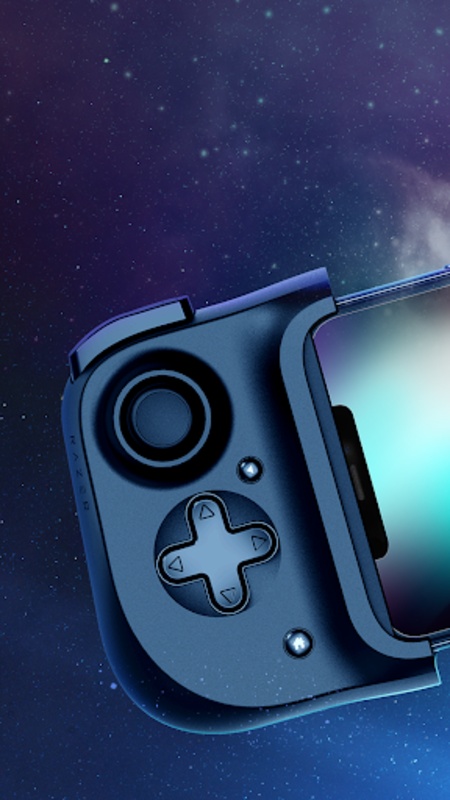
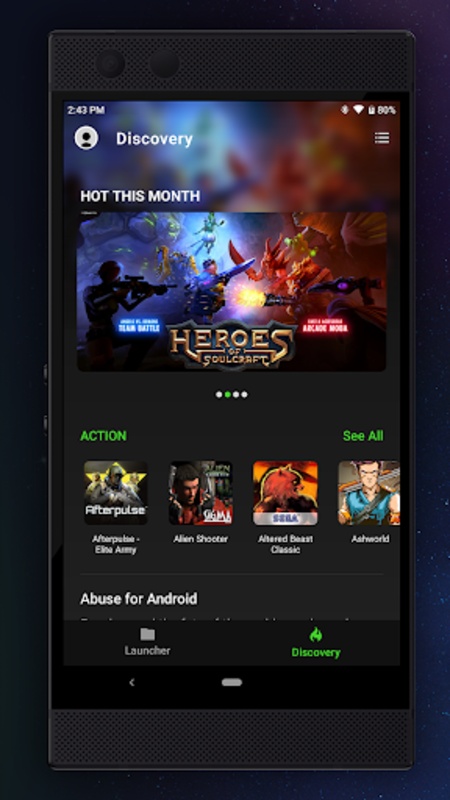
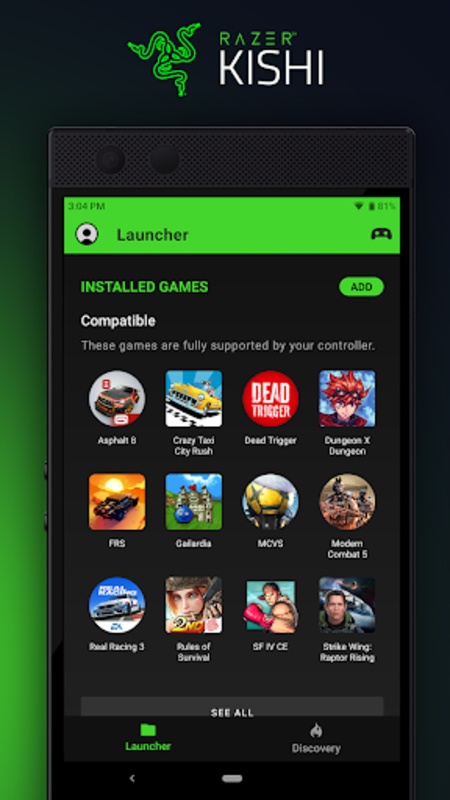
Elevate your Razer Kishi controller usage with a built-in game library. This application allows you to easily access the most popular games that support controller functionality.
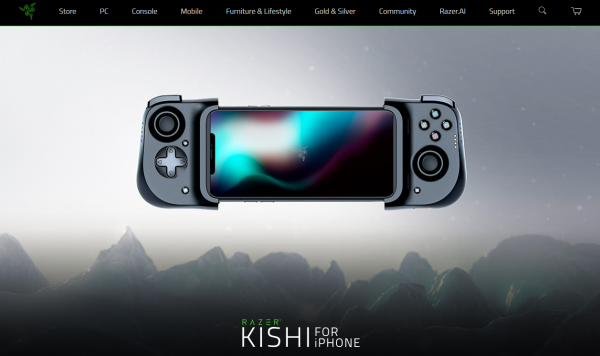
Key Sections and Content
**Products and Categories**
- **Core Categories**: PC Accessories, Console Peripherals, Mobile Accessories, Gaming Furniture and Lifestyle Products, Virtual Currency, etc.
- **Popular Products**:
- Razer Iskur V2 (Gaming Chair, Limited-Time Offer with Plush Toy)
- Razer Basilisk V3 Pro 35K (Mouse, Emphasizing Immersion and Customization)
- Razer Naga V2 Pro (Mouse, Emphasizing Adaptability)
- Razer BlackWidow V4 Pro (Mechanical Keyboard, Focusing on Gaming Immersion)
**Service and Support**
- Product Registration and Warranty, RazerCare, Technical Support Videos, Recycling Program.
- Store Locator (RazerStores, RazerCafe), Bulk Purchase Program, Educational Offers.
Features
- **Clear Positioning**: Focuses on gaming-related products and peripherals
- **Abundant Products**: Showcases a variety of popular products
- **Intensive Events**: Highlights multiple limited-time events and special offers
- **Clear Functional Sections**: The website structure is clearly divided, with each section further broken down into specific content.
- **Focus on Interaction and Community**: Emphasizes the community experience while also incorporating esports-related content to encourage user participation, enhance user engagement, and create a communication platform for gaming enthusiasts.
- **Brand Collaboration**: Partners with multiple well-known brands and popular gaming IPs.
How to Use
1. Open the App and use it with the **Razer Kishi Controller**
2. Browse the **Razer full range of gaming peripherals** (mice, keyboards, headsets, chairs, etc.)
3. View **limited-time offers, discounts, and new products**
4. Access **After-Sales Support**: register your product, check warranty information, and find technical assistance
5. Use the **Store Finder** function to locate offline stores
6. Participate in the **Player Community and Esports-related Content**
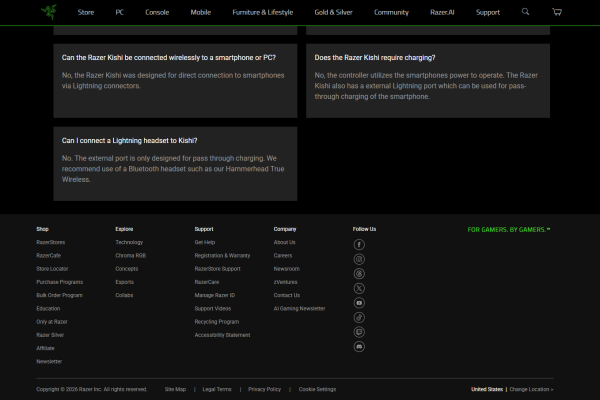
FAQ
Q:What if I don't have a Proof of Purchase?
A:If you purchased directly from Razer.com, we may have a record of your purchase and can locate it for you. Just let us know the order number. If you do not have the order number we may be able to locate it using your name, address and e-mail address.
If you purchased from a Razer dealer or reseller, contact the dealer or reseller and see if they can provide a copy of your receipt. They will often have your purchase history on file and be able to supply a copy of the receipt for you.
If the Product was purchased on line, be sure to check your old e-mails. The vendor should have sent you a confirmation page showing that the Product has been shipped to you.
If the Product was a gift we suggest you ask the giver to provide you with a receipt. You may also ask them if they could handle the Limited Warranty process for you if asking for the receipt is not appropriate.
Q:Why does Razer require a valid Proof of Purchase?
A:Razer must positively identify that the Product falls within the applicable Limited Warranty period. We also need to verify that the Product was purchased from an authorized seller of Razer Products.
Products purchased from non authorized dealers are often used, counterfeit, re-boxed, defective or gray market goods. These units may also not be designed and packaged to work in your country and may not meet all legal and safety requirements. Razer will not be able to honor a Limited Warranty on Products not purchased from an authorized dealer or ones that are outside the Limited Warranty period. If you have purchased the Product from an unauthorized dealer, all support and Limited Warranty issues should be directed to that dealer.
Razer has these policies in place to protect both our valued customers and resellers.
Q:Who is authorized to sell Razer Products?
A:Please see list of authorized Razer resellers. This link is constantly being updated with new resellers. So if you have any questions as to whether or not a dealer is an authorized reseller, please contact us at the following link. Razer currently has no authorized resellers on eBay or any other online auction sites, except for the official eBay US and eBay UK stores Razer – For Gamers. By Gamers.
Q:Where can I get Limited Warranty support?
A:Many answers to common questions and problems can be found within our Knowledge base. If you are unable to find a solution to your problem in our knowledge base articles you can contact our support team. The links to contact support can be found at the bottom of each of the knowledge base articles. Our knowledge base and further support information can be found at mysupport.razer.com.
- Version1.0.75
- UpdateSep 29, 2026
- DeveloperRazer Inc.
- CategoryTools
- Requires AndroidAndroid 8.0+
- Downloads199K+
- Package Namecom.razer.mobilegamepad.en
- Signature63de1b70e2ad0595f0393a460c05bb9f
- ReportFlag as inappropriate
-
NameSizeDownload
-
33.39 MB
-
30.54 MB
-
15.86 MB











Excellent performance
Excellent wireless technology
Highly customizable
High prices
Some products lack durability
Minor software issues