
Stratum - Authenticator App - Secure 2FA codes
Protect your online accounts with easy-to-use 2FA codes, backup features & customizable organization for enhanced security!

- 1.25.2 Version
- 4.8 Score
- 169K+ Downloads
- Free License
- 3+ Content Rating


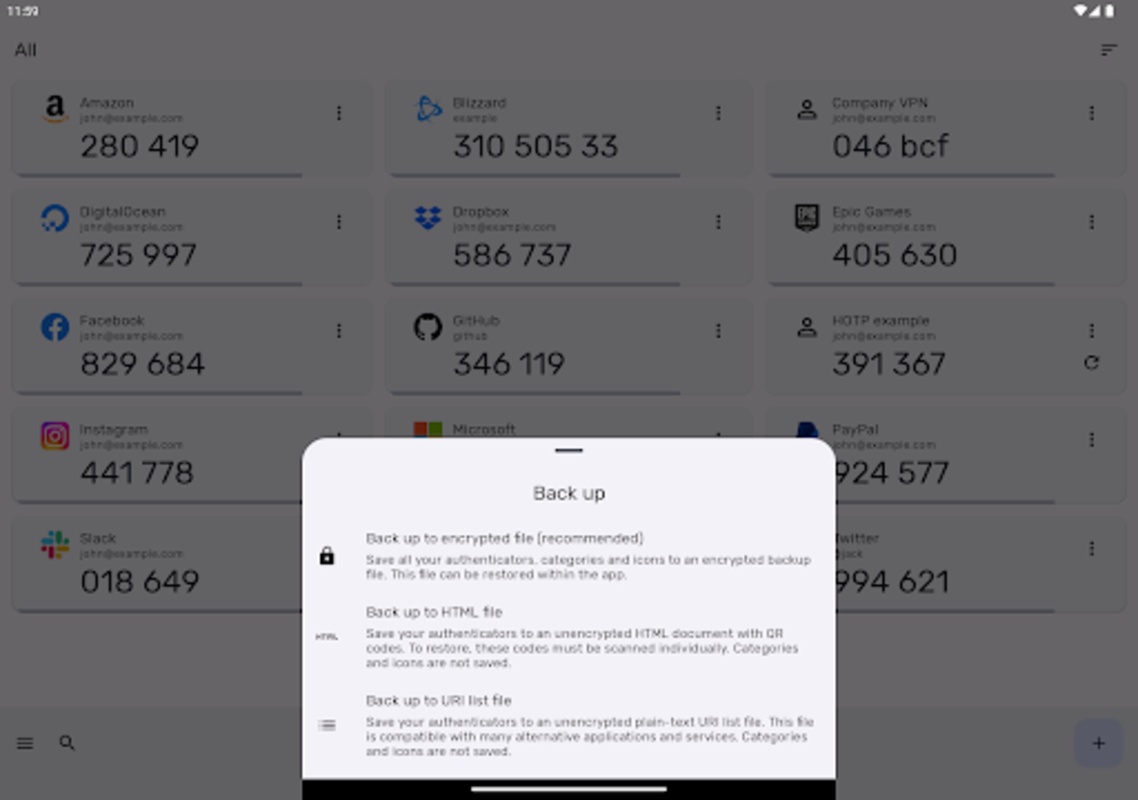
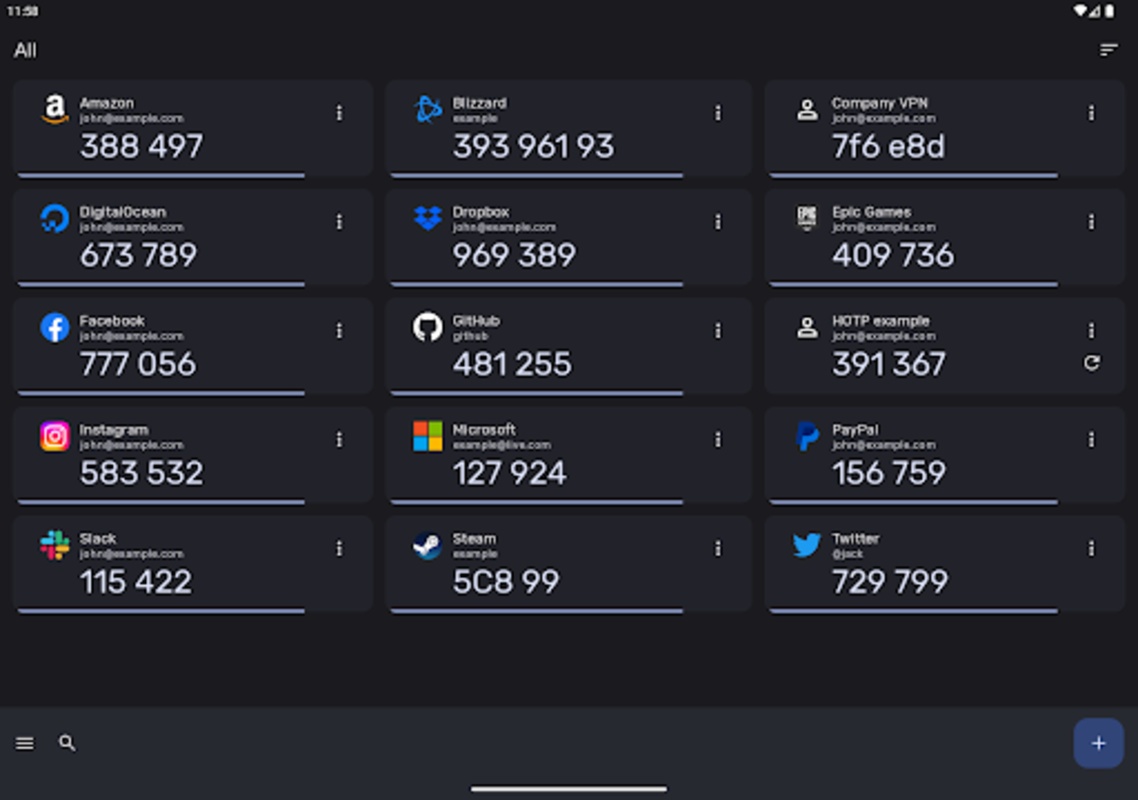
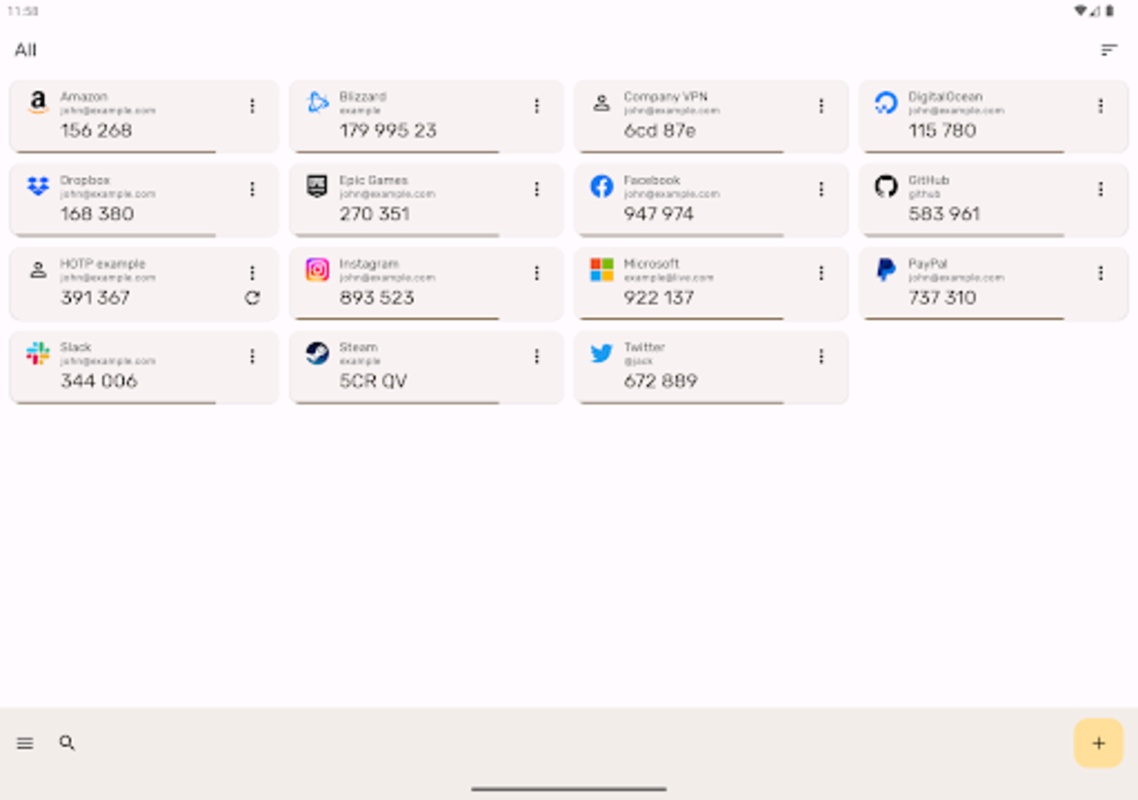
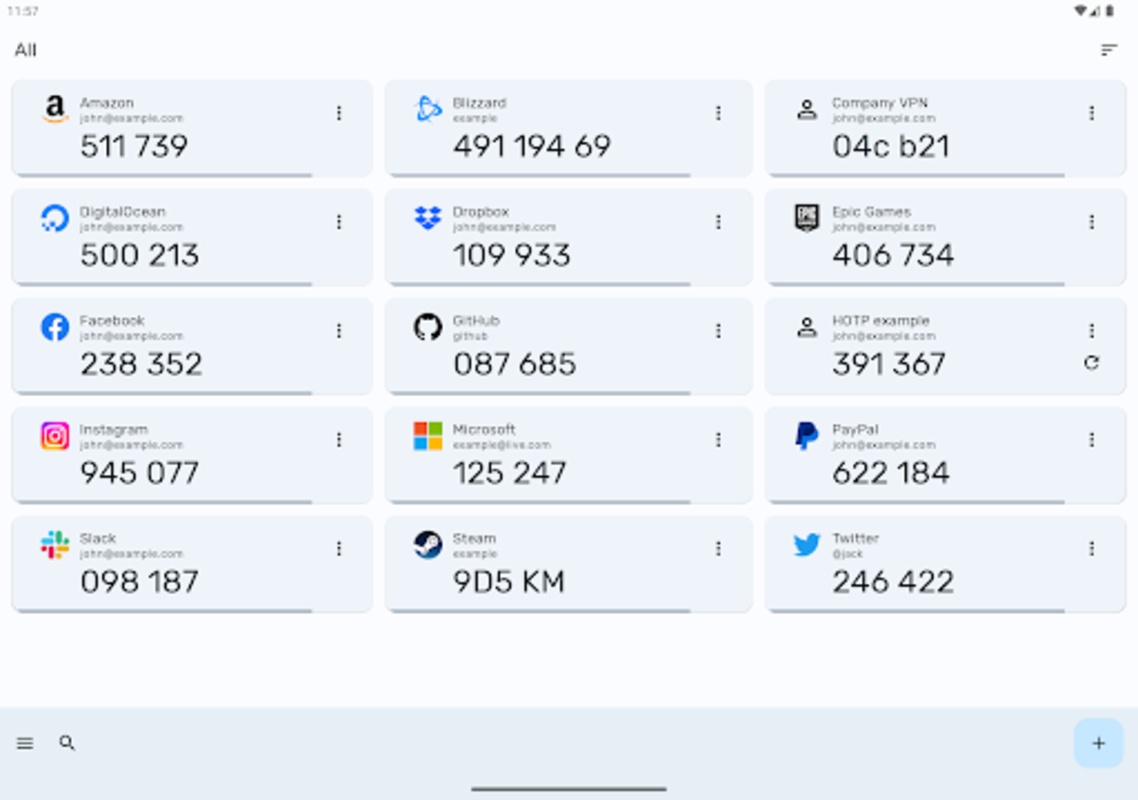
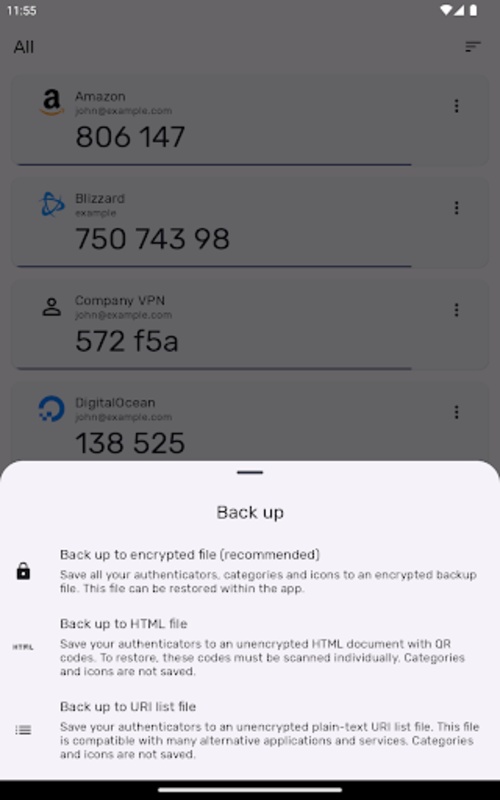
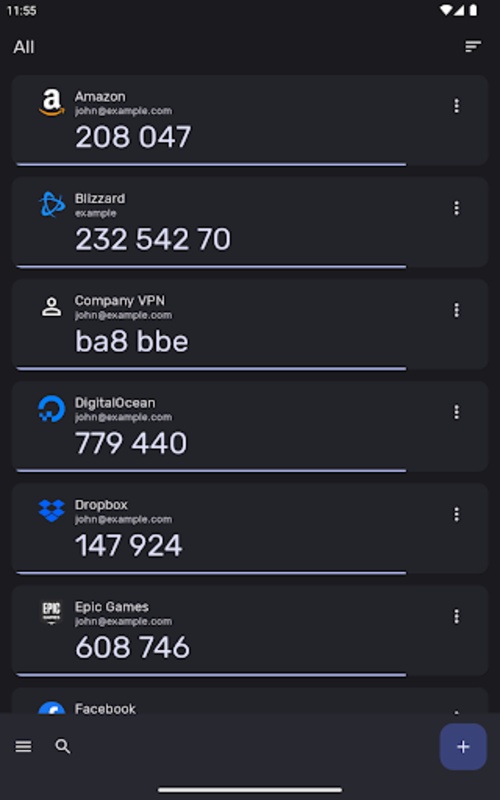
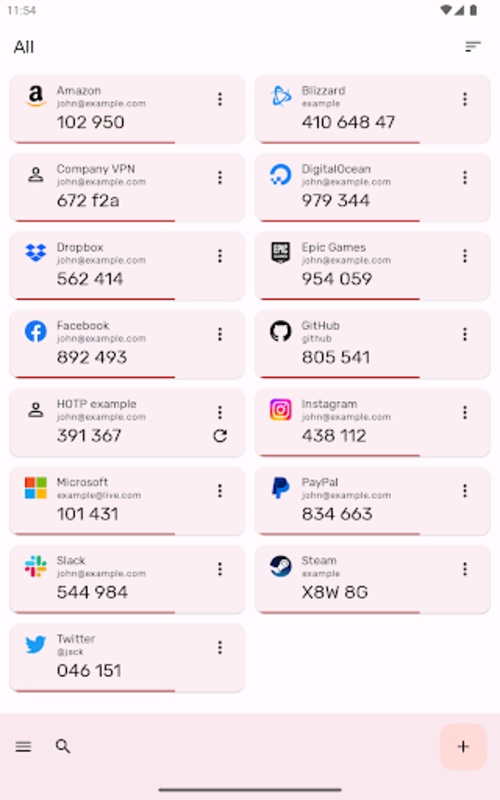
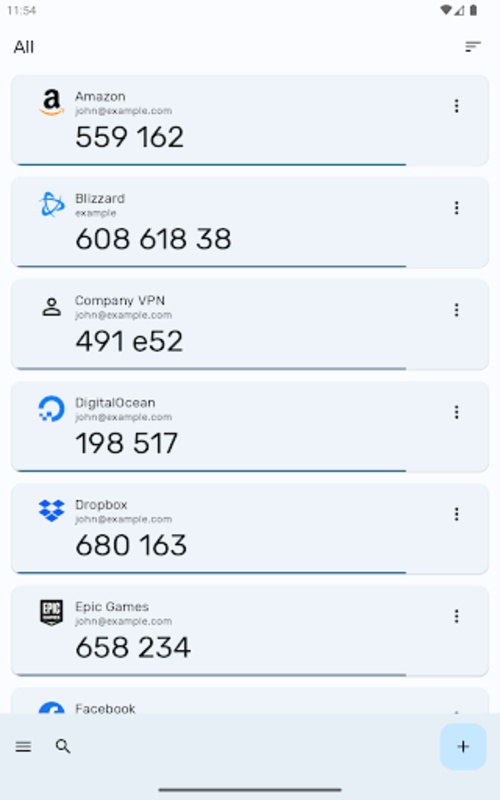
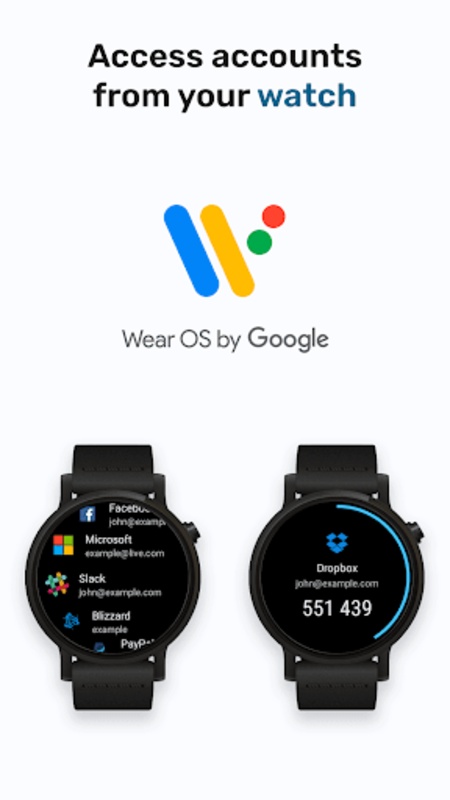
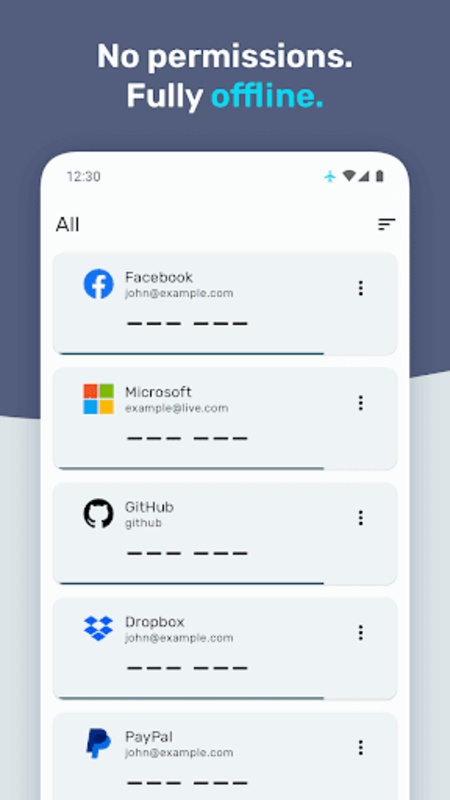
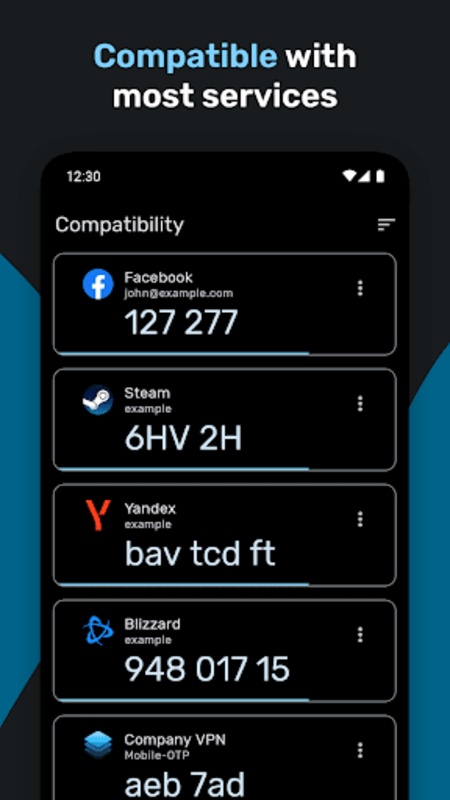
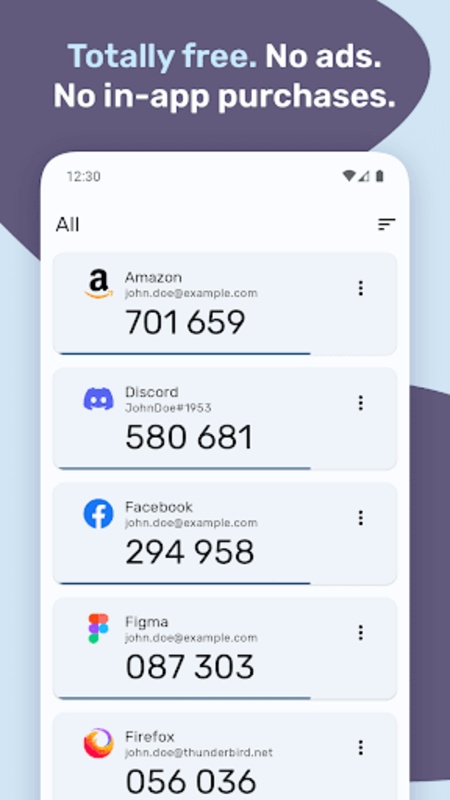
Authenticator Pro is designed to create Two Factor Authentication (2FA) codes for your online profiles.
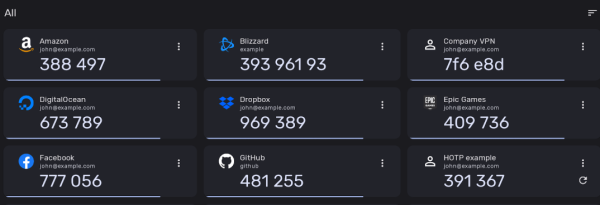
It supports TOTP, HOTP, mOTP (Mobile-OTP), and Steam. The codes generated act as one-time tokens, adding an additional layer of security to your accounts. By simply scanning a QR code, you can secure your account.
Features:
Compatibility
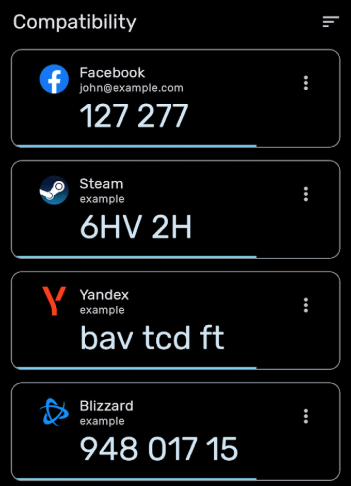
Authenticator Pro works well with a variety of service providers and accounts.
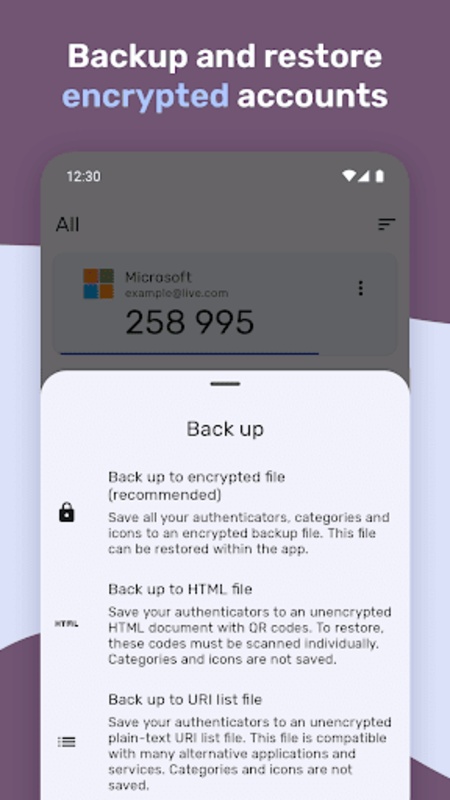
Backup / Restore
Safeguard your authenticators with robust encryption. Should you misplace your device or switch phones, you can still access your accounts. Options include saving to cloud storage or directly on your device.
Import
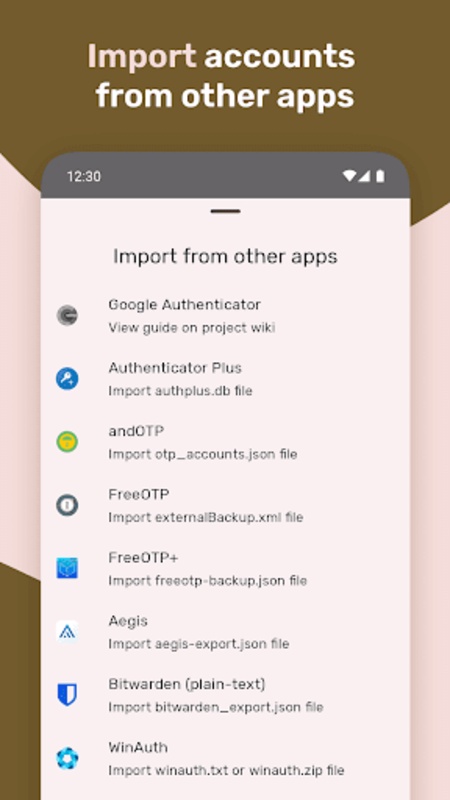
Migrate your accounts to Authenticator Pro effortlessly from other compatible applications.
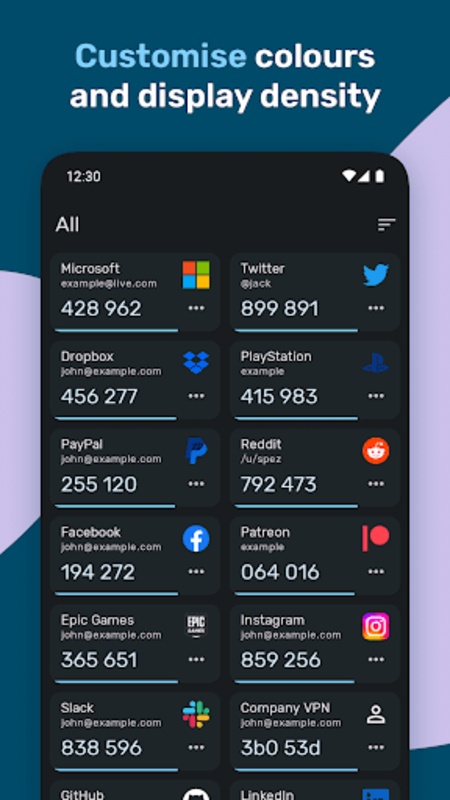
Dark Mode
Authenticator Pro features an attractive material design aesthetic available in both light and dark themes.
Icons
Quickly identify your authenticators with recognizable brand logos and icons accompanying each code.
Categories
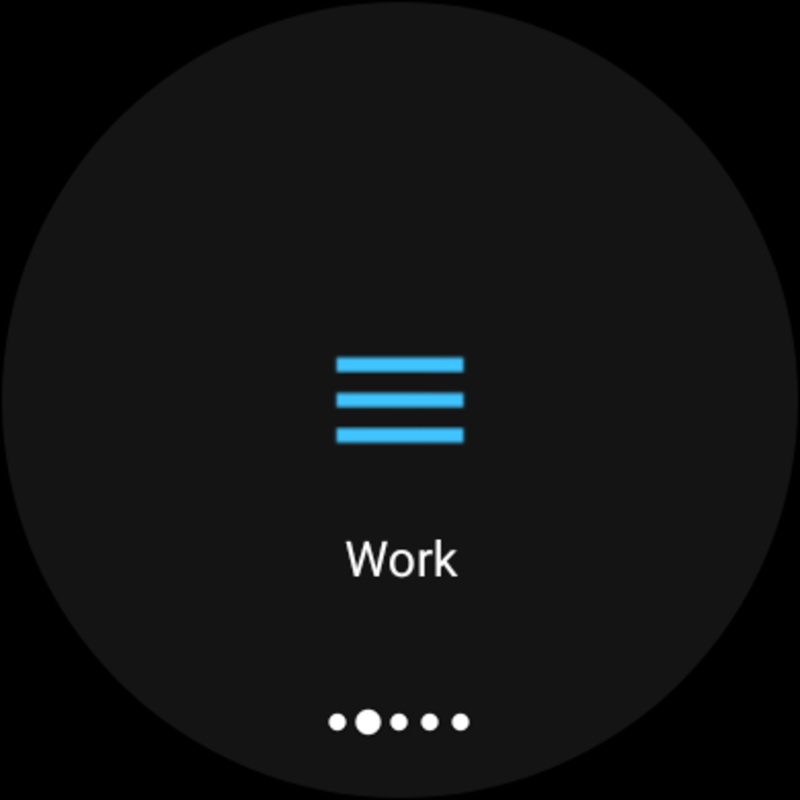
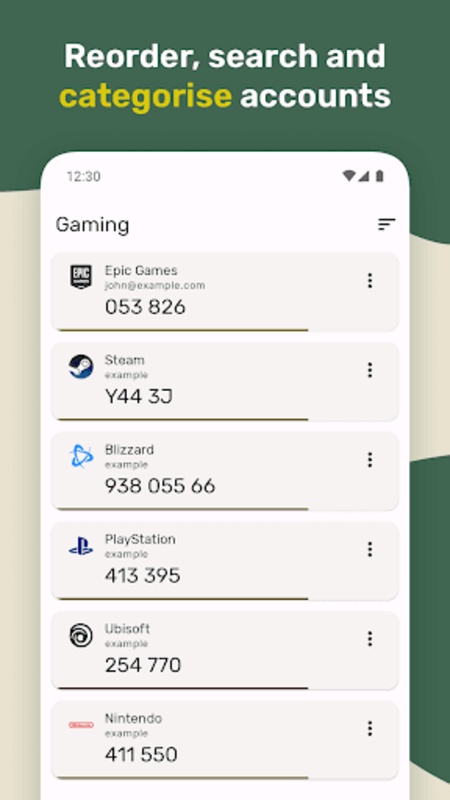
You can sort your authenticators into distinct categories for easier management.
Offline with minimal permissions
The application only needs one permission and does not require Internet connectivity to operate.
Customisation
Easily set icons and rename your authenticator entries, allowing you to arrange them in any desired order for convenience.
Wear OS
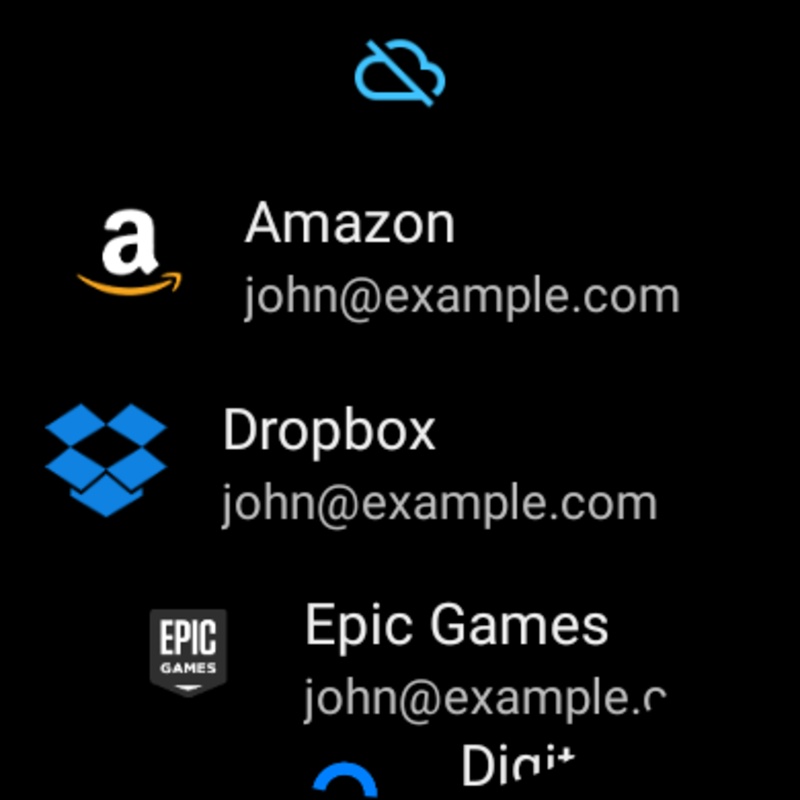
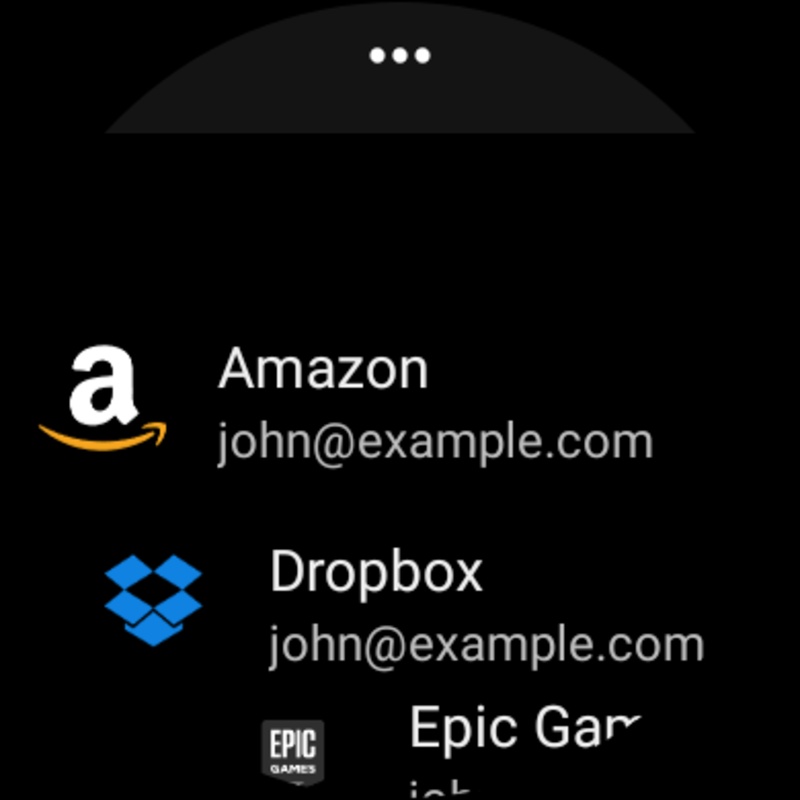
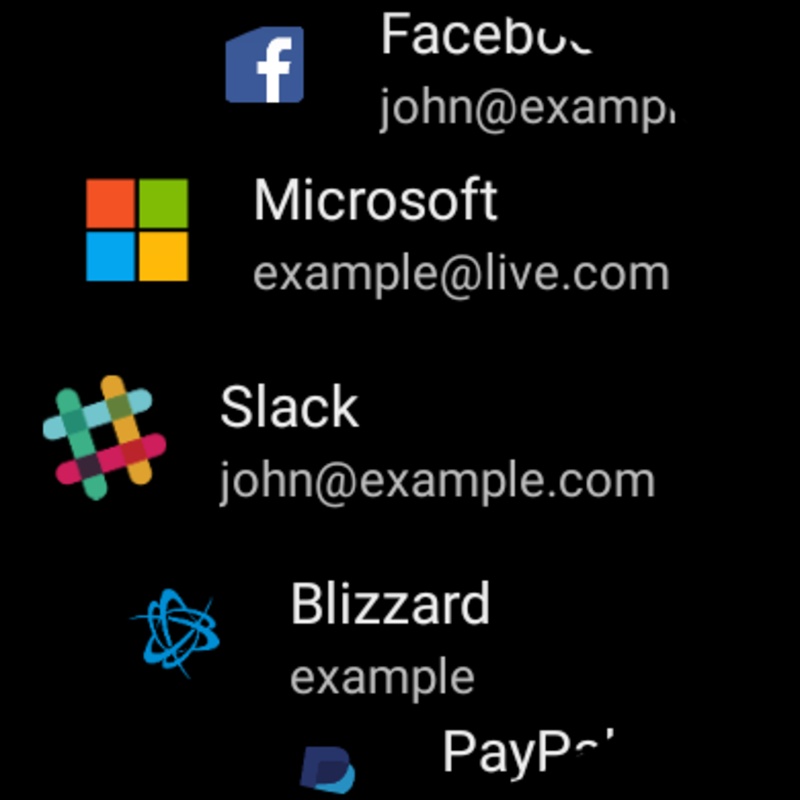
There is also a Wear OS companion app available for Authenticator Pro, allowing you to view your authenticators directly from your smartwatch. You can even mark a favorite and display it in a tile.
Security
Enhance the protection of your codes by setting a password and utilizing biometric authentication.
Open-Source
The source code for the application is accessible to anyone on GitHub.
Two Factor Authentication adds an extra layer of security to your accounts by necessitating the use of a one-time code during login. In addition to your username and password, you'll need a code from Authenticator Pro. This means that even if your login credentials are compromised, your account will remain protected.
Free and Open-Source
Permissions
Camera access is needed to add accounts via QR codes.
Disclaimer:
This software is provided free of charge: you are free to redistribute and/or modify it according to the terms outlined in the GNU General Public License as provided by the Free Software Foundation, either version 3 of the License, or any later version as you choose.
This program is shared with the hope of being beneficial, but comes WITHOUT ANY WARRANTY; including without the implied warranty of MERCHANTABILITY or FITNESS FOR A PARTICULAR PURPOSE. For further details, refer to the GNU General Public License.
Use Cases:
1. **Multi-Platform Account Security Protection**
Add two-factor authentication to social, office, gaming, and financial accounts to prevent unauthorized logins after password leaks.
2. **Integration of Accounts from Multiple Verification Tools**
Import accounts from other verification applications with one click, manage them by category, and customize labels without switching between multiple tools.
3. **Convenient Verification in Mobile/Offline Scenarios**
Check verification codes anytime with Wear OS watches; generate verification codes without an internet connection, and work normally even in environments without signal.
4. **Privacy-Friendly + Worry-Free Switching**
Requires only camera permissions, with no sensitive permission access; encrypted backup of account data allows for quick recovery when switching phones.
FAQs:
1. What device systems does Authenticator Pro support? Is there a version for iPhones?
Currently, Authenticator Pro is primarily compatible with Android, providing full mobile functionality. It also works with Wear OS smartwatches, allowing users to view authentication codes directly on their watch and set them as favorites. Regarding the iOS version, the official iOS client has not yet been released, so iPhone users cannot use the app directly.
2. In daily use, which scenarios are suitable for protecting accounts with Authenticator Pro?
It is suitable for most online scenarios that require two-factor authentication, such as social platforms (Facebook, Instagram, etc.), office collaboration tools (GitHub, GitLab, etc.), gaming platforms (Steam, etc.), and e-commerce and financial accounts. It is particularly suitable for users who value account security and need to manage accounts on multiple platforms. Whether for daily personal use or basic enterprise-level account protection, it can meet your needs.
3. Do I need to be connected to my phone to view authentication codes on my smartwatch?
Yes, I do. The Wear OS companion app relies on a connection to an Android phone. The authentication codes displayed on the watch must be synchronized with the Authenticator Pro app on the phone. After disconnecting, you cannot retrieve or generate authentication codes independently.
4. Is it easy to migrate accounts from other authentication tools to Authenticator Pro? What tools are supported for importing?
The migration process is very convenient, supporting importing accounts from many major two-factor authentication apps, such as Steam, Authy, Microsoft Authenticator, Google Authenticator, Blizzard, and more. For users of the KeePass password manager, you can also directly import OTP information from the database without manually copying token keys; the system automatically parses and converts the format.
5. Is the backed-up authentication data secure? How can I restore it if I change my phone?
Backup data is secure with multiple safeguards: The backup files are protected with the AES-256 symmetric encryption algorithm and provide a separate decryption solution. Even if you lose access to the original app, you can still decrypt and restore the data using tools such as Python scripts. When backing up, you can choose to store it in the cloud or on a local device. After upgrading your phone, simply find the encrypted backup file in the corresponding storage location and enter the key you set during the backup to restore it.
6. Are there any network requirements for generating authentication codes? Why only camera permissions are required?
Generating authentication codes doesn't require an internet connection, allowing the app to run completely offline. This reduces network restrictions and the risk of data leakage. Regarding permissions, the app only requires camera permissions for scanning QR codes to bind your account. Other sensitive permissions like location and address book permissions are not required, fundamentally preventing permission abuse.
7. Besides the common TOTP protocol, what other specialized authentication requirements does it support?
In addition to the basic TOTP (time-based) and HOTP (counter-based) protocols, it also supports mOTP (mobile one-time password) and Steam-specific authentication. It is also compatible with multiple hash algorithms, including SHA1, SHA256, and SHA512, adapting to the authentication standards of different service providers.
- Version1.25.2
- UpdateOct 23, 2026
- Developerjmh
- CategoryTools
- Requires AndroidAndroid 5.0+
- Downloads169K+
- Package Nameme.jmh.authenticatorpro
- Signature30e12018fc0c24b21e24060e79201445
- ReportFlag as inappropriate
-
NameSizeDownload
-
48.72 MB
-
48.25 MB
-
55.16 MB










Solid security
High ease of use
Strong flexibility and compatibility
Visually friendly
System compatibility limitations
Watch functionality relies on the phone
New users need to adapt to the details