File Manager & File Explorer - File management & sharing
Effortlessly manage & share your files with this fast, user-friendly app, making organization a breeze!

- 2.3 Version
- 3.0 Score
- 149K+ Downloads
- Free License
- 3+ Content Rating

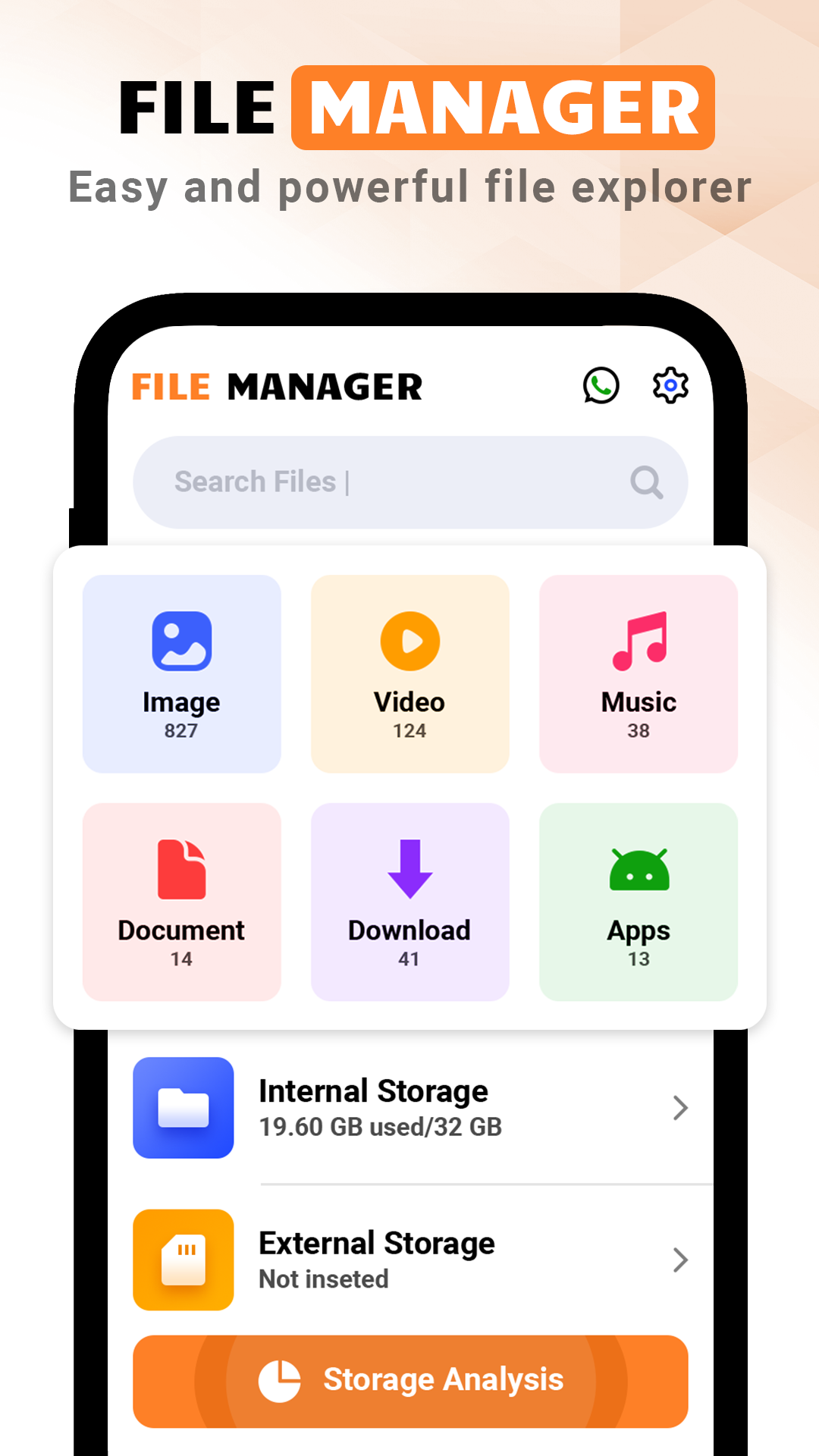
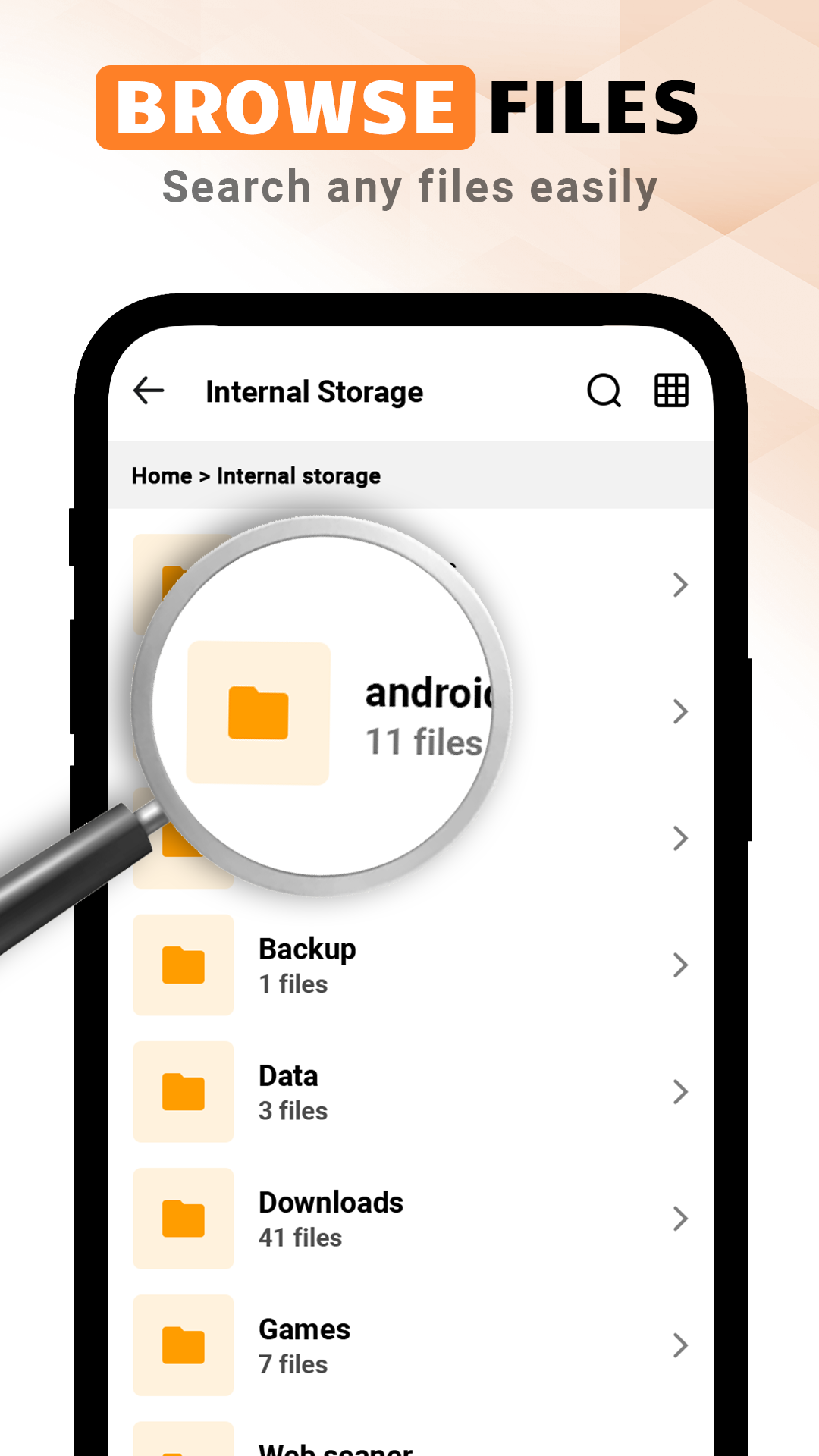
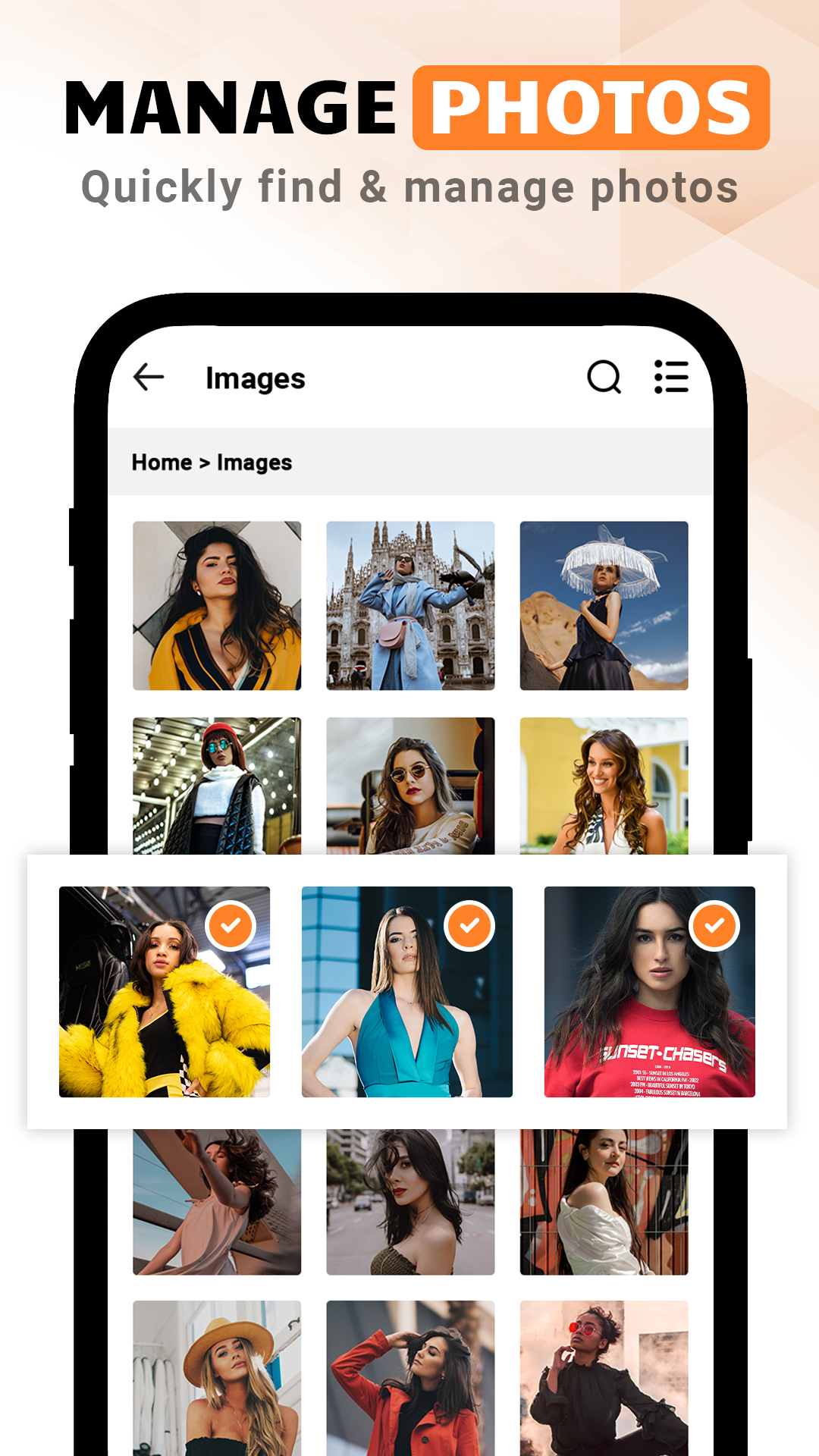
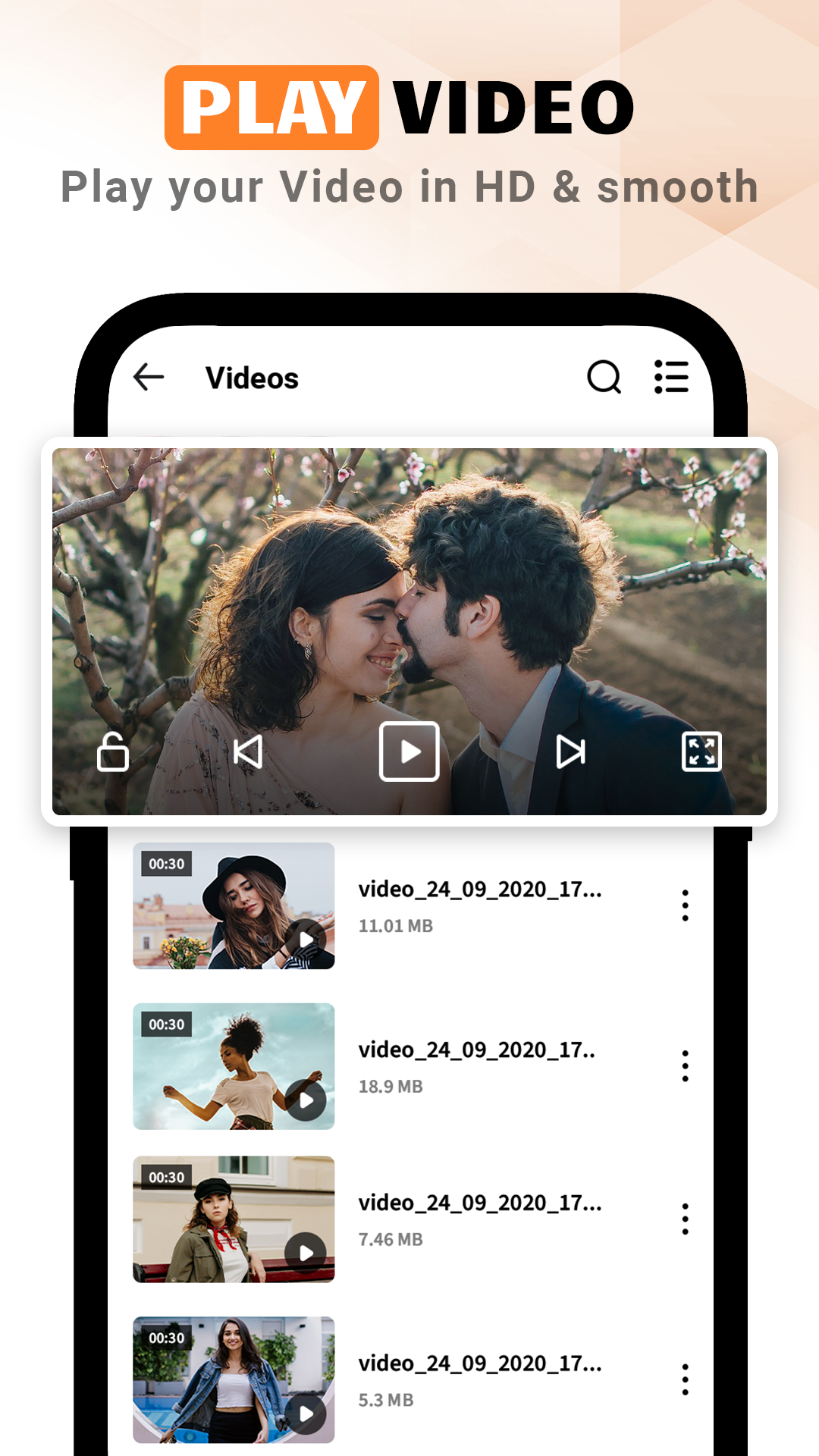
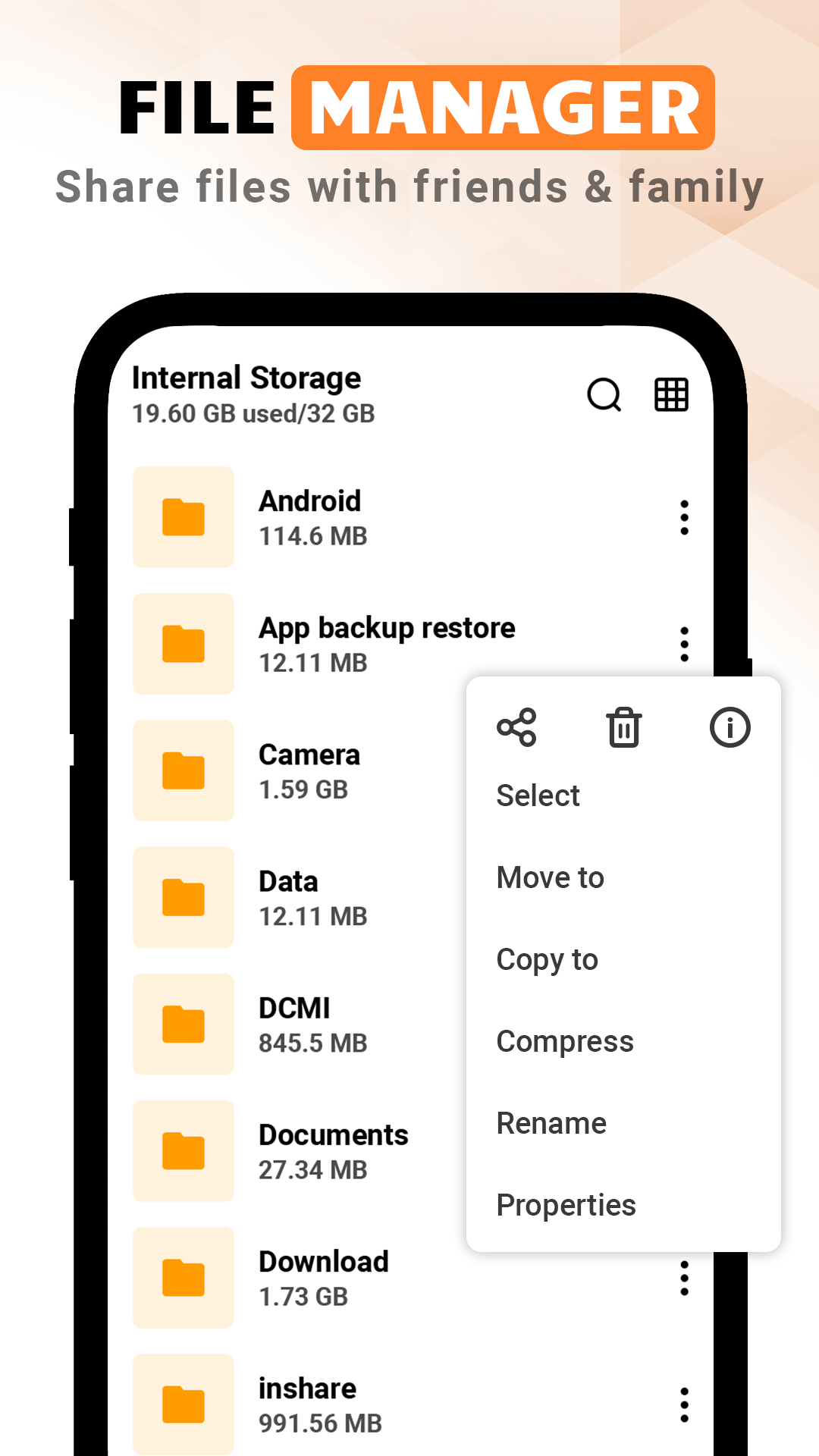
File Manager & File Explorer is a remarkably efficient application designed for managing all your files and folders in one convenient location.
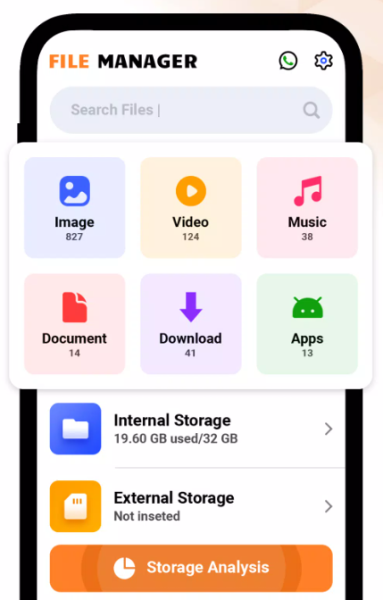
This advanced file management tool enables you to effectively handle and share all your documents with ease. It serves as a robust platform where you can navigate through your numerous files.
You can easily explore various types of content such as images, videos, documents, downloaded files, and media collections among many others.
This application is free, straightforward, and secure, making file management seamless for users. It is fully equipped for all Android devices, providing extensive functionality.
The File Manager & File Explorer application includes the following features:
- File & Folder Management: Review old files and create new ones effortlessly ✅
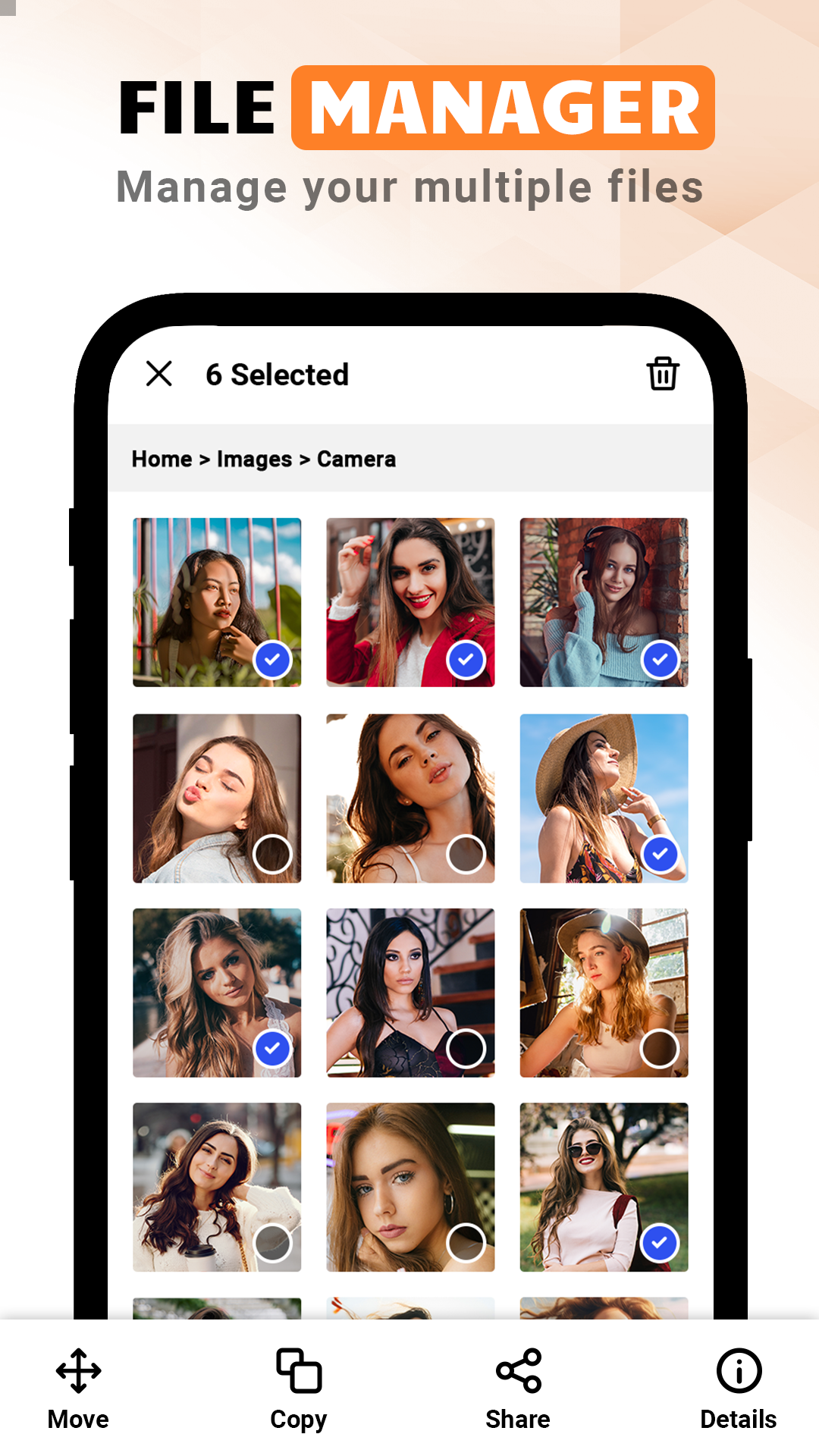
- Media Organizer: Options for multi-selection, renaming, compressing, decompressing, copying, pasting, and moving files and folders.
Advanced quick search🔎 and sorting capabilities
- File Properties: Access detailed information about files or folders, including their size and last modified date.
- Storage Analysis: Gain insights into storage usage, pinpoint large files, and remove those that are no longer needed.
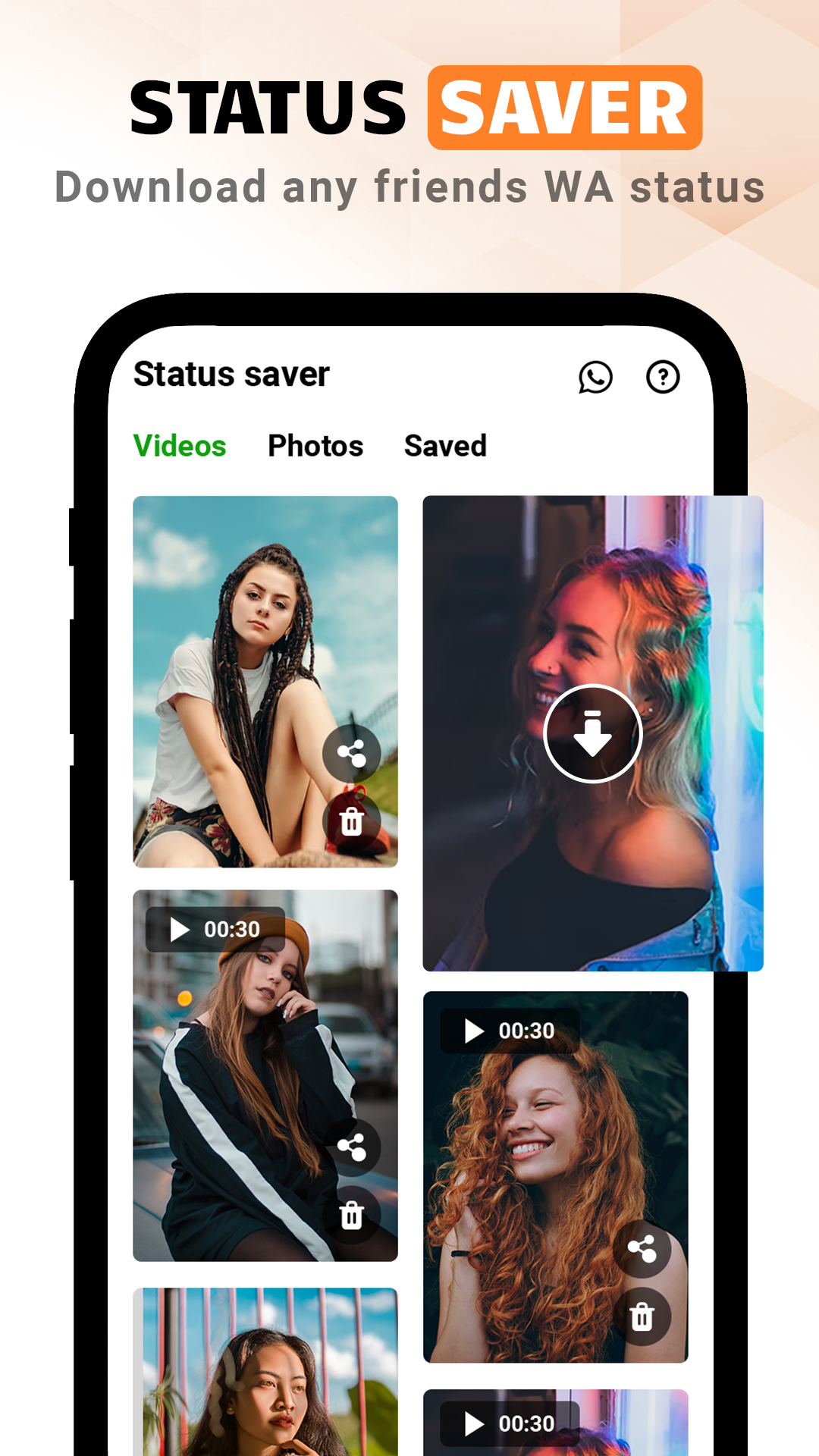
- WhatsApp Status Saver: Now you have the ability to save your friends’ and family’s WhatsApp status updates 🫂
- User-friendly interface: An intuitive app featuring comprehensive options
Effortless file sharing📤 through multiple platforms
Automatic synchronization🔄 of files and folders across devices.
- Dedicated folder for documents: Create a designated area to store your PDF and ZIP files.
⭐ This remarkable file app addresses all your requirements!
This File Manager & File Explorer allows users to create, multi-select, categorize, copy, paste, and relocate files and folders. You can access and manage your files seamlessly. It stands out as the ideal solution for all your needs in one location!
One of the notable features of File Manager & File Explorer is its ability to compress files in various formats, such as ZIP and RAR. This reduces storage consumption on your device significantly. You can now manage your storage more efficiently and discard any unnecessary files and folders.
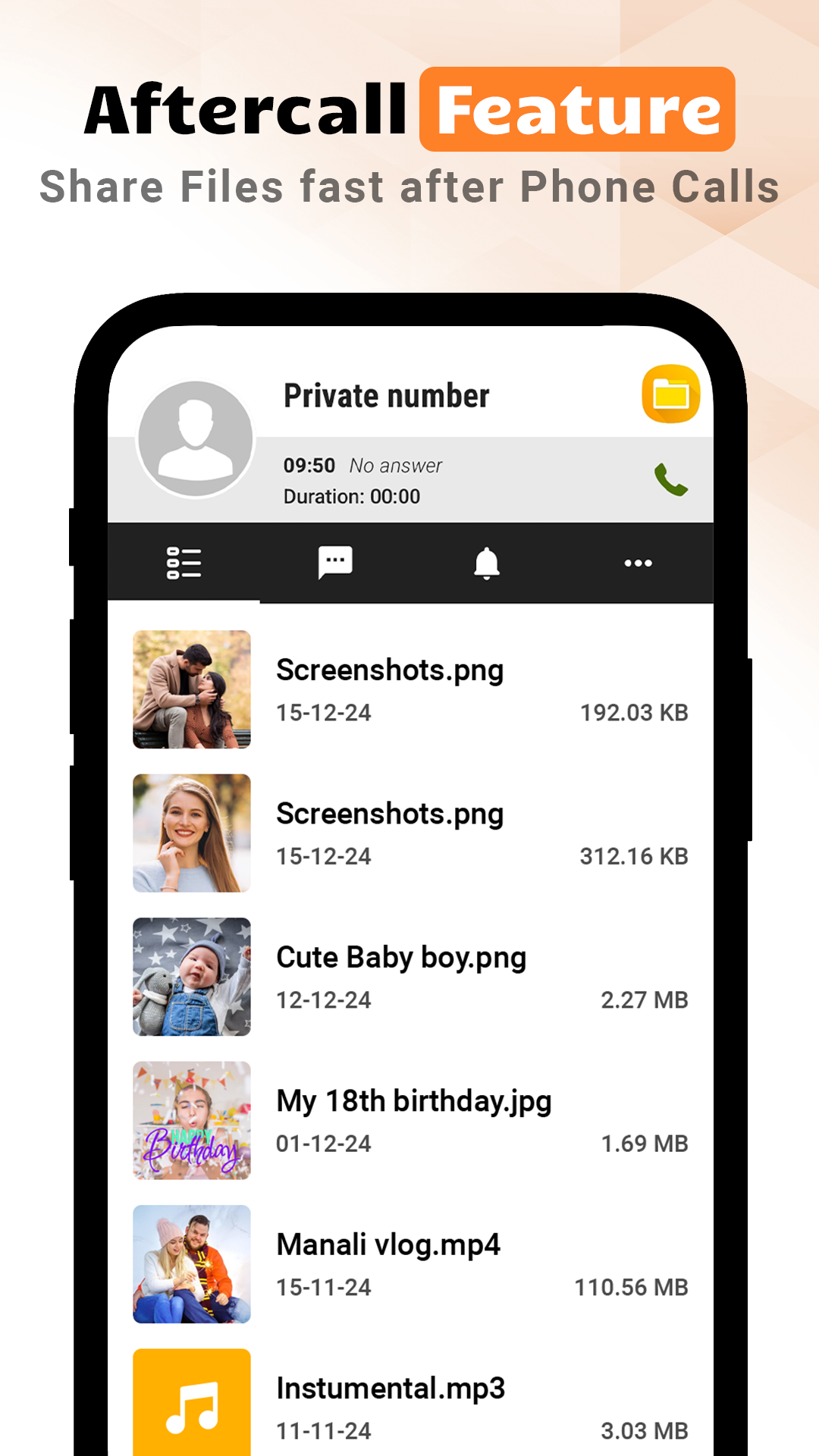
This exceptional file manager also includes a unique feature that allows you to quickly access and share recent files immediately after finishing a call. Whether you're sending images, sharing important documents, or organizing files, this app makes it simple. It enhances productivity by facilitating quick organization and sharing of essential files right after conversations.
If you're in search of an uncomplicated file manager, our File Manager & File Explorer app offers a few easy steps to simplify your life. Download it now and conveniently manage all your files and documents in one central place.
Application Experience:
This file manager app is simple and efficient, handling the creation, categorization, copying, moving, compression, and decompression of files and folders on Android devices in one go. It also supports quick search and sorting, viewing file attributes, and storage analysis, helping users accurately clean up large files and free up space. It features a convenient WhatsApp status saving function, easily preserving updates from friends and family.

The interface is intuitive and easy to use; even beginners can quickly find categorized content such as pictures and videos. Moreover, all basic functions are free and ad-free. Furthermore, the app supports multi-platform file sharing and automatic cross-device synchronization, and allows quick access to recently shared files after a call, significantly improving file management efficiency. It's a lightweight and practical file management tool for Android.
FAQs:
1. What Android devices does this file manager support? Can it be used on older Android devices?
It's compatible with all Android devices, from entry-level to high-end models, and has a low system version requirement (generally supporting Android 7.0 and above). Even older Android devices, as long as they meet the minimum system version, can use core functions (such as file management, search, and sharing) without any lag due to low device specifications.
2. Is it difficult for a complete beginner to get started with a file manager?
Not at all. The interface is very intuitive, and core functions (such as viewing files, creating new folders, and copying and pasting) are clearly labeled with icons and text. Content, such as "Pictures" and "Videos," is automatically categorized, making it easy for beginners to find the desired file. The operation process is similar to the basic file tools that come with your phone, so there's almost no learning curve; you can complete the operation by following the on-screen prompts.
3. The app itself is free, but are there any ads or hidden fees?
Basic features (file management, media organization, search, WhatsApp status saving, etc.) are completely free and free of forced pop-up ads. There are currently no hidden fees, and all core features are directly accessible without prompts to pay to unlock them. It's very user-friendly.
4. How do I use WhatsApp Status Saver? Where are my saved statuses stored?
After opening the app, find the "WhatsApp Status Saver" feature (usually in the homepage category bar or side menu). Clicking it will automatically load recent WhatsApp statuses (pictures or videos) from friends. Select the content you want to save and click "Save." Saved statuses are saved to your phone's "File Manager/WhatsApp Status" folder by default, but can also be viewed directly in the "Saved Status" section within the app for easy sharing or organization.
5. What formats are supported for compressed files? Can I set a compression password?
Currently, it supports compression into two common formats: ZIP and RAR, meeting most file packaging needs. However, there's currently no "setting a compression password" feature. If encryption is required, you may need to use other tools. However, it fully compresses common files (such as documents and images) and supports decompression in both formats.
6. Can the storage analysis feature accurately identify "large files"? Will it mistakenly identify system files?
Storage analysis scans all files on the device, sorts them by size, and marks them as "large" (usually larger than 100MB by default, with some models offering a manually adjustable threshold). It also distinguishes between "user files" (such as downloaded videos and installation packages) and "system files" and does not mark core system files as "deletable." It also displays the file's path and purpose (e.g., "Video Files / 202405 Travel.mp4"), allowing users to clearly identify large, unused files and avoid accidentally deleting important content.
- Version2.3
- UpdateOct 23, 2026
- DeveloperGarden Evergreen
- CategoryTools
- Requires AndroidAndroid 7.0+
- Downloads149K+
- Package Namecom.folder.globalfileexplorer.filemanager
- Signature95434e6093ea9ca4454207eaebc77765
- ReportFlag as inappropriate
-
NameSizeDownload
-
8.17 MB
-
8.07 MB
-
40.02 MB