
Air Play TV: Screen Mirroring - Screen mirroring & casting
Easily mirror & cast your mobile content to TV in stunning 4K for an immersive experience with friends & family!
- 2.9 Version
- 3.0 Score
- 582K+ Downloads
- In-app purchases License
- 3+ Content Rating


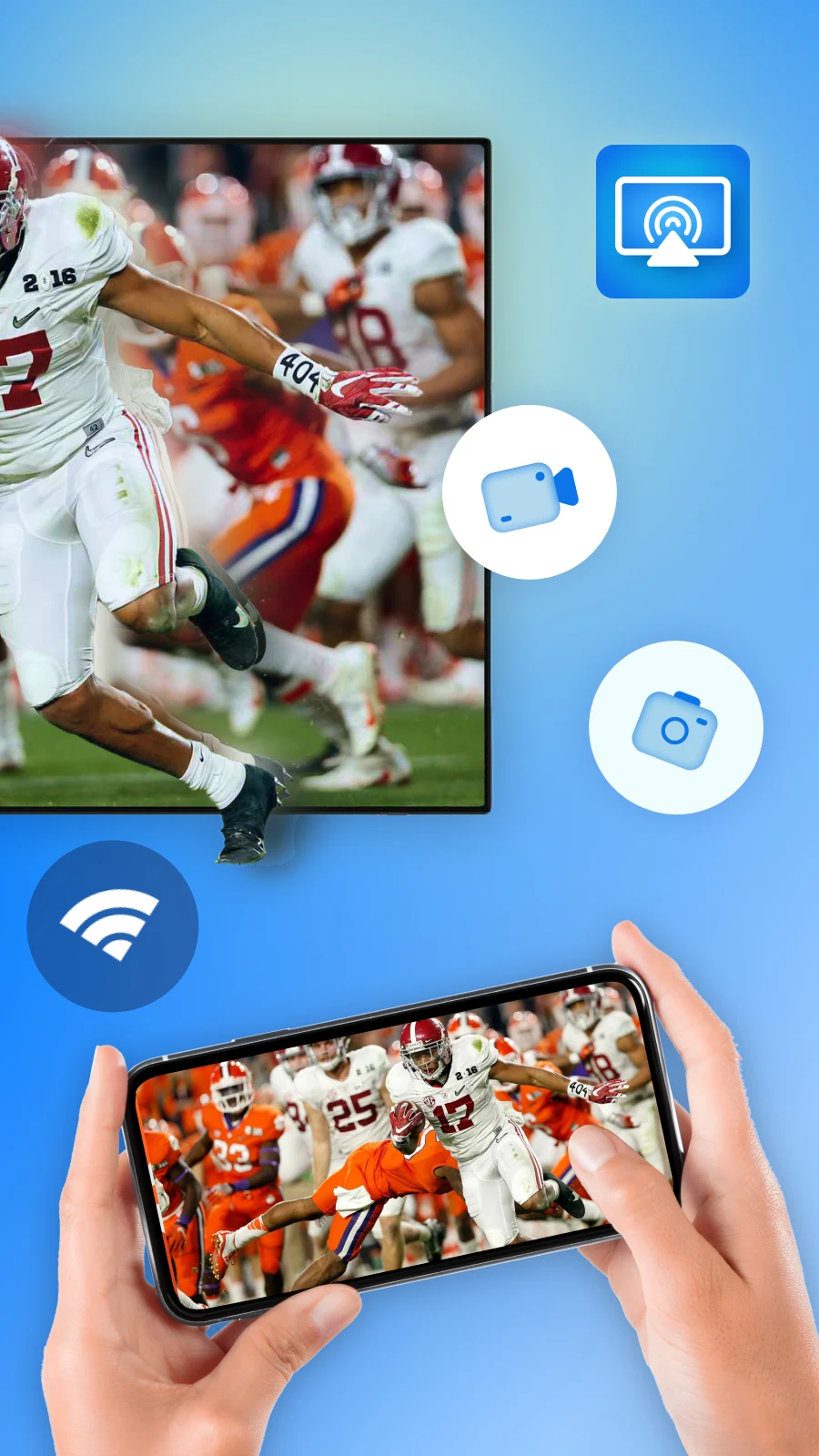
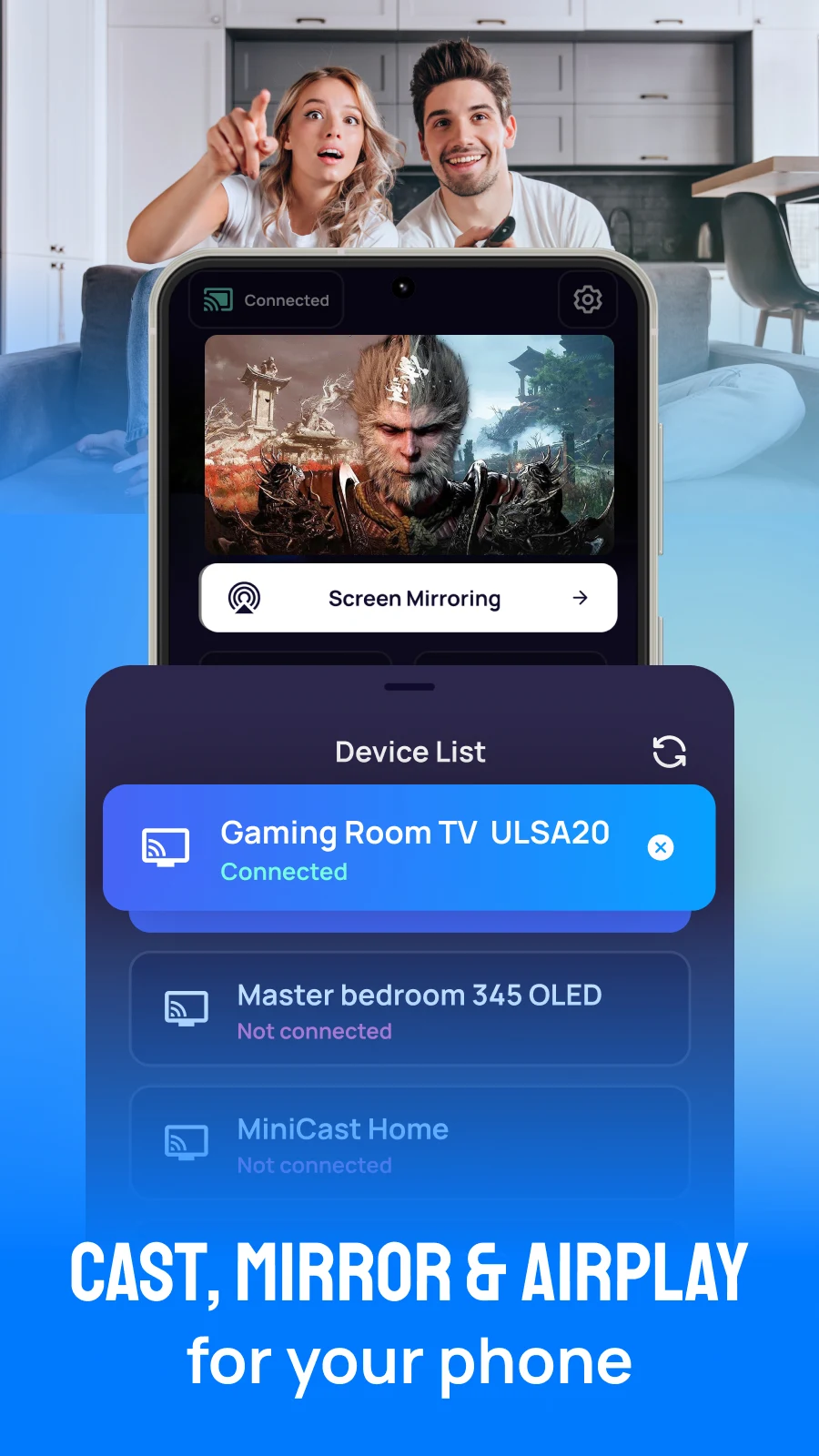
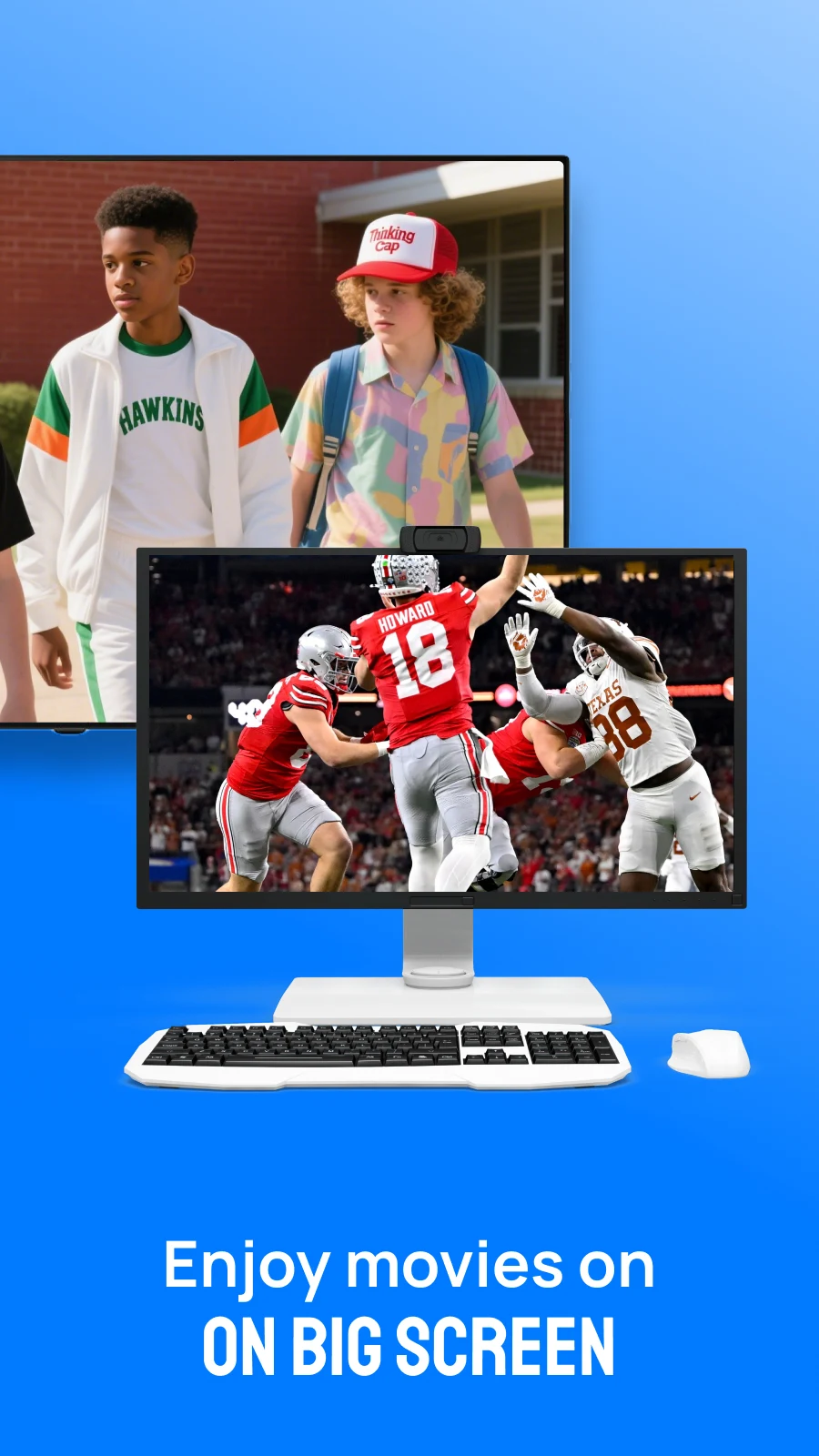
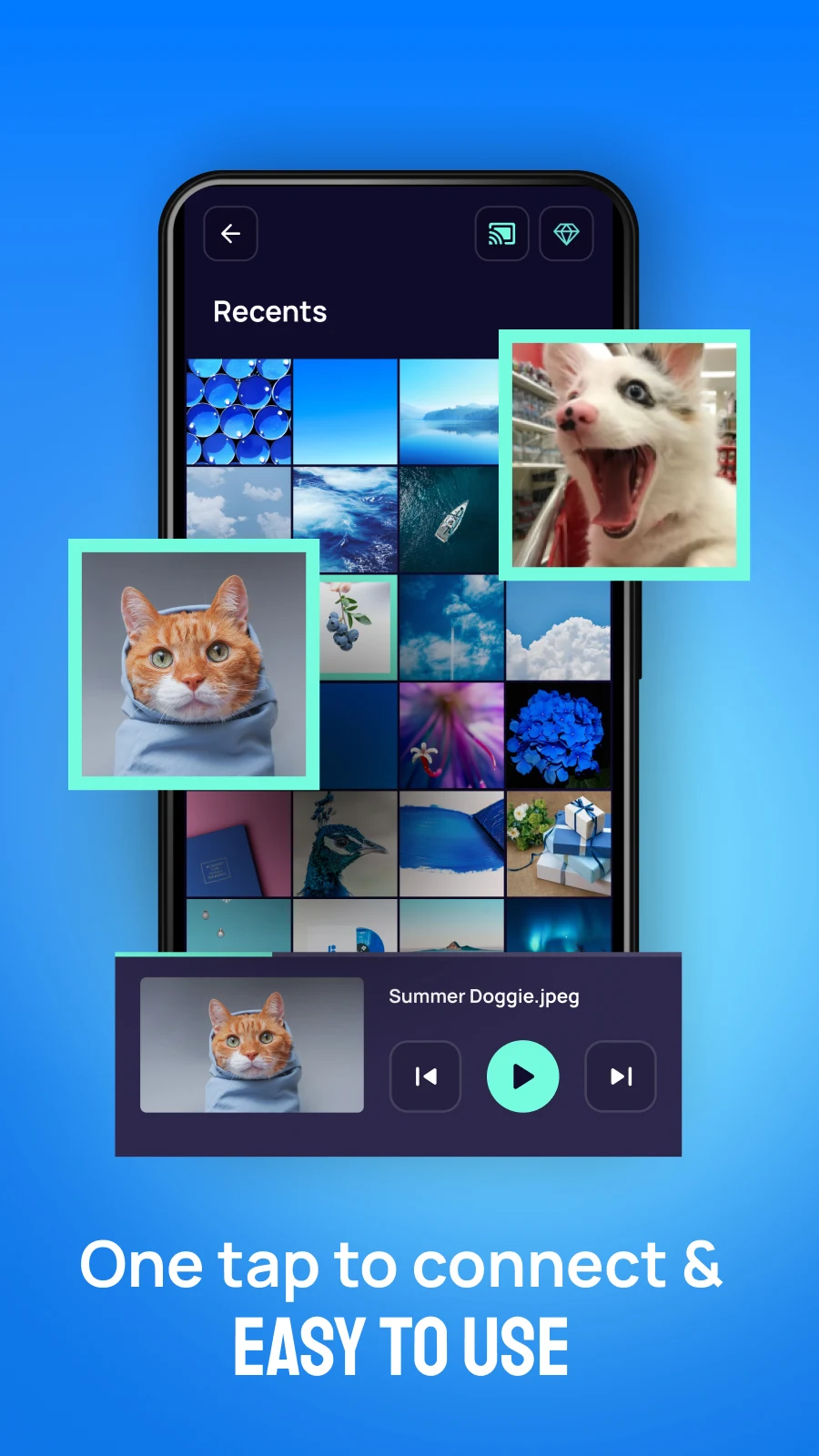
AirScreen, along with Android TV Cast and AirPlay, allows you to mirror your phone's display in stunning 4K quality.
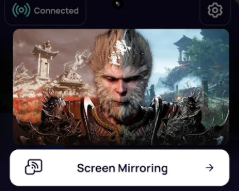
This technology enables you to replicate your smartphone’s screen on various devices such as TVs, laptops, and home kits while casting movies, games, music, and photos.
Utilizing the AirScreen TV Cast and AirPlay TV: Screen Mirroring application, users can efficiently and steadily project their phone or tablet screen onto a TV. This app facilitates a seamless experience for streaming films from your mobile device to a larger screen, enhancing the viewing experience significantly. With AirScreen and AirPlay technology, displaying content from your Android devices on smart TVs becomes straightforward.
FEATURES:
+ Optimal casting and AirPlay functionalities for superior video and movie enjoyment.
+ Capability to cast videos, images, and files to your smart television.
+ User-friendly and quick operation.
+ One-tap connection for ease of use.
+ Compatibility with multiple devices.
+ Fast and simple screen mirroring setup.
+ Mirror your phone to large TVs in 4K resolution.
+ Quick connectivity and an intuitive interface.
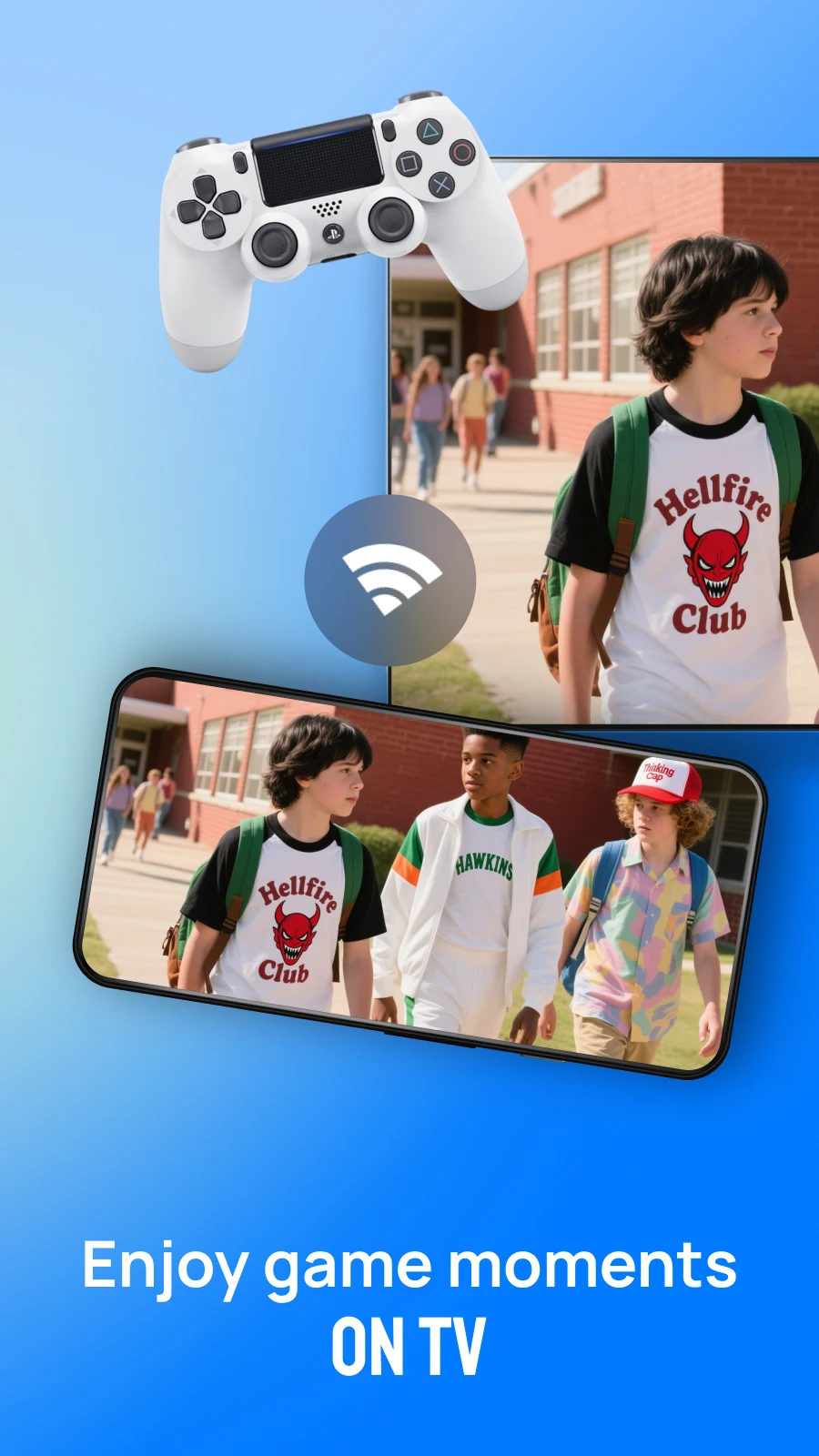
+ Play mobile games on your TV through screen mirroring.
+ Live video casting from a web browser.
+ High-speed casting and screen mirroring capabilities.
If you are seeking an application that allows for AirPlay-enabled screen mirroring to any TV device, consider trying AirPlay TV Screen Mirroring.
*Note: This application utilizes a foreground service to ensure a stable screen mirroring session. A persistent notification will be displayed during casting to confirm that mirroring is active and maintain smooth streaming.
How to use:
1.Ensure your smart TV supports Wireless Display or similar display dongles.
2.Your TV must be connected to the same Wi-Fi network as your phone.
3.Search for your device within the app.
4.Select and connect the device.
Prior to commencing, verify that the device's VPN is disabled.
It is important that your TV is connected to the same Wi-Fi network as your phone. Please note that this application cannot power on your TV; if the TV is off, it will not be connected to the Wi-Fi and cannot receive commands.
Target Audience:
1. **Users who enjoy large-screen audio-visual entertainment:** Those who want to cast movies, photos, and music from their phones to their TVs to enjoy 4K high-definition picture quality and enhance their viewing and sharing experience.
2. **Casual gamers who enjoy playing mobile games on a large screen:** Users who want to cast mobile games to their TVs, suitable for casual games that don't require high latency.
3. **Android device users who need convenient screen casting:** Those who value simple operation and want to quickly cast their phones to TVs, laptops, and other devices using one-click connection.
4. **Families with wireless screen casting needs:** Families who regularly share audio-visual content and allow multiple people to watch mobile content together, and whose devices support wireless display or screen casting.
Related Questions and Answers:
1. **When mirroring with AirScreen, do my phone and TV need to be connected to the same Wi-Fi network? Can I use my data plan to mirror? **
It must be connected to the same Wi-Fi network; I can't use my data plan to mirror. Because AirScreen relies on devices in the same network environment for identification and data transmission, my data plan belongs to the mobile network, which is different from the TV's Wi-Fi network, making it impossible to search for the TV device. If your home Wi-Fi is unstable, it's recommended to check your network connection to ensure both your phone and TV are connected to the same Wi-Fi network before trying to mirror.
2. **If my phone is running Android, can I mirror 4K quality to my TV? Are there any special TV requirements? **
Android phones can use AirScreen to project 4K images, but there are two prerequisites: first, the phone itself must support 4K resolution output (some older Android phones may not support it); second, the TV must support 4K display, and the TV's Wireless Display function or external projection dongle must be compatible with 4K transmission. Otherwise, even if the phone outputs 4K, the TV will display at a lower quality.
3. **Will there be any lag when projecting mobile games? For example, when playing demanding competitive games. **
There will likely be slight lag, the exact degree of lag depends on the Wi-Fi speed and device performance. If the Wi-Fi is on the 5G band (more stable and faster than 2.4G), and the phone and TV are well-equipped, the lag may be within 1-2 seconds, making it suitable for casual games. However, for competitive games that require fast control, such as "Honor of Kings" and "Game for Peace," lag may affect the performance, so using AirScreen to project such games is not recommended.
4. **A foreground service notification appears on my phone while casting. Can I turn it off? **
You can't turn it off manually. Because AirScreen uses a foreground service to ensure stable casting, this notification is forced to appear by the system to let the user know that casting is in progress and to prevent the phone from automatically shutting down the background casting process. Forcibly turning off the notification (which may not be supported on some phones) may cause casting to be interrupted. It is recommended that you keep the notification until casting is complete.
5. **Can I use AirScreen to cast my TV if I have a projection dongle plugged in but it's offline? **
No. Even with a projection dongle plugged in, the TV (or dongle) must be connected to the same Wi-Fi network as the phone for AirScreen to discover the device and establish a connection. If the TV is offline, the dongle can't connect to the network, and the phone won't be able to find a device to connect to, so casting won't work.
- Version2.9
- UpdateOct 22, 2026
- DeveloperMONIQ TAP., CO LTD
- CategoryTools
- Requires AndroidAndroid 7.0+
- Downloads582K+
- Package Namecom.appforlife.airplay
- Signaturefb29550f2e856e2c67c9334f70472a7e
- Available on
- ReportFlag as inappropriate
-
NameSizeDownload
-
57.00 MB
-
51.74 MB
-
51.60 MB













User-friendly interface.
No significant resolution loss during video casting.
Works well when there is a good internet connection.
Easy connection using a simple IP address.
Quick initial setup process.
Supports a range of devices with browser access.
Constant ads making the app unusable.
Does not detect many smart TVs.
Requires payment for features that don't work.
Low-quality casting compared to free phone features.
No support or assistance available for issues.
Aggressive subscription models and hidden fees.
Poor compatibility with certain devices like AirPlay.
Claims to mirror content but often fails to do so.
Provides unclear instructions and misleading information.