
Software Update : Update Apps - Update apps & system
Effortlessly manage your Android updates with personalized notifications for smoother performance & enhanced security all in one place.
- 1.6 Version
- 1.4 Score
- 150K+ Downloads
- Free License
- 3+ Content Rating


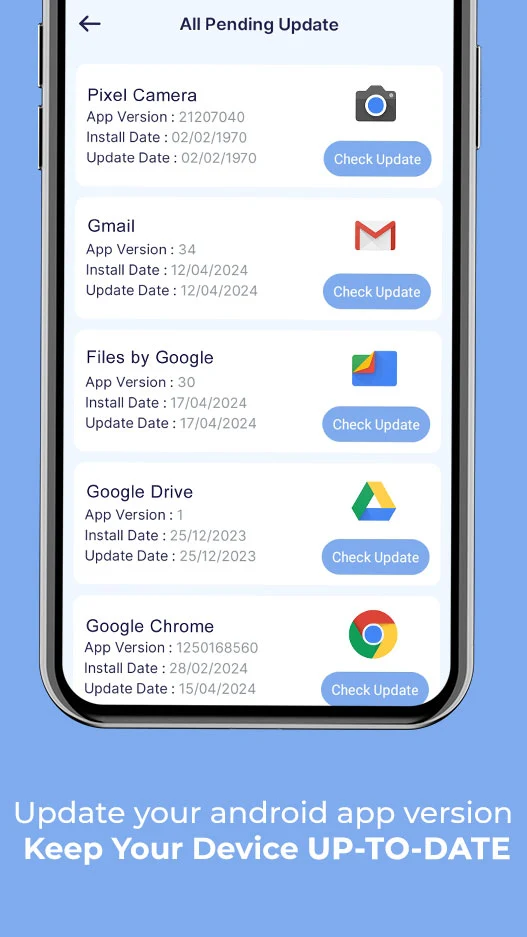
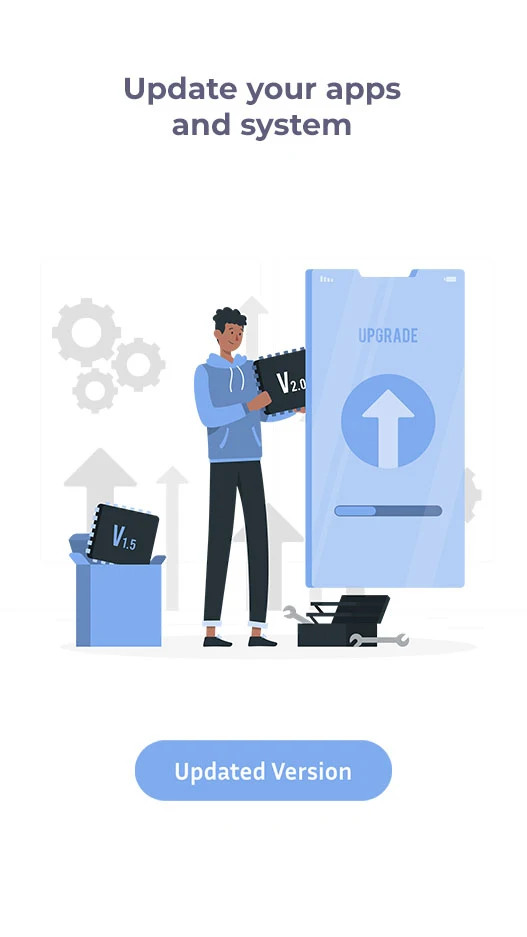
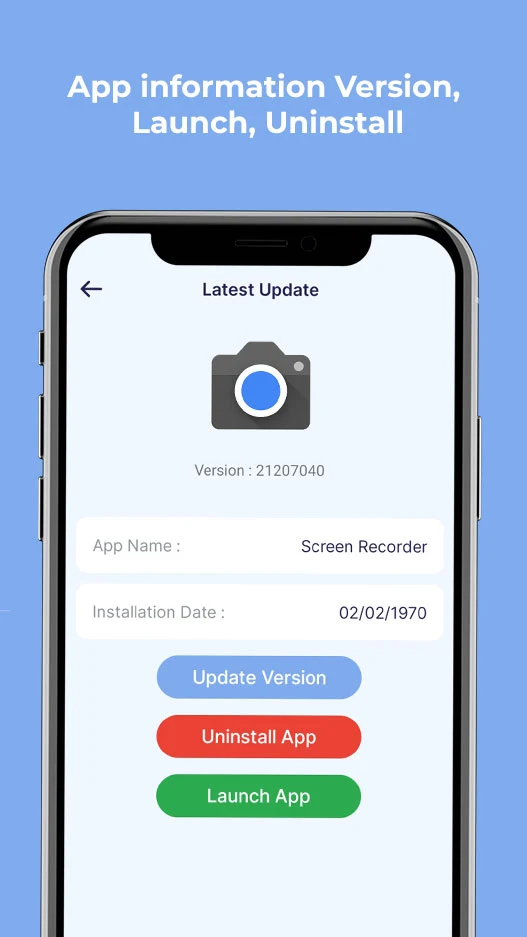
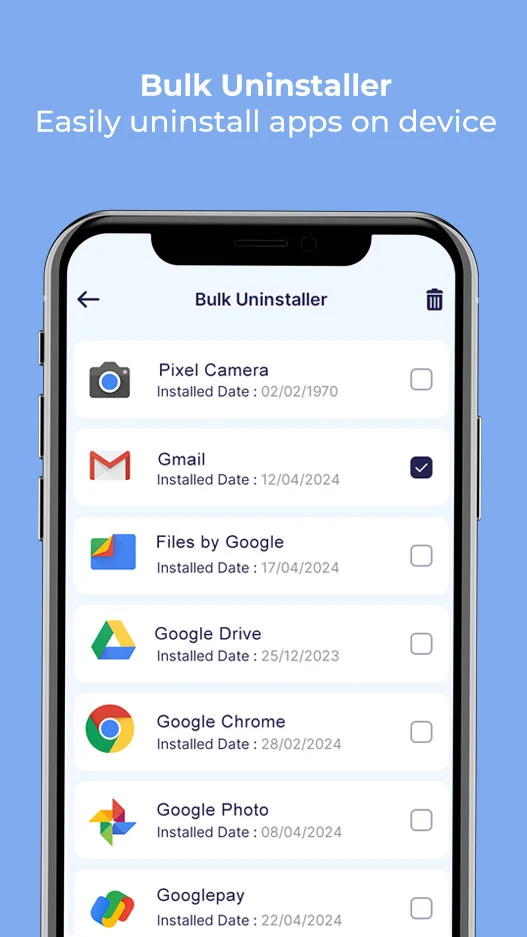
About Software Update : Update Apps
Software Update : Update Apps is the Android device-care tool by Pranam App Zone, built to help users find pending app updates, review system and user apps, and check phone details in one place. The Software Update : Update Apps utility is not a magic auto-installer — it scans installed applications, flags outdated apps, and guides you to update them through official sources.
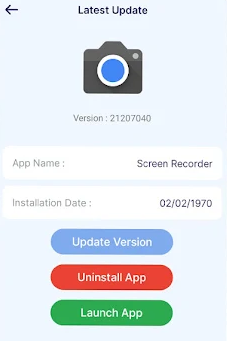
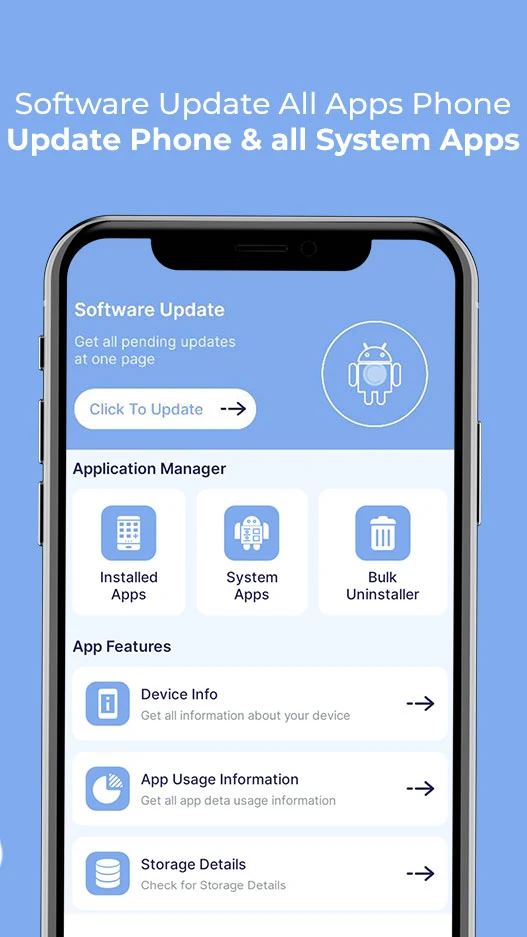
Inside the Software Update : Update Apps dashboard, users can stop hunting through settings: the app groups installed apps, system apps, and pending updates, then shows device information that helps with basic phone maintenance.
Store-ready features:
Pending update detection for installed apps and games
System update checks inside Software Update : Update Apps
User apps and system apps separation for clearer management
Bulk uninstall to remove unused apps and free storage
Device info — OS version, storage, hardware overview
App usage insights to track screen time and active apps
Update notifications when newer versions are available
Lightweight tools category under 10 MB on recent builds
Simple flow: scan → list outdated apps → open update source
How to Use Software Update : Update Apps
The Software Update : Update Apps flow is built for quick maintenance: open → scan → review → update or uninstall.
Quick guide:
Install Software Update : Update Apps from your app store.
Open the app and allow the requested package-usage permission.
Let Software Update : Update Apps scan installed apps and games.
Review the list of pending updates for user and system apps.
Tap an app to open its update page in the official source.
Update apps individually or work through the outdated list.
Use bulk uninstall to remove apps you no longer need.
Check device info for OS version, storage, and hardware details.
Review app usage to spot heavy or forgotten apps.
Re-scan periodically to keep the phone current.
Tips:
Treat Software Update : Update Apps as an update finder, not a replacement for Play Store updates.
Disable aggressive notifications if the scan reminders feel repetitive.
Revoke package-stats permission afterward if you only use the app occasionally.
Software Update : Update Apps FAQ and Status:
Who develops the app?
Pranam App Zone. Package ID issoftwareupdate.bulkunistaller.appusage.
What does it actually do?
It checks installed apps for available updates, lists system and user apps, provides device info, and helps uninstall apps in bulk. It does not bypass the Play Store or force system upgrades.
Is it free?
Yes. The app is free to install; mirrored listings show ad-supported usage and user complaints about frequent ads.
Does it update apps automatically?
No. Software Update : Update Apps identifies pending updates and redirects you to complete them through official sources.
Why Install Software Update : Update Apps

Install Software Update : Update Apps if you want a simple dashboard that shows which apps need updating, what is eating storage, and what your device is running.
Best-fit users:
Android users who forget to check for updates
People managing older phones with limited storage
Users who want bulk uninstall without deep settings
Non-technical users who prefer one update checklist
Anyone curious about device info and app usage
Users who mainly install apps from the Play Store
- Version1.6
- UpdateOct 22, 2026
- DeveloperPranam App Zone
- CategoryTools
- Requires AndroidAndroid 7.0+
- Downloads150K+
- Package Namesoftwareupdate.bulkunistaller.appusage
- Signature3e9c1fc112173361fab7fb33f384dce4
- Available on
- ReportFlag as inappropriate
-
NameSizeDownload
-
5.41 MB
-
7.51 MB
















Automatically check for updates
Rich and comprehensive features
Improve user experience
There are compatibility risks.
May introduce new issues.
Occupies storage space.