
SURFboard Central - Wi-Fi management & setup
Manage your Wi-Fi effortlessly with step-by-step guides, real-time speed checks, & secure guest networks.
- 4.2.11 Version
- 2.7 Score
- 220K+ Downloads
- Free License
- 3+ Content Rating

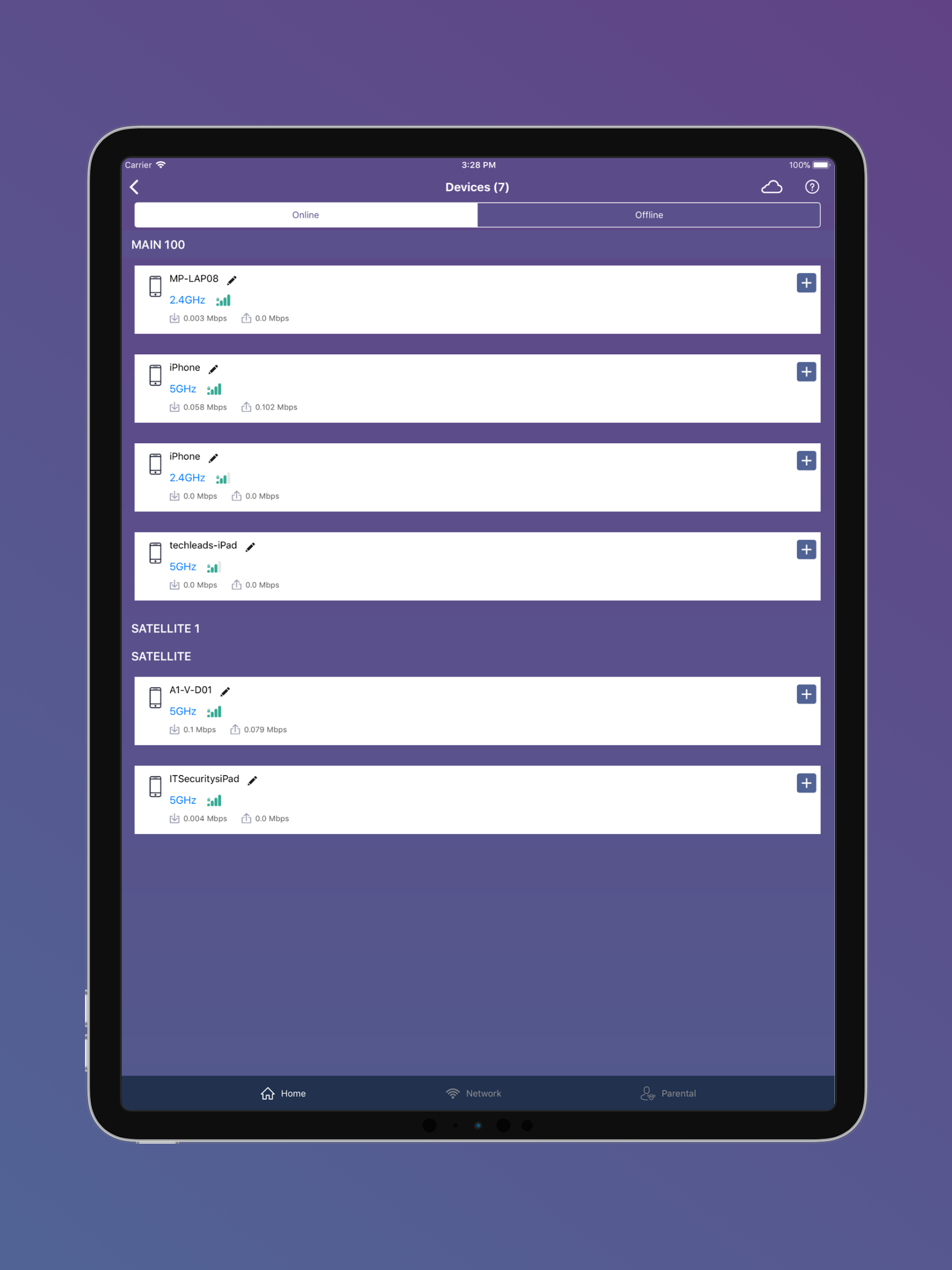
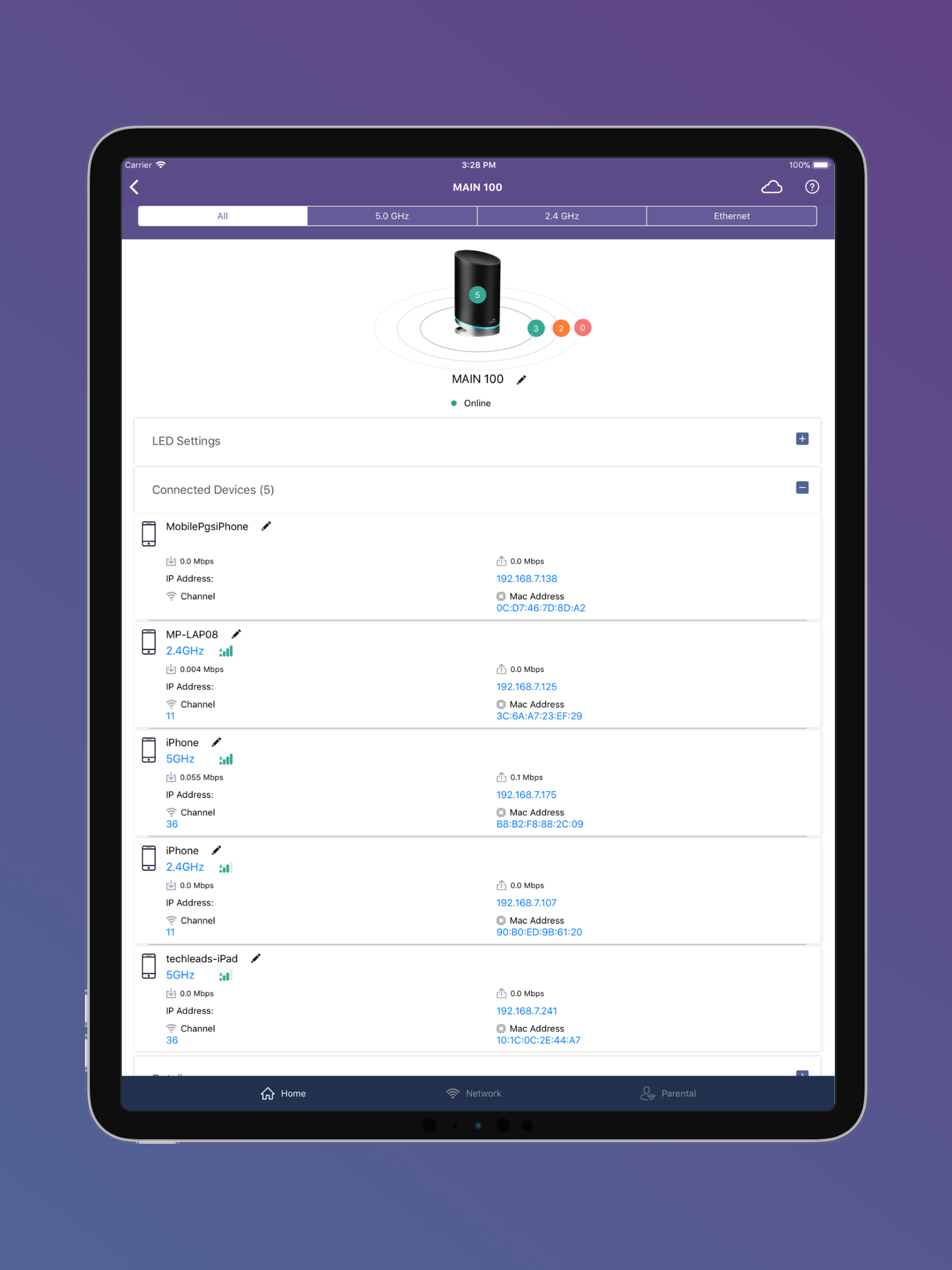
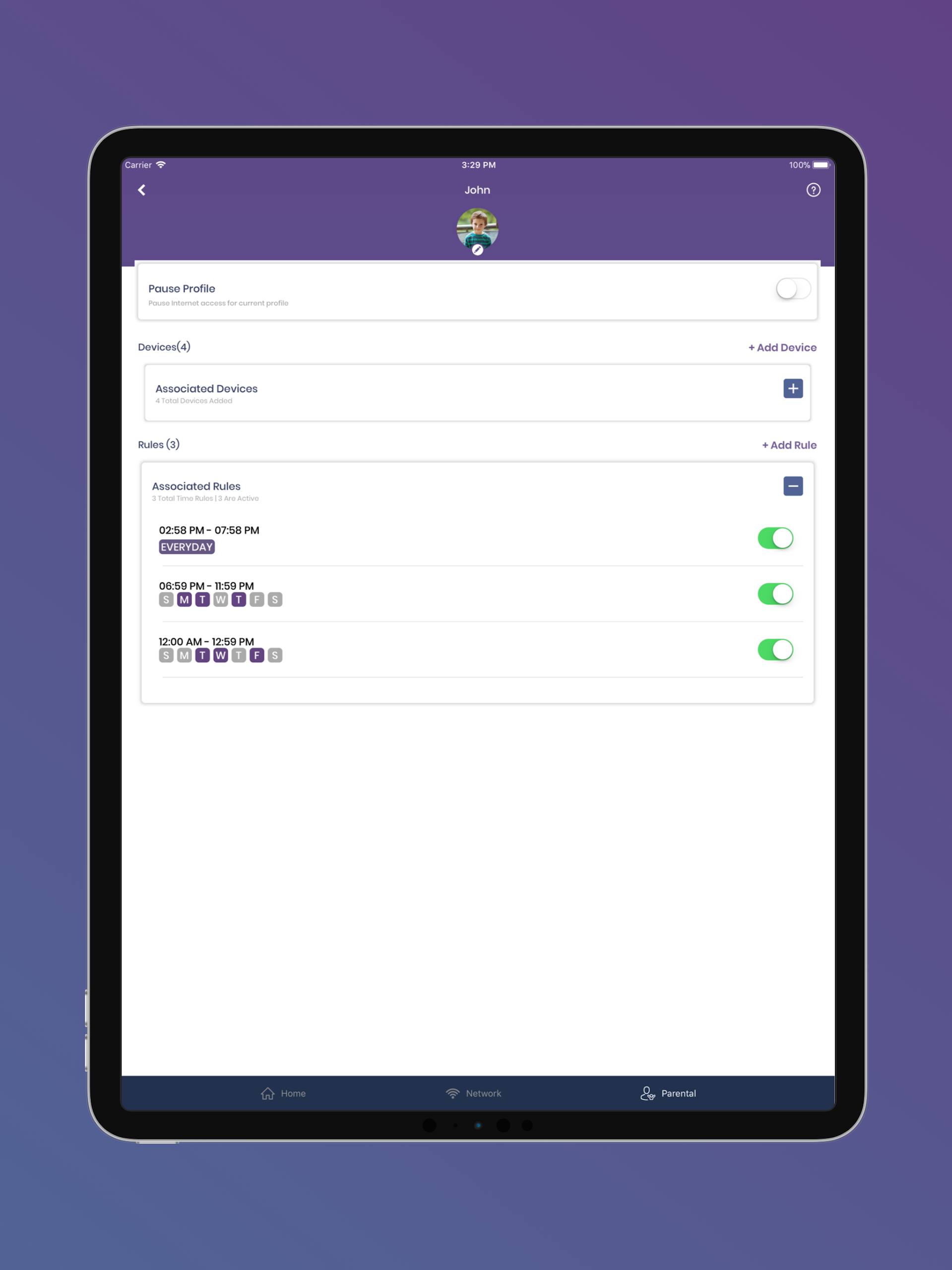
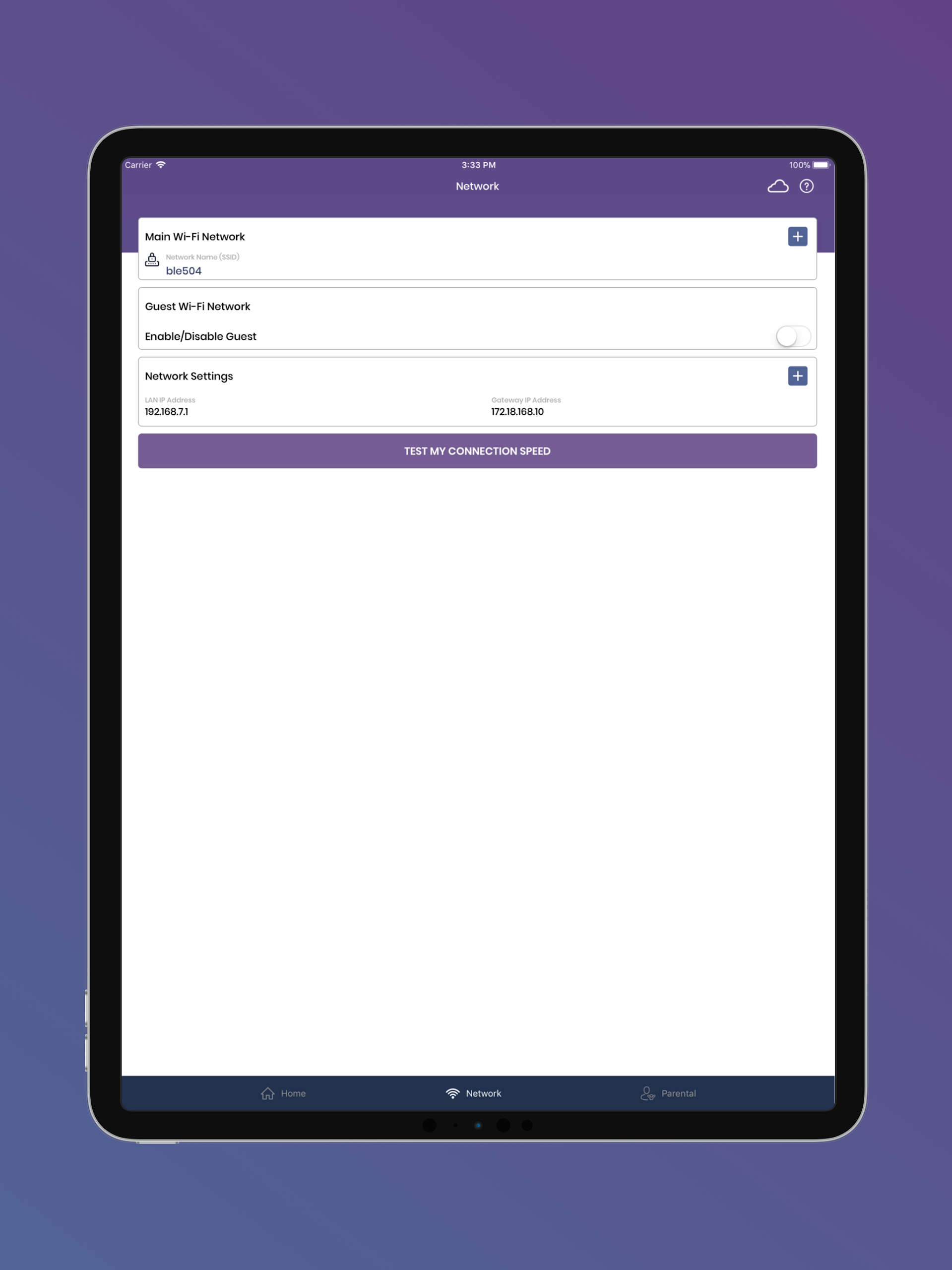
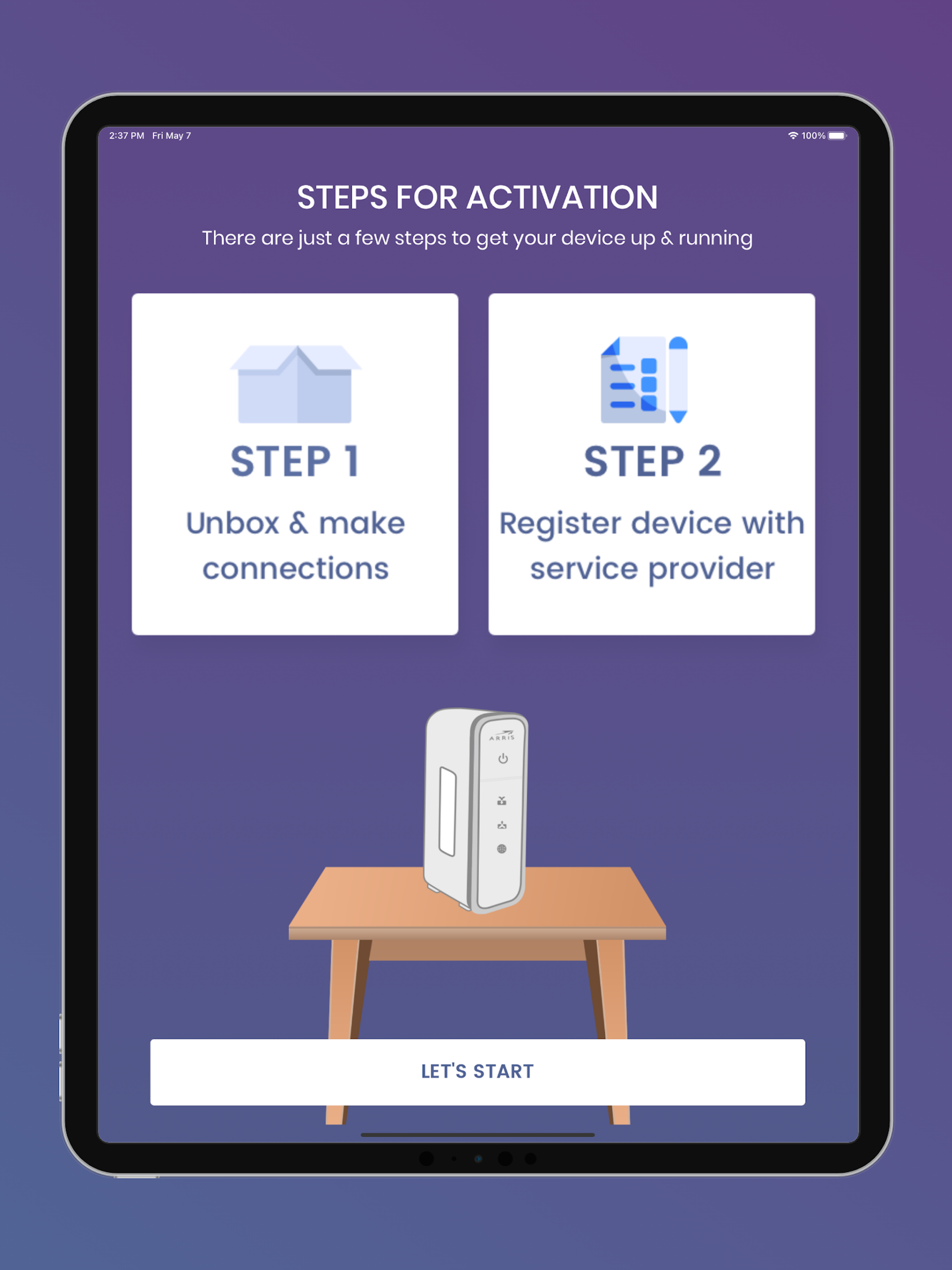
We appreciate your choice in selecting a SURFboard product!
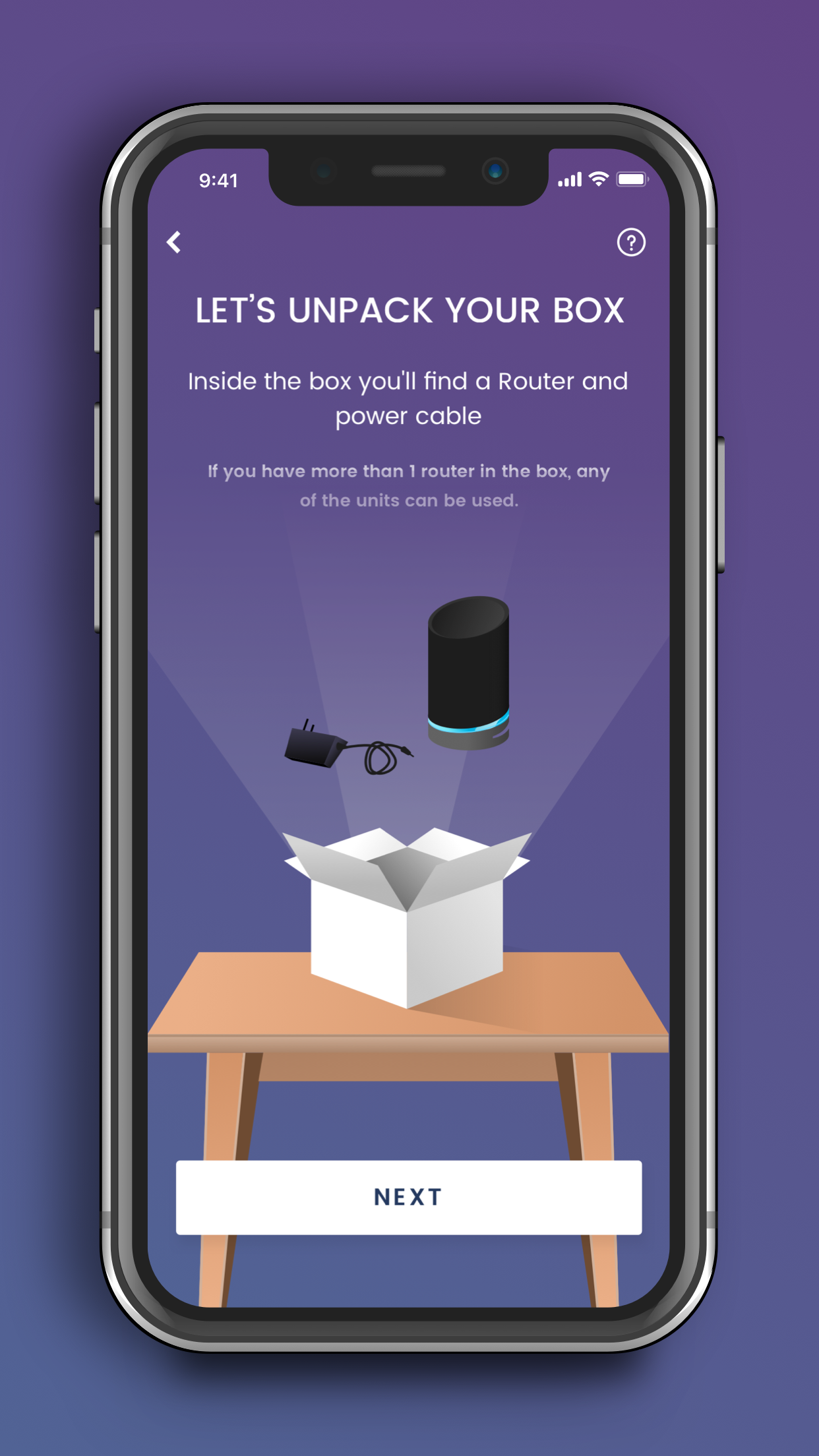
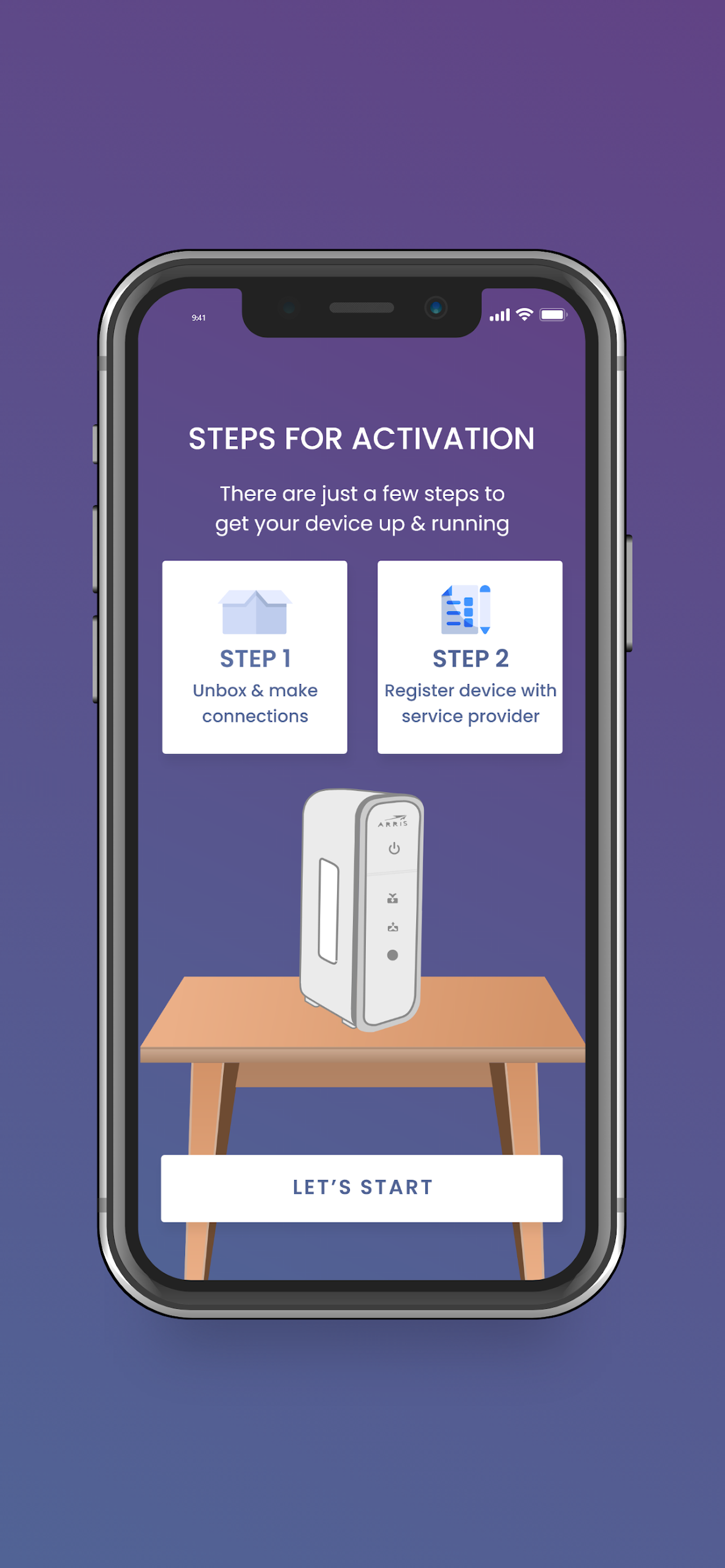
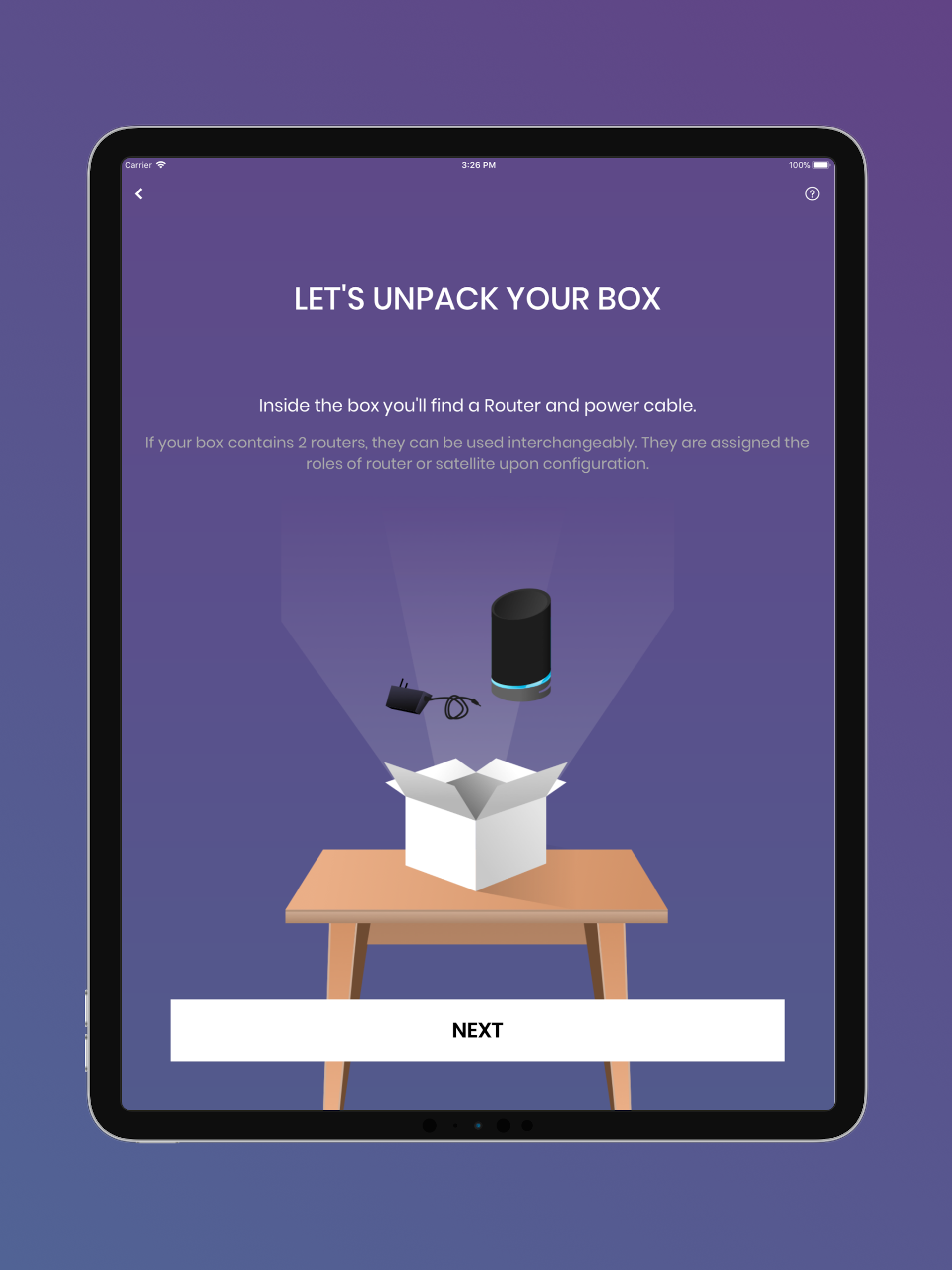
To begin, simply download the application, choose your device model, and adhere to the instructions displayed on your screen for setting up your device.
This unified mobile application is designed to support all of our existing SURFboard devices.
Devices informations:
Cable Modems:
- Models include: S33, S34, SB6141, SB6121, SB6183, SB6190, SB8200, SBV3202, SBV2402, T25.
- The installation guide provides detailed steps to assist with device activation through your Cable Internet Service Provider.
- Gain access to device details, assistance, and technical support.
- Launch the Web Application for quick configuration and management of your device.
Cable Modems featuring Wi-Fi:
- Models include: G18, G20, G34, G36, G54, SBG10, SBG6950, SBG7400, SBG7580, SBG7600, SBG8300.
- The installation guide offers comprehensive steps to facilitate device activation through your Cable Internet Service Provider.
- Access essential device information, help, and technical assistance.
- Utilize the Web Application or mobile app for managing and configuring your device.
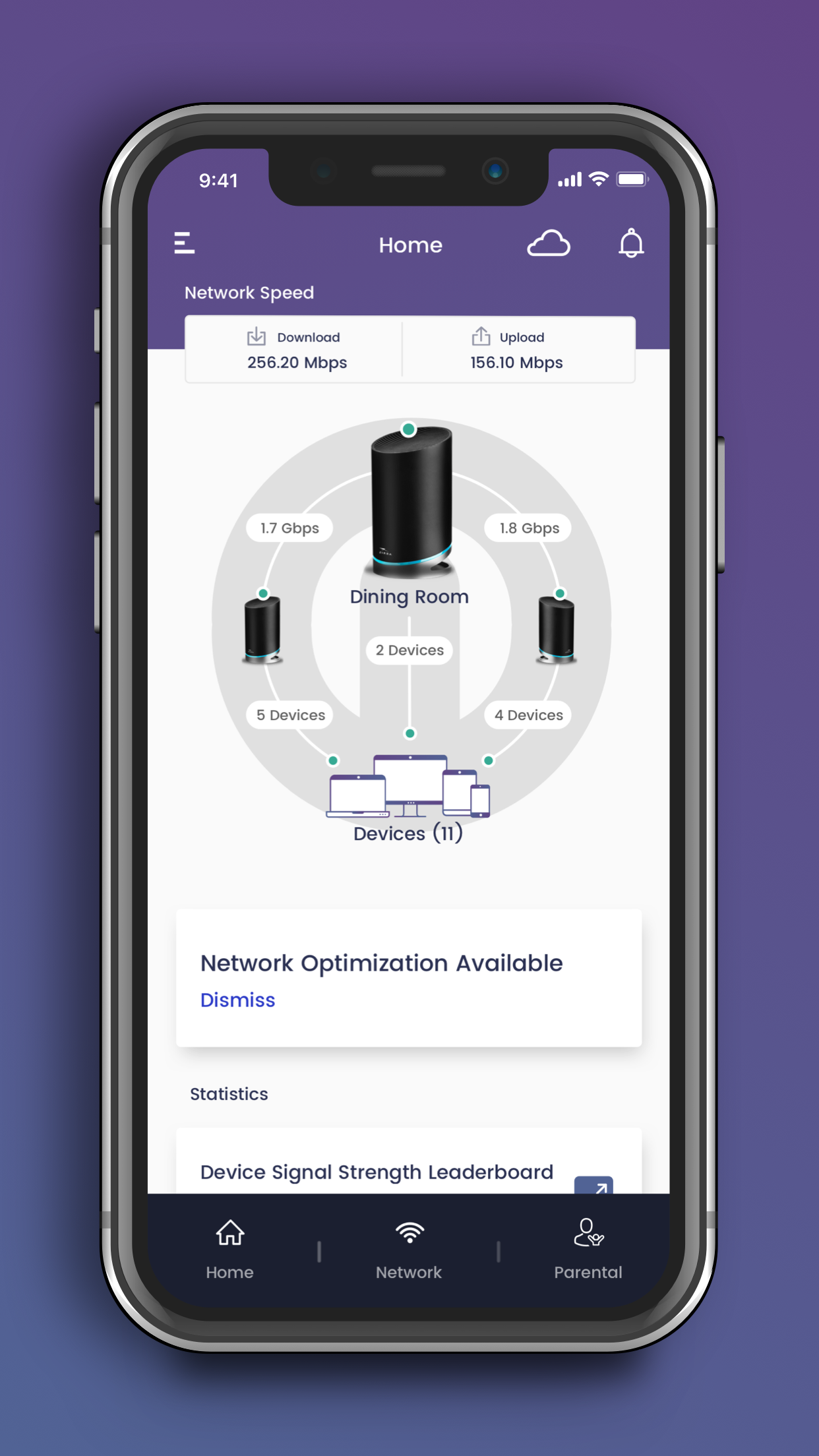
- Easy-to-navigate Wi-Fi management features are included.
mAX Wi-Fi Mesh Routers:
- Models include: W11, W121, W122, W21, W30, W31, W61, WC4S, WC4T.
- The step-by-step guide includes tips on optimal placement of mesh nodes in your home for enhanced performance and coverage.
- Simple to use Wi-Fi management tools and advanced mAX functionalities are available.*
Wi-Fi Gaming and Extenders:
- Models include: W6B, W6U.
- Step-by-step installation guidance is provided.
- Access device information, assistance, and technical support.
- Quickly launch the Web Application for easy device management and configuration.
--- User-friendly Wi-Fi management capabilities ---
- Control your Wi-Fi network from home or remotely.
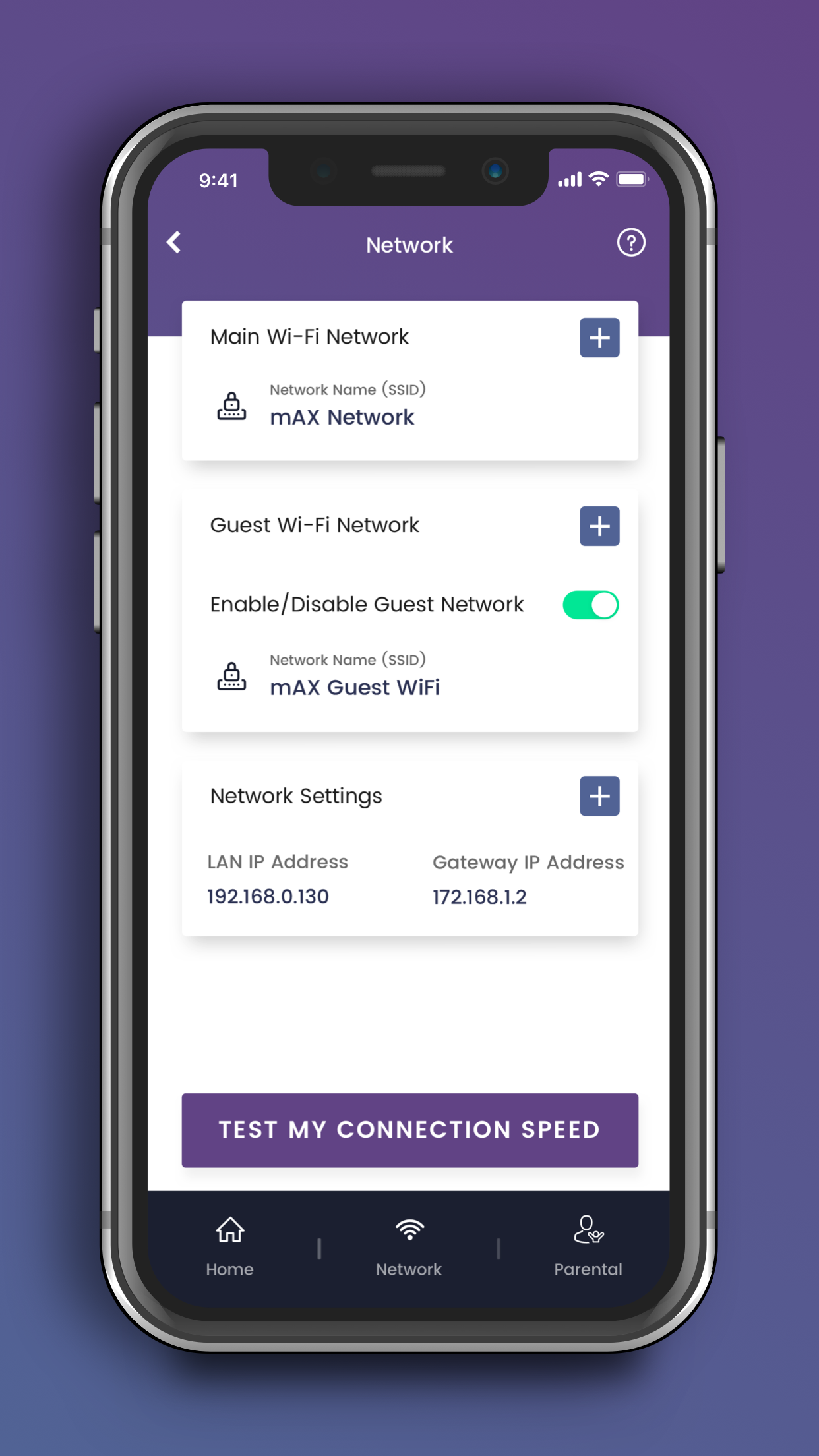
- Establish a private and secure home Wi-Fi network.
- Create a separate Guest network for visitors to use.
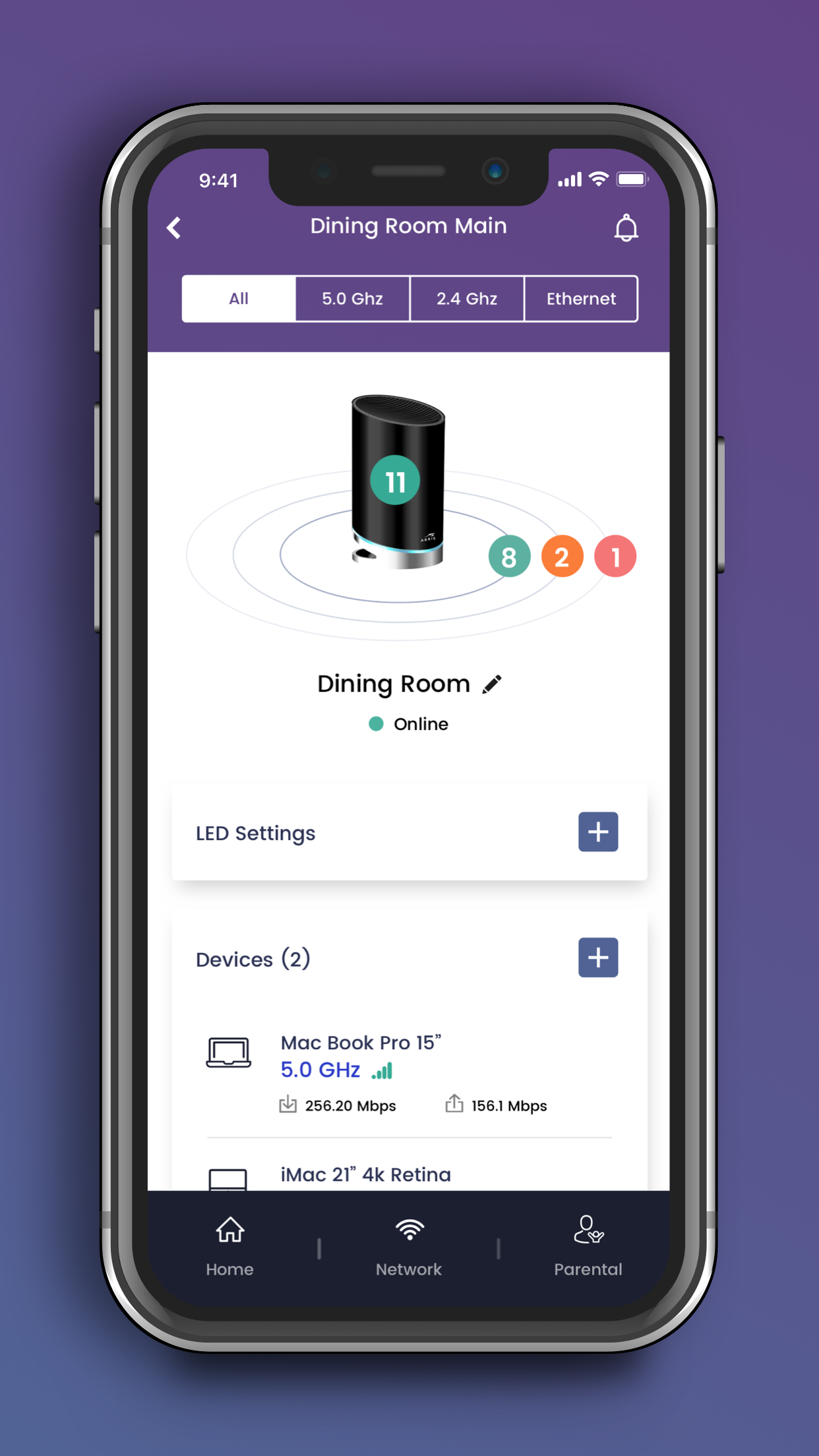
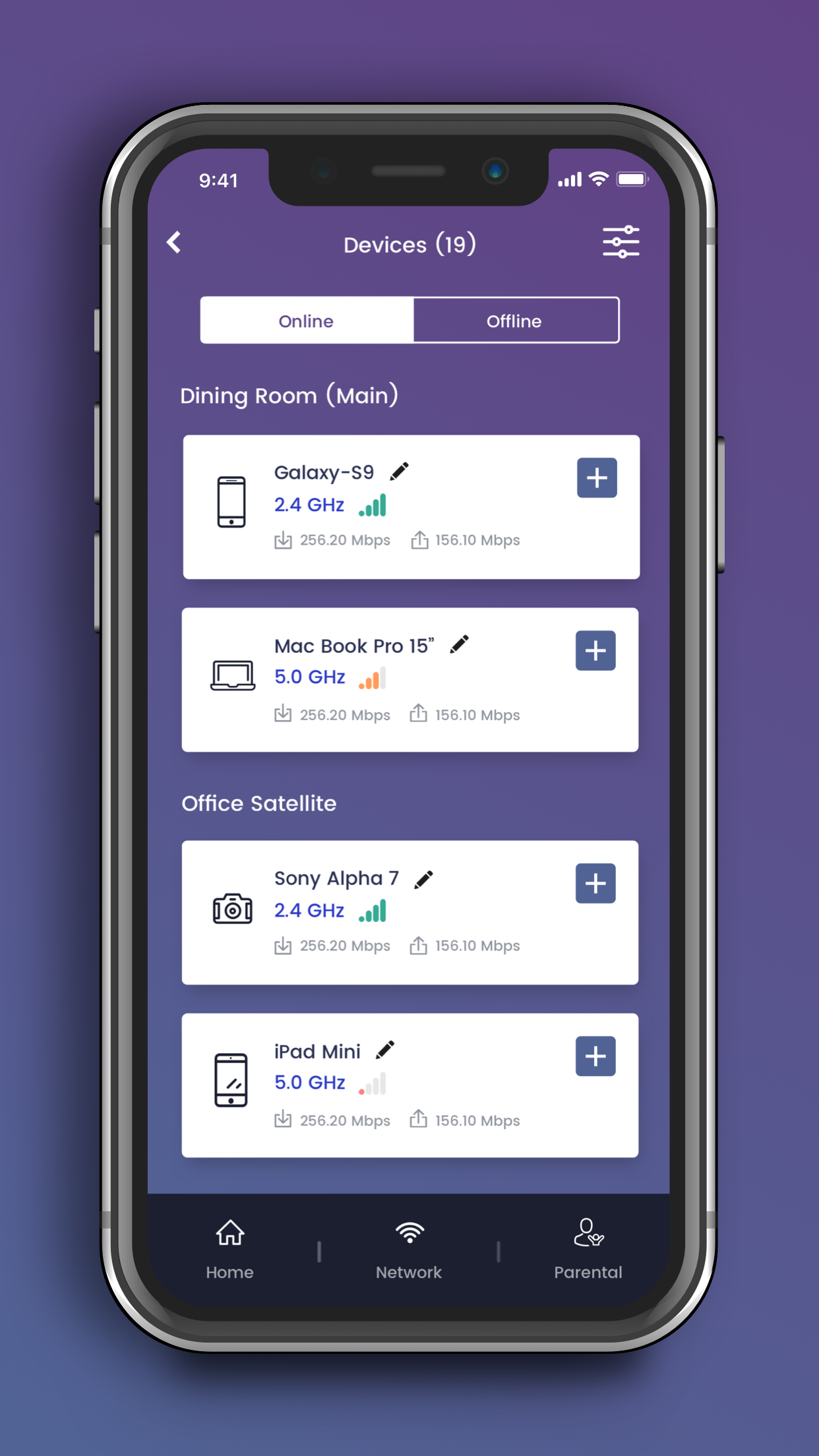
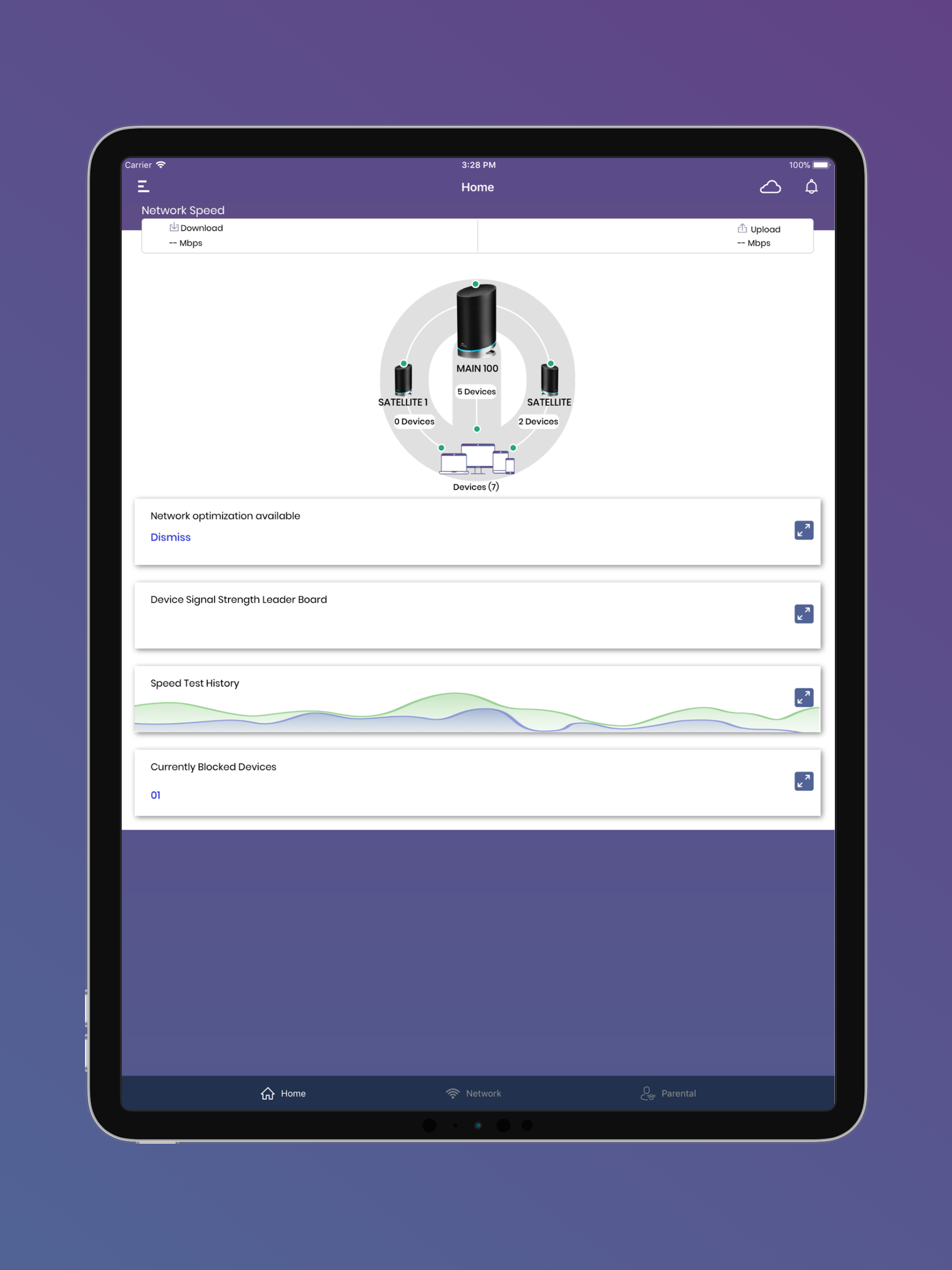
- Monitor client devices connected to your network.
- Assign friendly names to each connected device.
- Check the real-time Wi-Fi speed on your mobile device.
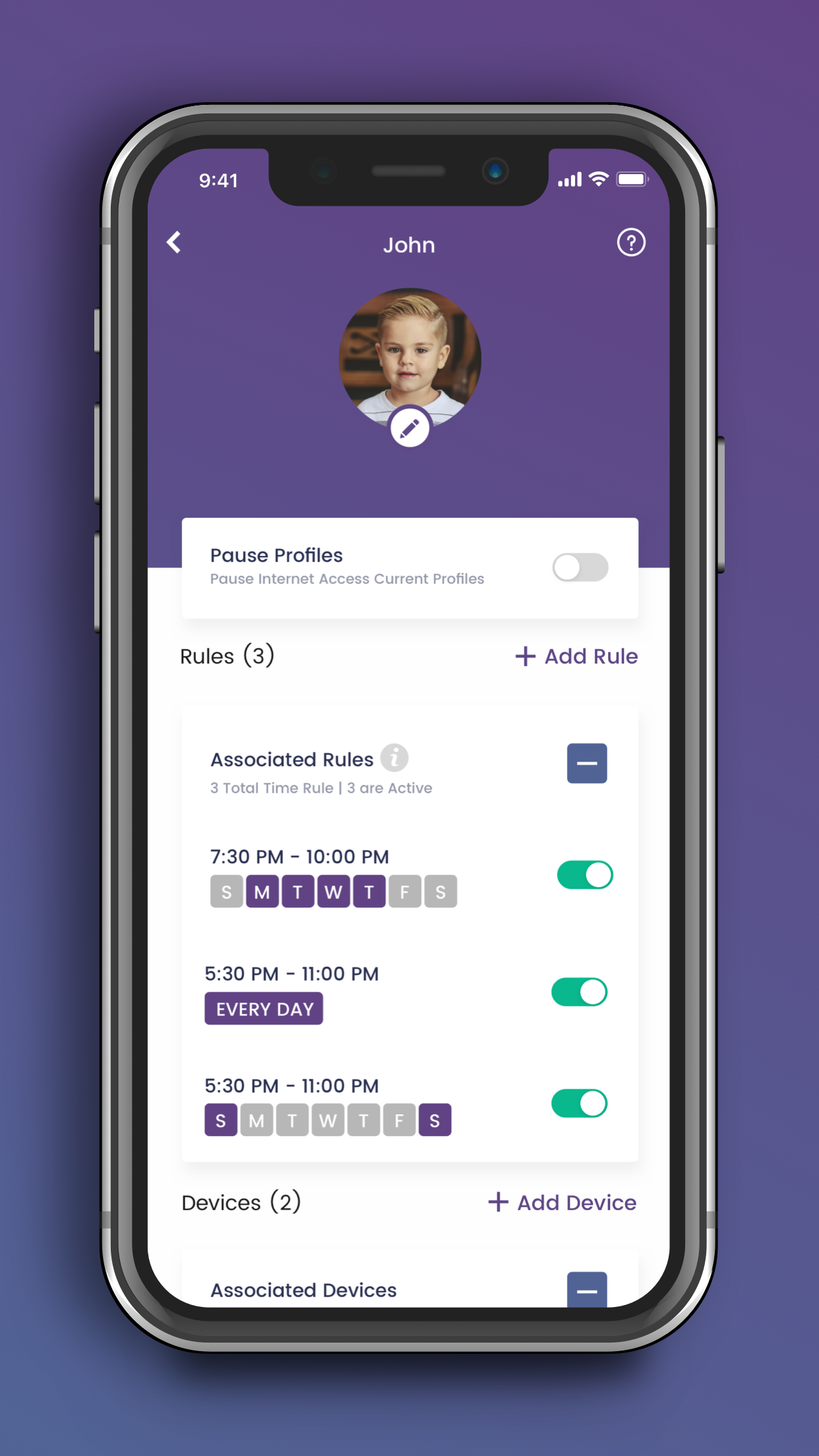
- Set up profiles for children to manage their screen time, with options for scheduled or manual internet pauses.
--- Advanced mAX features ---
- Receive notifications when chosen devices connect to or disconnect from your home network.
- Enhance parental controls through “screen” time rewards.
- Monitor network health with optimization recommendations.
Application Experience:

This unified SURFboard app supports all device models. After downloading, select the corresponding model and follow the on-screen instructions to complete the configuration and activation. Whether it's a wired modem, a modem with Wi-Fi, an mAX mesh router, or a game extender, you can view device information and get technical support within the app, and quickly configure it via the web interface. Core functions include remote Wi-Fi management, creating guest networks, monitoring connected devices, and setting children's internet access limits. mAX series devices also enjoy advanced services such as device connection reminders and network health optimization. It's simple and practical to use.
Related Questions:
1. **What are the steps for setting up a SURFboard device for the first time? **
First, download the SURFboard mobile app, open it, select your device model, and follow the on-screen prompts. Activation for different devices (e.g., regular cable modems vs. modems with Wi-Fi) requires going through your cable network provider; the app's installation guide provides detailed steps.
2. **Does this unified app support all SURFboard devices? **
Yes, it is designed to support all existing SURFboard devices, whether they are regular cable modems, modems with Wi-Fi, mAX Wi-Fi mesh routers, or Wi-Fi gaming extenders.
3. **What are the differences in app functionality between a SURFboard modem with Wi-Fi (e.g., the G34) and a regular cable modem (e.g., the S33)? **
Modems with Wi-Fi have additional dedicated Wi-Fi management features, such as managing Wi-Fi settings and creating guest networks in the mobile or web app. Standard wired modems, on the other hand, primarily allow you to view device details, activate devices, and configure and manage them through the web app, without any Wi-Fi-related management options.
4. **What features are available in the app for optimizing the network when using a mAX Wi-Fi mesh router (such as the W31)? **
The app provides step-by-step guidance on how to optimally place mesh nodes in your home to improve coverage and performance. It also offers advanced features like notifications when devices connect and disconnect, enhanced parental controls with Screen Time Rewards, and network health monitoring and optimization suggestions.
5. **I want to remotely manage my SURFboard Wi-Fi at home. Can the app do that? **
Yes, the app's Wi-Fi management features support remote control, allowing you to manage your home Wi-Fi network whether you're at home or away, such as viewing connected devices, pausing your child's internet access, and adjusting Wi-Fi settings.
6. **Can I use this app to control internet time for children?**
Yes, you can create unique profiles for your children in the app, which can automatically pause internet access at set times or manually. If you have a mAX series router, you can also use the "Screen Time Rewards" feature to manage your child's internet time more flexibly.
- Version4.2.11
- UpdateOct 22, 2026
- DeveloperVANTIVA USA LLC
- CategoryTools
- Requires AndroidAndroid 7.0+
- Downloads220K+
- Package Namecom.arris.sbc
- Signature74426fe3c07afb28a1debabaf7b6ba79
- Available on
- ReportFlag as inappropriate















User-friendly interface
Easy installation process
Provides remote management of network
Displays connected devices and data rates
Allows system speed tests
Parental control features available
Improved performance over older hardware
Enhanced coverage for multiple rooms
Facilitates easy firmware updates
Constant app crashes and freezes
Lack of real-time updates or feedback
Inability to change existing settings
Complications during initial setup
Unresponsive customer support
Requires excessive permissions
Issues with device recognition on app
Poor integration with web portal functions
Potential security vulnerabilities due to misconfigured settings