
Photo Metadata Viewer - View Exif data & map
Discover photo details & locations easily with powerful Exif viewer, no unnecessary features, just pure functionality.

- 1.0.295 Version
- 1.1 Score
- 168K+ Downloads
- Free License
- 3+ Content Rating

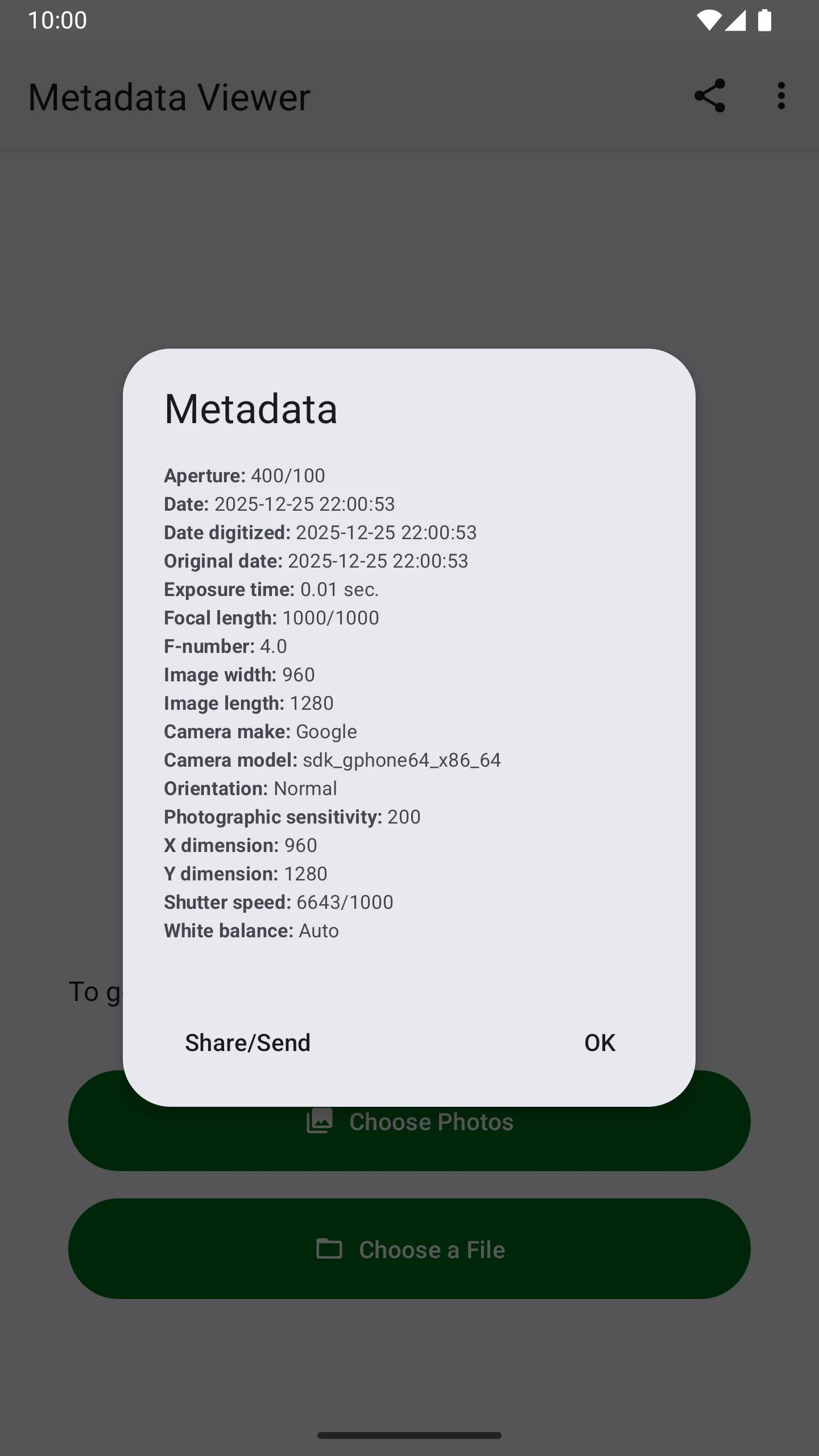
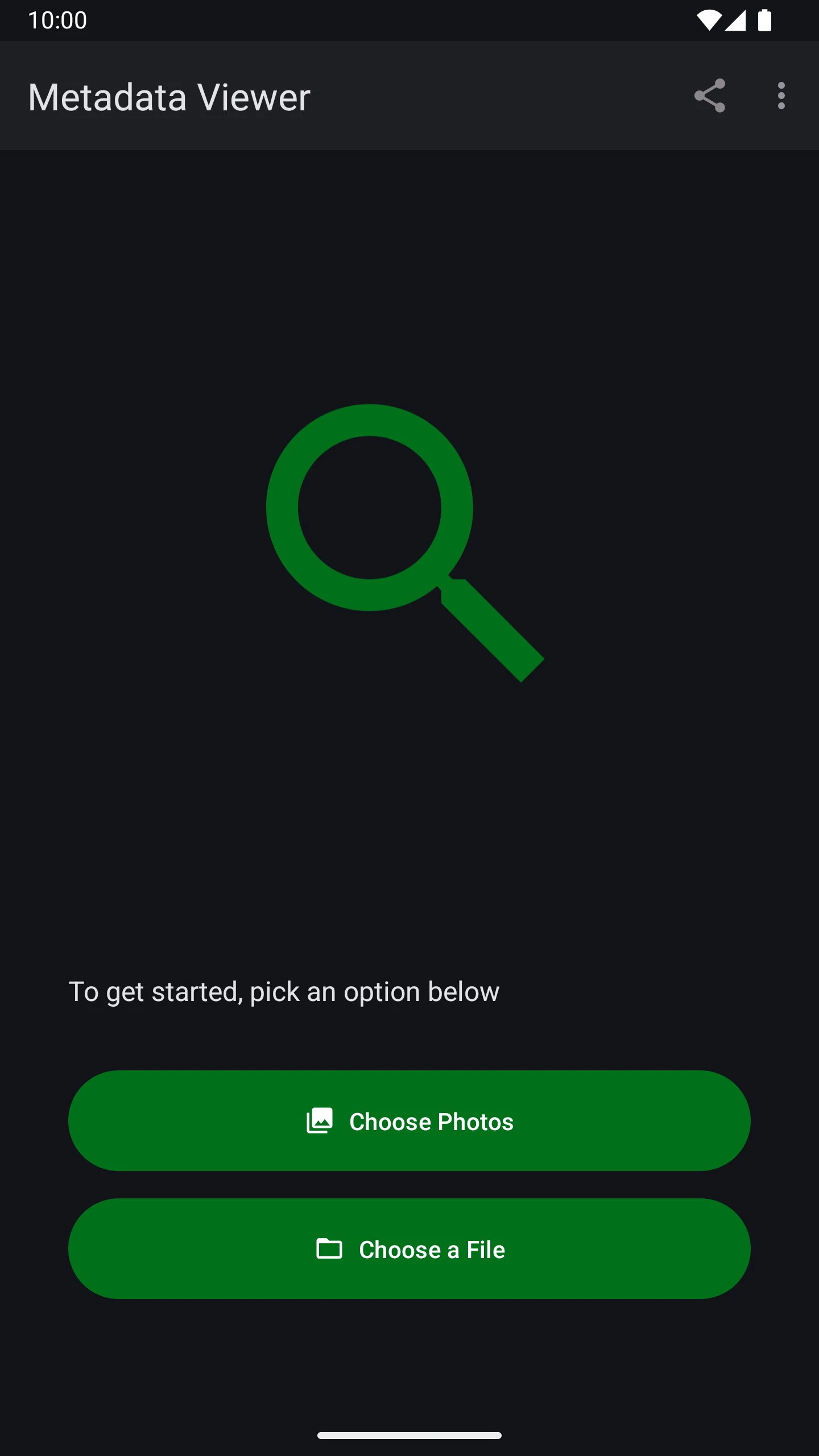
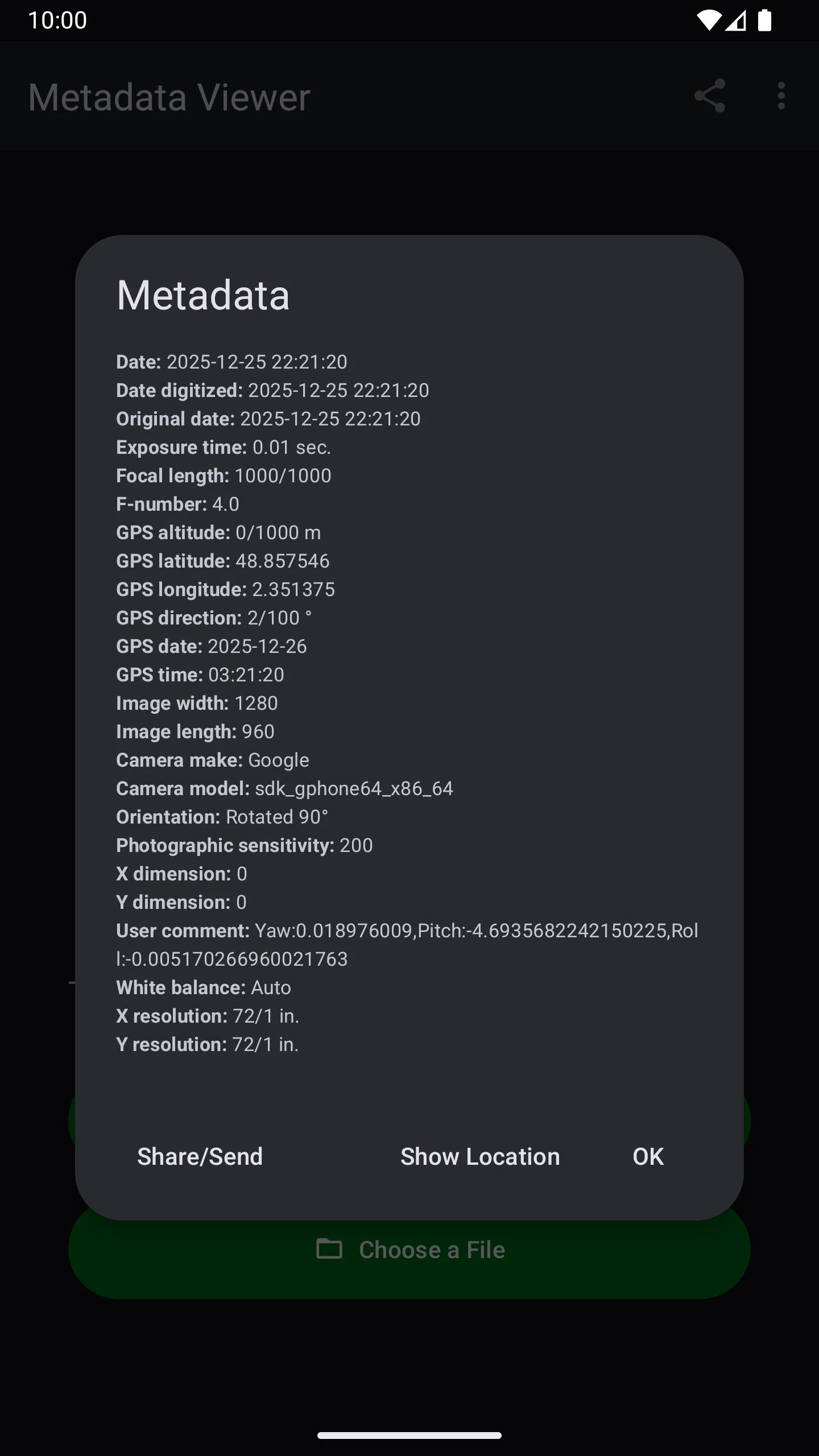
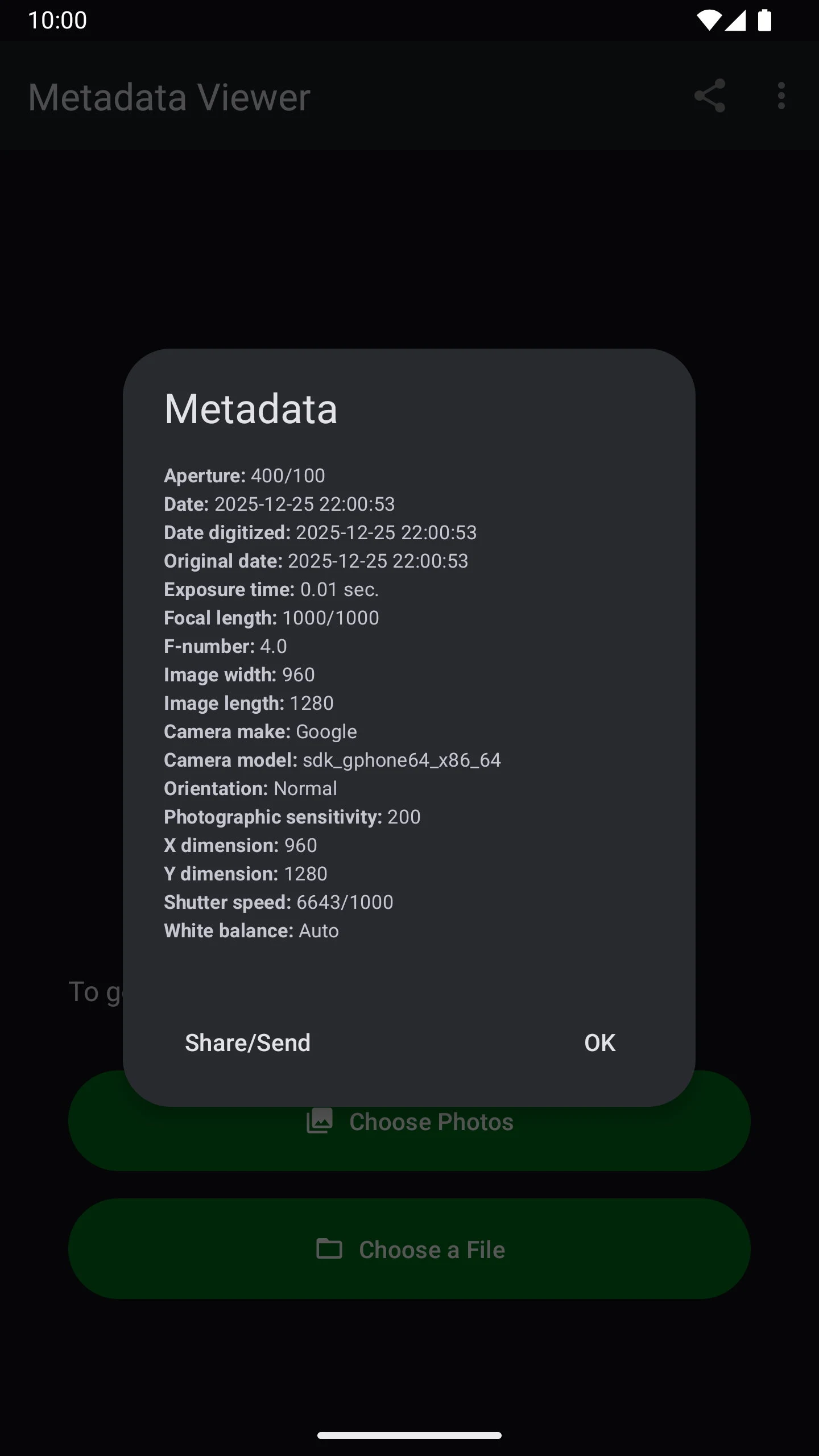
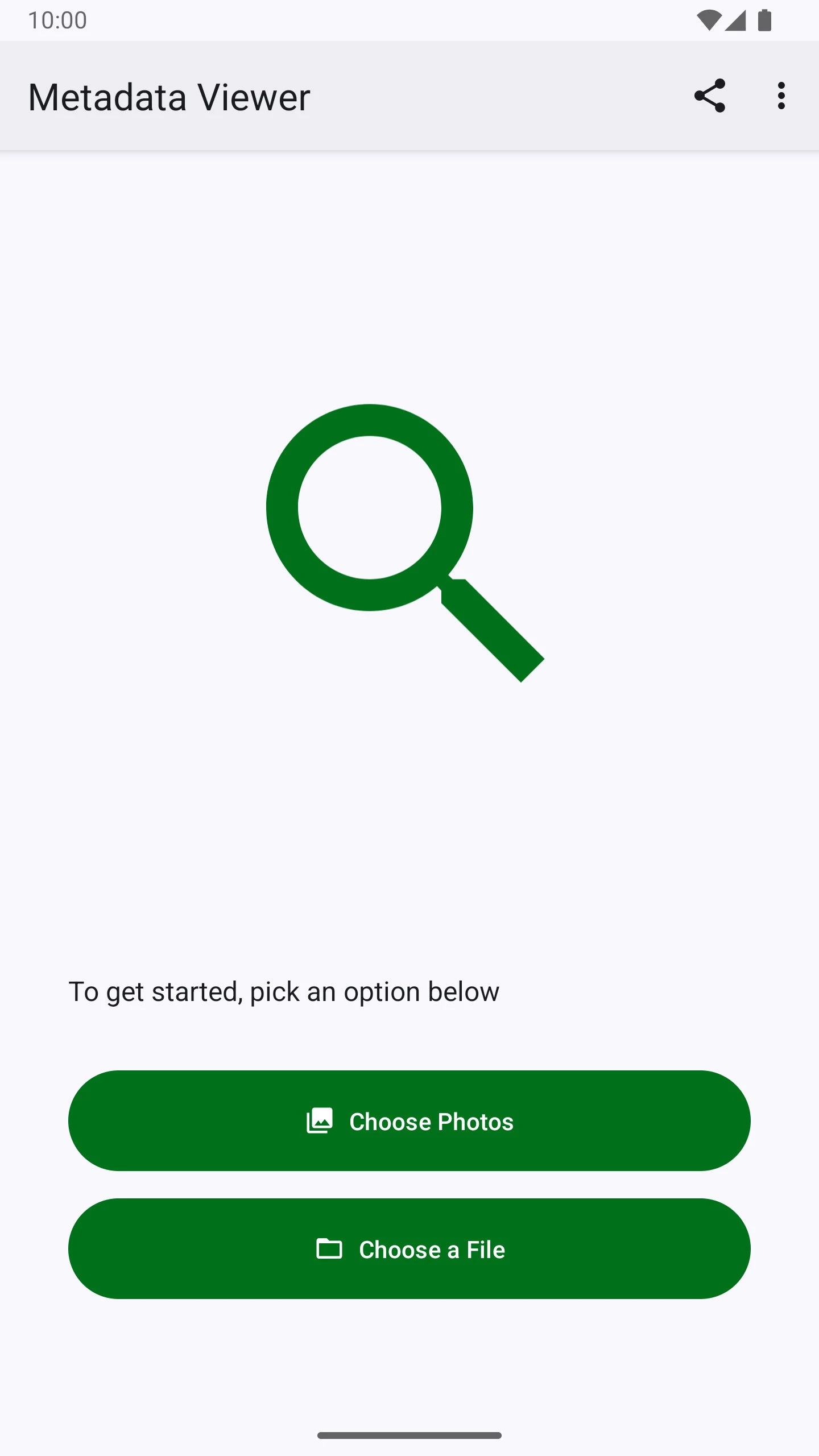
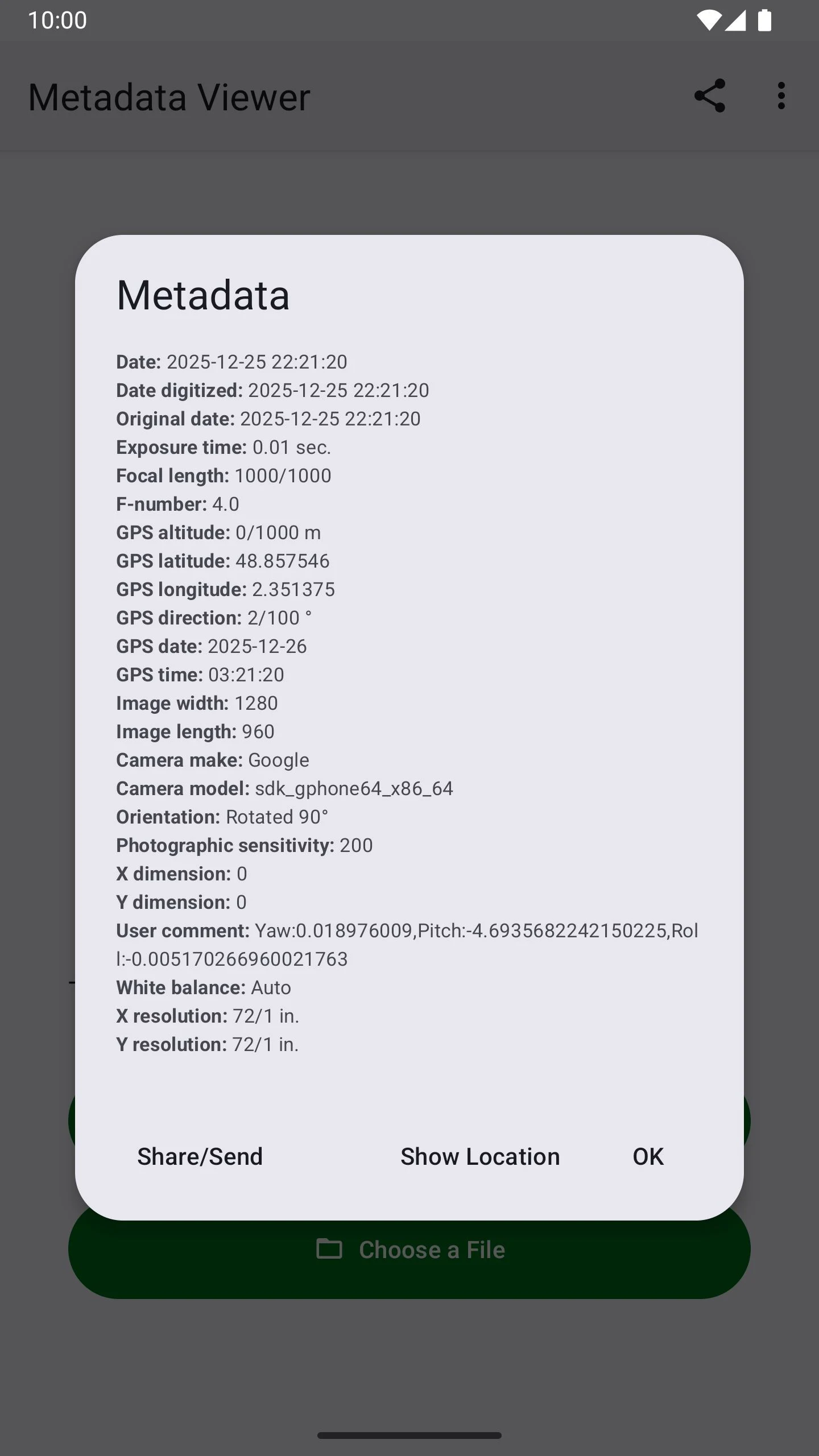
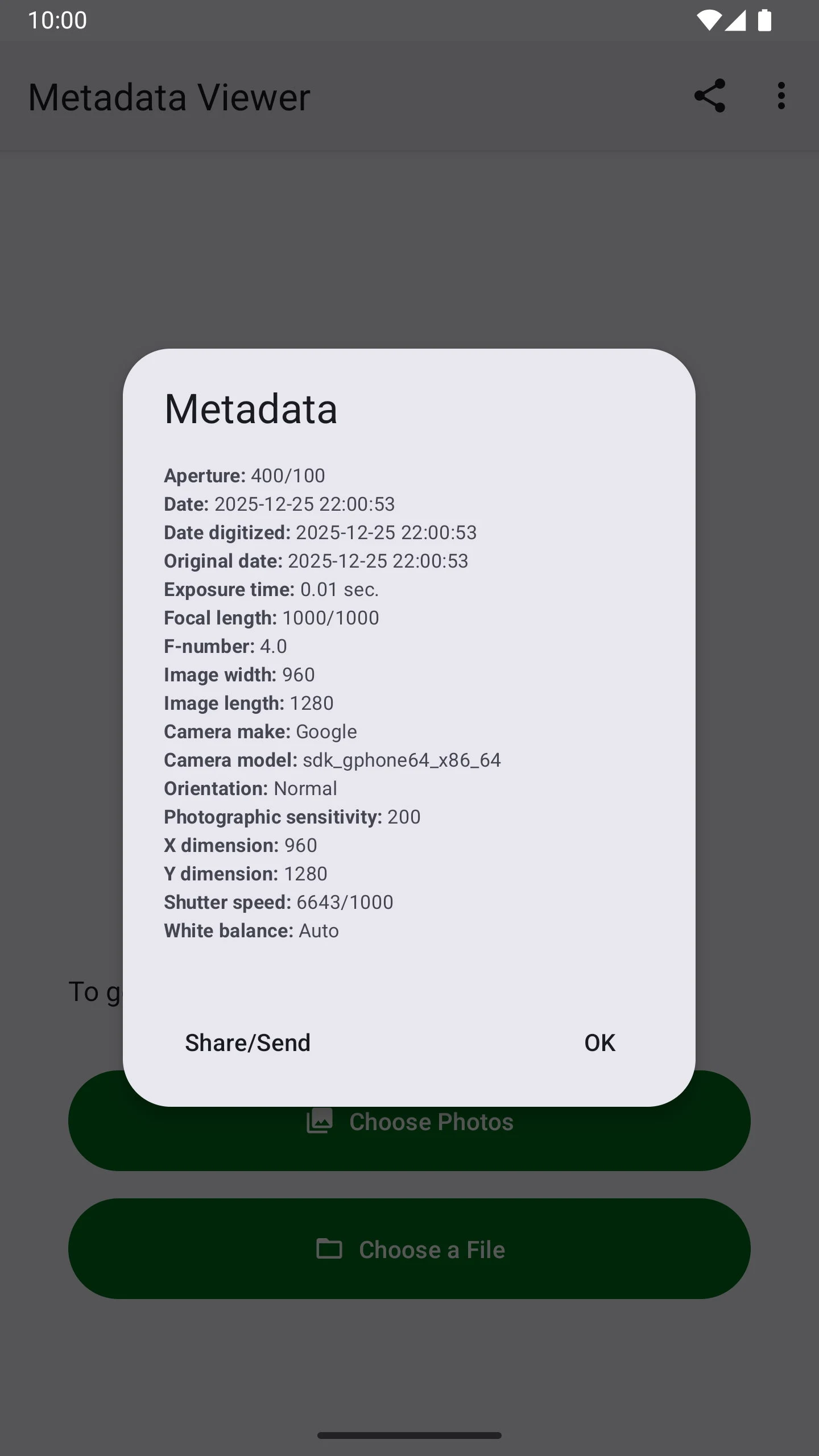
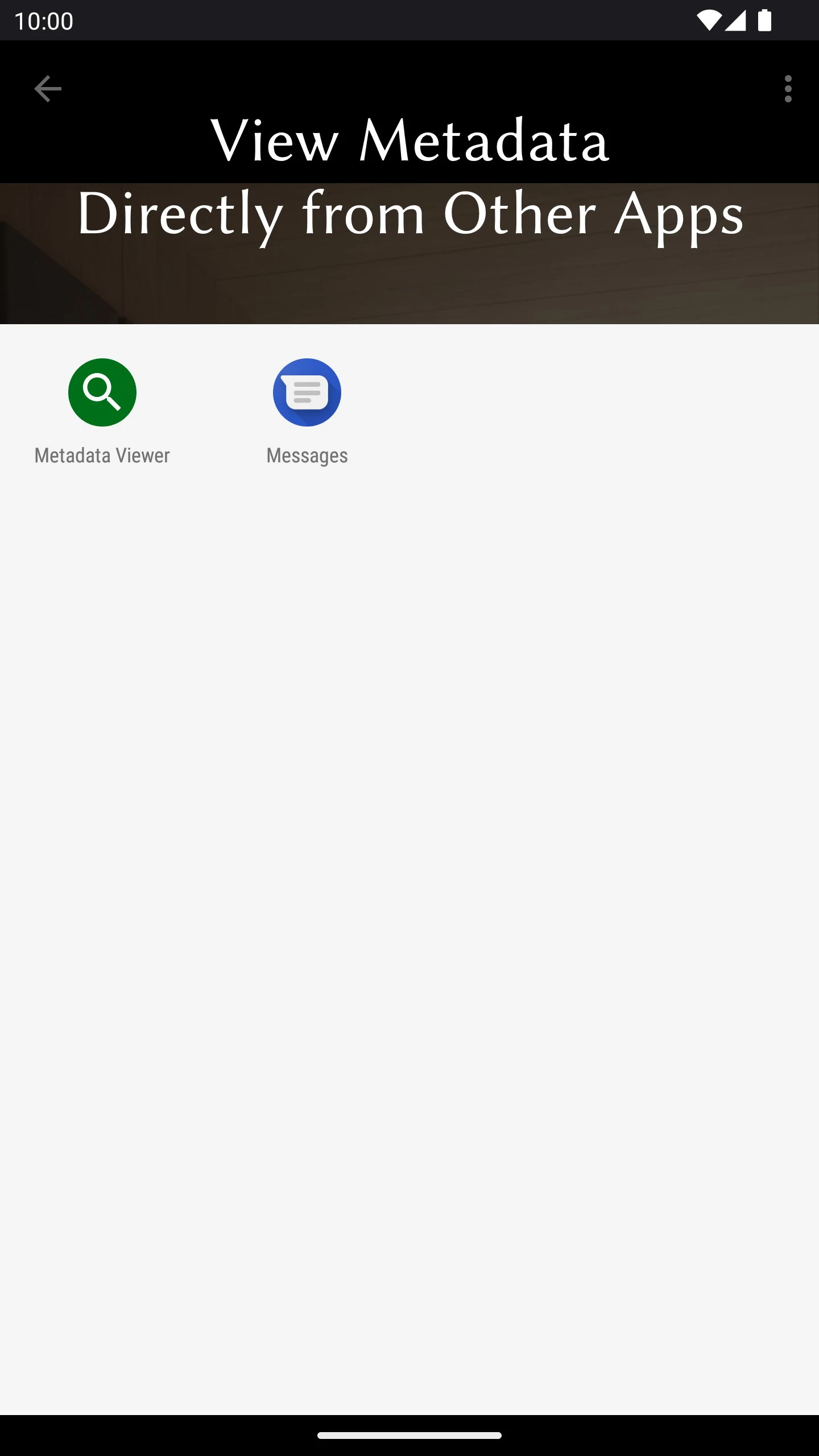
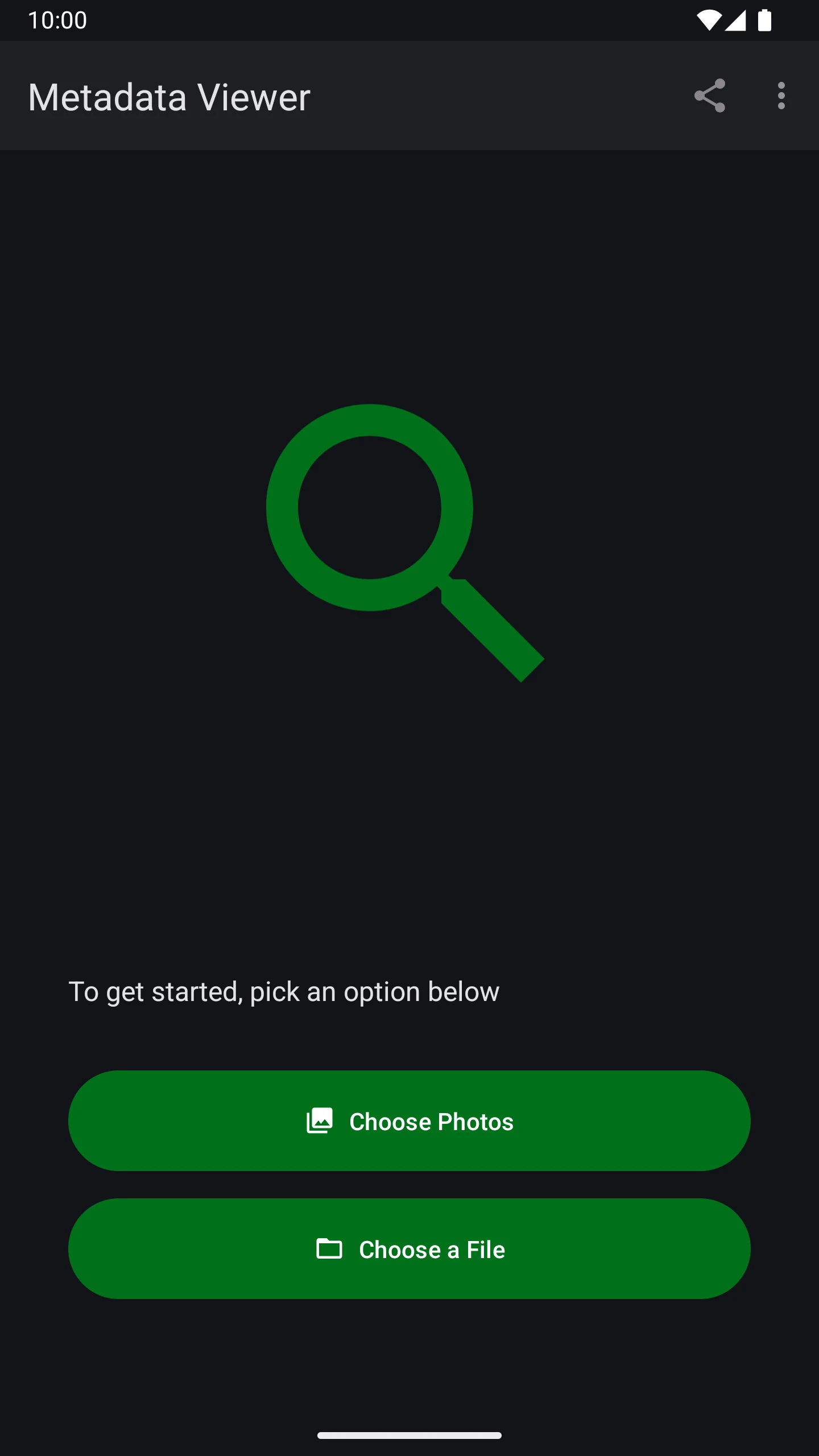
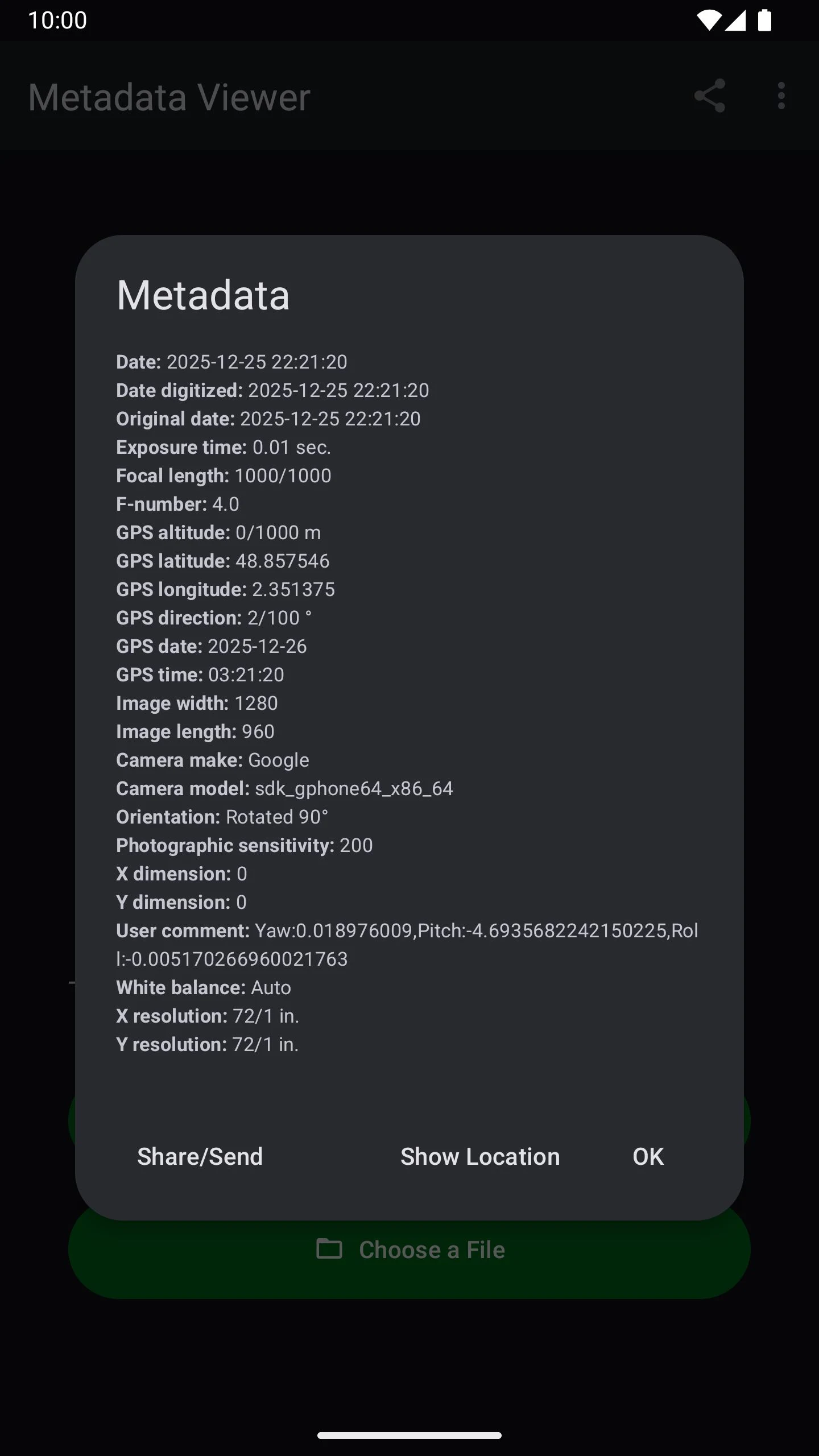
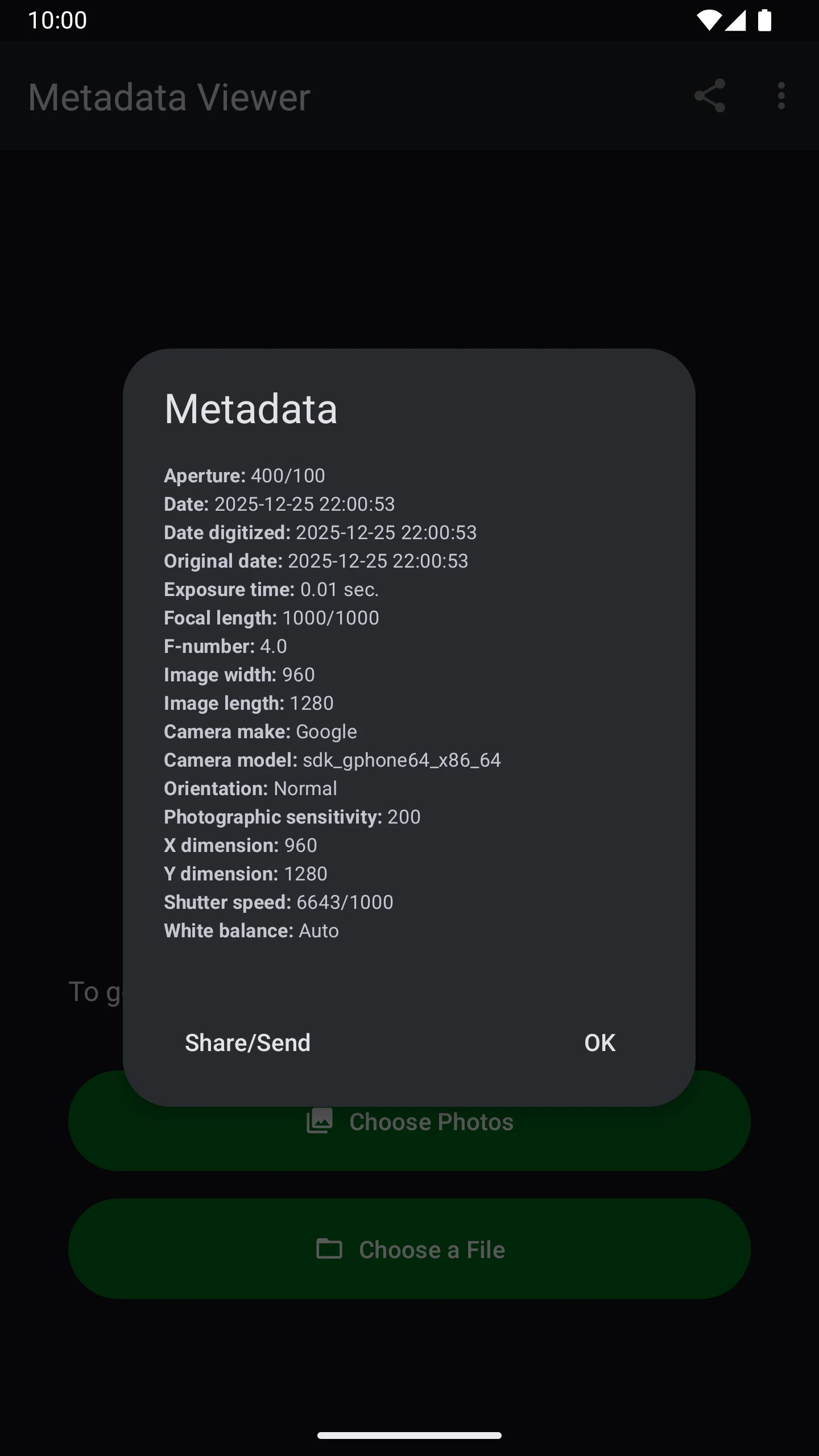
Effortlessly examine Exif metadata within your images.
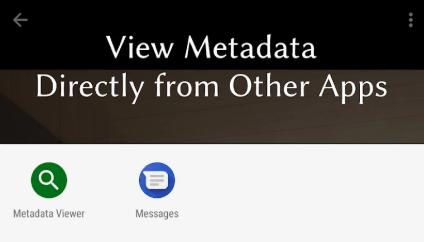
Check the places where photographs were captured on a map (provided that location data was available).
This tool accommodates numerous Exif tags that can be associated with a photo, including:
• Brand of the camera
• Model of the camera
• Serial number of the camera
• Geographical location
• Date and time taken
• Software used in processing the images
• Flash settings
• Type of light source
• Lens brand
• Lens model
• Serial number of the lens
• Dimensions, height, and resolution
• Aperture setting (F-stop)
• Duration of exposure
• ISO sensitivity
• Focal length
• Metering settings
• Distance to subject
• Levels of contrast, brightness, saturation, and sharpness
• White balance adjustments
• And many additional details!
Highlights:
• User-friendly and straightforward
• Supports a wide range of Exif tags
• Displays image locations on a map (if such data is present)
• Free from excess features
• Requires no extraneous permissions
• Completely free of charge!
Applicable Scenarios and User Groups:
- **Photography Enthusiasts/Professional Photographers**: Trace the shooting parameters (e.g., aperture, focal length) of past works to review shooting ideas or optimize subsequent creations;
- **Image Review/Copyright Verification**: Use information like camera serial number and shooting time to help determine the originality and authenticity of images;
- **General Users**: Check the shooting location of images (e.g., the location of travel photos) and learn about the equipment used by others to satisfy everyday curiosity;
- **Workplace Needs**: For industries like media and design, verify image resolution, post-processing software, and other attributes to ensure compliance with usage specifications.
Usage Limitations:
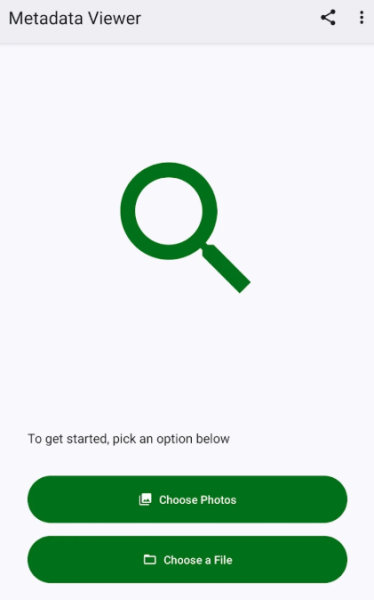
- Can only parse "included" Exif data in images: If the image was shot without location data (no geodata) or if the Exif information was later deleted (e.g., some social media platforms automatically delete it when uploading), the missing content cannot be viewed;
- Focused on viewing, not editing: Only supports reading and displaying metadata; it does not support modifying, adding, or deleting Exif tags. Metadata editing requires additional tools.
FAQs:
1. **Q**: What information can this tool view about images?
**A**: It supports viewing a vast amount of Exif tag information, covering details of the shooting device (camera/lens brand, model, serial number), shooting parameters (aperture, shutter speed, ISO, focal length, white balance, etc.), basic shooting information (time, location), image attributes (size, resolution), and post-processing information (editing software used).
2. **Q**: Can I see the location where a photo was taken on a map?
**A**: Yes, but **provided the image itself contains Exif data of the geographic location**. If location services were not enabled during shooting, or if the data was subsequently deleted, the shooting location will not be displayed on the map.
3. **Q**: What are the core advantages of this tool?
**A**: The advantages are concentrated in four points: First, the interface is simple and easy to use, with no unnecessary functions; second, it supports a wide range of Exif tags; third, it requires no extra permissions and is safe to use; fourth, it is completely free.
4. **Q**: Who is this tool suitable for? **A**: Suitable for four types of users: Photography enthusiasts/professional photographers for reviewing shooting parameters and optimizing creative work; those who need to verify image copyright, using device serial numbers and shooting times to determine image authenticity; ordinary users to view the shooting locations of travel photos and satisfy their curiosity; and media, design, and other industry professionals to check image resolution, post-processing software, etc., to ensure compliance with usage guidelines.
5. **Q**: What are the limitations of using this tool?
**A**: There are two main limitations: First, it can only read Exif data that is **already contained** in the image. If the data has been deleted or was not recorded at the time of shooting, the corresponding content cannot be viewed; second, it only supports **viewing** metadata and does not have the function of editing, adding, or deleting Exif tags.
- Version1.0.295
- UpdateOct 21, 2026
- DeveloperSyrupy
- CategoryTools
- Requires AndroidAndroid 5.0+
- Downloads168K+
- Package Nameapps.syrupy.metadataviewer
- Signaturec3acb94aaa6228fdf7e3eb366d789871
- Available on
- ReportFlag as inappropriate
-
NameSizeDownload
-
4.66 MB
-
4.66 MB
-
4.66 MB
















Easy to use interface
Efficient performance
Displays GPS location and time information
Works well with JPEGs from various cameras
Useful for verifying metadata removal
Ability to export metadata to other apps
Detailed information for photos taken on the device
Only shows metadata for photos taken on the device
Limited support for shared or received photos
Difficult to read or simplistic values
Lack of a file browser for local images
No option to copy metadata for pasting
Does not support WebP files
Missing detailed data description for online images
Ads present in the app
Doesn't display certain camera-specific data