
EPS Télésurveillance - Remote alarm control
Take charge of your security! Monitor & manage your alarm system anytime, anywhere with user-friendly EPS mobile app.

- 4.15.7 Version
- 2.0 Score
- 154K+ Downloads
- Free License
- 3+ Content Rating

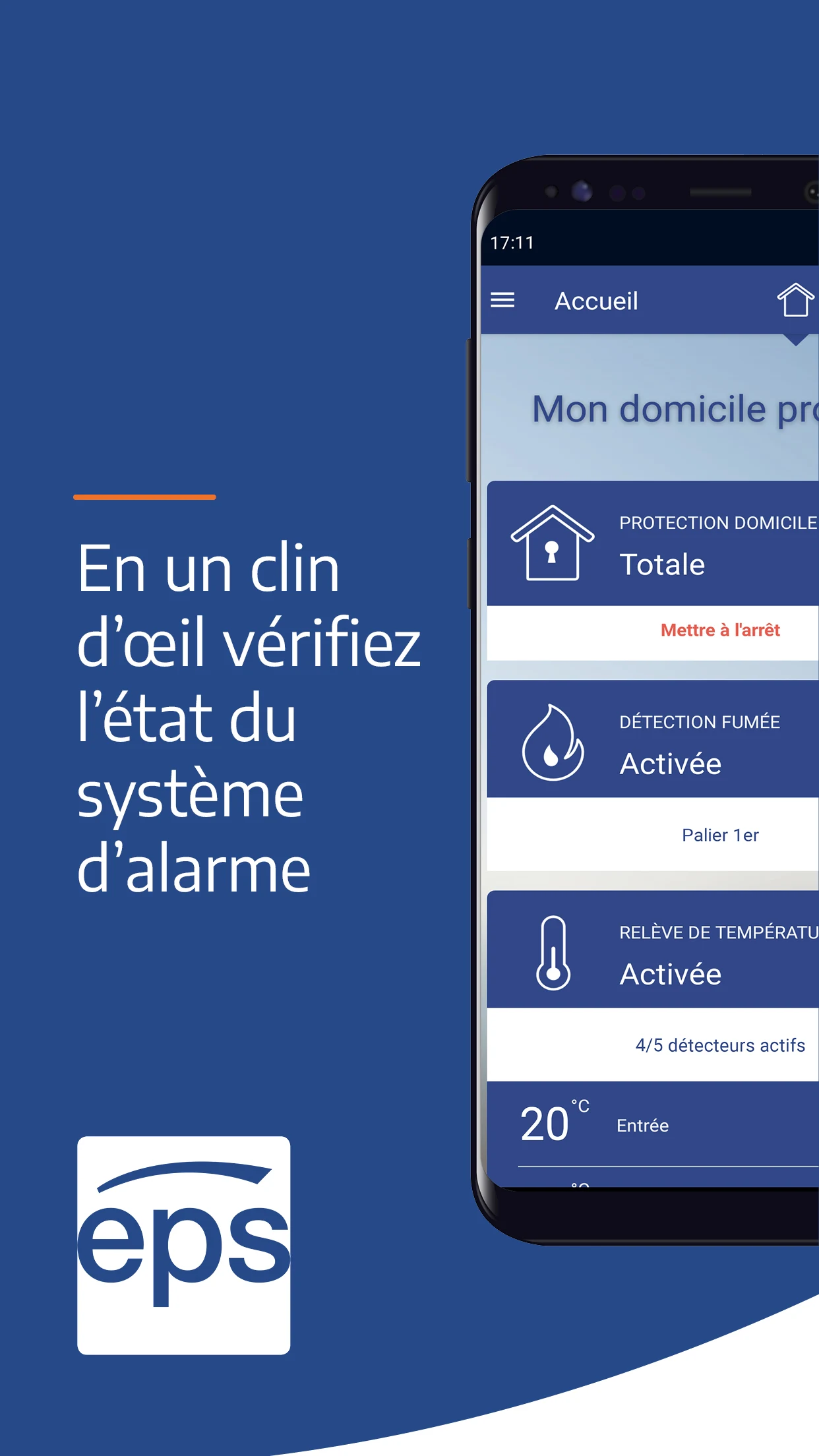
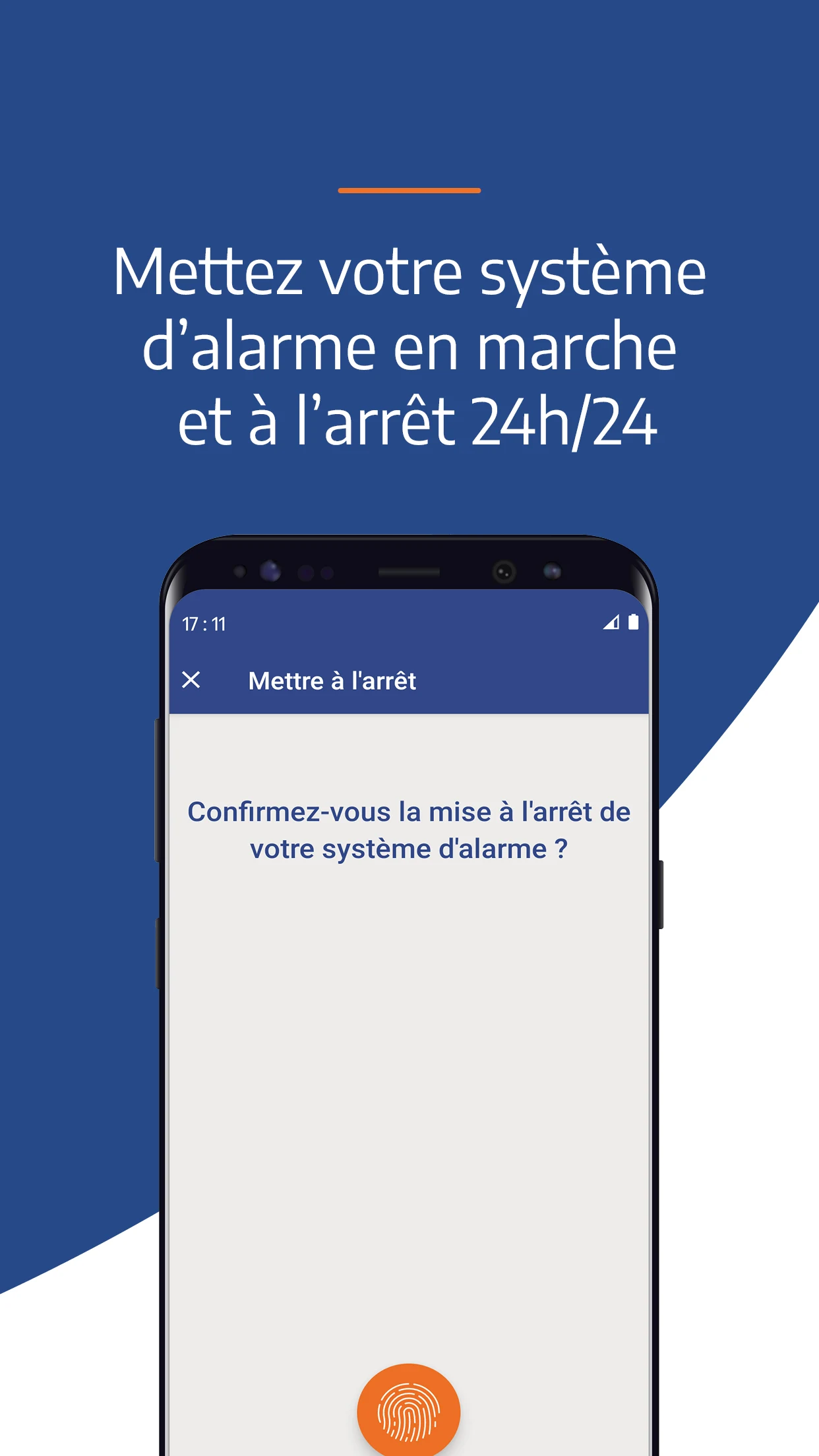
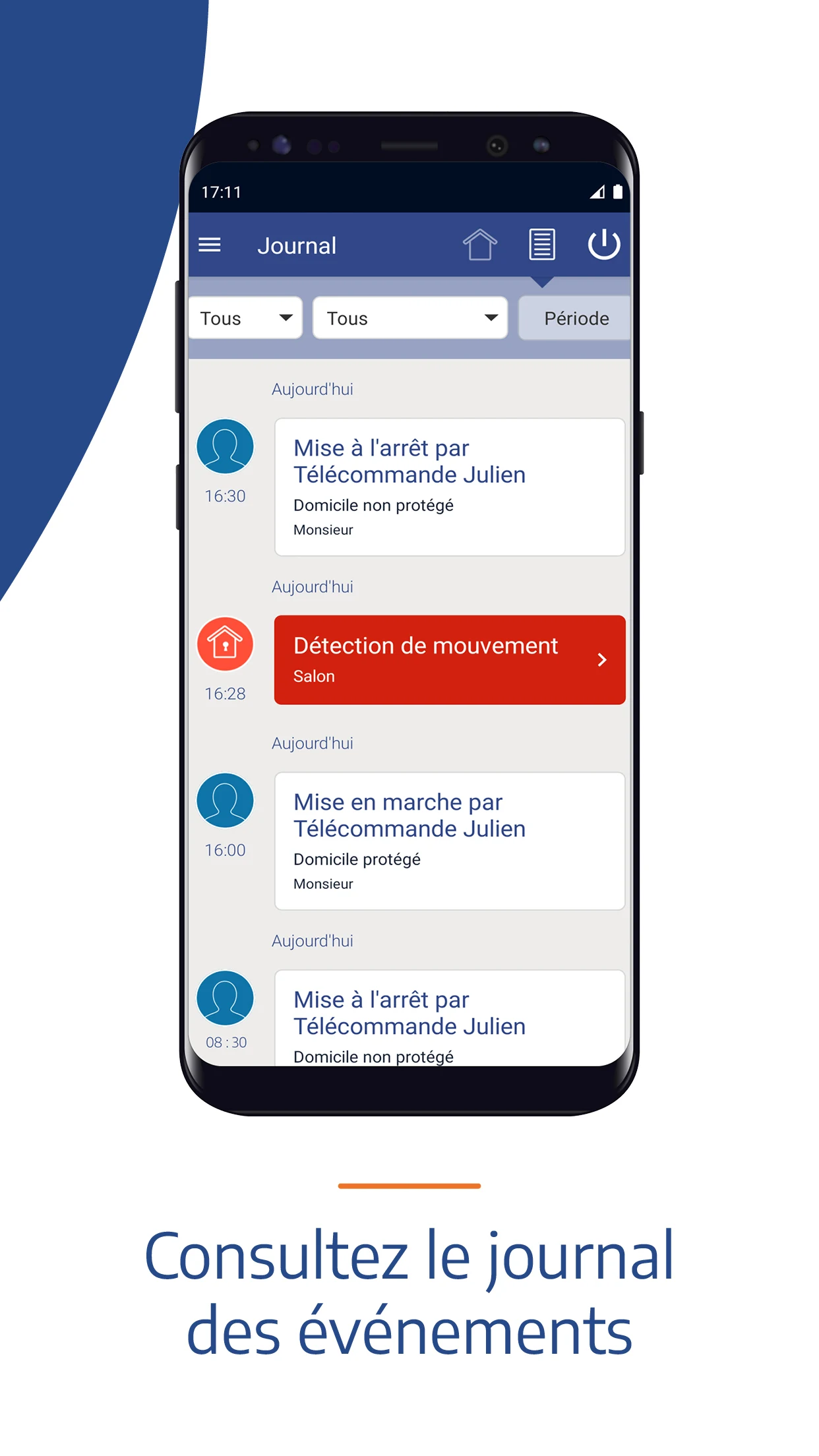
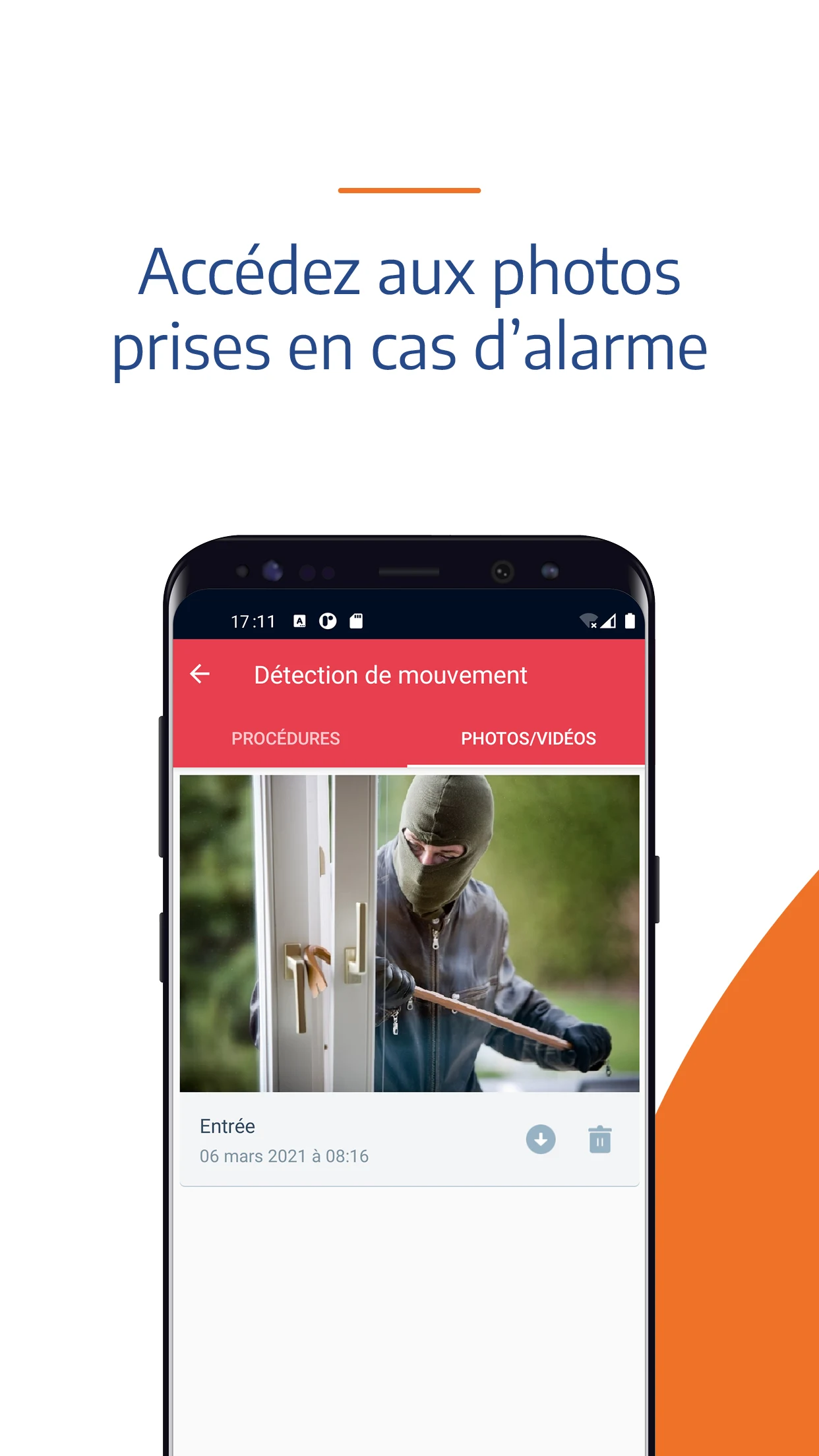
Manage your alarm system from anywhere using the EPS app on your smartphone.
HOW TO CONNECT?
- This app is exclusively for EPS subscribers and is part of the remote monitoring service.
- Your login credentials consist of the same username and password you use for your subscriber account.
- Once you've logged in, the app will prompt you to set up facial recognition or fingerprint authentication based on your smartphone model. Just follow the instructions provided.
- You can then access the app with just two taps.
WHAT ARE THE MAIN FEATURES?
- Verify if your alarm system is activated or deactivated
- Activate or deactivate your alarm system remotely*
- Monitor real-time alarms
- Review the event log
- Configure your Signô notification settings
- View, create, modify, and delete your keyboard codes*
- Check your subscription invoices
- Test your equipment
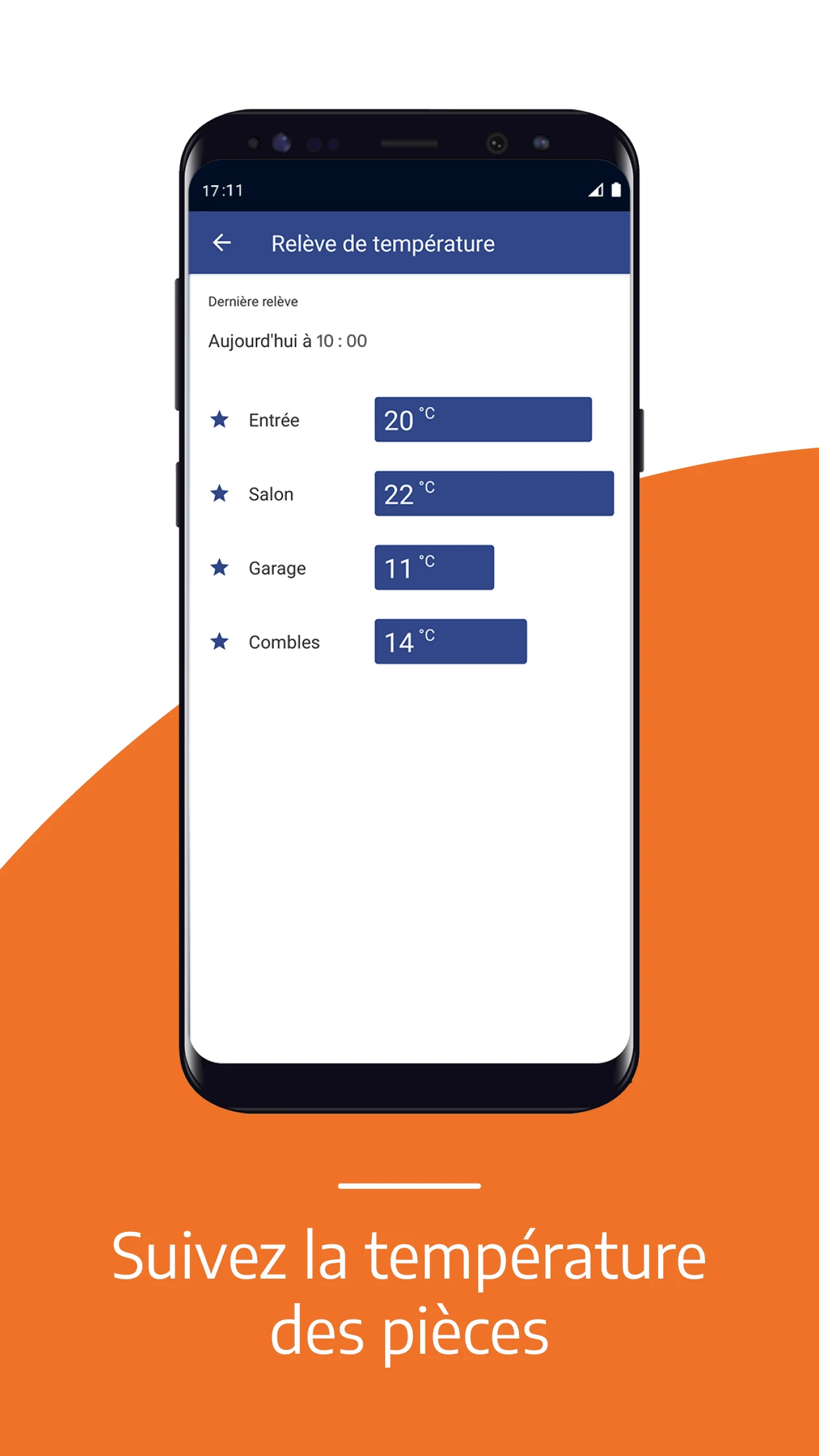
- Monitor the temperature in rooms fitted with our detectors.
- Provide us with instructions for temporary absences (departure and return dates, etc.). This information will assist the monitoring center in taking necessary actions if there’s an alarm during your absence. You can update these instructions whenever needed.
* This function requires a compatible device that supports fingerprint or facial recognition technology.
ADVICE:
To ensure you always have access to the newest features, remember to enable automatic updates.
APPLICATION EXPERIENCE:
EPS, this security management app, is incredibly practical! As a subscriber to the remote monitoring service, I can log in directly with my subscription account and set up facial or fingerprint authentication—it's a quick and easy setup that gives me maximum peace of mind. No matter where I am, I can check the status of my home alarms anytime, remotely control their on/off states, monitor room temperature, view event logs, manage keypad passwords, and submit temporary outing information before leaving home. The monitoring center can also handle emergencies promptly, making it a true personal security manager. Occasionally, a poor network connection causes control failures; simply wait for the signal to recover and try again. The system records everything synchronously, which is extremely convenient. Although it doesn't currently support multi-account sharing, the overall user experience is very smooth, making it a great helper for protecting home security!
FAQS:
### 1. Can EPS users who haven't activated the remote monitoring service download and use this app?
No. The app is an exclusive companion tool to the EPS remote monitoring service and is only available to subscribers who have activated the service. Even if you download the app, after entering your account and password, you'll receive a "No Service Permissions" message and won't be able to access the functional interface. If you wish to use it, you must first contact EPS customer service to activate the remote monitoring service.
### 2. If I lose my phone, could someone else use the app to control my alarm system?
The risk is very low. First, biometric authentication (face/fingerprint) is enabled by default when logging into the app. Without your facial information or fingerprint, others won't be able to access the app through quick login. Second, if your phone is unlocked, even if you open the app, you'll still need to verify your biometric information when accessing core functions like "remotely turn the alarm on and off" or "change password." (Some models will even prompt a pop-up asking for your account and password for secondary confirmation.) Furthermore, it's recommended that you contact EPS customer service immediately after losing your phone to temporarily freeze the app's permissions to further mitigate risk.
### 3. Will remote control of the alarm system fail if the network connection is poor? Can I recover from this later?
It may fail. Remote control relies on a stable network (mobile data or WiFi). If the network is disconnected, commands will fail to send, and the app will display a "Connection Timeout" message. In this case, simply wait for the network to recover and try again—the system will prioritize the most recent command, and the operation will be synchronized to the event log, making it easy to verify success later.
### 4. Can I set app permissions for family members? For example, can I ask them to help remotely disable the alarm?
Currently, we don't support sharing permissions across multiple accounts. The app is only linked to the primary subscription account used to activate the service; you can't add "sub-accounts" or "family permissions." If a family member needs to perform operations, they can only temporarily log in using the primary account password (this will trigger a login notification for the primary account). However, we recommend avoiding frequent password sharing. You can use "Submit Temporary Out of Office" to inform the monitoring center of your family's permissions, indirectly allowing them to assist.
### 5. My room temperature sensor isn't responding, and I can't find the temperature on the app. Is this a problem with the app?
Not necessarily. It could be a problem with the sensor or the connection. First, check whether the detector is powered (e.g., whether the battery is dead or the power plug is loose). If the hardware is normal, log out of the app and log back in, then refresh the temperature page. If there is still no data, it's likely a connection failure between the detector and the alarm system (e.g., signal loss). Contact EPS technicians for on-site inspection, not a problem with the app itself.
### 6. If automatic updates are turned off and the app isn't updated promptly, will this affect core functionality?
Probably not in the short term, but there are long-term risks. Basic functions like "View Status" and "Receive Alarm Notifications" on older app versions generally work normally in the short term.
- Version4.15.7
- UpdateOct 20, 2026
- DeveloperEPS
- CategoryTools
- Requires AndroidAndroid 6+
- Downloads154K+
- Package Namecom.eps.epsmobile
- Signature4b3edad012e0bb3efff391ccadb2e576
- Available on
- ReportFlag as inappropriate











Highly secure
Practical functions
Easy to operate
Strict permission restrictions
Depends on network hardware
Weak functional integration