
Yris - Digital identity creation
Unlock your digital identity in 5 minutes with secure verification & easy access to online services anytime, anywhere.

- 1.0.16 Version
- 1.0 Score
- 252K+ Downloads
- Free License
- 3+ Content Rating

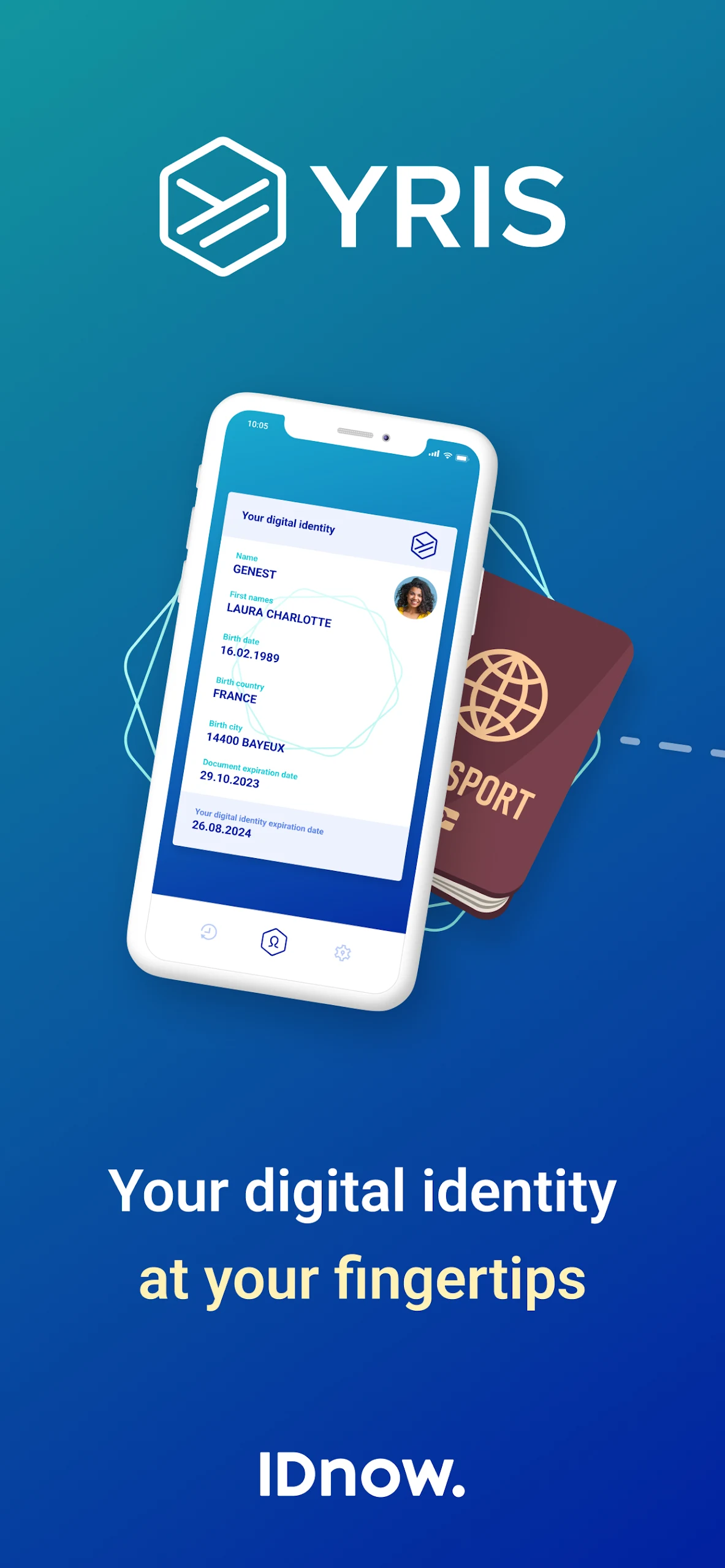
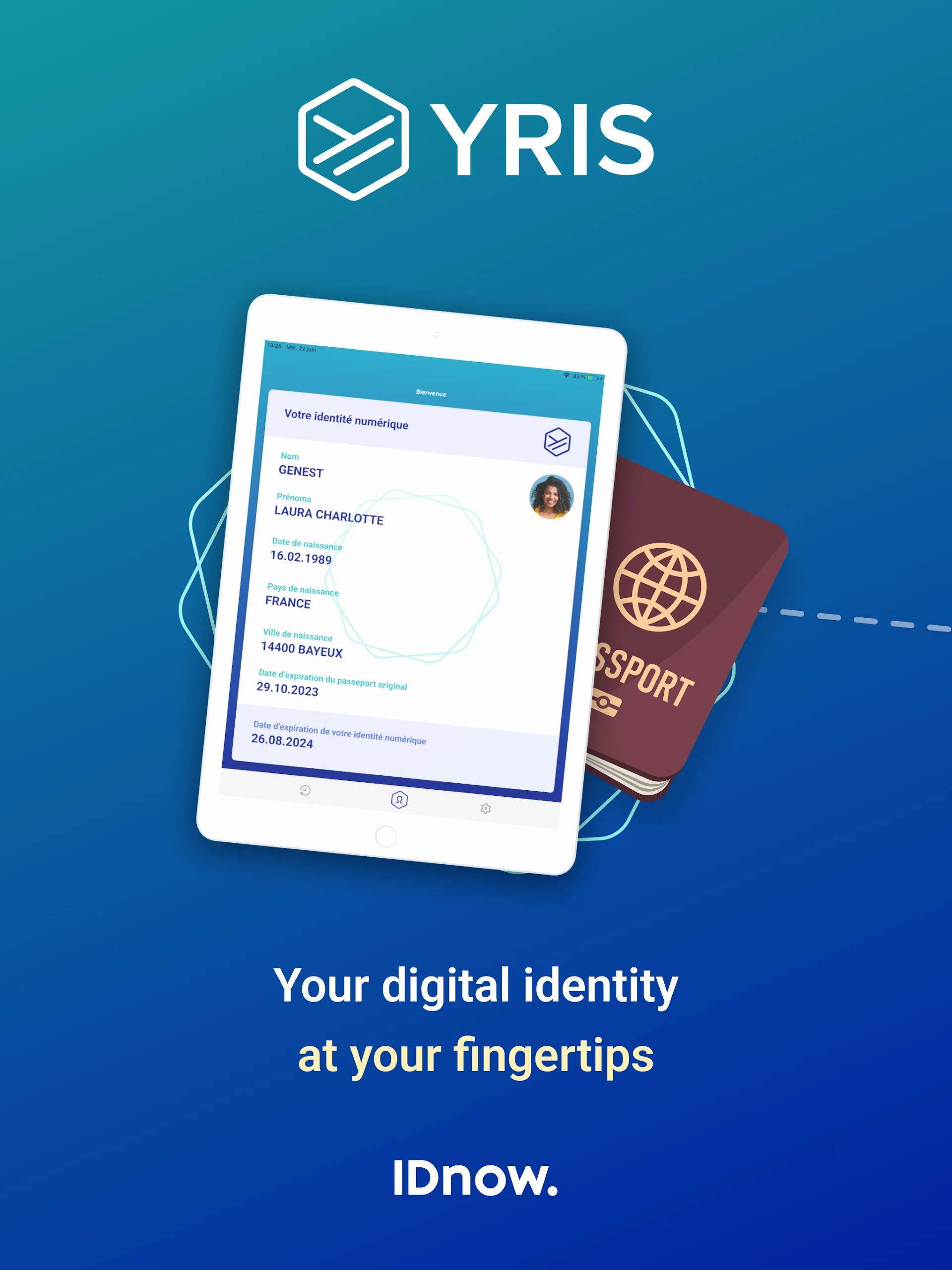
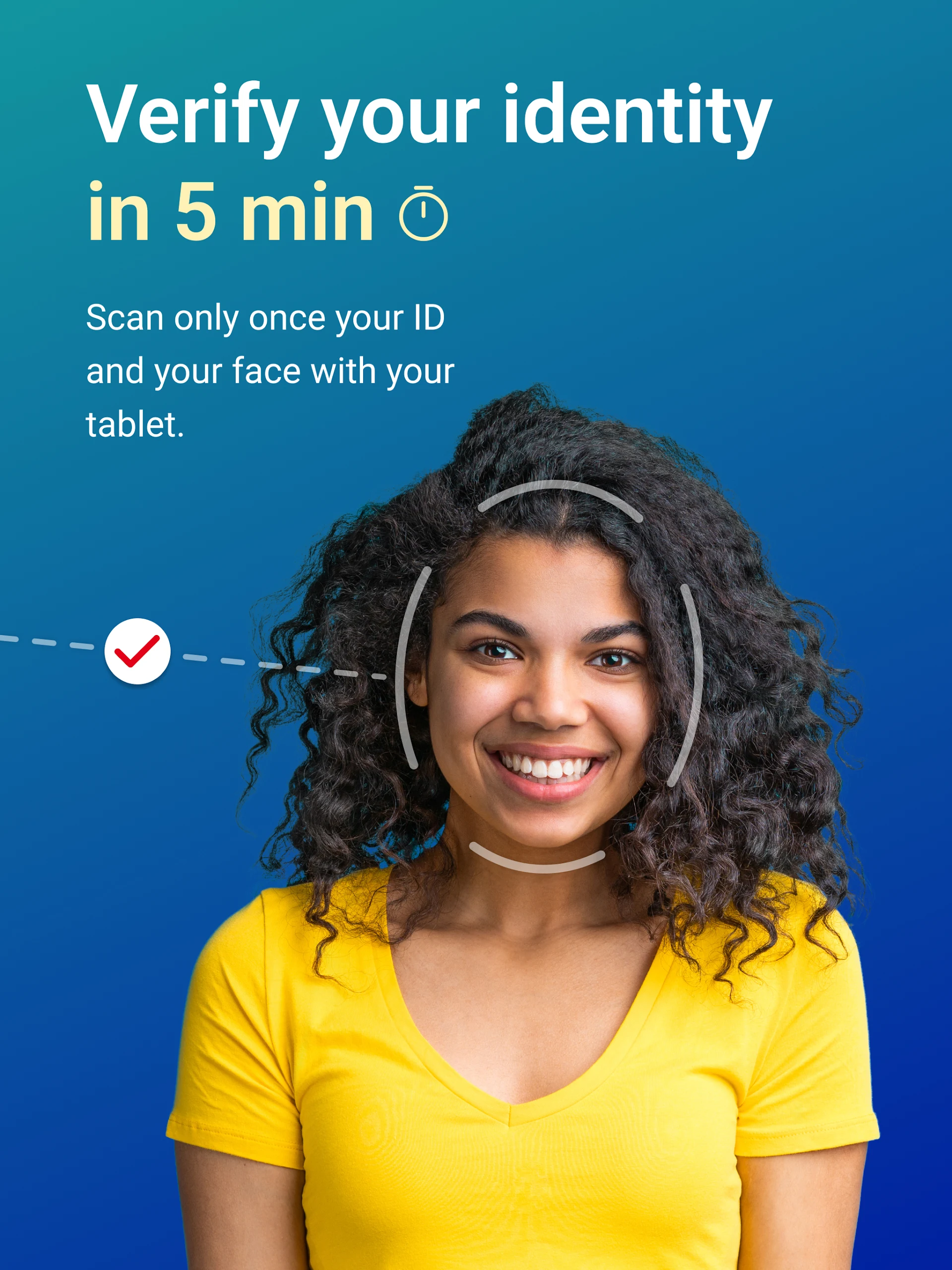
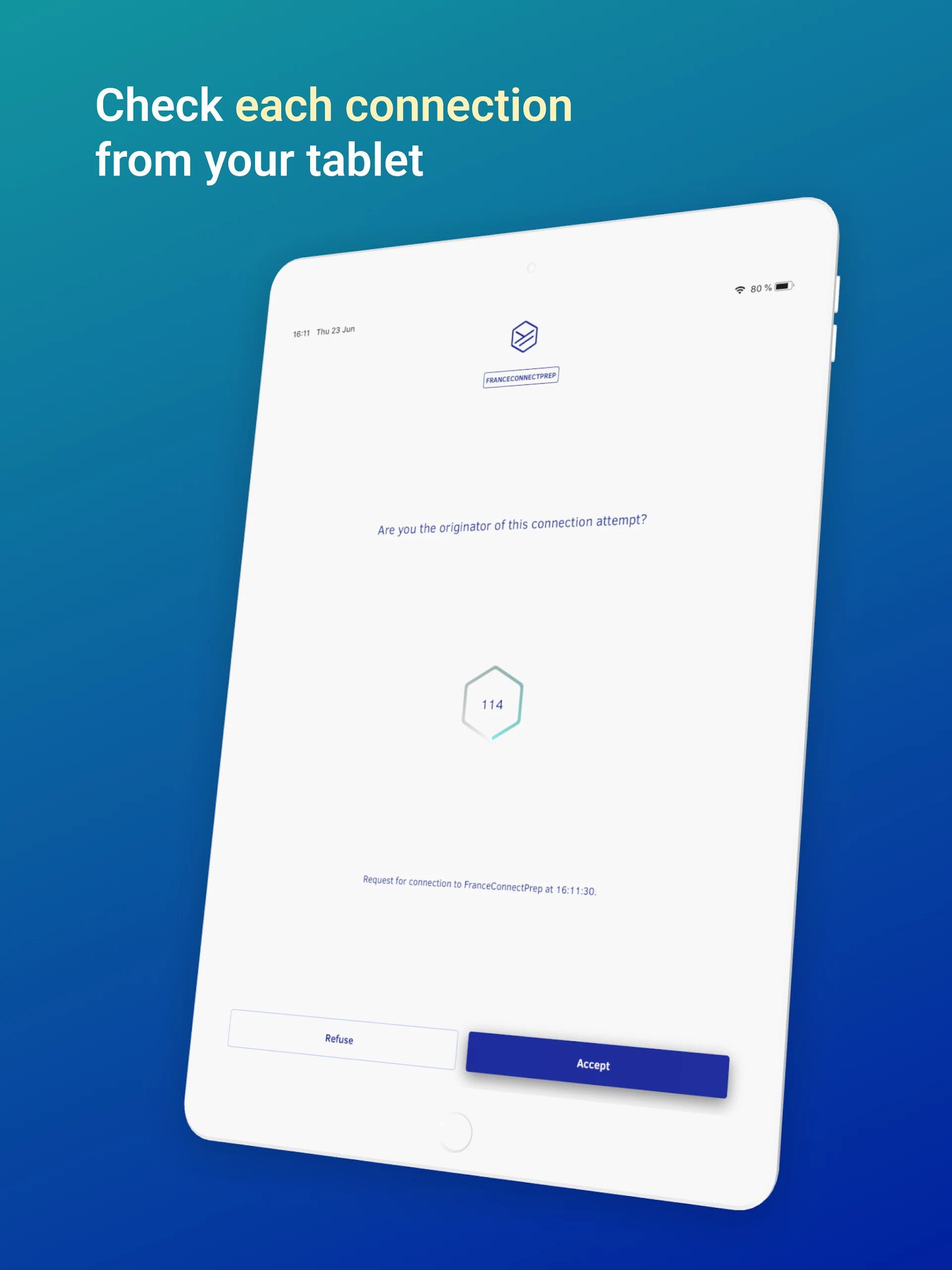
YRIS enables you to establish your digital identity in just five minutes using your smartphone.
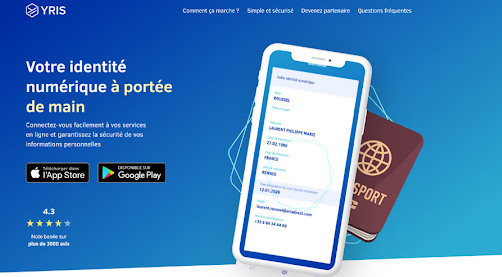
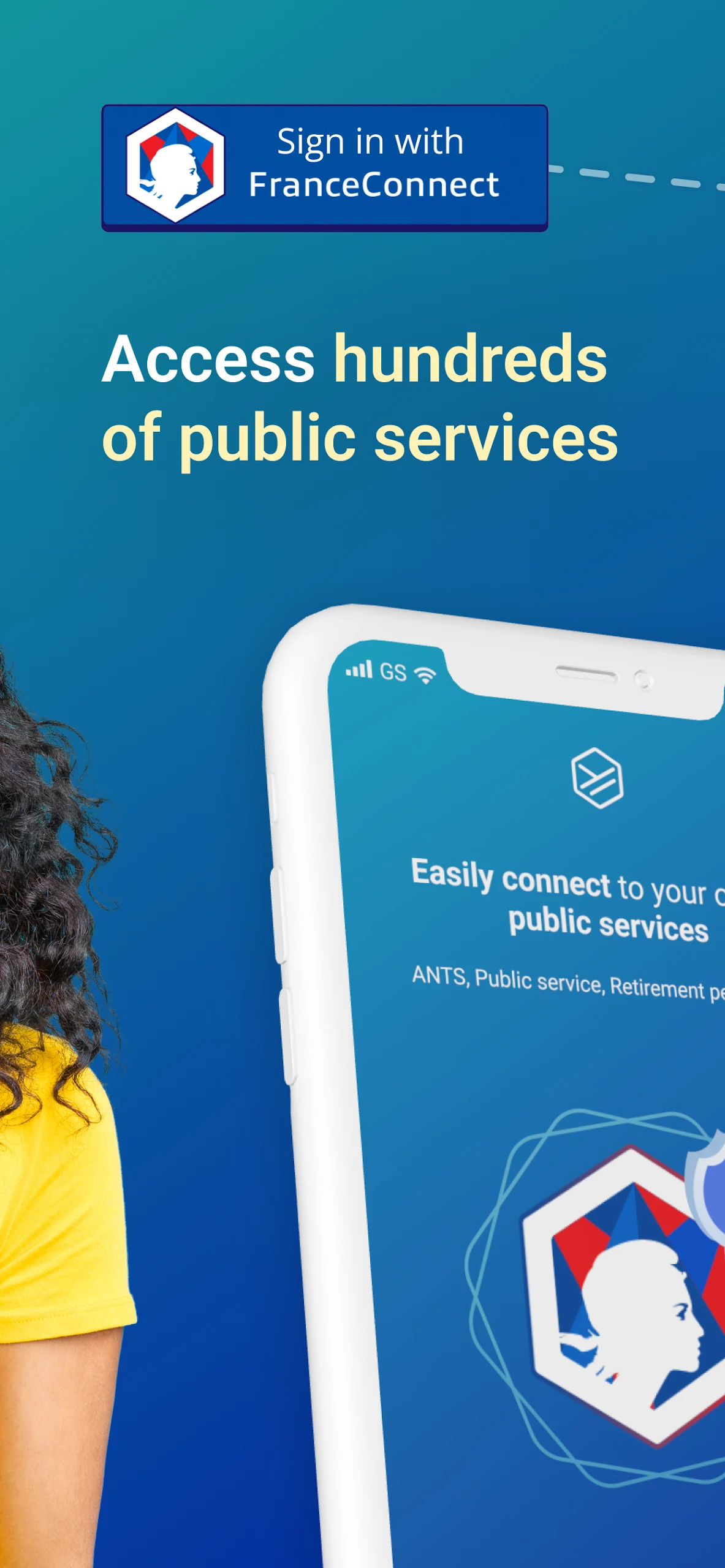
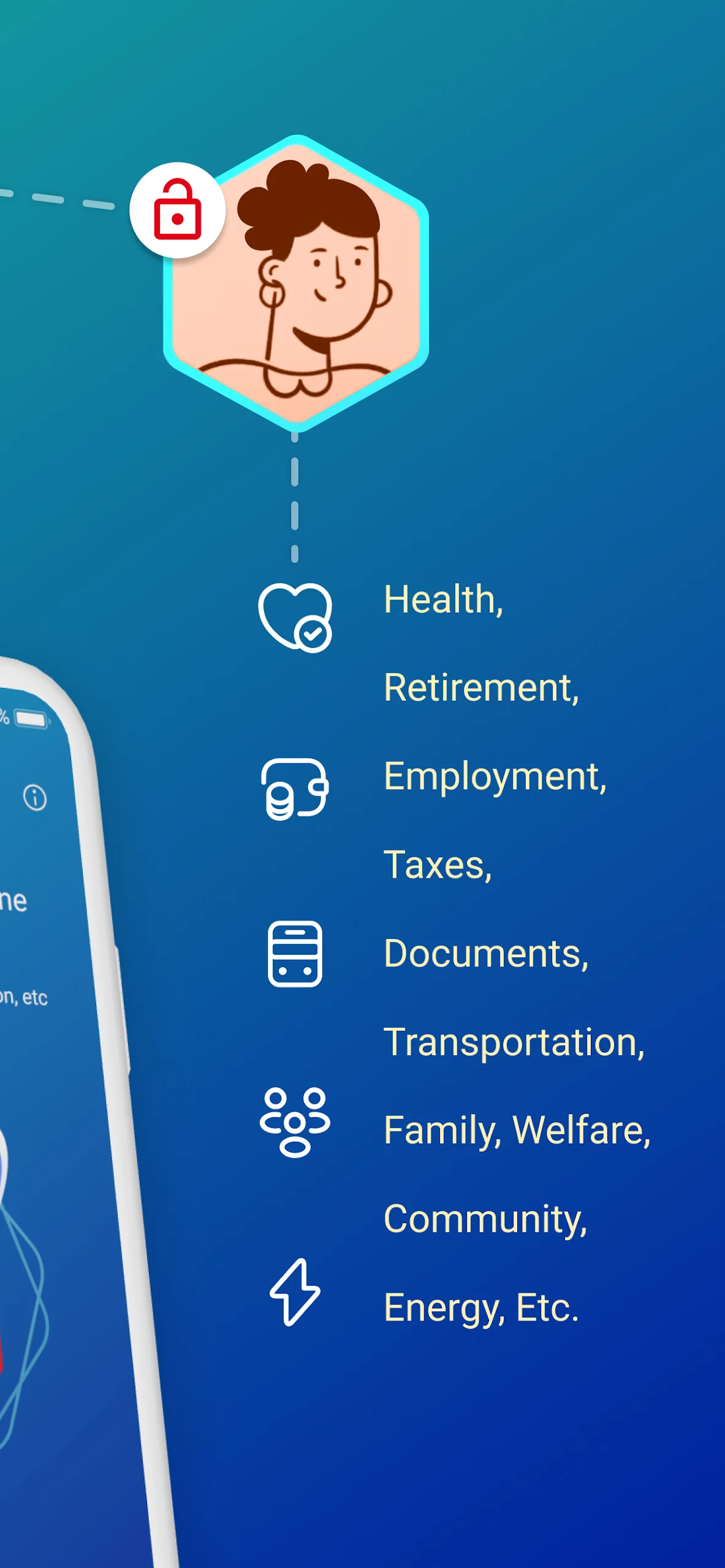
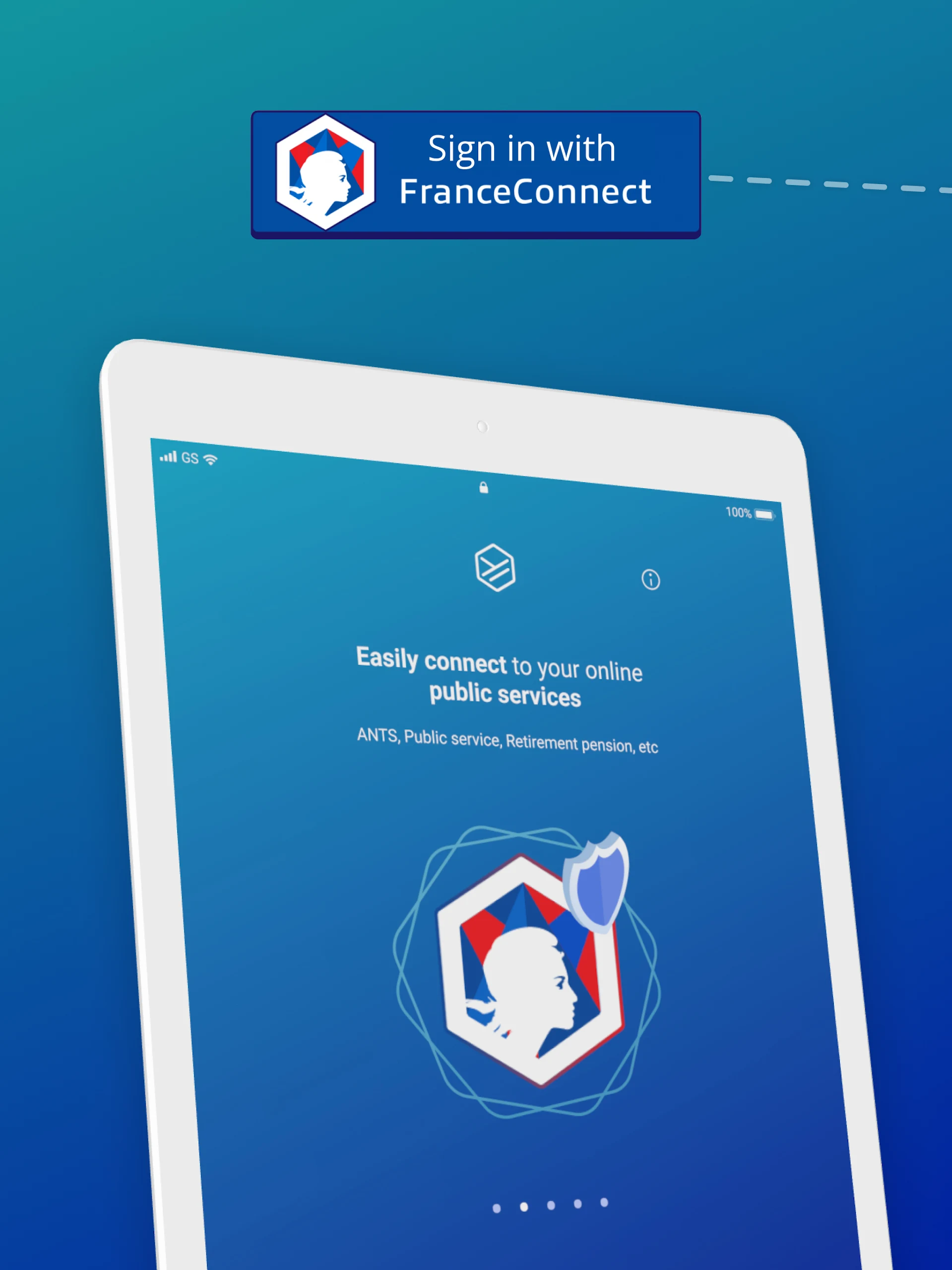
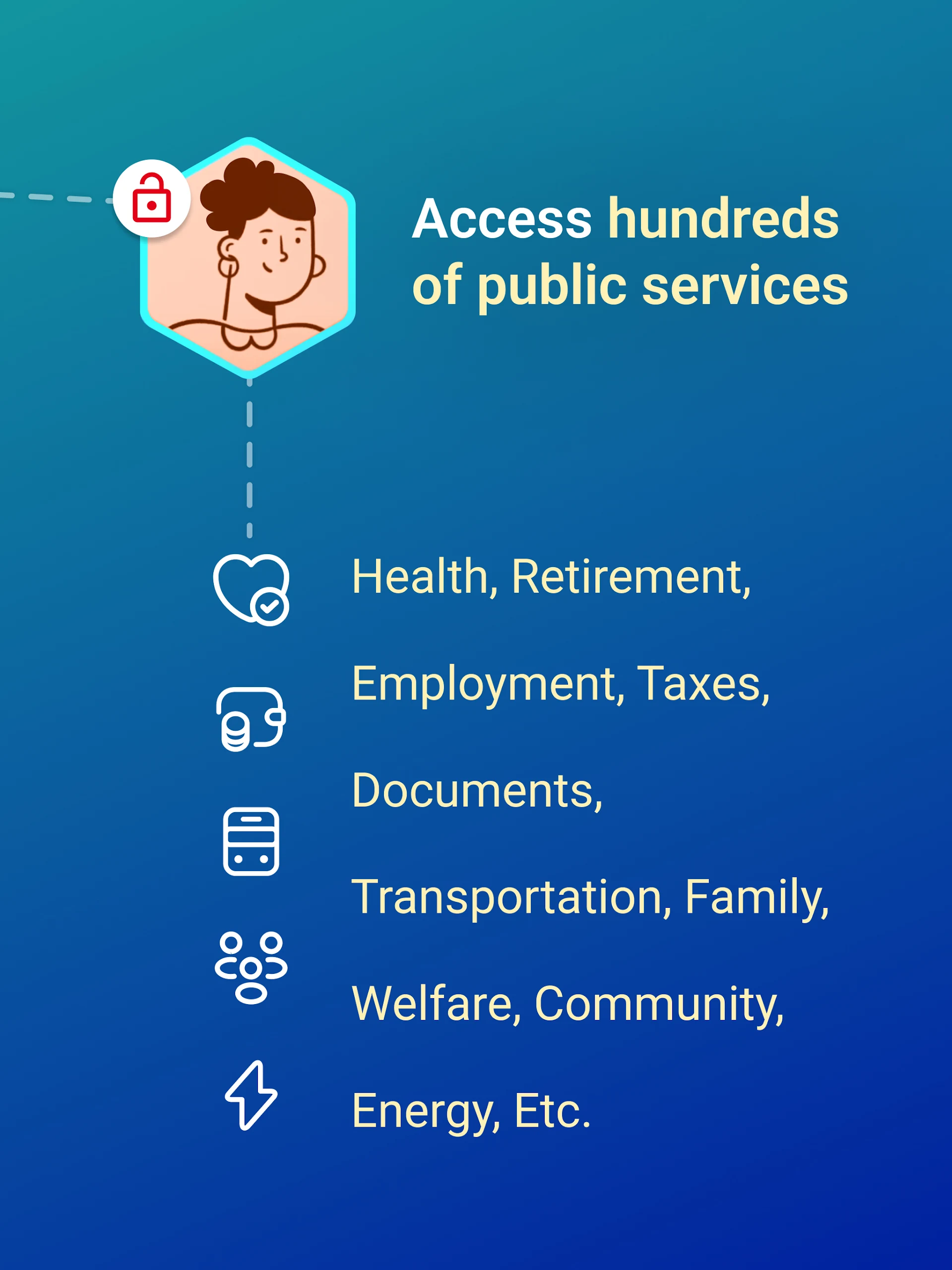
You can easily access numerous online services that are connected to FranceConnect or those that integrate the solution directly.
HOW DOES IT WORK? ✨
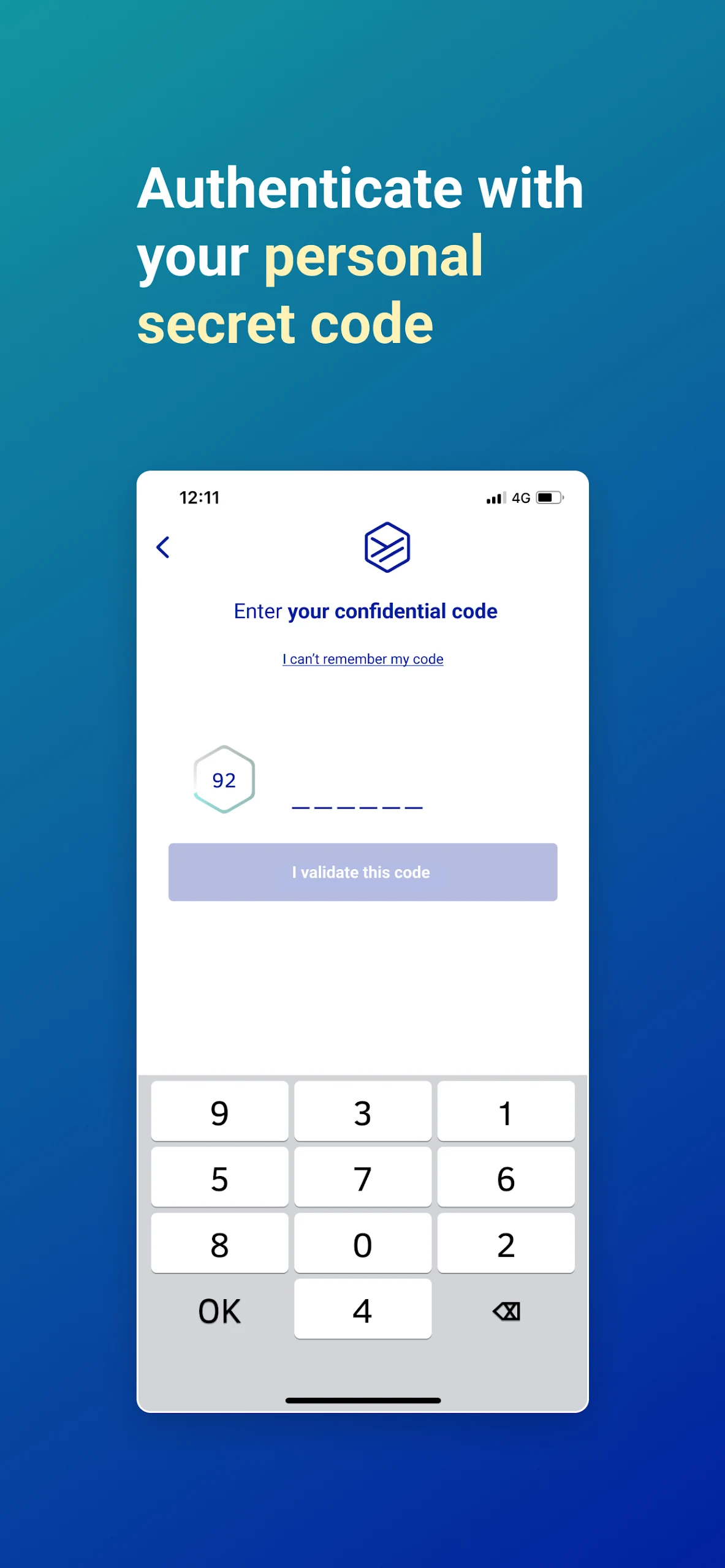
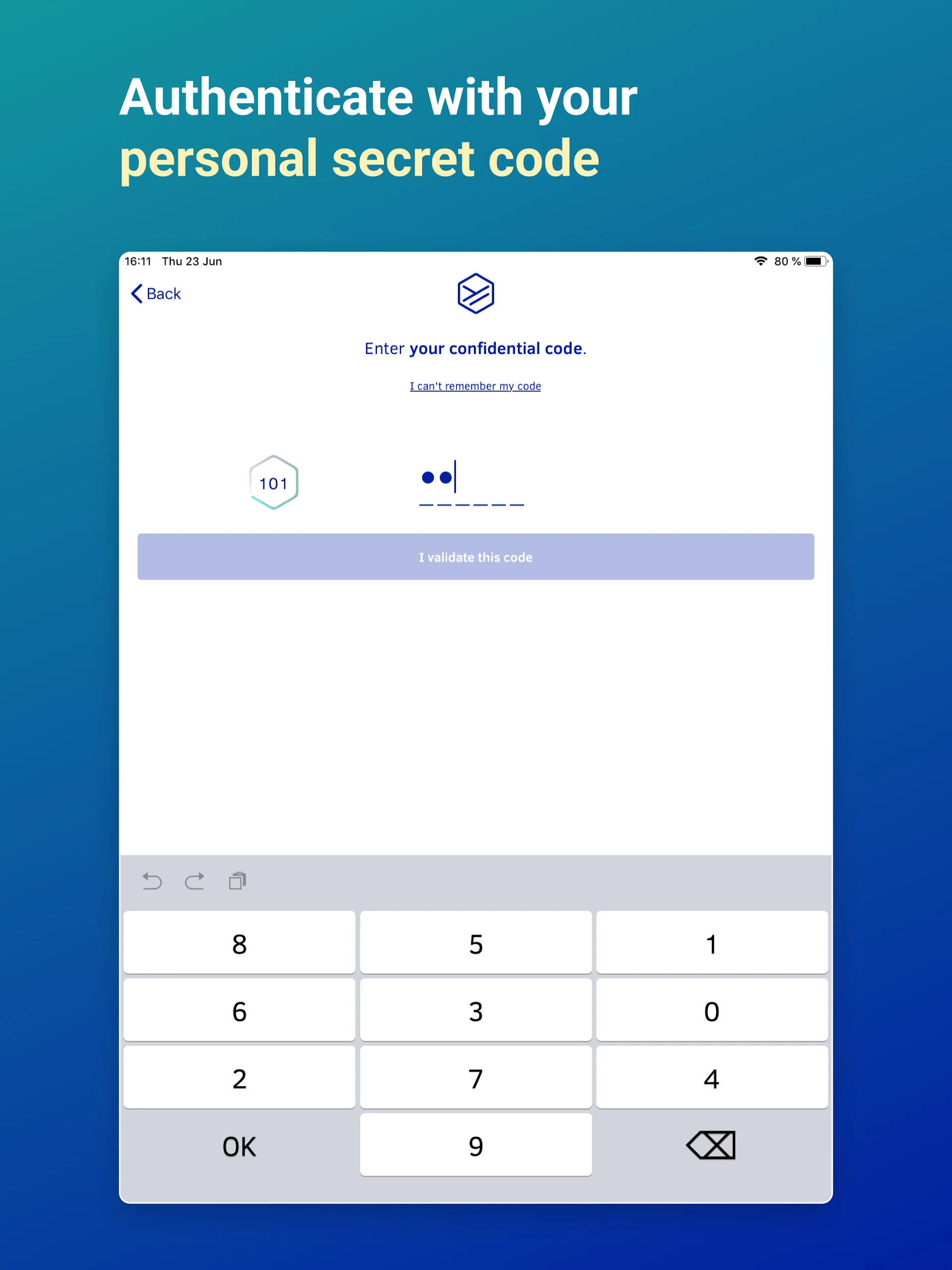
1 — Begin by entering your mobile number and then create a personal code to secure your account.
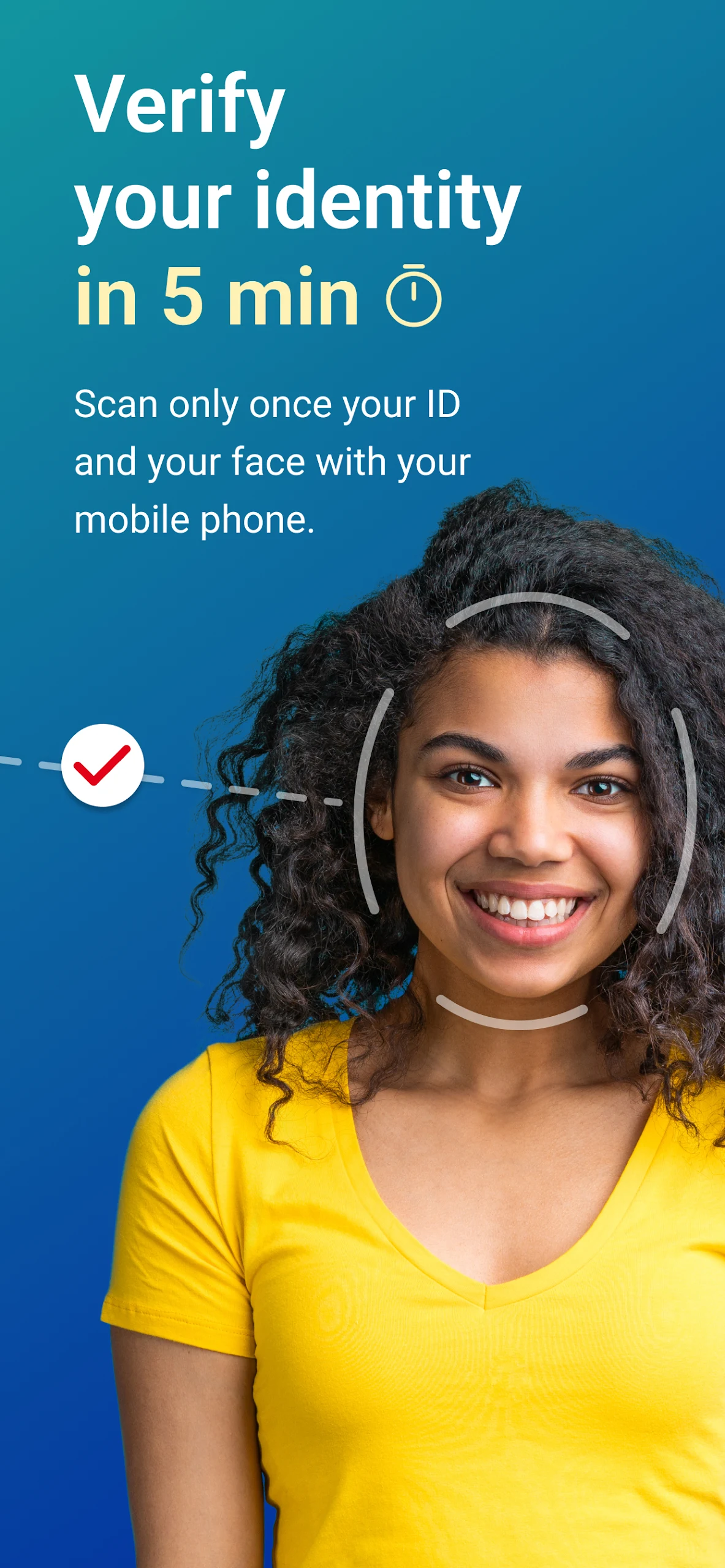
2 — Verify your identity by scanning your ID and taking a selfie. This way, we can confirm it is indeed you.
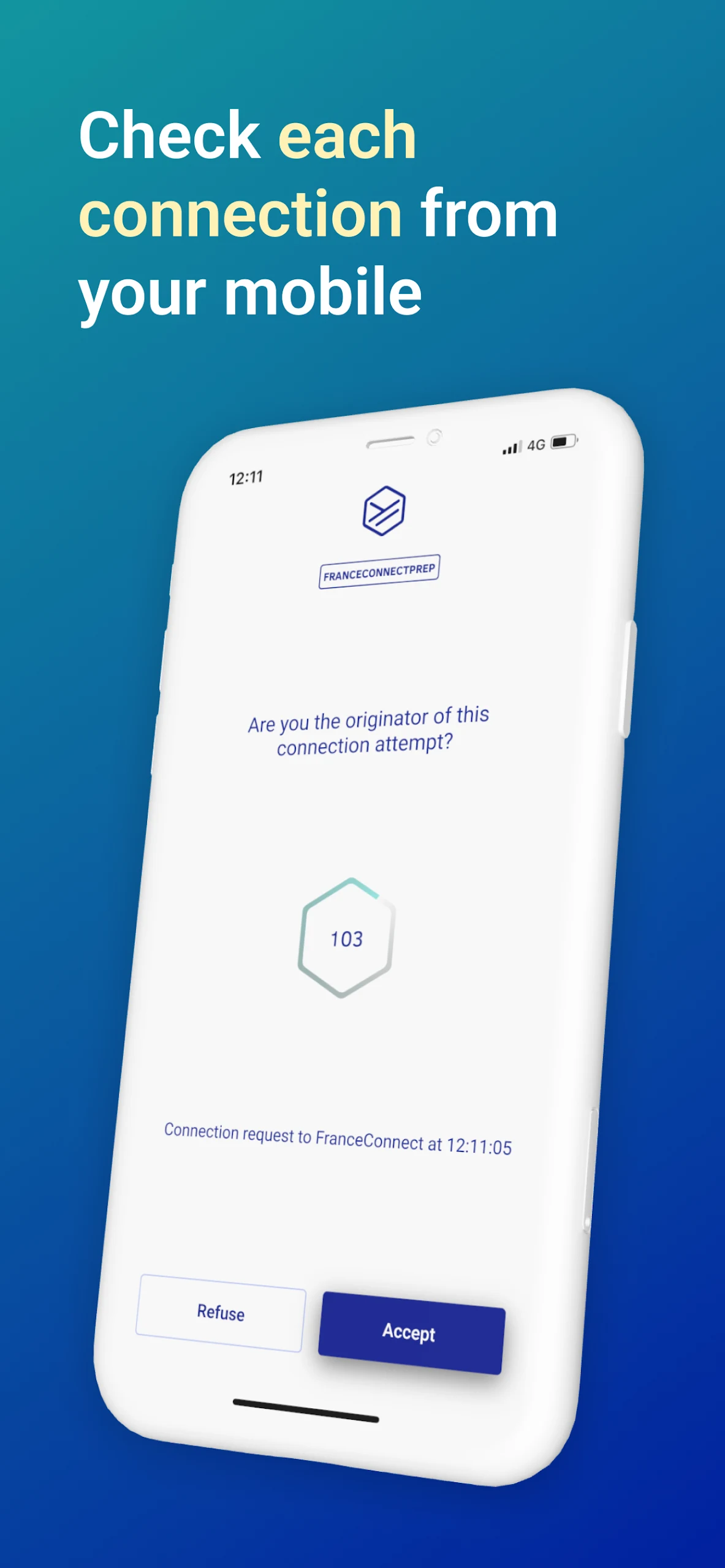
3 — Effortlessly connect to all partner services by entering your personal code on your mobile each time you want to log in.
4 — You now possess a digital identity that complies with European security standards.
Complete Digital Identity Creation in Three Steps
1. Download the App and Secure Your Account
- First, search and download the YRIS app from the App Store (Apple devices) or Google Play (Android devices).
- After opening the app, enter your mobile phone number and set a confidential PIN to protect your YRIS account from unauthorized access.
2. Verify Your Identity and Confirm Your Email Address
- Follow the app's prompts to take a photo of your ID (such as your passport or ID card) and record a short selfie video to confirm your identity and ensure the authenticity and security of your digital identity.
- Finally, verify and confirm your email address to complete the account configuration process.
3. Enjoy the convenience of digital identity
- After completing the above steps, you can use YRIS to log in to various partner online services.
- No need to remember complex passwords or repeat identity verification steps, easily access a wide range of partner service resources.
Features:
YRIS IS EASY 😄
Authenticate your identity quickly and remotely: with YRIS, verification is conducted right on your phone using your ID document and a selfie.
• No need for in-person meetings
• Compatible with all European biometric identity documents
• Hybrid verification (both automated and manual) completed in five minutes
• A digital identity that meets a substantial security level
YRIS IS HANDY 👍
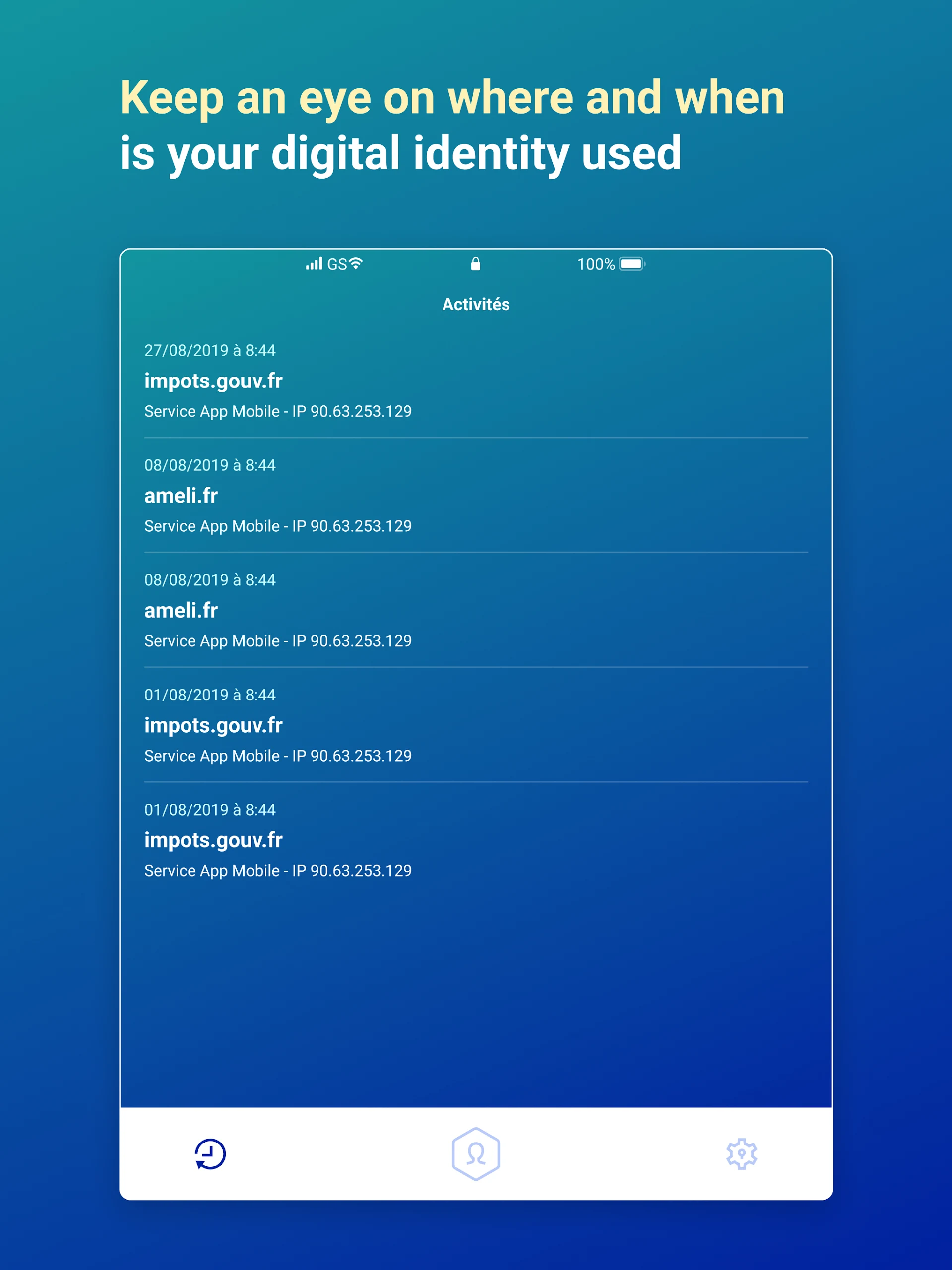
Demonstrate your identity and safeguard against impersonation. Sign in with our partners using a unique security code. Access your digital identity from anywhere on a computer or smartphone with your login credentials.
YRIS IS SECURE 🔑
• Your identity is managed and verified through a dual-check process (both automatic and human) to detect any fraudulent activities.
• A straightforward yet robust authentication method endorsed by ANSSI (CSPN) incorporating two factors (smartphone + code)
• Compliant with EIDAS and GDPR: our solution adheres to a variety of requirements to ensure heightened security.
• Aligned with PVID (ANSSI): our remote identification method maintains a substantial level of security as defined by ANSSI.
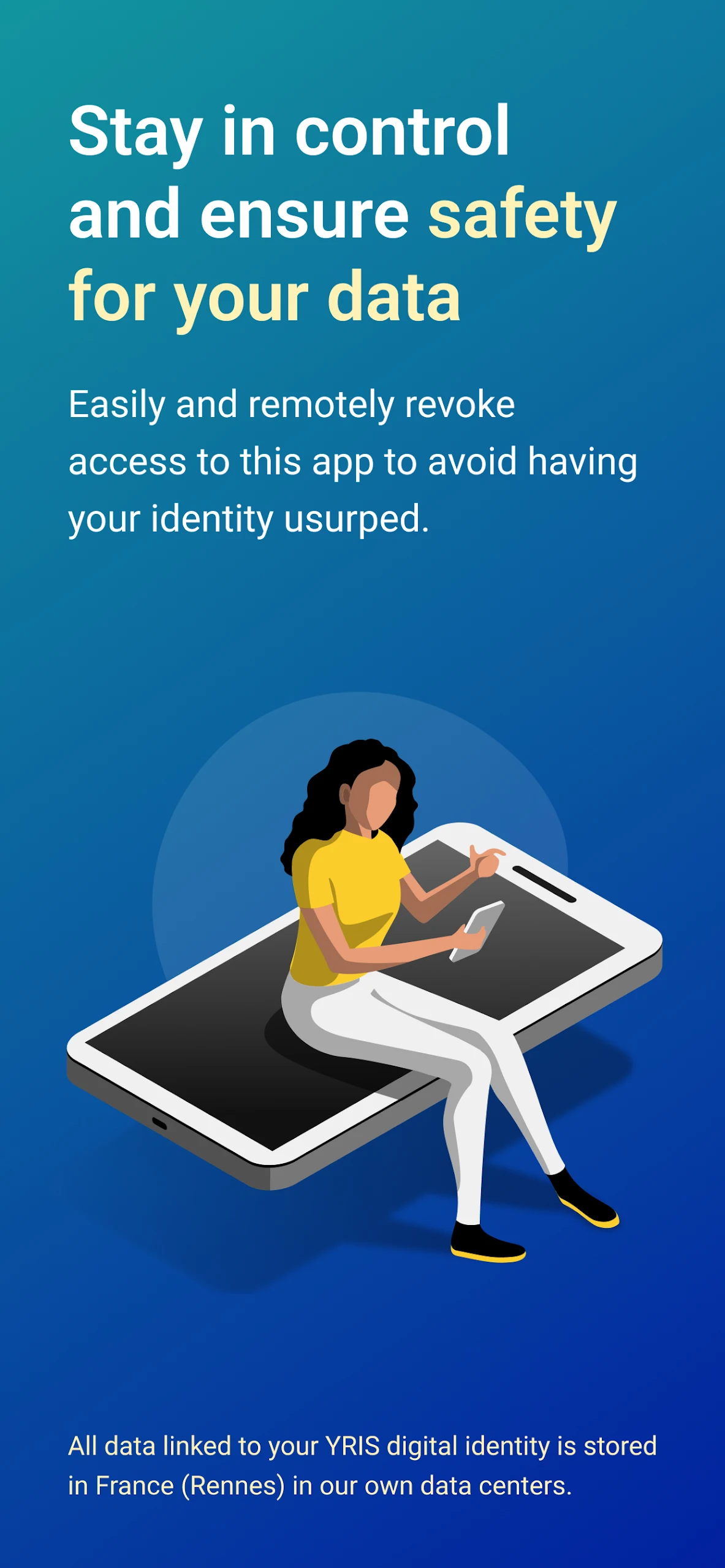
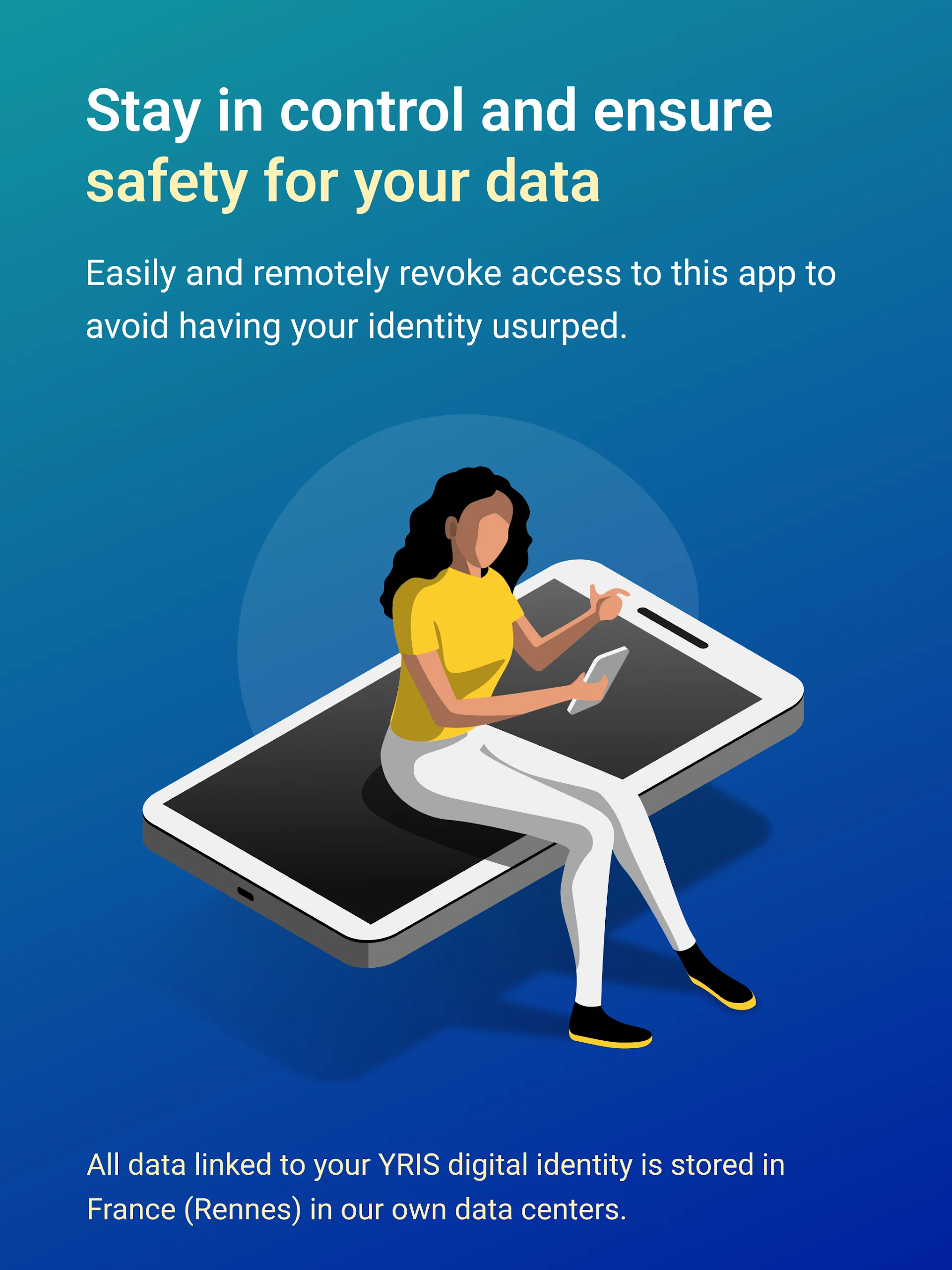
• You can easily revoke access to this application remotely to avoid potential identity theft.
• All information associated with your YRIS digital identity is securely stored in France (Rennes) within our own data centers.
Related Questions and Answers:
## 1. How long does it take to create a digital identity using YRIS? Is it complicated?
The creation process is quick, taking only 5 minutes, and the process is simple. It only takes three steps: first, enter your phone number and set a personal security code; then, scan your ID and take a selfie to complete your identity verification. Finally, you'll have a digital identity that meets European security standards. The entire process is done on your phone, with no additional complex procedures to learn.
## 2. Do I need to use a French ID to verify my identity? Can documents from other European countries be used?
It's not necessary to use a French ID; biometric IDs from other European countries can also be used. The app is compatible with all European biometric IDs, so whether you hold a valid ID from Germany, Italy, or any other EU country, you can scan and verify your identity smoothly.
## 3. Do I need to re-verify my identity every time I log in to the partner platform using YRIS? Is the process complicated?
No, I don't need to re-verify my identity; the process is very convenient. After creating your digital identity for the first time, each time you log in to a partner service, you can quickly log in by simply entering your previously set personal security code on your phone. This eliminates the need to repeatedly scan IDs or take selfies, saving time.
## 4. Concerned about the security of your personal information? What measures does YRIS take to protect user information?
We have multiple security measures. First, identity verification undergoes a dual check (automatic and manual) to prevent fraud. Second, we use two-factor authentication (smartphone + security code) to comply with EU EIDAS and GDPR standards. Furthermore, all identity information is stored in our own data center in Rennes, France, and app access permissions can be remotely revoked to prevent identity theft.
## 5. Besides mobile phones, can I use my YRIS digital identity on my computer?
Yes, I can. As long as I remember my YRIS login credentials, I can access my digital identity on my computer. I'm not limited to my phone. Whether I'm working on my home computer or logging into partner services on my work computer, I can use it flexibly.
## 6. I previously used the FranceConnect service in France. Can YRIS integrate with it?
Yes, I can. YRIS supports access to all online services linked to FranceConnect and can also directly connect to platforms that have integrated the YRIS solution. This means that services previously accessed using FranceConnect can now be logged in smoothly using your YRIS digital identity, without having to register a new account.
## 7. Will I get a "Verification Failed" message during identity verification? What should I do if it fails?
Verification failures may occur due to unclear ID scans or significant discrepancies between the selfie and the ID photo. In this case, check that the ID is flat and in good lighting, rescan the ID, and take a clear selfie. If the verification fails multiple times, contact the app's customer service for manual assistance.
- Version1.0.16
- UpdateOct 20, 2026
- DeveloperARIADNEXT
- CategoryTools
- Requires AndroidAndroid 6+
- Downloads252K+
- Package Namecom.ariadnext.mobileid.yris
- Signature0892d1be0da1ac4e035165b66ec28043
- Available on
- ReportFlag as inappropriate
-
NameSizeDownload
-
140.77 MB
-
140.77 MB
-
140.75 MB














Quick resolution by tech support
Easy access to government services in France
User-friendly interface for new residents
Compatibility with multiple passports
Excellent feedback after problem resolution
Clear instructions during the registration process
Tedious and complicated registration process
Unresponsive customer support
Frequent scanning failures of identification documents
SMS verification issues, especially for international users
Ongoing bugs and system errors
Lack of clear guidance on document requirements
Privacy concerns regarding data handling
Repeated account deletion without explanation or recourse