
MyDigital ID - Identity protection & signing
Securely manage your digital identity with robust authentication & easy transaction signing for peace of mind.
- 2.5.0 Version
- 2.6 Score
- 4M+ Downloads
- Free License
- 3+ Content Rating

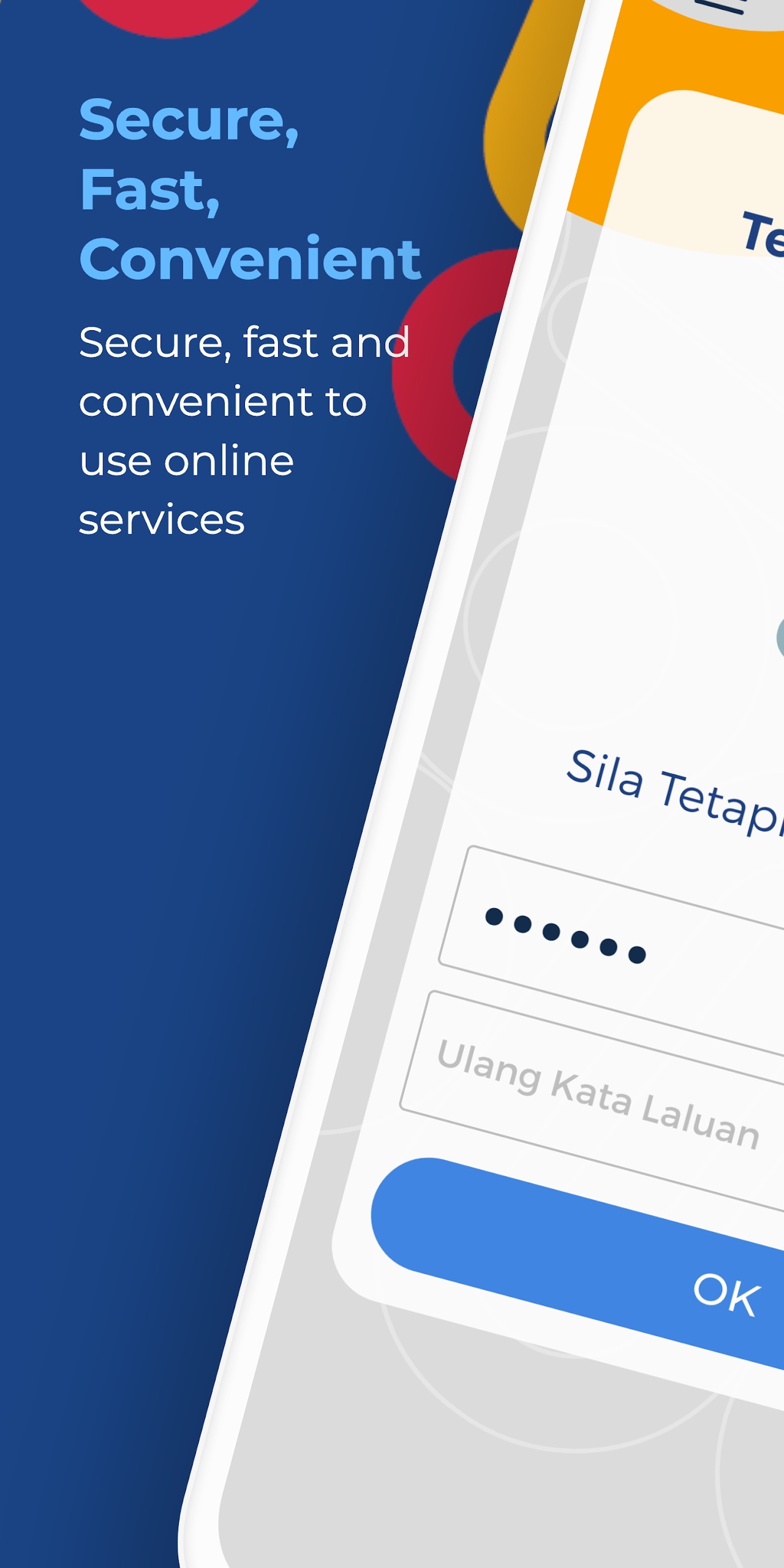
About the MyDigital ID App:

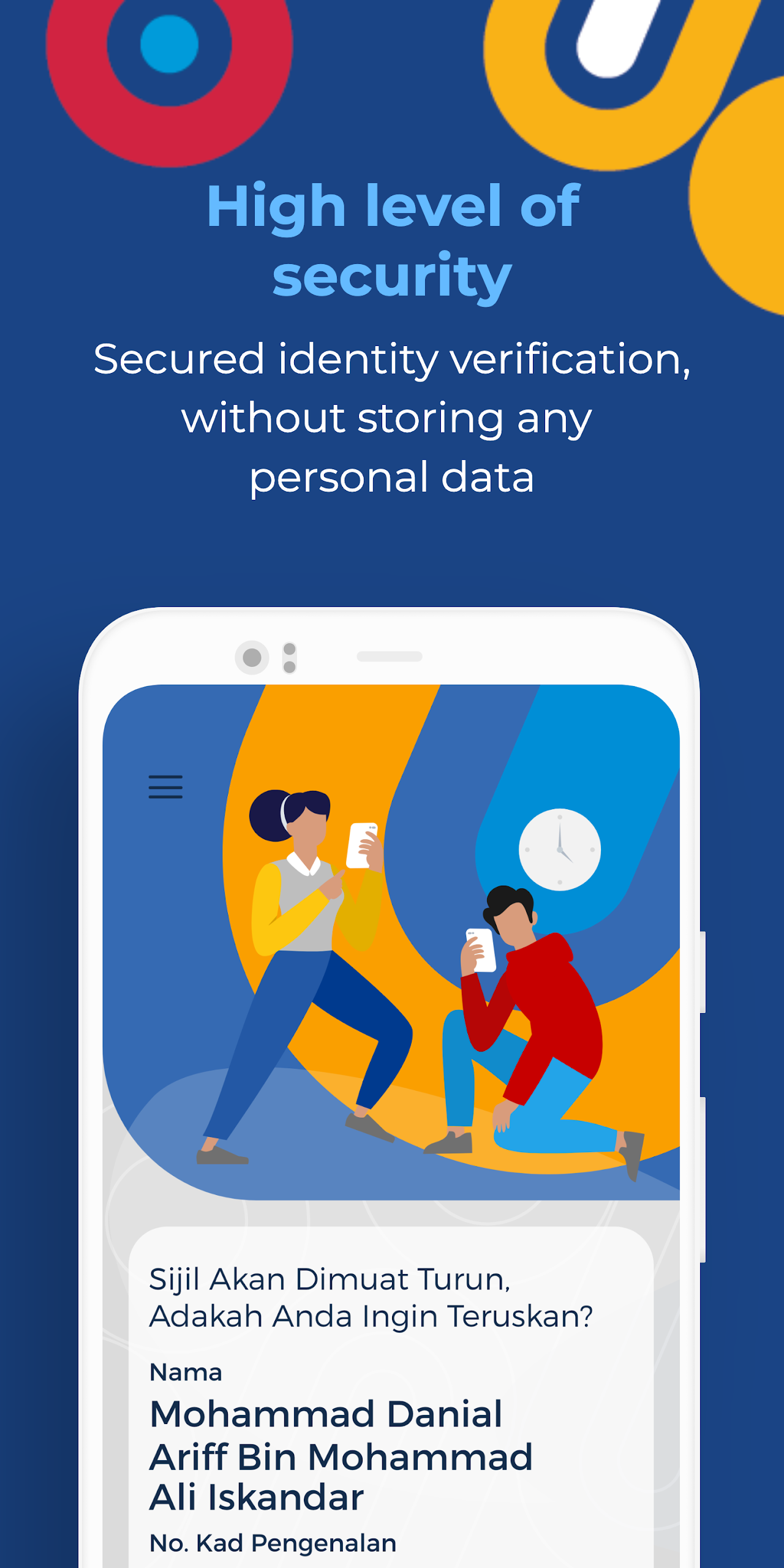
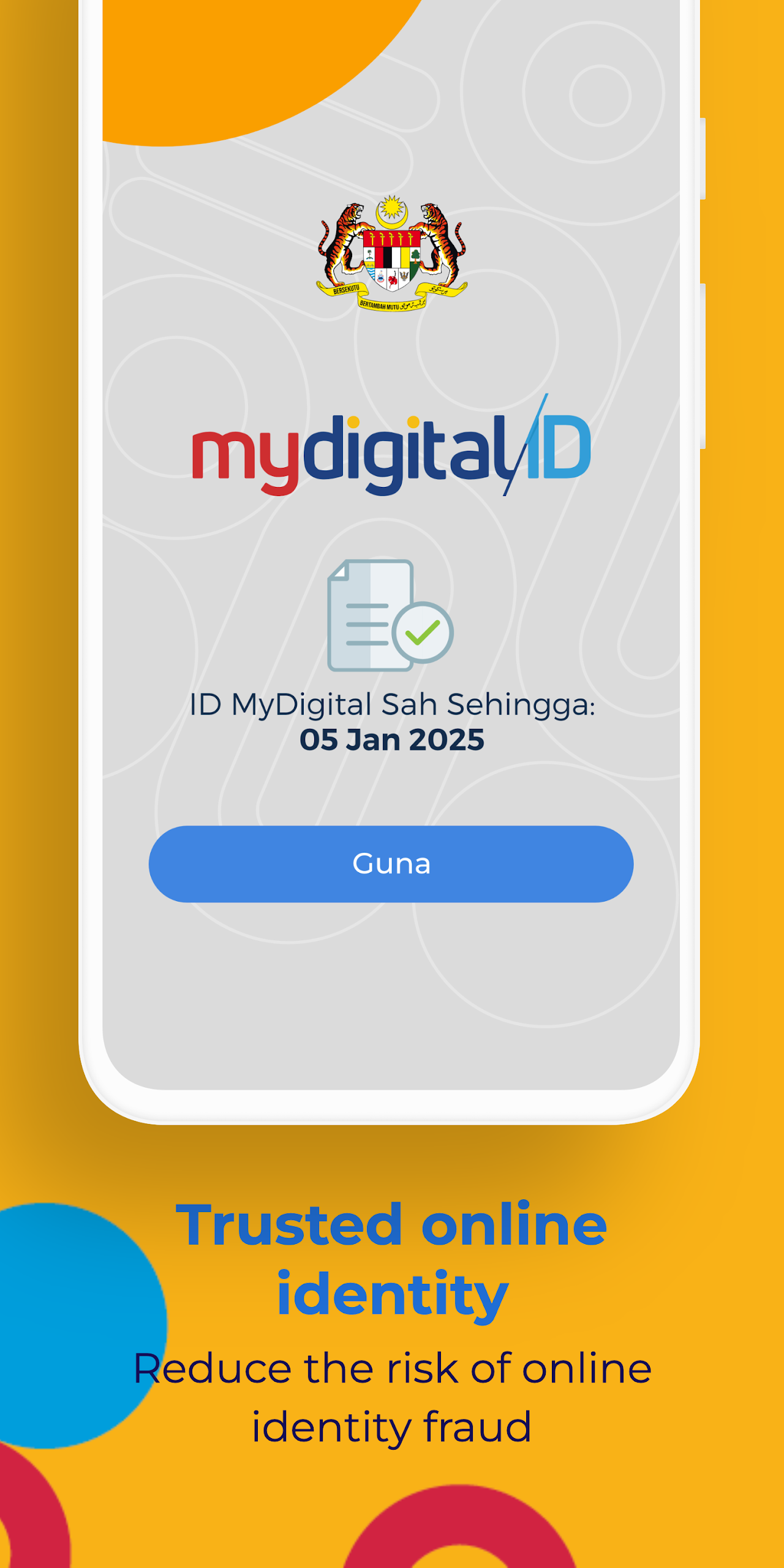
MyDigital ID is Malaysia’s official digital identity app by My Digital ID Sdn. Bhd. under the Prime Minister’s Department. The MyDigital ID app is not a normal profile app — it stores a digital certificate on the phone and acts as a secure login/signing layer for integrated government and private portals.
The MyDigital ID app does not replace MyKad at physical counters. It is for online identification: one digital ID, one password, and QR approval instead of many usernames.
Store-ready features:
Digital identity certificate stored in the MyDigital ID app
Single Sign-On to integrated portals without separate passwords
QR scan login from MyJPJ, MyPTPTN, MyBayar, BUDI95, SPA9, telco apps, etc.
Transaction signing for third-party integrated services
Online registration with email OTP, MyKad photo, facial scan
Kiosk registration using MyKad + QR code on kiosk screen
Local biometric login — fingerprint or face ID from version 2.6.0
Certificate valid 1 year, renewable inside the app
Revoke/cancel digital ID via app menu or kiosk
Google Play lists the MyDigital ID app as Government / Everyone, 10M+ downloads, developer MY DIGITAL ID SDN. BHD., packagemy.mimos.signetclient.
How to Use the MyDigital ID App:
The MyDigital ID app works as: register → store certificate → scan QR → approve login.
Quick guide:
Install MyDigital ID from Google Play or App Store.
Tap Register Online in the MyDigital ID app.
Enter email, verify OTP, fill name and IC number.
Scan front/back of MyKad and do facial verification.
Create minimum 8-character password.
Digital ID is saved in the MyDigital ID app on that device.
To log in elsewhere: open the portal → click MyDigital ID → scan QR in the app → enter password or biometrics.
Enable biometrics: Menu → Biometric Settings → enter password → activate.
Kiosk method:
Bring MyKad/MyTentera + phone with internet.
On kiosk screen, choose MyDigital ID flow.
In the MyDigital ID app, scan the kiosk QR, set password.
If phone lost/broken:
Use another phone with the MyDigital ID app → Menu → Cancel Digital ID → eKYC.
Then re-register on the new device.
MyDigital ID App FAQ:
Who develops the MyDigital ID app?
My Digital ID Sdn. Bhd., government agency under Prime Minister’s Department.
Does it replace MyKad?
No. The MyDigital ID app is only for online identification, not physical counter transactions.
How does login work?
Open the service portal, scan the MyDigital ID QR, approve with password or device biometrics.
Is biometric login stored online?
No. Local biometric authentication uses the phone’s fingerprint/face and stays on device.
How long is the digital ID valid?
1 year from registration. Renew inside the MyDigital ID app before expiry.
Forgot password — can I reset it?
Official FAQ says no password reset; user must revoke certificate and re-register.
Is data shared?
Google Play data-safety says no data shared with third parties; personal info may be collected; encrypted in transit.
Support contact:
info@myid.my / +603 8687 2772, 7.30am–9pm including public holidays.
Why Install MyDigital ID:

Install the MyDigital ID app if you use Malaysian government portals and want one secure login instead of many passwords.
Best-fit users:
MyJPJ / road tax / licence users
PTPTN, SPA9, MyBayar, BUDI95 logins
Users registering prepaid SIM with telco apps
Civil servants using integrated government systems
Citizens who want QR approval instead of password typing
Users with kiosk access when face scan fails
- Version2.5.0
- UpdateOct 20, 2026
- DeveloperMyDigital ID
- CategoryTools
- Requires AndroidAndroid 8.0+
- Downloads4M+
- Package Namemy.mimos.signetclient
- Signature5edff40d26a125b57c1eeed13d704678
- Available on
- ReportFlag as inappropriate
-
NameSizeDownload
-
54.31 MB
-
11.03 MB
-
11.03 MB













Convenient digital ID application for transactions
Easy installation and registration process
Works well with certain devices
Allows integration with government apps like MyJPJ
Provides a secure method for identity verification
Quick access to user accounts for government services
User-friendly interface with updated UI
Option for kiosk registration allows for in-person assistance
Frequent errors and app crashes during registration
Incompatibility with several smartphone models
Poor photo capturing quality leading to failed submissions
Unclear error messages causing confusion
Lack of proper customer support or solutions provided
Long loading times and app freezing issues
Limited accessibility for users without physical kiosks nearby
Complicated password reset and login processes