
Machining Calculator - Cut settings optimization
Unlock the power of precision with an app that calculates optimal cut settings for every machining job effortlessly
- 3.1.1 Version
- 2.9 Score
- 153K+ Downloads
- Free License
- 3+ Content Rating

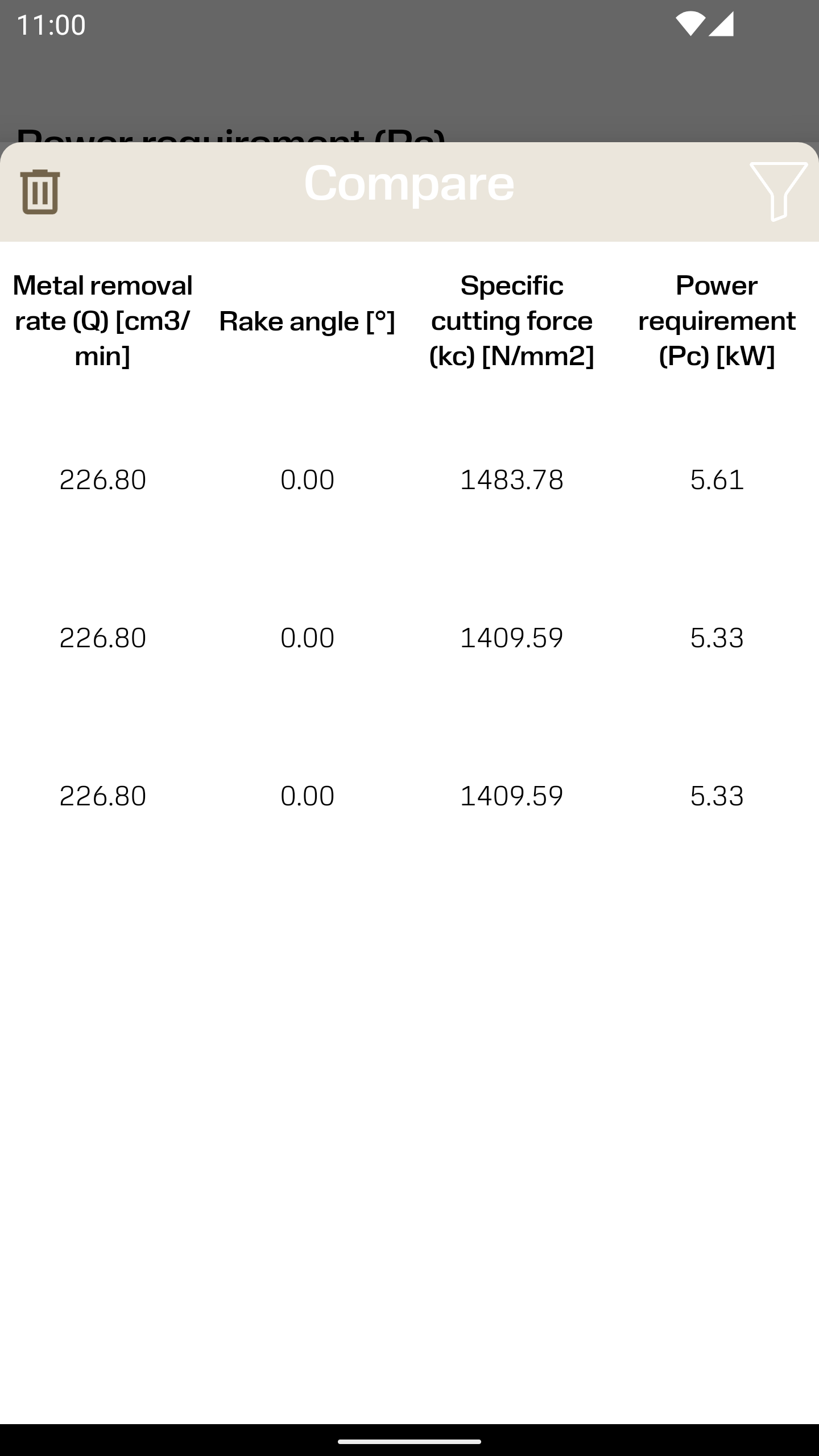
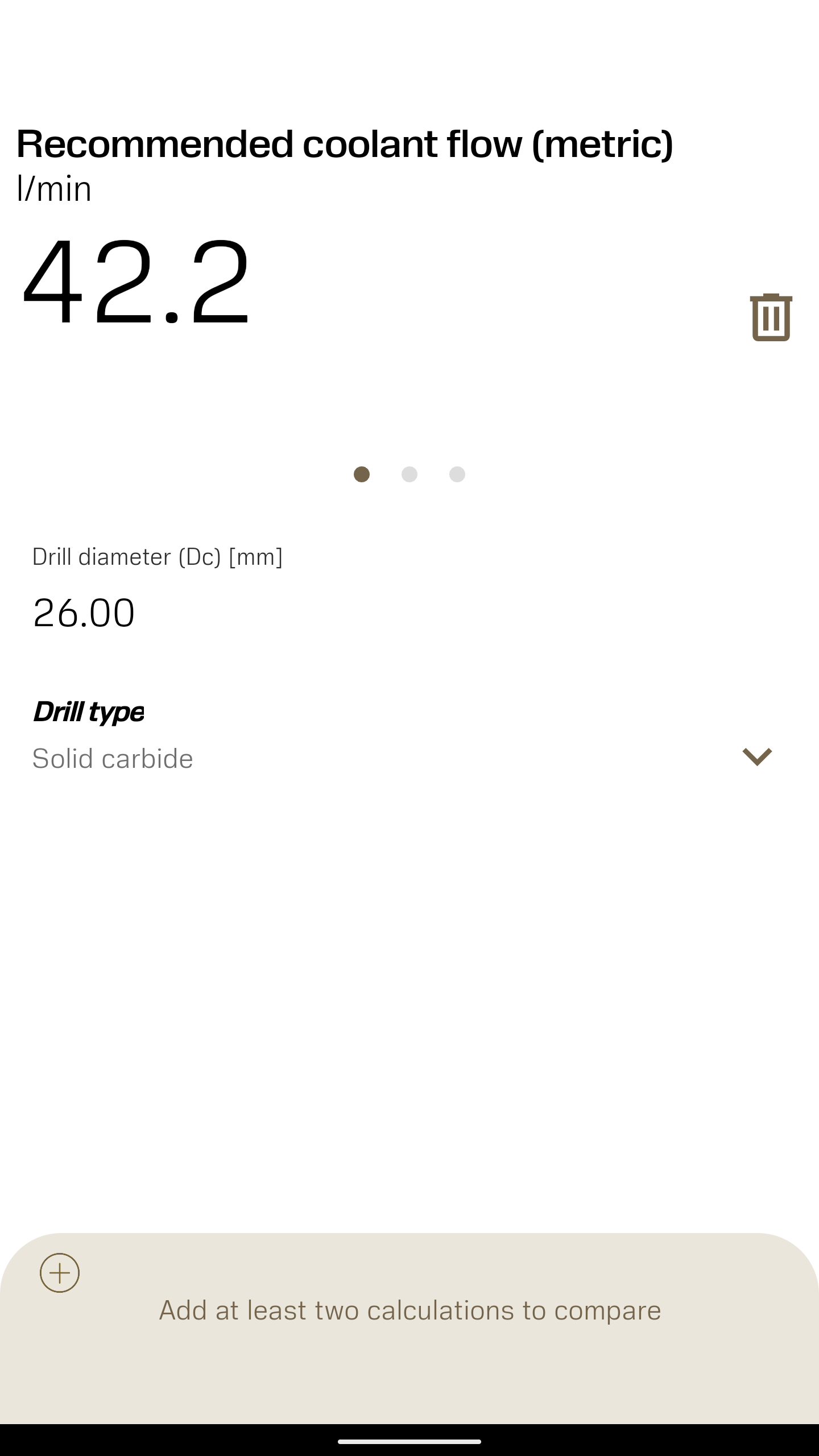
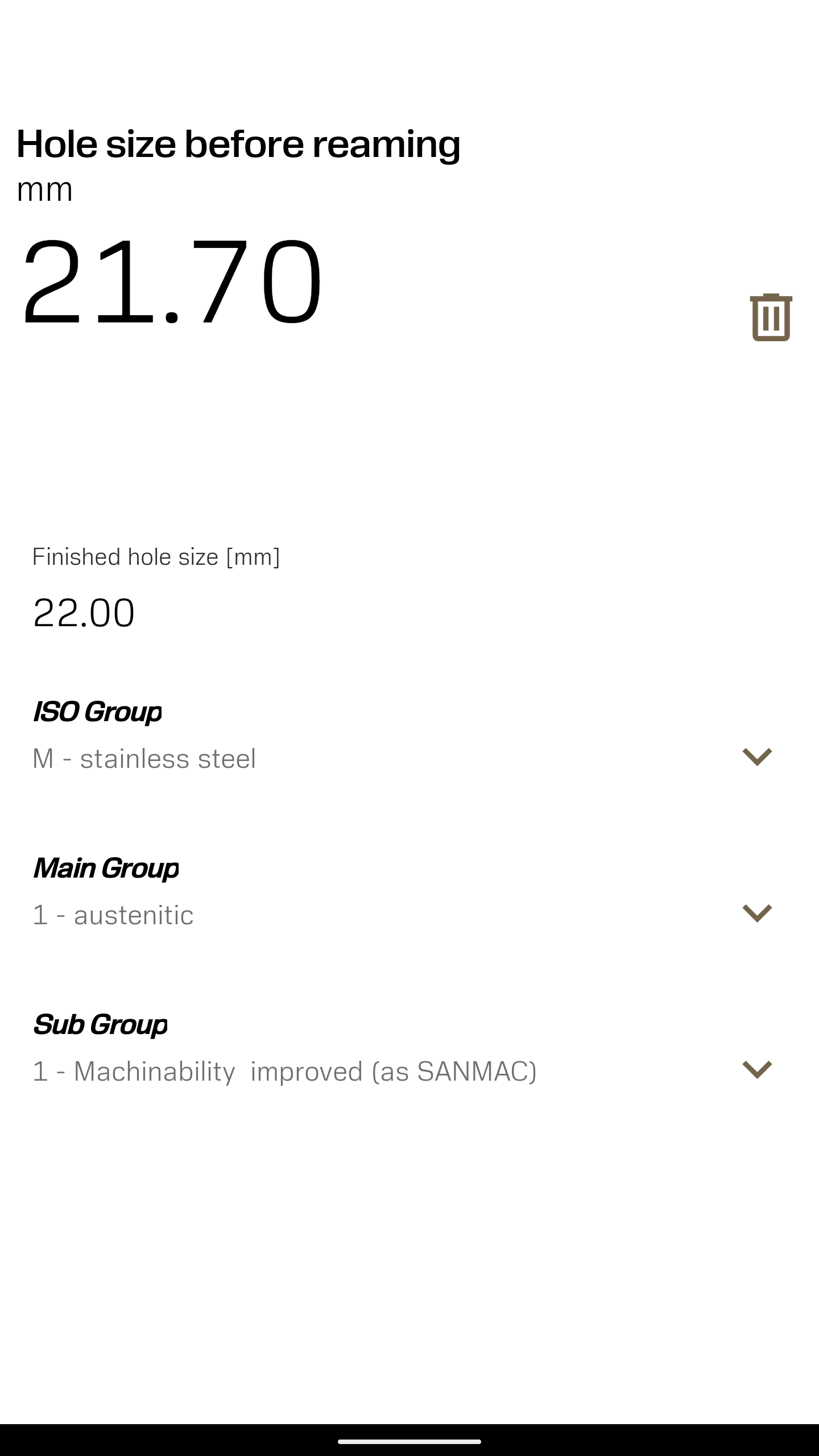
About the Machining Calculator App:
Machining Calculator is the official calculation app by Sandvik Coromant, built for machinists, CNC programmers, manufacturing engineers, and shop-floor operators. The Machining Calculator app is not a generic unit converter — it is a precision metal-cutting toolkit that helps users calculate optimal cut settings for turning, drilling, milling, and tapping directly from a mobile device.

Inside the Sandvik Coromant digital ecosystem, the Machining Calculator app supports everyday shop decisions: specifying the right cutting speed and feed, checking machining parameters, and reducing guesswork before a tool touches the workpiece. It works alongside other Sandvik Coromant calculators and apps such as CoroPlus Tool Guide, Tool Wear Analyzer, Silent Tools 3-pass calculator, Payback calculator, and Manufacturing Economics calculator.
Store-ready features:
Cutting speed and feed calculation inside the Machining Calculator app
Turning, drilling, milling, and tapping parameter support
Optimal cut setting recommendations for metal-cutting operations
Machining economics calculations for cost and productivity planning
Payback and ROI context for tooling investments
Shop-ready reference values from Sandvik Coromant expertise
Mobile-first workflow for floor-side decision making
Part of the broader Sandvik Coromant calculators and apps family
How to Use the Machining Calculator App:
The Machining Calculator app runs on a practical loop: select operation → enter material/tool data → calculate speed and feed → apply settings → review economics.
Quick guide:
Install Machining Calculator from Google Play using the Sandvik Coromant listing.
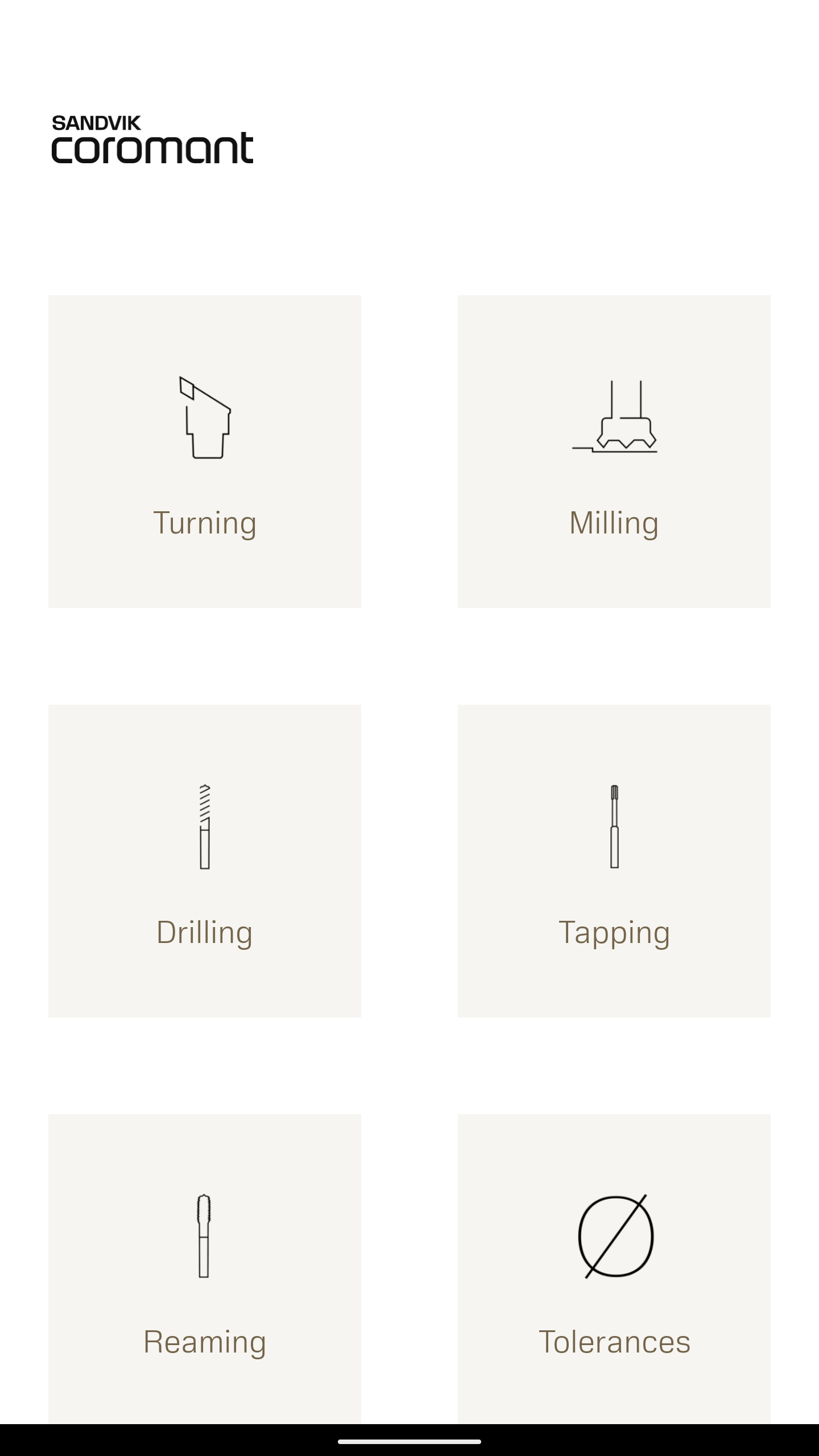
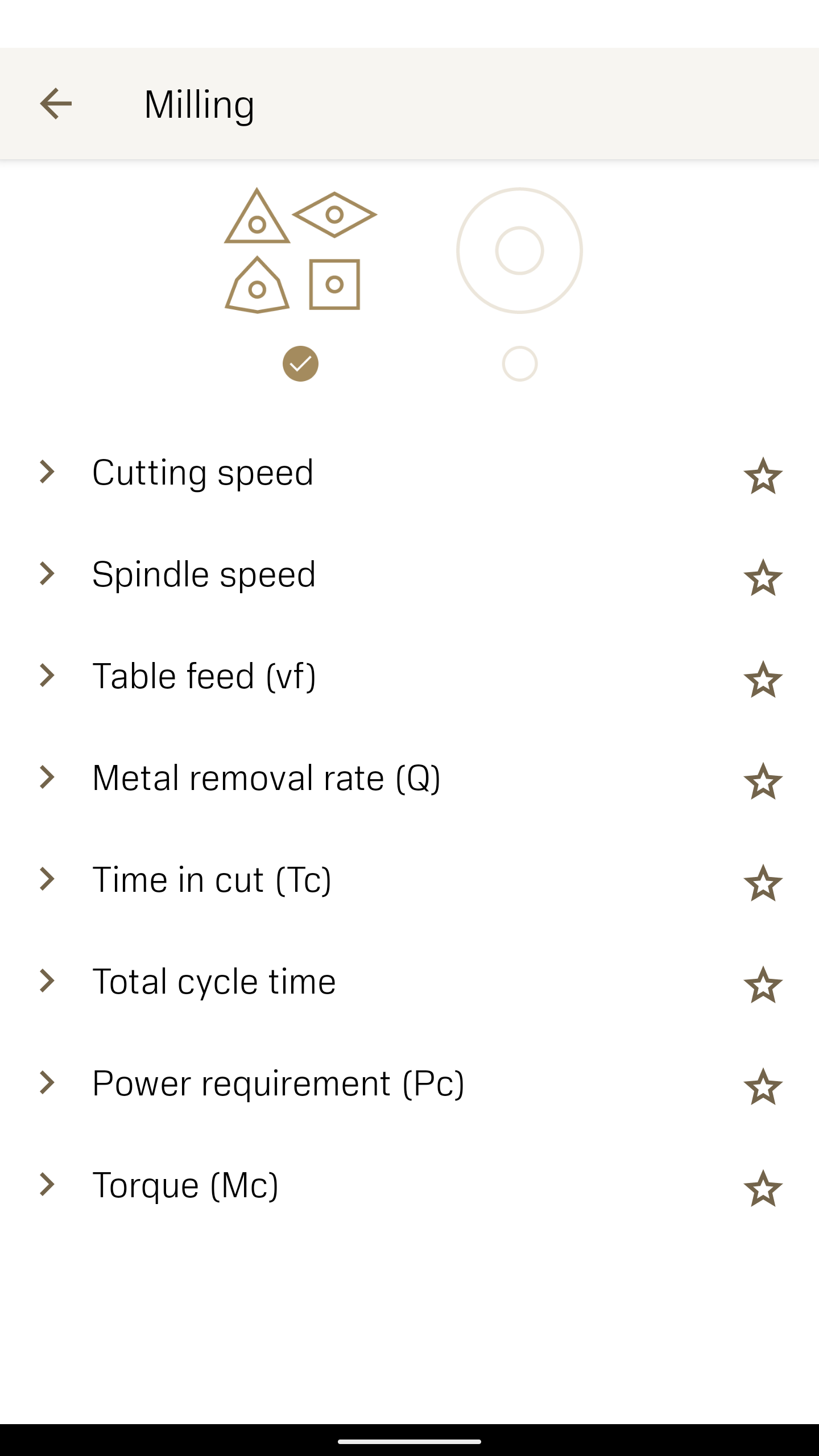
Open the Machining Calculator app and choose an operation type: turning, drilling, milling, or tapping.
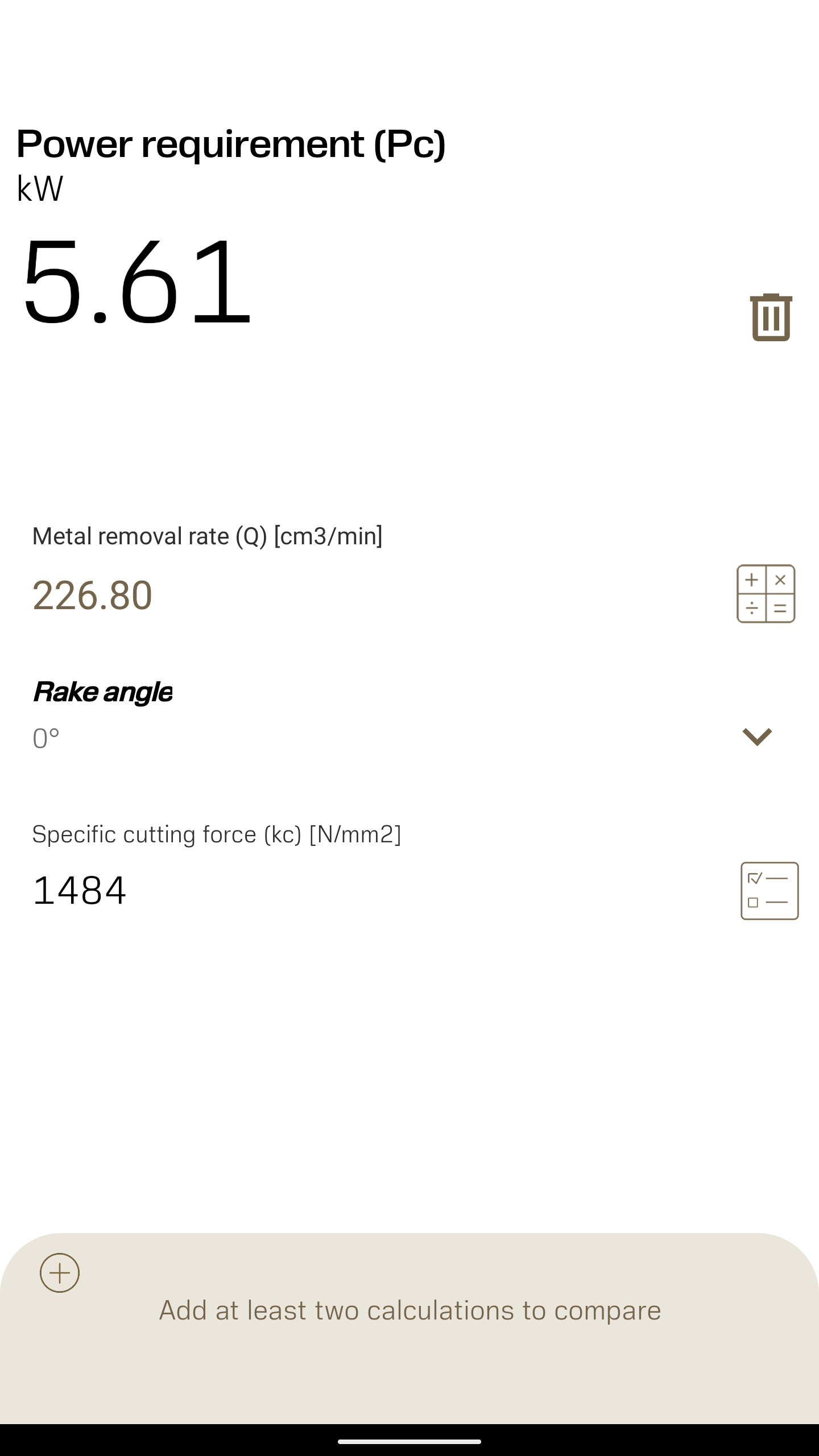
Enter the tool, material, and machining conditions available on the selected calculator screen.
Review the recommended cutting speed and feed values.
Adjust parameters for depth of cut, inserts, or tool geometry where supported.
Use the results to set up the CNC machine or manual process more confidently.
Switch to manufacturing economics or payback context when comparing tooling choices.
Cross-check calculations against machine limits, tool specs, and safety rules.
Save or note preferred values for repeat jobs.
Explore related Sandvik Coromant apps for tool identification, wear analysis, and assembly.
Tips:
The Machining Calculator app is strongest when used before setup, not as a live machine control.
Pair calculated values with Sandvik Coromant tool recommendations for better tool life.
Use it as a training aid for apprentices learning speed/feed relationships.
Machining Calculator App FAQ:
Who develops the app?
Sandvik Coromant — the industrial tooling and machining solutions company.
What is the app for?
Calculating optimal machining parameters for turning, drilling, milling, and tapping, plus supporting manufacturing economics decisions.
Which operations are supported?
The Sandvik Coromant calculators cover turning, drilling, milling, and tapping. The mobile Machining Calculator app focuses on practical cut-setting calculations.
Does it replace CAM software?
No. The Machining Calculator app supports parameter estimation and planning; final toolpaths and machine control still happen in CAM and CNC systems.
Is it only for Sandvik tools?
It is built by Sandvik Coromant and reflects its machining knowledge, but the calculations are useful for general metal-cutting workflows.
What other Sandvik apps are related?
CoroPlus Tool Guide, Tool Wear Analyzer, Silent Tools 3-pass calculator, Coromant Capto calculator, Payback calculator, Manufacturing Economics calculator, and the Ifind app.
Why Install Machining Calculator:
Install the Machining Calculator app if you work in CNC machining, manufacturing engineering, or shop-floor setup and want Sandvik Coromant accuracy in your pocket.
Best-fit users:
CNC programmers and machinists
Manufacturing and process engineers
Tooling specialists
Vocational students and instructors
Production planners comparing tooling economics
Operators who need quick speed and feed checks
Sandvik Coromant customers using digital self-service tools
- Version3.1.1
- UpdateOct 22, 2026
- DeveloperSandvik Coromant
- CategoryTools
- Requires AndroidAndroid 7.0+
- Downloads153K+
- Package Namecom.sandvik.materialcalculator.activities
- Signature5b12611fdd74f75c5ccb8a1dc820906c
- Available on
- ReportFlag as inappropriate
-
NameSizeDownload
-
3.72 MB
-
3.72 MB
-
3.63 MB












Quick and easy speeds and feeds calculation
Useful features for basic calculations
Ability to switch between mm and inches
Integration with Sandvik tooling
User-friendly interface design
Potential to add visual tips and charts
Feature requests for advanced calculations
Customizable themes for user preference
Cut time calculation bug in turning section
Missing cycle time calculator for constant surface speed
No access to settings menu on newer Android devices
Storage permissions issue not prompting correctly
New icon and color scheme not well-received
Lack of drill and tap charts within the app
Requests for sensitive information raise privacy concerns
Limited functionality as a basic calculator