
旋风加速器 - Free VPN & Fast Streaming
Unlock seamless streaming & privacy anywhere with encrypted VPN technology for ultimate online freedom and protection.

- 1.0.4 Version
- 3.7 Score
- 295K+ Downloads
- In-app purchases License
- 3+ Content Rating

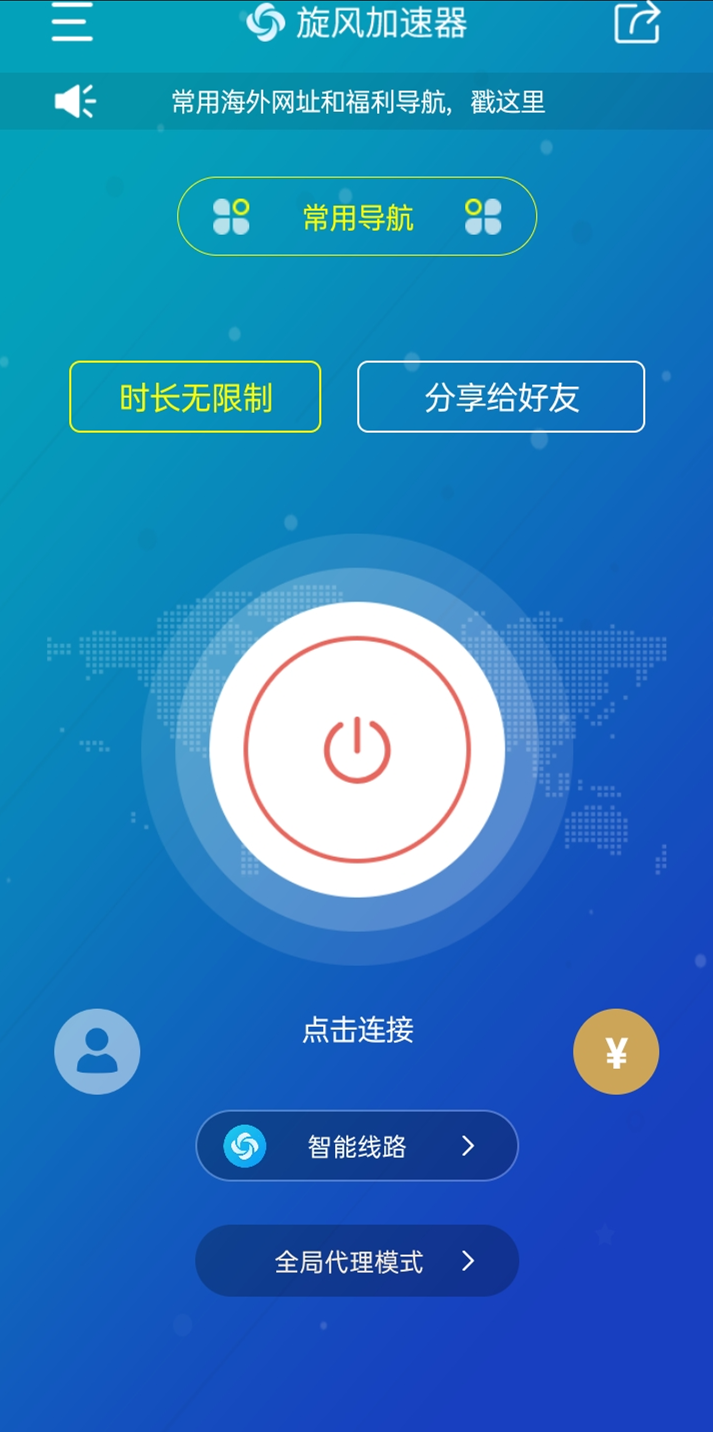

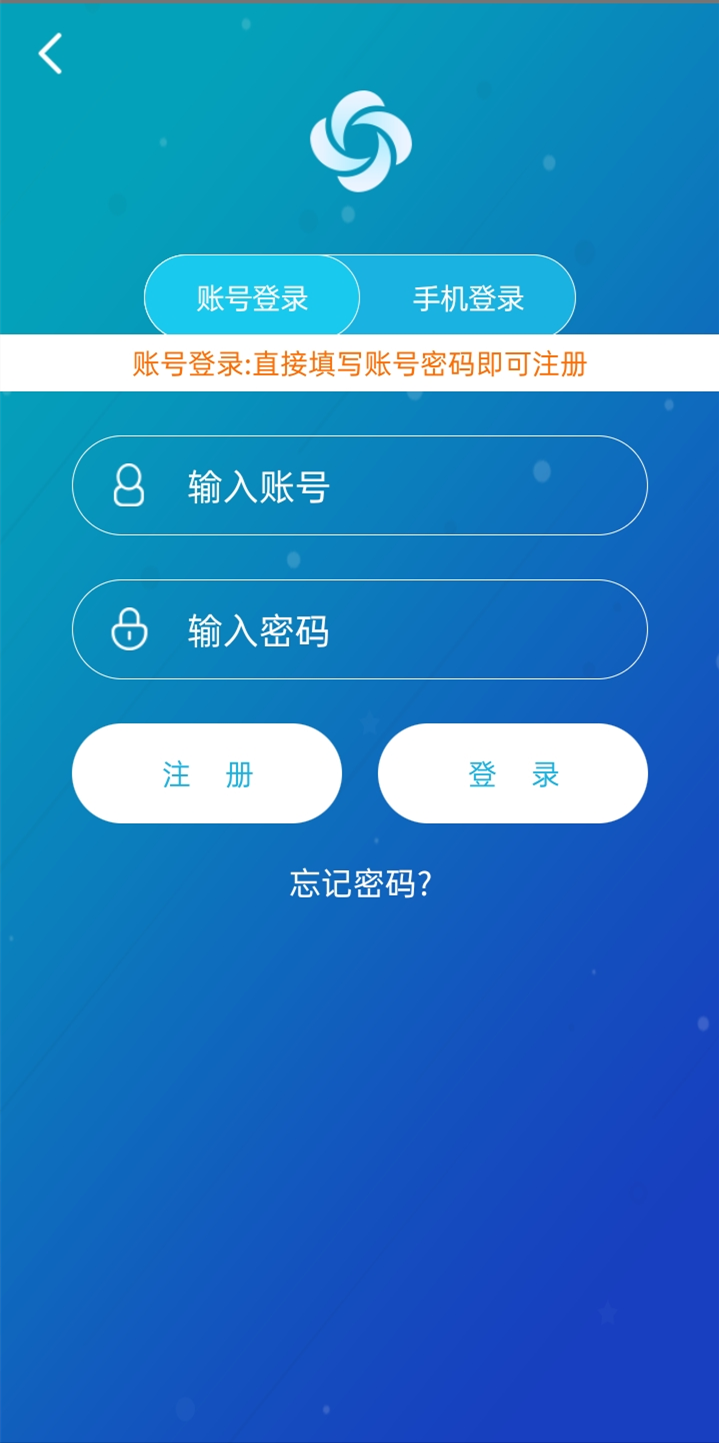
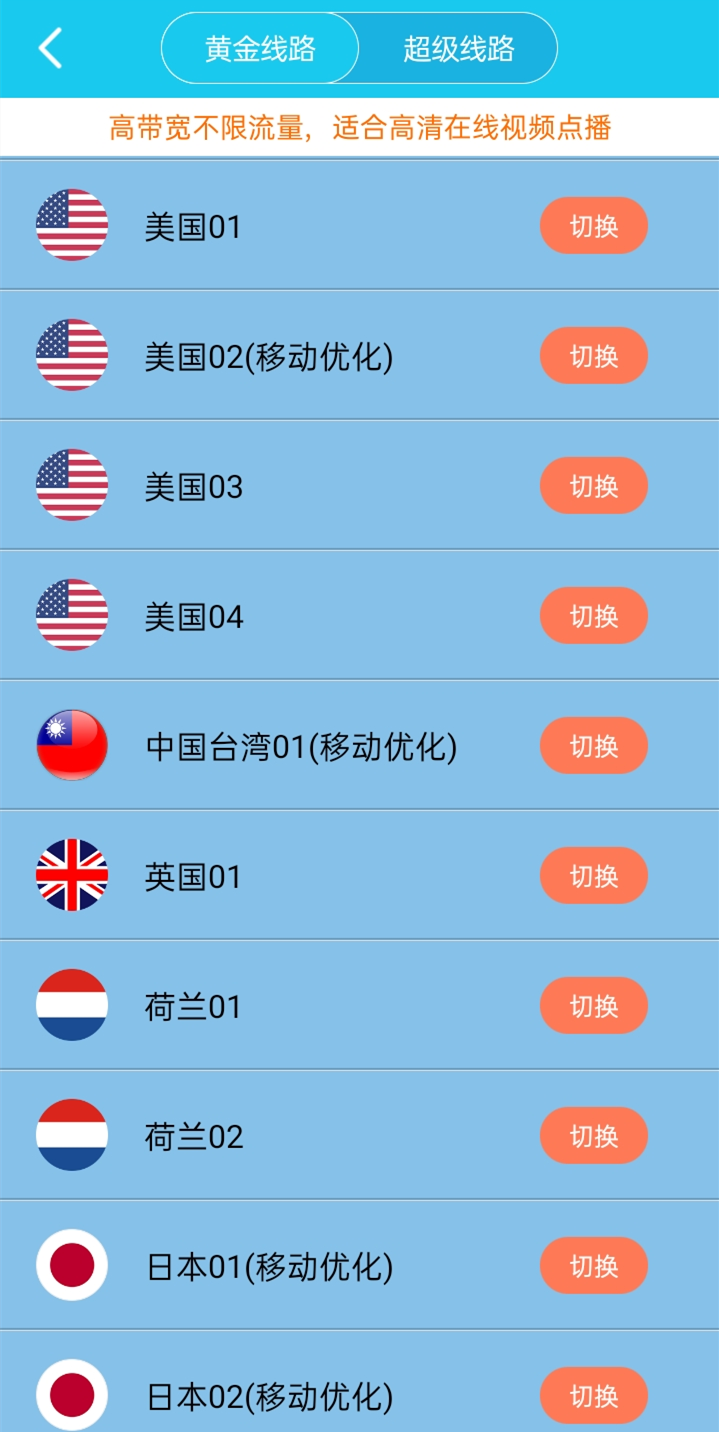
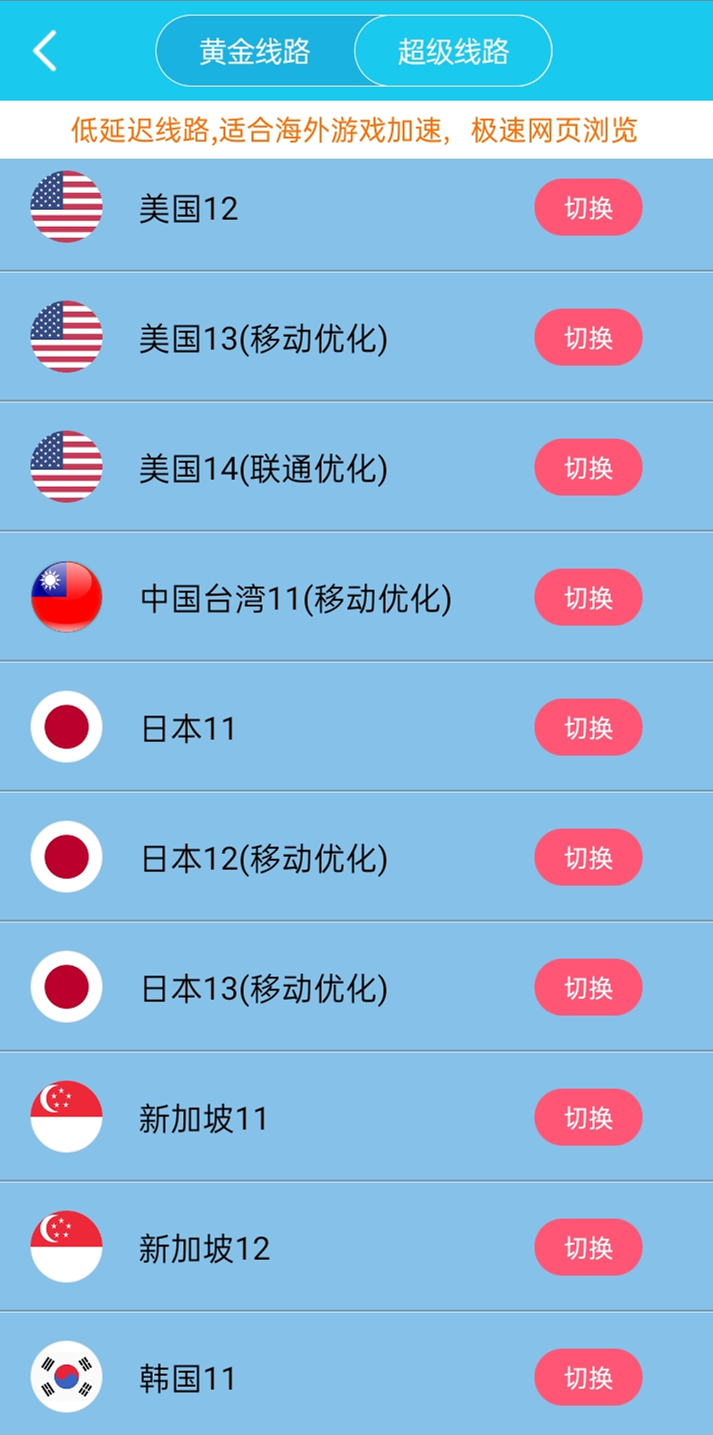
Genuine free accelerator, ideal for 1080P resolution
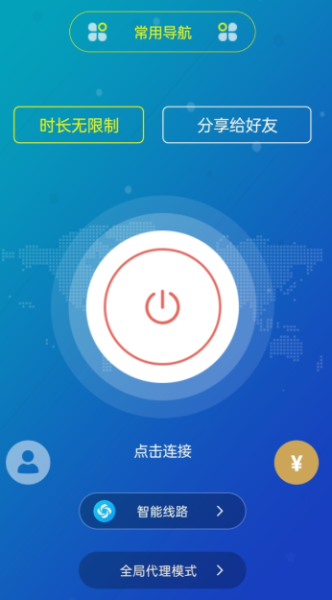
Utilizing encrypted VPN tunnel technology, you can experience privacy protection and internet freedom whenever and wherever you are.
Core Features:
1. **Free and HD-Friendly**: Featuring "truly free" functionality with no additional fees, it's optimized for 1080p content, meeting bandwidth-demanding scenarios like HD video viewing and HD-quality gaming.
2. **Privacy and Security Protection**: Utilizing encrypted VPN tunneling technology to create a dedicated network channel, users' true network traces are hidden, preventing online activity from being tracked and ensuring privacy during browsing and data transfer.
3. **Targeted Service Adaptation**: Designed specifically for overseas Chinese, focusing on the need to access mainland China's internet from abroad, it's optimized for cross-regional network scenarios and effectively resolves connection issues for overseas users accessing domestic platforms.
Key Features:
1. **Network Acceleration and Optimization**: Through dedicated node deployment and path adjustment technology, it bypasses network congestion across regions and carriers, reducing latency and packet loss, and addressing issues like HD video lag and slow web page load times.
2. **Multi-Scenario Network Freedom**: Unlocks regional restrictions, enabling users to smoothly access a wide range of compliant online content both domestically and internationally, covering diverse scenarios such as video viewing, social communication, and information browsing.
3. **Privacy Protection Enhancement**: Encrypted tunneling technology not only ensures optimal acceleration but also prevents unauthorized access to user data from external networks, providing an additional security barrier for sensitive operations (such as account login and information query).
How to Use:
1. **Preliminary Preparation**: Search and download the "Tornado Accelerator" app from your device's app store or official channels to ensure your device's operating system is compatible.
2. **Account and Permission Settings**: After opening the app, follow the instructions to complete account registration and grant the app the necessary network permissions. Some features may require storage permissions to cache configuration information.

3. **Node Selection and Acceleration**: After entering the main interface, select the appropriate acceleration node (such as "Mainland Network General Node" or "Video Dedicated Node") based on your needs. Click the "One-Click Acceleration" button. Wait for the "Acceleration Successful" screen to begin using the optimized network.
4. **Switching and Disabling Modes**: To switch between modes, select the corresponding dedicated acceleration mode directly within the app. To stop using the VPN, click the "Stop Acceleration" button to disconnect and restore the original network state.
FAQs
1. **Q**: Is this accelerator free? Does it support HD content?
**A**: It is a truly free accelerator with no extra fees. It is optimized for 1080P resolution, meeting the bandwidth requirements of scenarios such as HD video viewing and HD gaming.
2. **Q**: Is it safe to use it for internet browsing? Does it protect my privacy?
**A**: It is safe. It uses encrypted VPN tunnel technology to hide the user's real network footprint, preventing online behavior from being tracked and ensuring privacy and security during browsing and data transmission.
3. **Q**: Who is this accelerator primarily suitable for?
**A**: Designed specifically for overseas Chinese, it primarily addresses the needs of overseas users accessing the Chinese mainland network, optimizing cross-regional network connections for smooth access to domestic platforms.
4. **Q**: What network problems can it solve?
**A**: Through dedicated node deployment and path adjustment, it can bypass cross-regional and cross-carrier network congestion, reduce latency and packet loss rates, and improve issues such as HD video buffering and slow webpage loading.
5. **Q:** How do I use this accelerator?
**A:** First, download and install it from the app store or official channels. Complete account registration and grant the necessary permissions. After entering the main interface, select a node according to your needs (such as a general mainland node or a video-specific node), click "One-Click Acceleration," and you can use the optimized network after successful acceleration. To stop using it, click "Stop Acceleration."
6. **Q:** Can it unlock all region-restricted content?
**A:** It can unlock compliant region-restricted content, supporting multiple scenarios such as video viewing, social communication, and information browsing, helping users smoothly access compliant domestic and international network content.
- Version1.0.4
- UpdateOct 22, 2026
- DeveloperJ·N·Hook
- CategoryTools
- Requires AndroidAndroid 4.2+
- Downloads295K+
- Package Namecom.xwind.network
- Signature25fa35f23f7acbd026e5f94a6c5c3a23
- Available on
- ReportFlag as inappropriate









Highly targeted
Privacy protection
Free to use
High-definition support
Limited functionality
Questionable legality
Reliant on the internet