
Antivirus: Virus Remover Clean - Virus Protection & App Lock
Safeguard your phone with advanced virus removal, app locking, & secure wifi to keep your personal data safe!

- 0.0.5 Version
- 3.2 Score
- 316K+ Downloads
- Free License
- 3+ Content Rating

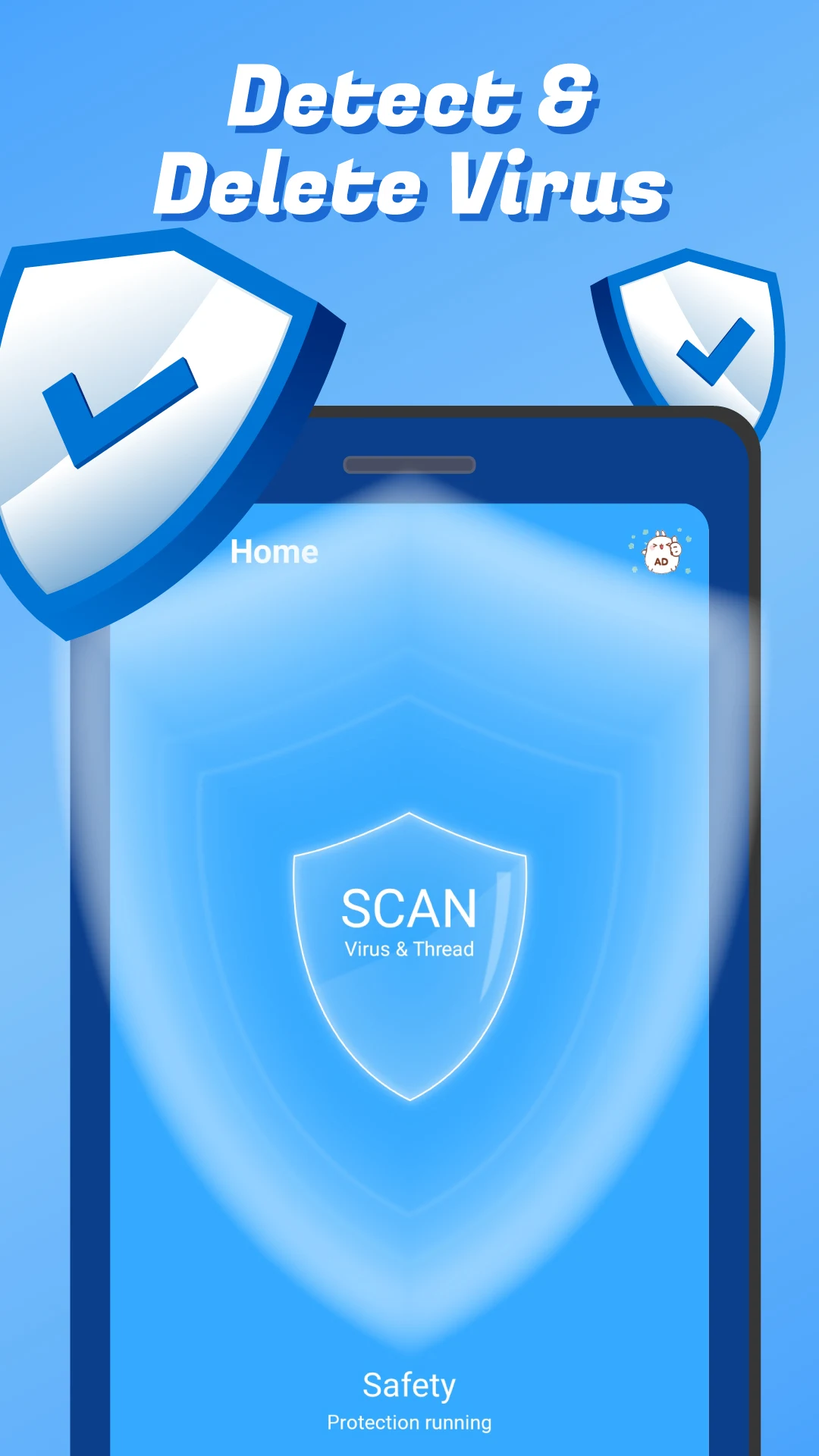
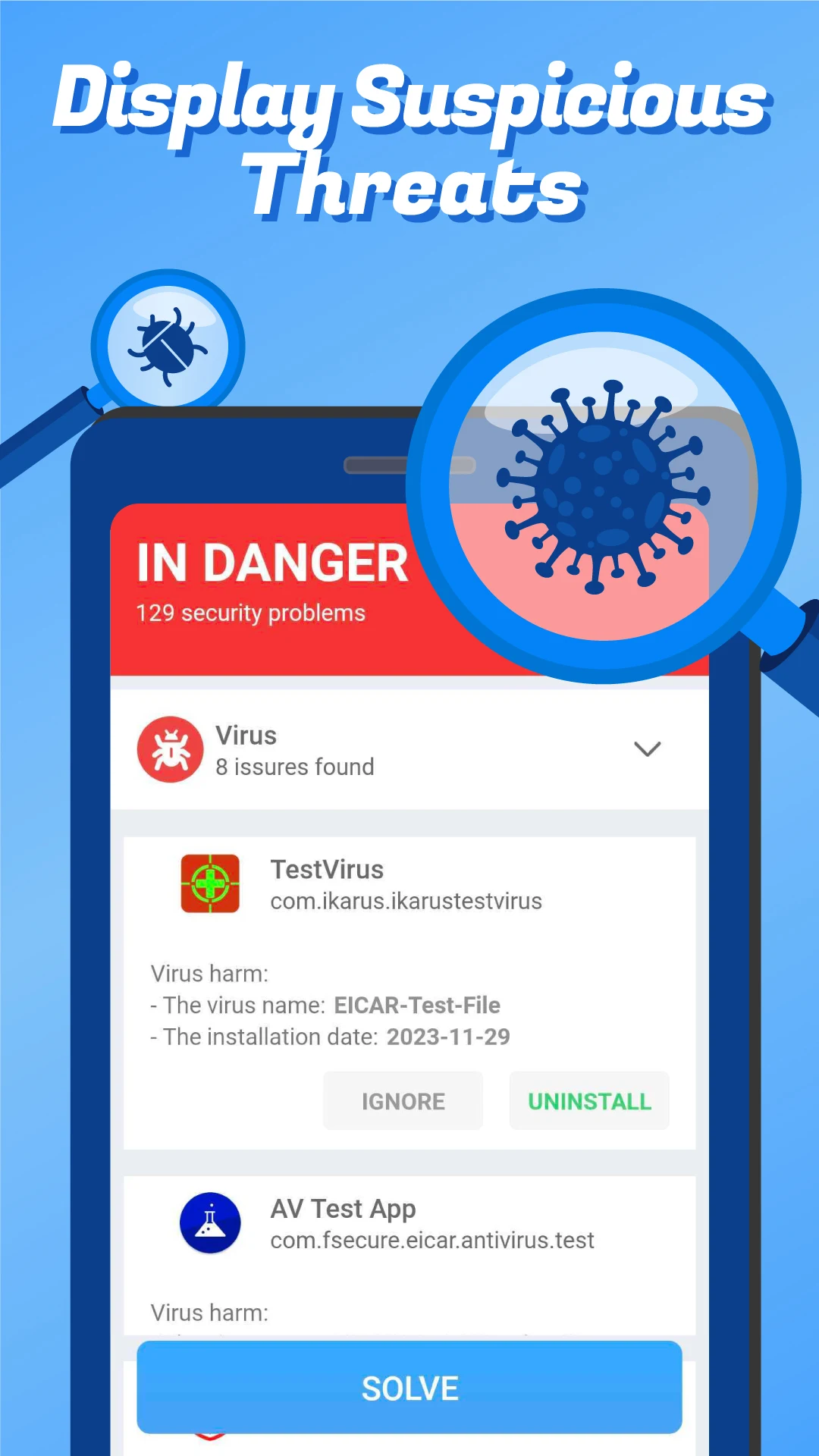
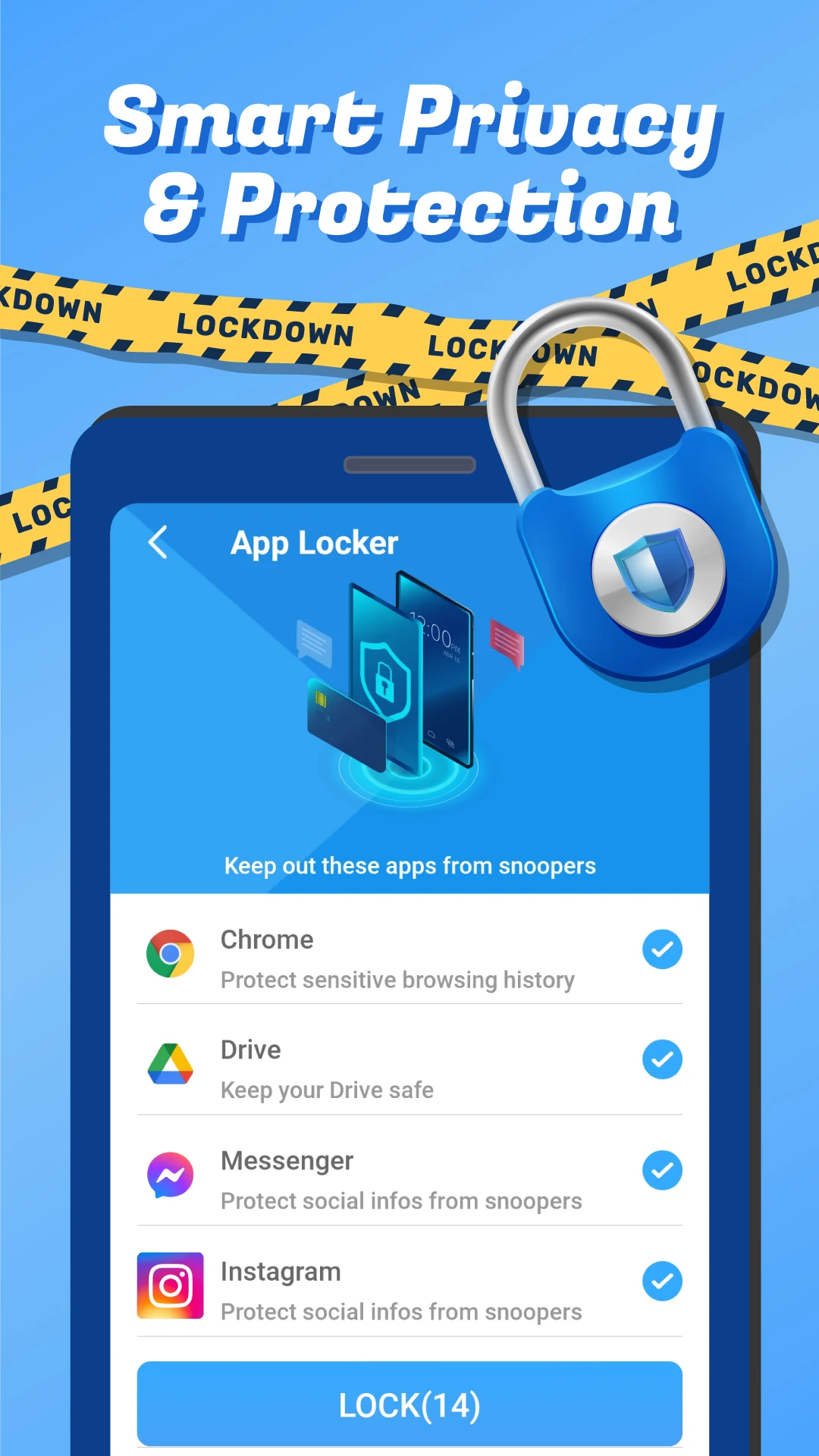
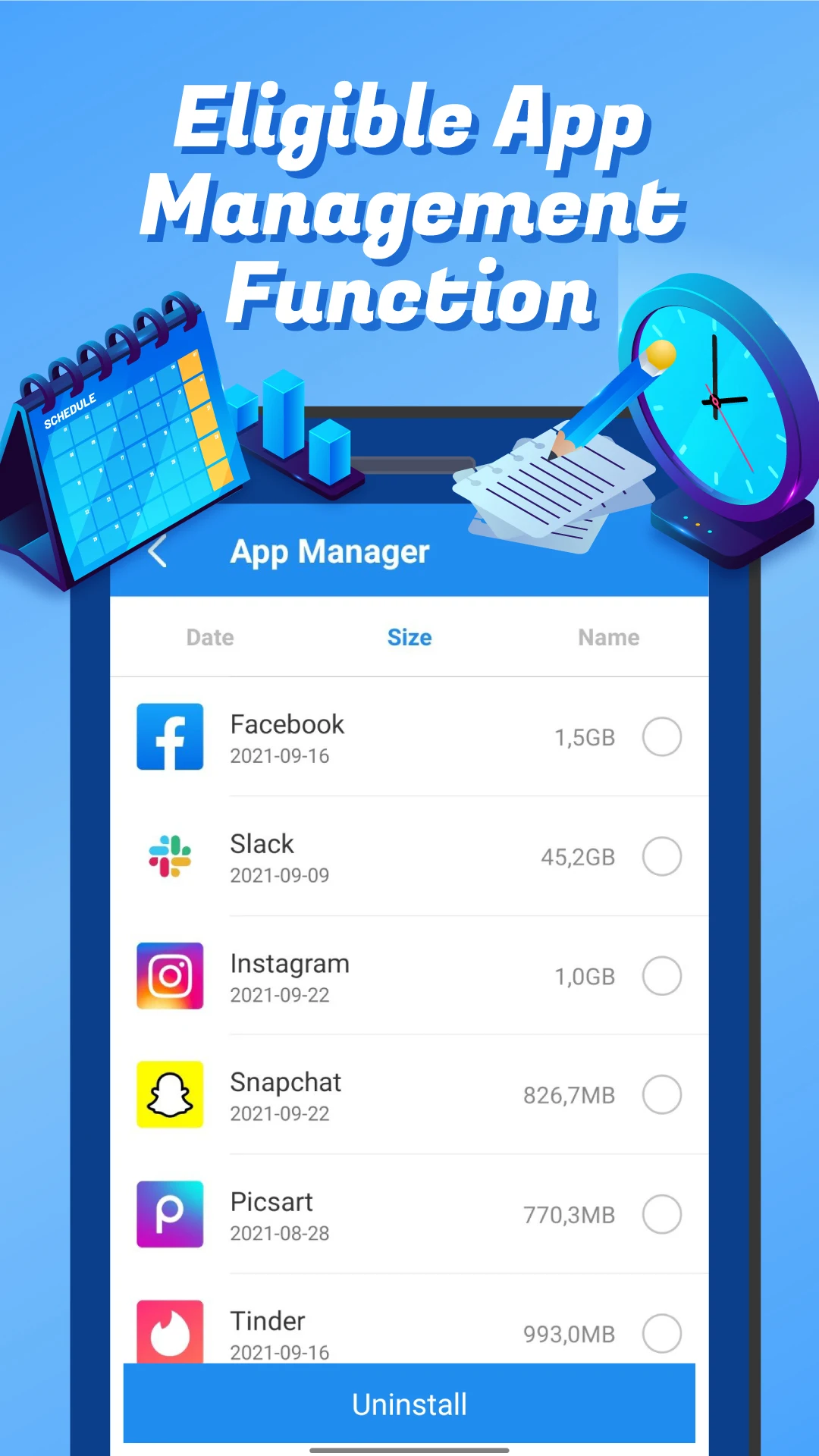
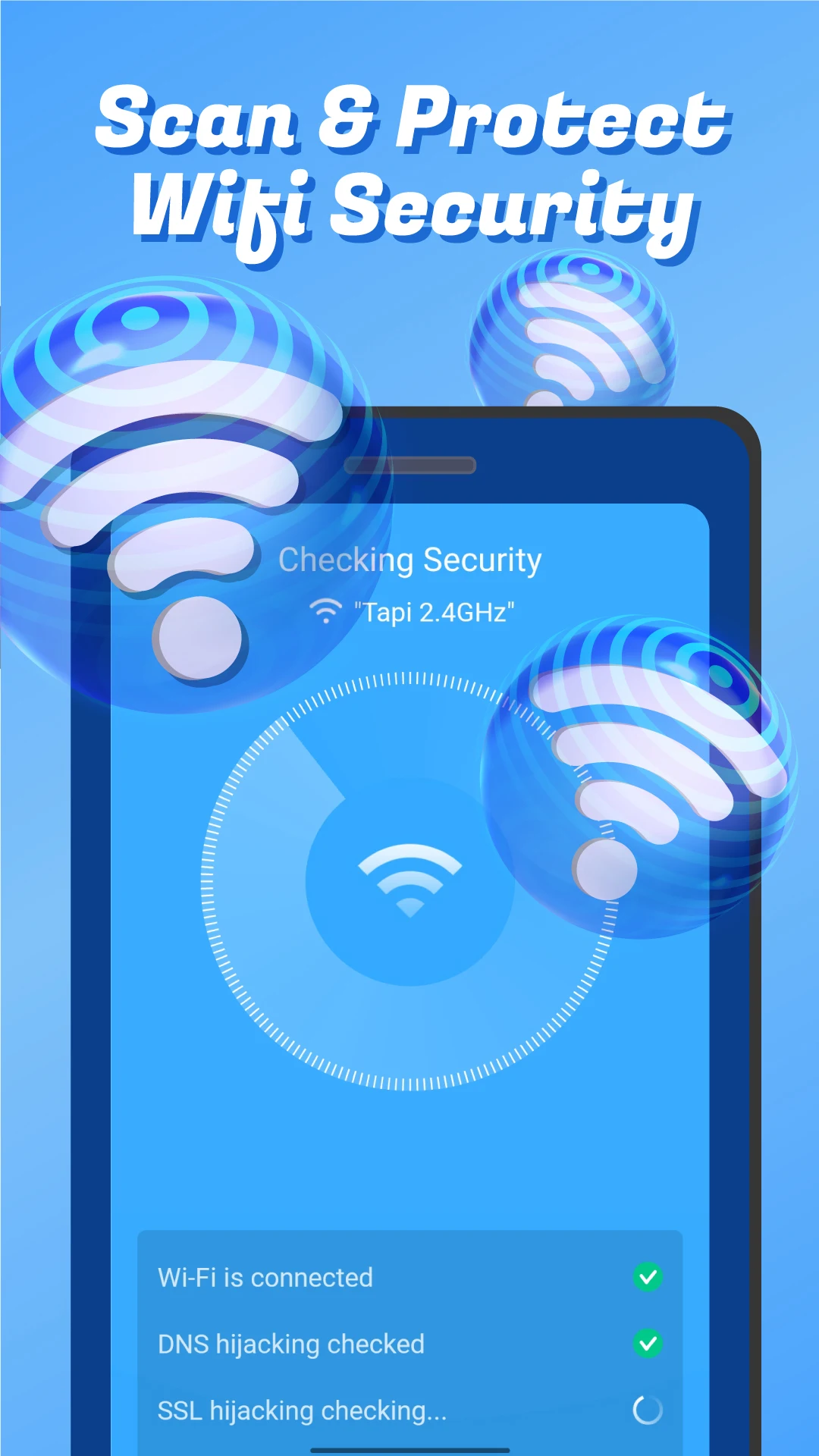
Have you ever observed that your Android devices may be vulnerable to hacking attempts?
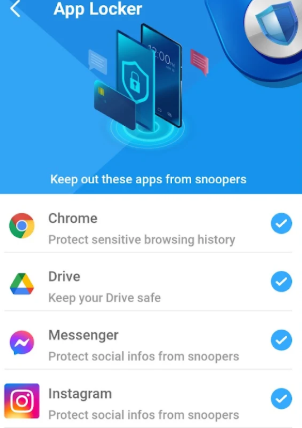
The Antivirus & Applock App is designed to safeguard your phone with a comprehensive virus cleaning solution.
This application offers several features, including Virus Removal, App Lock with fingerprint authentication, and wifi security. Download the app today!
Antivirus & Applock serves as a security tool that provides cohesive protection for your device. Therefore, your Android will be shielded from viruses, trojans, and malware. With the virus removal capability for Android, this feature assists in identifying threats, viruses, and spyware.
Moreover, the app lock safeguards your personal data from unauthorized access, spam messages, and unwanted notifications.
Highlights:
Antivirus Cleaner for Android
The Antivirus & Applock application offers real-time protection, ensuring your phone is secure wherever you are. Sensitive information such as emails, photos, and videos are well-guarded with your secure password. If someone tries to violate your privacy, our intruder selfie function will take their picture.
Lock Private Apps
This app can secure all applications on Android devices to enhance your privacy. Utilizing the virus removal feature, you can easily employ PIN locks, patterns, fingerprints, and Face ID to secure social media applications and more.
Secure Wifi Connection
This application shields your wifi network from cyber attacks with an efficient, user-friendly network management tool designed for wifi security.
Key Features of the antivirus cleaner for Android include:
- Malware removal and virus cleaning functionalities for Android.
- Anti-adware features for Android devices, enabling virus scanning and malware cleaning.
- Real-time protection against malware and spyware threats.
- Scanning capabilities for apps, games, and files to detect potential viruses.
- Fingerprint and password protection, along with pattern-based app locking.
- Secure your apps using fingerprint, numeric code, or PIN protection.
- Free antivirus solution for Android devices.
Do not hesitate any longer to download the app. Join the community of Antivirus app users and explore our features to ensure your device remains safe and protected.
Note Regarding the Antivirus App:
✔️ The Antivirus & Applock App complies with its privacy policy and does not gather any private data, including personal details such as usernames, passwords, email addresses, physical addresses, phone numbers, contacts, text messages, fingerprints, photos, or videos.
✔️ The app utilizes the MANAGE_EXTERNAL_STORAGE permission to access files on your device, facilitating the proper functioning of the junk file deletion option.
✔️ The app collects application data like package names, MD5 hashes, and signature details, which are used to evaluate whether an application or APK file harbors a virus.
App Experience:
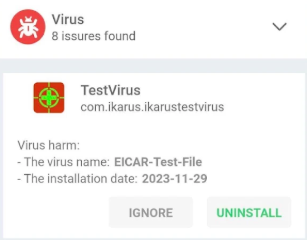
This Android antivirus lock screen app is safe and practical, with all core functions completely free. It provides comprehensive protection against viruses, Trojans, malware, and other threats, and also supports real-time protection. It allows locking the app via password, pattern, fingerprint, or face. Combined with the intruder selfie function, it effectively protects sensitive information such as photos and emails from being spied on. It also features WiFi security protection to prevent network attacks. The app does not collect any personal privacy data; it only obtains necessary information such as the app package name for virus detection, and requests external storage permissions only for junk file cleanup. It's simple to use, provides comprehensive device security, and offers core protection without paying.
Related Questions and Answers:
## 1. What threats does this app primarily protect Android devices from?
It primarily protects Android devices from viruses, Trojans, malware, spyware, and adware. It also prevents network attacks through WiFi security features, while also preventing unauthorized access to private data and apps on the device.
## 2. What are the ways to lock apps? Does it support biometrics?
It supports multiple lock methods, including PIN codes and pattern passwords, as well as biometrics such as fingerprint recognition and facial recognition (Face ID). Users can choose based on their preferences, for example, using a fingerprint to quickly unlock frequently used social media apps, achieving both security and convenience.
## 3. What features prevent others from snooping?
In addition to App Lock, there are two core features: sensitive information protection, which protects emails, photos, videos, and other data with a password; and an "Intruder Selfie" feature. If someone attempts to illegally access the device, the app automatically takes a photo of them, preserving evidence of the intrusion.
## 4. Does the app collect user data?
No. According to the privacy policy, the app does not access personal information such as usernames, passwords, email addresses, addresses, phone numbers, contacts, SMS messages, fingerprints, photos, or videos. It only collects data such as the app's package name, MD5 hash, and signature information to determine if the app or APK contains viruses.
## 5. Why is the "Manage External Storage" permission required?
This permission allows the app to access files on the device, enabling the "junk file removal" feature to function properly and help clean up redundant files on the device. It is not intended to collect or misuse user data.
## 6. Is this antivirus app free? Do I need to pay to unlock core protection features?
It is a free app, and core protection features (such as virus detection, malware removal, real-time protection, app lock, and WiFi security check) are free. Users can enjoy basic and critical device security services free of charge.
- Version0.0.5
- UpdateOct 22, 2026
- DeveloperAIO Studio (Apps For Mobile)
- CategoryTools
- Requires AndroidAndroid 5.0+
- Downloads316K+
- Package Namecom.antivirus.applock.viruscleaner
- Signature17334c780b516cd1f52353ba3fcd8bf5
- Available on
- ReportFlag as inappropriate
-
NameSizeDownload
-
19.03 MB
-
18.71 MB









Efficient virus removal
Improves device speed and performance
User-friendly interface
Quick scanning capabilities
Provides real-time protection
Removes junk files
Useful features like app lock and Wi-Fi security
Straightforward to use
Excessive advertisements
Frequent prompts for additional apps
Issues with false positives
Inconsistent performance on some devices
Doesn't scan all system settings
Automatic background cleaning not available
May cause device freezing or crashes
Potential false claims of virus presence