
Skit - apps manager - App management & analysis
Unlock your device's potential with an intuitive app manager for easy uninstalling, extracting, and detailed insights.
- 2.4 Version
- 4.5 Score
- 210K+ Downloads
- Free License
- 3+ Content Rating

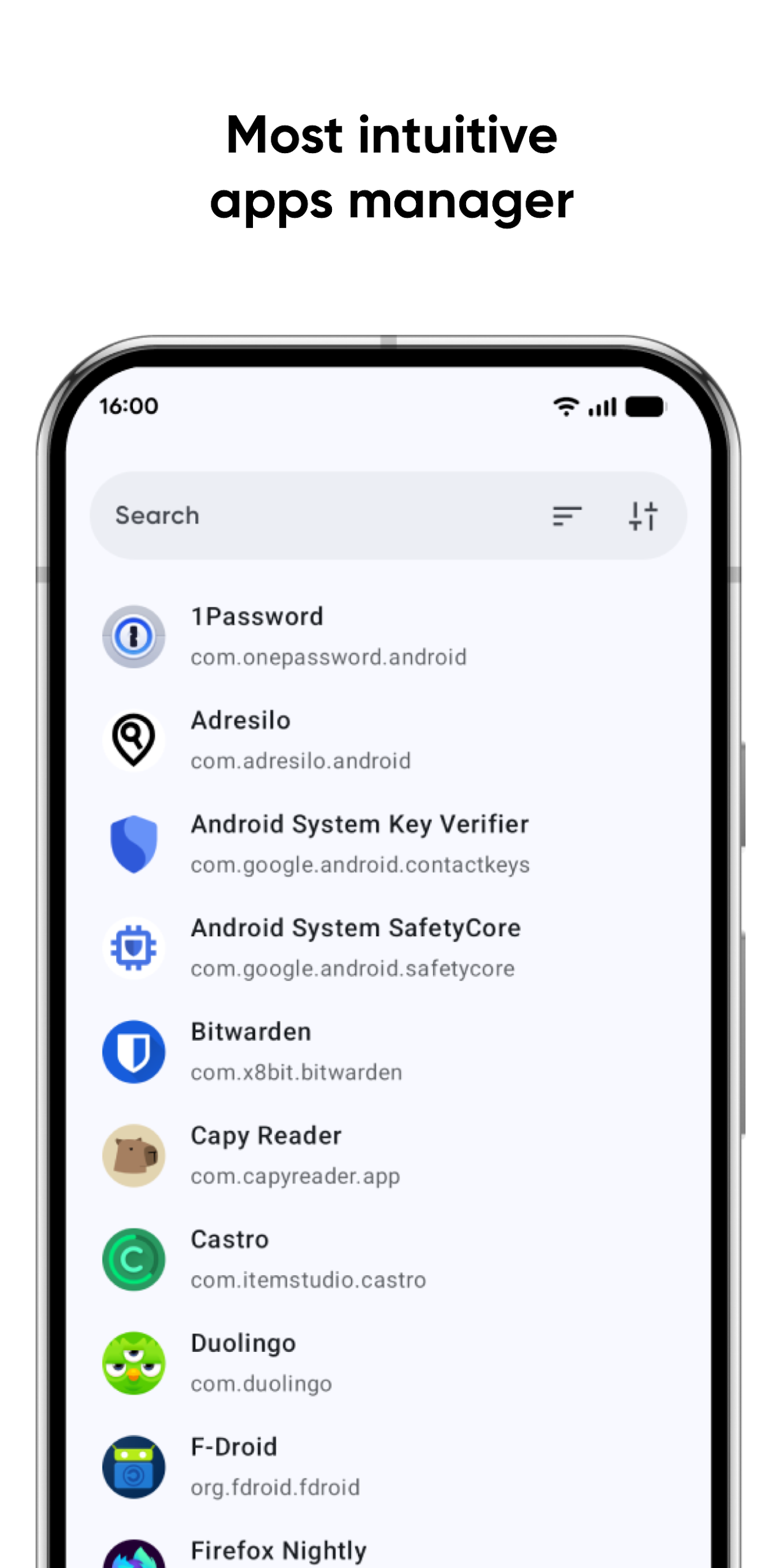
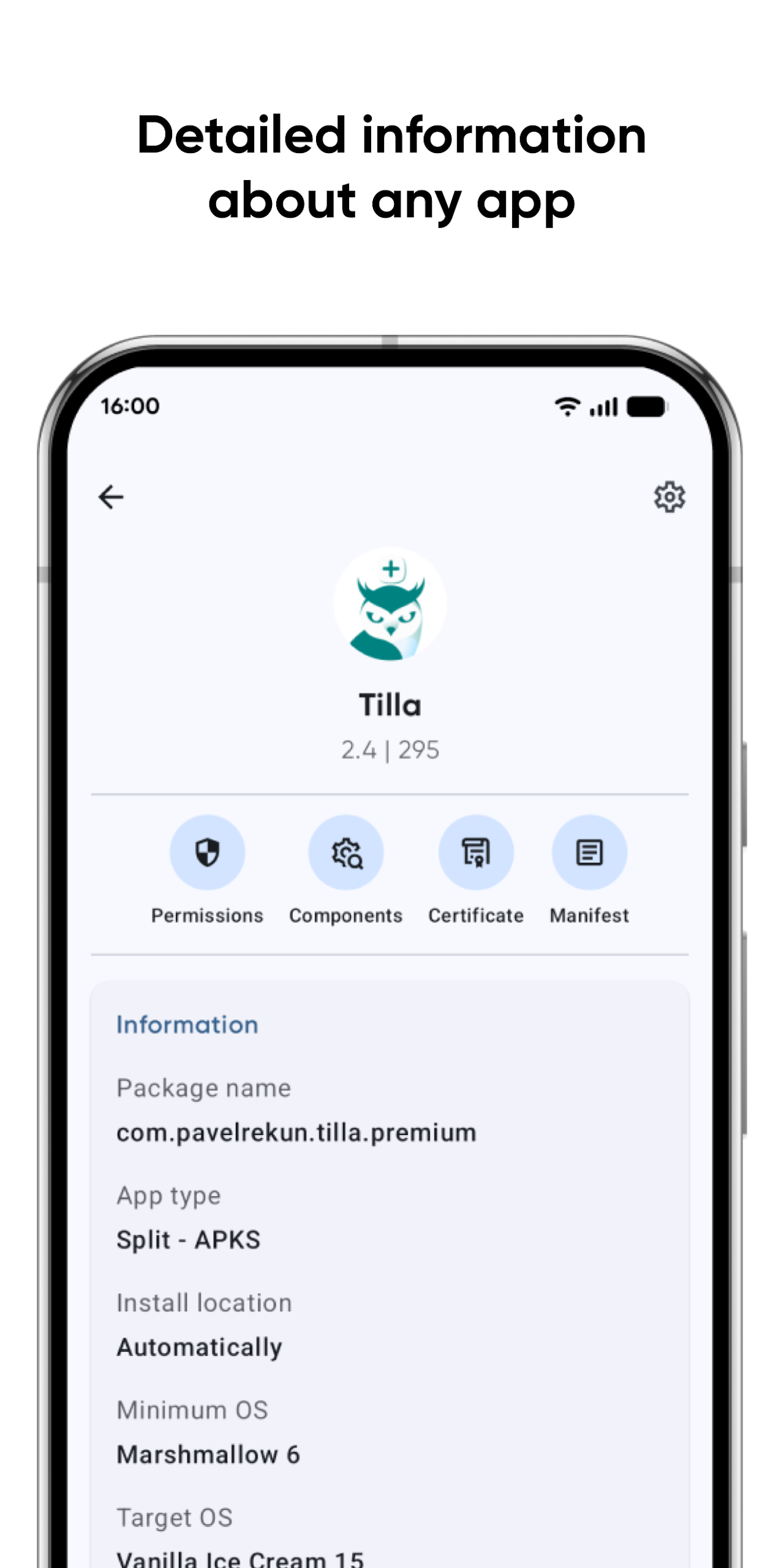
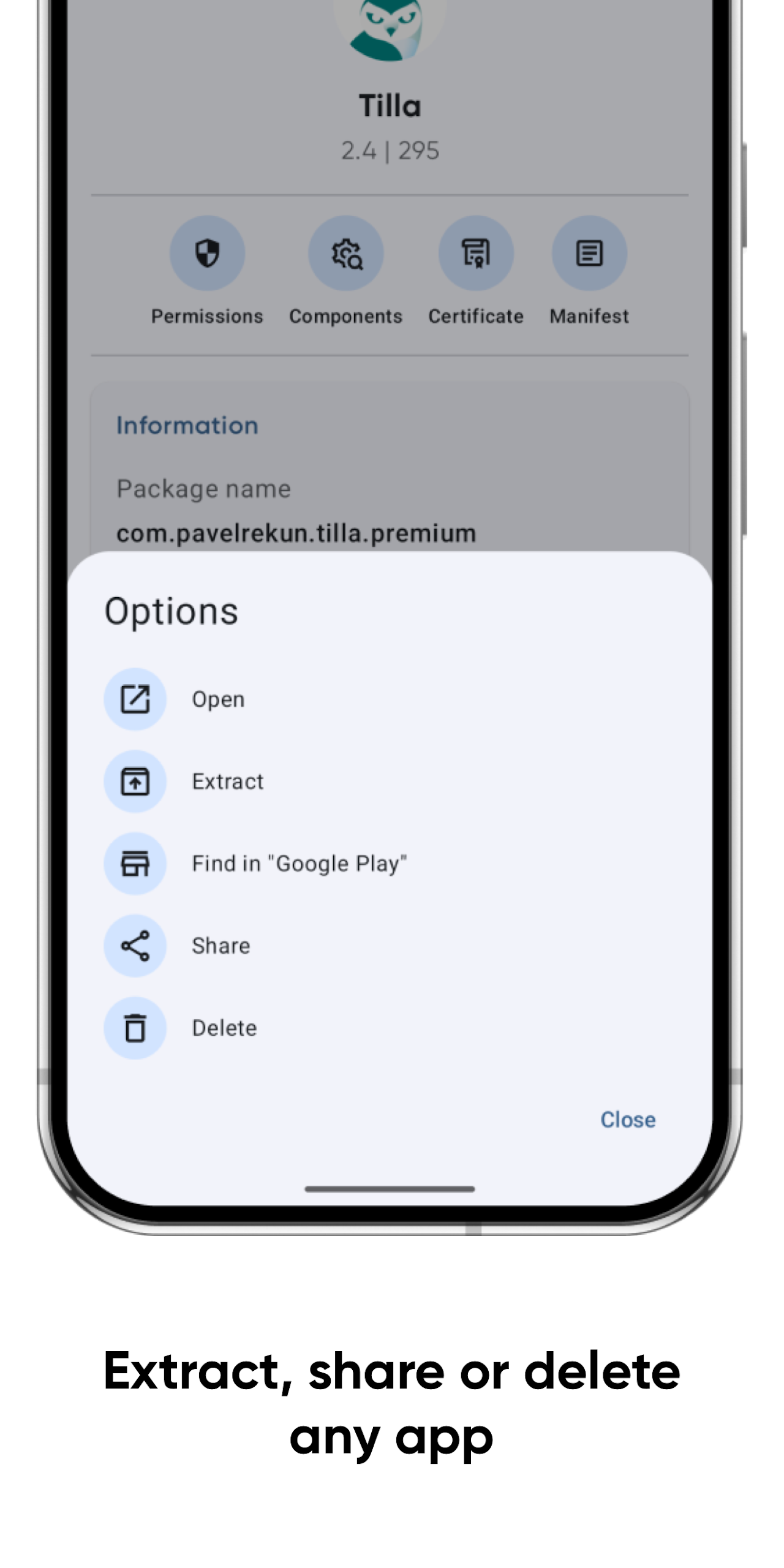
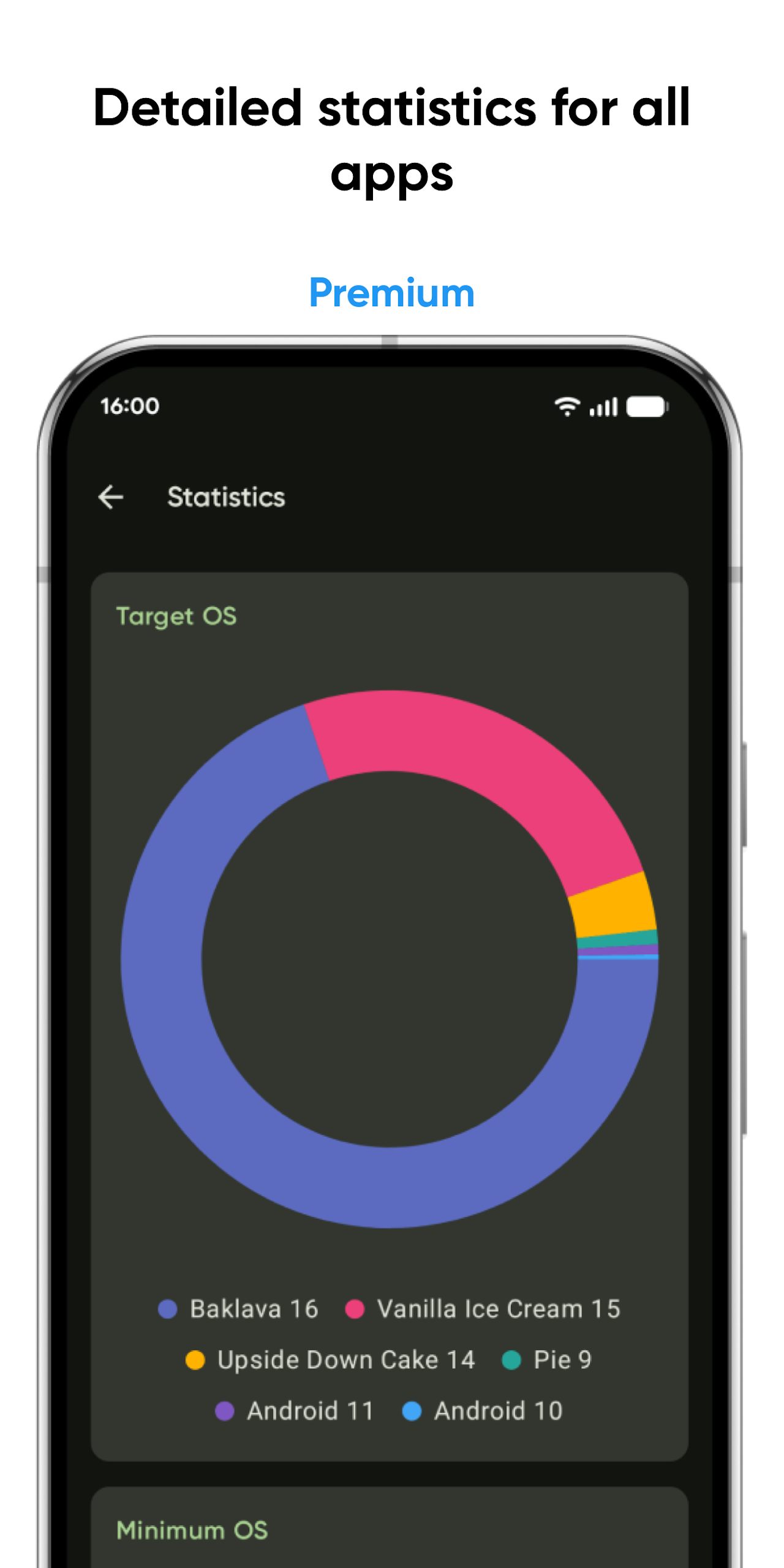
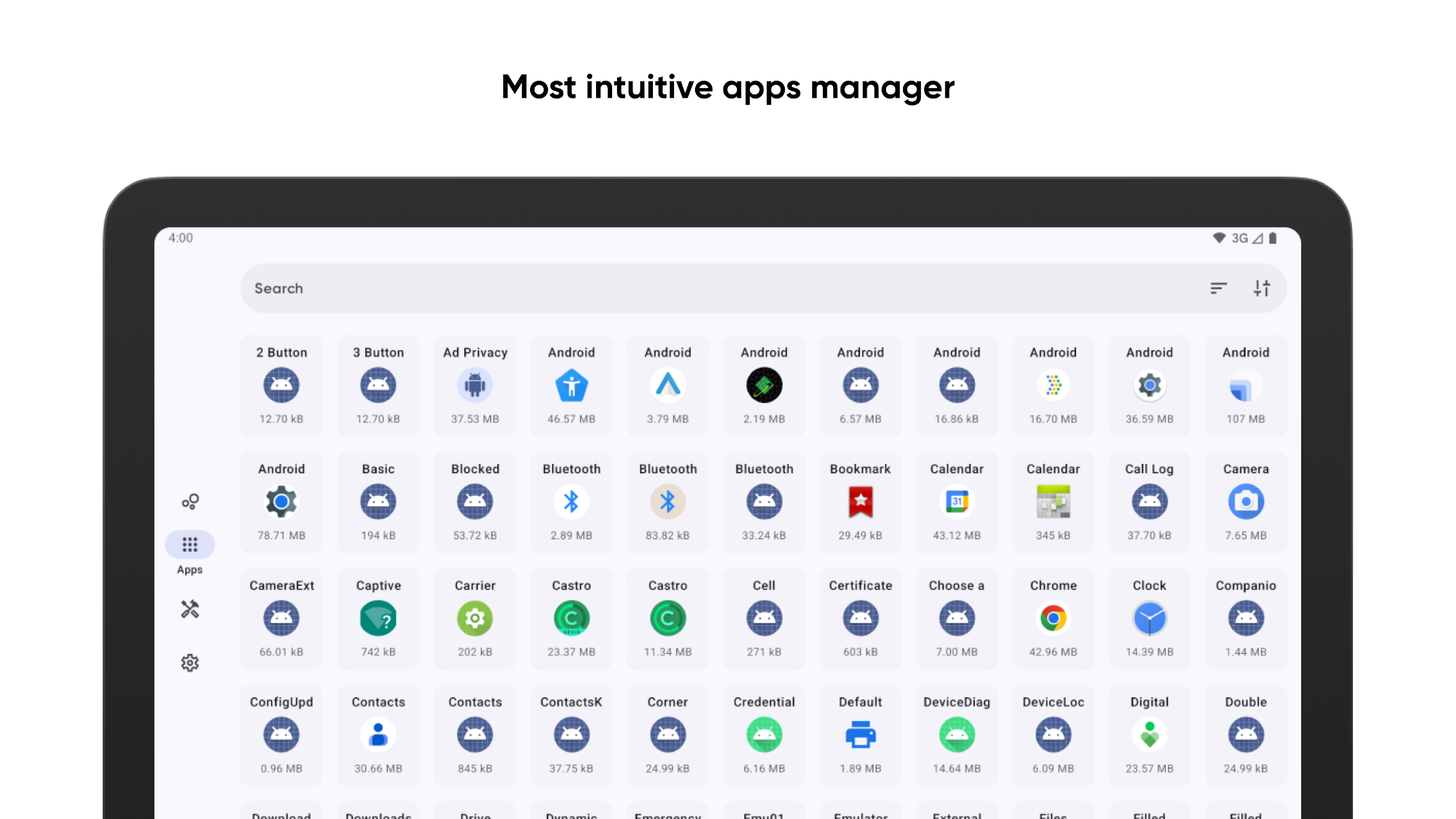
Skit is an extremely user-friendly and straightforward application manager for your device.
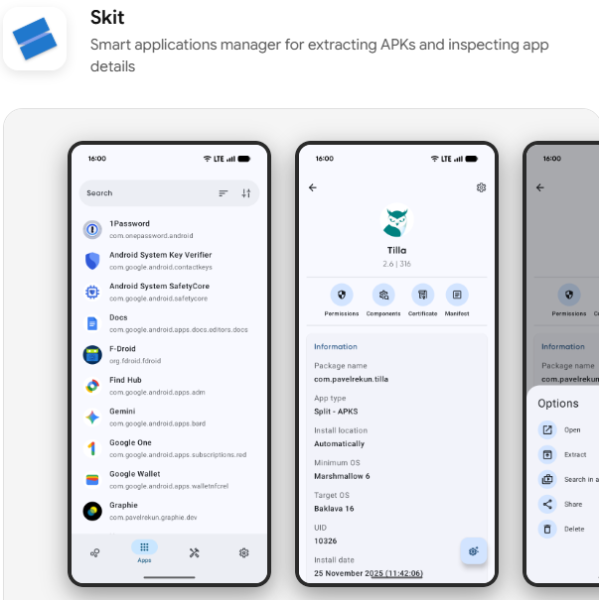
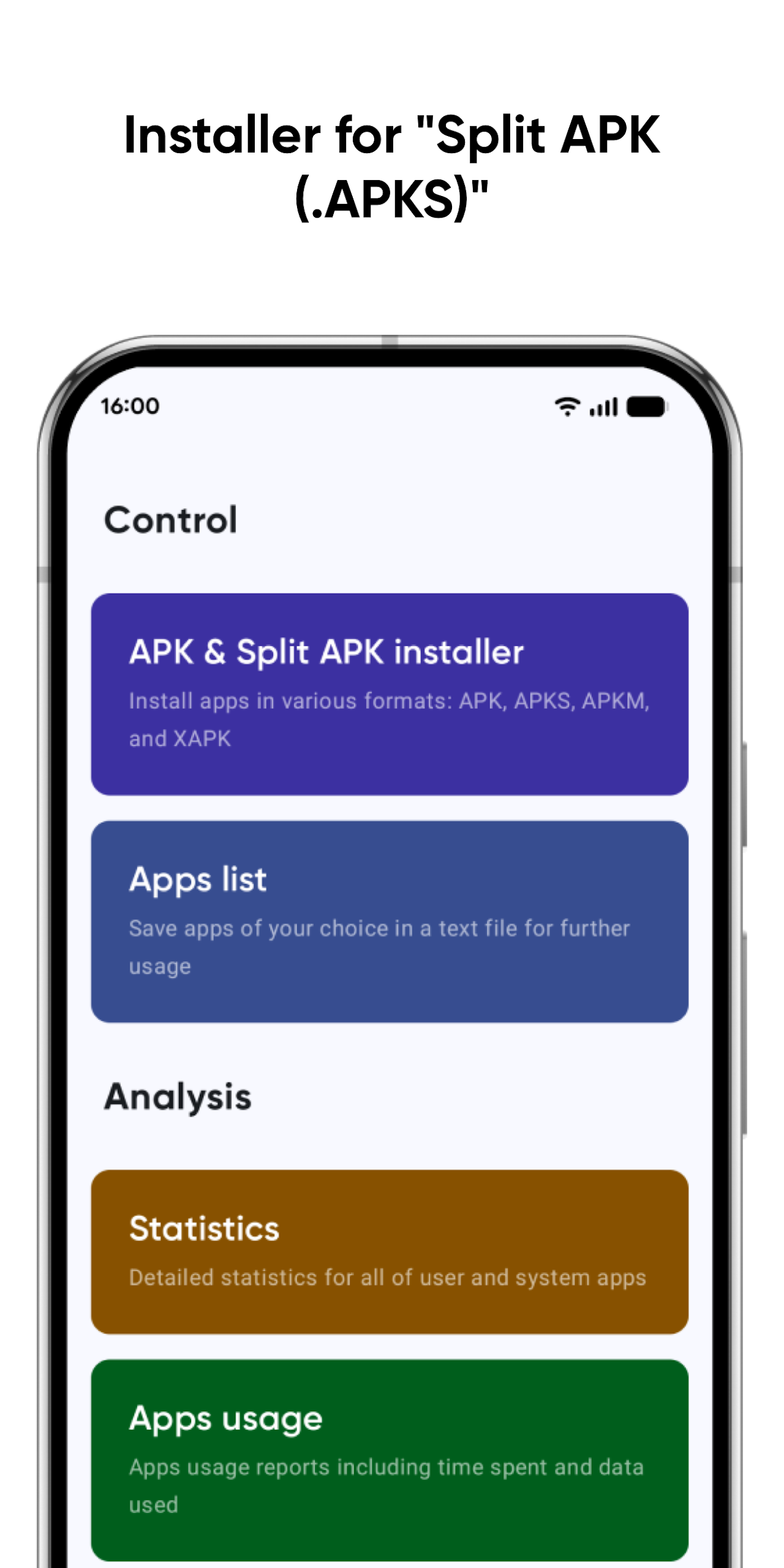
It offers numerous features, such as the ability to uninstall or extract applications, as well as easily access all components of each app!
Features:
Complete Control
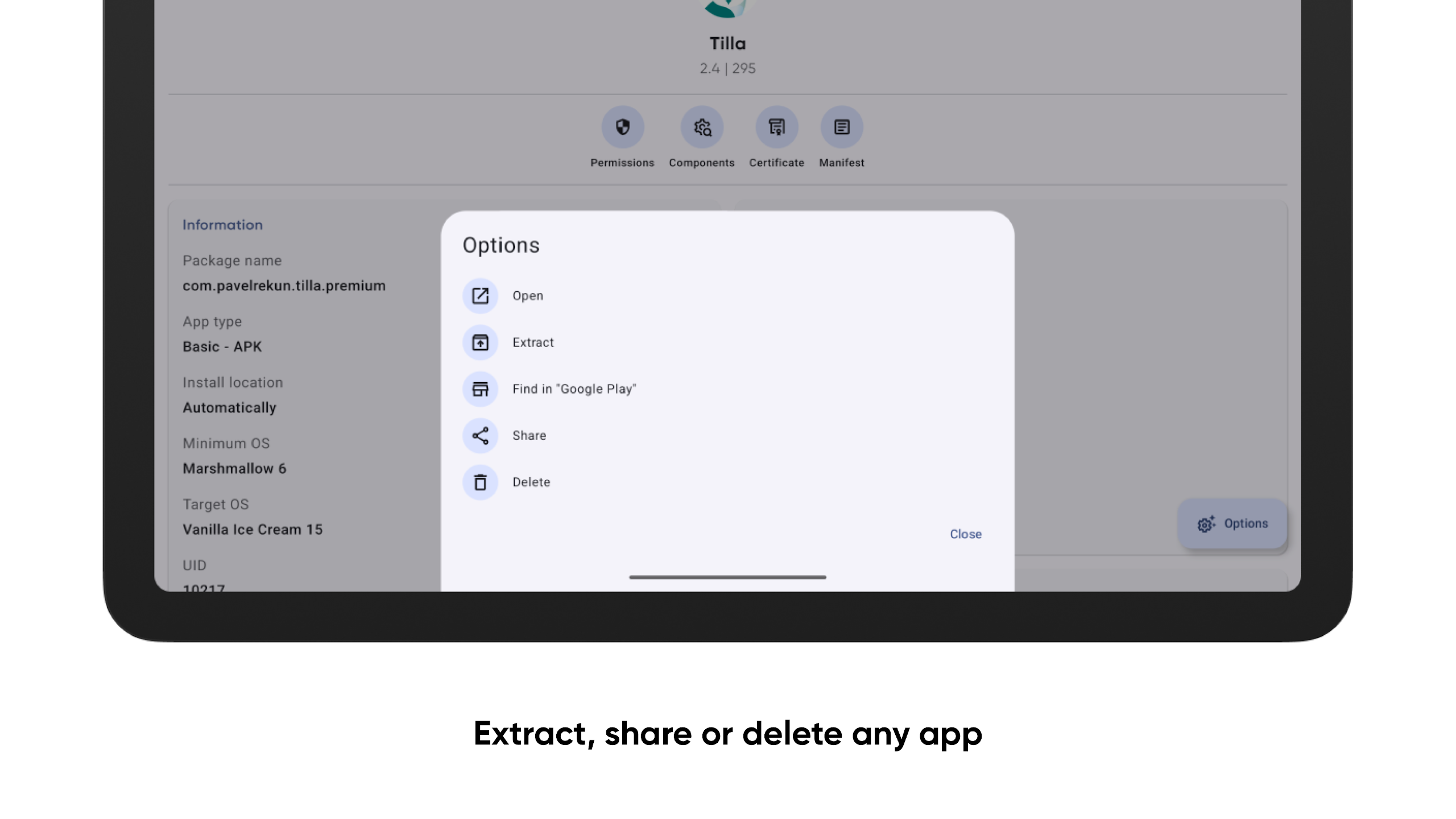
You can extract your applications in both APK and Split APK (APKS) formats, allowing you to share them with your friends however you wish. Additionally, removing any user-installed apps can be accomplished effortlessly.
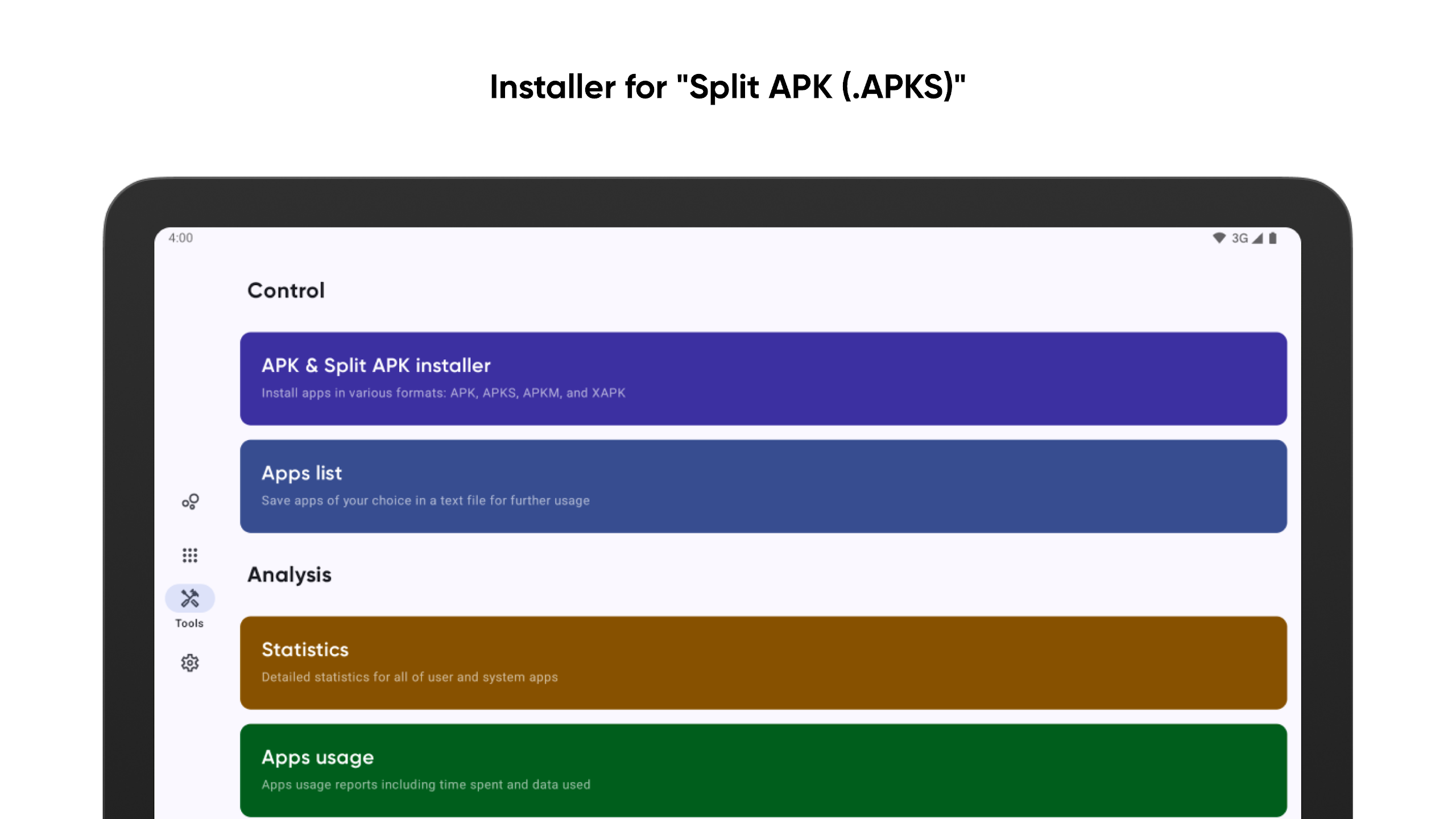
Effortless Installation of Split APK (.APKS)
Installing Split APK files is made easy—simply input your files into the installer and await the outcome.
Detail-Oriented
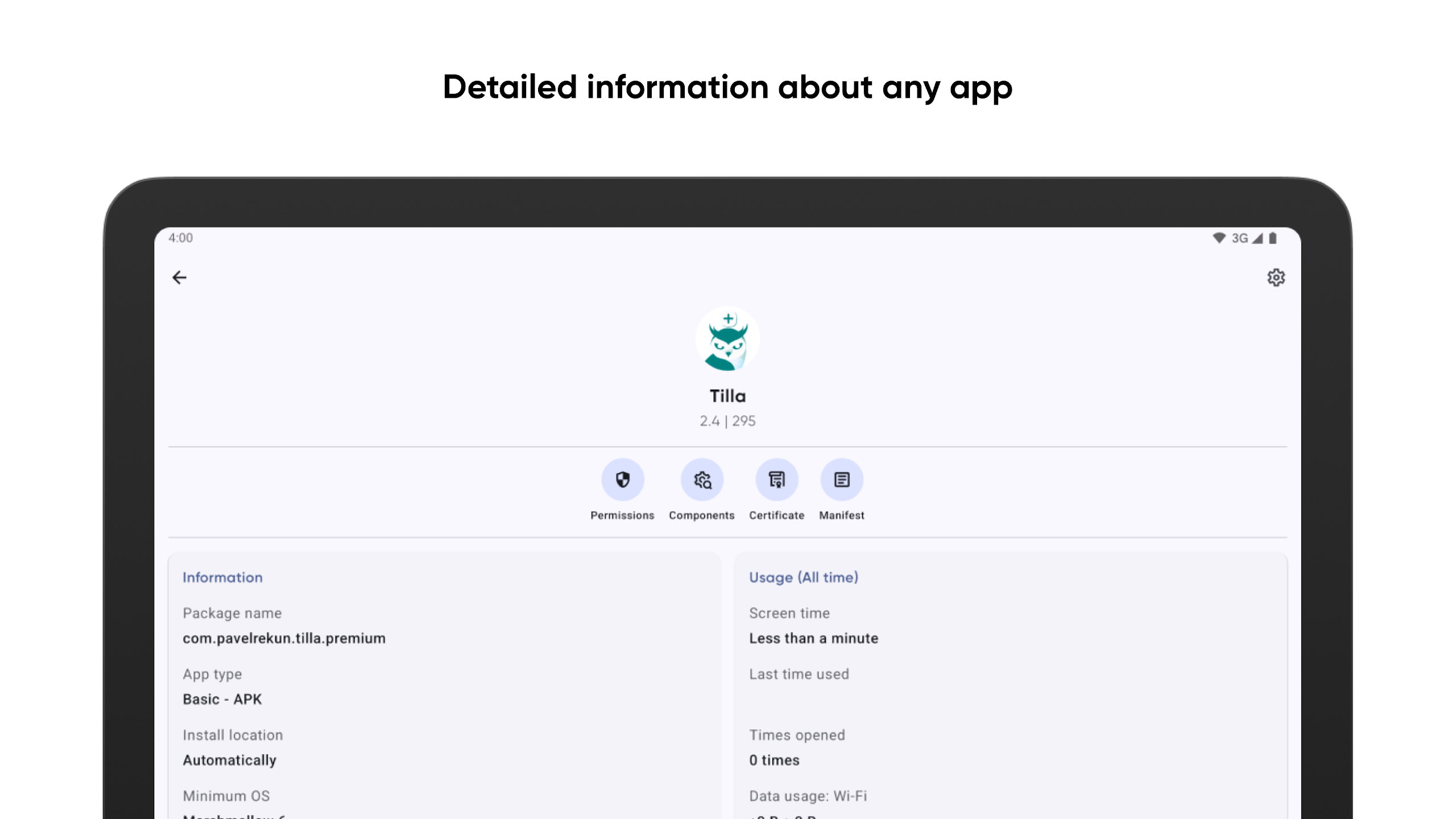
Skit offers an extensive array of information regarding both system and user apps. You'll gain insights starting from installation dates all the way to comprehensive reports on memory usage by apps.
Understanding App Hierarchy
Discover how any chosen app operates internally. You will have access to a list of activities, manifests, providers, broadcast events, services, utilized permissions, and even specifics regarding the app's signature certificate.
Enhanced Features with "Premium":
Subscribers to the "Premium" plan will unlock additional capabilities, including:
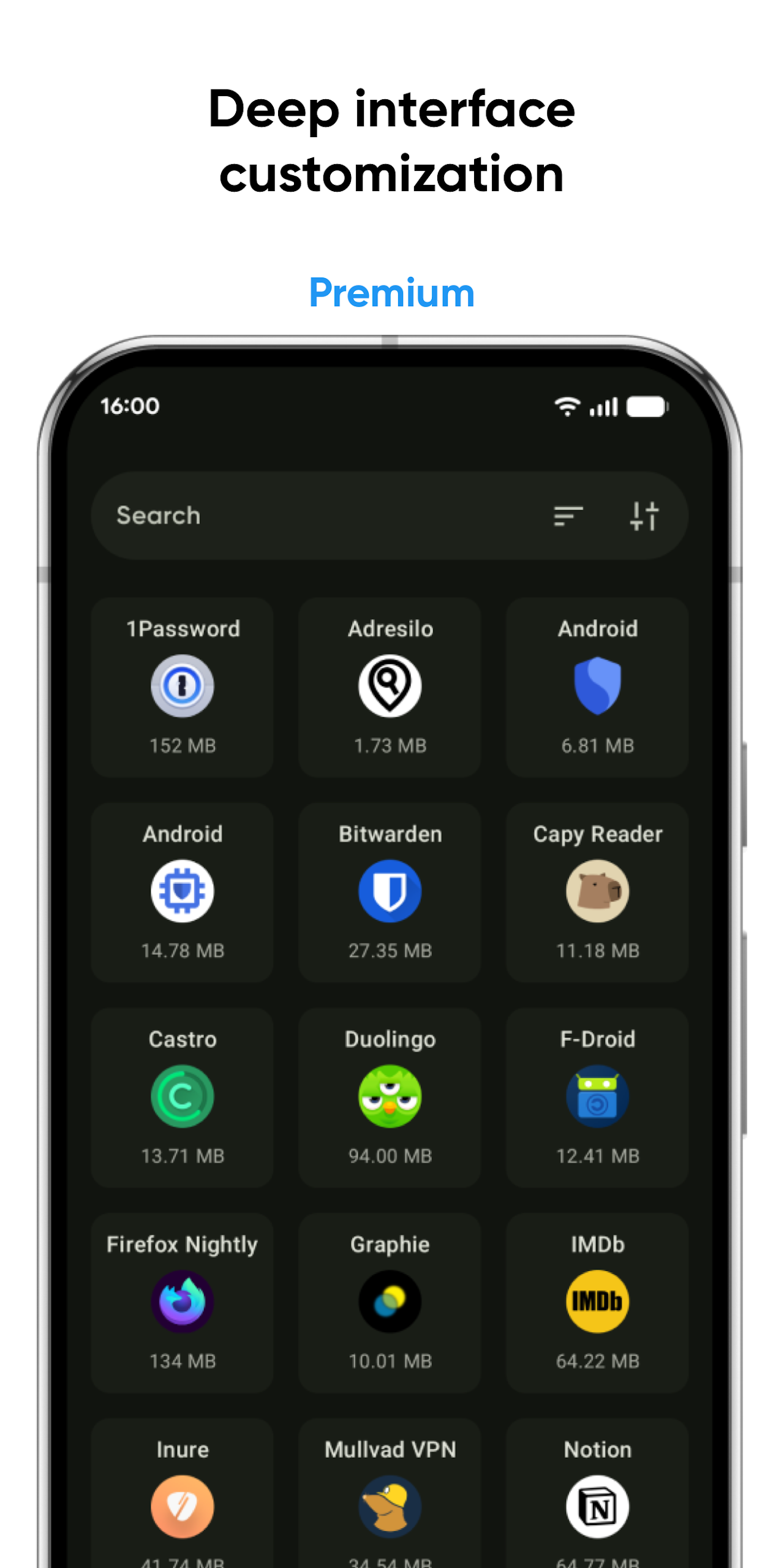
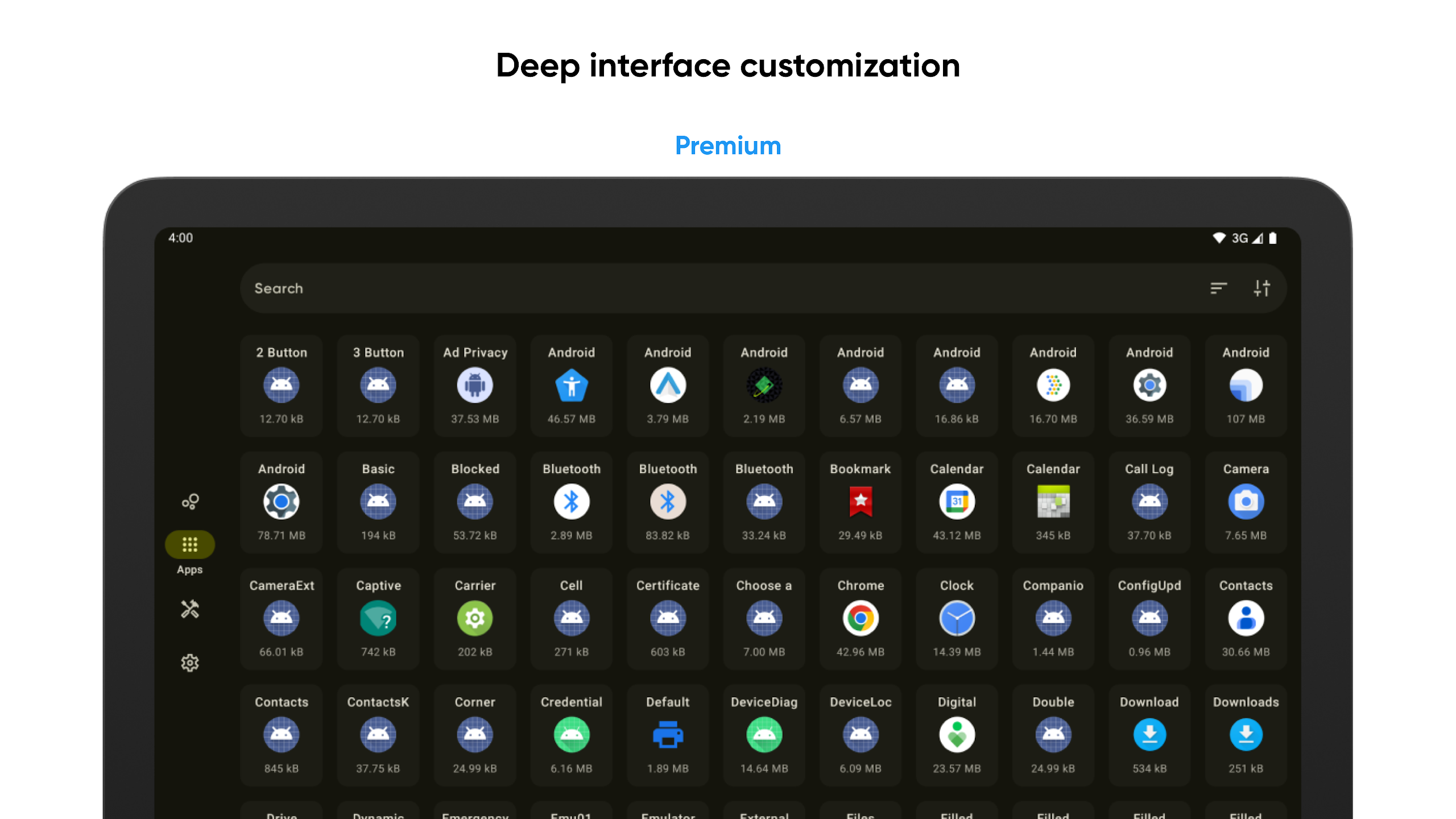
• Customization options for the interface, allowing you to tailor Skit to your liking;
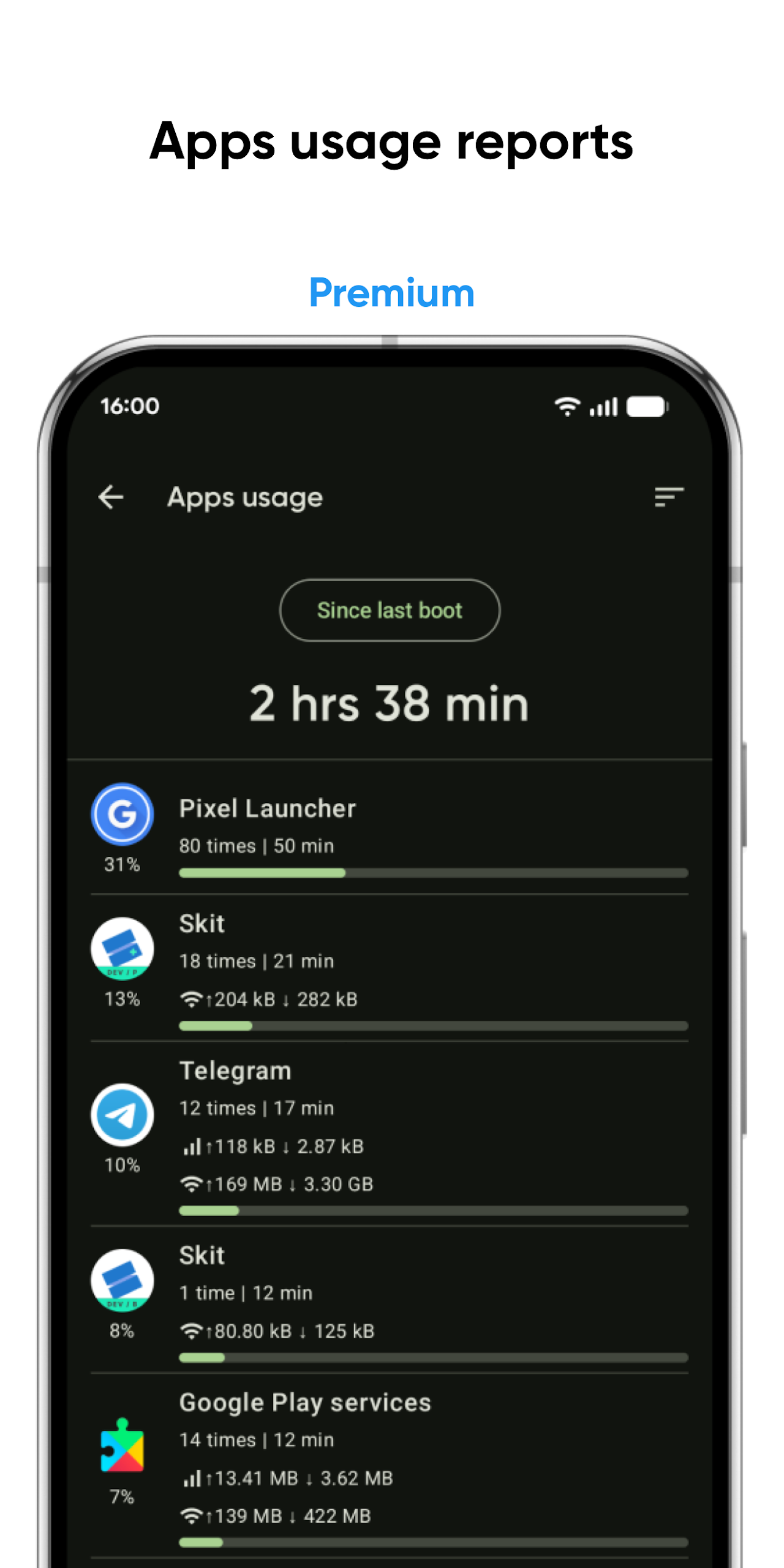
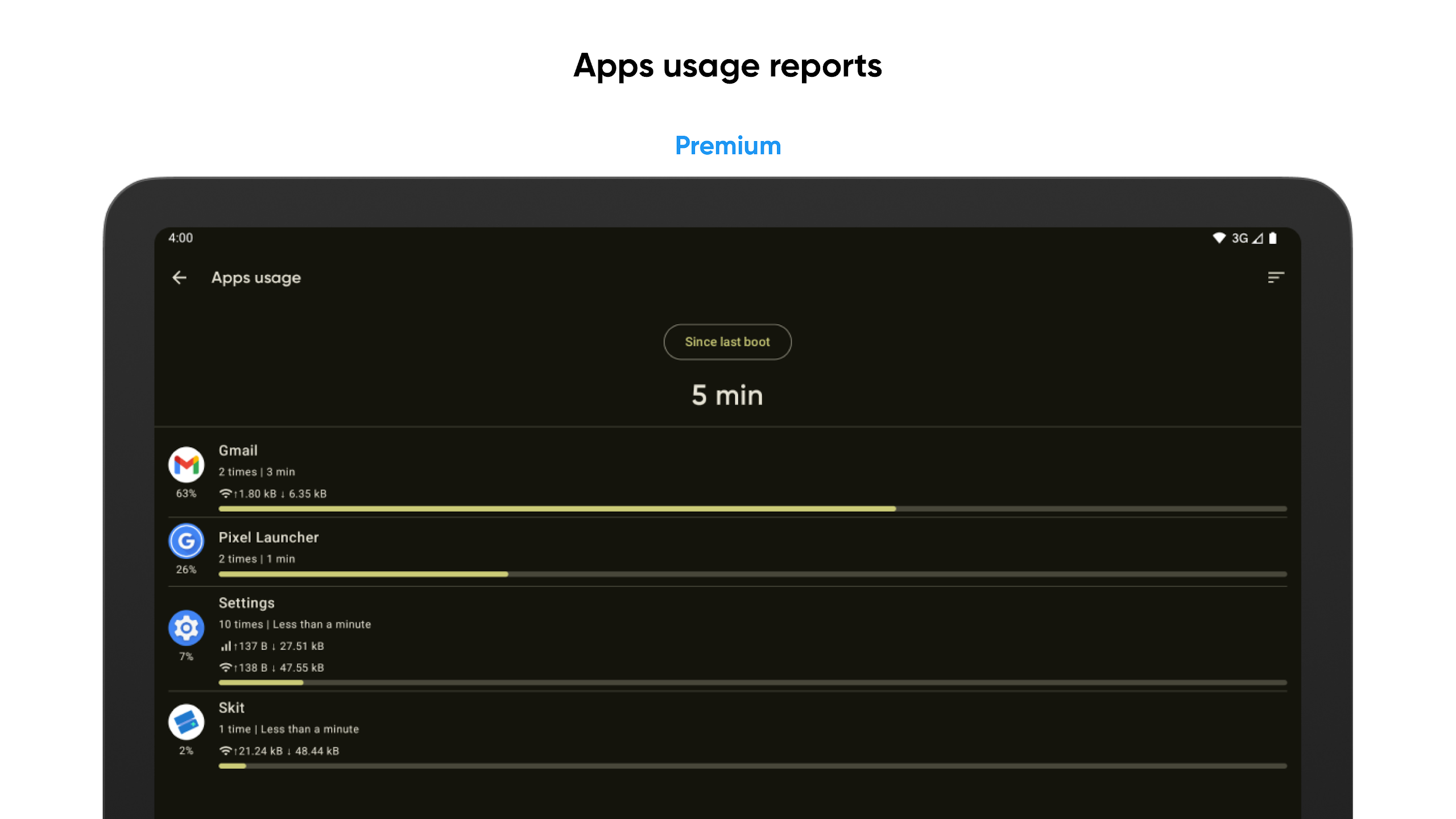
• Reports on app usage that track the time spent on each app and the data it utilizes;
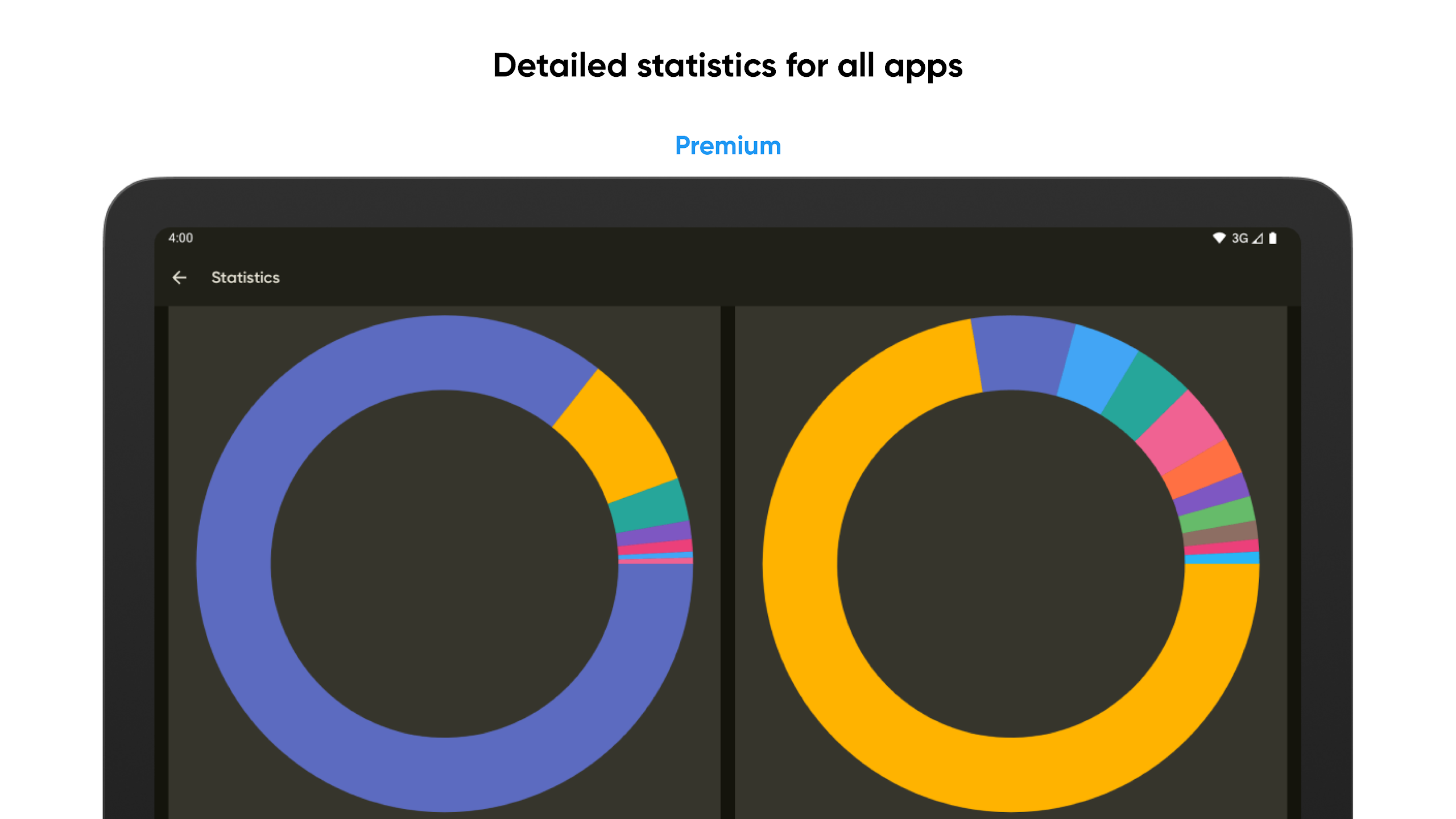
• Comprehensive statistics for all applications;
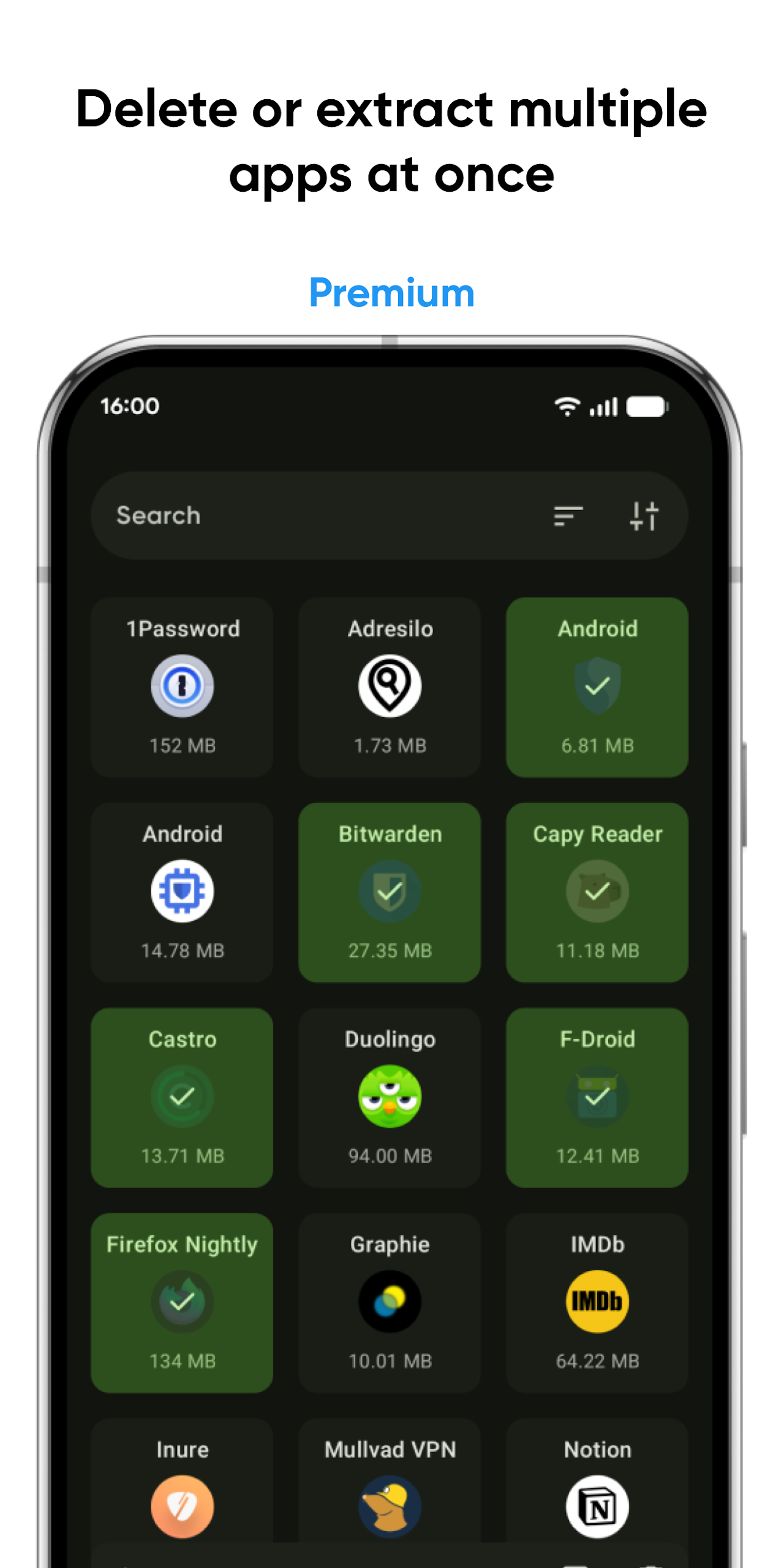
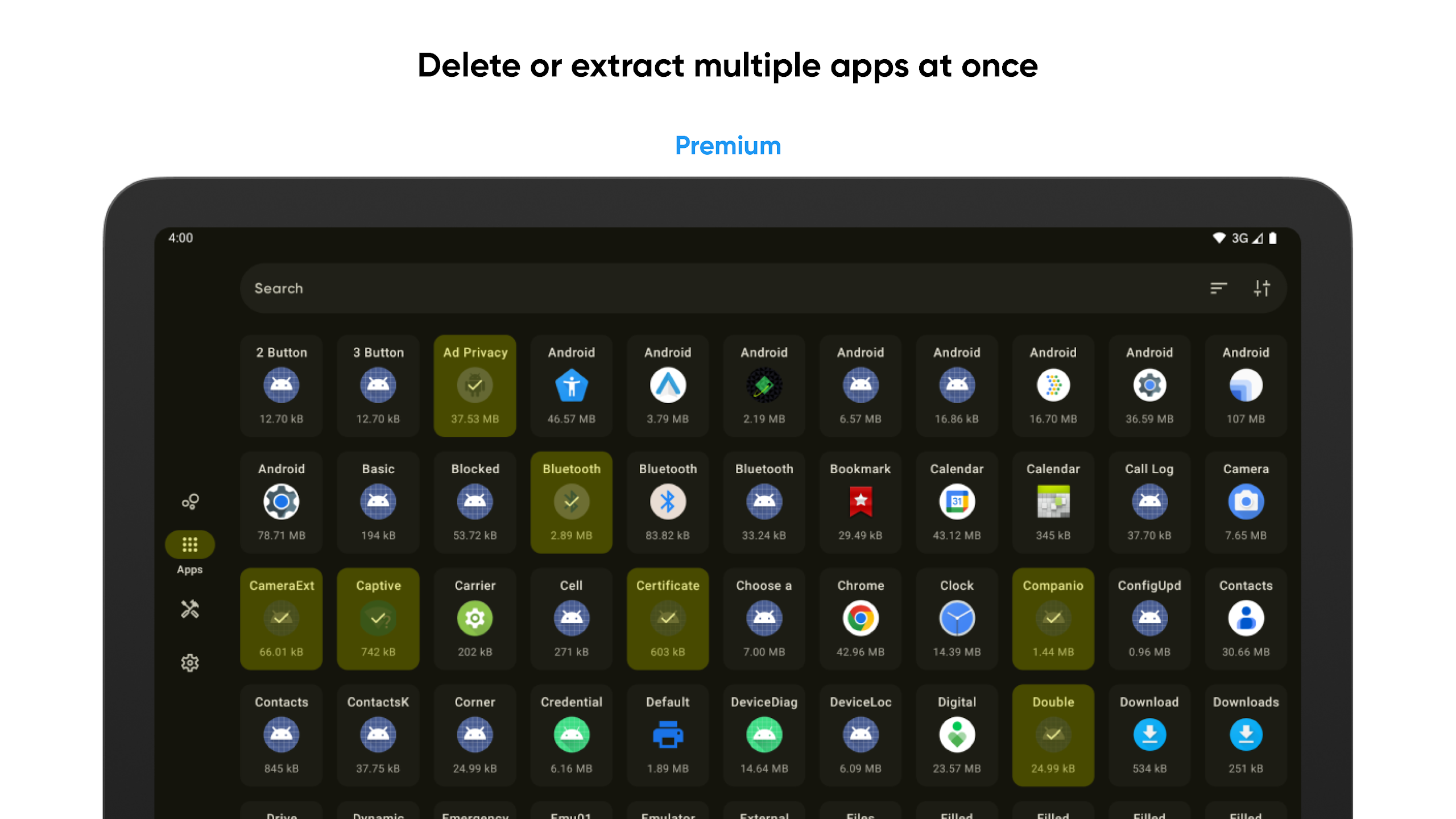
• The ability to delete and extract multiple apps at once;
• An analysis tool for external apps utilizing APK files.
User Experience: Simple and easy to use, adaptable to different needs:
1. **Easy to Use**: The interface is clear, and core functions (uninstall, extract, and install) are readily apparent. No complex setup is required, so even beginners can quickly operate. Operational feedback is immediate, with clear success and failure indicators to avoid confusion.
2. **Widely Available**: Basic functions (extracting, uninstalling, and checking app information) are free, while advanced functions (bulk operations and usage tracking) are available through subscriptions, eliminating interruptions. The app uses minimal memory and doesn't slow down your device.
3. **Professional Without Obscurity**: When viewing app internal components (such as permissions and signatures), technical terminology is simplified, making core information (such as "This permission is used to read location") understandable to average users.
Core Use Cases:
1. **Daily Cleanup**: Quickly uninstall temporary apps, check memory usage, and free up space on your phone.
2. **App Sharing**: Extract APK/APKS files and share them with others even without an internet connection (e.g., sharing niche apps with family).
3. **Special Installation**: Easily install Split APK (APKS) files, solving installation challenges for large games and niche apps.
4. **Security Check**: Check app permissions and signature information to determine if they are over-authorized or tampered with; view battery and data usage data to optimize device usage.
5. **Efficient Management (Premium Edition): Batch uninstall/extract multiple apps and track app usage time. Ideal for users with multiple apps who need to monitor usage (such as parents and professionals).
Help and Support:
If you're in search of answers to common questions, feel free to check our FAQ section.
Interested in assisting with localization efforts? We welcome your involvement!
FAQs:
1. **What does Skit primarily do?**
It's a simple and easy-to-use device application management tool that helps users uninstall and extract application installation packages (APK/APKS format). It also allows you to view detailed information about various applications, including installation time, memory usage, internal components, and permissions.
2. **Does Skit support installing split APK files? Is the process complicated?**
Yes, it does. The installation process is very simple. Just import the split APK file into the installer within the application and wait for the system to automatically complete the installation. There's no need to manually handle complex file splitting steps.
3. **What's the difference between the free version and the Premium paid version?**
The free version meets basic needs, such as extracting/uninstalling applications, viewing application information, and installing split APKs. The paid version unlocks more features, including interface customization, application usage time and data consumption statistics, batch uninstallation/extraction of applications, and external APK file analysis tools.
4. **What are the uses of using Skit to view application permissions and signature information for ordinary users?** **
**Regular users can use this information to determine if an application has over-granted permissions, such as whether a casual game has obtained unnecessary permissions like location or contacts. Checking the signature information can also help determine if the application has been tampered with, improving security.**
**5. **What scenarios is Skit suitable for?**
It can be used daily to uninstall temporary applications and clean up phone storage; it can also extract APK files for offline sharing with friends and family; it can solve the installation problem of split APKs for large games and niche applications; the paid version is more suitable for people who need to manage applications in batches and monitor usage time, such as parents controlling their children's mobile applications or professionals organizing work software.**
**6. **Will using Skit consume a lot of phone memory and slow down the device?**
No. This application itself has a very small memory footprint and will not put extra burden on the device or affect the normal operating speed of the phone.**
- Version2.4
- UpdateOct 23, 2026
- DeveloperPavlo Rekun
- CategoryTools
- Requires AndroidAndroid 5.0+
- Downloads210K+
- Package Namecom.pavelrekun.skit
- Signaturea4e991022f9c9c28a3cbf7fc951519b3
- Available on
- ReportFlag as inappropriate
-
NameSizeDownload
-
4.74 MB
-
4.45 MB
-
4.56 MB



















Clean user interface design
Fast app installation through .apks files
Material You integration
Insightful app information available
Responsive developer support
Simple APK extraction functionality
Useful for app management and permissions overview
Good backup feature for apps
Large font sizes in the app
Excessive space between sections
High memory usage when viewing APK data
Lack of features to sort apps by various criteria
No option to install APK files directly
Limited ability to manage app permissions
Slow loading time for certain features
App crashes with large number of installed apps