
Razer Audio - Razer audio control & customization
Unleash the full potential of your Bluetooth Razer devices with seamless control, advanced settings & firmware updates.

- 21.0.0.1732518633 Version
- 2.1 Score
- 701K+ Downloads
- Free License
- 3+ Content Rating

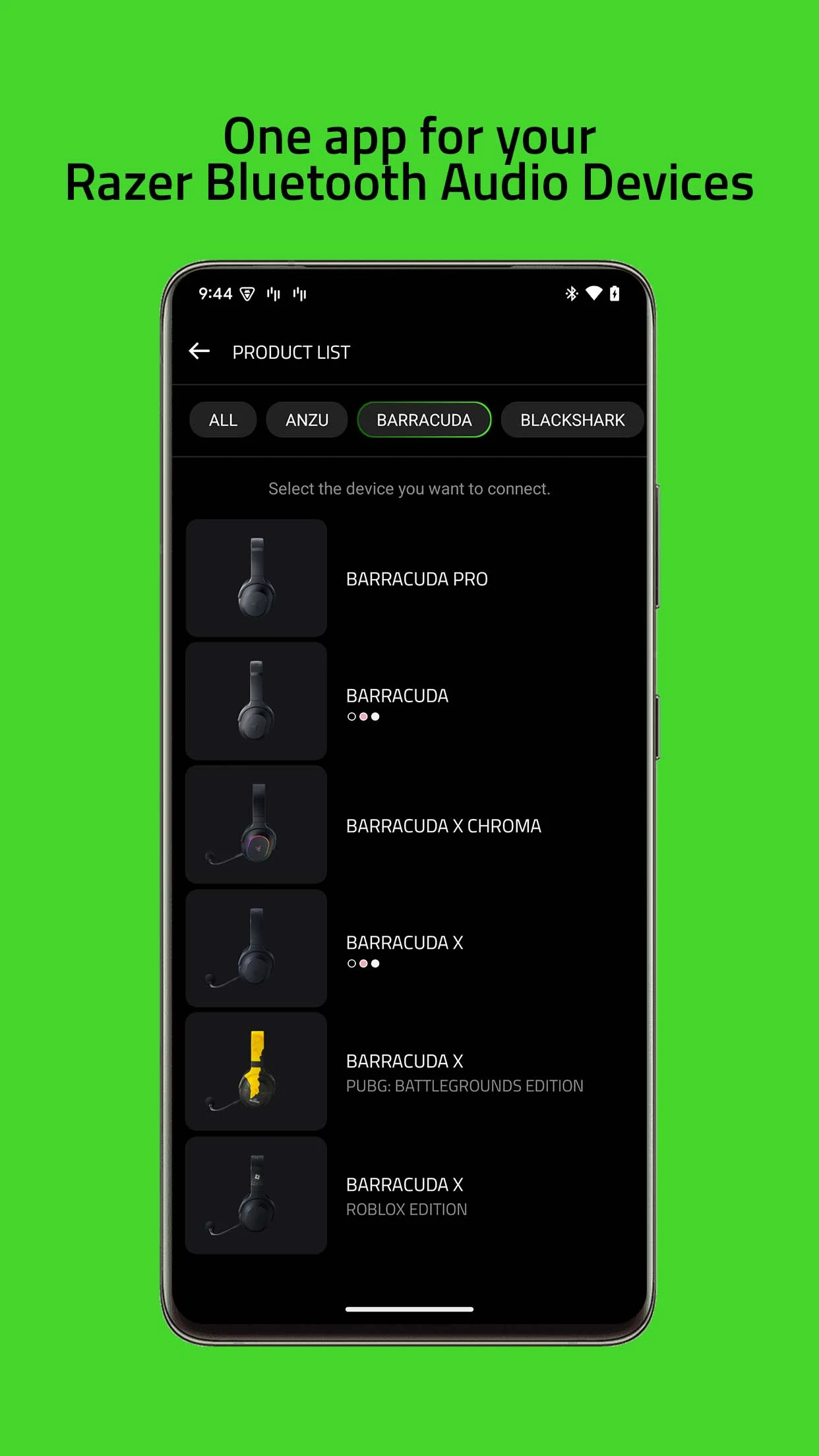
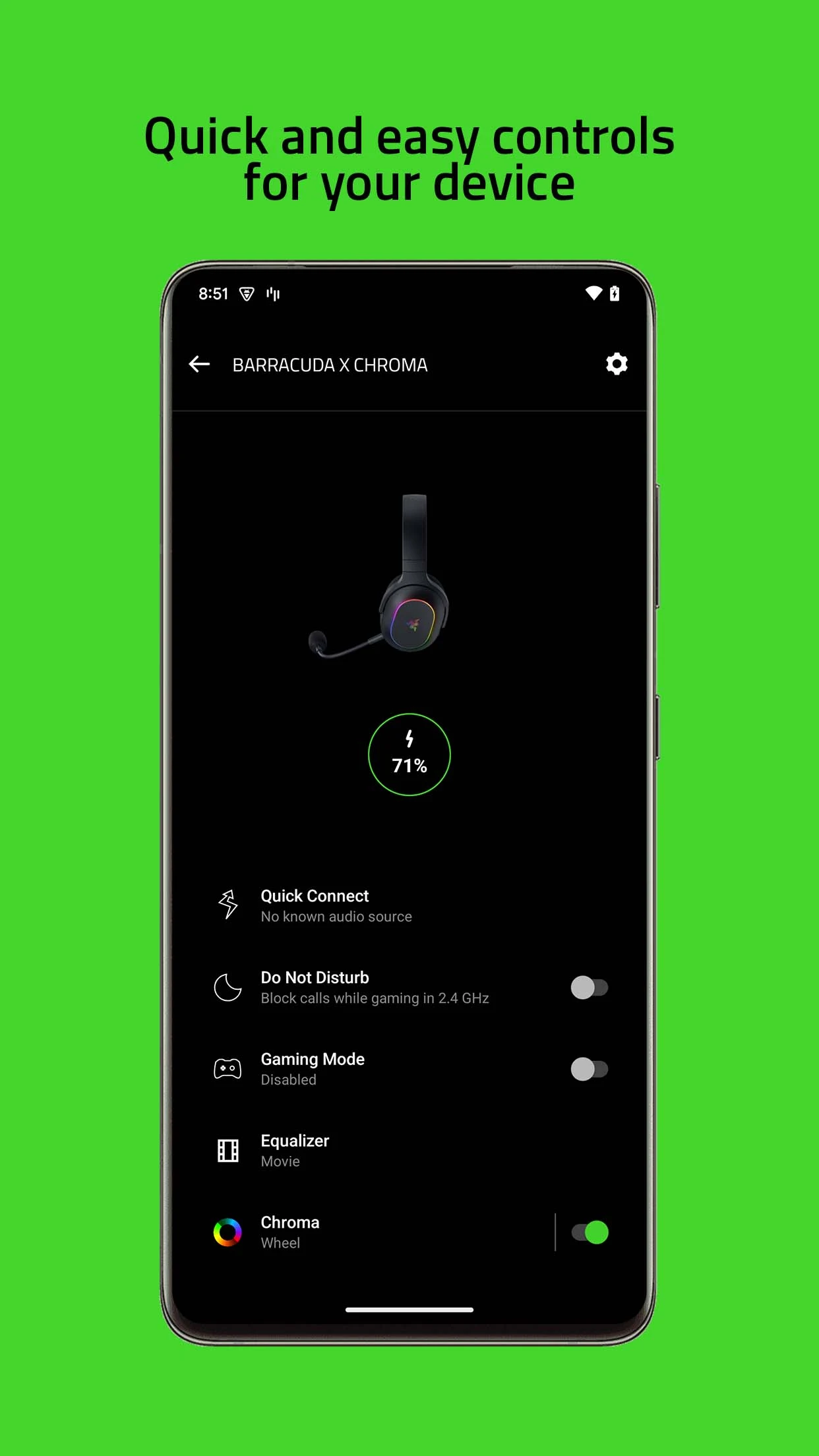
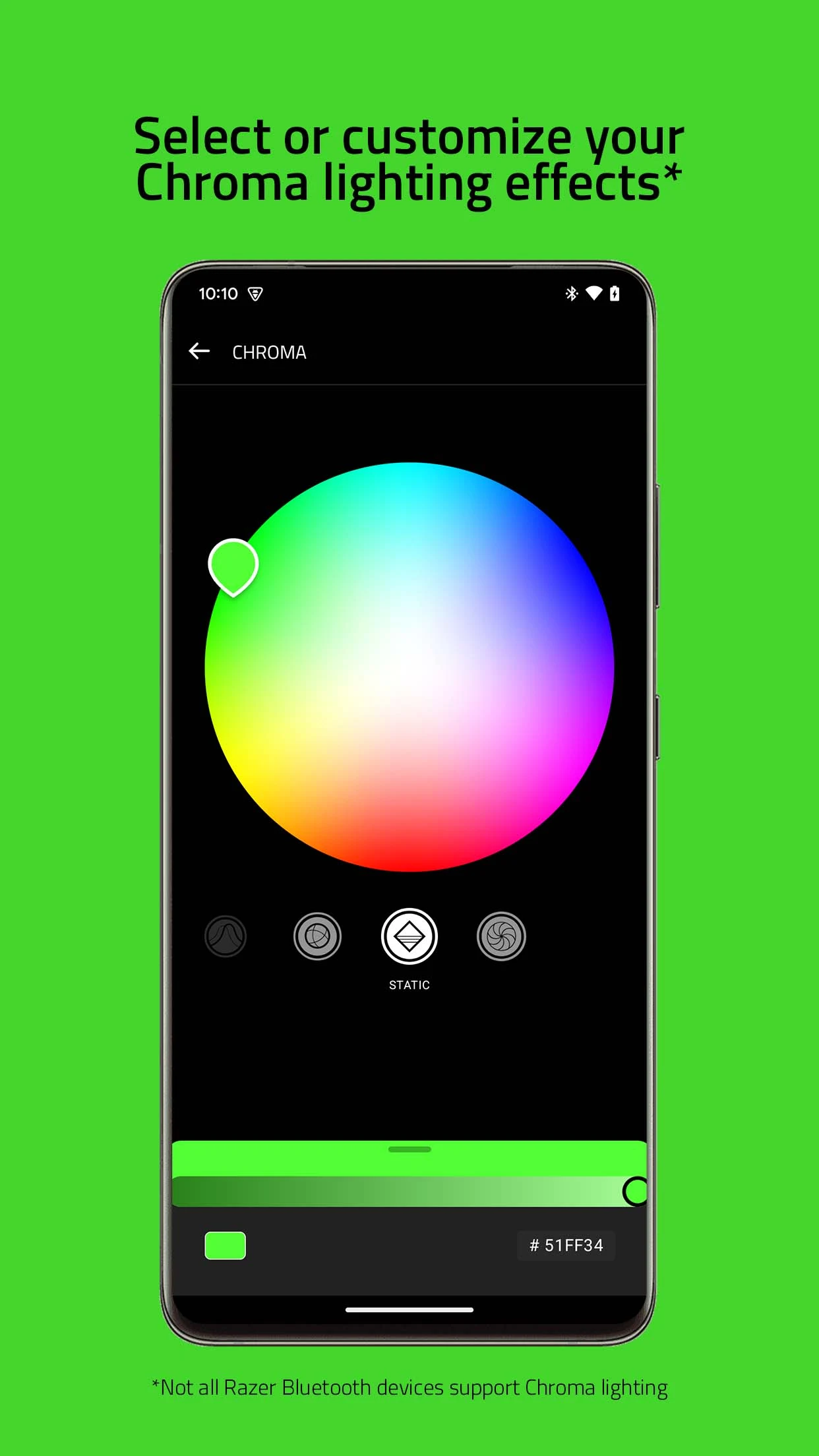
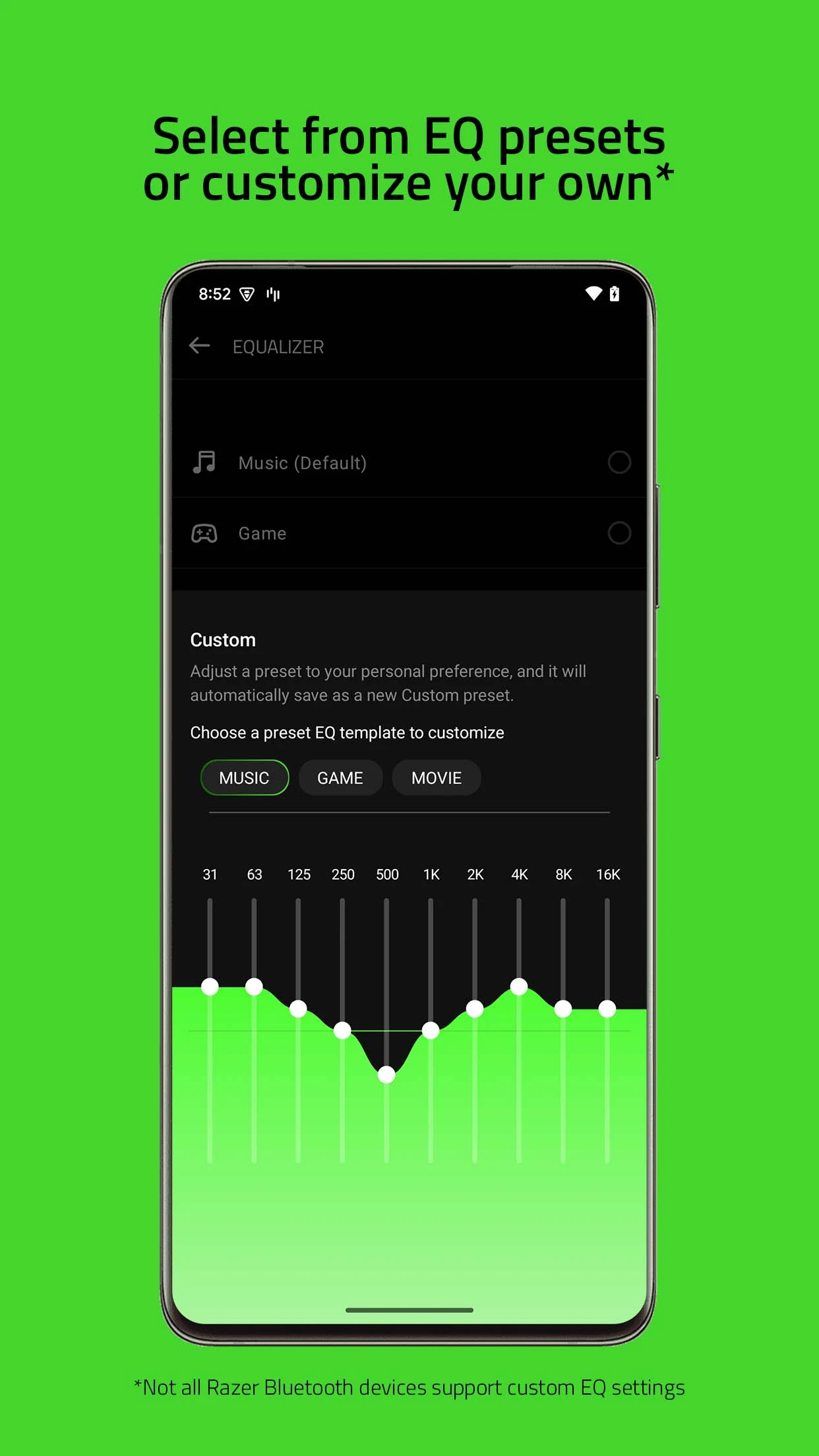
Supported Devices:
- Razer Anzu
- Razer Barracuda Pro
- Razer Barracuda
- Razer Barracuda X Chroma
- Razer Barracuda X
- Razer Blackshark V2 Pro - PlayStation Edition
- Razer Hammerhead True Wireless Pro
- Razer Hammerhead HyperSpeed - PlayStation Licensed
- Razer Hammerhead HyperSpeed - Xbox Licensed
- Razer Hammerhead True Wireless
- Razer Hammerhead True Wireless X
- Razer | Pokémon True Wireless - Pikachu Edition
- Razer Kaira Pro HyperSpeed - PlayStation Licensed
- Razer Kaira Pro for PlayStation
- Razer Kaira HyperSpeed - PlayStation Licensed
- Razer Kaira HyperSpeed - Xbox Licensed
- Razer Kaira for PlayStation
- Razer Kraken BT - Hello Kitty and Friends Edition
- Razer Kraken BT Kitty Edition
- Razer Leviathan V2 Pro
- Razer Leviathan V2
- Razer Leviathan V2 X
- Razer | Pokémon Pikachu Edition Soundbar
- Razer Opus
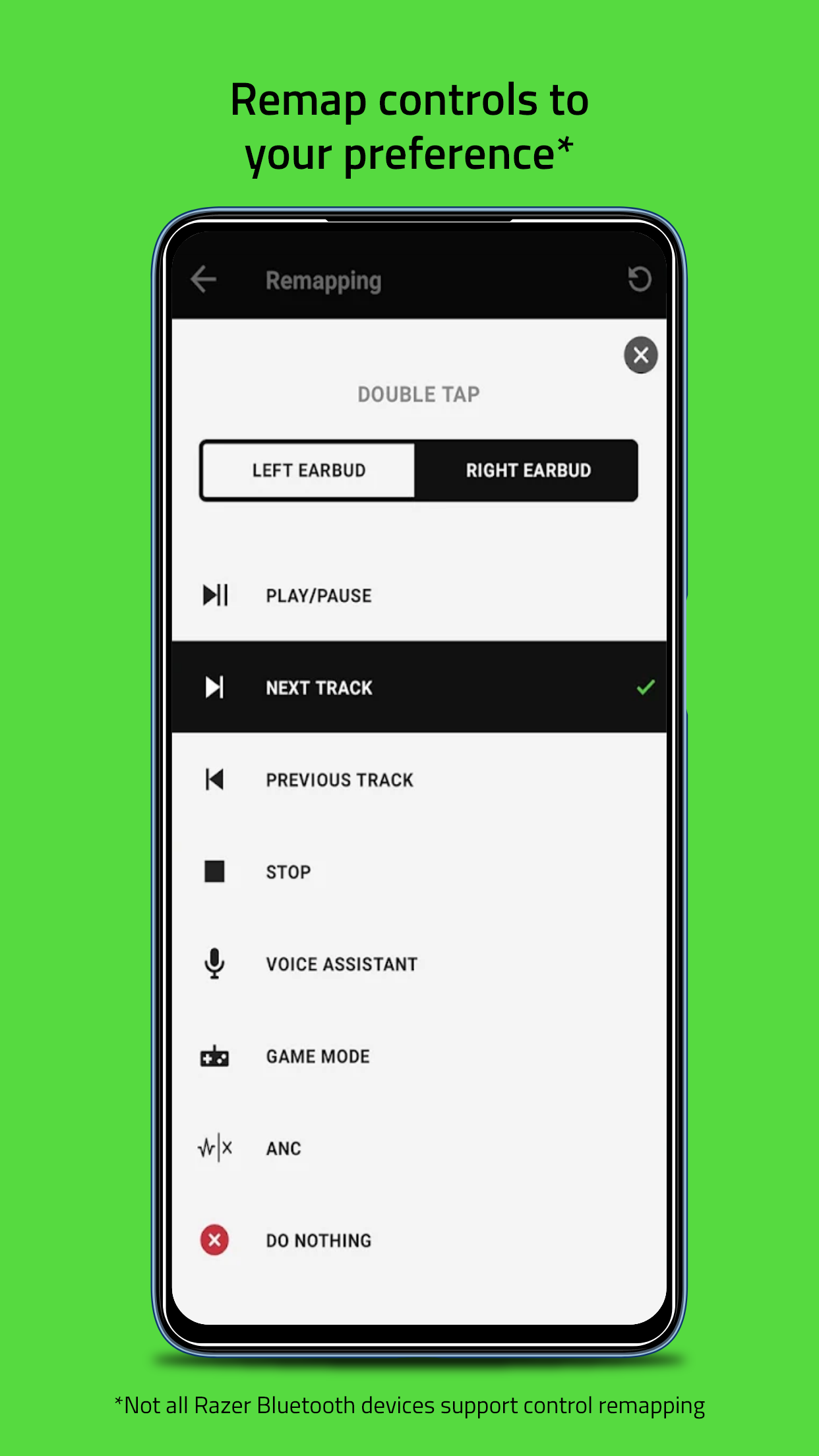
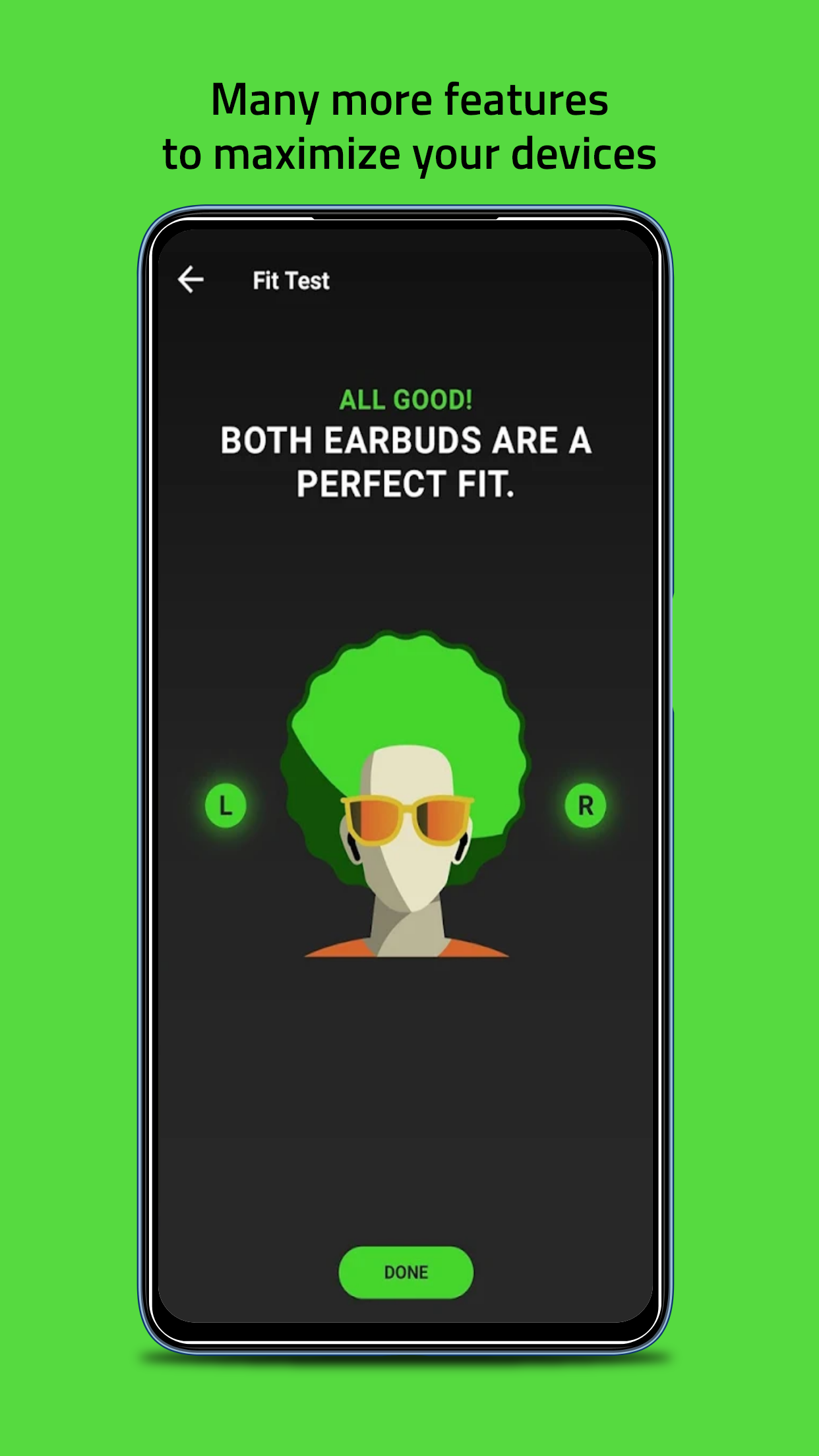
Enhancing advanced customizations for your Bluetooth-enabled Razer audio devices has become much simpler. This user-friendly mobile application allows you to manage them conveniently from a single location. You can swiftly access settings and features, adjust audio preferences, download the most recent firmware updates, and explore many more functionalities.
The latest Razer Audio app combines the capabilities and features of several previous applications into one:
- Razer Anzu App
- Razer Hammerhead True Wireless App
- Razer Opus App
What is a Valid Proof of Purchase?
For any Limited Warranty claim, a valid Proof of Purchase is required. A valid Proof of Purchase is defined as one of the following:
A dated sales receipt from an authorized Razer Dealer or Reseller. The receipt must show the Product description and price.
A dated official e-mail from an authorized on line Razer Dealer or Reseller confirming purchase and shipment of Product. The confirmation e-mail must show the Product description and price.
An order number from the Razer.com web site
Some examples of a non-valid Proof of Purchase are:
The UPC bar code from the box.
A picture of the actual Product.
A Certificate of Authenticity.
Receipts from non-authorized Razer Dealers.
Receipts from any online auction sites, liquidators or clearance houses.
A receipt or order number from any vendor other than Razer.com.
Cancelled checks.
Credit card statements.
*Razer reserves the right to take any action to protect itself against all forms of suspicious claims, including, without limitation, requiring further verification of identity and details of claimant and qualifying purchases as well as debarment of claim.
What if I don't have a Proof of Purchase?
If you purchased directly from Razer.com, we may have a record of your purchase and can locate it for you. Just let us know the order number. If you do not have the order number we may be able to locate it using your name, address and e-mail address.
If you purchased from a Razer dealer or reseller, contact the dealer or reseller and see if they can provide a copy of your receipt. They will often have your purchase history on file and be able to supply a copy of the receipt for you.
If the Product was purchased on line, be sure to check your old e-mails. The vendor should have sent you a confirmation page showing that the Product has been shipped to you.
If the Product was a gift we suggest you ask the giver to provide you with a receipt. You may also ask them if they could handle the Limited Warranty process for you if asking for the receipt is not appropriate.
Why does Razer require a valid Proof of Purchase?
Razer must positively identify that the Product falls within the applicable Limited Warranty period. We also need to verify that the Product was purchased from an authorized seller of Razer Products.
Products purchased from non authorized dealers are often used, counterfeit, re-boxed, defective or gray market goods. These units may also not be designed and packaged to work in your country and may not meet all legal and safety requirements. Razer will not be able to honor a Limited Warranty on Products not purchased from an authorized dealer or ones that are outside the Limited Warranty period. If you have purchased the Product from an unauthorized dealer, all support and Limited Warranty issues should be directed to that dealer.
Razer has these policies in place to protect both our valued customers and resellers.
Who is authorized to sell Razer Products?
Please see list of authorized Razer resellers. This link is constantly being updated with new resellers. So if you have any questions as to whether or not a dealer is an authorized reseller, please contact us at the following link. Razer currently has no authorized resellers on eBay or any other online auction sites, except for the official eBay US and eBay UK stores Razer – For Gamers. By Gamers.
- Version21.0.0.1732518633
- UpdateJun 20, 2025
- DeveloperRazer Inc.
- CategoryTools
- Requires AndroidAndroid 9+
- Downloads701K+
- Package Namecom.razer.audiocompanion
- Signature69975fc9cc04bdba4639fa3c0b025c44
- Available on
- ReportFlag as inappropriate
-
NameSizeDownload
-
86.39 MB
-
86.37 MB
-
68.40 MB











High sound quality for audio playback
Customizable equalizer settings available
Impressive noise-canceling features
Quick connectivity to Razer devices
User-friendly interface for managing device settings
Ability to switch connections between devices easily
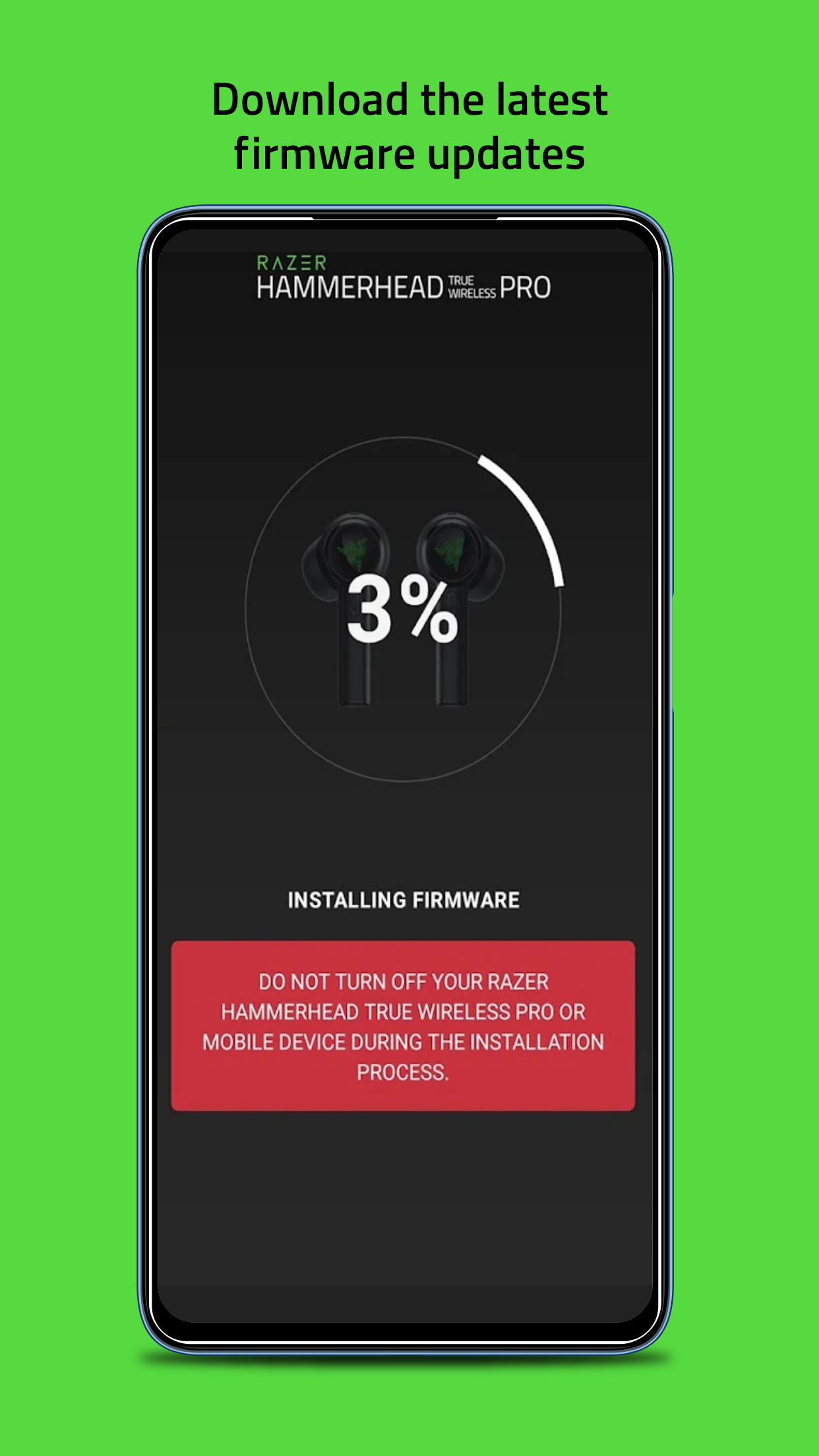
Firmware updates possible through the app
Minimalistic design reduces clutter
Frequent connectivity issues with devices
Slow to connect and often requires re-pairing
Inconsistent battery display on the app
Limited customization options for gestures and functions
Location access required, which may seem unnecessary
Some features disabled or not functioning after updates
Poor customer service experiences reported
Difficulties updating firmware for certain devices