
Reminder: To-Do List & Planner - Task Management & Planning
Elevate your productivity with smart reminders, location alerts & customizable notifications at your fingertips.
- 18.9 Version
- 1.2 Score
- 274K+ Downloads
- In-app purchases License
- 3+ Content Rating

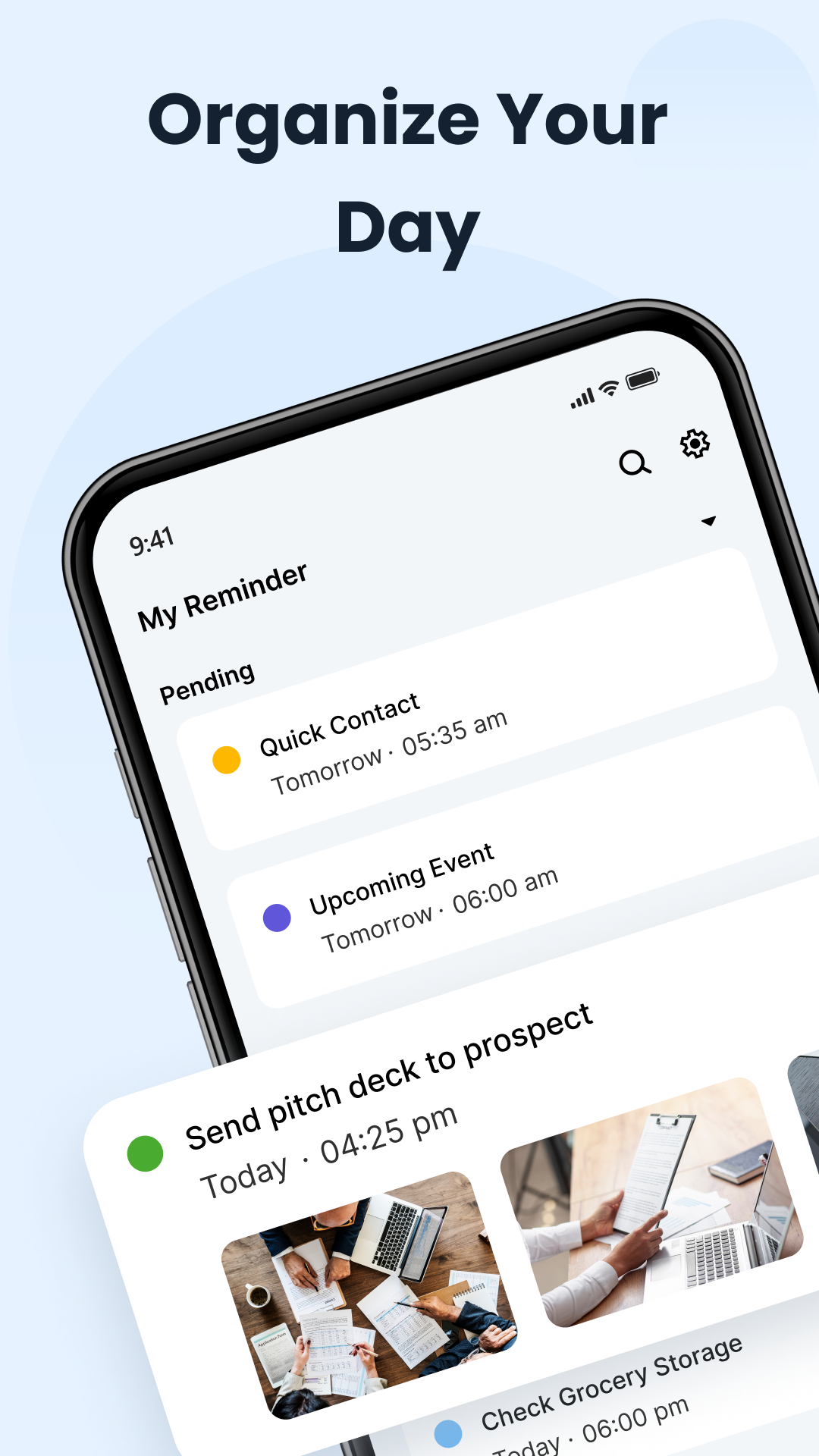
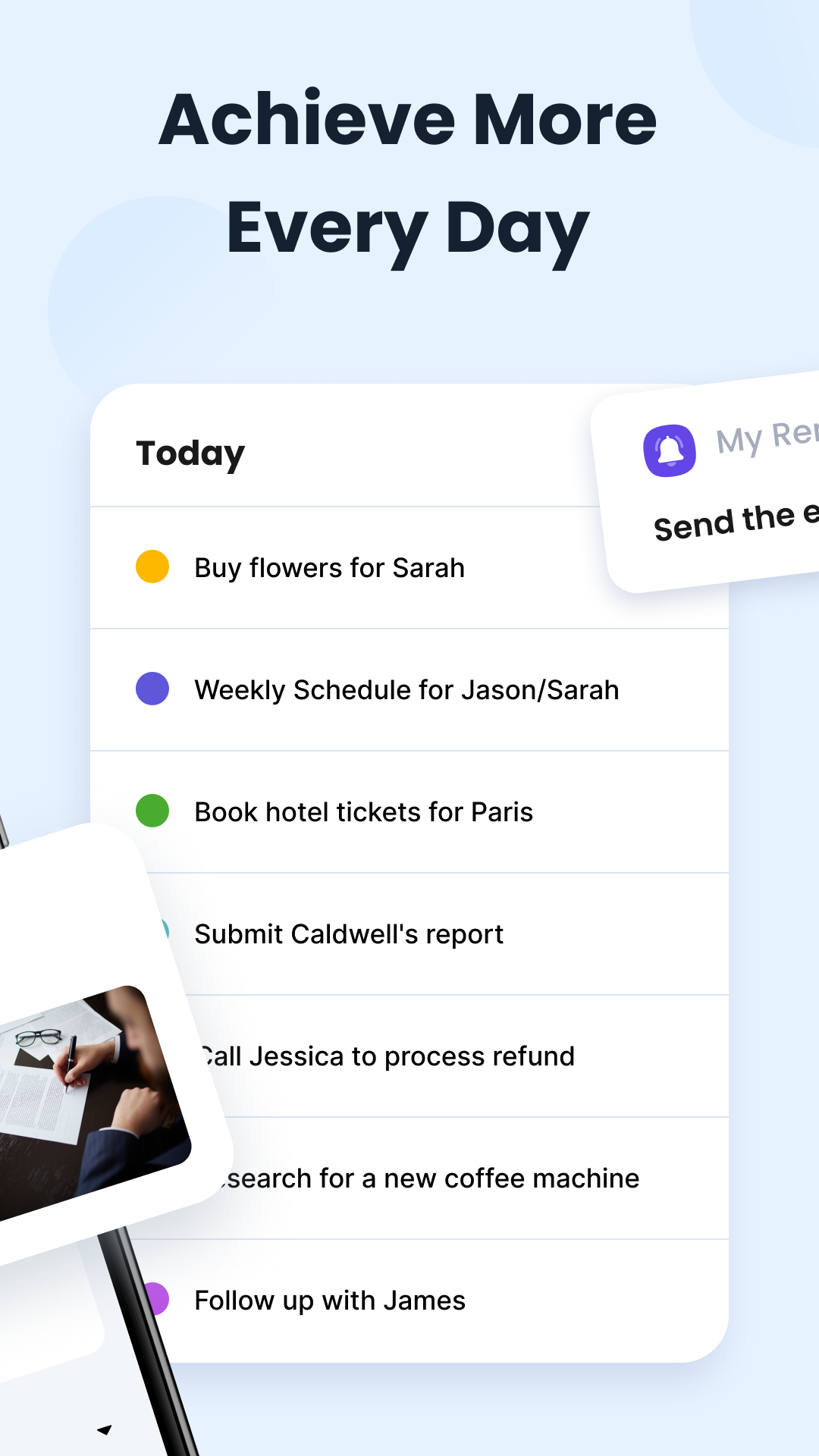
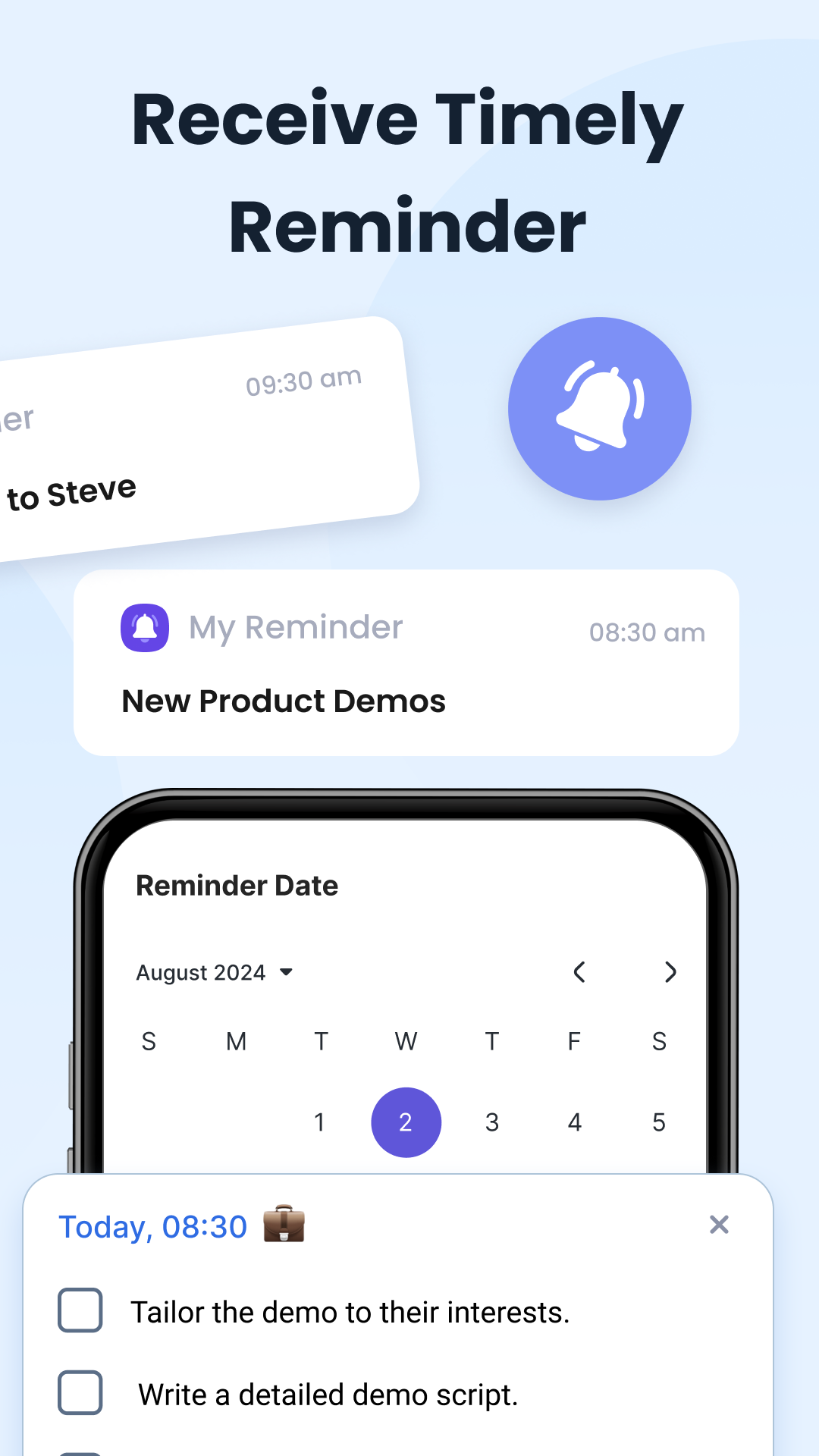
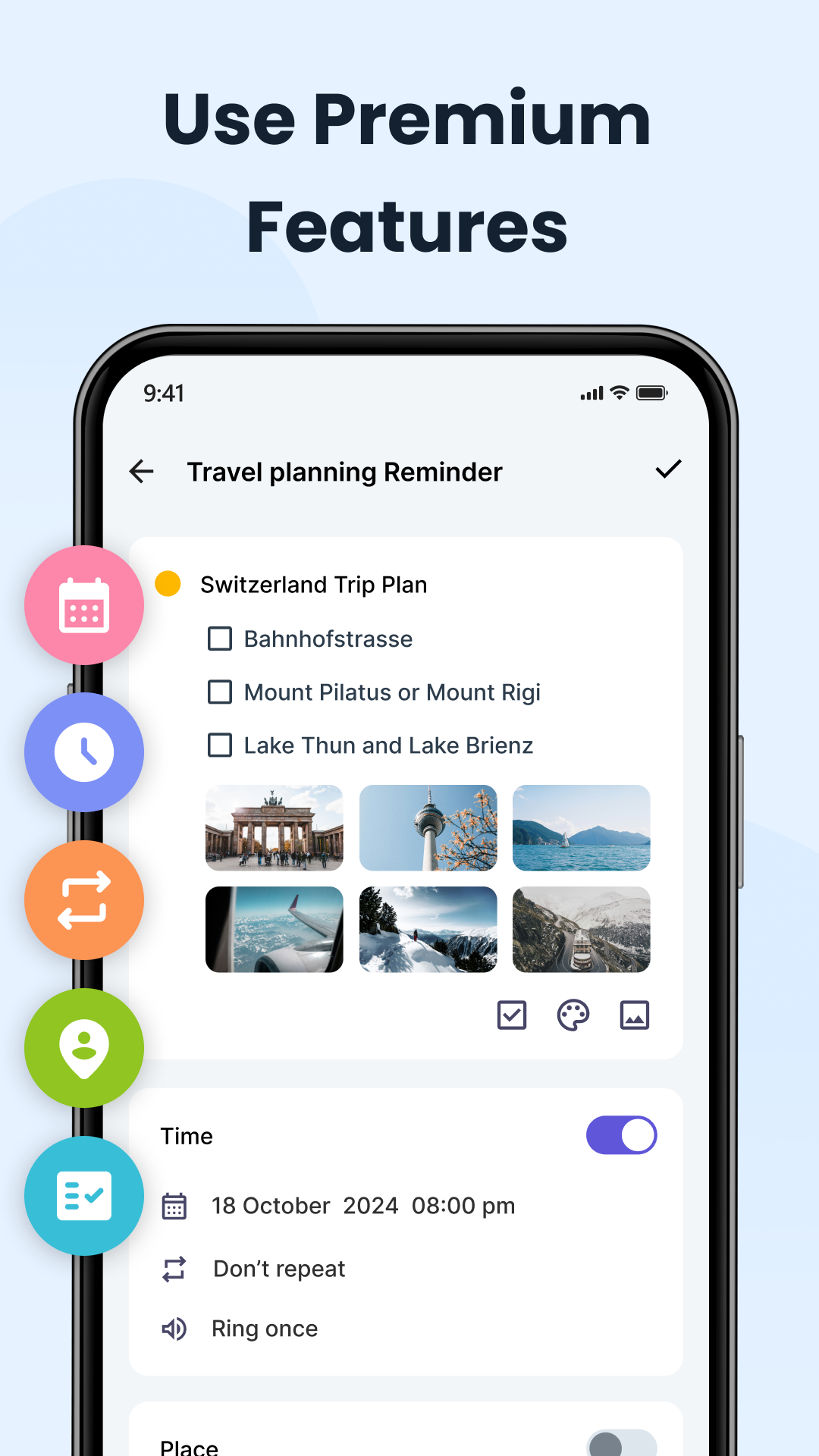
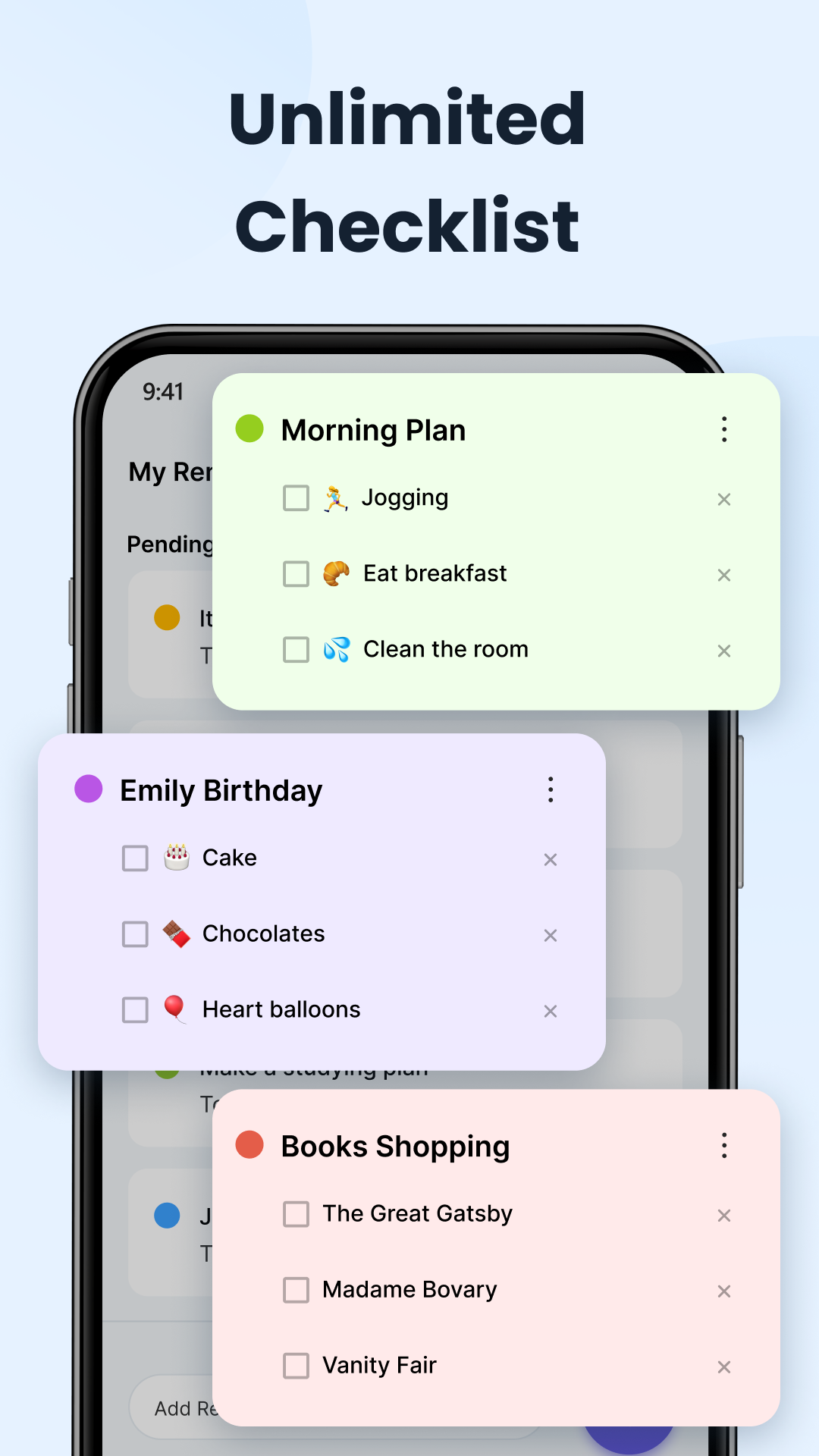
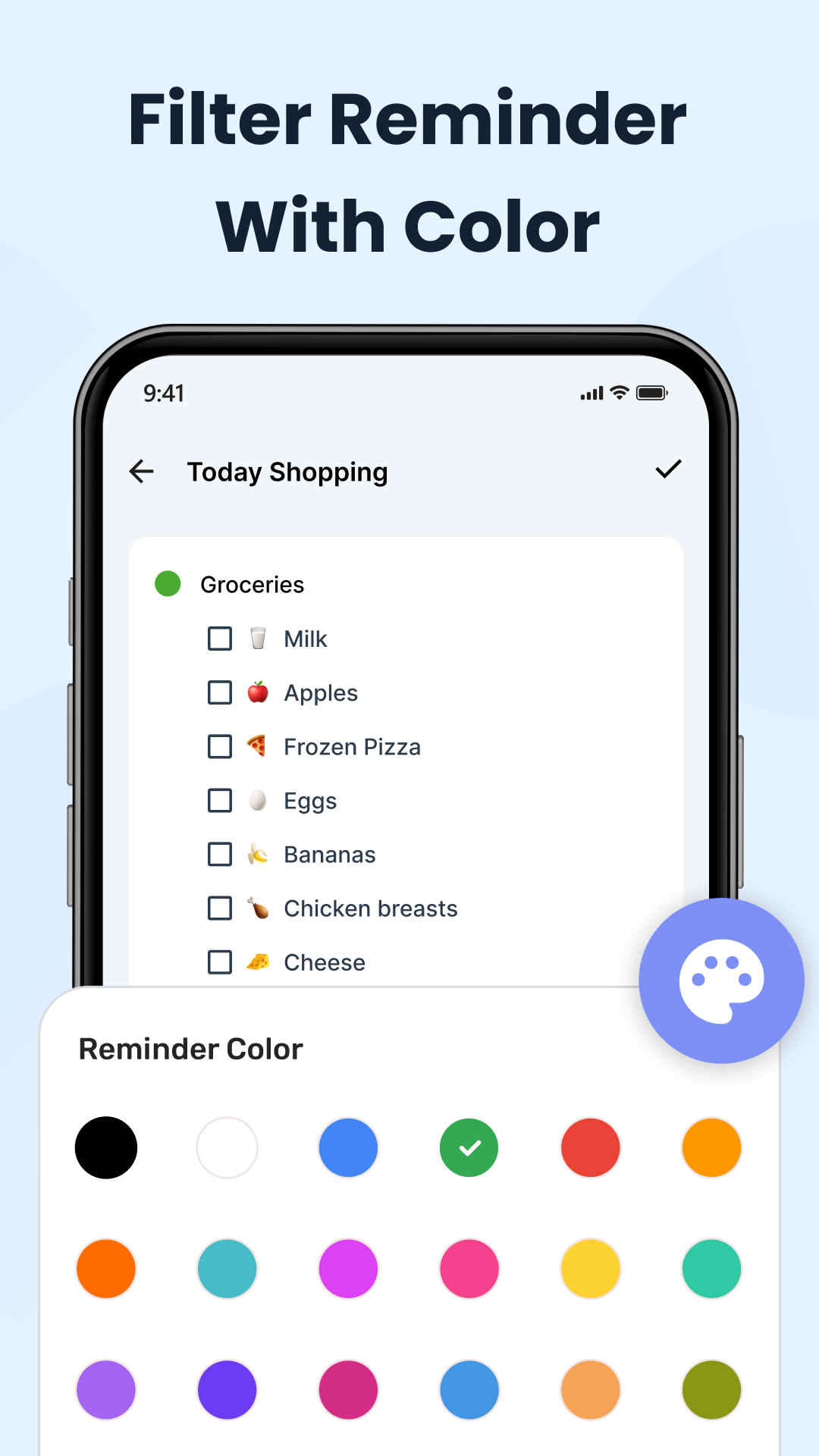
Reminder: The To-Do List & Planner app is designed to help you manage all aspects of your life—whether it be work, family, education, or personal well-being.
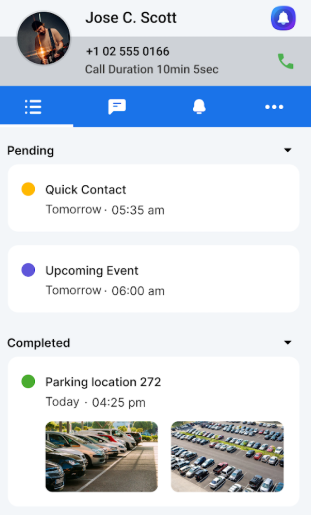
This application focuses on enhancing your productivity through speed, clarity, and reliability.
🛠 Key Features:
● Quick Reminder & Task Setup — Easily add tasks, establish deadlines, or set recurrence patterns (daily, weekly, monthly). Utilize voice-to-text capabilities or fast “After Call” follow-ups to ensure you remember all important discussions.
● Location & Time Triggered Alerts — Receive notifications when you arrive at chosen locations (such as the grocery store or gym) or at specific times (like morning routines or meeting schedules).
● Tailored Notifications — Select your preferred ringtone, vibration pattern, and recurring alert settings. Alarm-style notifications guarantee you will notice them (with no missed alerts).
● Life Organization — Tag tasks, categorize them, use color-coding, filter, and quickly search for what you need. From school projects to shopping lists, work conferences, or family engagements, manage everything by category.
● Offline Functionality + Cloud Sync — Access reminders even without an internet connection; synchronize data across multiple devices if you wish. Your information is safe from loss.
🔒 Privacy, Security & Permissions:
● We gather only essential information (e.g., location data for location-based reminders).
● Data sent over networks is secure through encryption.
● Permissions like “Make & Manage Calls” are optional and strictly for features such as “After Call” follow-ups. You can choose to disable these functionalities.
● A comprehensive privacy policy can be found within the app; you have control over which features you decide to activate.
📱 Device Compatibility & Reliability:
● Works with most contemporary Android devices.
● Lightweight: consumes minimal battery and storage resources.
● Maintains stability in offline modes or low-signal scenarios.
● Regular updates provide bug fixes and improvements.
Why Users in the US Appreciate It:
● Assists in managing busy work weeks, running errands, and coordinating family schedules.
● Schedule reminders for important US occasions (birthdays, holidays, sports events, movie nights) so everything stays on track.
● For students and parents: never forget school deadlines, parent-teacher conferences, or family commitments.
Call to Action:
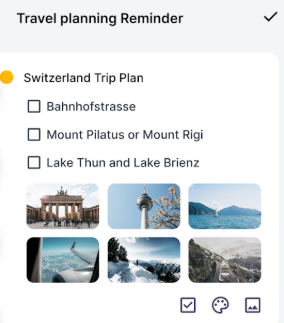
Get Reminder: To-Do List & Planner today and enhance your efficiency while reducing stress. If our reminders help you improve your day, consider sharing with friends and family—it takes just a moment to boost someone else's productivity. Together, let's create smarter daily routines.
Suitable Scenarios:
1. **Working Professionals**
Quickly create work tasks, set deadlines, follow up after calls, record customer needs, and filter to-do lists by tags.
2. **Family Managers**
Location reminders (trigger shopping when arriving at the supermarket), time reminders (parent-teacher meetings), categorize and manage household chores and family schedules.
3. **Students/Parents**
Record homework, exams, and parent-teacher meetings, color-code subject tasks to avoid missing study schedules.
4. **Commuters**
View tasks offline, cloud sync across devices, manage schedules anytime, anywhere.
5. **Efficiency Enthusiasts**
Customize reminder ringtones, set periodic reminders for fitness, reading, etc., to cultivate regular habits.
FAQs:
1. How do I use the "After Call Follow-up" feature? Do I need permission to make calls?
"After Call Follow-up" is designed to help you avoid forgetting important things during calls. Once enabled, every time you end a call (whether you're receiving or making an incoming call), the app will prompt you to add a "Follow-up Task" (e.g., "Reply to the client's email" or "Confirm meeting time"). Clicking this will quickly create a task and set a reminder. This feature requires the "Call Management" permission, but it's optional. If you don't want to grant permission, you can turn it off in "Settings - Permission Management." This will only disable "After Call Follow-up" and won't affect other features.
2. How do I set up a location reminder?
For example, if you want to receive a "Buy Milk" notification when you arrive at the supermarket, you can do so by going to "Reminder method" and selecting "Location Reminder." Then, search for and select your target location (e.g., "XX Supermarket"). The app will automatically locate the area surrounding that location. Once configured, a reminder will be triggered when your phone detects you've entered that location. Note that location reminders require "Location Permission" to be enabled (we recommend selecting "Allow only while using the app") and your phone's location tracking function to be enabled; otherwise, they won't trigger accurately.
3. Will tasks added offline automatically sync when connected to the internet? Will my data be lost?
Yes, they will. Tasks and reminders added offline are initially saved locally on your phone. Once you connect to the internet (whether Wi-Fi or mobile data), the app automatically syncs this data to the cloud (if cloud sync is enabled). Even if you change phones, logging into the same account on the new device will sync back to your previous task data when connected, eliminating the worry of data loss. However, it's recommended to manually trigger "Manual Sync" regularly (in "Settings - Data Sync") to ensure real-time data backup.
4. Besides labels and colors, can tasks be filtered by other criteria?
In addition to labels (such as "Work," "Home," and "Study") and color coding, tasks can also be filtered by "Reminder Type" (such as "Time Reminder" and "Location Reminder"), "Task Status" (such as "To be Done" and "Completed"), and "Due Date" (such as "Today," "This Week," and "This Month"). For example, if you want to view "work tasks within this week", you can first filter "Deadline - This Week", and then filter "Tag - Work" to quickly locate the target task, which is very efficient.
- Version18.9
- UpdateOct 23, 2026
- DeveloperINS Apps
- CategoryTools
- Requires AndroidAndroid 5.0+
- Downloads274K+
- Package Namecom.sam.reminders.todos
- Signature78027b2b5e25b7c2cd9c052b28ff0ad1
- Available on
- ReportFlag as inappropriate
-
NameSizeDownload
-
7.01 MB
-
12.86 MB







Convenient for daily activities.
Helpful for users with poor memory.
Easier access to reminders compared to phone clock.
Great interface on older devices without ads.
Ability to set reminders for workouts and meetings.
Positive user experiences when app functions correctly.
Useful notifications for important tasks.
Excessive ads interfere with usability.
Inconsistent functionality across different devices.
Issues with setting reminders correctly.
Requires unnecessary permissions, compromising security.
Poor handling of daylight saving time changes.
Limited ringtone customization options.
Lack of a paid ad-free version.
Bugs causing reminders to not notify users properly.
Overall decline in user satisfaction compared to previous versions.