
Video Thumbnail Maker & Editor - Thumbnail & Banner Maker
Create eye-catching thumbnails & banners effortlessly with dozens of customizable templates for stunning visuals.
- 7.0 Version
- 1.4 Score
- 181K+ Downloads
- Free License
- 12+ Content Rating

App Overview
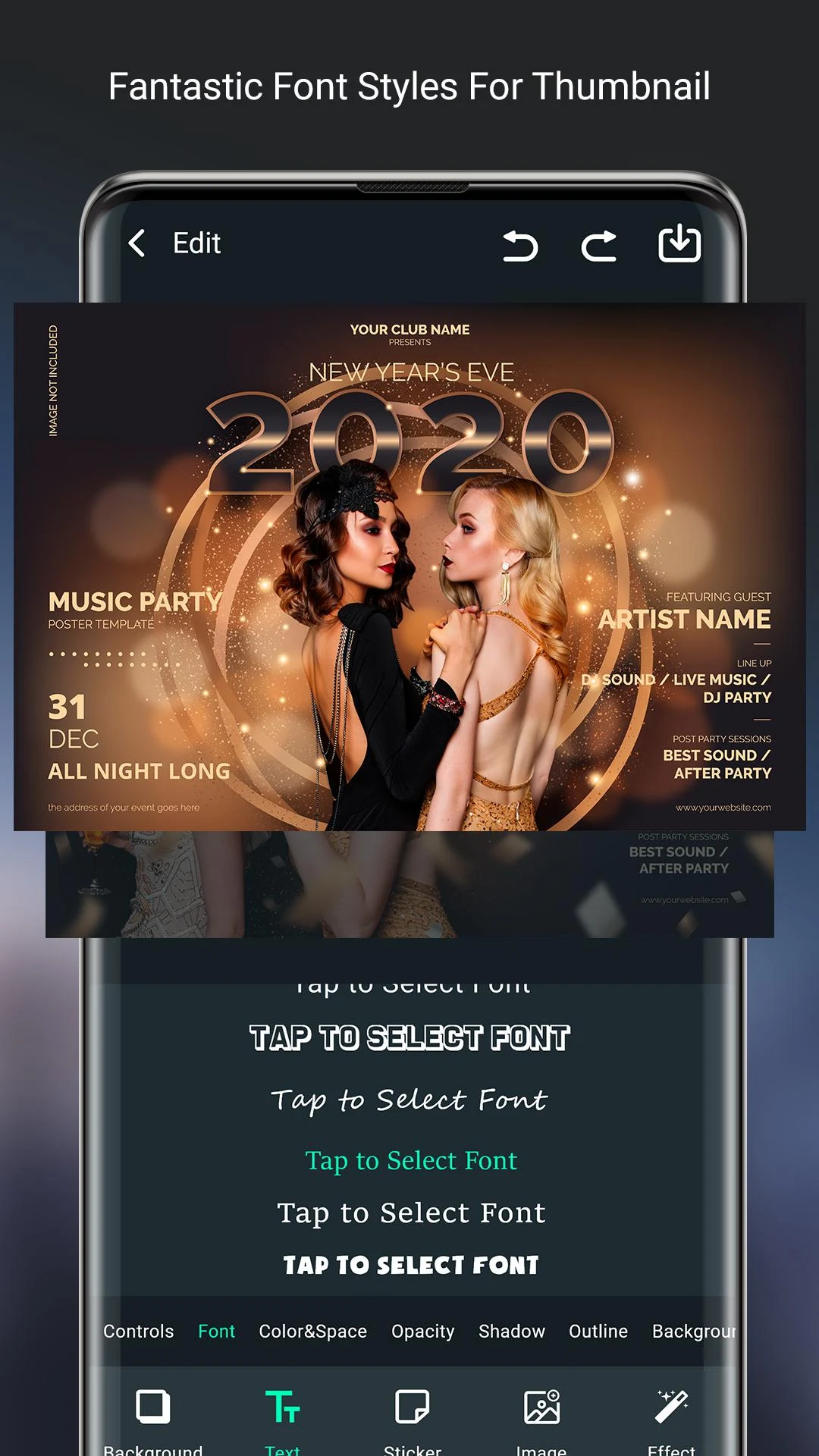
Video Thumbnail Maker & Editor is a graphic design app for creating video thumbnails, social media graphics, channel artwork, and promotional materials. It provides ready-made templates that users can select and customize for different design purposes.
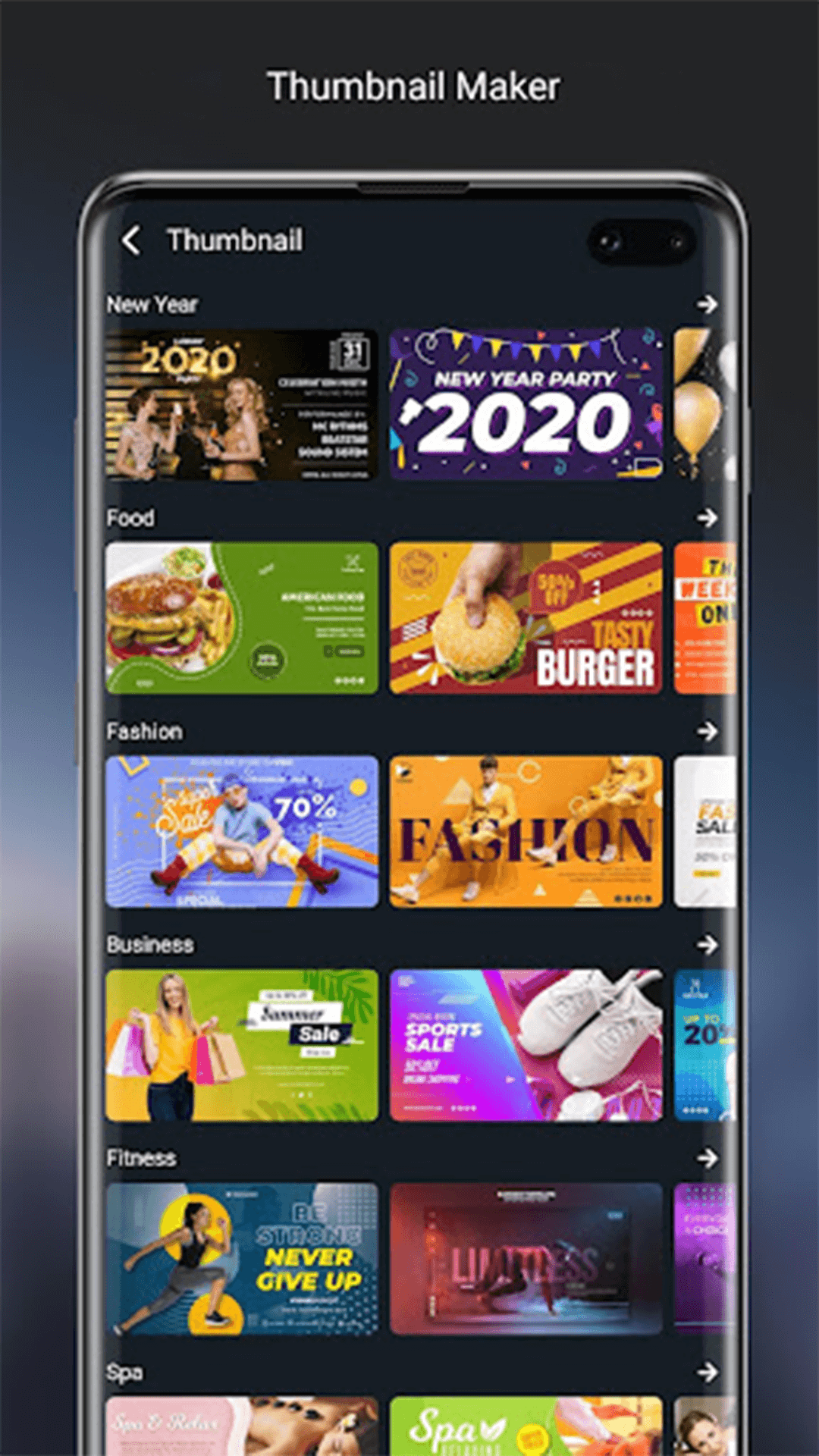
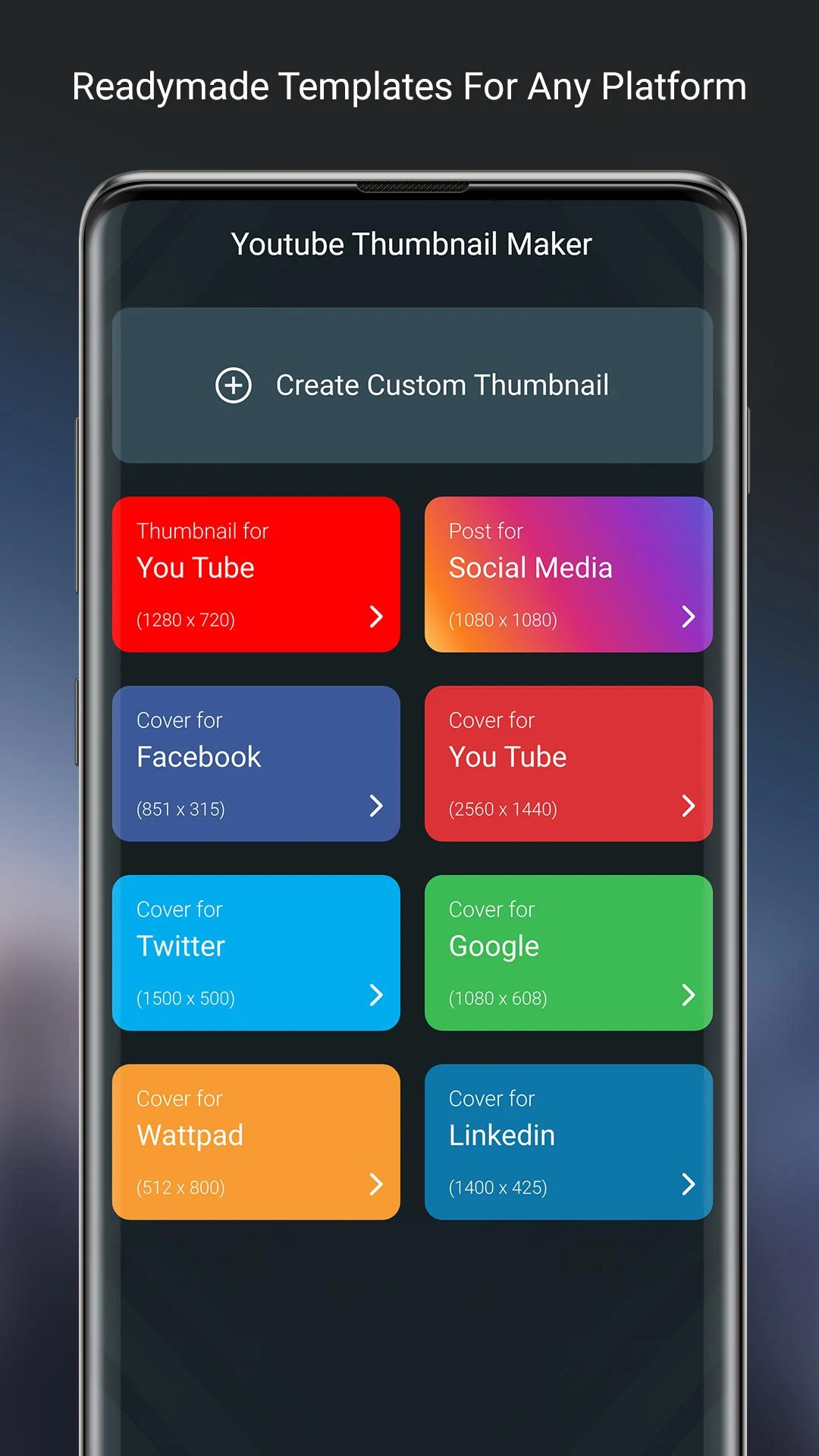
The app includes more than 100 design categories, covering YouTube thumbnails and channel art, Facebook covers, advertisements, Instagram Stories, posters, flyers, invitations, and fitness graphics. It also includes templates for business promotions, logos, and other branding materials.
Templates are grouped by design category, making it possible to browse layouts for a specific platform or purpose before selecting one to edit.
Key Features
100+ Design Categories: Templates for video thumbnails, social media graphics, advertisements, posters, invitations, and business materials
Ready-Made Templates: Pre-designed layouts for different types of graphics
Multiple Platform Formats: Design templates for YouTube, Facebook, Instagram, and other promotional content
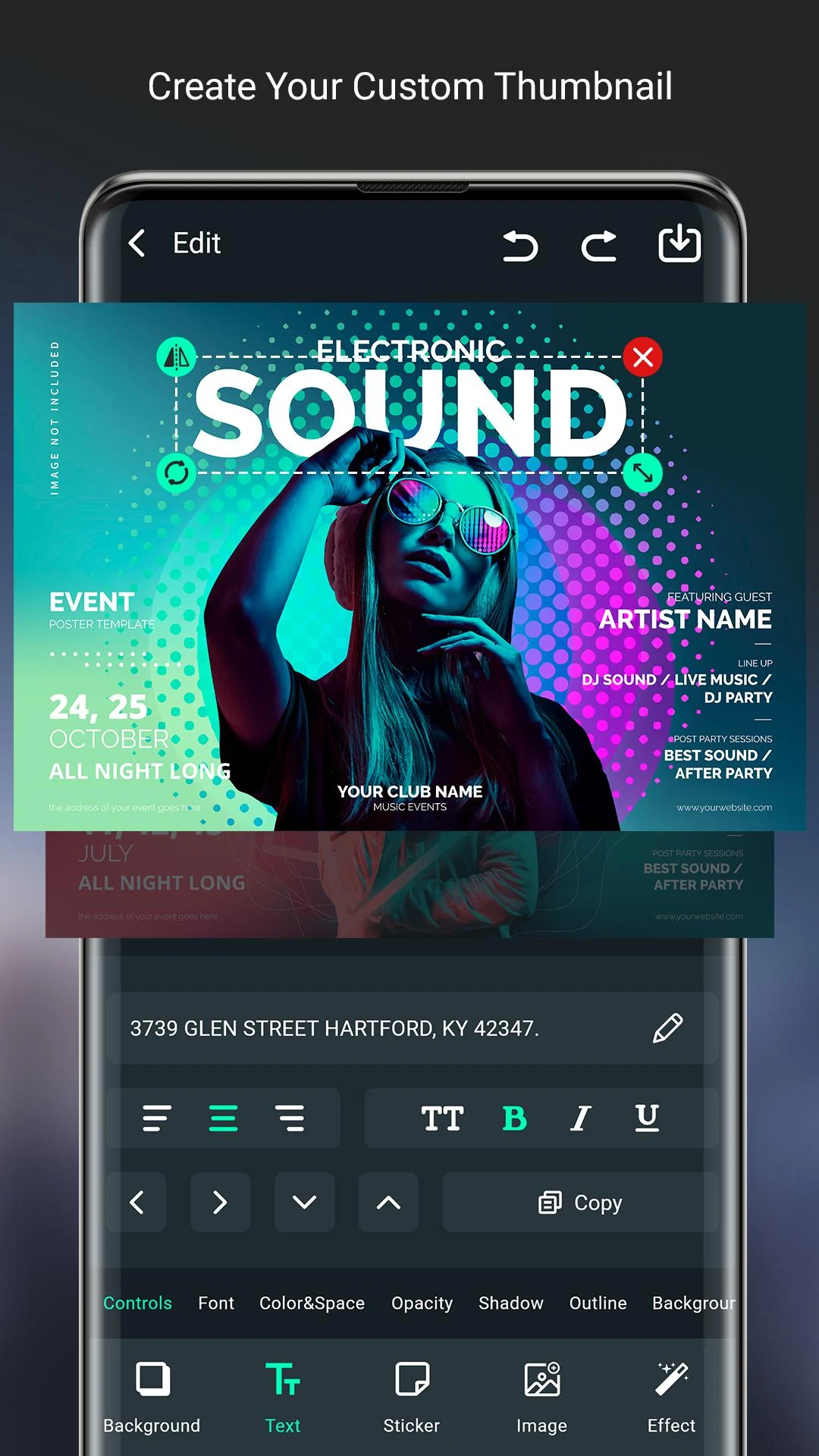
Template Customization: Editing options for modifying selected layouts
Beginner-Friendly Editing: Pre-designed layouts that do not require professional graphic design experience
Design Categories and Uses
Thumbnail Creator includes templates for several types of digital content:
YouTube: Video thumbnails and channel artwork
Facebook: Page covers, advertisements, and promotional graphics
Instagram: Story designs for announcements and social media updates
Posters and Flyers: Layouts for event announcements, advertising, and promotions
Business and Branding: Logo templates, invitations, and business-related graphics
Fitness: Gym-themed designs and promotional materials for fitness content
How to Use Thumbnail Creator
Open the app and browse the available design categories.
Select a category based on the type of graphic you need.
Browse the templates and choose a suitable layout.
Customize the selected template using the available editing tools.
Review the finished design and use the available options to save or export it.
Target Audience
Thumbnail Creator is designed for content creators, social media users, and individuals who produce digital graphics. YouTube creators can use its thumbnail and channel artwork templates, while users creating Facebook and Instagram content can choose from platform-specific designs.
The business and promotional categories are also relevant to small business owners, freelancers, and independent professionals who need logos, advertisements, flyers, or other basic marketing graphics. Its template-based editing approach is suitable for beginners and users with basic design experience.
Frequently Asked Questions
Q1: What types of designs can I create with Thumbnail Creator?
You can create YouTube thumbnails, channel art, Facebook covers, advertisements, Instagram Stories, posters, flyers, invitations, and other promotional graphics.
Q2: How many design categories are available?
The app includes more than 100 categories, covering social media graphics, advertising materials, business designs, fitness graphics, and other creative projects.
Q3: Can I customize the available templates?
Yes. You can select a ready-made template and modify its layout using the editing options available in the app.
Q4: Is Thumbnail Creator suitable for beginners?
Yes. The pre-designed templates provide a starting point for creating graphics without requiring professional design skills.
Q5: Can I create YouTube thumbnails and channel banners?
Yes. The app includes templates for YouTube video thumbnails and channel artwork.
Q6: Can I upload personal photos and export designs in HD?
The available app information does not confirm photo uploading or HD export capabilities. Check the editing and export tools in the app to see which options are supported.
- Version7.0
- UpdateNov 13, 2026
- DeveloperApps Guruz
- CategoryPhotography
- Requires AndroidAndroid 5.0+
- Downloads181K+
- Package Namebanner.thumbnail.maker.app.free
- Signature1d33d776d5057387b1541bd51ee93c0d
- Available on
- ReportFlag as inappropriate
-
NameSizeDownload
-
20.36 MB
-
20.93 MB
-
20.36 MB













Easy to use interface
Variety of templates available
Free thumbnail creation tool
User-friendly and intuitive design
Quick thumbnail generation
Less intrusive ads
Useful for YouTube and social media thumbnails
Positive user feedback and recommendations
Potential copyright infringement issues
Limited template options
Occasional lag and crashing
Background image loading issues
Device restart concerns reported
Some users experienced data copying concerns
Lack of an always-available undo button
Unspecified compatibility with various devices