
Gamer Logo Maker - Logo creation made easy
Design unique and professional logos for your gaming brand with templates, icons & intuitive tools at your fingertips!
- 4.0 Version
- 1.3 Score
- 151K+ Downloads
- Free License
- 12+ Content Rating

Gamer Logo Maker
1. Overview
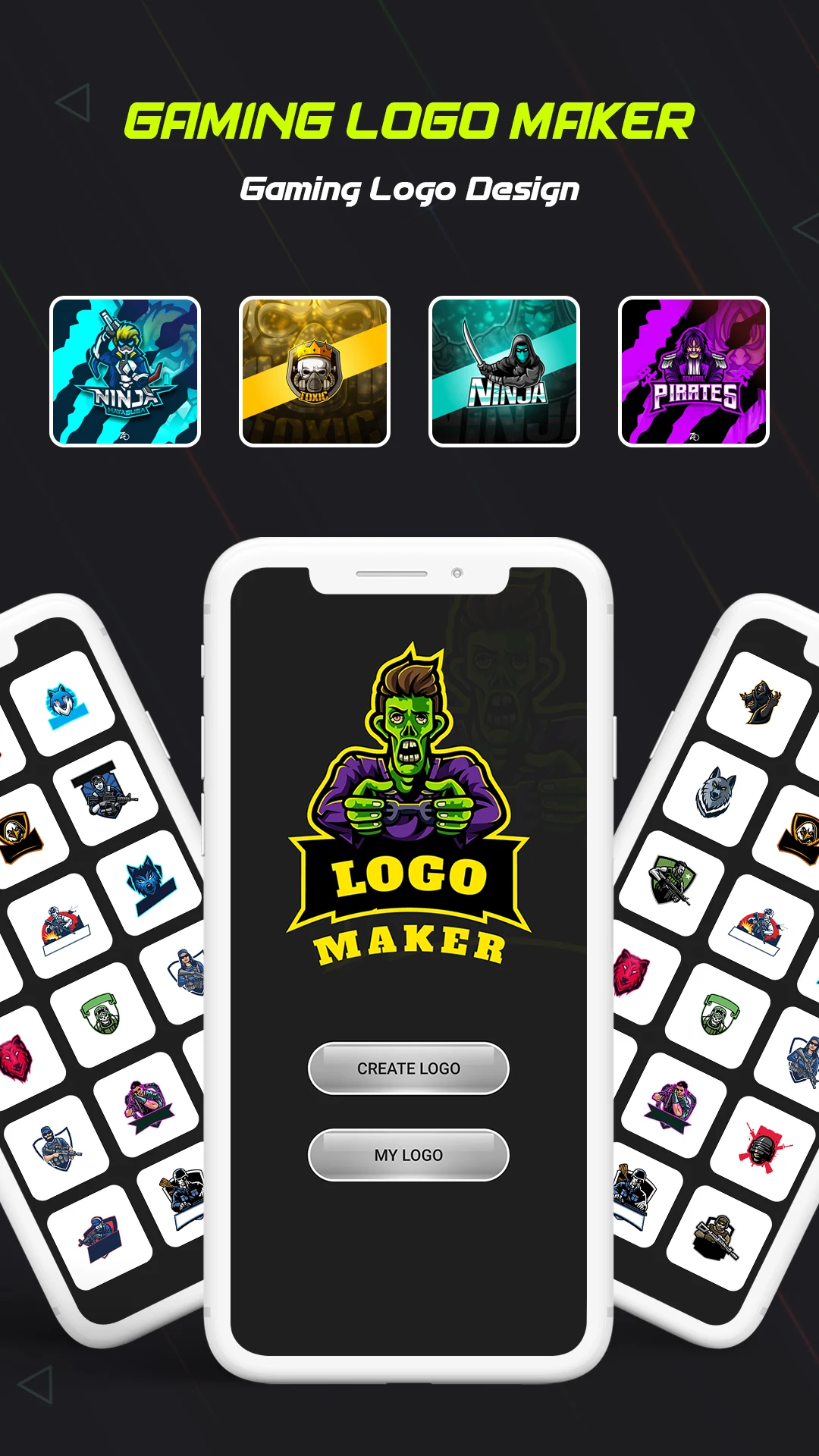
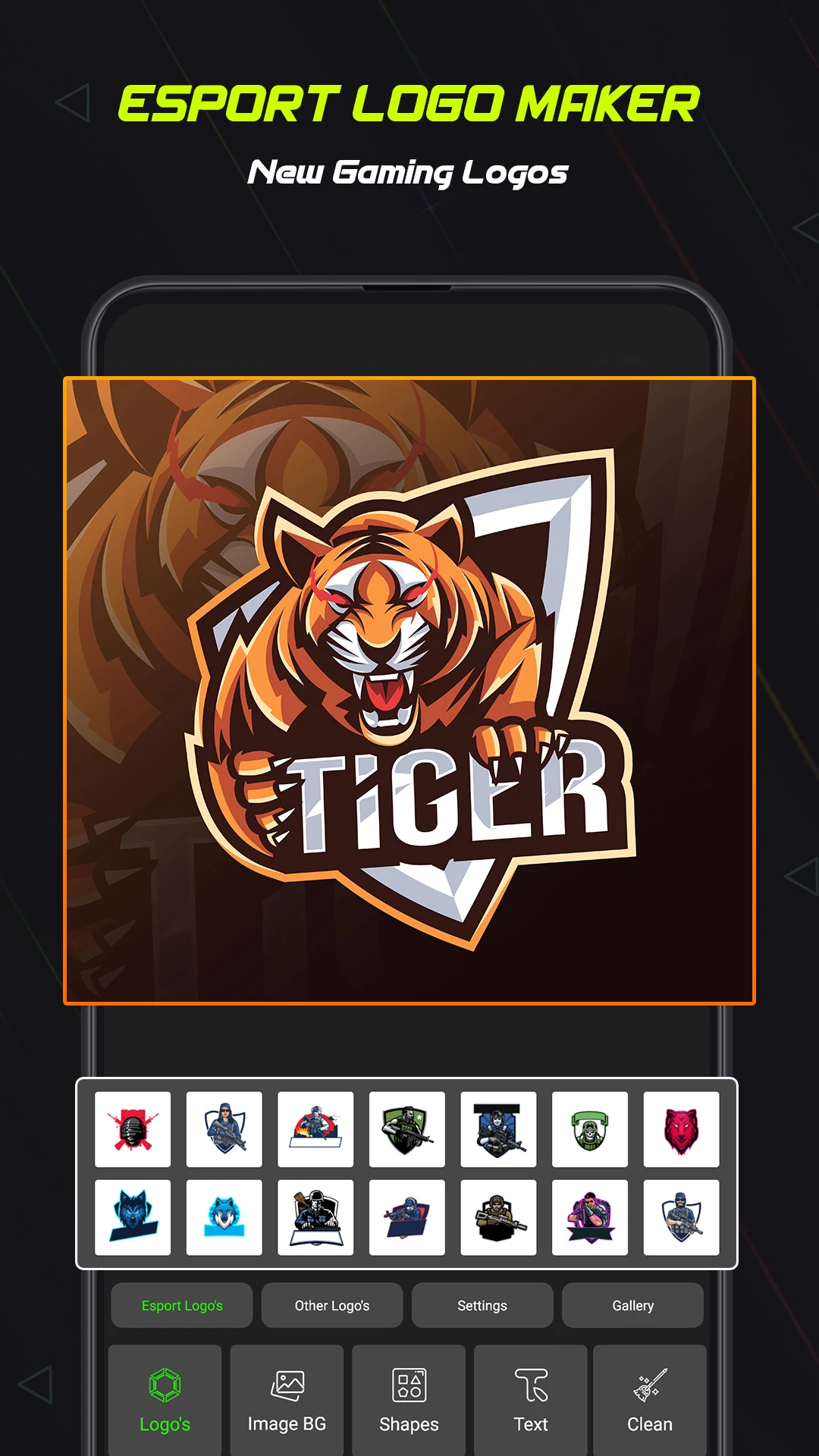
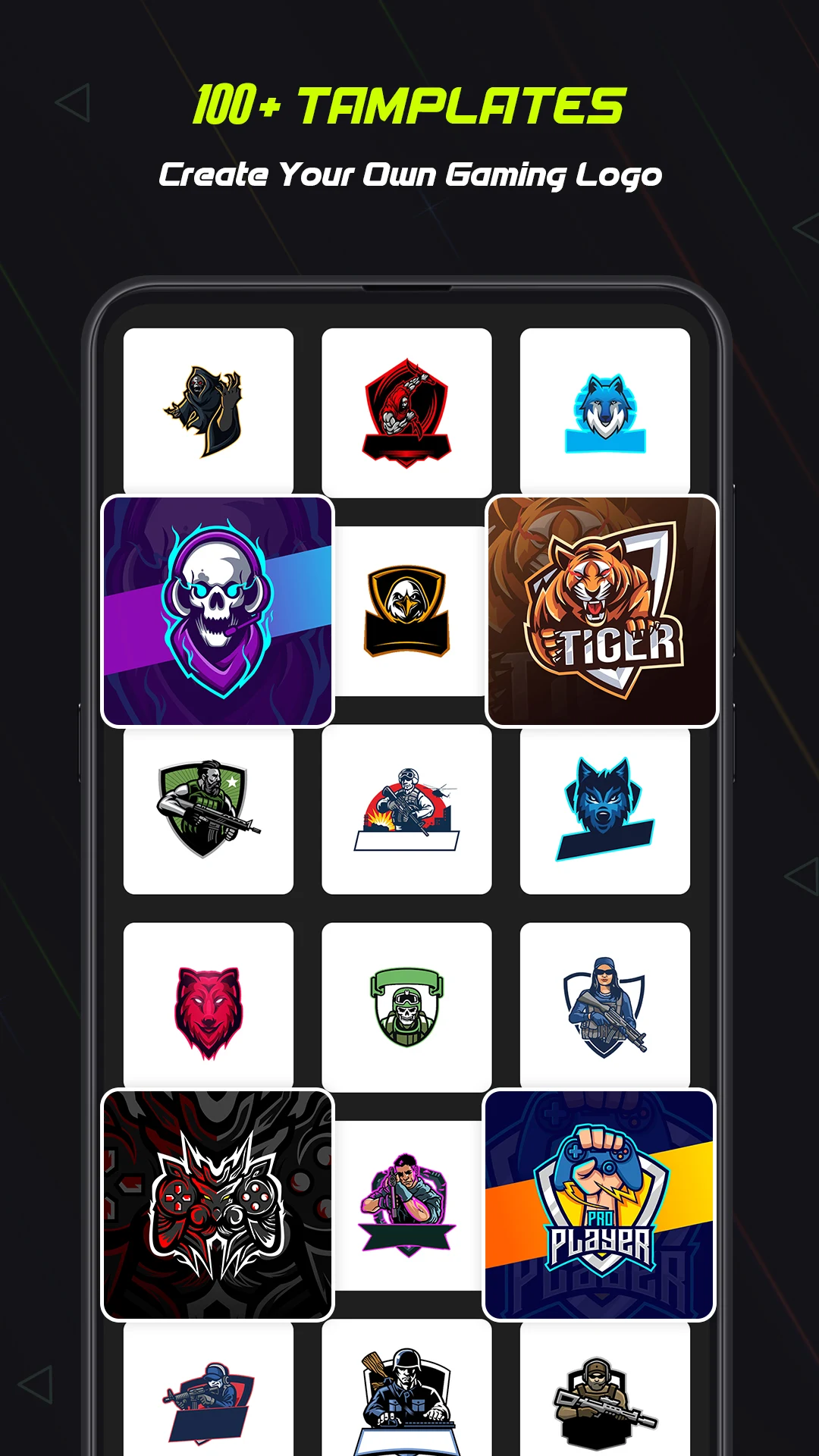
Gamer Logo Maker is a browser-based design tool for creating logos for gaming channels, esports teams, streaming profiles, and personal gaming brands. It offers gaming-themed templates, icons, and graphic elements that can be customized with different text, fonts, and colors. Users can add a gaming nickname, team name, or channel title to personalize their designs.
The tool is intended for gamers, streamers, and content creators who want to make custom logos without creating designs from scratch. Its template-based editor provides a starting point for logo creation, while browser access eliminates the need to install dedicated design software.
2. Key Features
• Gaming Logo Templates: Choose from pre-designed logos with gaming-inspired themes and styles
• Built-in Graphics: Add gaming-related icons and decorative elements to designs
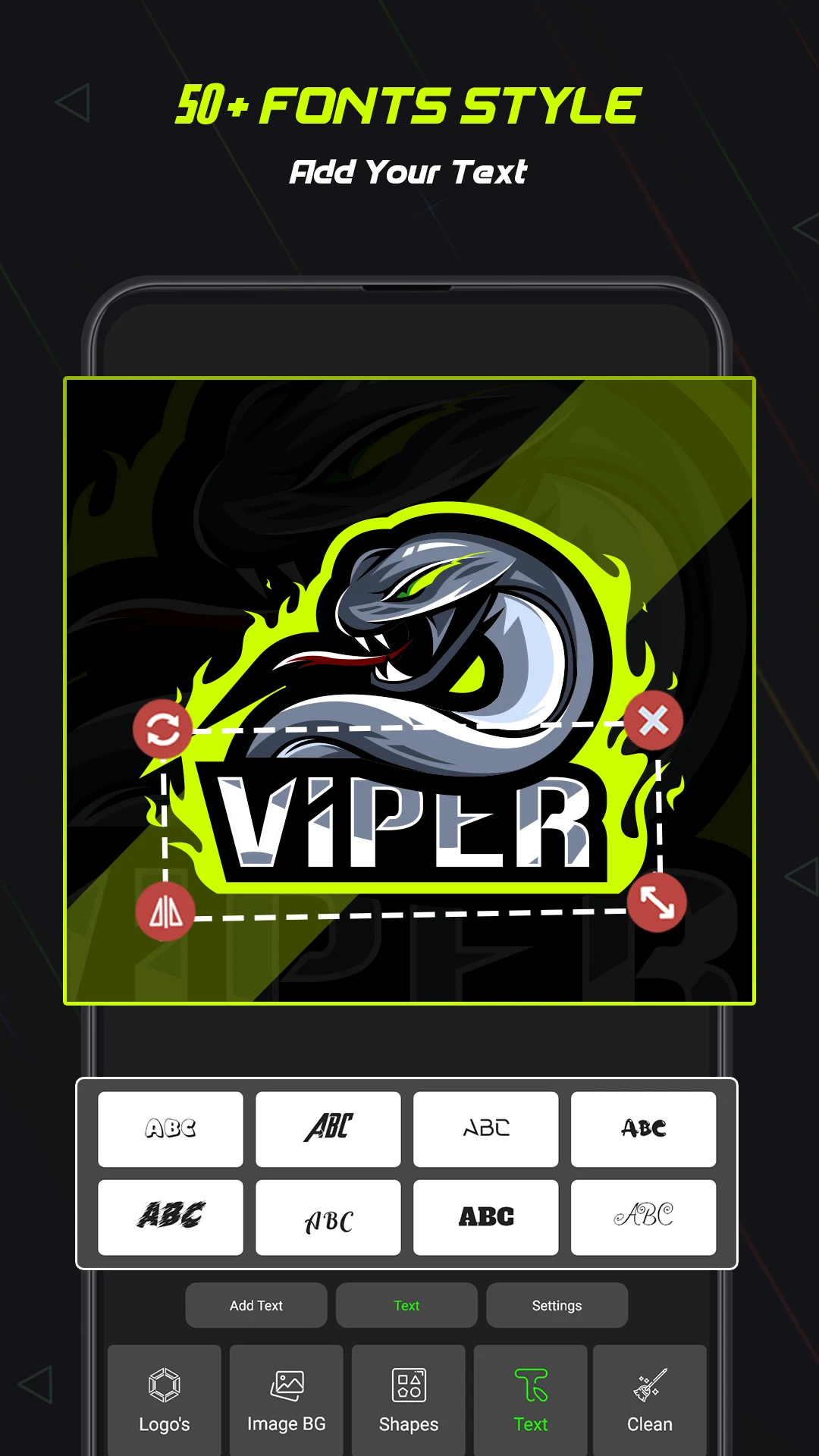
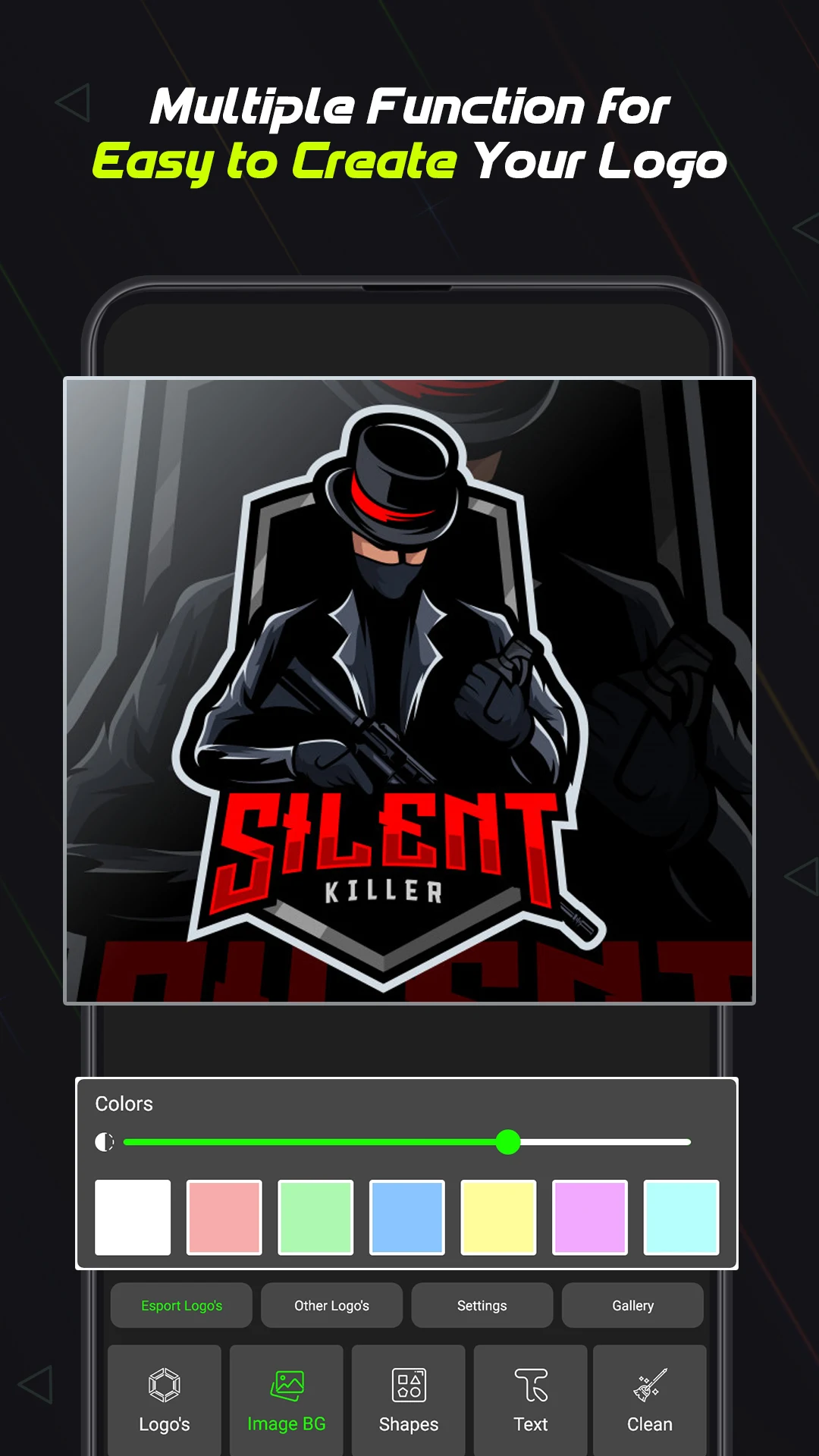
• Text Editing: Insert or modify gaming nicknames, team names, and channel titles
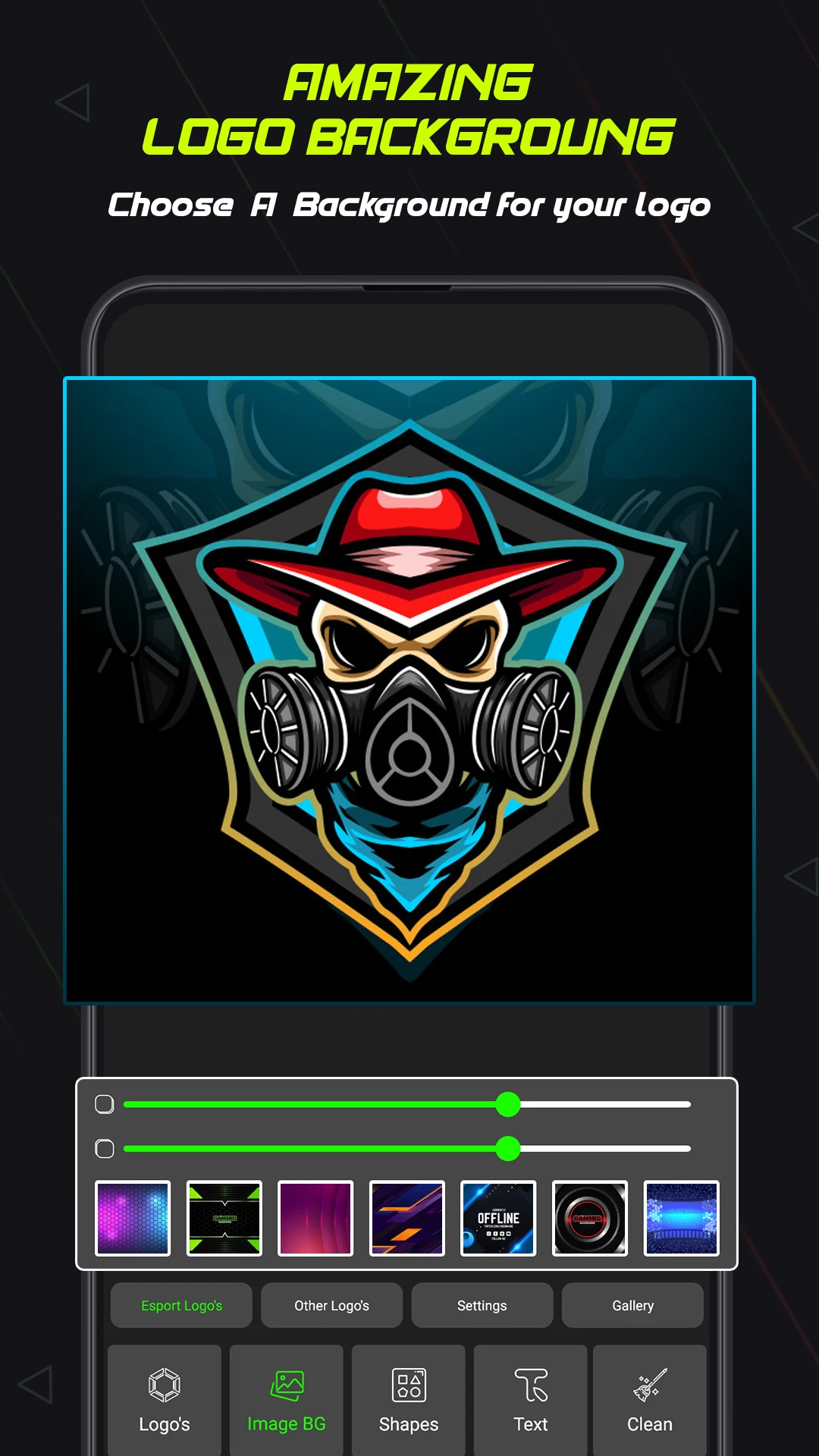
• Font and Color Customization: Change typography and colors to create different visual styles
• Multiple Design Uses: Create logos for gaming profiles, streaming channels, esports teams, and personal brands
• Browser-Based Editing: Access the design tool online without installing separate software
3. How to Use
1. Choose a Template: Open Gamer Logo Maker and browse the available designs. Select a template that fits your preferred gaming style.
2. Add Your Text: Replace the sample text with your gaming nickname, team name, or channel title.
3. Customize the Design: Change fonts and colors, and adjust the available icons and graphic elements.
4. Review Your Logo: Check the layout and make any necessary adjustments before completing the design.
5. Export the Result: Save the finished logo and use it on your gaming or streaming platforms.
4. App Experience
Gamer Logo Maker focuses on template-based logo creation rather than advanced graphic design. Users can start with an existing layout and modify its text, colors, fonts, and visual elements to produce a personalized gaming logo. This approach is particularly suitable for beginners who do not have experience with professional design software.
As a browser-based tool, it can be opened without installing a separate application. Desktop browsers offer more room for adjusting text placement and graphic details, while mobile access provides an alternative for making edits on smaller screens.
The available design options are centered on gaming-related graphics and branding. Users looking for highly detailed image editing or more extensive brand identity tools may need a more advanced design platform.
5. Frequently Asked Questions
Q1: Is Gamer Logo Maker suitable for beginners?
Yes. Users can start with ready-made templates and customize basic design elements without needing professional graphic design experience.
Q2: Can I add my own gaming nickname to a logo?
Yes. You can replace the sample text in a template with your gaming nickname, team name, or channel title.
Q3: What can I use the finished logos for?
Logos can be used as gaming profile pictures, streaming avatars, esports team graphics, and personal branding images.
Q4: Do I need to download or install Gamer Logo Maker?
No. The tool runs in a web browser, so you can access its editor online without installing dedicated software.
Q5: Can I use Gamer Logo Maker on my phone?
Yes. You can open the editor through a mobile browser, although adjusting text and graphic details may be easier on a desktop screen.
Q6: Can I use Gamer Logo Maker to create logos for an esports team?
Yes. You can add a team name and customize the available gaming-themed graphics to create a team logo.
- Version4.0
- UpdateNov 10, 2026
- DeveloperApps Guruz
- CategoryEntertainment
- Requires AndroidAndroid 5.0+
- Downloads151K+
- Package Namecom.logo.maker.free
- Signature8d7025e83b631f268f73dbf6e450ebc9
- Available on
- ReportFlag as inappropriate
-
NameSizeDownload
-
22.84 MB
-
22.97 MB
-
27.91 MB











Zero learning curve, easy to use
Full scene compatibility
Limited functionality
Weak originality and quality