
Pic Collage - Photo Frame - Photo collage & editing
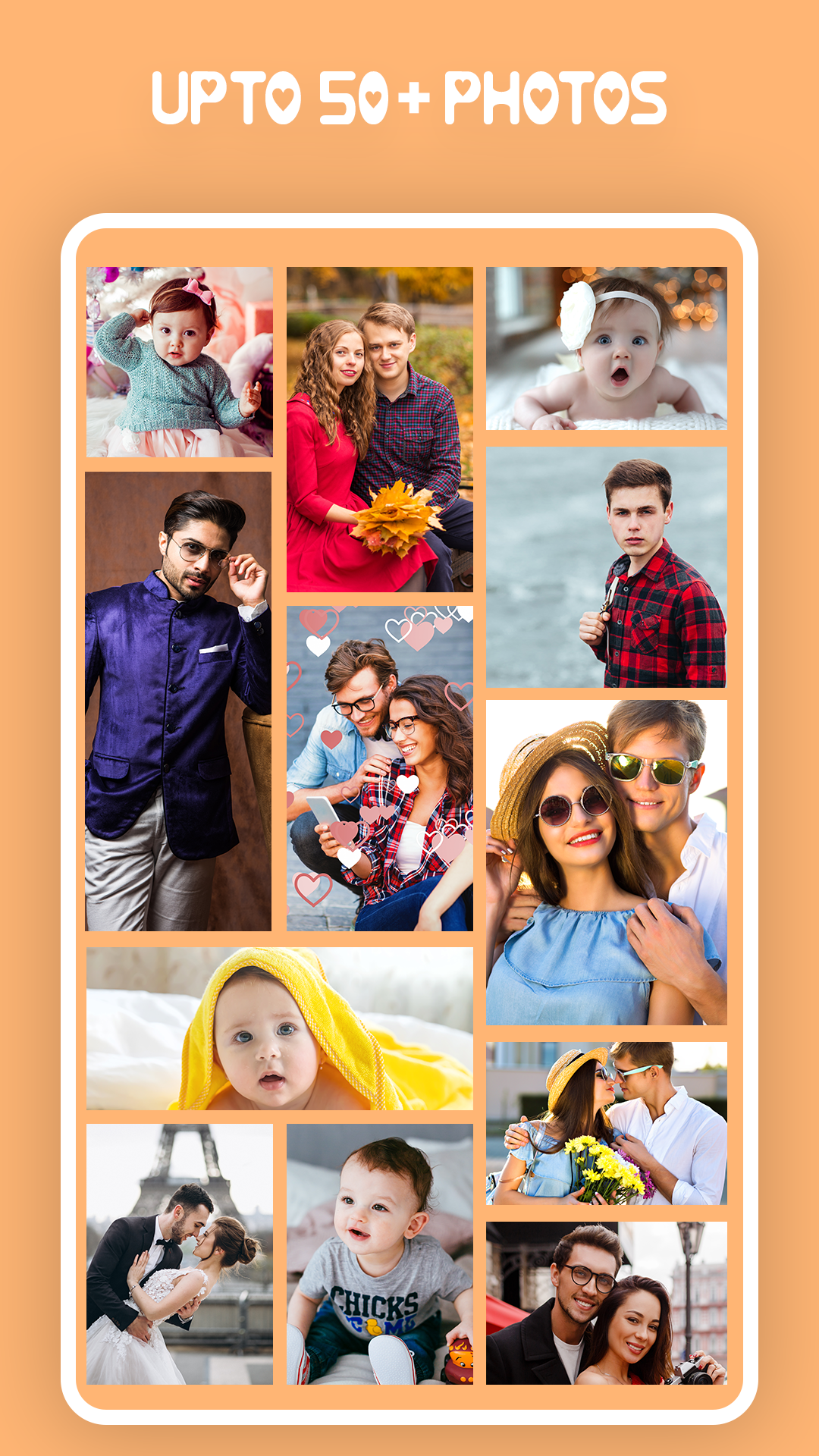
Unleash creativity by combining up to 50 photos, adding filters, text & stickers for stunning collages with ease!
- 1.2.2 Version
- 2.4 Score
- 137K+ Downloads
- In-app purchases License
- 3+ Content Rating


Pic Collage Maker
1. App Overview
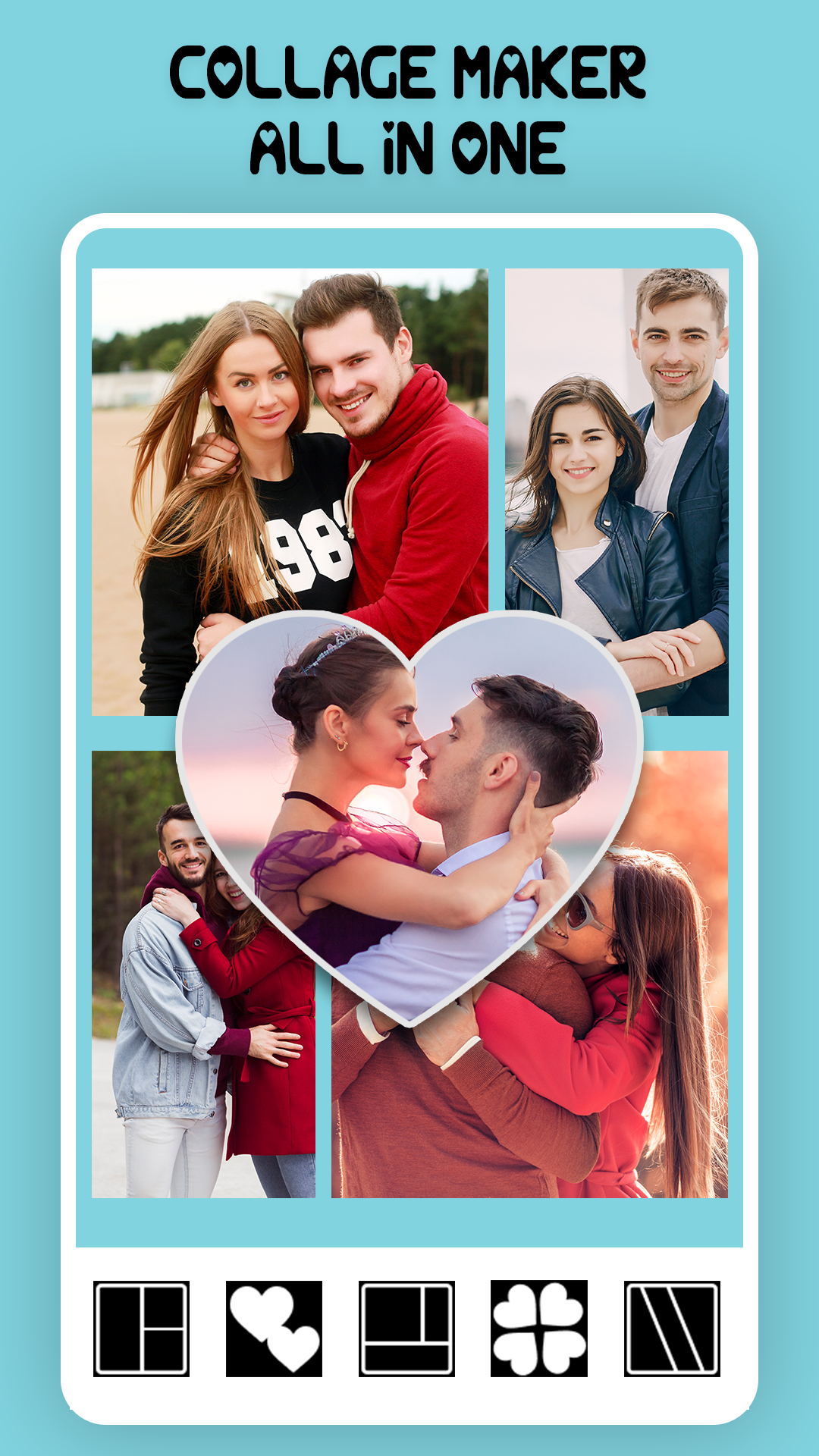
Pic Collage Maker is a photo collage app for combining multiple pictures into a single design and customizing their appearance. Users can create collages for travel memories, family photos, special occasions, and themed collections using a variety of layouts and editing tools.
The app allows users to add up to 50 photos to one collage. They can choose preset grid layouts to organize pictures automatically or switch to freestyle mode to position and arrange images individually. Basic editing tools, including cropping, resizing, and rotation, help adjust each photo to fit the composition.
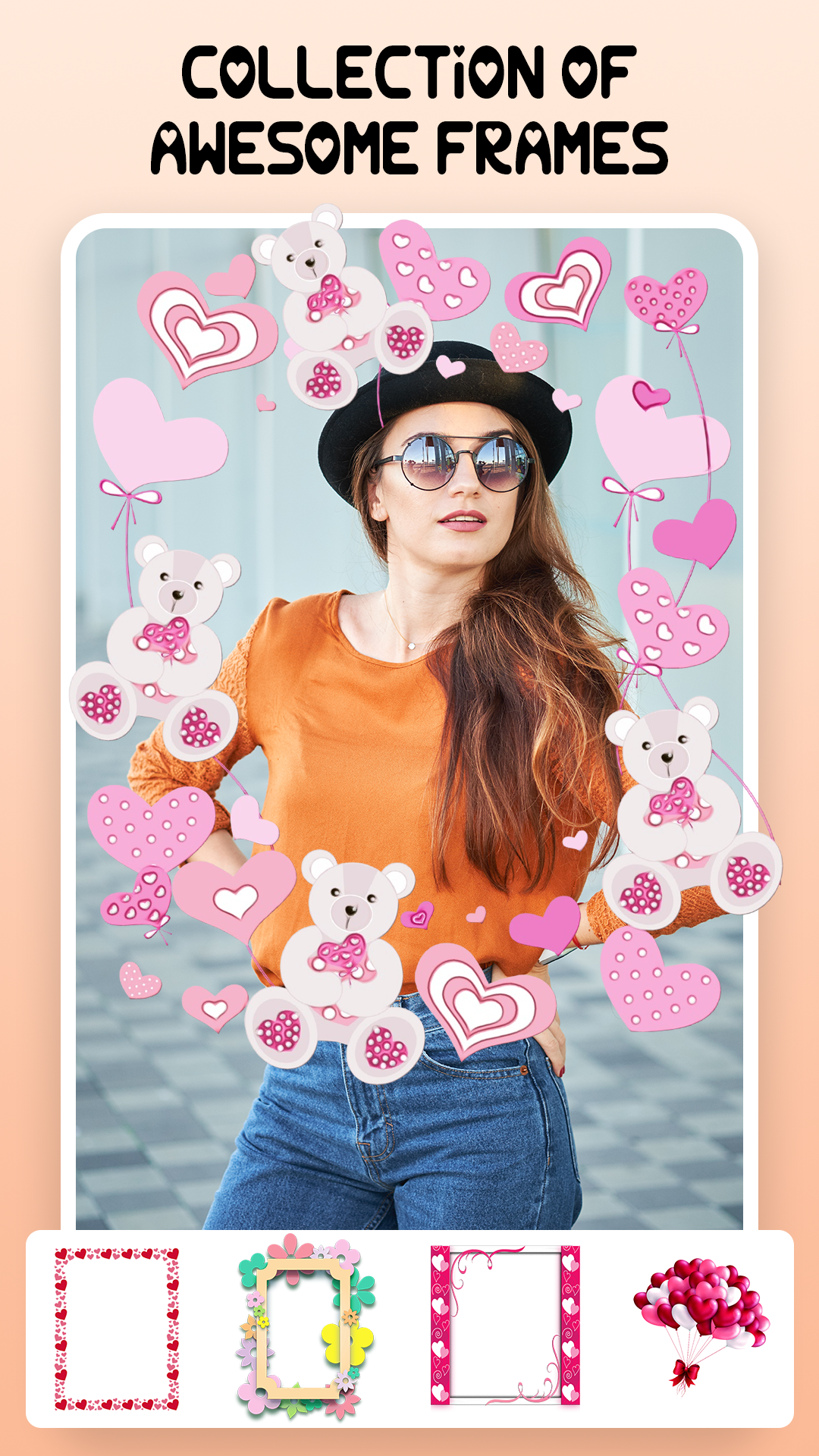
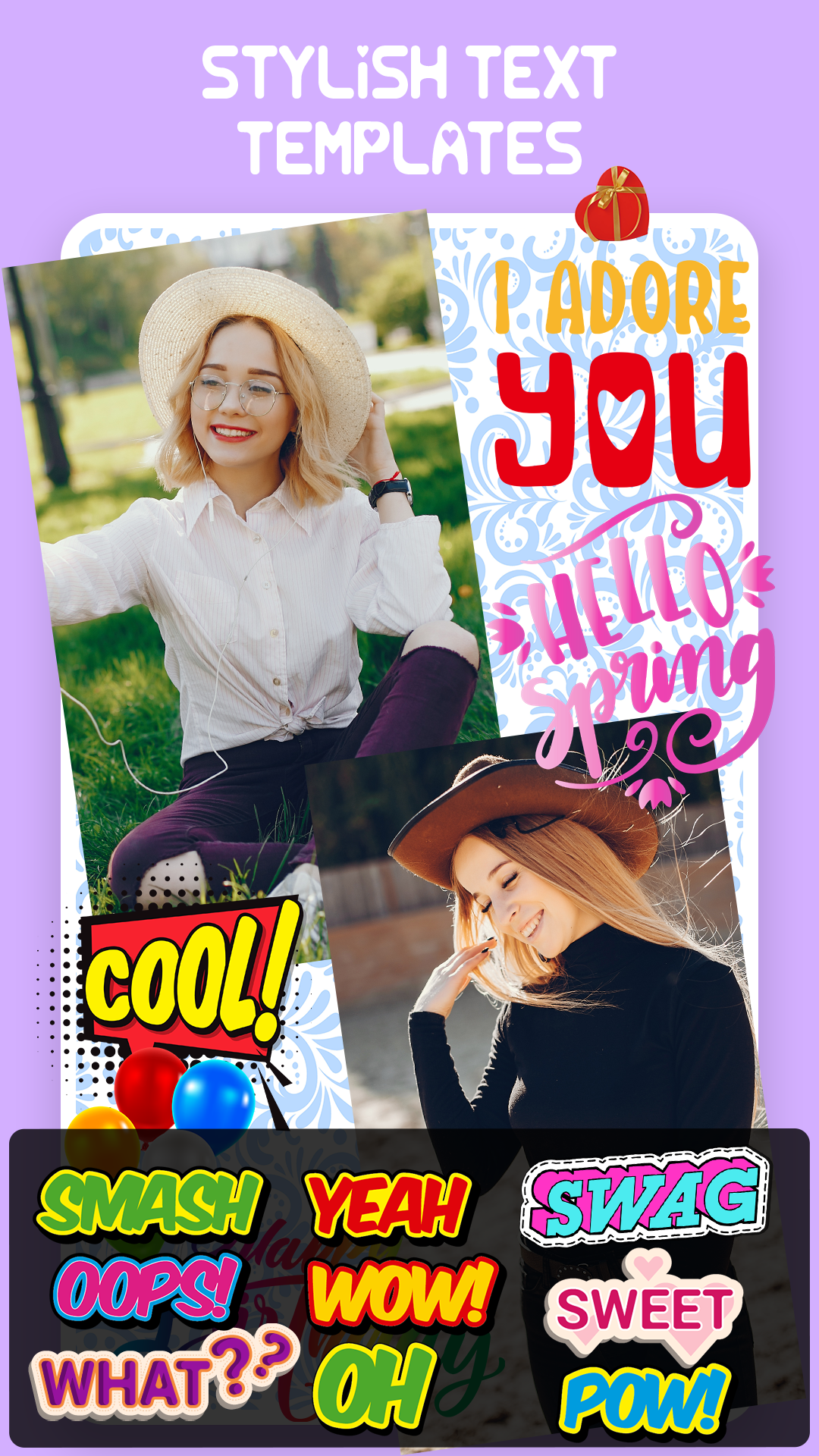
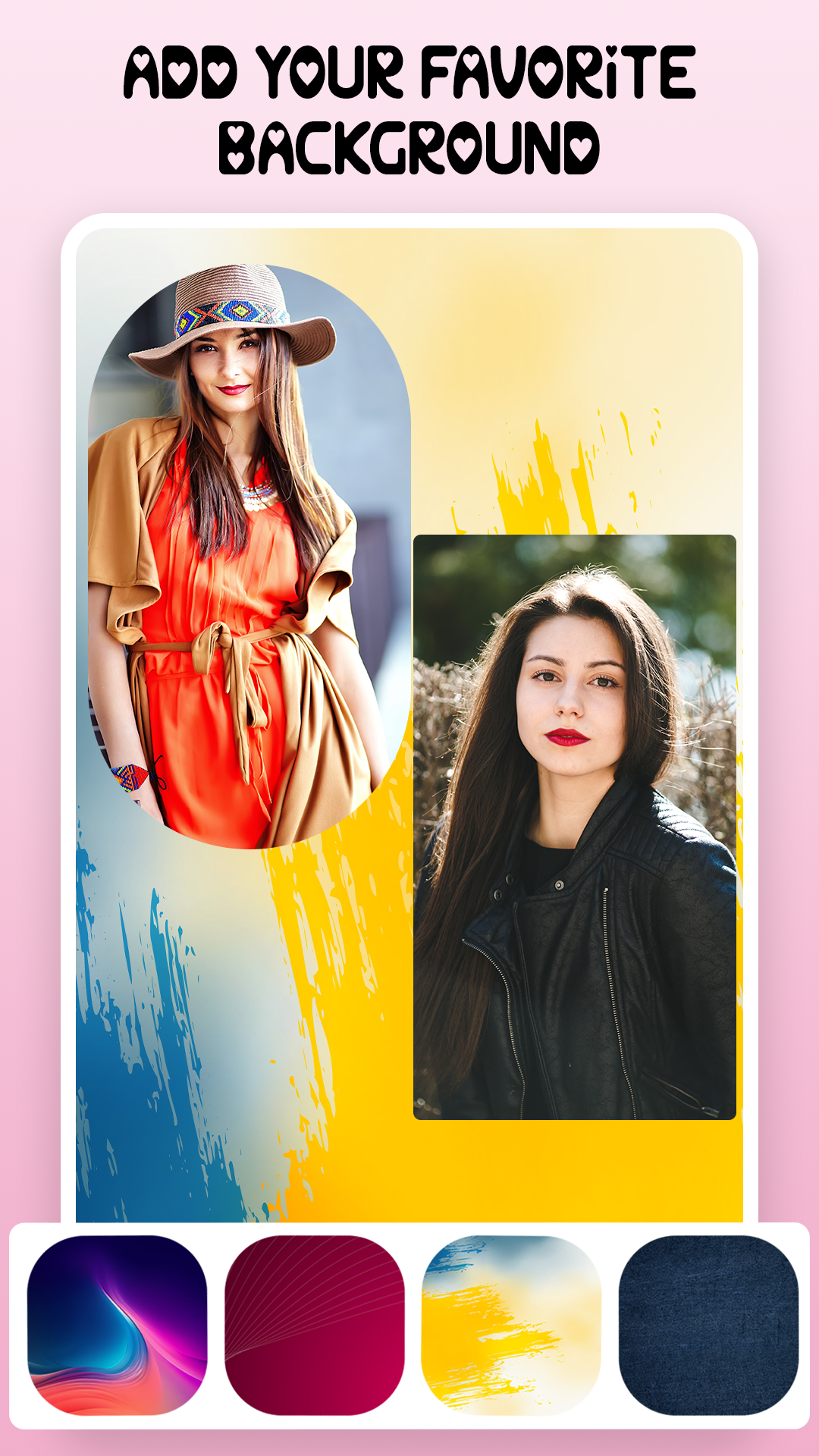
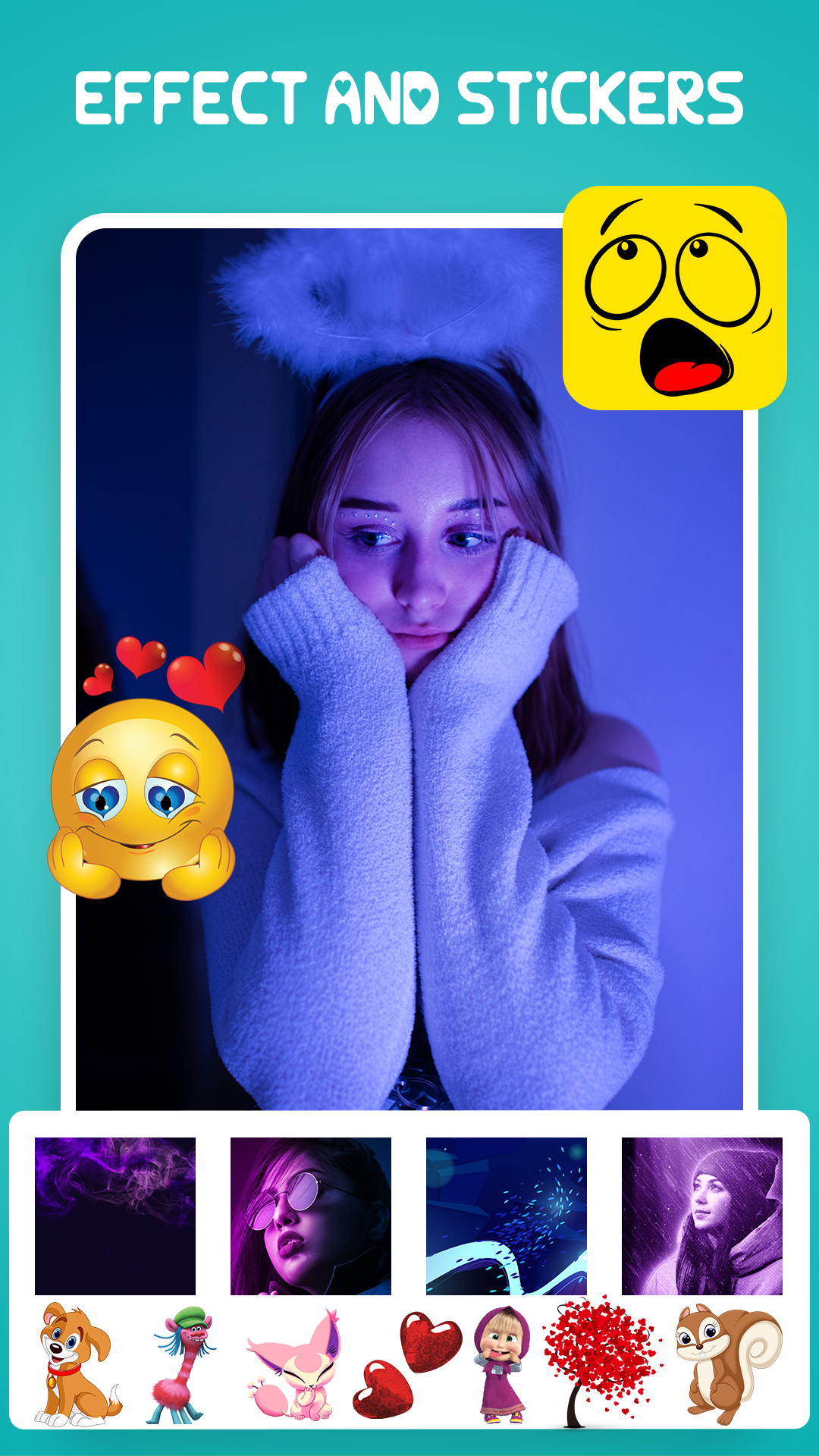
For further customization, Pic Collage Maker provides filters, stickers, text, decorative frames, and themed templates. Occasion-based designs include options for birthdays, Christmas, wedding anniversaries, and other celebrations. Users can combine these elements to create collages with different visual styles, whether they prefer a simple photo arrangement or a more decorative design.
Once editing is complete, collages can be saved in HD quality or shared through supported platforms. The app brings photo selection, layout arrangement, and creative editing together, making it suitable for users who want to create personalized photo collections without using a more advanced image editor.
2. Key Features
Up to 50 Photos per Collage: Combine up to 50 pictures in a single design for travel albums, family collections, and special occasions.
Grid and Freestyle Layouts: Use preset grids for automatically arranged compositions or freestyle mode for more flexible photo placement.
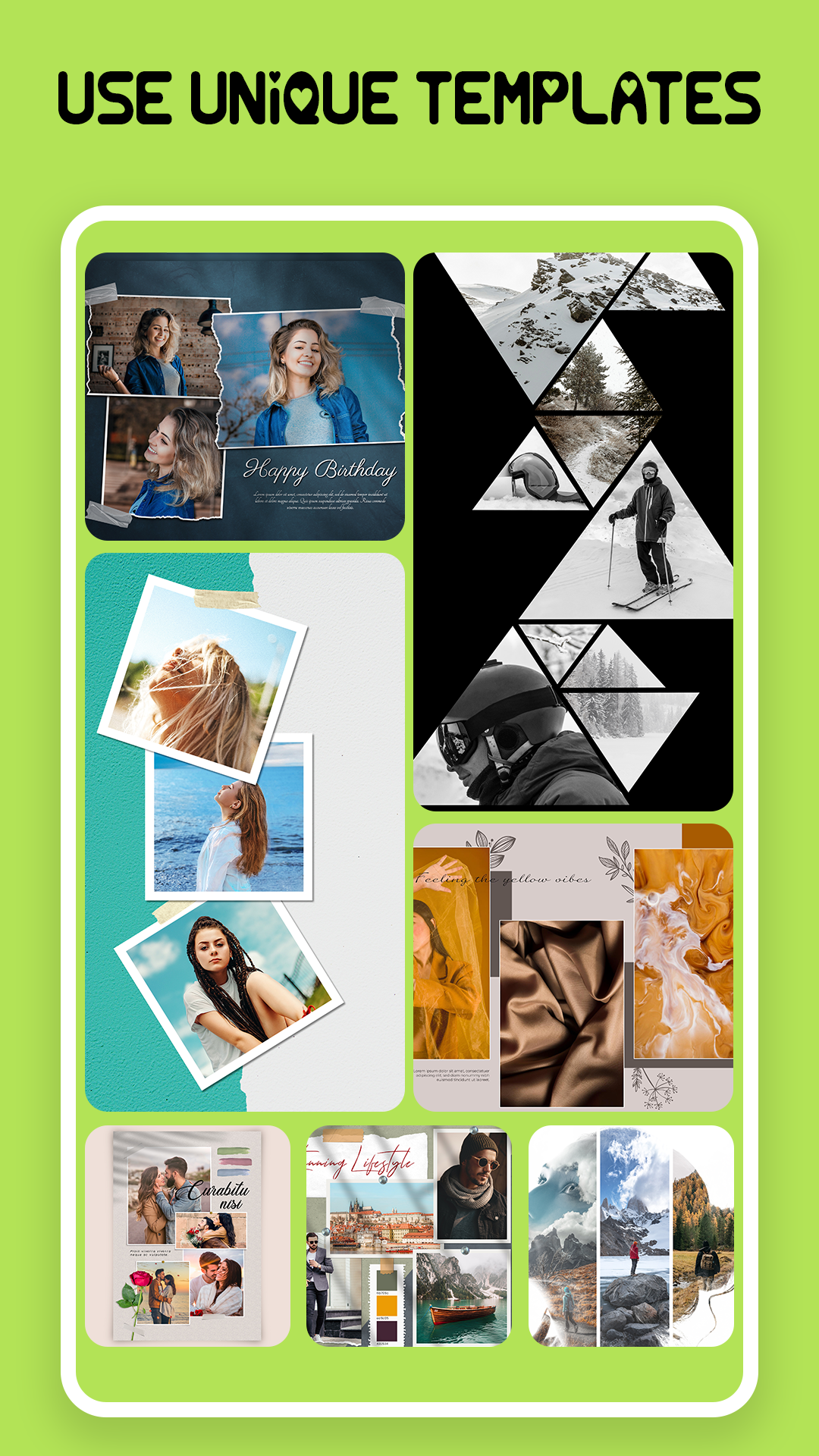
Themed Templates and Frames: Choose decorative designs for birthdays, Christmas, wedding anniversaries, and other occasions.
Photo Filters: Apply visual effects to change the appearance and style of individual pictures.
Text and Stickers: Add captions, messages, and decorative elements to personalize collages.
Photo Editing Tools: Crop, resize, and rotate individual images to adjust their framing and placement.
HD Saving and Sharing: Export completed collages in HD quality or share them through supported platforms.
3. How to Use
Step 1: Select Photos
Open Pic Collage Maker and start a new collage. Browse your device's photo gallery and select up to 50 pictures.
Step 2: Choose a Layout
Select a preset grid, freestyle arrangement, or themed template. Grid layouts organize pictures automatically, while freestyle mode lets you position images individually.
Step 3: Edit and Customize
Adjust individual photos by cropping, resizing, or rotating them. Apply filters, add text and stickers, and select frames to customize the overall design.
Step 4: Save or Share
Preview the completed collage and make any final adjustments. Save the design in HD quality or use the available sharing options to send it through supported platforms.
4. Application Experience
Pic Collage Maker combines photo arrangement and decorative editing tools in a single workspace. Its editing process follows a clear sequence, from selecting pictures and choosing a layout to customizing the design and exporting the result.
The grid and freestyle modes offer two distinct approaches to collage creation. Grid layouts are useful for organizing multiple pictures into a structured composition, particularly when working with large photo collections. Freestyle mode provides greater control over individual image placement, making it possible to create less conventional arrangements.
The range of customization options also gives users room to experiment with different styles. Filters adjust the visual appearance of photos, while stickers, text, frames, and themed templates help add personal details. The occasion-based designs are particularly useful for creating collages around birthdays, holidays, and anniversaries.
With support for up to 50 photos in one collage, the app can accommodate larger collections without requiring users to create several separate designs. HD export and built-in sharing options complete the workflow, allowing finished collages to be saved or distributed after editing.
5. Frequently Asked Questions
Q1: How many photos can I add to one collage?
A: You can include up to 50 photos in a single collage.
Q2: Can I arrange photos without using a grid?
A: Yes. Freestyle mode lets you position and arrange individual pictures without following a fixed grid layout.
Q3: What editing tools are available?
A: You can crop, resize, rotate, and apply filters to individual photos. Text, stickers, and decorative frames are also available for customization.
Q4: Does the app provide templates for special occasions?
A: Yes. It offers themed templates and frames for occasions such as birthdays, Christmas, and wedding anniversaries.
Q5: Can I save collages in HD quality?
A: Yes. Completed collages can be exported in HD quality and saved to your device.
Q6: Can I share my finished collages?
A: Yes. You can use the available sharing options to share your designs through supported social media platforms and other channels.
- Version1.2.2
- UpdateNov 09, 2026
- DeveloperAttractive Apps Valley
- CategoryPhotography
- Requires AndroidAndroid 6+
- Downloads137K+
- Package Namecom.collagemaker.photoeditor.photolayout
- Signature03fab0f8a7008646610bc924a2956e07
- Available on
- ReportFlag as inappropriate










Strong and flexible collage capabilities
Simple and easy to use
Basic functions are free and practical
The free version has annoying ads.
Performance is limited.