
찍스 - 트루 포토북, 스탠딩포토 - Photo book creation & organization
Transform your overflowing photo gallery into stunning, high-quality books in minutes with innovative AI assistance & design options
- 3.10.10 Version
- 2.0 Score
- 196K+ Downloads
- Free License
- 3+ Content Rating

JPICS
1. App Overview
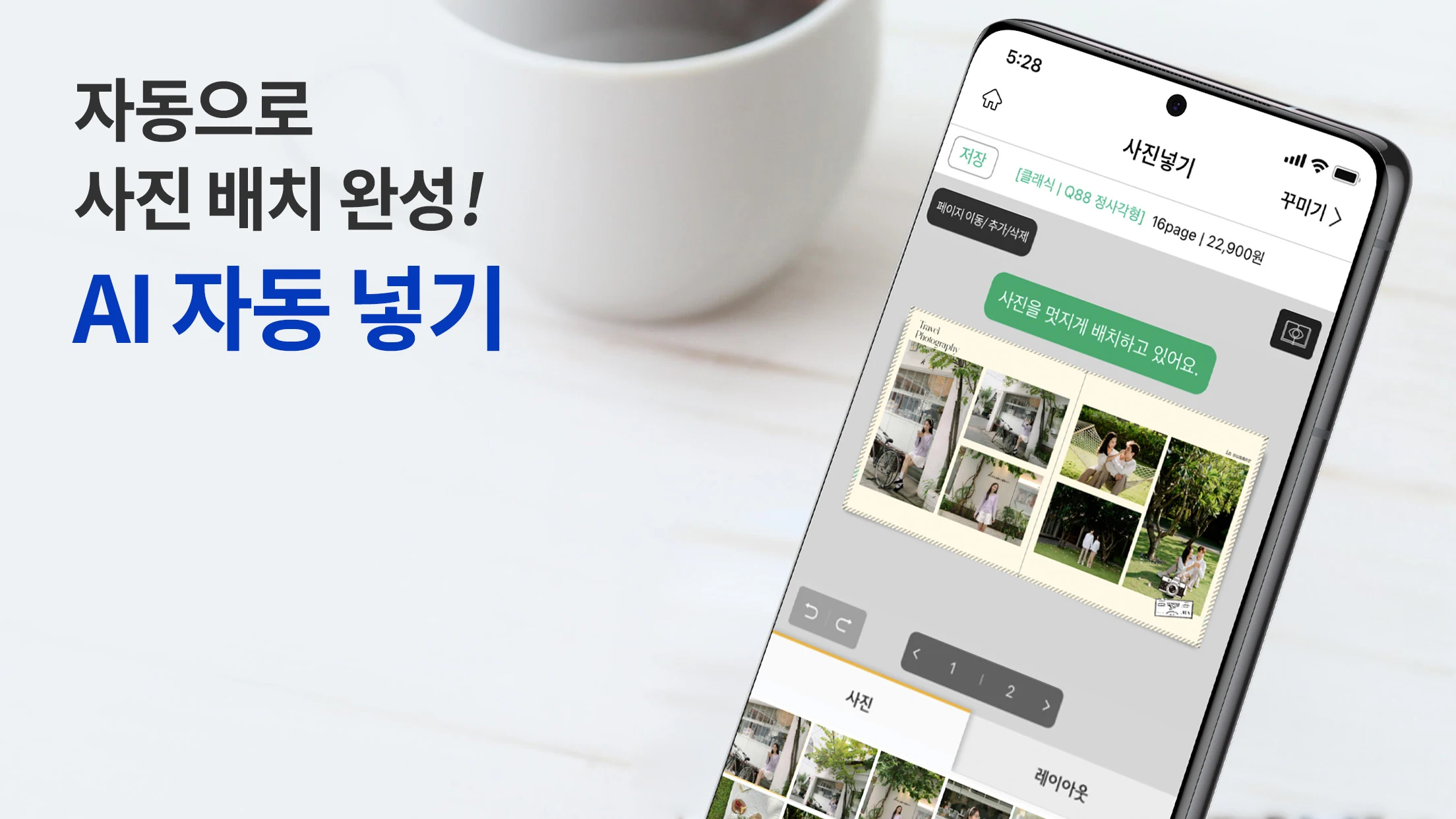
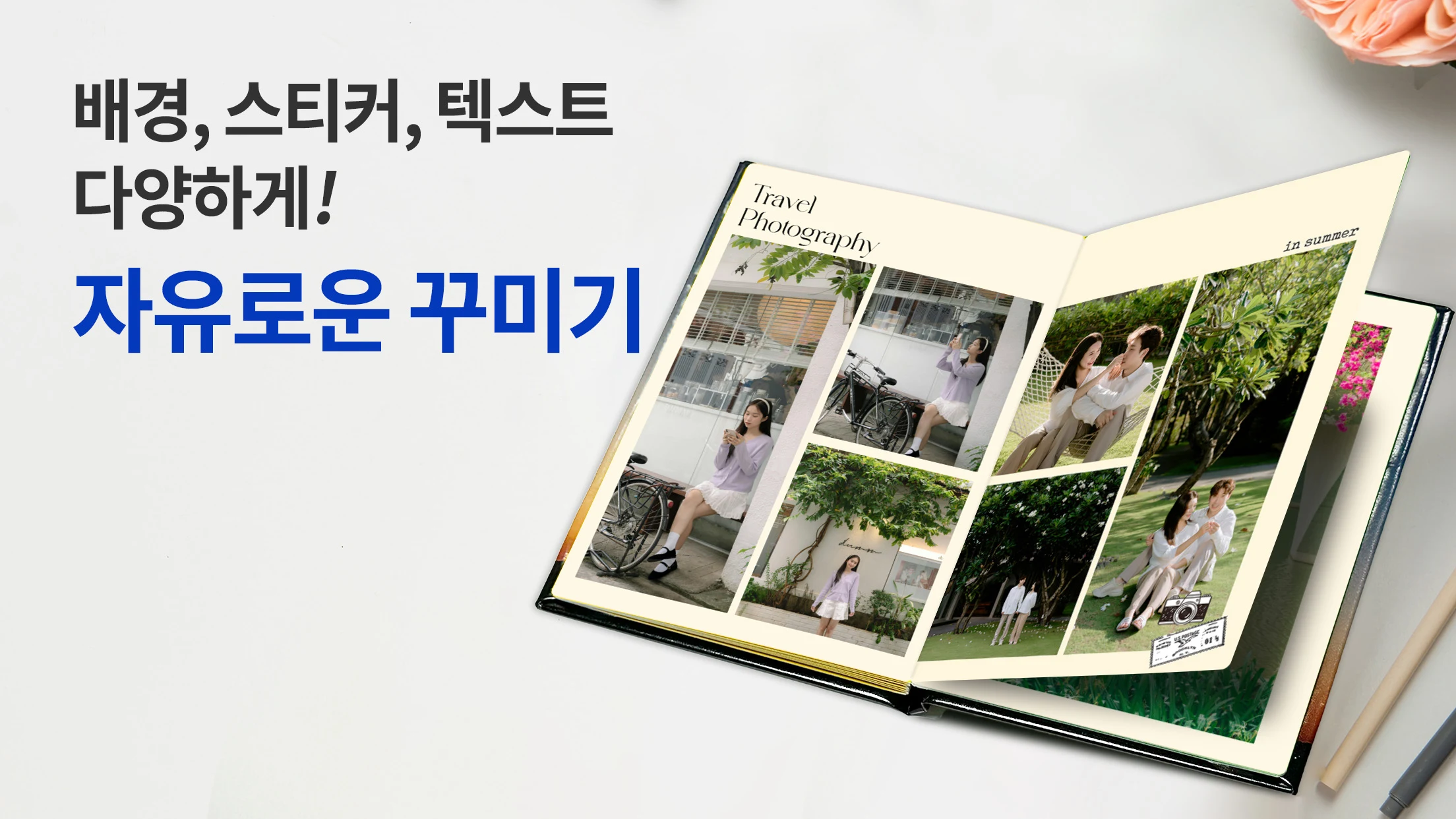
JPICS is a mobile photo book creation app that turns pictures stored on your phone into printed photo products. It helps preserve travel memories, family celebrations, and everyday moments in physical keepsakes. Its AI-assisted tools can sort photos chronologically, recognize faces, and automatically arrange images into page layouts. Users can further customize their designs with templates, backgrounds, fonts, colors, and stickers.
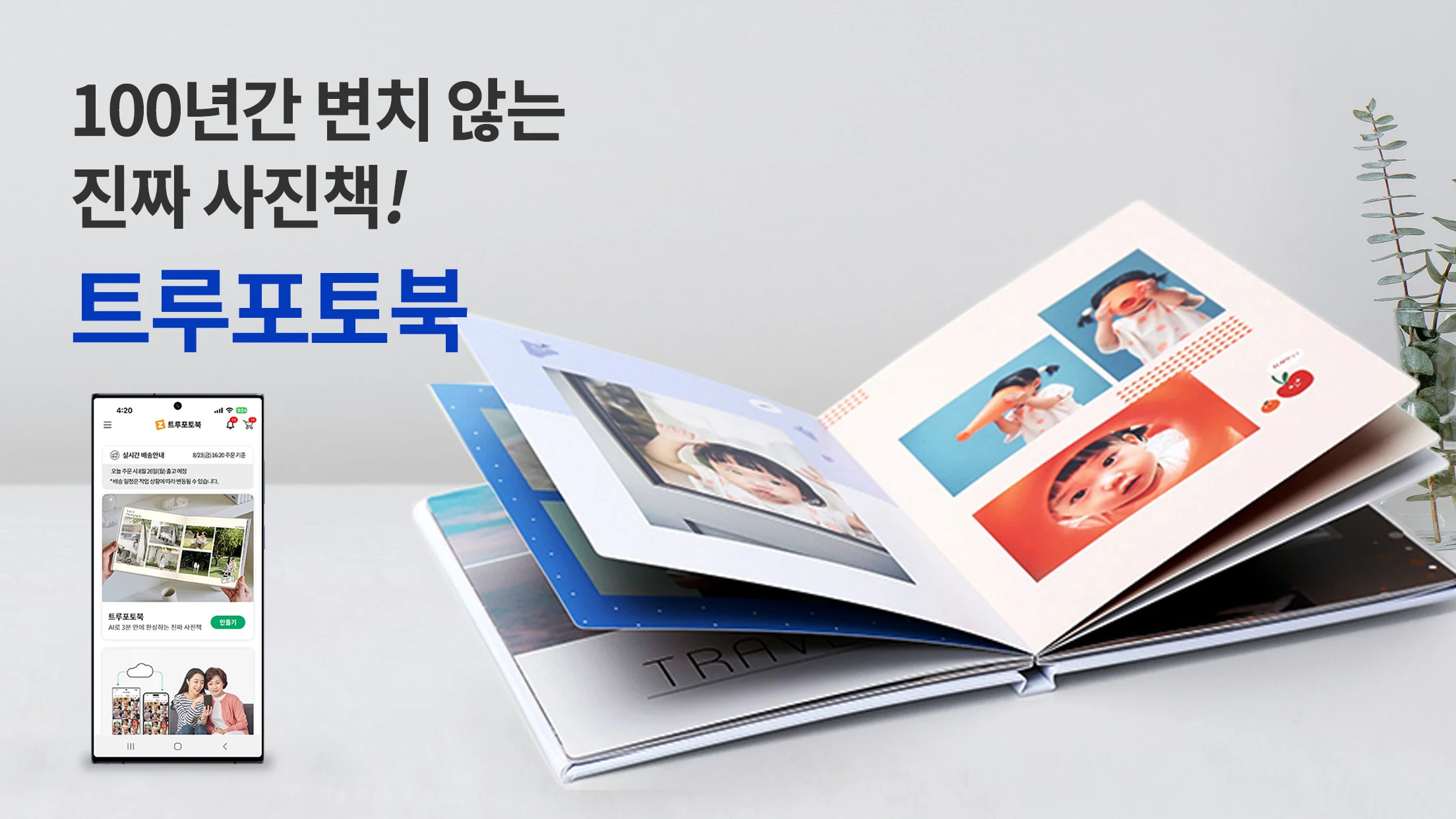
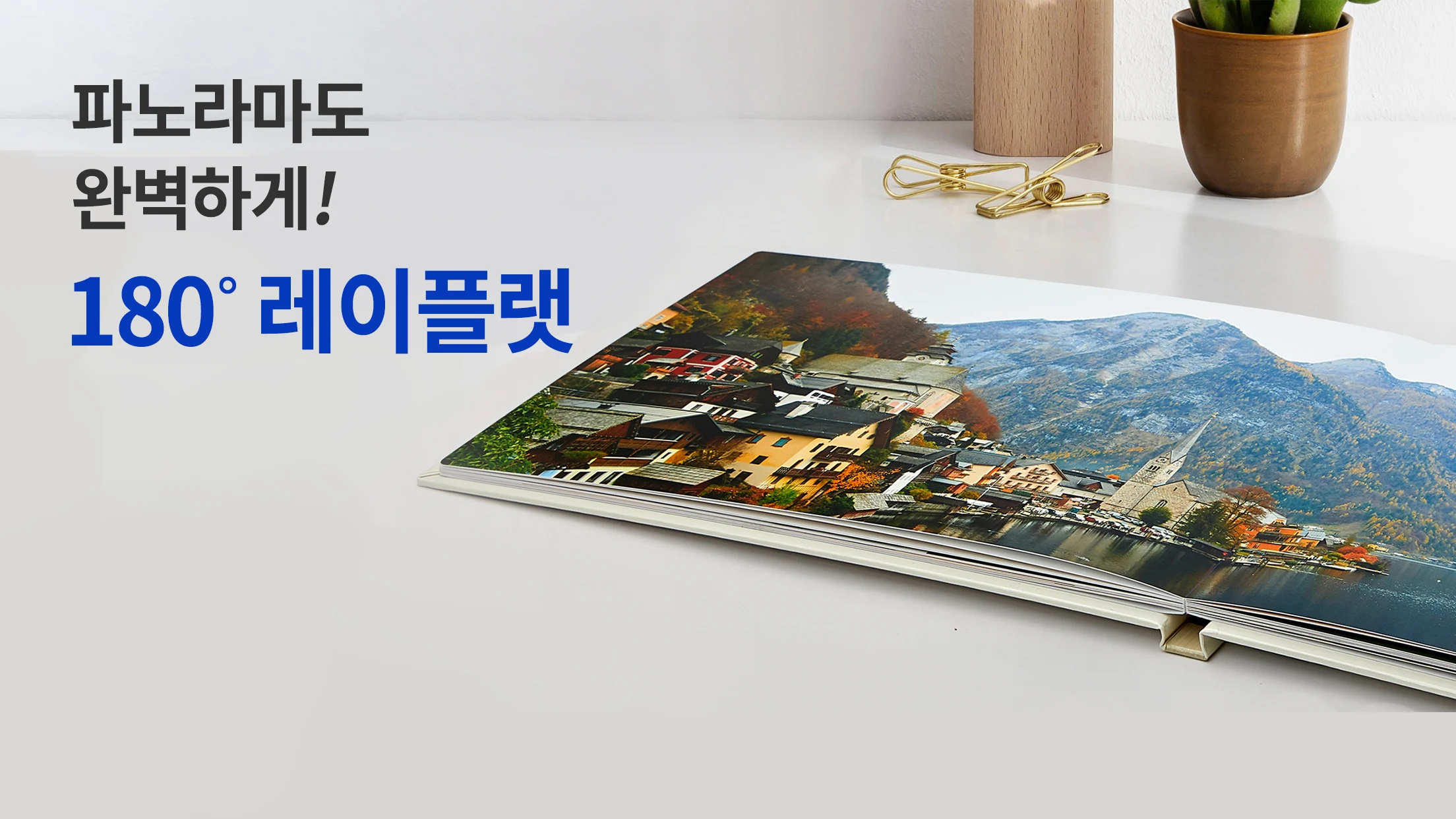
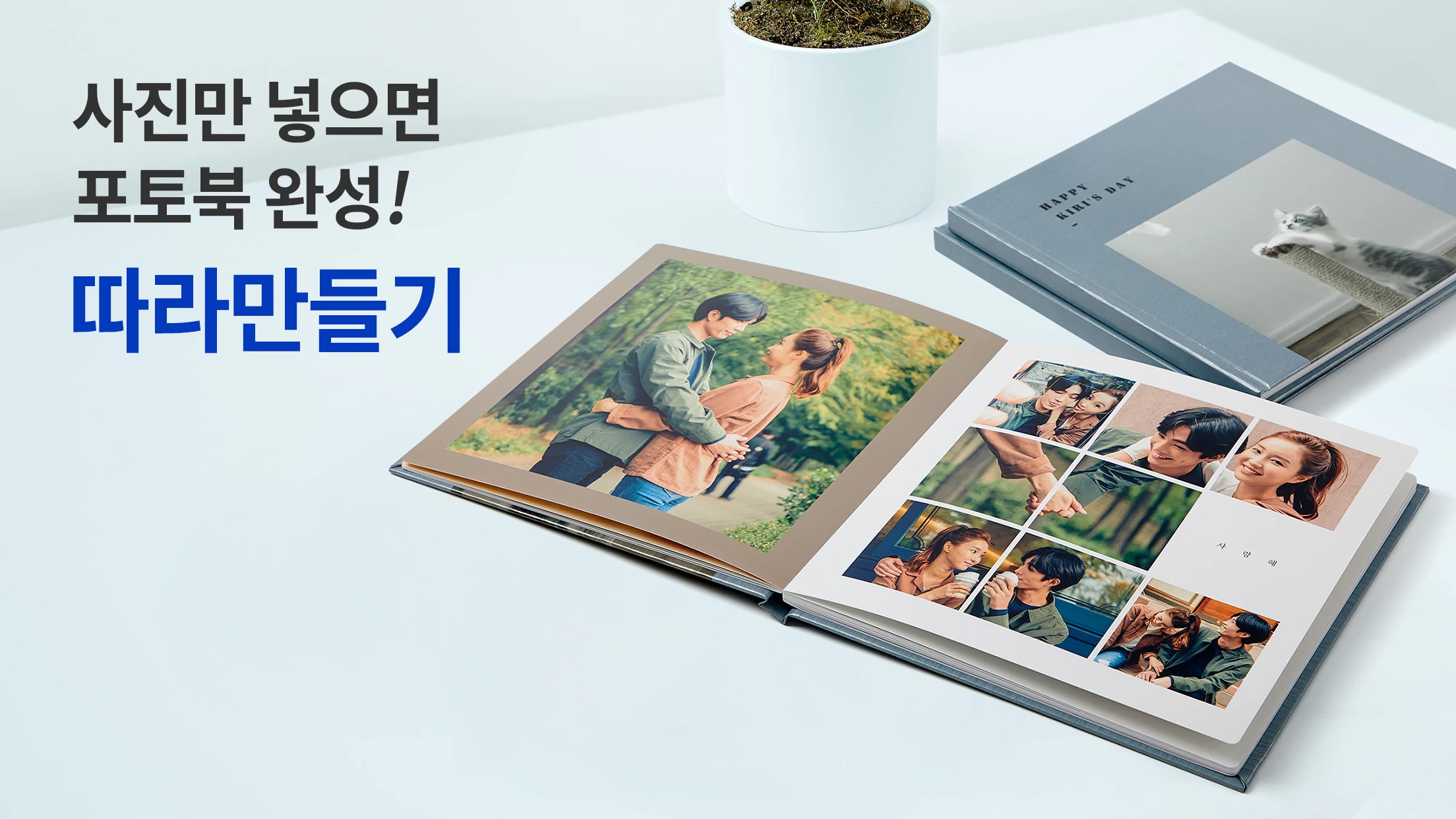
JPICS offers two main products: True Photo Books and Standing Photos. True Photo Books use silver halide printing technology and high-quality photographic paper to produce detailed images and vivid colors. Their durable binding and 180-degree lay-flat pages make it easier to view panoramic photographs and full-page images without a prominent interruption at the center. Users can choose from different book sizes and cover styles, including customizable Design Covers and premium leather covers in six colors.
Standing Photos provide a compact way to display individual pictures. Each product consists of two lightweight printed sheets and includes a stand for placement on desks, shelves, or other flat surfaces. Users can personalize the design with text and adjust its appearance to complement their selected photographs.
The built-in editor provides tools for managing projects from initial layout to final preview. Users can add, delete, and rearrange pages, adjust photo placement, and save unfinished designs in their shopping cart for later editing. Before ordering, they can preview the completed layout and make any necessary changes. JPICS is suitable for creating family albums, personalized gifts, milestone collections, and compact promotional displays.
2. Key Features
AI Photo Organization: Sorts uploaded pictures chronologically, recognizes faces, and helps organize photos within page layouts.
Automatic Photo Placement: Arranges selected pictures using ready-made layouts to simplify photo book creation.
Silver Halide Printing: Uses photographic printing technology and high-quality photo paper to produce detailed images and vivid colors.
Multiple Cover Options: Offers customizable Design Covers and premium leather covers in six colors.
180-Degree Lay-Flat Binding: Allows pages to open fully, making panoramic photographs and full-page images easier to view.
Compact Standing Photos: Creates lightweight photo displays with an included stand for desks, shelves, and other flat surfaces.
Design Customization: Provides templates, backgrounds, fonts, colors, and stickers for personalizing photo pages.
Flexible Page Editing: Allows users to add, remove, and rearrange pages and adjust photo layouts.
Project Saving: Stores unfinished designs in the shopping cart so users can continue editing later.
Design Preview: Lets users review photo placement and page layouts before submitting an order.
Protective Packaging: Uses reinforced cardboard packaging and desiccants to help protect printed products during delivery.
3. How to Use JPICS
Select Your Photos: Choose pictures from your phone gallery for a True Photo Book or Standing Photo.
Organize Your Pictures: Use the AI-assisted tools to sort images by date, recognize faces, and generate an initial arrangement.
Choose a Product: Select a True Photo Book for a complete album or a Standing Photo for displaying individual pictures.
Pick a Design: Browse the available templates, page layouts, and cover styles.
Edit Your Project: Adjust photo positions, change backgrounds and fonts, add stickers, and rearrange pages.
Save Your Progress: Save an unfinished project in your shopping cart if you want to continue editing later.
Preview and Order: Review the completed design and page arrangements before submitting your order.
4. What Can You Create with JPICS?
Photo Albums for Personal Memories
Collect travel photographs, birthday celebrations, family gatherings, and everyday snapshots in a printed album. Automatic photo placement helps organize large collections without requiring users to position every picture individually.
Photo Displays for Your Home
Use Standing Photos to display family portraits, pet pictures, vacation snapshots, or favorite landscapes. The included stand makes them suitable for desks, bedside tables, and bookshelves.
Personalized Gifts
Create photo books with custom Design Covers or leather covers for birthdays, anniversaries, weddings, and other special occasions. Standing Photos offer a smaller alternative, combining selected pictures with personalized text.
Promotional Displays for Small Businesses
Standing Photos can display product images, promotional information, customer details, or small catalogs. Their compact format makes them suitable for display counters, business presentations, and trade show exhibits.
Albums for Special Milestones
Create dedicated collections for occasions such as a baby's first year, graduation, weddings, or annual family trips. Different templates and editing tools allow users to give each album its own visual style.
5. Frequently Asked Questions
Q1: Can I create a True Photo Book in five minutes?
A: JPICS uses automatic photo placement and ready-made templates to simplify the design process. If your pictures are already selected, you may be able to create a basic layout in approximately five minutes. Adding custom designs or making detailed adjustments will take additional time.
Q2: What is the difference between a True Photo Book and a Standing Photo?
A: A True Photo Book is a printed and bound album designed to preserve a larger collection of pictures. A Standing Photo consists of two lightweight printed sheets and an included stand, making it more suitable for displaying a few selected images. Photo Books are intended for keeping memories in an album, while Standing Photos work as compact displays or personalized gifts.
Q3: What printing technology does JPICS use?
A: True Photo Books use silver halide photo printing technology and high-quality photographic paper to reproduce detailed images and rich colors. According to the product information, the prints can last for more than 100 years under suitable storage conditions.
Q4: Can I save an unfinished photo book and edit it later?
A: Yes. Unfinished projects can be saved in your shopping cart and reopened later. You can replace pictures, modify layouts, rearrange pages, and make other changes before placing your order.
Q5: Can I customize the cover and individual pages?
A: Yes. JPICS provides customizable Design Covers and premium leather covers in six colors. You can also change page backgrounds, fonts, and colors, add stickers, and adjust photo placement.
Q6: Can I preview my photo book before placing an order?
A: Yes. The preview function lets you review the completed design before ordering. You can check photo placement and page layouts, then return to the editor to make adjustments if necessary.
- Version3.10.10
- UpdateNov 09, 2026
- DeveloperDigital Photo Corp.
- CategoryPhotography
- Requires AndroidAndroid 5.0+
- Downloads196K+
- Package Namecom.zzixx.dicabook
- Signatured425930b80b2efb0b4a50627c42b55e8
- Available on
- ReportFlag as inappropriate
-
NameSizeDownload
-
95.74 MB
-
95.74 MB
-
95.60 MB












Efficient and convenient production
Solid and durable quality
Flexible scene adaptation
Thoughtful attention to detail in user experience
Depends on photo quality
Exists in time and cost constraints
Physical preservation has limitations
Limited depth of personalization