
BokashiMaru - Blur & Mosaic Photo Editor
Transform your photos effortlessly with powerful blur & mosaic tools for stunning edits in seconds!
- 1.23 Version
- 2.2 Score
- 160K+ Downloads
- Free License
- 12+ Content Rating

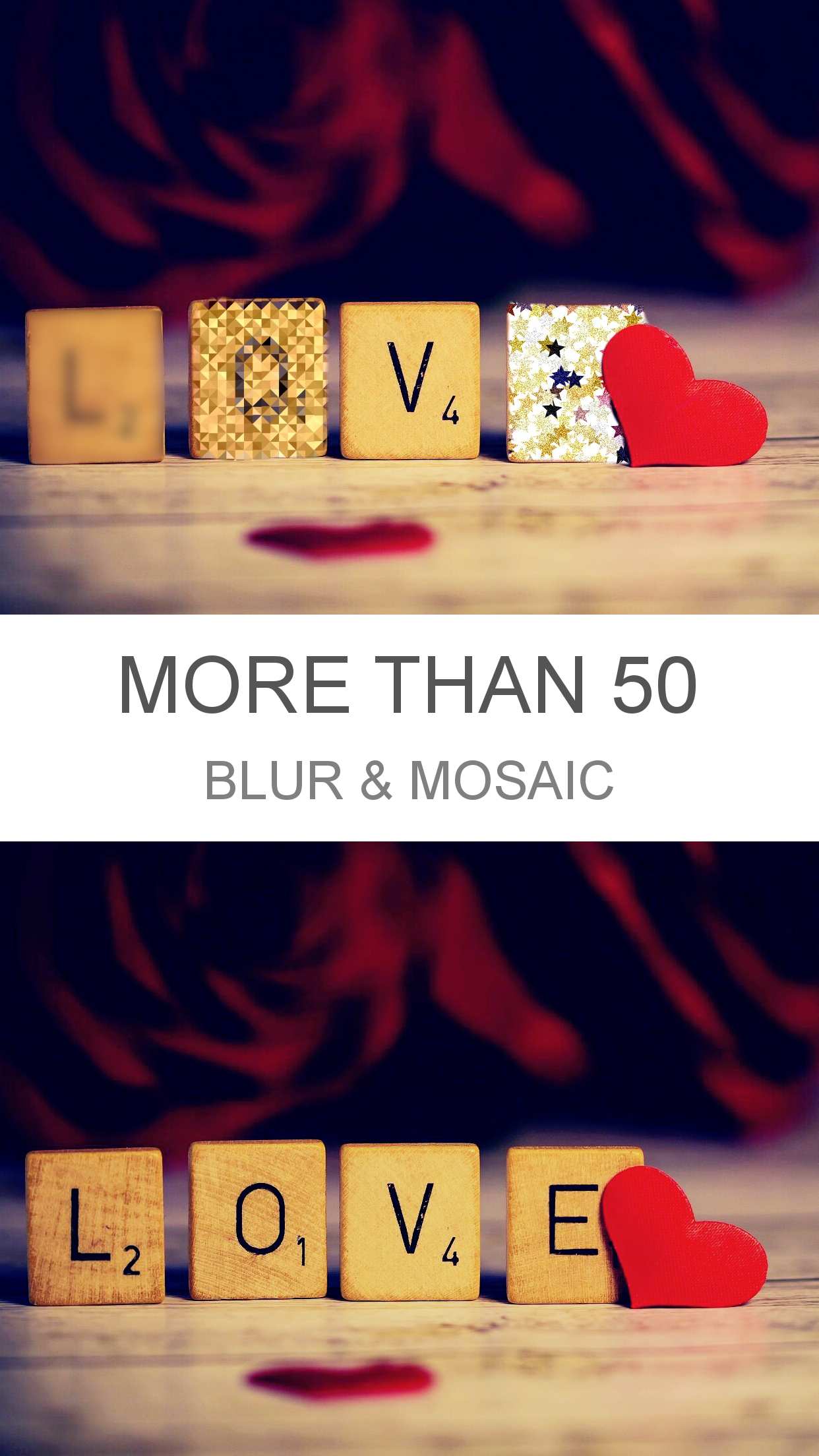
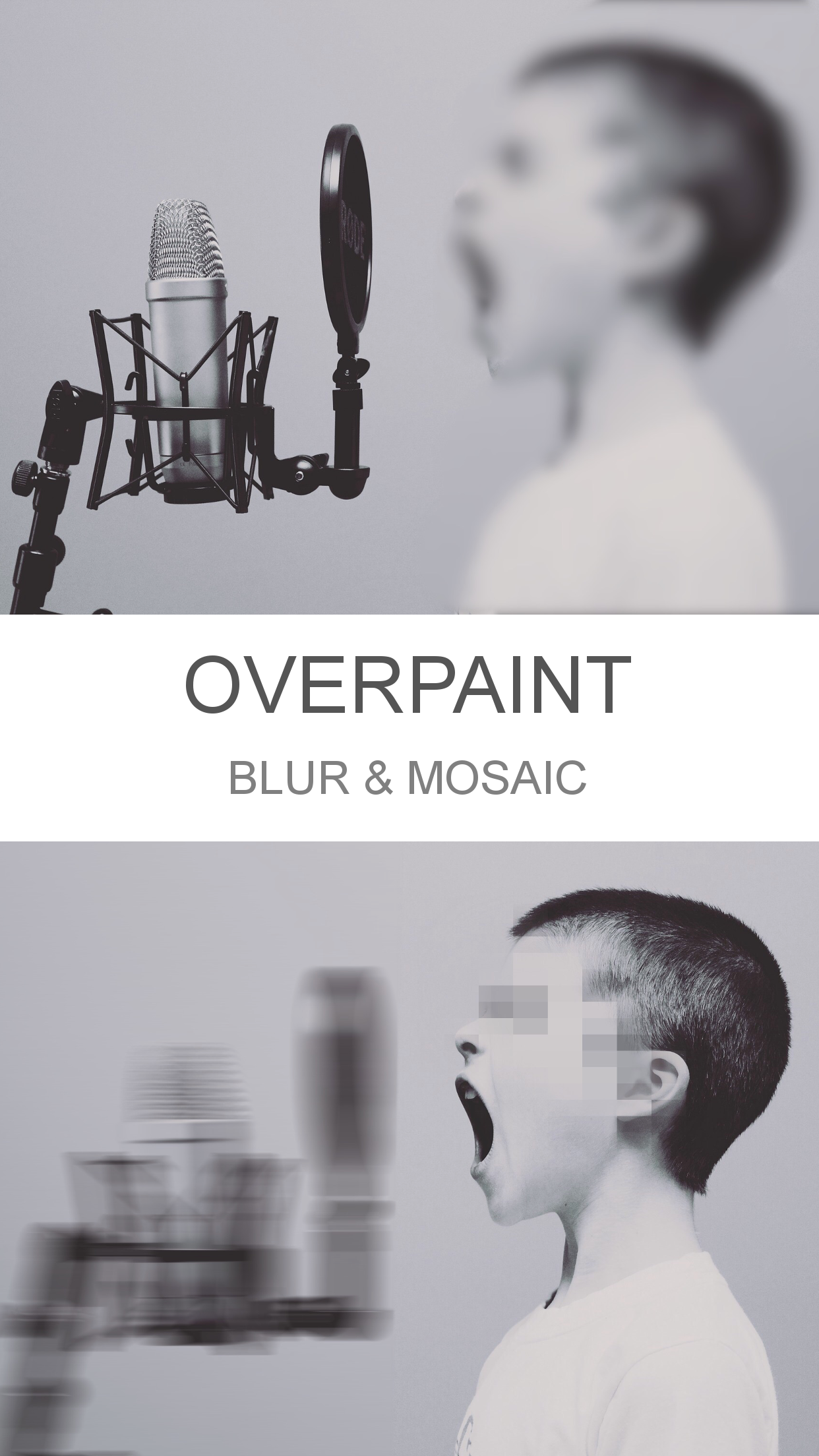
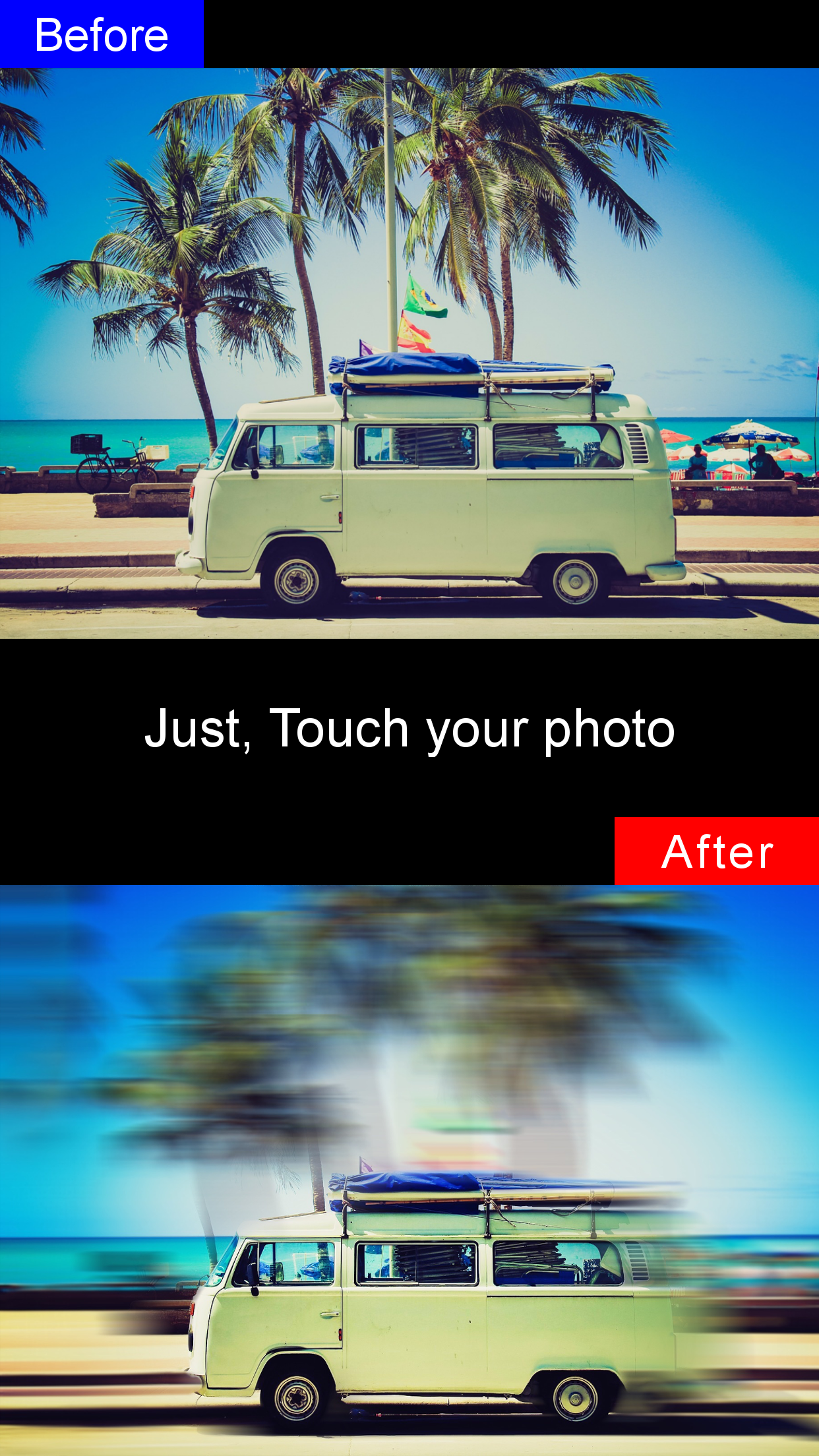
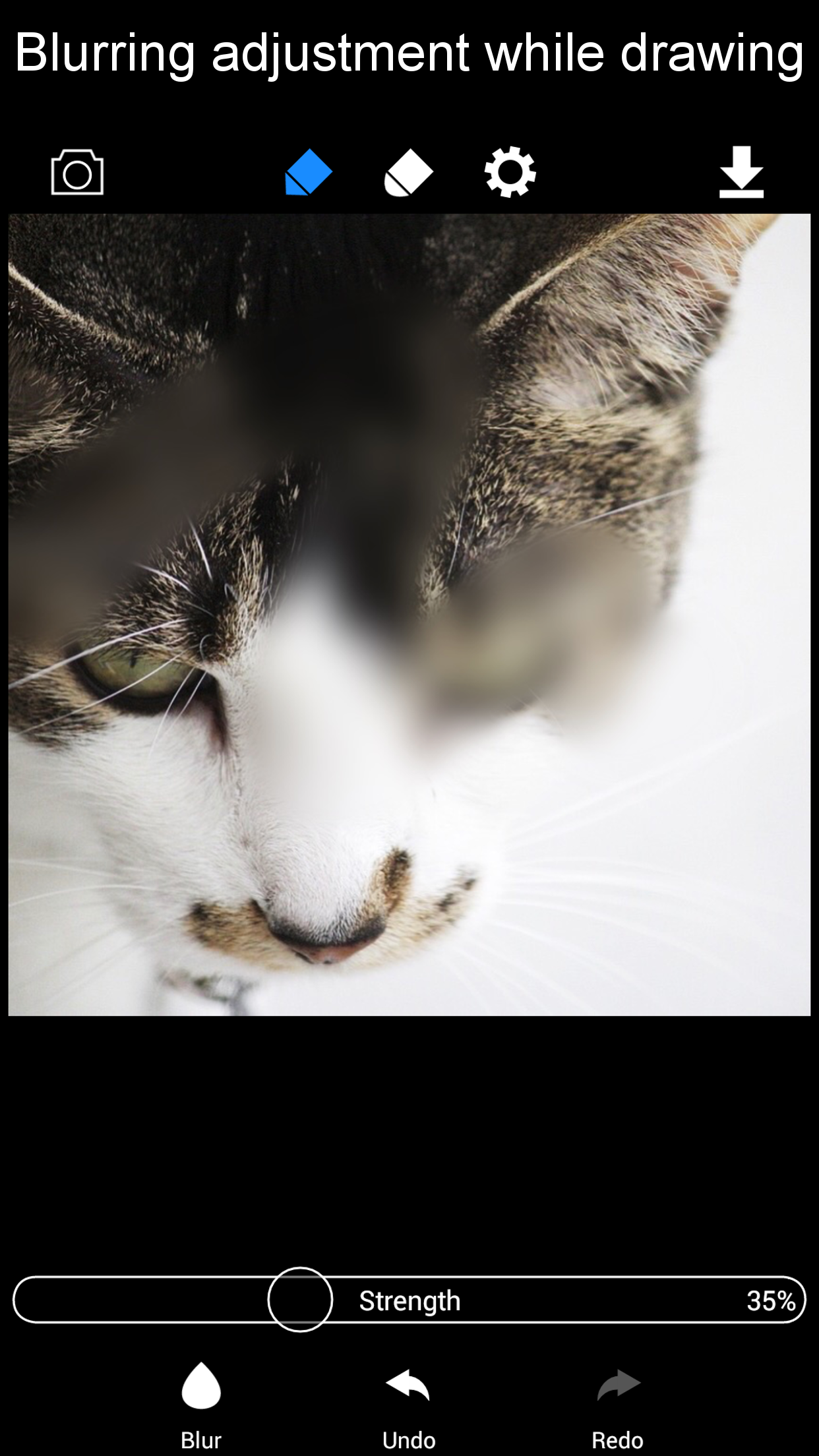
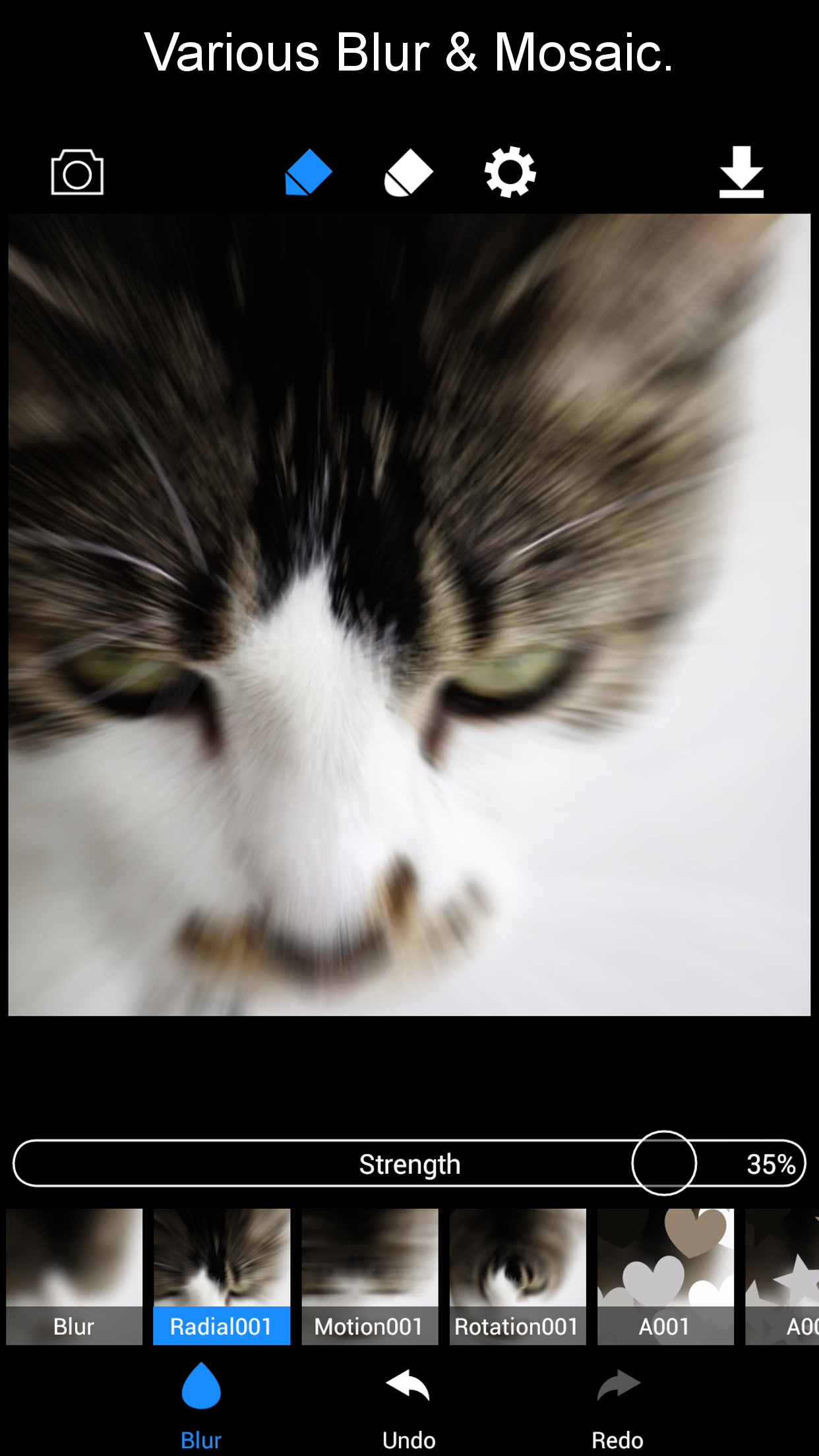
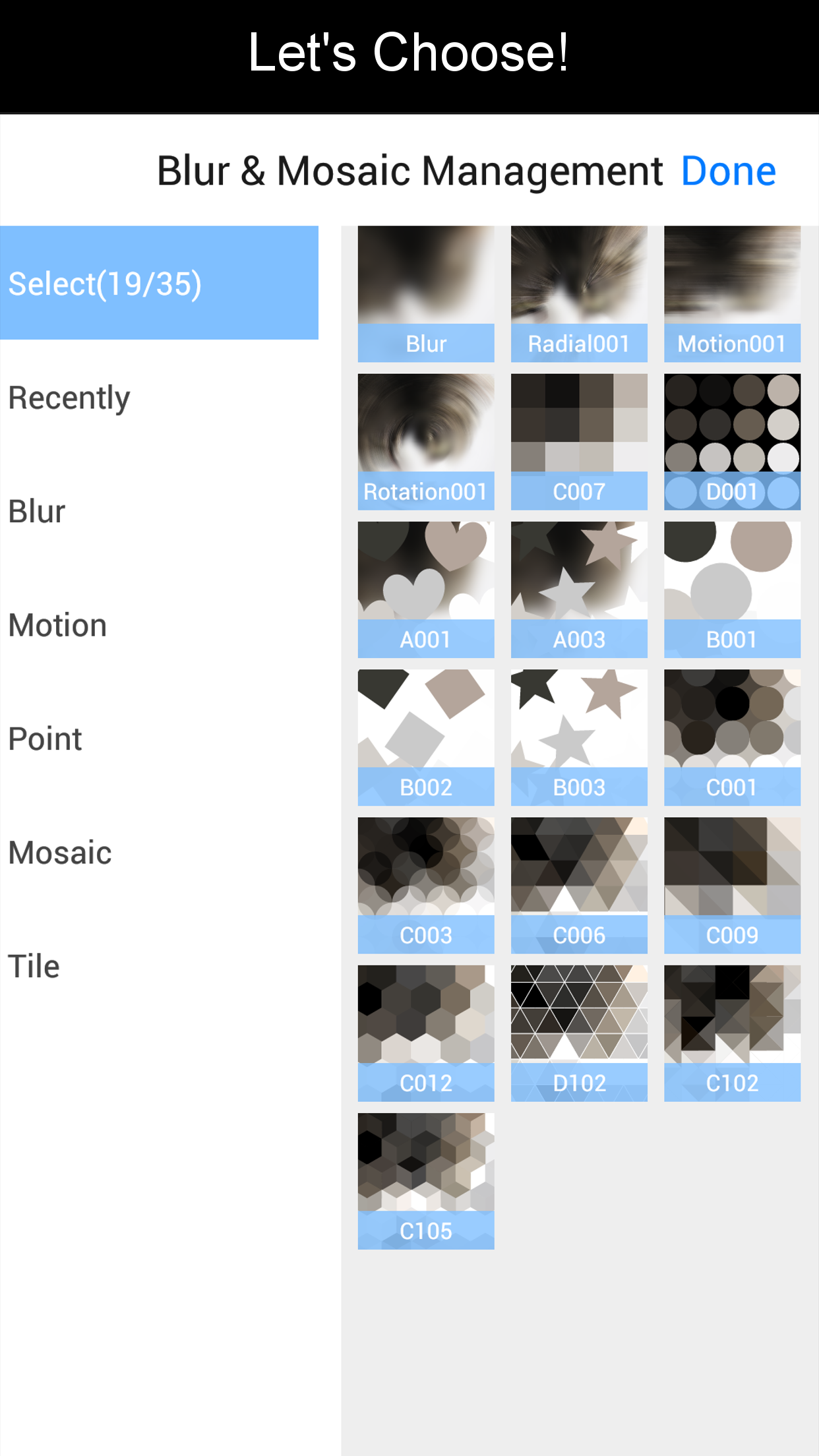
Over 50 Blur & Mosaic Editing Options
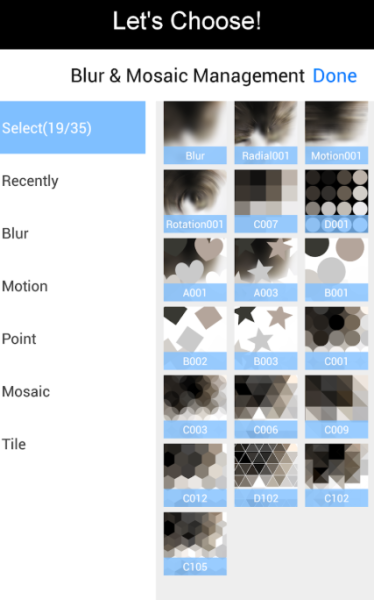
This application is user-friendly and enables quick creation of blurred images.
⭐︎⭐︎⭐︎ Instructions for Use ⭐︎⭐︎⭐︎
1.Select your image.
2.Zoom in or out using a pinch gesture.
3.Slide and adjust while maintaining the pinch gesture.
⭐︎⭐︎⭐︎ Two Editing Tools Available ⭐︎⭐︎⭐︎
The app features two distinct editing tools for photo manipulation.
1.Blur Editor
This tool allows you to modify selected areas with different blur or mosaic effects afterwards, as well as adjust intensity.
2.Overpaint Editor
This tool enables multiple instances of blurring and mosaic effects on a single image.
Target Audience:
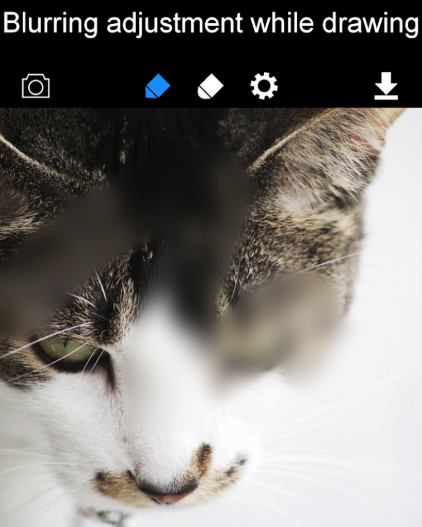
1. Regular users who need to quickly blur/deface images (e.g., to hide private information or sensitive content);
2. Beginners who prioritize ease of use and don't require complex functions;
3. Users who need lightweight image editing with multiple blur/mosaic effects (over 50 options);
4. Users who need to apply multiple blur effects to a single image (e.g., for multi-layered privacy protection).
Related Questions and Answers:
- **Q**: What is the main function of this app?
**A**: This app's main function is to quickly create blurred images. It has two editing tools: Blur Editor, which allows you to apply different blur or mosaic effects to a selected area and adjust the intensity; and Overpaint Editor, which allows you to apply multiple blur and mosaic effects to a single image.
- **Q**: How do I use this app?
**A**: First, select the image you want to edit. Then, you can pinch with two fingers to zoom in or out. While pinching, slide to adjust the blur or mosaic effect.
- **Q**: What are the advantages of this app?
**A**: The app has a user-friendly interface and is easy to use, making it easy to quickly get started and create blurred images. It offers a variety of blur and mosaic editing options to meet different editing needs, and two different editing tools provide increased editing flexibility.
- **Q**: What are the disadvantages of this app?
**A**: According to user feedback, the mosaic effect may shift color tones, which may not be ideal. Additionally, the app may have limited functionality and basic editing issues, such as the lack of a black box censorship option, leaving users with only unsightly stickers, mosaics, and blur effects.
- Version1.23
- UpdateNov 02, 2026
- Developerkenji hara
- CategoryPhotography
- Requires AndroidAndroid 5.0+
- Downloads160K+
- Package Namejp.piece_app.android.bokashimaru
- Signature66292a9cbcf79dc20062ba5be693804b
- Available on
- ReportFlag as inappropriate













Successful depiction of movement in images
Room for manipulation and customization
User-friendly interface
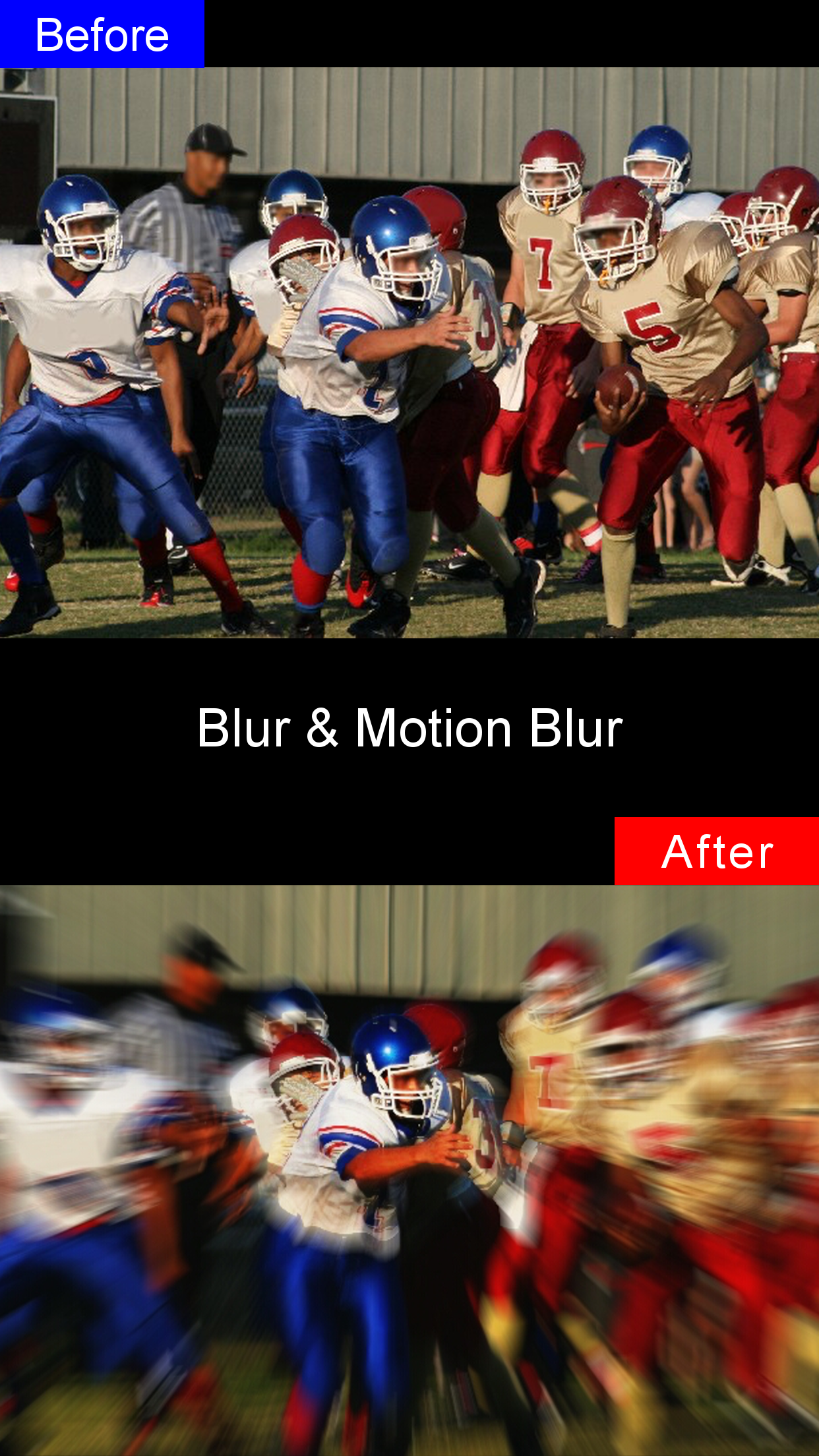
High-quality output, especially for motion blur
Intuitive and clean design
Free app with potential for paid upgrade
Good features like brush size and intensity control
Specific functionality for creating memes
Frequent crashes upon launching the app
Lack of features compared to iOS version
Low options for different blur styles
Difficulty in editing certain image types (e.g., png)
Some users unable to edit anything or use the app at all
Pixelated blur effect on certain settings
Limited customization options such as brush size
Variation in reliability for different users