
Mirror Effect & Reflection - Mirror effect creation & editing
Transform your photos with stunning mirror effects & filters for unique, eye-catching images effortlessly.

- 1.3.5 Version
- 1.3 Score
- 152K+ Downloads
- In-app purchases License
- 3+ Content Rating




About Mirror Effect & Reflection:
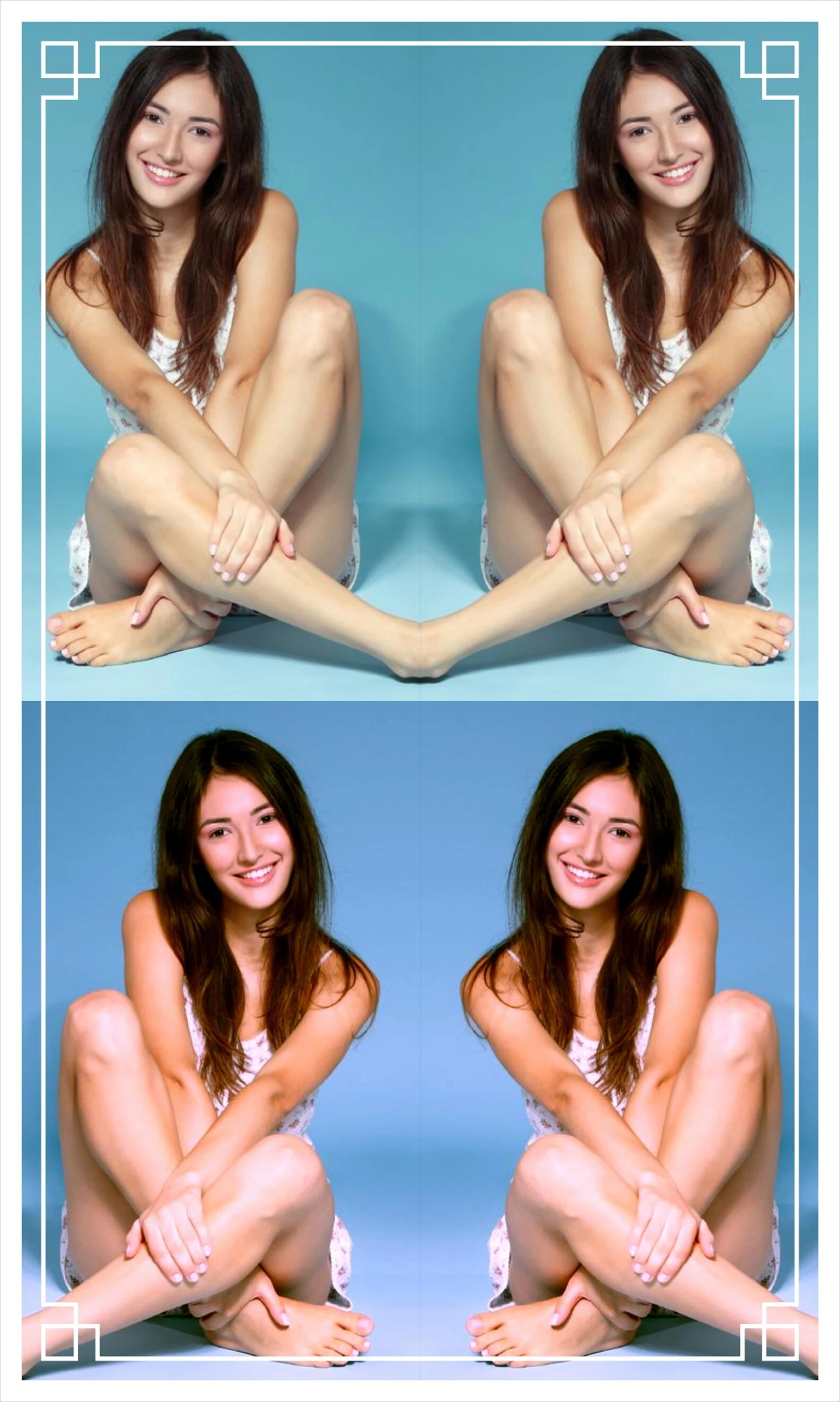
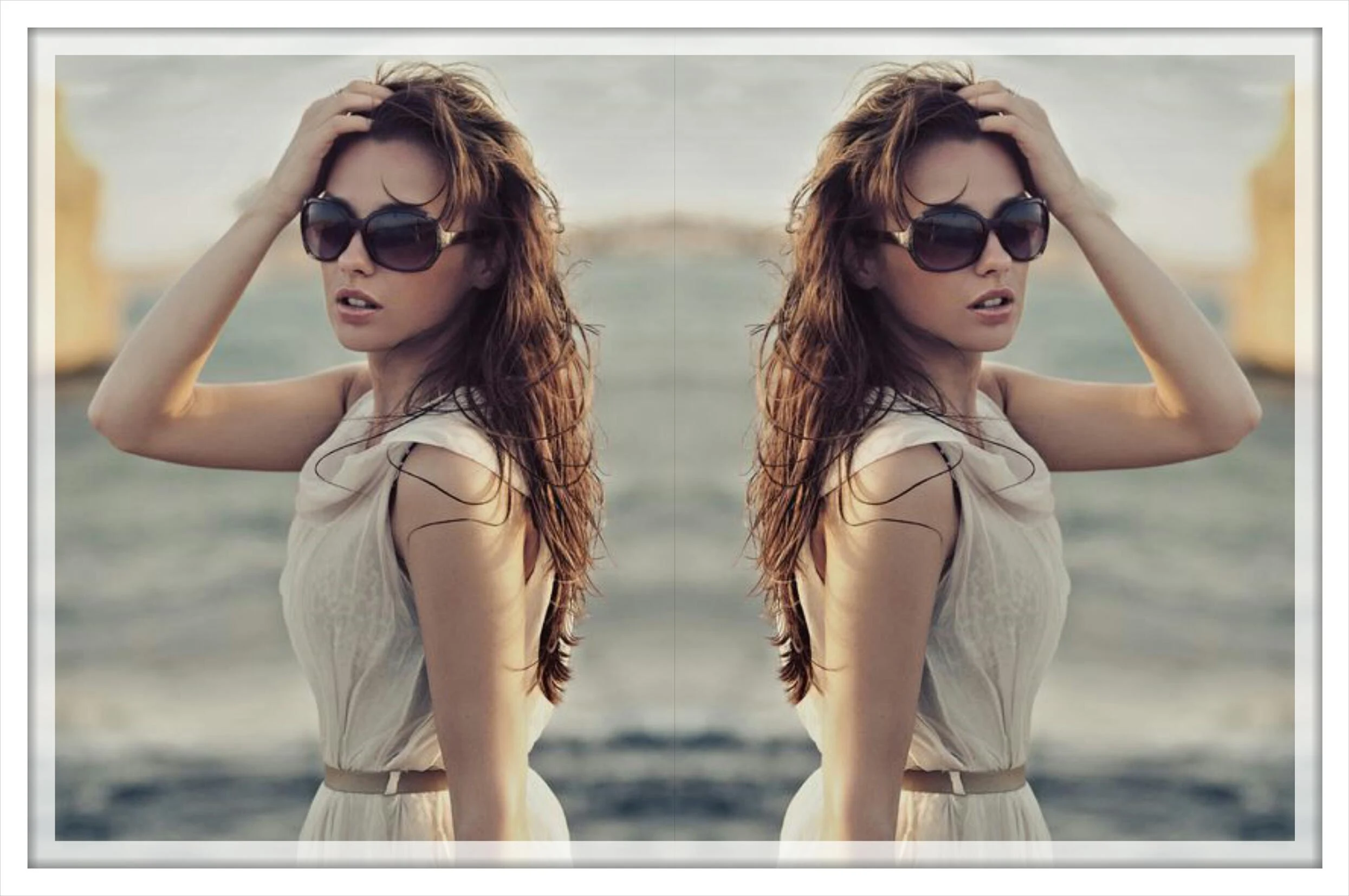
Mirror Effect & Reflection is the official photography app by Bringe, built for creating artistic mirror and reflection images from your own photos. The Mirror Effect & Reflection app is not a camera replacement — it takes an existing image and turns it into symmetrical, reflective, and echo-style artwork.

With the Mirror Effect & Reflection app, users can pick different mirror directions, keep flexible image sizes, add reflection imaging, and finish the look with filter effects. It is lightweight, simple, and aimed at quick creative edits rather than full Photoshop-style retouching.
Store-ready features:
Multiple mirror styles inside Mirror Effect & Reflection
Reflection imaging for water-like and symmetrical effects
Free image-size selection so cropping stays under control
Filter effects to change tone, mood, and contrast
Custom image-range selection before mirroring
Lightweight photo editor for fast creative edits
Frame and style variations from earlier version updates
Simple workflow: pick photo → choose mirror style → adjust → save
How to Use Mirror Effect & Reflection:
The Mirror Effect & Reflection app runs on a creative loop: choose photo → select range → apply mirror → add reflection → filter → save.
Quick guide:
Install Mirror Effect & Reflection from Google Play.
Open the Mirror Effect & Reflection app and pick a photo from your gallery.
Select the image area you want to keep — free sizing avoids unwanted cropping.
Choose a mirror direction: horizontal, vertical, or repeated echo style.
Enable reflection imaging to create a symmetrical bottom or side mirror.
Apply a filter to change color, contrast, or mood.
Preview the result and tweak the mirror style if needed.
Save the edited image back to your device gallery.
Re-open the same photo later to try another symmetry style.
Keep the source image high-resolution for cleaner reflection edges.
Tips:
Start with a centered subject — Mirror Effect & Reflection works best on clear, uncluttered photos.
Use reflection mode for landscapes, portraits, and product-style symmetry.
Avoid heavy ads distraction by finishing edits quickly, then saving.
Mirror Effect & Reflection FAQ and Status:
Who develops the app?
Bringe. Package ID iscom.surmin.mirror.
What does it do?
It creates mirror-effect photos with multiple mirror styles, reflection imaging, flexible image sizes, and filter effects.
Is it a camera app?
No. The Mirror Effect & Reflection app edits existing gallery photos; it is not built for live mirrored capture.
Does it cost anything?
The app is free to install. Listings show ads and in-app purchases; no separate ad-free guarantee is confirmed.
Why Install Mirror Effect & Reflection:
Install the Mirror Effect & Reflection app if you want fast, lightweight symmetry and reflection edits without learning a complex editor.
Best-fit users:
Casual photographers wanting artistic mirrors
Social media users making eye-catching posts
Portrait and landscape editors
Beginners who prefer one-tap effects
Users who like reflection and echo styles
Anyone wanting a small, simple photo-tool addition
- Version1.3.5
- UpdateOct 22, 2026
- DeveloperBringe
- CategoryPhotography
- Requires AndroidAndroid 8.0+
- Downloads152K+
- Package Namecom.surmin.mirror
- Signaturee20640186f944ab2f6a82df15a36a138
- Available on
- ReportFlag as inappropriate
-
NameSizeDownload
-
13.39 MB
-
6.57 MB
-
6.31 MB














Highly creative
Highly flexible
Easy to use
Limited functionality
Ads may be intrusive
Image quality may be compressed