
Planit: Photo Planner - Photography planning & visualization
Unleash your photography potential with powerful tools for location scouting, celestial insights & offline access

- 4.6 Version
- 1.5 Score
- 157K+ Downloads
- In-app purchases License
- 3+ Content Rating

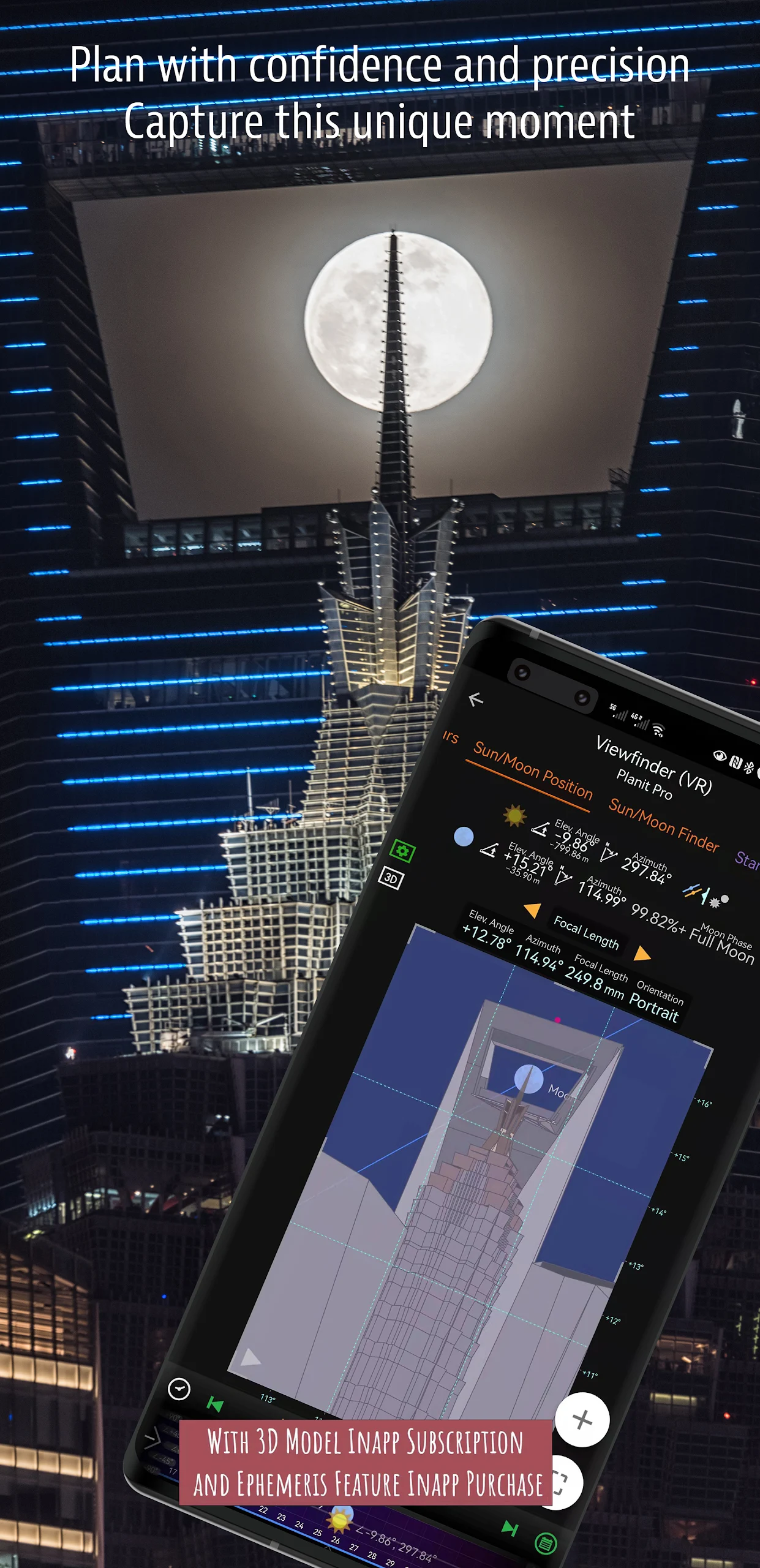
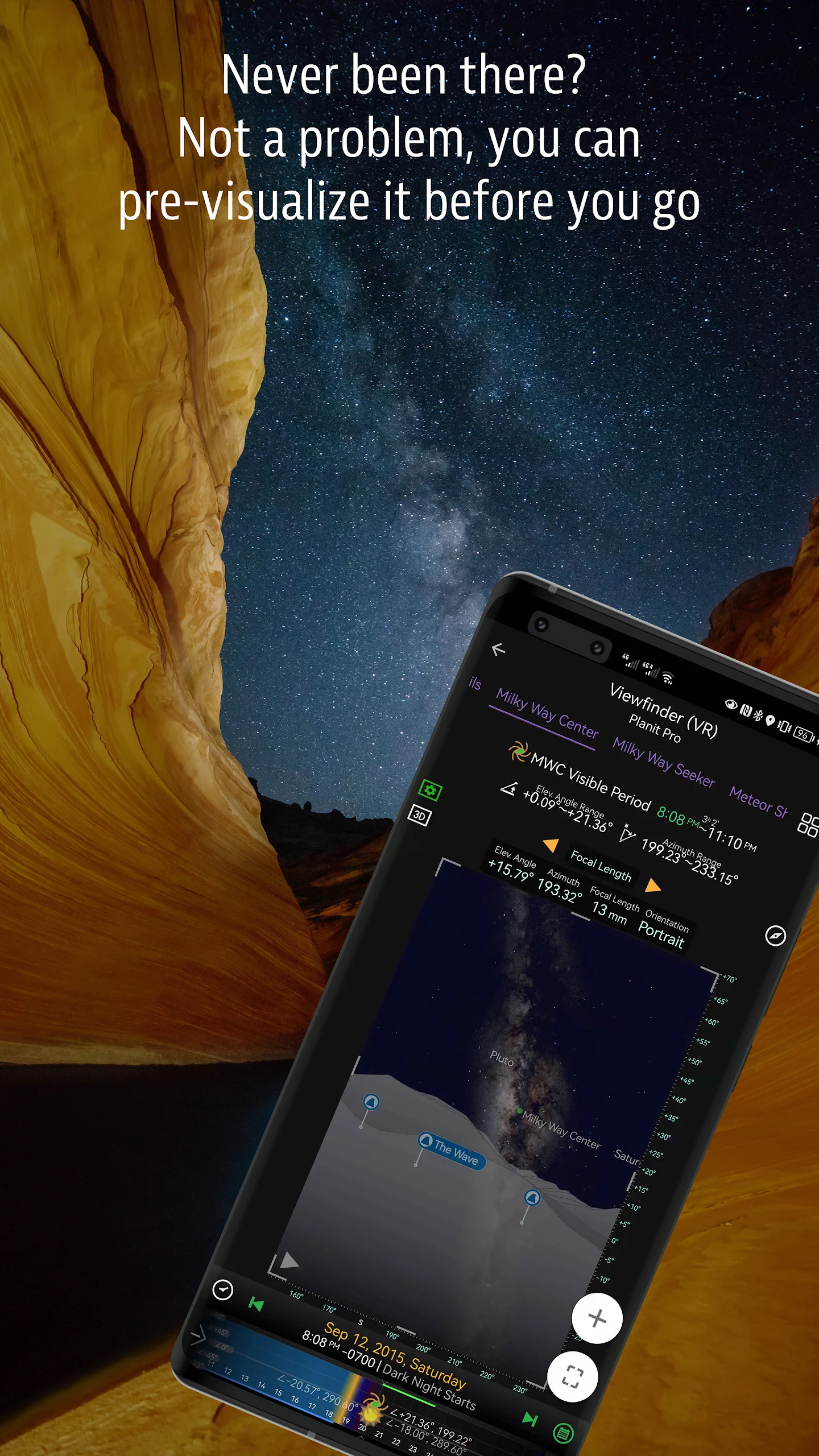
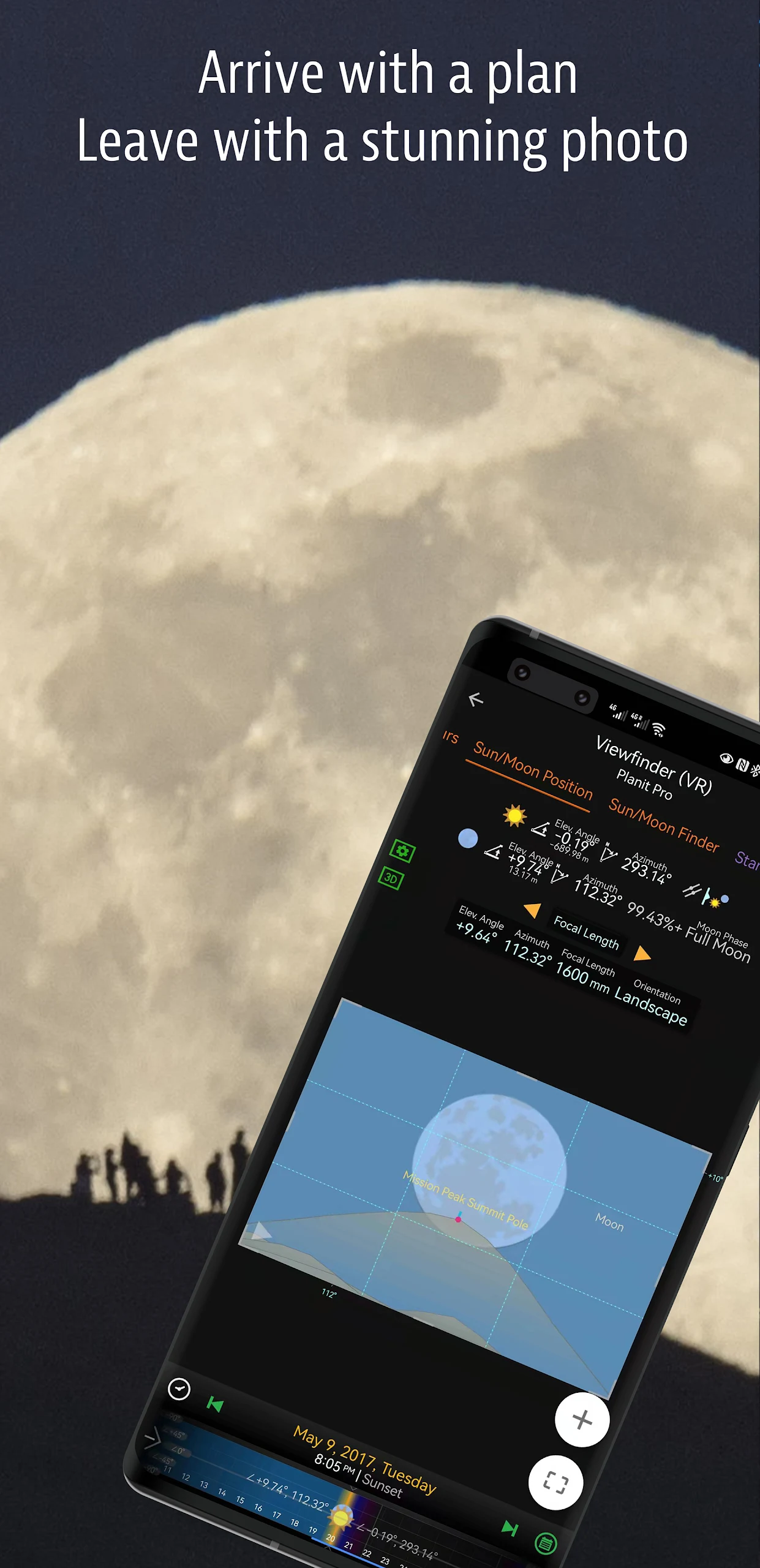
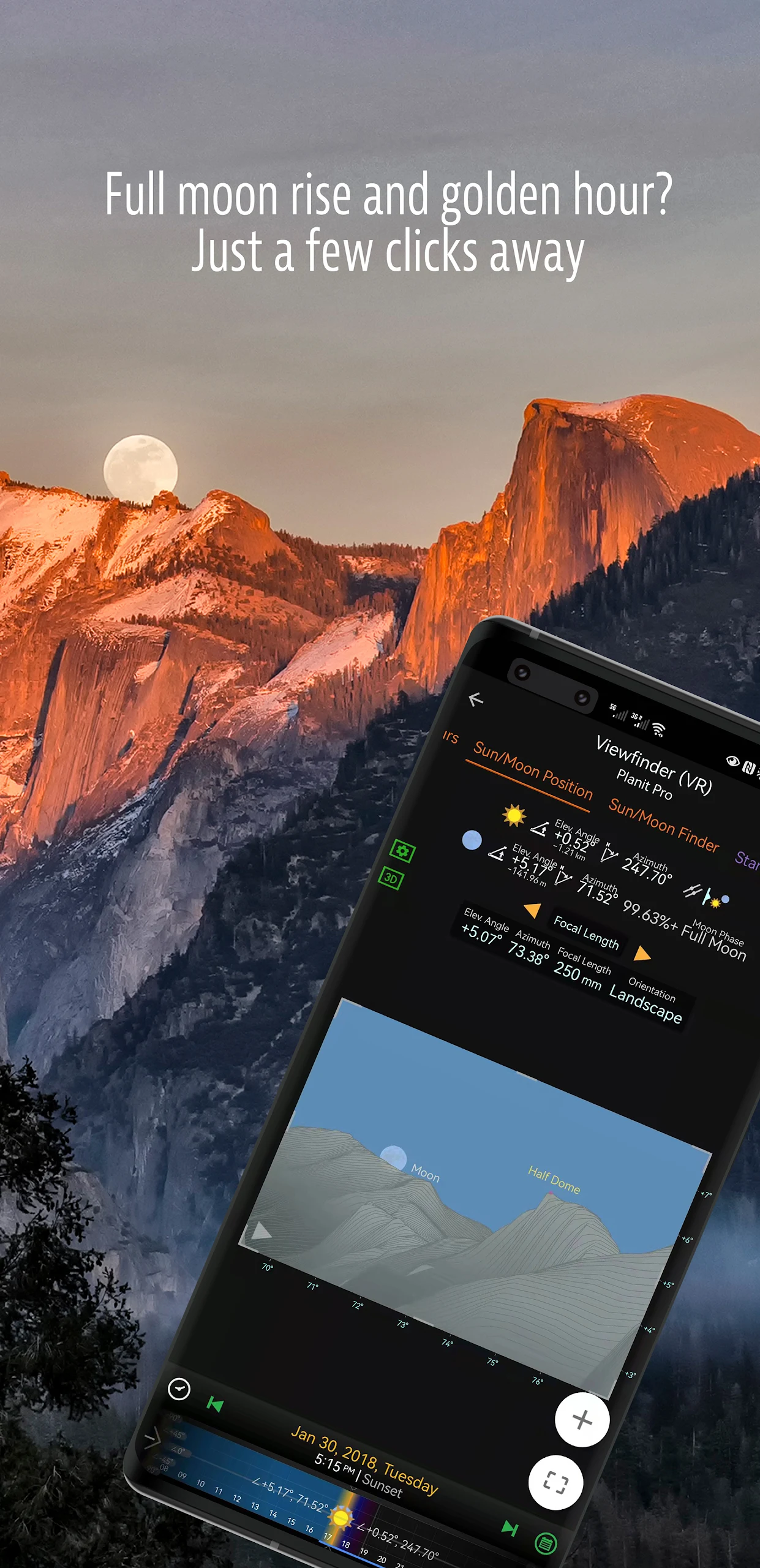
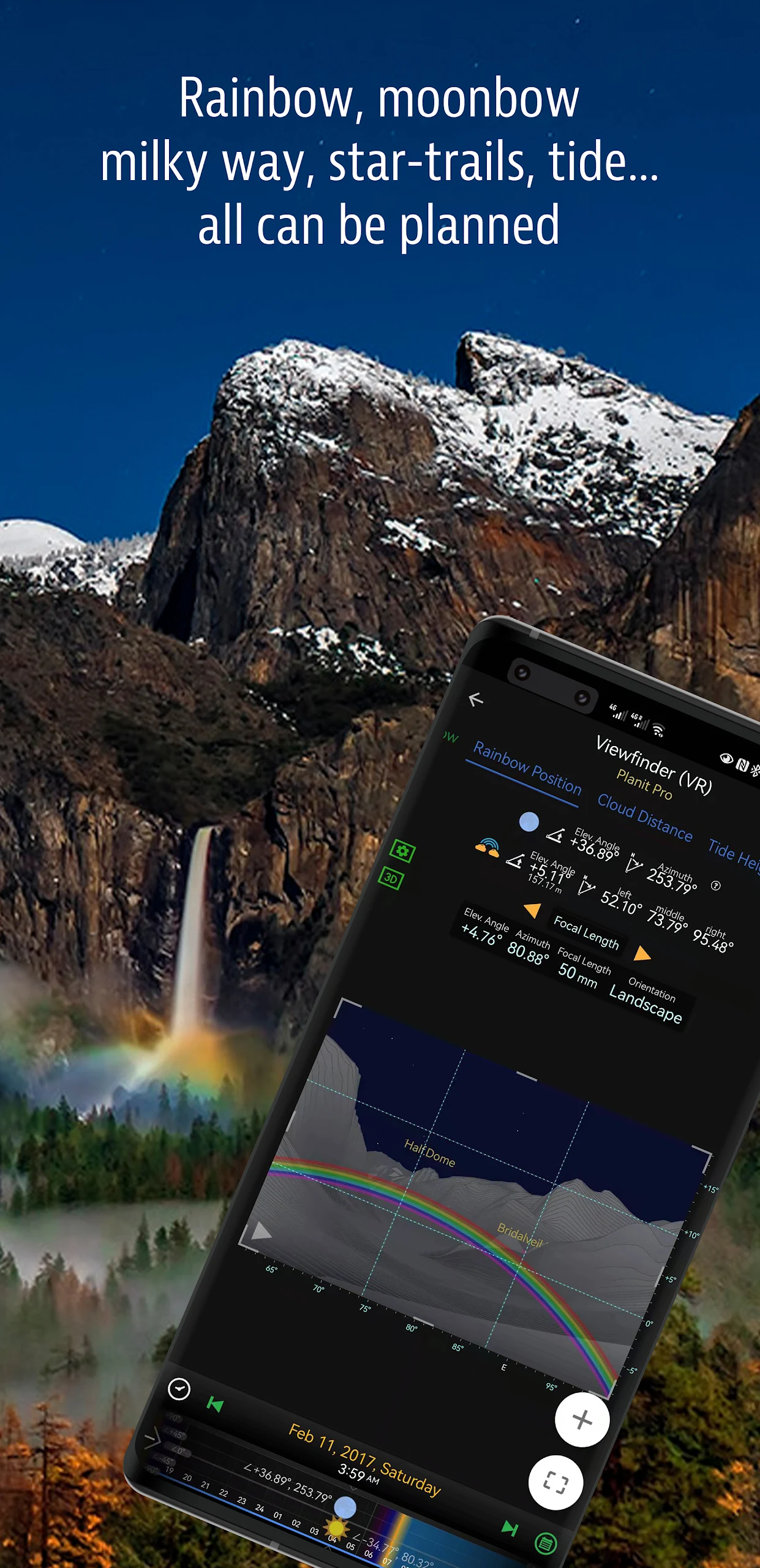
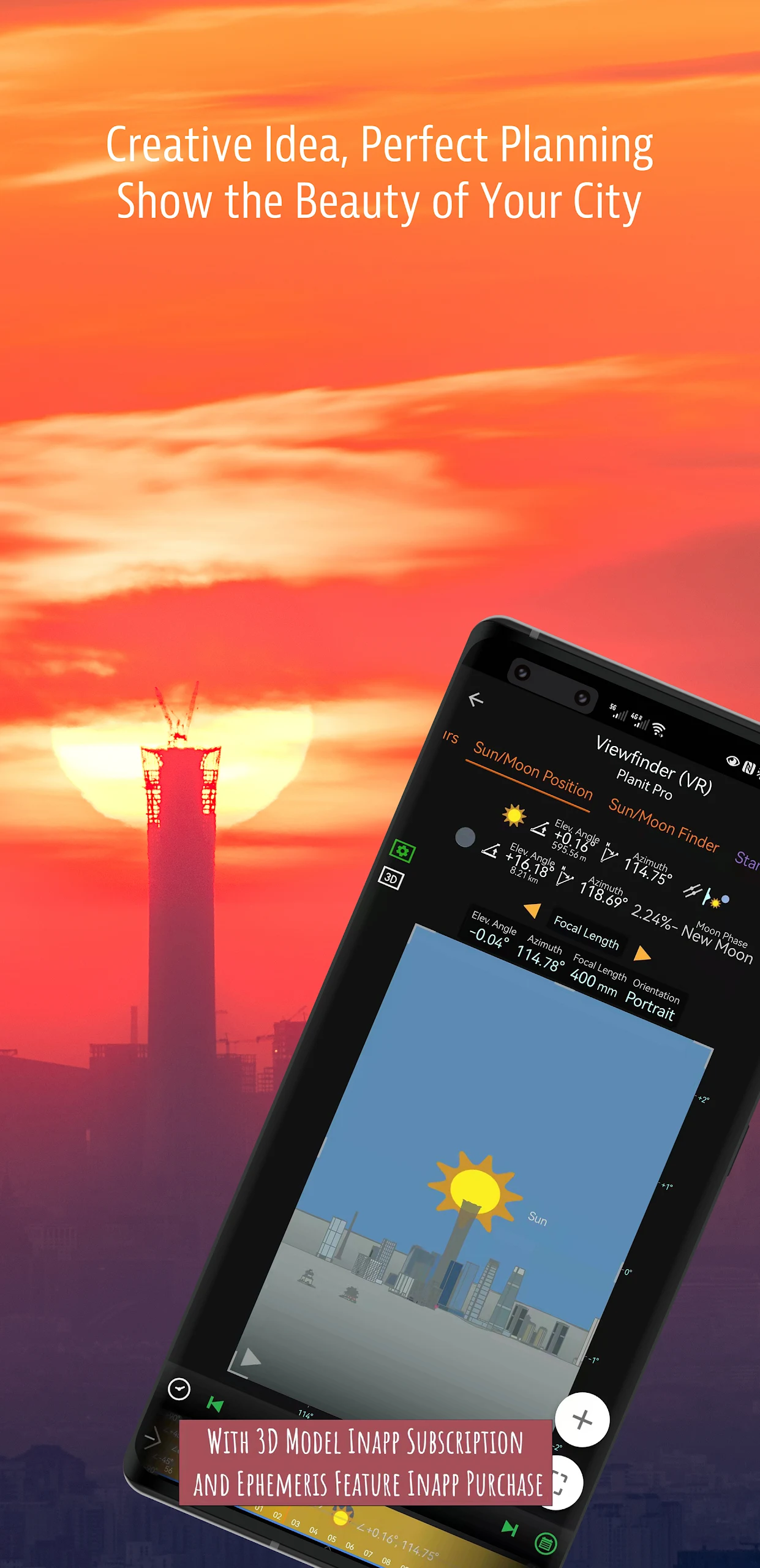
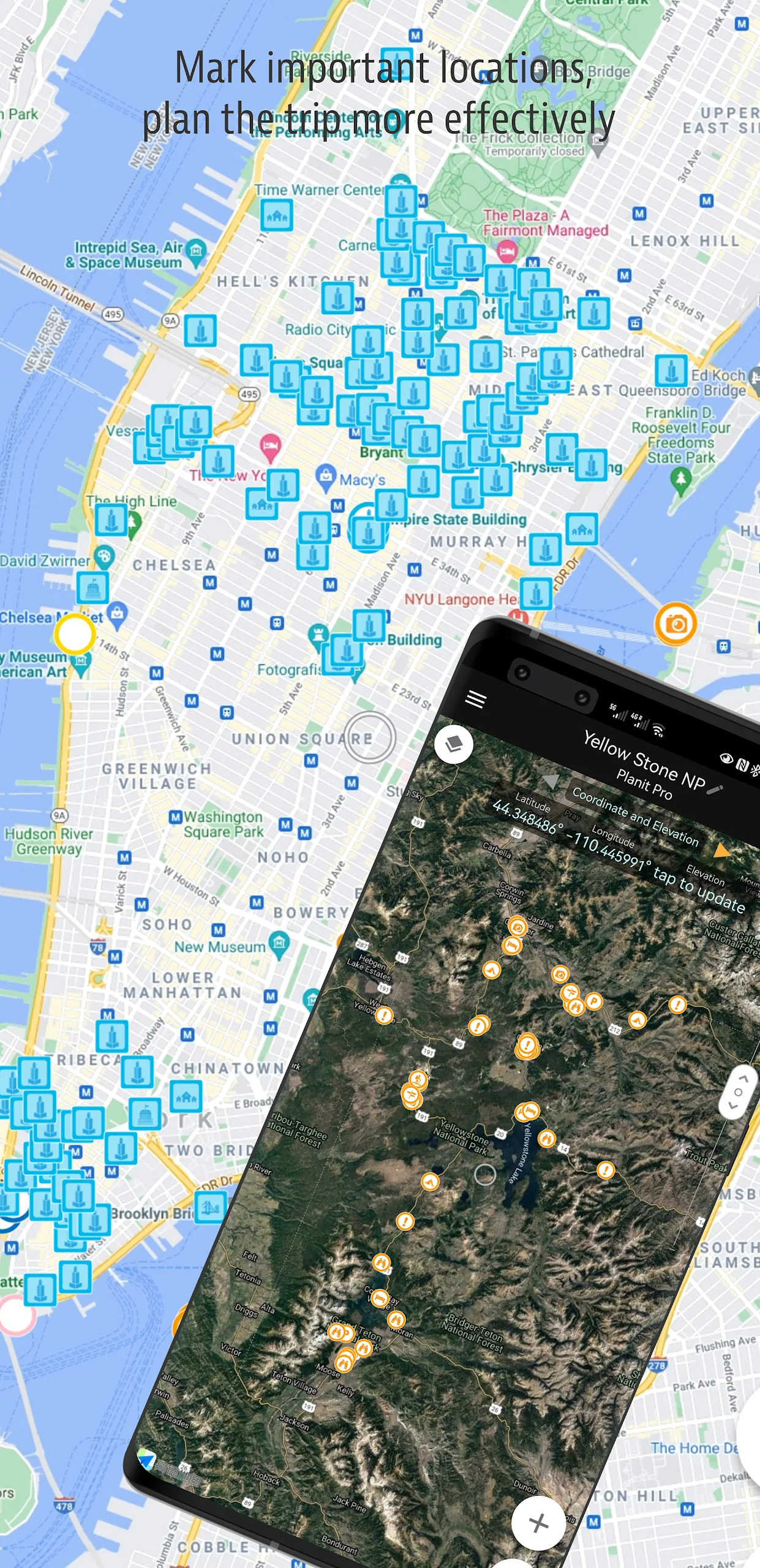
Version Differences and Payment Instructions:
- In this complimentary version, the Ephemeris functionality is available as an in-app purchase. Upon purchasing, it will offer the same features as the paid PlanIt Pro. Some of the images displayed here show the Ephemeris functionalities activated.
- The free version actually offers a range of capabilities beyond your expectations. It serves as a plan/marker file reader, estimates focal lengths on maps, calculates depth of field and panoramas, and can even provide previews from aerial perspectives for your drone.
- The integration of the Ephemeris feature is so comprehensive that it's challenging to separate some elements for the free version while charging for others.
- User feedback has shown frustration with one-star reviews due to the absence of a trial period, which feels unjust. However, as previously mentioned, despite not offering a trial, you are welcome to purchase and try it out. We offer refunds at any time if it does not meet your satisfaction.
Other informations:
If you encounter bugs or have suggestions for features, reach out through the designated email address. Additionally, check out our video tutorials for more guidance. Each tutorial lasts only a few minutes, providing valuable insights. You can also find us on social media platforms.
This message particularly targets landscape, travel, and nature photographers, as well as enthusiasts of night photography, city shots, time-lapses, star trails, the Milky Way, or astrophotography: look no further, as Planit Pro is the ideal application for you. Priced similarly to a cup of Frappuccino, it will save you considerable time, effort, and costs related to travel. Most importantly, it enhances your enjoyment of landscape photography.
Ansel Adams opens his first book "Taos Pueblo" by focusing on visualization. He introduced "previsualization," which involves photographers imagining the appearance of their final print before capturing the image. While spontaneous photos can be remarkable, previsualizing a scene before visiting significantly reduces the risk of unpreparedness and increases the chances of achieving better photographs for landscape photographers.
The Planit Pro app includes a wide array of features:
*location scouting, such as GPS coordinates, elevation, distance, elevation gain, clear views, focal length, depth of field, hyperfocal distance, panorama, and aerial photography.
*Ephemeris features like sunrise and sunset times and directions, moonrise and moonset information, twilight periods, significant daily hours, sun and moon positioning, major stars, constellations, nebulae azimuth and elevation angles, planning for star trails, time-lapse calculations and simulations, sequence planning, searching for the Milky Way, solar and lunar eclipses, exposure and ND filter calculators, light meters, rainbow position predictions, tidal heights, and tide searches.
*All this information is depicted on the map as overlays or visually presented in simulated viewfinders (VR, AR, images, or street views), akin to looking through your camera's viewfinder. Whatever you need for landscape photography, it's all accessible in Planit Pro.
Landscape photography is a venture into the natural world. We recognize that there may be times when network connections are unavailable while exploring. Planit Pro was developed with this consideration and allows you to preload offline elevation files and maps, enabling full functionality without requiring network access.
App Experience:
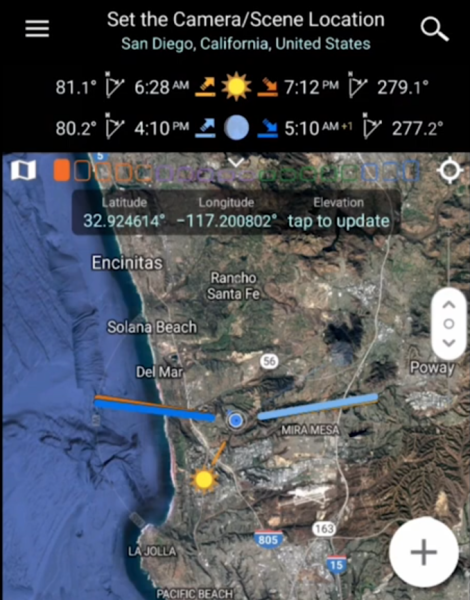
Planit Pro is designed for landscape, travel, and astrophotography enthusiasts. The free version comes with practical functions such as map ranging, depth-of-field calculation, and drone aerial photography preview. The ephemeris function requires an in-app purchase to unlock, after which it has the same functionality as the paid version. It supports purchasing a trial at any time, with a refund policy for dissatisfaction. Users can also provide feedback via email and watch short video tutorials to quickly get started. The software's core functions cover the entire photography process, including site selection and surveying, prediction of the positions of the sun, moon, and stars, time-lapse, and star trail planning. It supports pre-loaded offline maps and elevation data, allowing for normal use without an internet connection. For the price of a Frappuccino, it can help you save a significant amount of travel costs and improve your landscape photography success rate.
Frequently Asked Questions and Answers:
- **Question**: Does the free version include the Ephemeris feature?
- **Answer**: The Ephemeris feature is available as an in-app purchase in the free version, and purchasing it gives you the same functionality as the paid PlanIt Pro.
- **Question**: Can I purchase the trial version to try it out? Can I get a refund if I'm not satisfied?
- **Answer**: You can purchase it directly to try it out, and if you're not satisfied, you can always request a refund.
- **Feedback and Support**
- **Question**: How can I provide feedback if I encounter bugs or have feature suggestions?
- **Answer**: You can email info@planitphoto.com to report bugs or request features.
- **Question**: Where can I find video tutorials?
- **Answer**: You can visit the relevant playlist on YouTube at https://www.youtube.com/playlist?list=PLTMLTTXpbbBCn1FD1NRWToCzTY1RYeUG4. Each tutorial is only a few minutes long and provides valuable insights.
- **Question**: What are the key features of PlanIt Pro?
- **Answer**: This app offers a wealth of features, including location scouting, such as GPS coordinates, altitude, and distance; Ephemeris, which measures sunrise and sunset, moonrise, and moonset times and directions; and camera-related tools, such as camera position coordinates, focal length, and depth of field. Furthermore, it can perform time-lapse calculations and simulations, sequence photography planning, and solar and lunar eclipse predictions.
- **Question**: Who is Planit Pro primarily intended for?
- **Answer**: It's primarily aimed at landscape, travel, and nature photographers, as well as enthusiasts interested in night photography, urban photography, time-lapse photography, star trails, the Milky Way, or astrophotography.
- Version4.6
- UpdateOct 22, 2026
- DeveloperJIDE Software
- CategoryPhotography
- Requires AndroidAndroid 3.0+
- Downloads157K+
- Package Namecom.yingwen.photographertools
- Signatured30367eb9663eff62117cc23ead6c490
- Available on
- ReportFlag as inappropriate













Comprehensive photo planning tool
Includes useful viewfinder modes
Enables precise timing for golden hour, sunsets, and celestial events
Powerful features for landscape and astrophotography
Offers great customer support
Easy to use with proper tutorials available
High value for investment in the paid version
Combines multiple functionalities into one app
Intuitive layout once learned
Recent updates may lock previously paid features
Requires internet access for some pro features
Confusing free version that doesn't represent full functionality
Difficulties restoring purchases across devices
Complicated navigation and limited user guidance
Inconsistent stability and occasional crashes
Customer service issues reported by users
Poor user interface on smaller screens
Lack of clear information about pricing and features in free version