
8Bit Photo Lab, Retro Effects - Pixel art creation & sharing
Transform your photos into vibrant 8-bit pixel art with fun filters & customizable features for a nostalgic touch!
- 1.10.6 Version
- 3.3 Score
- 1M+ Downloads
- In-app purchases License
- 3+ Content Rating

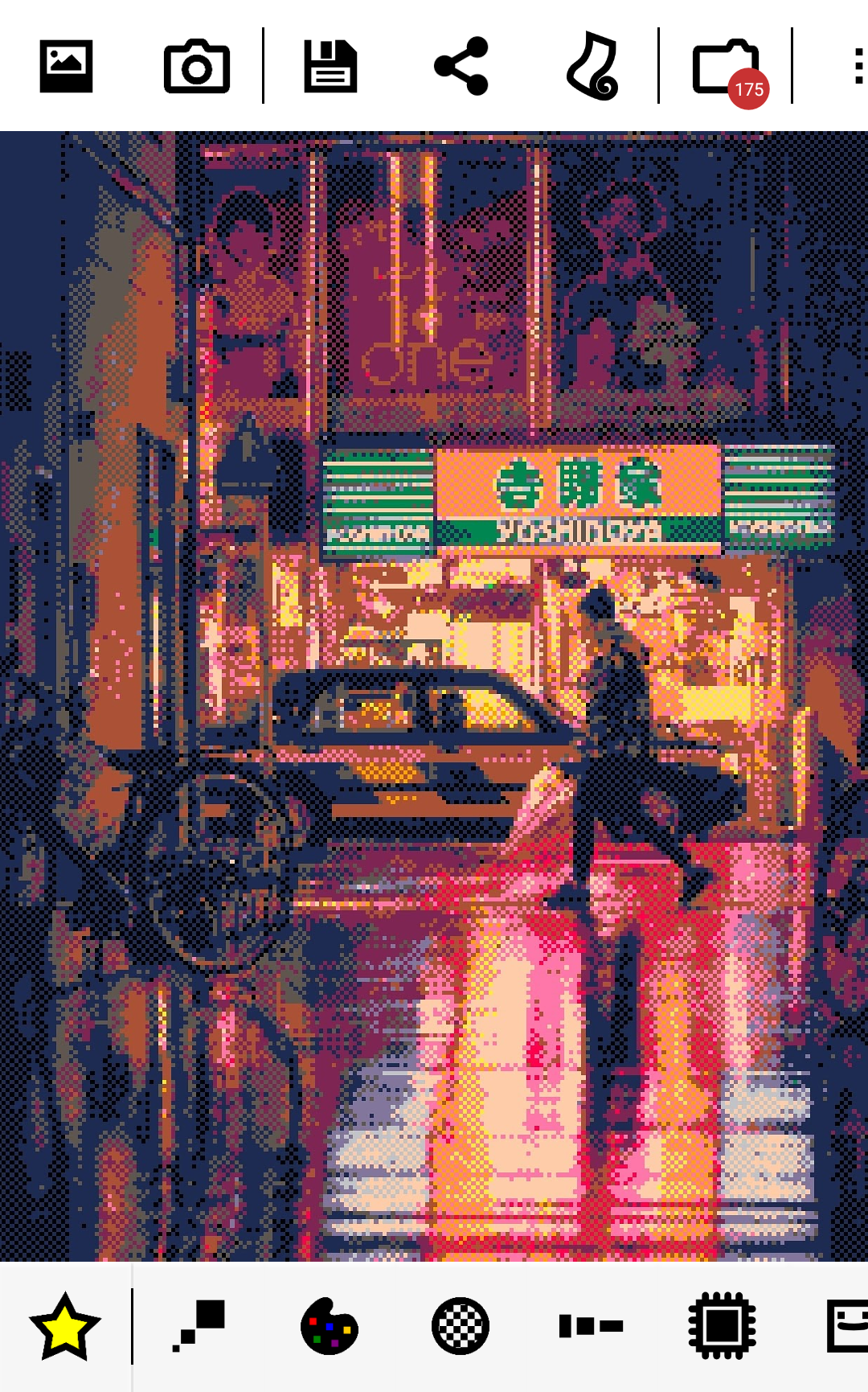
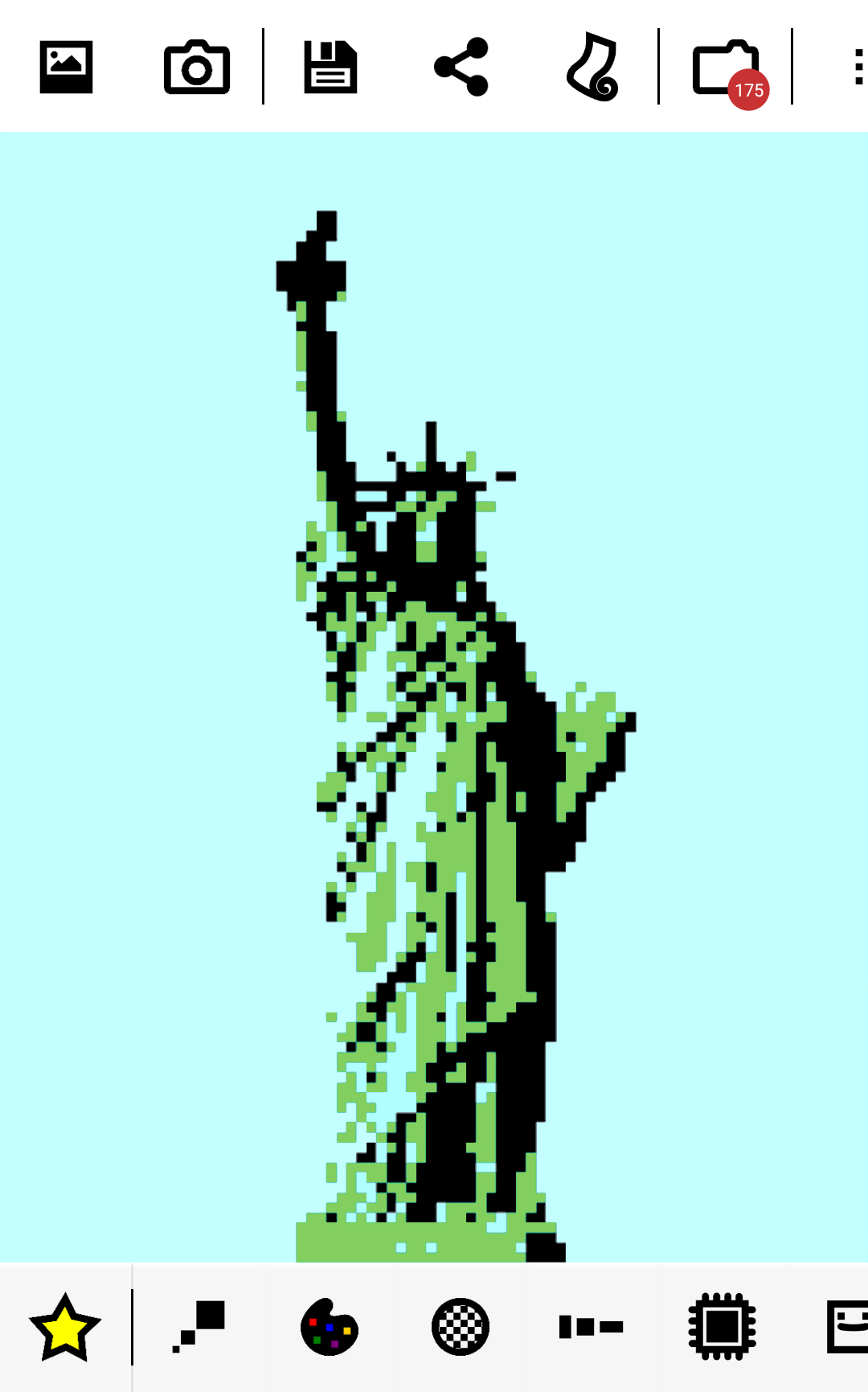
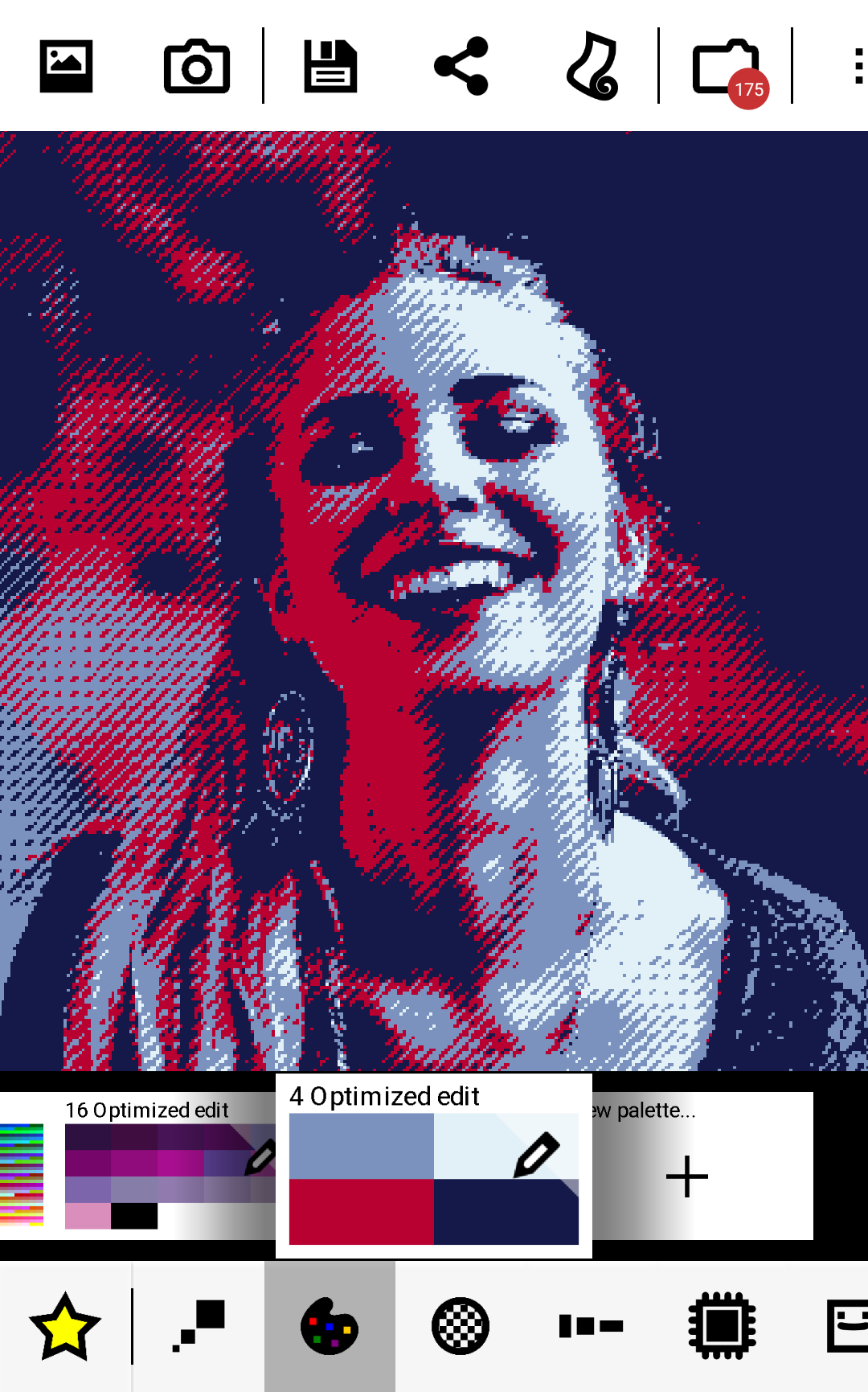
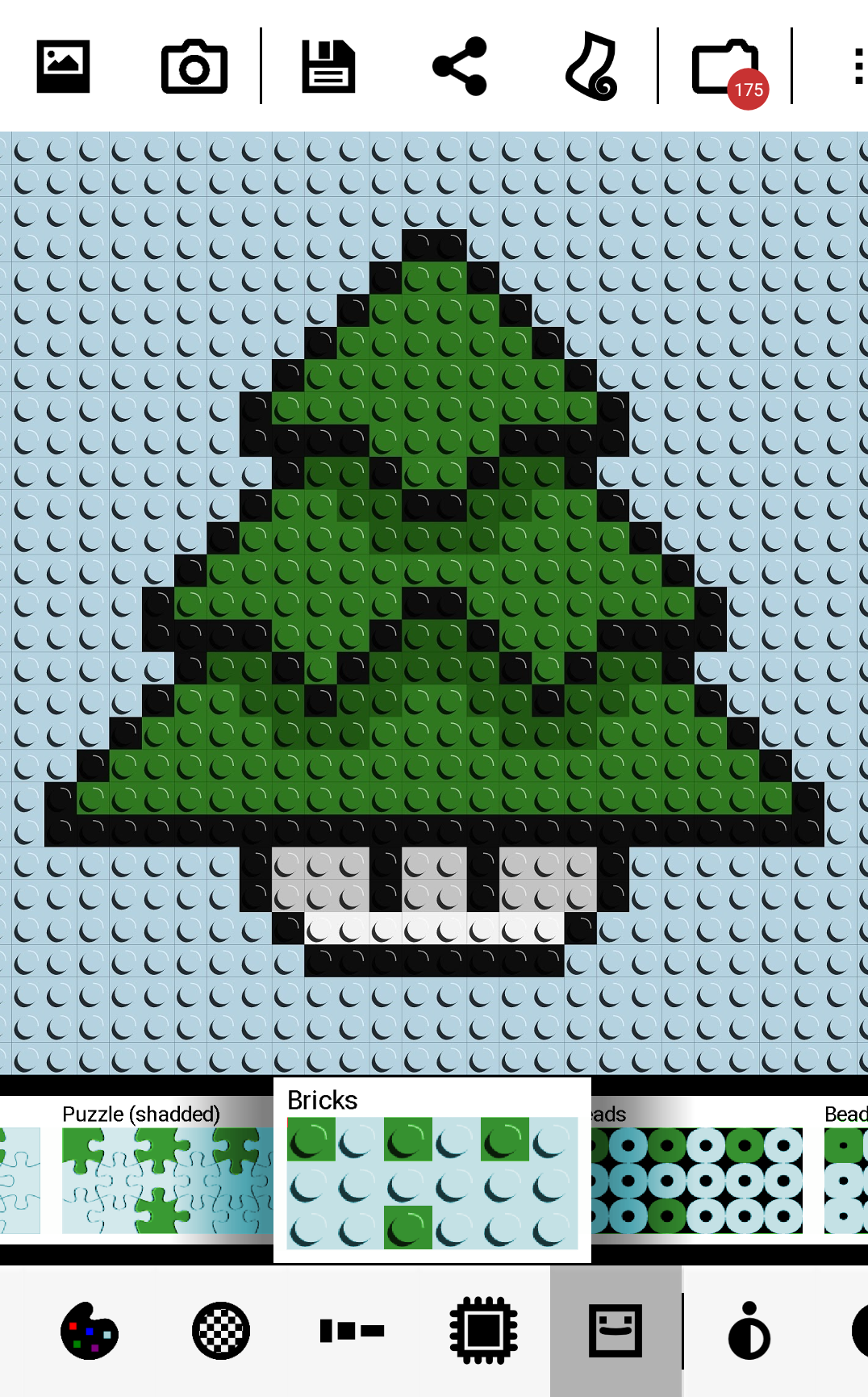
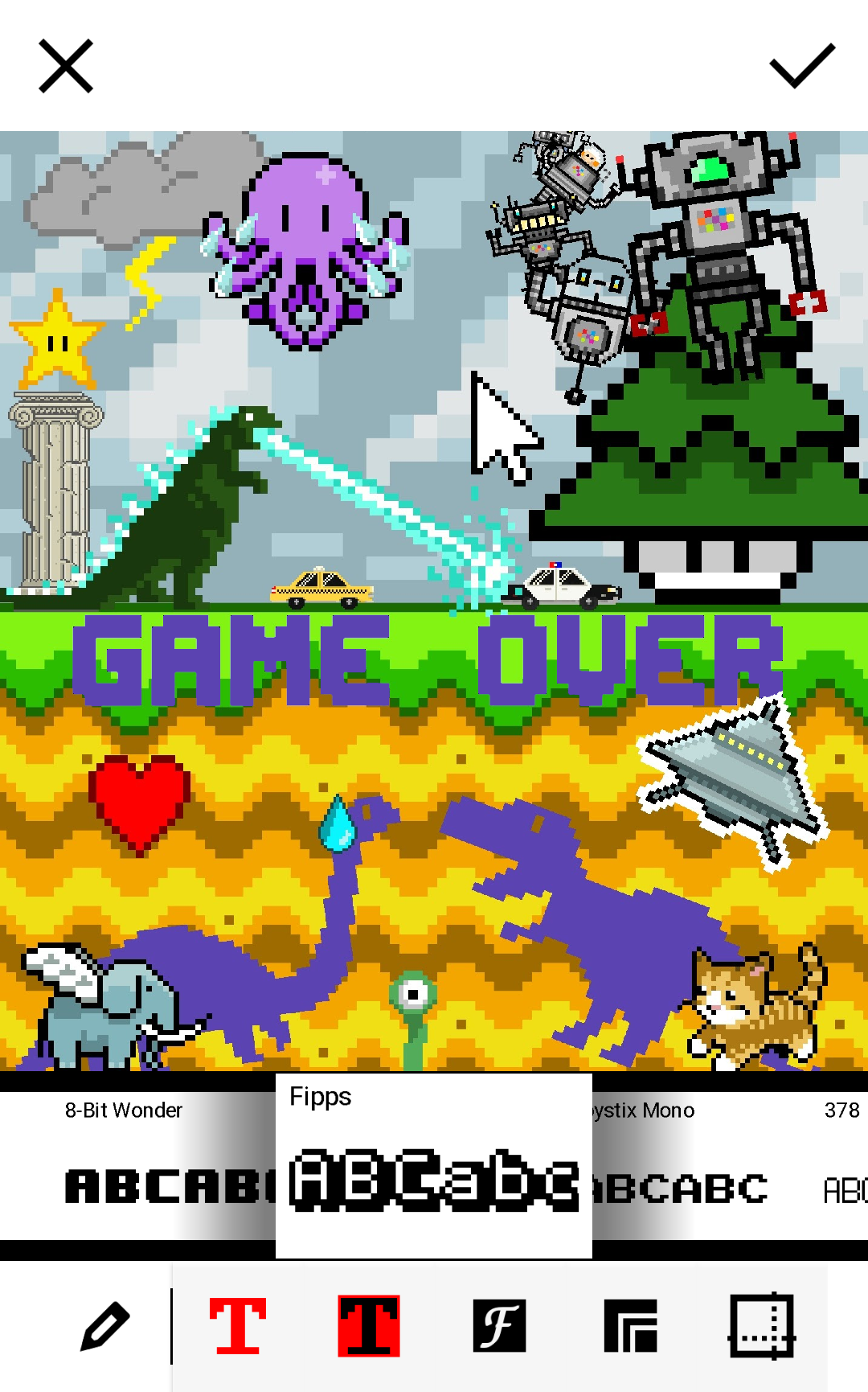
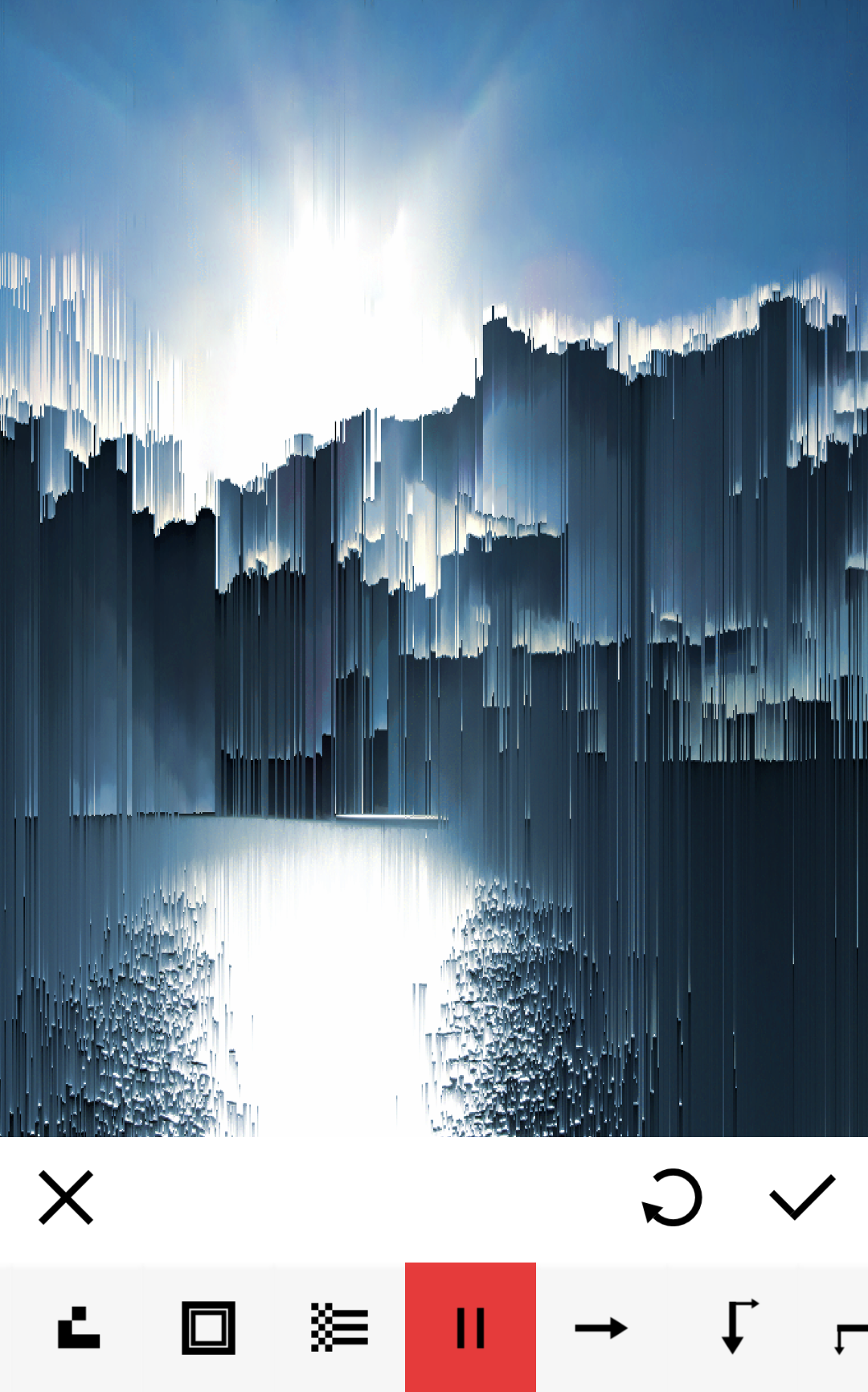
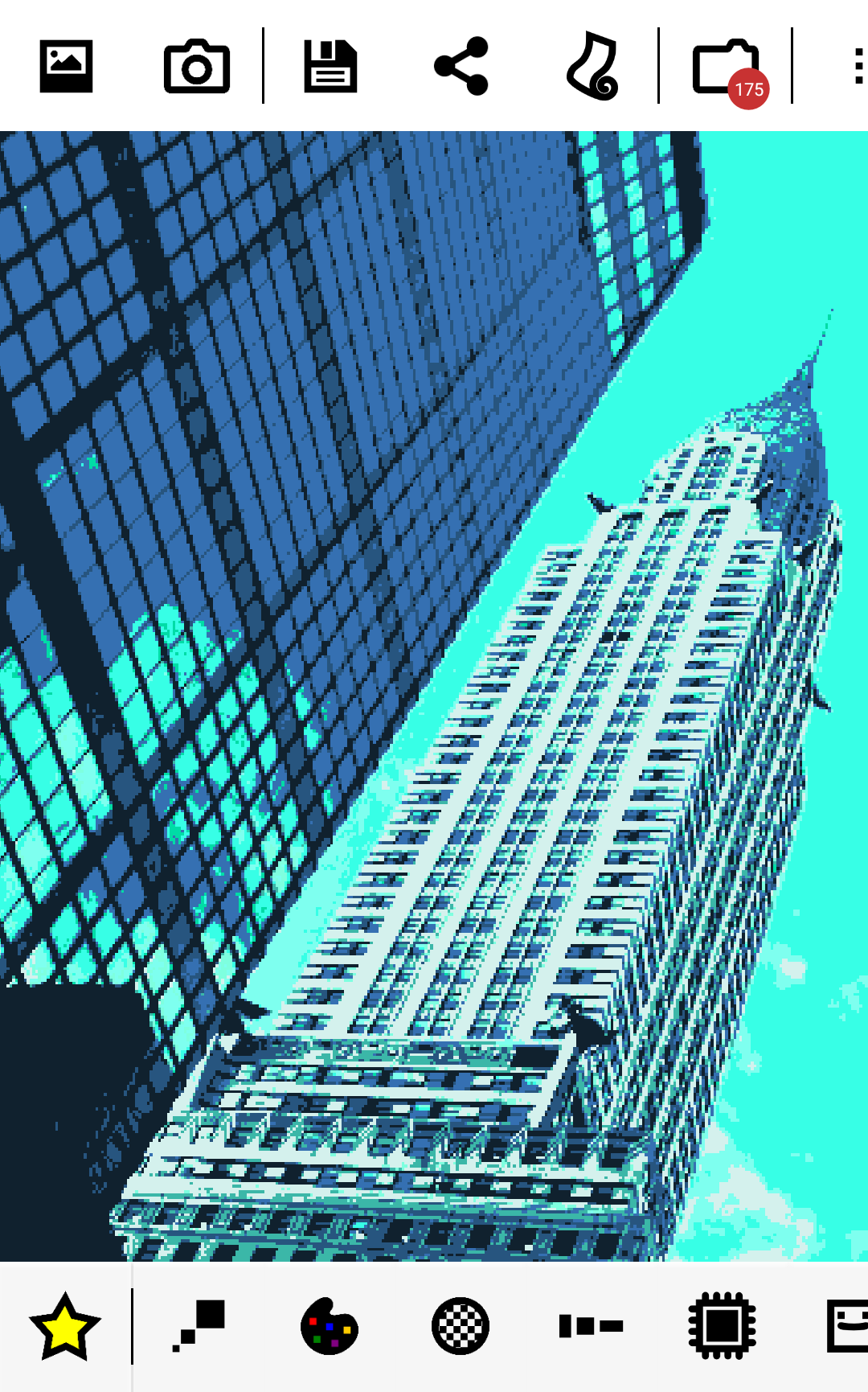
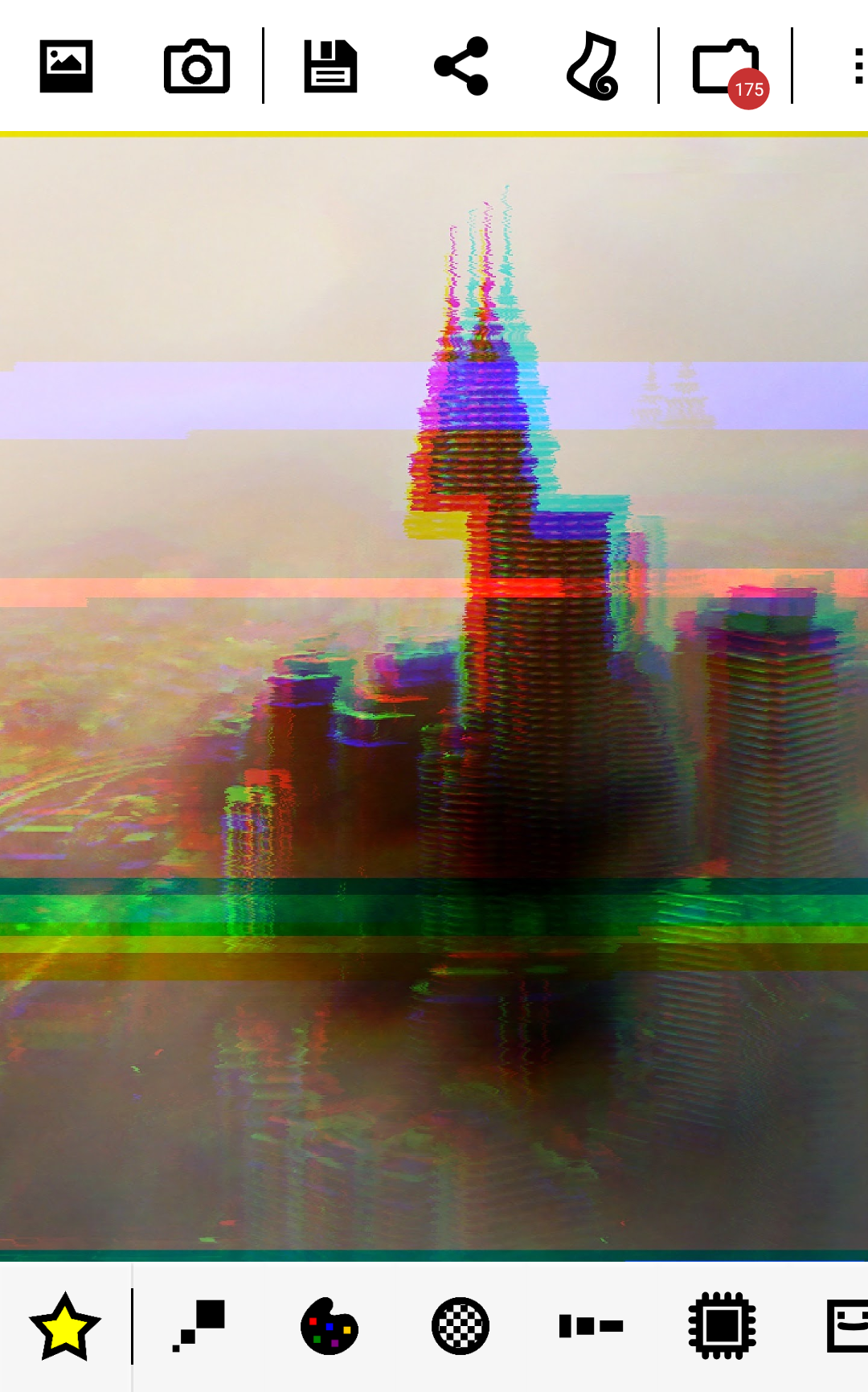
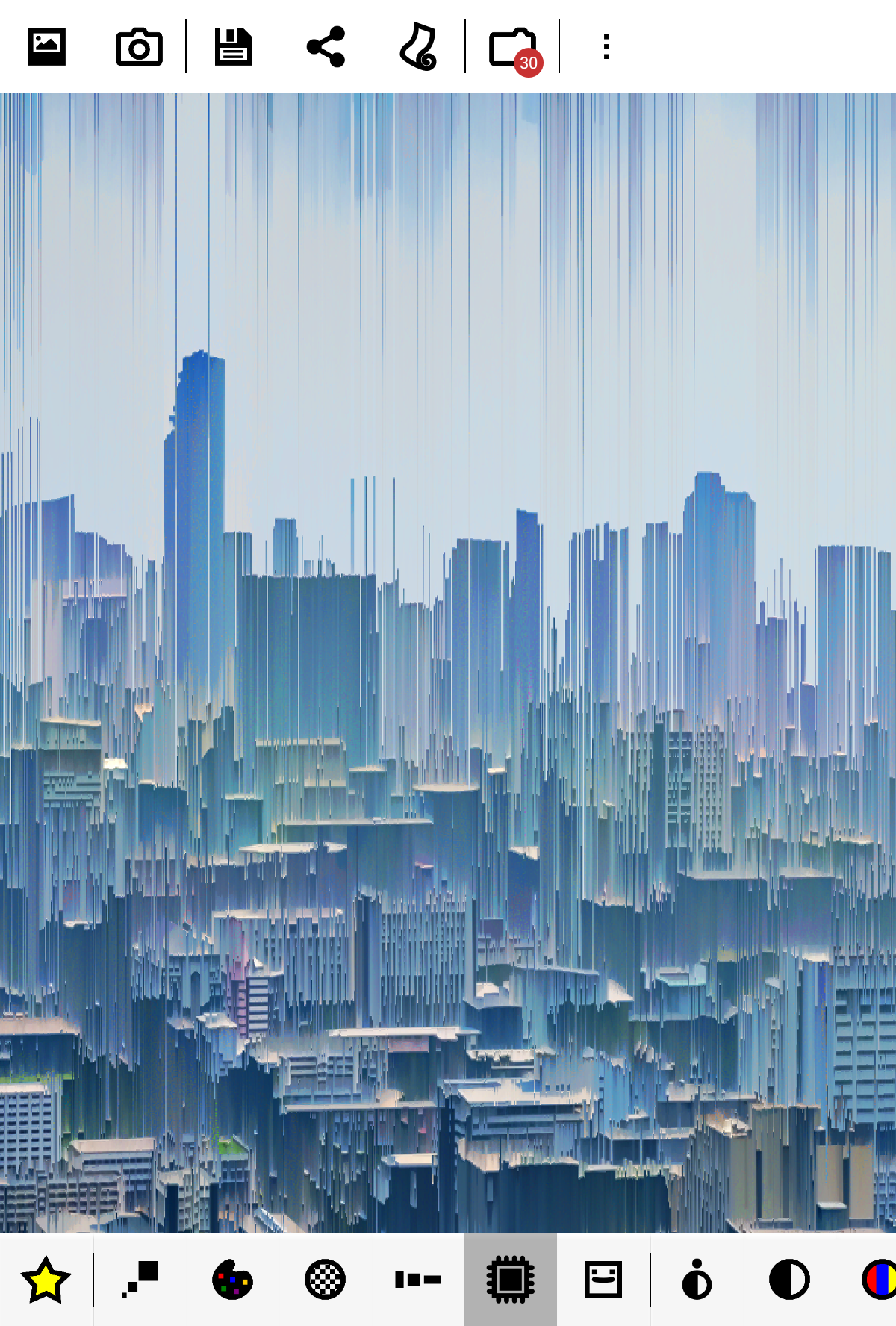
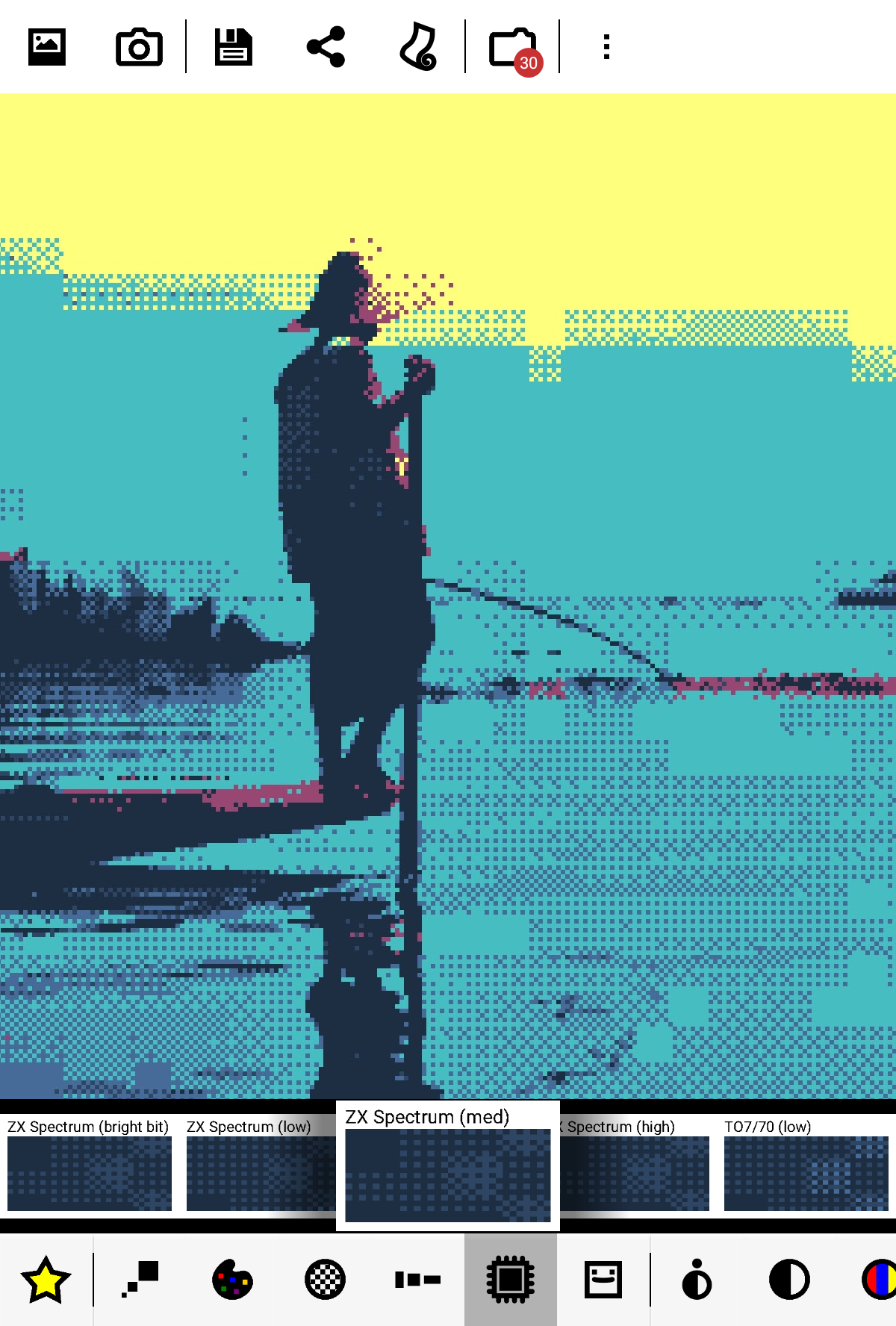
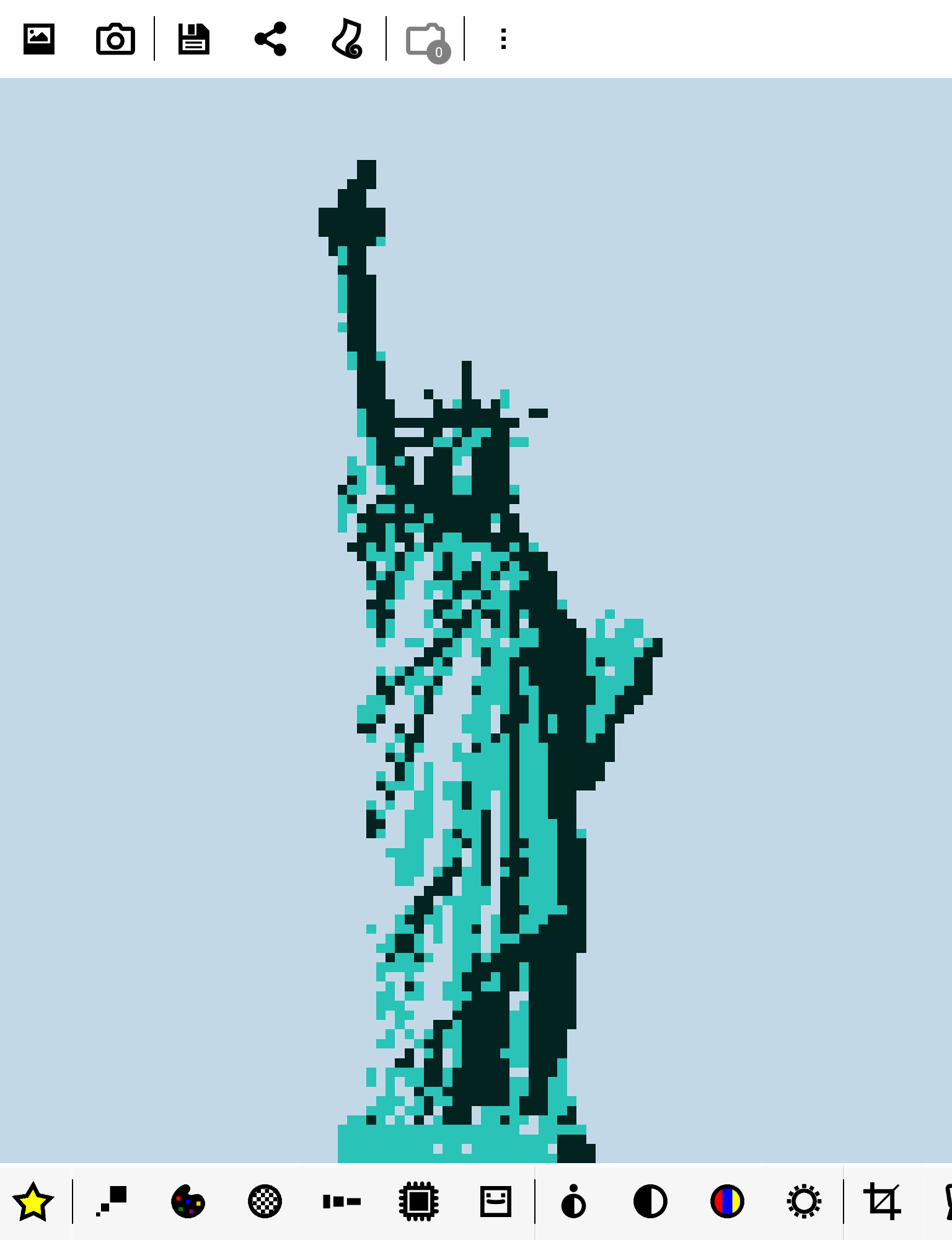
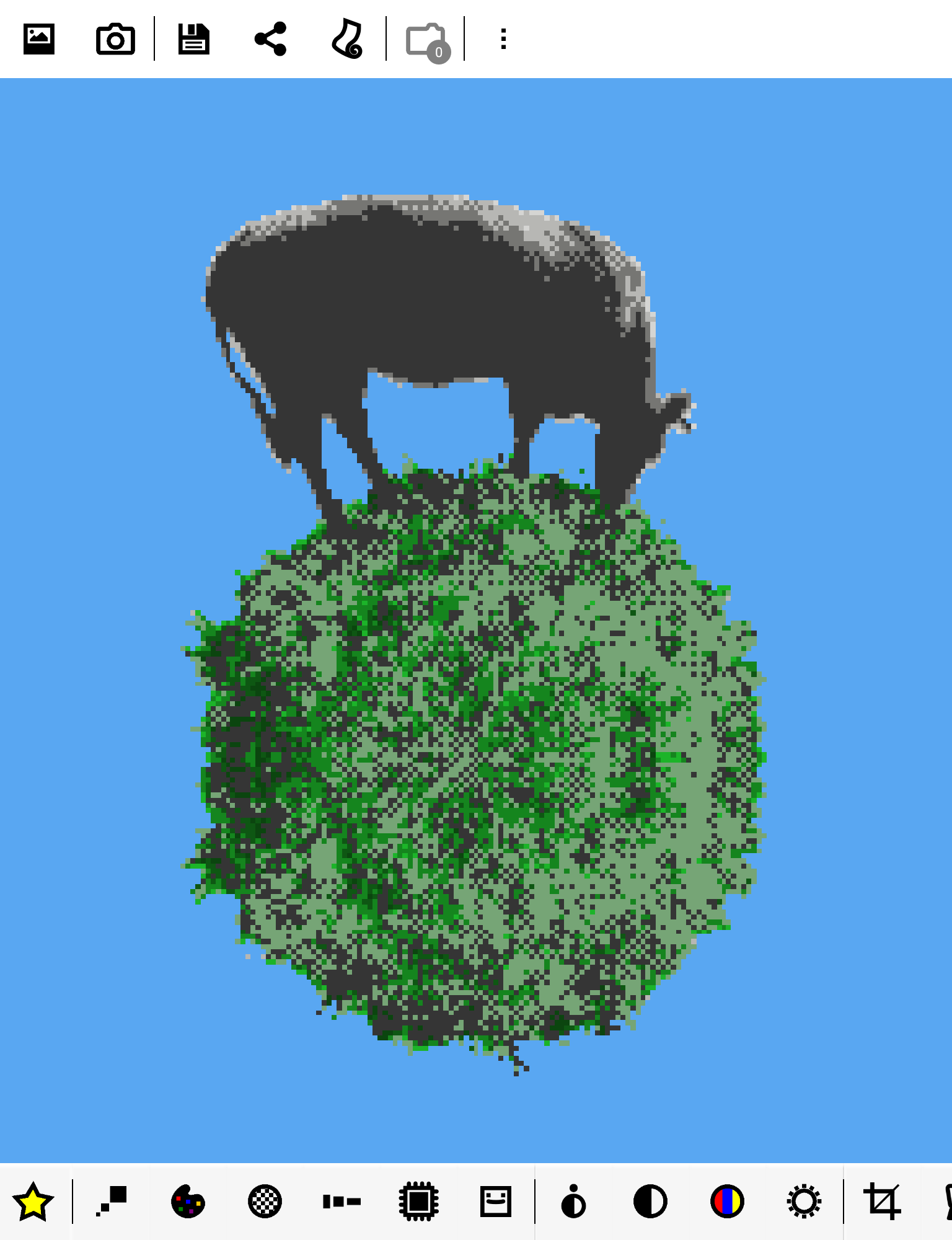
8Bit Photo Lab transforms any image on your smartphone or directly from your camera into classic 8-bit pixel art!
Select an image, browse through a variety of pre-set 8-bit filters, and instantly preview the nostalgic effect. Save or share your creation with just one click!
Features:
★ create pixel art, pixelate images, design memes, craft vibrant posters, and enjoy!
★ choose from over 50 color schemes: GameBoy, GameBoy Advance, NES, TO7/70, Amstrad CPC 6128, Apple II, ZX Spectrum, Commodore 16 & 64, VIC 20, CGA, EGA, Atari ST, Amiga, VGA (256 colors)...
★ personalize color palettes with the capability to interpolate colors for duotone effects
★ 15 types of dithering: error diffusion, noise, pattern, checkerboard...
★ extensive, finely adjustable resolution range from 8 x 8 to 2048 x 2048
★ various pixel aspect ratios and attribute clash modes
★ output styles provide alternatives to standard flat pixels: fuse beads, bricks, puzzles, painted effects...
★ add retro 8-bit text and glitches
★ elegantly embellish with a selection of 8-bit stickers
★ swipe right or left to promptly apply the filter to another image in your collection!
★ high-quality output, reaching up to 4096 x 4096 in PNG format
★ optional grid overlay for bead artists and cross-stitch enthusiasts
The app aims to be incredibly user-friendly while also being powerful enough to yield appealing and effective results.
When it comes to classic graphic conversions, achieving satisfactory results can be challenging under various conditions. Images with low contrast or muted tones may result in unclear outcomes if simple downsampling is used. 8Bit Photo Lab includes several parameters crucial for enhancing the final appearance of your images. Each pixel is vital when working with low-resolution subjects.
Usage:
- Begin with one of the preset styles (star icon) and then mix and match colors, dithering options, resolutions, and more until you achieve the desired effect.
- Adjust a setting, and the outcome will update instantly. Explore numerous looks in no time!
- The three primary settings are resolution, palettes, and dithering. Dithering enables the simulation of a broader color range than the limited palette provides. Several choices are available here. Pattern dithering was commonly used in older painting software as well as various operating system interfaces, while checkerboard dithering was widely utilized in games. Error diffusion delivers the most accurate rendering.
- Four parameters modify color values for each pixel. You'll find familiar brightness, saturation, and contrast adjustments, along with a very useful local contrast option (also known as unsharp mask). Local contrast effectively highlights details and helps reduce resolution while maintaining clear subject definition. Interestingly, lowering local contrast can create a soft focus effect that could take your artwork in a unique direction. Enhancing saturation might assist in maximizing the visual impact of some vibrant color palettes.
- Cropping enables you to select the part of your image that you prefer. A small section of an image may still contain sufficient resolution to create an 8-bit picture. Even if your focus is tiny, there is still hope!
- Classic computers had limited colors and often experienced unexpected crashes. Use the glitch menu (blender icon) to introduce chaos to your images. Options include screen melt, pixel scattering, pixel sorting, cellular automaton effects, block swapping, RGB offsetting, and interlacing.
- Lastly, a traditional text tool is always handy, whether you want to create memes, add titles, or insert text bubbles; the app offers an extensive selection of 8-bit fonts and borders to pick from!
Unlocks additional features:
★ wallpapers
★ expanded parameter range
★ more dithering options and palettes, including custom selections
★ extra fonts and borders
★ additional glitch effects
★ lossless file compression (PNG), higher output resolution (up to 4096 x 4096), 1:1 output resolution
App Experience:
8Bit Photo Lab is a treasure trove of an app for transforming photos into a retro 8-bit pixel art style, easy for both beginners and experienced users! It's incredibly user-friendly, requiring no complicated settings; simply select a starred preset style for an instant effect. Real-time previews after parameter adjustments minimize the cost of trial and error. Yet, it boasts professional-grade features, including over 50 classic game console/vintage computer color schemes (Game Boy, NES, etc.), 15 shake effects, and adjustable resolutions from 8x8 to 2048x2048, allowing for precise control over the desired retro feel.
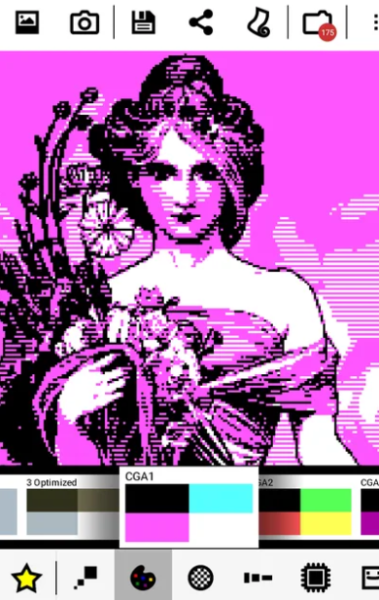
Whether creating pixel-style wallpapers, memes, or grid-based images for Perler beads or cross-stitch, it can handle it all. It also adds 8-bit fonts, stickers, and glitch art effects, maximizing its playability. Even if the original photo has a pale tone and low contrast, local contrast adjustment can highlight details and prevent blurring after pixelation. The output quality is high; the free version is sufficient, while the Pro version unlocks higher resolutions and more effects for professional use. Overall, it's smooth to use and produces high-quality photos; retro game enthusiasts and creative lovers will absolutely adore it!
Related Questions and Answers:
## 1. I want to transform my phone photos into a retro game console style. Can this app do that?
Yes. Its core function is to convert photos into a classic 8-bit pixel style. It comes with a variety of console-specific color schemes (such as Game Boy, NES, and Nintendo Famicom). You can also adjust the resolution and apply pixelation effects, making it easy to create a retro style reminiscent of old game graphics. For example, you can transform a landscape photo into a pixelated scene similar to Super Mario Bros.
## 2. I don't know complex operations. Can this app quickly produce results?
No problem. It has a "Preset Style" function. Click a preset with a star icon to apply the effect directly without manually adjusting the parameters. And after changing a setting, the preview will update in real time. Even beginners can quickly try out the pixel style they like. The entry level is very low.
## 3. I want to add text to a pixel image to make a meme. Does the app have suitable fonts?
Yes. It comes with a dedicated 8-bit retro font and a variety of text borders to choose from. Not only can you add titles and text bubbles, perfect for creating pixel-style memes, but you can also add 8-bit-style stickers to give your memes a more retro, gaming feel.
## 4. I need a pixel image with a grid for jigsaw puzzles or cross-stitching. Can this app do that?
Yes. The app has a "Grid Overlay" feature designed specifically for jigsaw puzzles and cross-stitch enthusiasts. When enabled, the pixel image will display grid lines, making it easy to follow along while crafting, without having to draw a grid yourself.
## 5. What are the main differences between the free and pro versions? Is the free version sufficient for average users? The main difference lies in the features unlocked: the PRO version allows you to download wallpapers, adjust more parameters, apply additional dithering effects and color schemes, export at higher resolutions (up to 4096x4096), and support lossless compression. For casual users who only occasionally convert pixel images or do simple decoration (add text, use a basic color scheme), the free version's features (50+ color schemes, 15 dithering effects, and basic resolution) are more than sufficient. For more refined effects or professional needs, consider the PRO version.
## 6. Will my photo be blurry after converting to pixel images if the colors are relatively light?
Probably not. The app has dedicated optimization features—for example, "local contrast" adjustment, which can highlight photo details. Even if the original image has low contrast and pale tones, this feature can make the pixelated subject clearer. There are also various dithering effects (such as error diffusion) that can simulate a wider range of colors to avoid grayscale and blur.
- Version1.10.6
- UpdateOct 20, 2026
- DeveloperIlixa
- CategoryPhotography
- Requires AndroidAndroid 4.0.1 – 4.0.2+
- Downloads1M+
- Package Namecom.ilixa.ebp
- Signature66cab0d2c8389484b21d807142ce3ada
- Available on
- ReportFlag as inappropriate
-
NameSizeDownload
-
12.20 MB
-
12.00 MB
-
9.95 MB









User-friendly interface makes editing easy.
A wide variety of effects and filters available.
Ability to recreate pixelated artwork accurately.
Customizable settings for personalized results.
Engaging random button feature for fun experimentation.
Strong community support with suggestions for improvements.
Compatibility with other apps from the same developer.
Affordable Pro version with many additional features.
Issues with installation on newer devices, leading to frustration.
Limited functionality in the free version, with most features behind a paywall.
Occasional bugs or crashes reported by users.
Lack of updates and support for the app, raising concerns about its future.
Confusion regarding transition to newer versions (e.g., Gold vs. Pro).
Saving options and preset management could be improved.
Some filters may not meet user expectations or can distort images.
Difficult to sync custom templates across devices.