
Vertical Gallery - Photo viewer & editor
Discover seamless media management with powerful editing tools & private albums for all your photos & videos.

- 1.7 Version
- 4.4 Score
- 9M+ Downloads
- In-app purchases License
- 3+ Content Rating

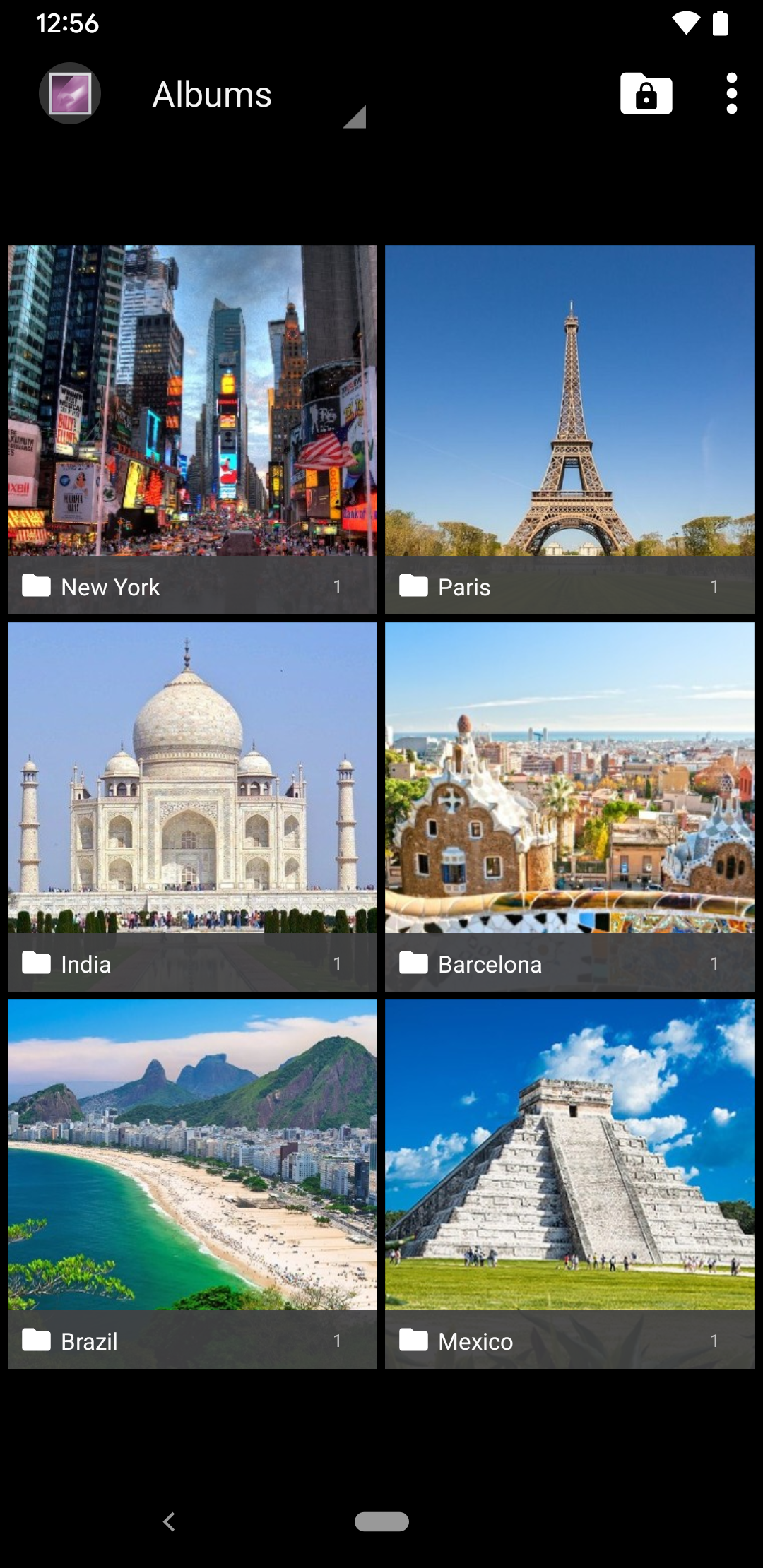
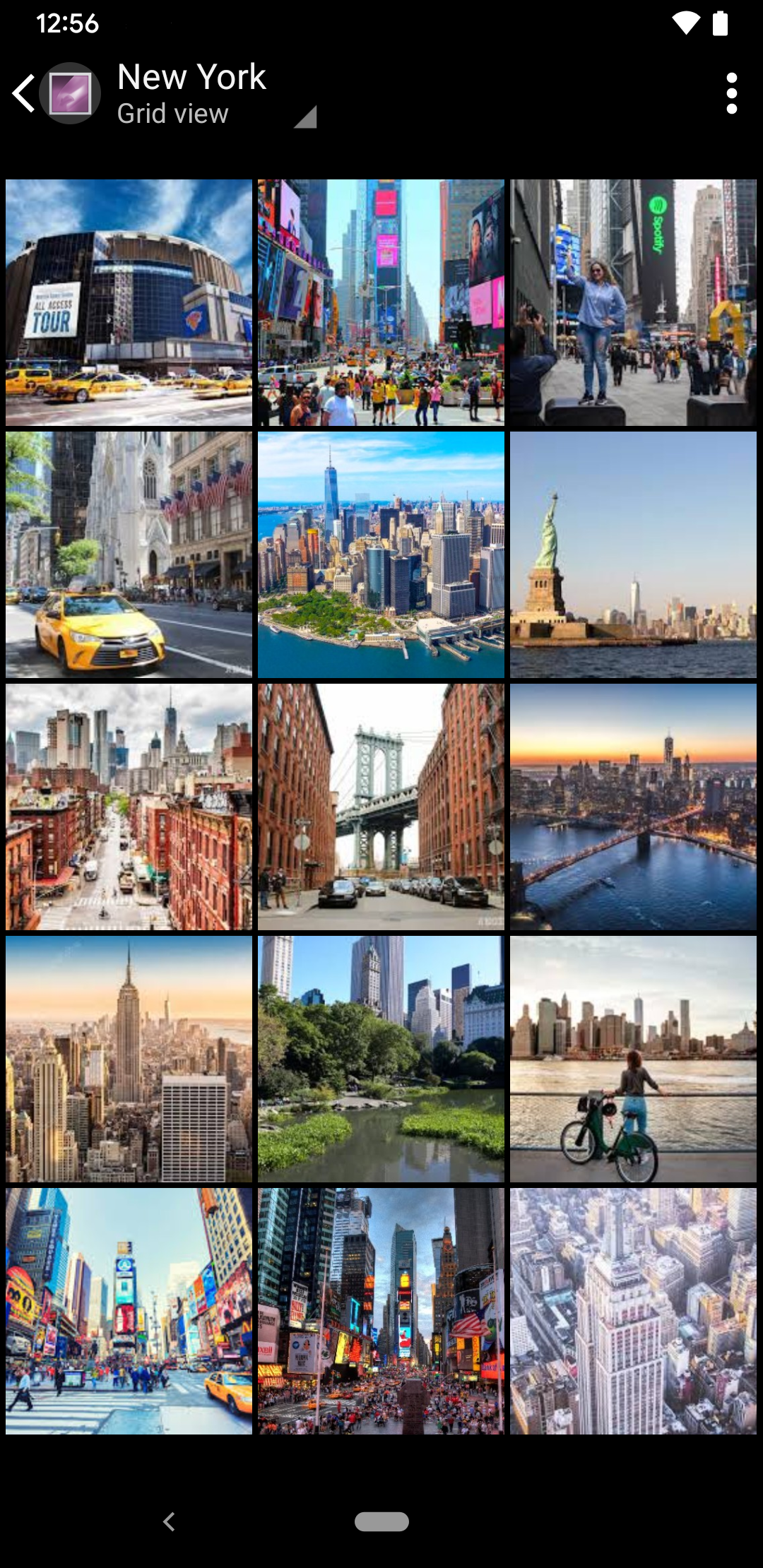
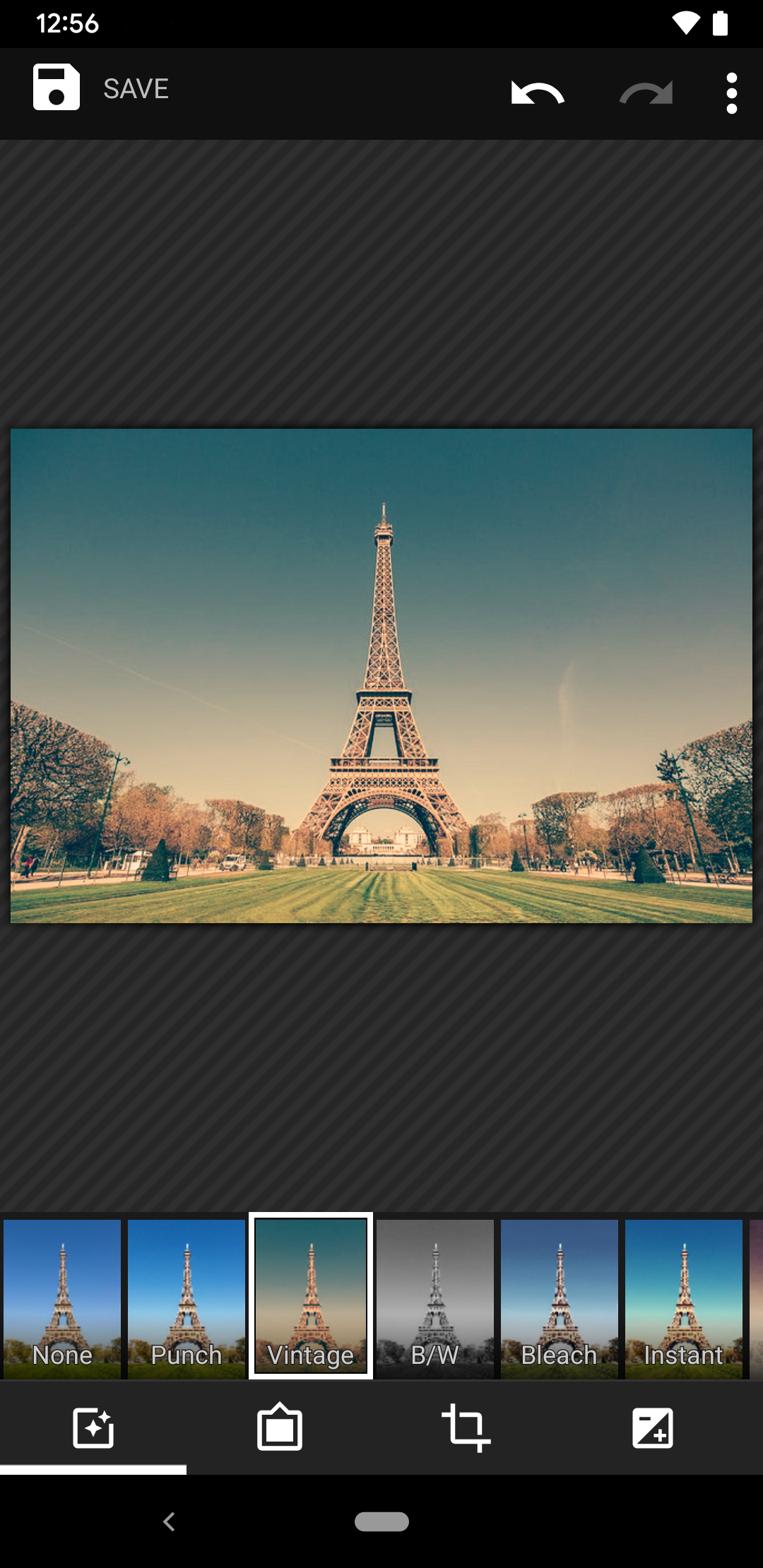
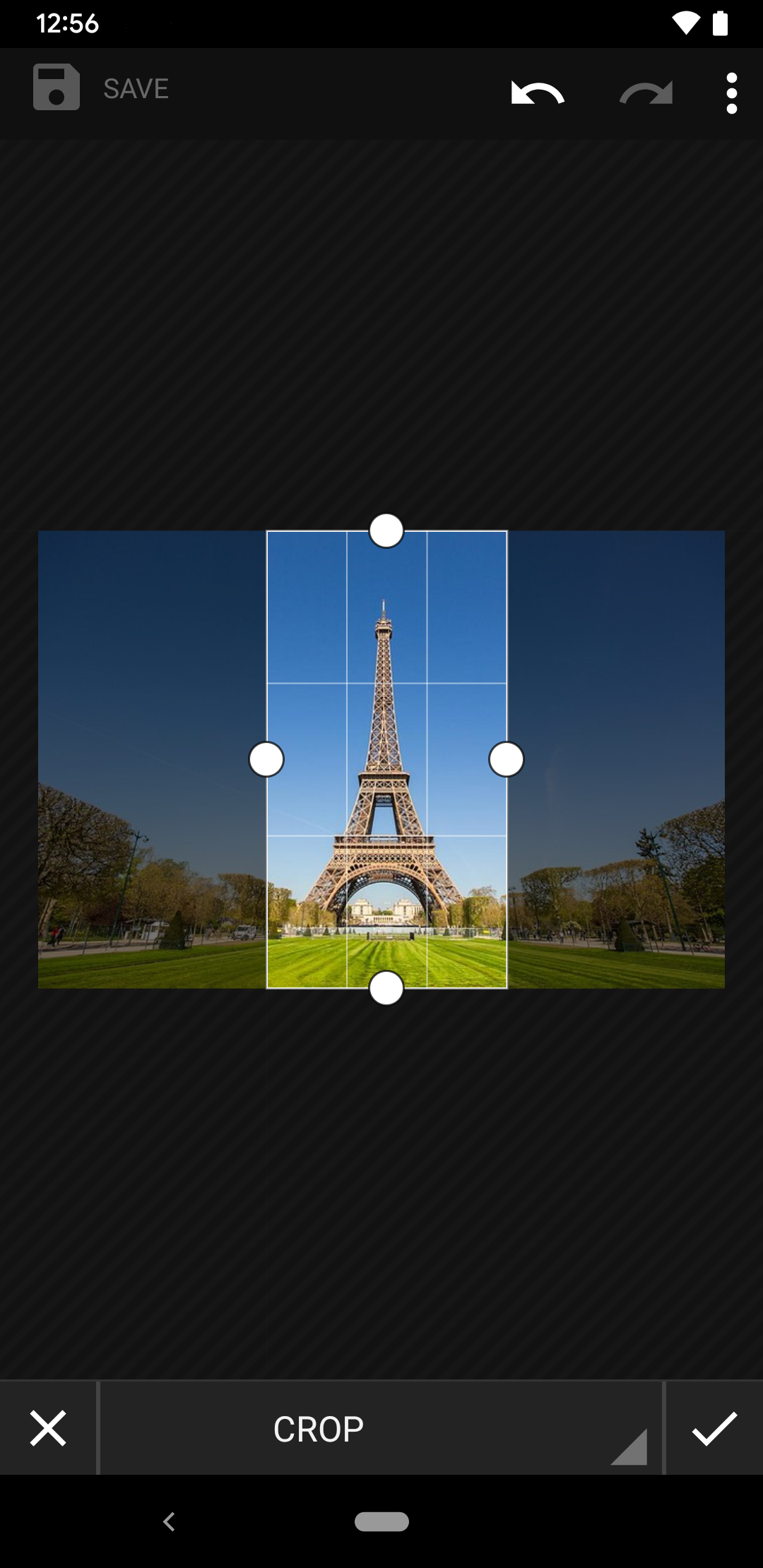
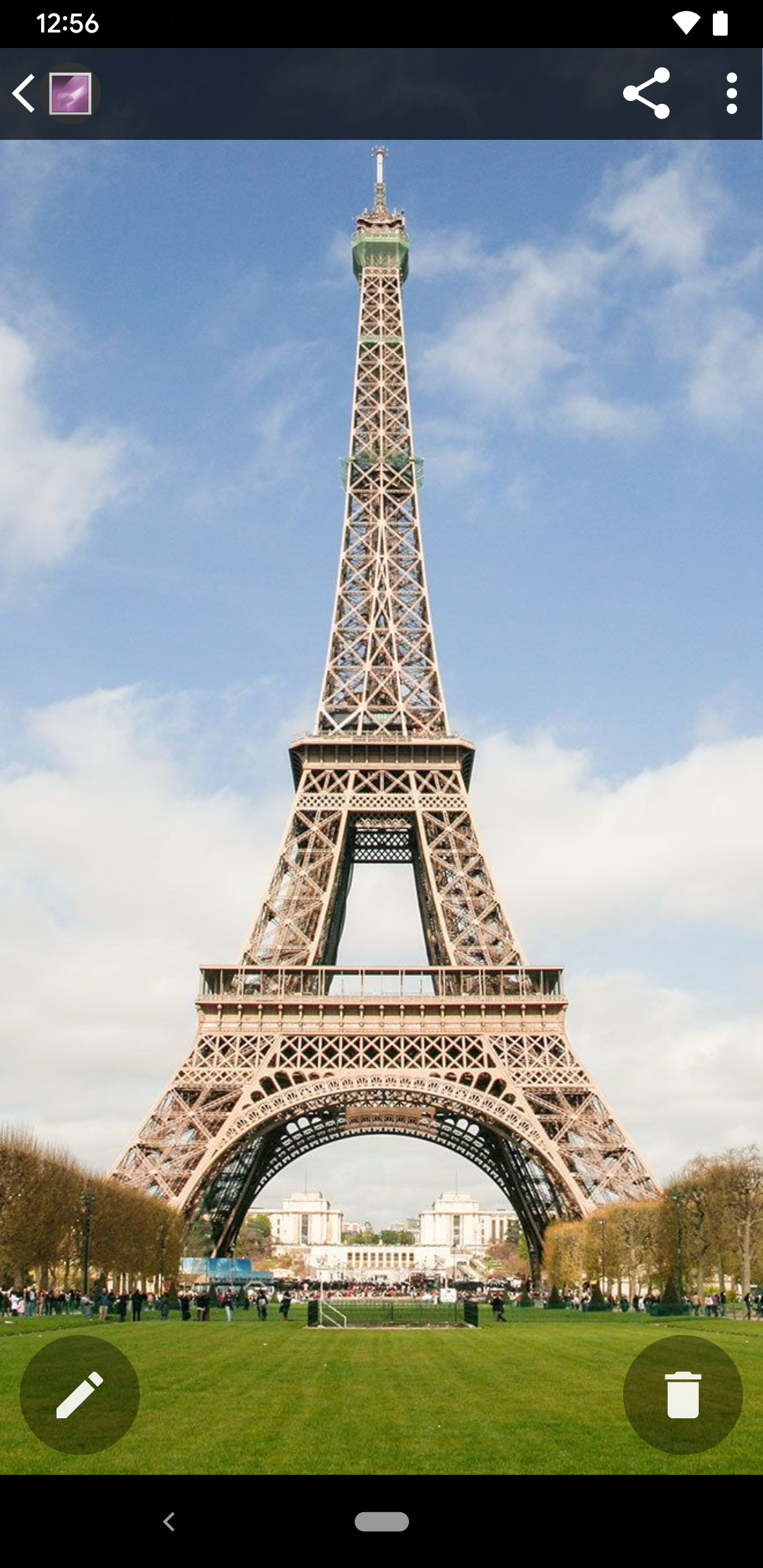
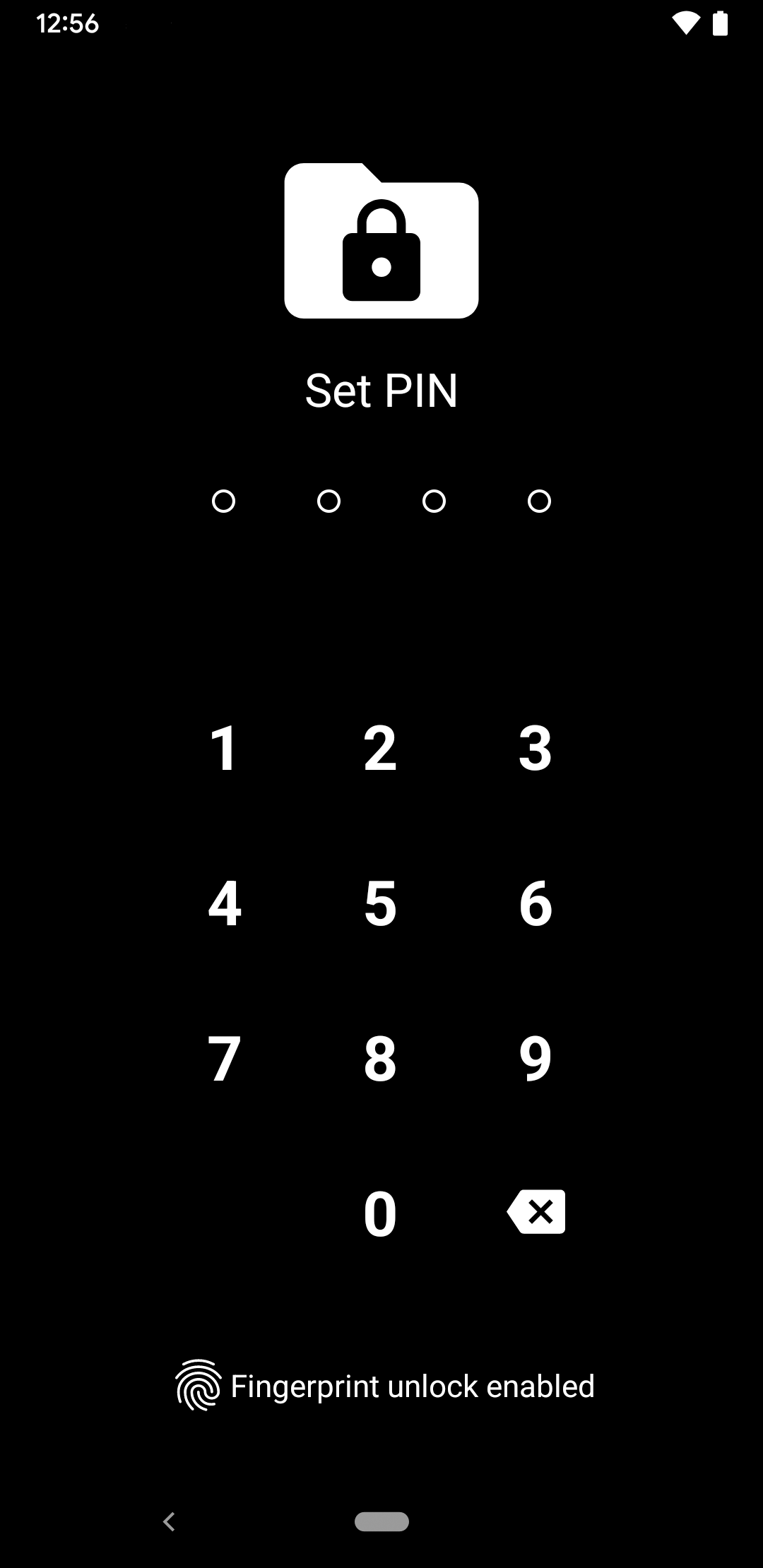

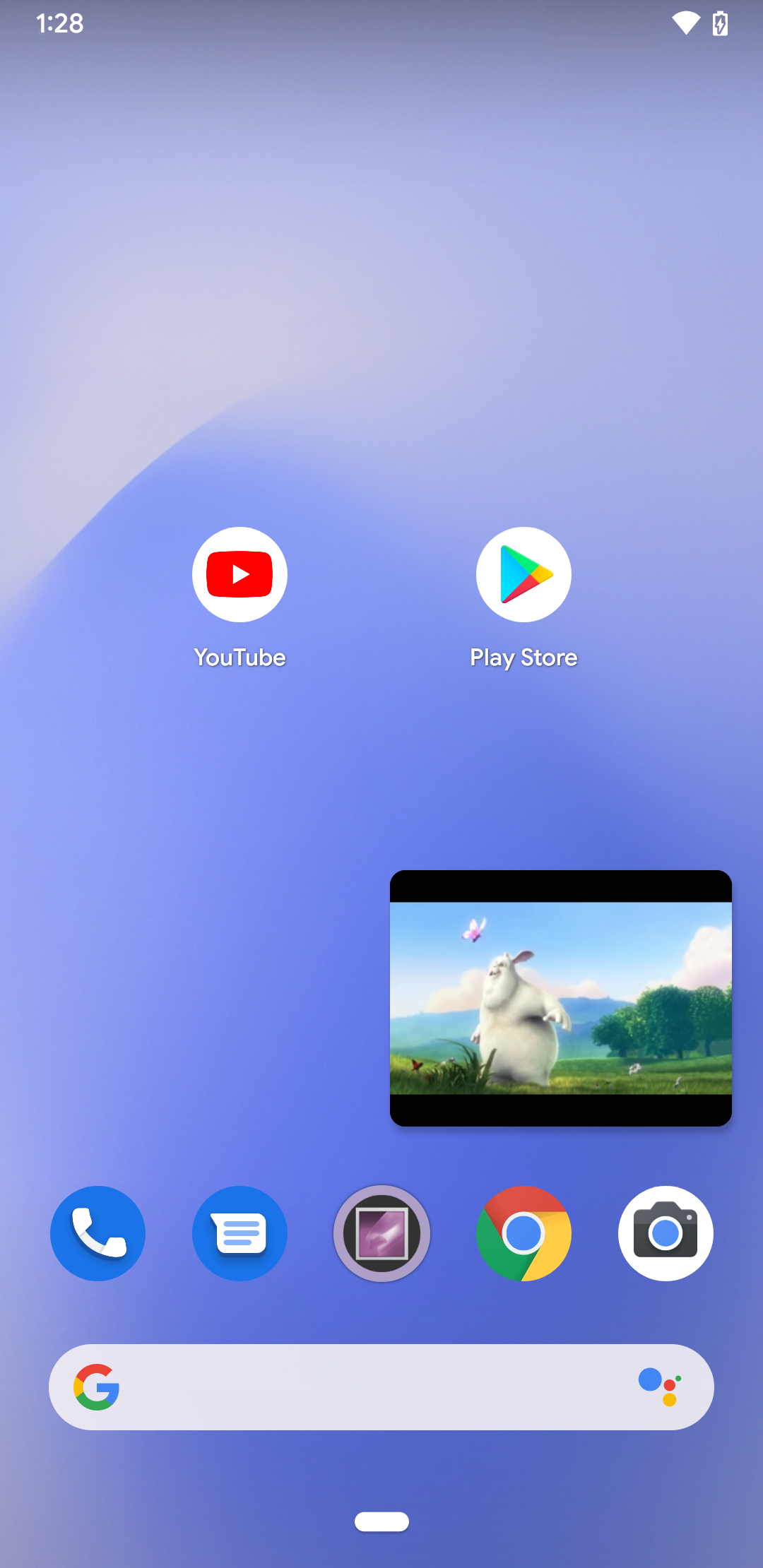
Vertical Gallery serves as an enhanced iteration of the excellent gallery and photo editing application found in the Android Open Source Code (AOSP).
--- Features ---
- Viewer for photos and videos
- Comprehensive photo editing capabilities (in full resolution)
- Options to copy and relocate media files
- Secure album feature
- Support for SD card (to be enabled in Settings → SD Card write permissions)
- Ability to hide unnecessary folders
- Support for animated GIFs
- Adjustable settings options
- Customizable buttons during photo viewing
- Minimized mode video playback (PIP) (requires Android 8.0 or higher)
- Video trimming and muting functions
Vertical Gallery is available as a free app with advertisements. The ads can be removed through an in-app purchase.
- Android is a registered trademark of Google Inc.
- Vertical Gallery operates independently and is not affiliated with Google Inc.
--- Simple Operation Instructions ---
1. **File Browsing**: After opening the app, you can browse photos and videos on your device. You can also enable SD card support in Settings to access SD card files and hide unnecessary folders.
2. **Photo Editing**: Select a photo and tap the Edit button to perform full-resolution editing operations, such as cropping, adjusting color, and adding filters.
3. **File Operations**: Long-press a file to access the pop-up menu to copy or move it.
4. **Secure Album**: Find the Secure Album option in Settings or the main menu to add important files to it for privacy protection.
5. **View Animated GIFs**: Simply tap an animated GIF file to view it.
6. **Video Operations**: While playing a video, tap the Minimize button to enter Picture-in-Picture mode. You can also trim and mute the video in the editing interface.
7. **Personalization**: Adjust various options in Settings and customize the buttons when viewing photos.
--- App Experience ---
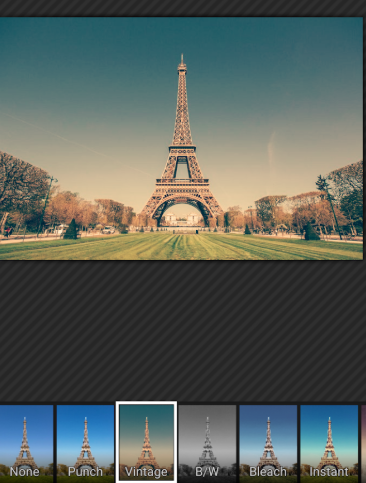
Vertical Gallery is a lightweight and practical Android photo album editing tool. Based on the optimized and upgraded AOSP album, it supports photo and video viewing, full-resolution editing, file management, hiding redundant folders, adding private albums, and compatibility with GIFs and SD cards. Videos can be played in a small window, trimmed, and muted. It's simple and easy to use; basic functions are free but contain ads. Removing ads requires in-app purchases. The overall experience is smooth, making it suitable for users who prioritize convenient photo album management.
--- Related Questions and Answers ---
- **How do I enable SD card support**:
A: Find the "SD card write permission" option in Settings and enable it to enable SD card support.
- **Can I hide unnecessary folders**:
A: Yes, Vertical Gallery has a feature that allows me to hide unnecessary folders.
- **Does it support animated GIFs**:
A: Yes, the app can view animated GIFs.
- **What special features does video playback have**:
A: If your phone is running Android 8.0 or higher, videos can play in minimized mode, known as picture-in-picture (PIP).
- **How do I remove ads from the app**:
A: You can remove ads through in-app purchases.
- Version1.7
- UpdateOct 16, 2026
- DeveloperMobsnake
- CategoryPhotography
- Requires AndroidAndroid 5.0+
- Downloads9M+
- Package Namecom.mobsnake.verticalgallery
- Signaturedfa62ece6885c883468f31bae9413bea
- Available on
- ReportFlag as inappropriate
-
NameSizeDownload
-
5.22 MB
-
5.26 MB
-
6.76 MB











User-friendly and simple interface
Free to use with no initial cost
Allows basic editing of photos
Good organization of media files
Private album option for enhanced privacy
Familiarity with users who had older default galleries
Quick access to photos and videos
Supports offline usage
Lightweight app requiring minimal storage
Frequent and intrusive ads disrupt user experience
Slow loading time after recent updates
Files may reappear after deletion
Inability to move or sort folders effectively
Occasional crashing during photo editing
Lacks advanced features like renaming albums
Limited customization options
Ads can be inappropriate for younger audiences
Issues with sync between app and file manager