
Picshiner - AI Photo Editor - AI Photo Enhancement & Editing
Transform photos with AI art tools & effects; easily restore, enhance, and create stunning visuals effortlessly.
- 1.0.79 Version
- 1.4 Score
- 7M+ Downloads
- In-app purchases License
- 3+ Content Rating

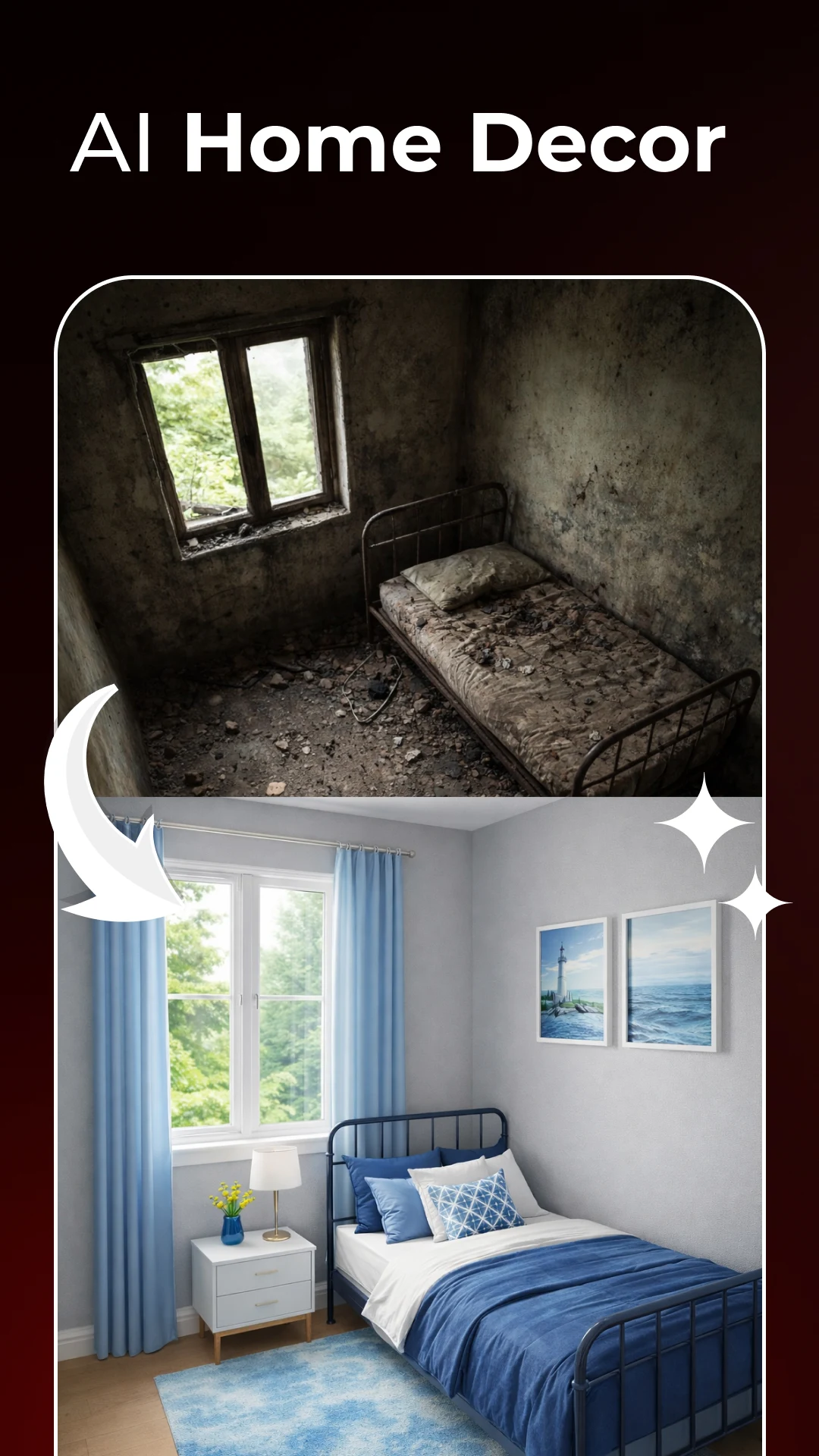
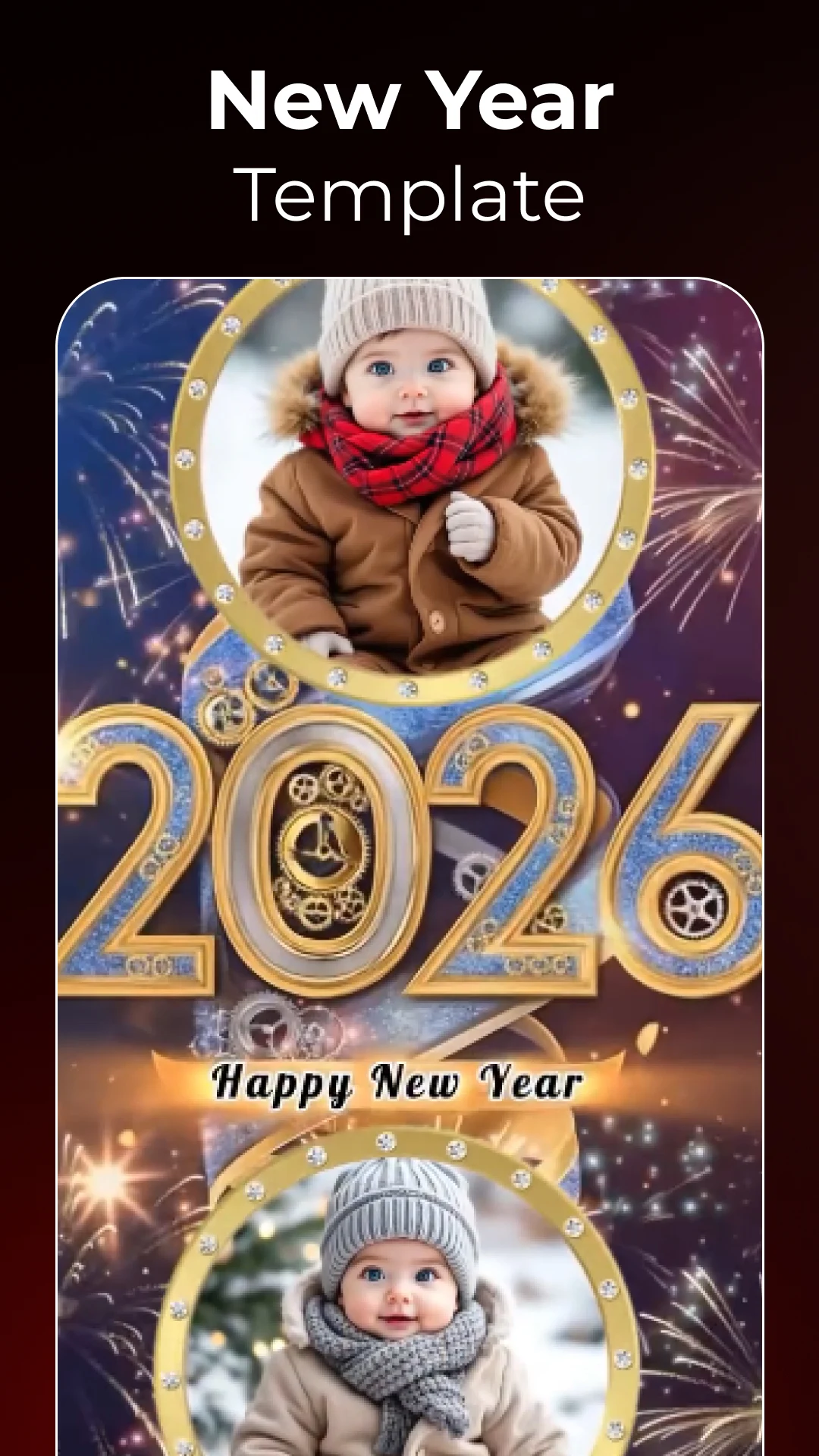
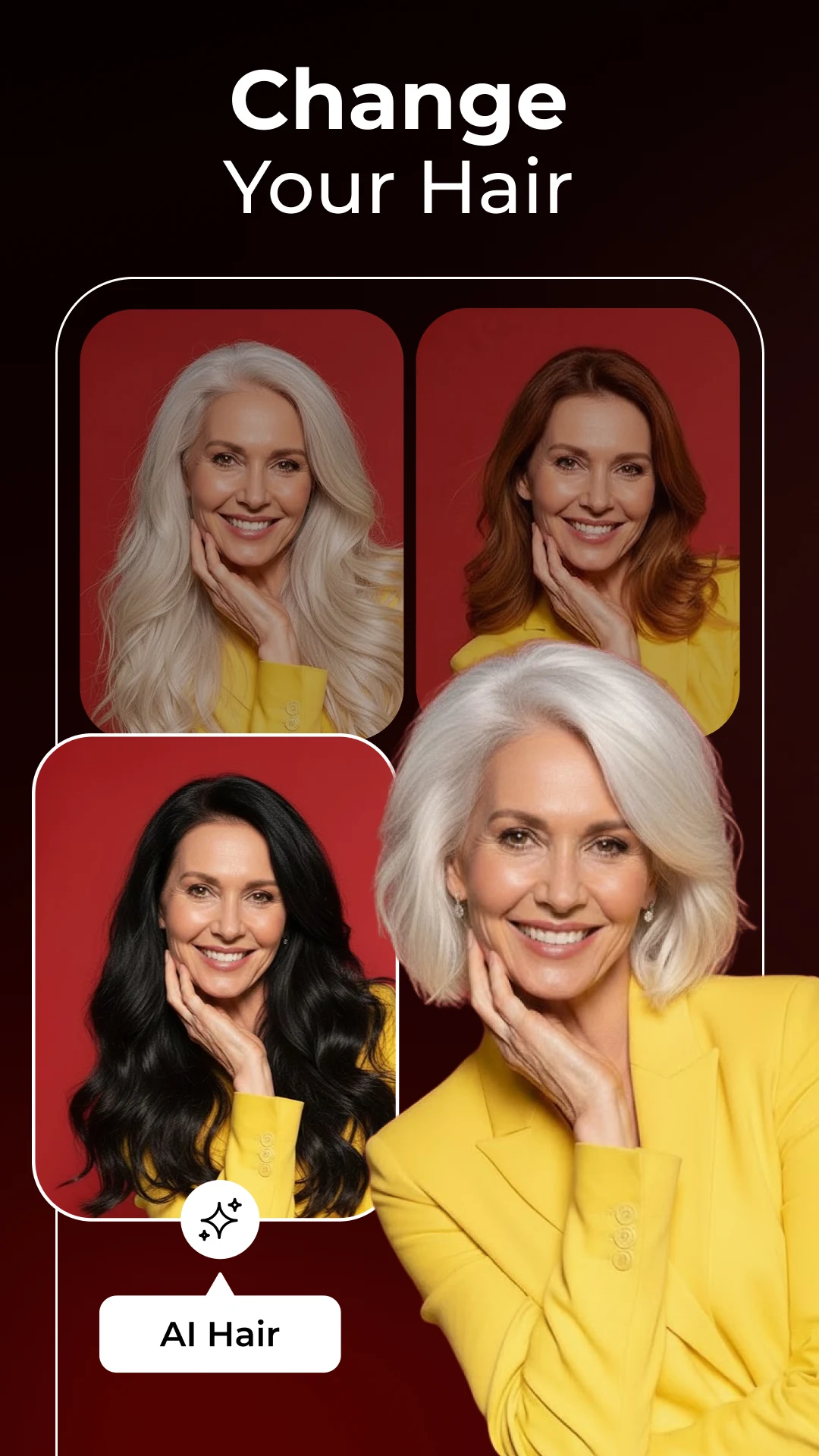

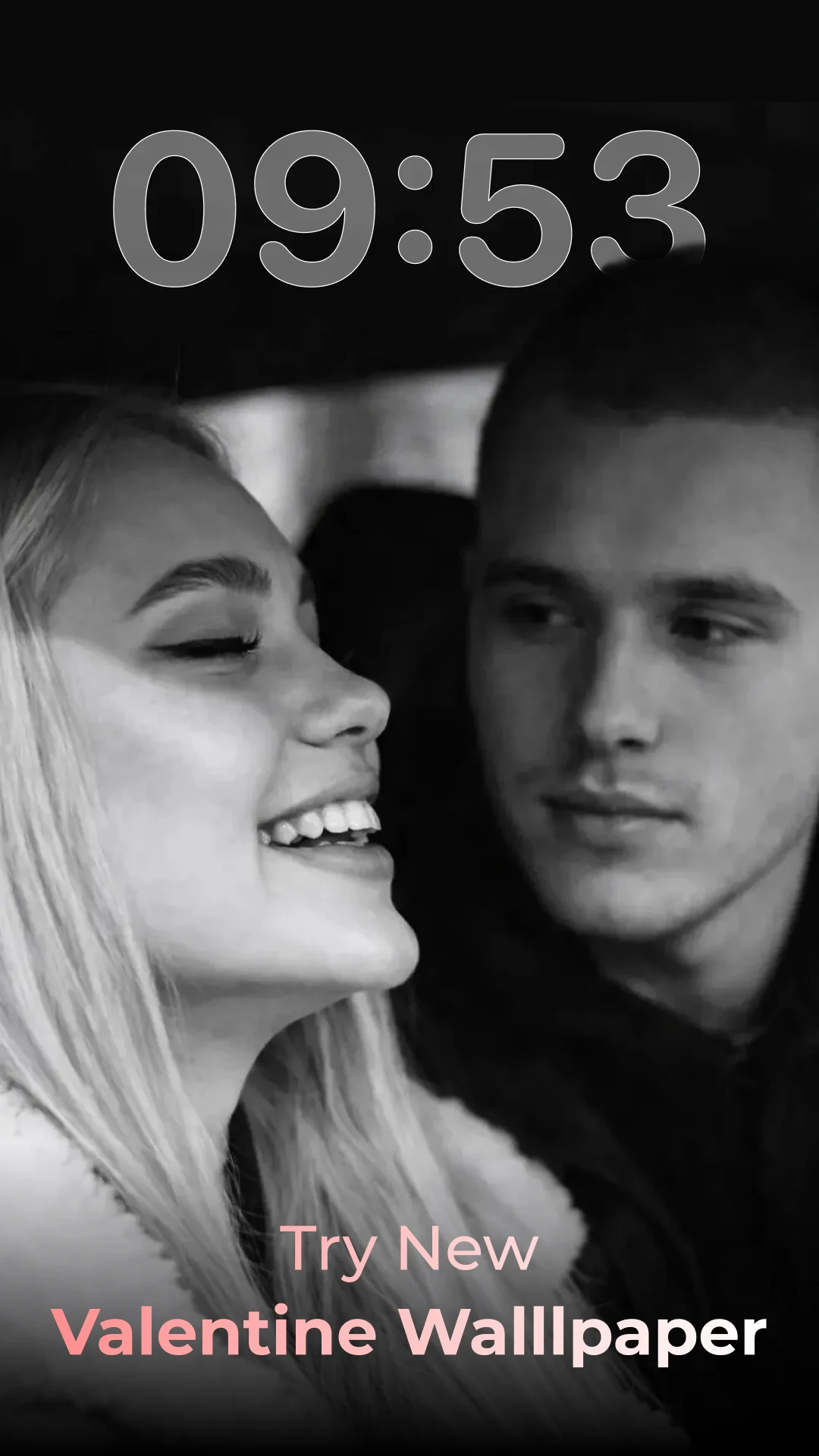
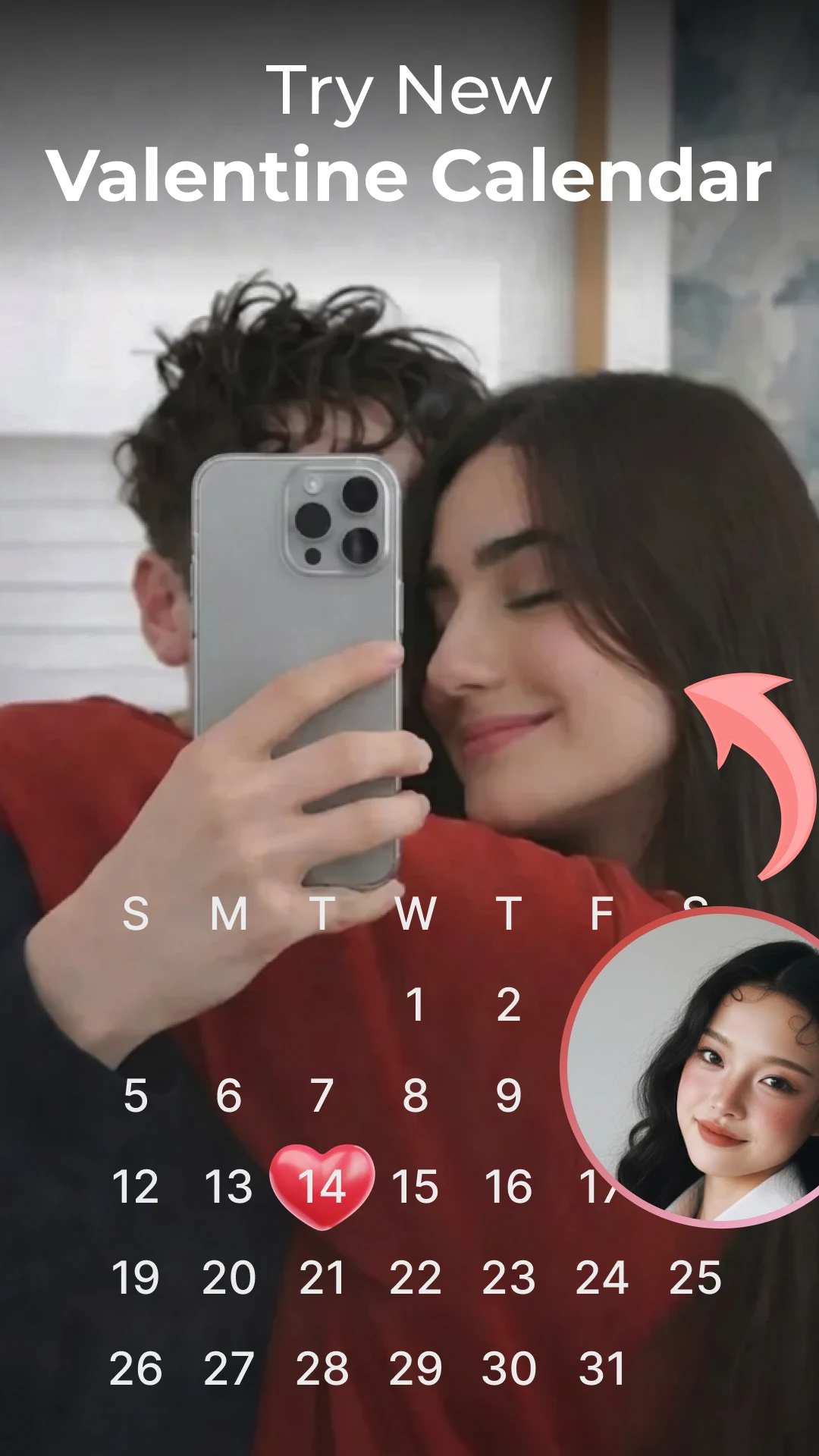
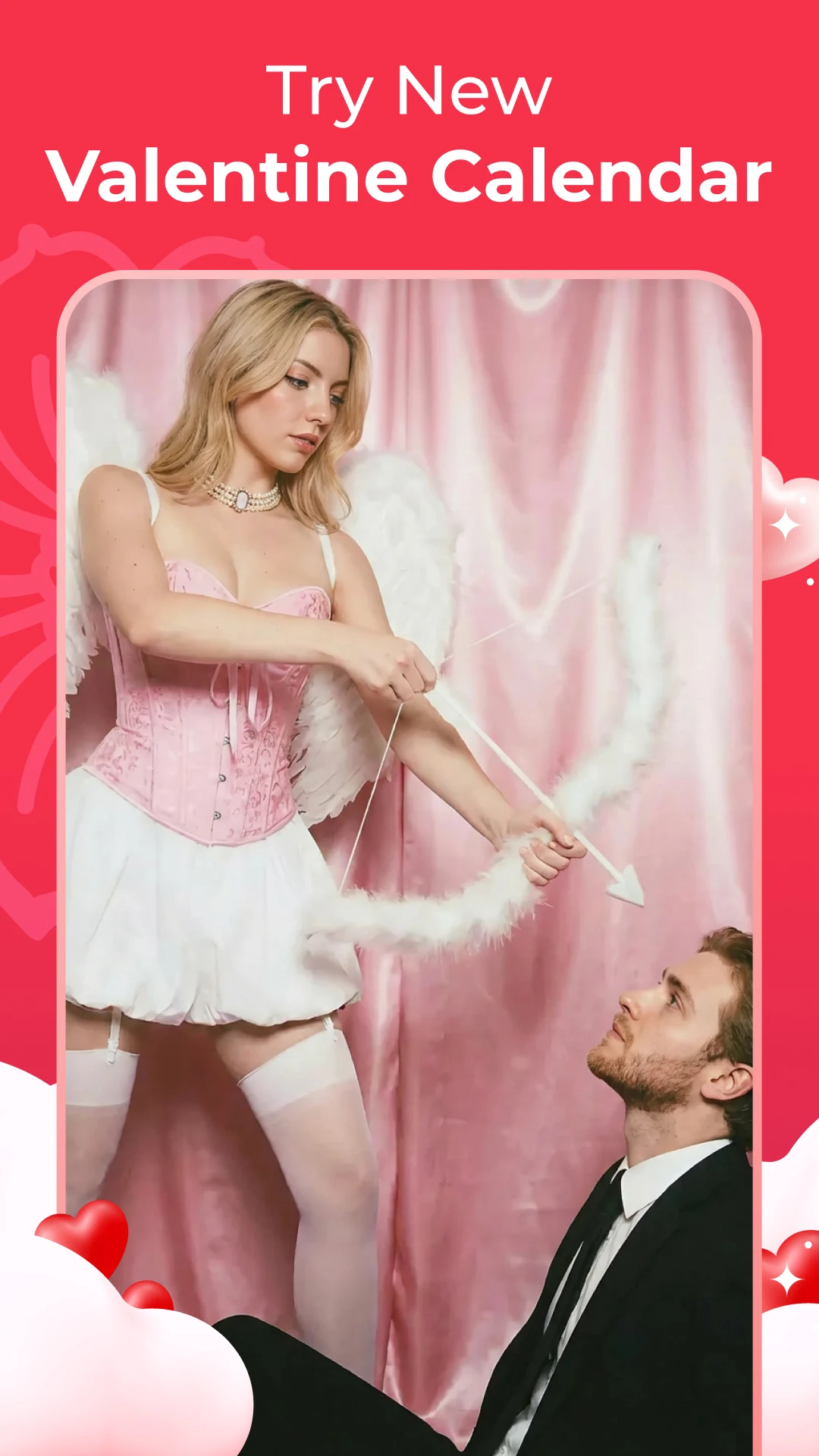
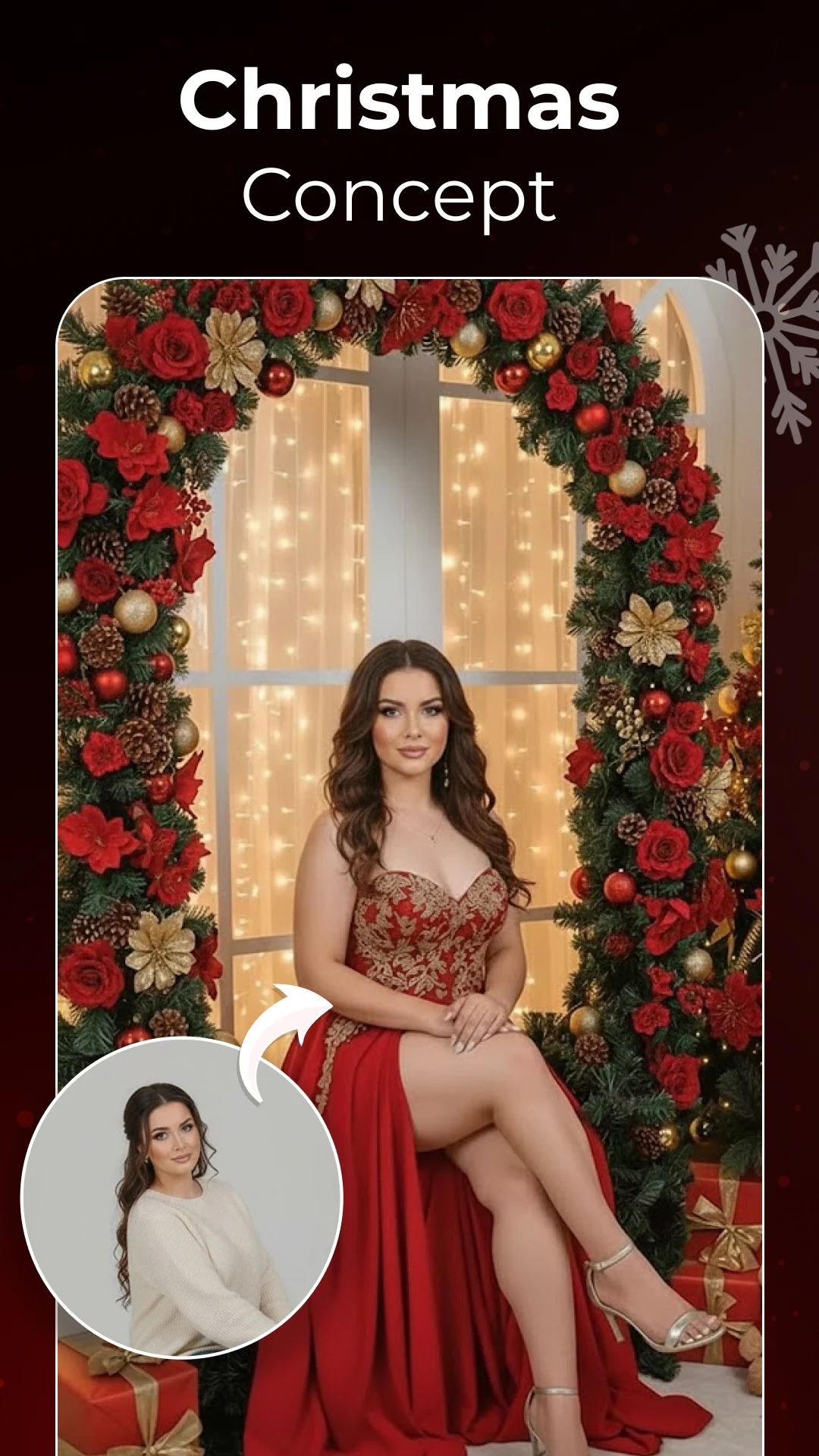
Welcome to the innovative realm of image editing with PicShiner - AI Photo Editor, a comprehensive suite that changes the way you engage with your photographs.
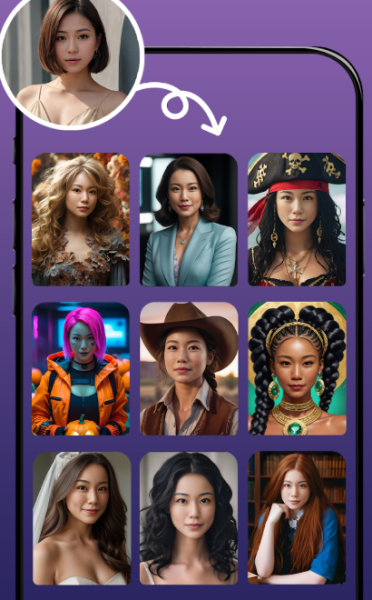
Utilizing cutting-edge advancements in AI technologies such as AI Art Generator, AI Photo Enhancer, AI Headshot Generator, AI Face Swap, and AI Photo Editor, PicShiner elevates your ordinary images into stunning works of art. Whether you need a quick enhancement, intricate restoration, or fun avatars, PicShiner is your ultimate AI Image Generation application.
Key Features
- AI Photo Enhancer: Our AI-driven feature revitalizes your old, unclear, or damaged images, transforming them into high-definition quality effortlessly. Experience the wonders of AI Art Generator and AI Enhancer as they enhance every nuance meticulously.
- AI Avatar and AI Face Swap Magic: Enter the whimsical realm of AI Avatar Maker. With our advanced AI Face Swap technology, you can easily transform your profile pictures into captivating avatars or swap faces seamlessly.
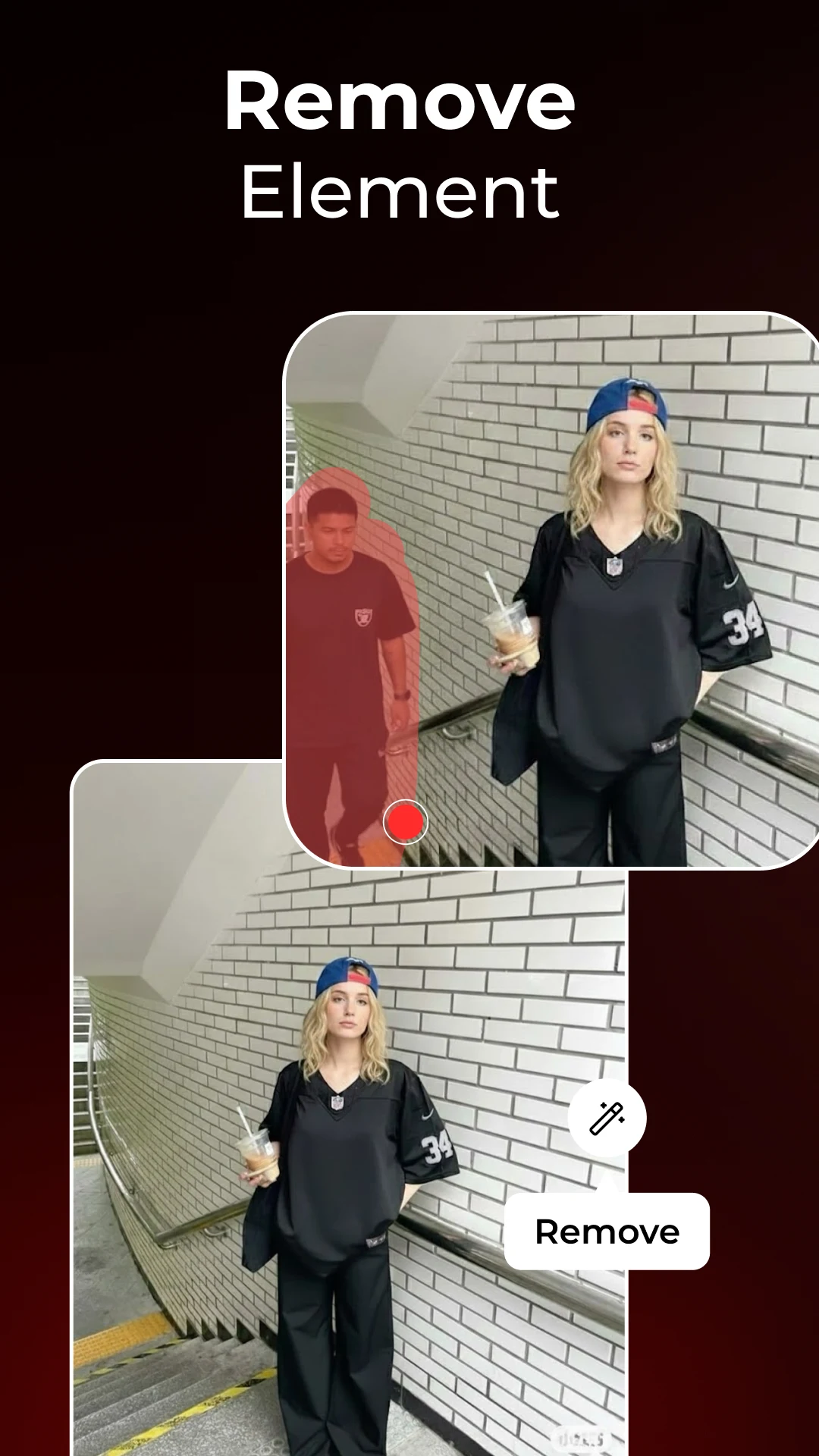
- Generative Fill and AI Magic Remove: With Generative Fill, adding or removing elements from your images becomes a breeze. AI Magic Remove enables you to erase unwanted objects without a trace, ensuring flawless photos every time.
- Unblur Photo and Upscale: The AI Photo Generator produces high-resolution images, crafting hyperrealistic visuals. Enhance your pictures for improved resolution, clarity, and vibrant colors.
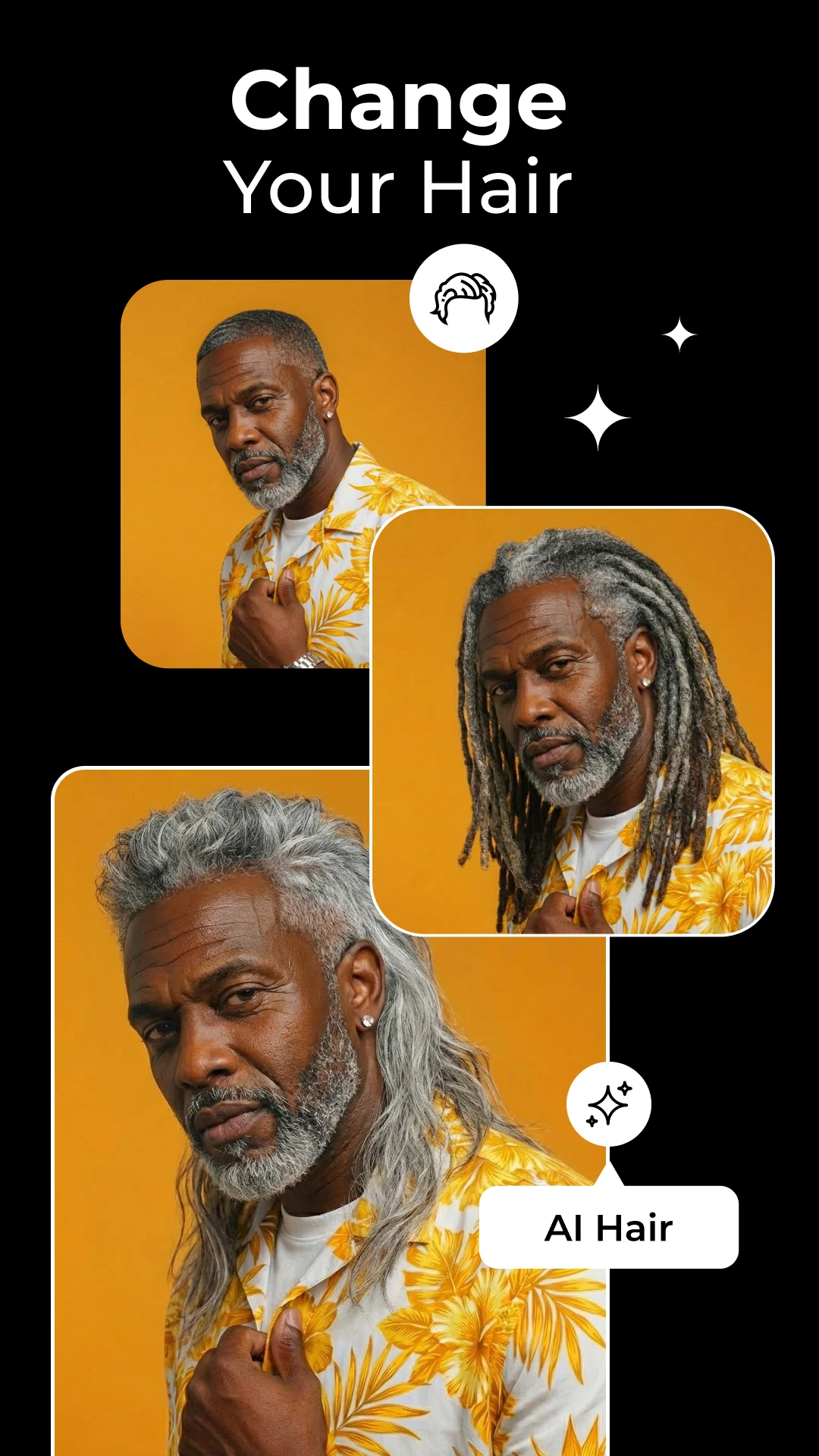
- AI Hairstyles, AI Portraits, and AI Dress Up: Discover limitless opportunities with AI-generated hairstyles, portraits, and dress-up options. Imagine yourself in various styles – your creativity is the only limit.
- Colorize and Restore Old Photos: Bring new life to your old photographs with our features designed to enhance photo quality and restore vintage moments. From scratch removal to colorizing black-and-white images, experience cherished memories in vivid detail.
- Enhance Photo Quality and Resolution: Using advanced AI technology, every image receives enhancements to ensure sharpness and clarity.
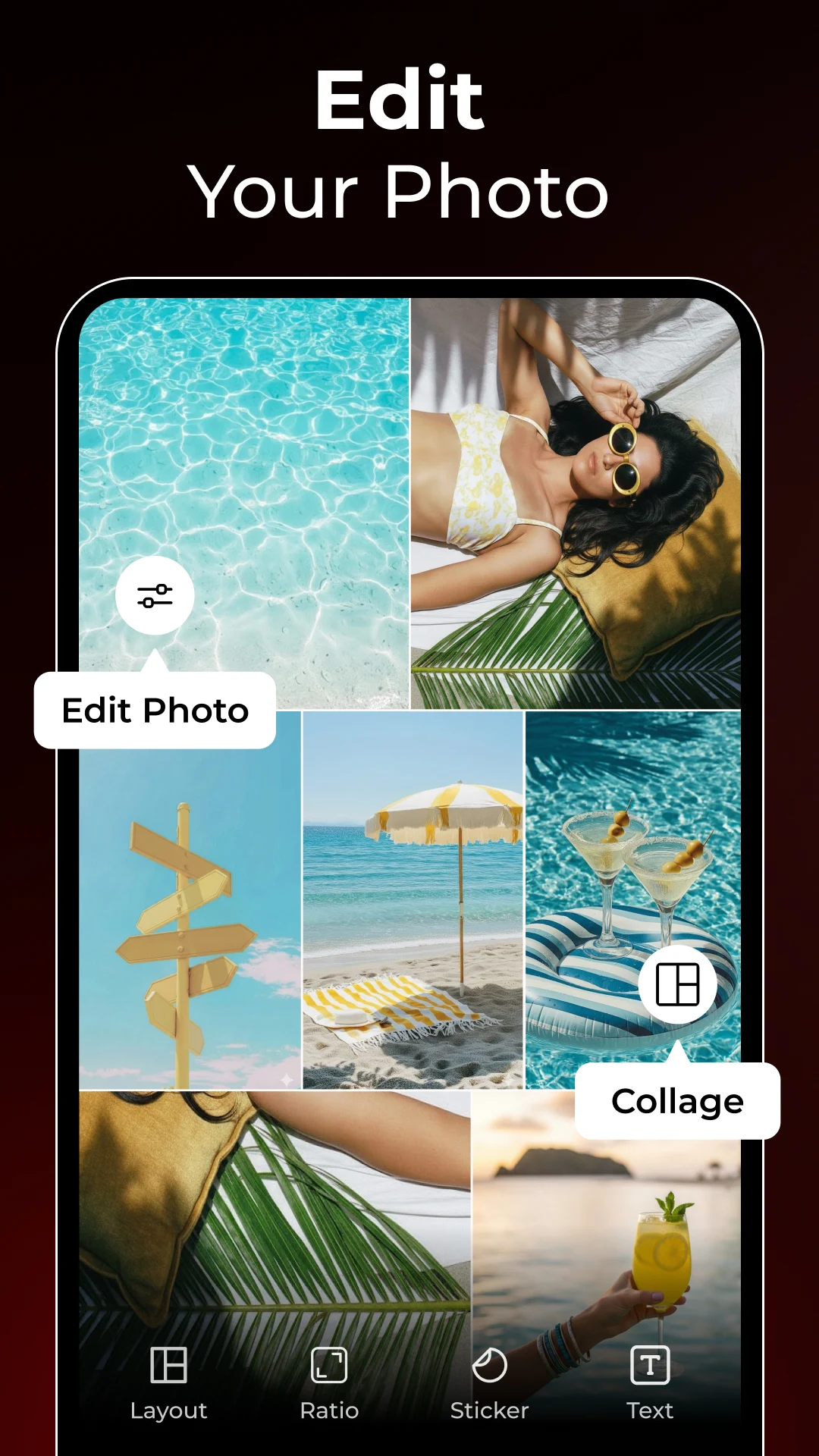
- Collage Maker and Photo Filters: Craft beautiful photo collages with our collage maker and utilize AI to enhance your images with a wide selection of filters and effects.
The process is relatively simple, as follows
1. **Import Photos**: After opening the app, tap "Import" or "Add Photos" and select the photos you want to edit from your device's camera roll.
2. **Select Function**: Select a function based on your needs. For example, "AI Photo Enhancer" enhances photos with one click; "AI Avatar and AI Face Swap" create avatars or perform face swaps; "Generative Fill and AI Magic Remove" add or remove elements from photos; "Unblur Photo and Upscale" deblurs and enlarges photos; "AI Hairstyles, AI Portraits, and AI Dress Up" allow you to experiment with different hairstyles, portrait styles, and outfits; and "Colorize and Restore Old Photos" colorizes and restores old photos.
3. **Apply Effect**: After selecting a function, follow the in-app prompts, such as selecting your preferred style and adjusting parameters, to apply the effect to your photo.
4. **Save & Share**: After editing, tap the "Save" button to save the photo to your device's camera roll. You can also tap the "Share" button to share the photo to social media platforms like Instagram and Facebook.
Additional Features
✔️ Background Remover and AI Background Remove: Easily eliminate backgrounds from your photographs or use our AI tool for perfect cutouts every time.
✔️ Cartoonify and 80's 90's AI Yearbook Photo Trends: Immerse yourself in nostalgia with our 80's 90's feature, or add a playful touch to your images using Toonify.
✔️ Glitch Effects & Blur Photo Background: Create trendy artwork with Glitch Effects or achieve shallow depth-of-field backgrounds reminiscent of DSLR photography.
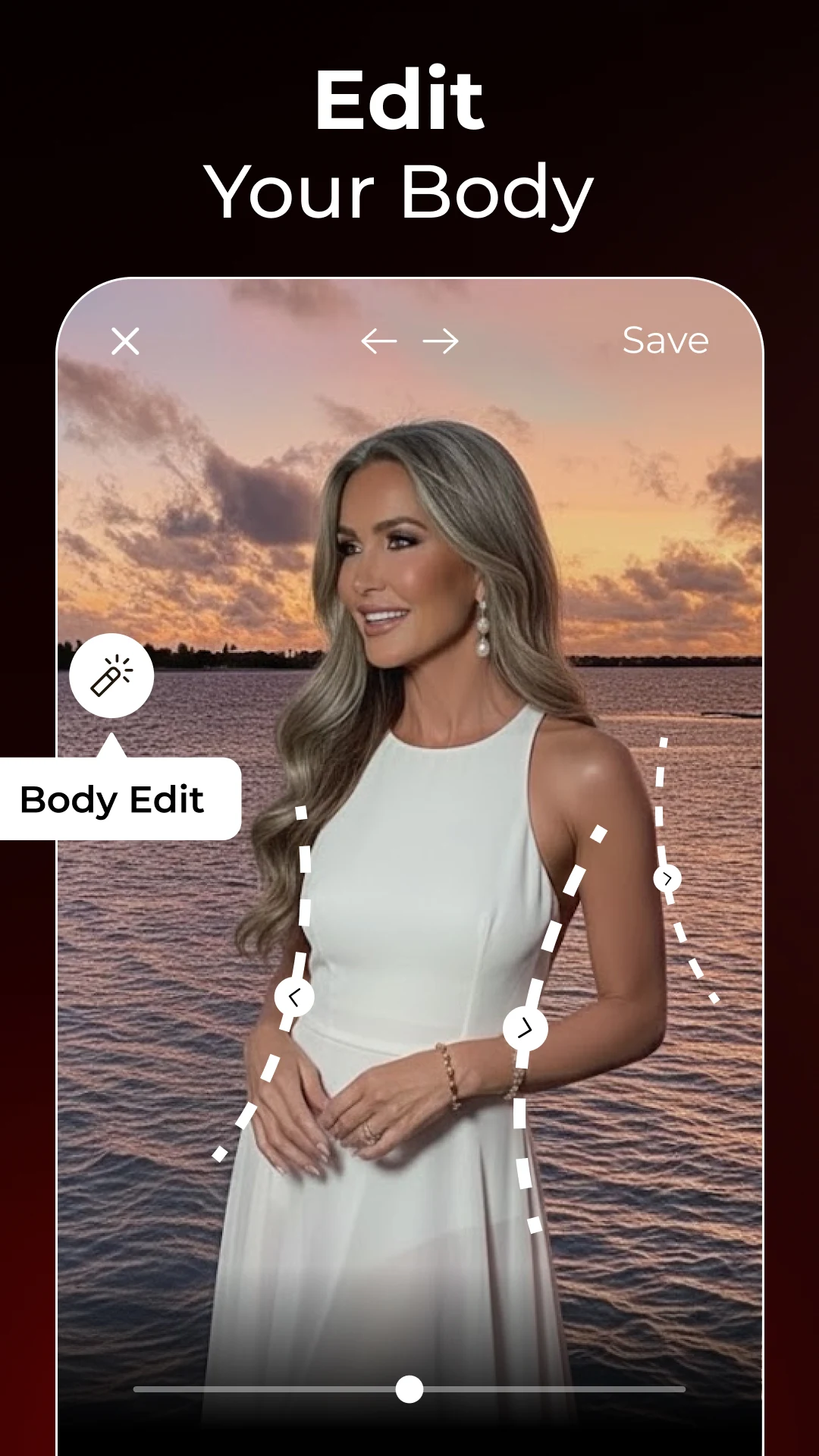
✔️ Body Retouch & AI Retouch: Fashion your desired look with our sophisticated body and facial retouching tools.
Why Choose PicShiner AI Photo Editor?
✔️ An intuitive interface tailored for both beginners and experts.
✔️ A complete set of tools addressing every part of photo editing.
✔️ Leverage AI capabilities for unmatched improvements in photo quality.
✔️ Regular updates to keep you at the forefront of AI photo editing technology.
PicShiner AI Photo Editor transcends being just a simple editing app; it opens up a world of possibilities for reimagining your images through advanced AI technology. Offering an all-inclusive solution for your editing needs, PicShiner continues to pave the way for transforming your photos into true masterpieces.
Applicable Scenarios
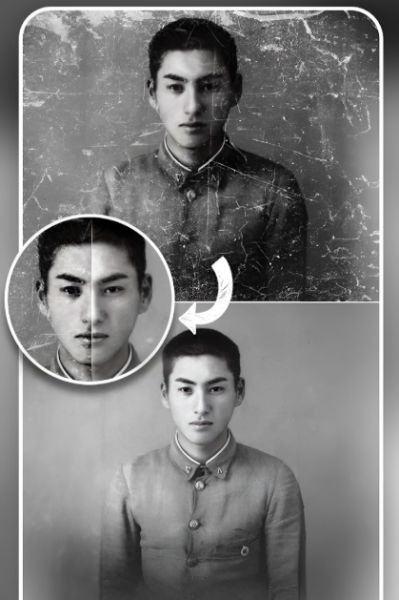
1. **Old Photo Restoration**: Restore blurry or damaged photos, colorize black and white photos.
2. **Creative Portraits**: Change hairstyles and outfits, generate avatars, swap faces.
3. **Fine Image Retouching**: Remove clutter, add elements, increase resolution, blur backgrounds.
4. **Fun Creations**: Create collages, add cartoon/retro filters, generate AI art images.
5. **Everyday Enhancement**: Cut out images, change backgrounds, fine-tune brightness, contrast, and other parameters.
FAQs
1. **Q: Can PicShiner repair old, blurry photos? **
A: Yes. PicShiner's AI Photo Enhancer uses AI technology to breathe new life into old, blurry, or damaged photos. With a single click, it transforms them into high-definition images, meticulously enhancing every detail.
2. **Q: How can I use PicShiner to create unique avatars or perform face swaps? **
A: Using PicShiner's AI Avatar and AI Face Swap modules, you can easily create eye-catching avatars or perform face swaps using advanced AI face swap technology. Follow the in-app instructions to create your own striking avatars or perform face swaps.
3. **Q: I want to remove unwanted content from my photos. Can PicShiner do that? **
A: Of course. Using Generative Fill and AI Magic Remove, you can easily add or remove elements from your photos. AI Magic Remove seamlessly erases unwanted objects, leaving your photos looking flawless.
4. **Q: Can PicShiner increase the resolution of my photos? **
A: Yes. Its Unblur Photo and Upscale features not only remove blur from photos but also increase resolution, using AI to generate high-resolution images for sharper, more vibrant images.
5. **Q: I want to change the hairstyle or clothing of a person in my photo. Does PicShiner support this? **
A: Yes. The AI Hairstyles, AI Portraits, and AI Dress Up features offer a wide variety of AI-generated hairstyles and outfits for you to choose from, letting you unleash your creativity and create new looks for your subjects.
6. **Q: Can I use PicShiner to colorize old black-and-white photos? **
A: Yes. PicShiner's Colorize and Restore Old Photos features can colorize old black-and-white photos and repair scratches, restoring them to vivid detail.
- Version1.0.79
- UpdateOct 16, 2026
- DeveloperAdoreApps Media
- CategoryPhotography
- Requires AndroidAndroid 6+
- Downloads7M+
- Package Namecom.adoreapps.photo.editor
- Signature4499f695d4be0937f5afc827a783d857
- Available on
- ReportFlag as inappropriate
-
NameSizeDownload
-
97.54 MB
-
83.51 MB













User-friendly interface for editing
Good for beginners and experienced editors
Ability to save multiple versions of images
Fast processing of edits
Fun features like stickers and filter effects
Option to watch ads instead of paying for premium
Excessive, intrusive advertisements
Misleading advertisement claims
Lack of downloading functionalities
Difficulty in accessing app functions without purchases
Technical issues with text placement
Unresolved subscription recognition problems
Time-consuming ad interruptions
Overall user dissatisfaction leading to uninstallations