
Bestie - Camera360 Selfie - Selfie camera & editor
Unleash your inner star with stunning selfies using filters, beauty effects, & fun animated stickers like never before!

- 4.0.9 Version
- 4.4 Score
- 28M+ Downloads
- Free License
- 3+ Content Rating

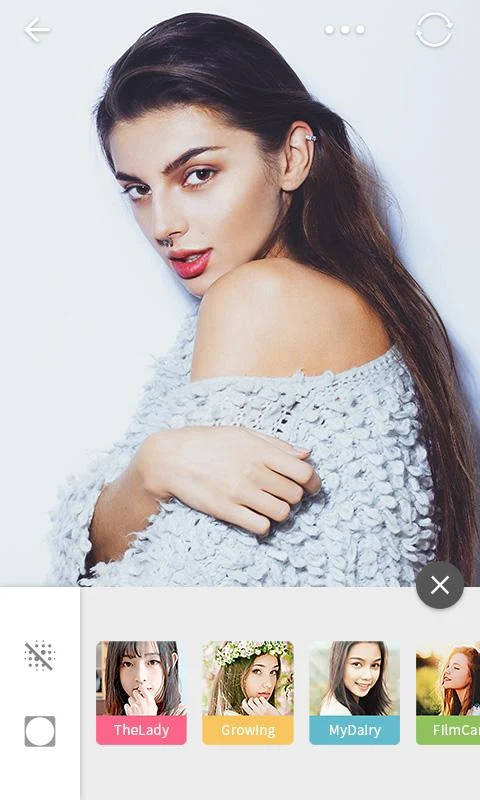
Allow us to present Bestie, the top selfie camera application of the year, created by the renowned developer Camera 360.
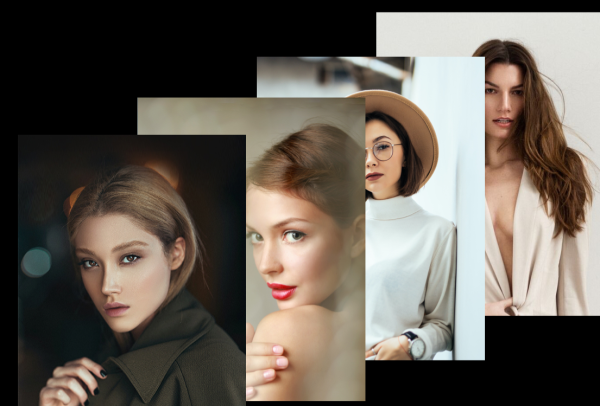
Features
Real-time Skin Enhancements
✦ Refines complexion for a natural and glowing look
✦ Redefines facial features and contours with precision
✦ Skin smoothing, whitening, and brightening effects that you can adjust
✦ Clearly identifies and removes acne, blemishes, and pimples
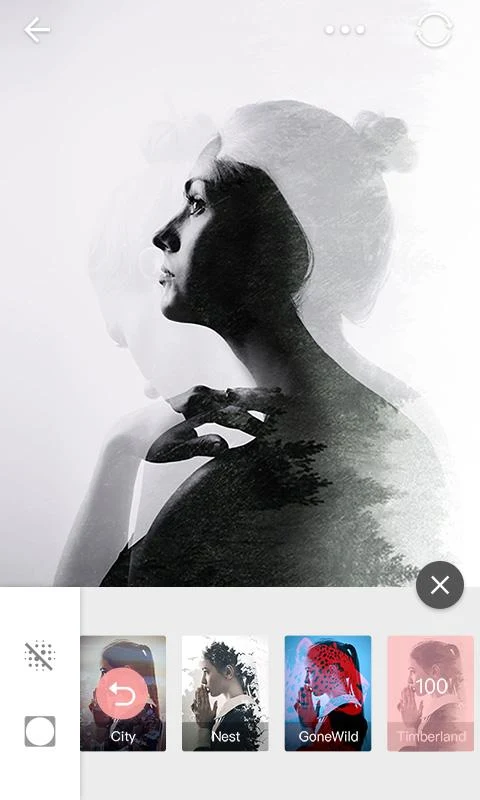
✦ Offers over 100 filters specifically designed for portrait selfies
Impressive Filters for Portrait Photography
✦ High-quality portrait filters for expert-level photography
✦ Custom-made for various self-portrait situations
✦ Filters can be applied at intensity levels from 1 to 100
✦ Favorites feature to organize and manage your chosen filters
✦ Apply real-time filters for both photos and videos
Fun with Animated Stickers
✦ Cosplay as adorable characters like Bunny, Kitty, Puppy, and more
✦ Transform your look with tiaras, headdresses, jewelry, and other accessories
✦ Use animated face stickers and amusing emojis for added flair
✦ Features advanced face recognition and tracking technology
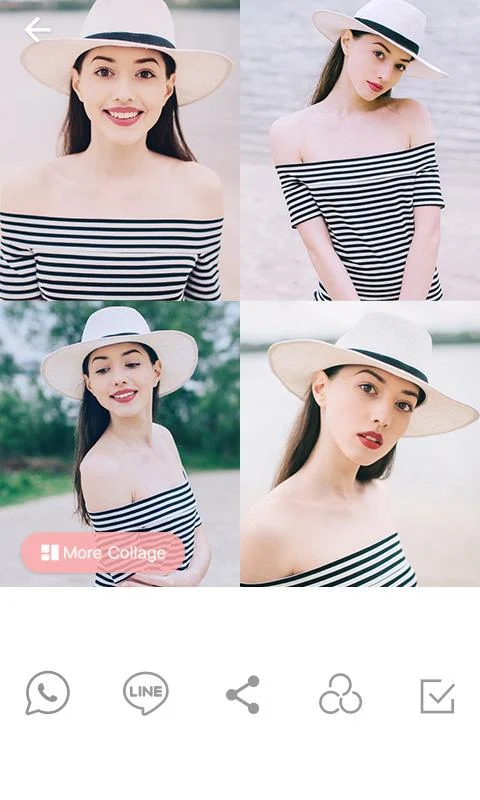
✦ Grid shot functionality adds to the fun
Comprehensive Selfie Camera
✦ Quick and easy to take selfies and capture moments effortlessly
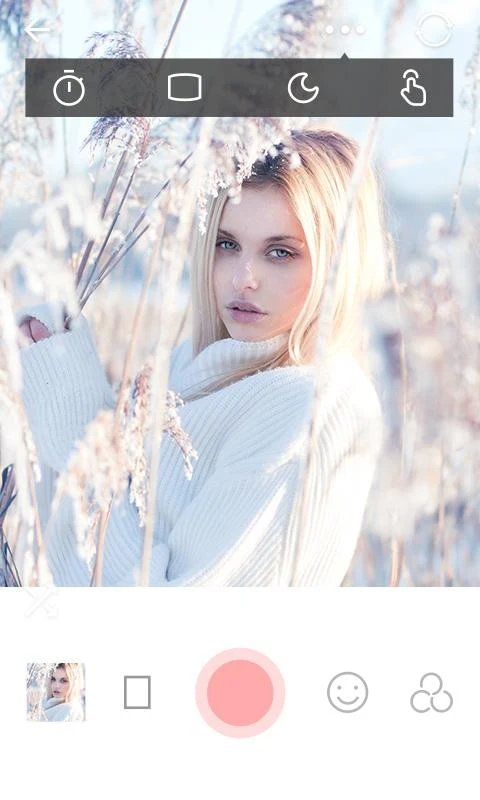
✦ A night mode enables you to take great selfies in low light
✦ Set the camera timer for 3, 5, or 10 seconds
✦ Touchscreen and auto modes keep your hands free while shooting
✦ Wide-angle lens, real-time filtering & stickers, video recording, grid shots, and more...
Smart Beauty Editor for Your Images
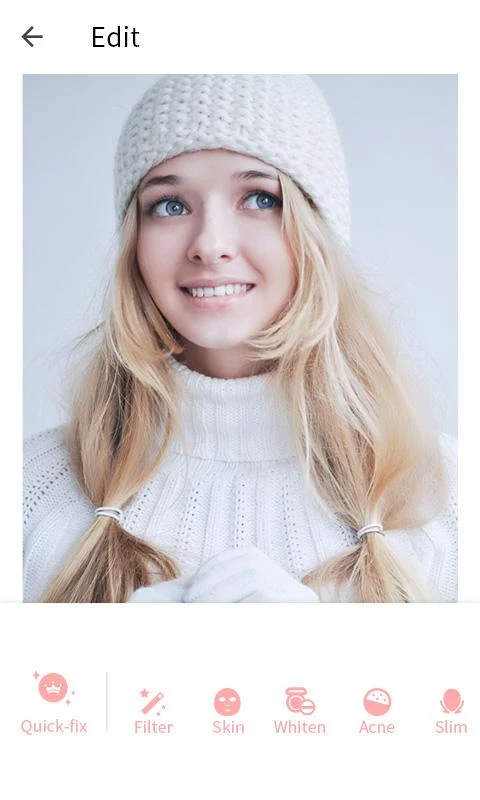
✦ Quick fixes for automatic contouring and skin retouching for album-worthy images
✦ Detects facial features automatically to smooth and whiten only facial skin, while enhancing contours
✦ Identifies eyes, allowing for enhancements like enlargement, brightening, color changes, or removing dark circles
✦ Effectively removes acne, blemishes, and pimples for a flawless selfie
✦ Features unique and playful stickers to embellish your photos
✦ Magic Brushes enable background blurring, object decoration, or highlighting as per your choice
How to Use
1. **Selfie Beautification**
Open selfie mode, adjust parameters such as skin smoothing, whitening, and blemish removal; select from 100+ portrait filters, intensity adjustable from 1-100, and save frequently used filters.
2. **Sticker Features**
Select character/accessory stickers, face tracking automatically follows the face; supports grid shooting.
3. **Low-Light Selfies**
Turn on **Night Mode** to take clear, bright, low-light selfies.
4. **Timed Shooting**
Set a 3/5/10-second timer for hands-free shooting.
5. **Photo Editing**
Import photos, automatically optimize facial skin texture and contours without altering the background; enlarge eyes, add stickers, and use the magic pen for retouching.
6. **Video Enhancement**
Switch to video mode and add filters and stickers in real-time during recording.
FAQs
1. **How are night selfies? **
There's a dedicated night mode that optimizes images in low light, keeping selfies clear and bright. You don't have to worry about blurry or dark photos in low light.
2. **Is the filter intensity adjustable? **
The operation is very simple. You can adjust the intensity from 1 to 100 by sliding it directly. Even beginners can quickly find the effect that suits them without feeling overly complicated.
3. **Do the stickers move with your face? **
Yes, with advanced facial recognition and tracking technology, the stickers accurately follow your facial movements, such as when wearing headwear or using emoji stickers.
4. **Can I beautify only my face when editing photos without affecting the background? **
Yes, the smart beauty editor automatically recognizes facial features and applies skin smoothing, whitening, and contouring only to my face, without accidentally changing the background.
5. **Besides taking photos, can I use filters and stickers with videos? **
Yes, live filters and animated stickers can be applied directly during video recording, making the resulting videos just as polished and fun as photos.
6. **Are saved, frequently used filters easy to find?**
The "Favorites" feature allows you to save your favorite filters and easily find them in your Favorites folder the next time you need them. It's very convenient, eliminating the need to search for them again.
- Version4.0.9
- UpdateOct 15, 2026
- DeveloperPINGUO TECHNOLOGY HK CO LIMITED
- CategoryPhotography
- Requires AndroidAndroid 4.1+
- Downloads28M+
- Package Nameus.pinguo.selfie
- Signature62adaca7bb4225ba23c37eda5c3a08c5
- Available on
- ReportFlag as inappropriate
-
NameSizeDownload
-
24.30 MB
-
24.12 MB
-
24.59 MB












Great filters for selfies
User-friendly interface
Good photo enhancing features
Minimal ads for a better experience
Simple functionality and ease of use
Allows for both live and edited photo adjustments
Variety of editing options available
Regular updates improve app functionality
High-quality image output
Frequent crashes and errors
Annoying pop-up ads
Some filters and features missing after updates
Long processing times after taking photos
Notifications that cannot be disabled
Limited video duration options
Issues with saving edited images
Inconsistent performance across devices
Decreased quality in recent updates