
Stylish Girl Photo Editor - Stylish dress & hair
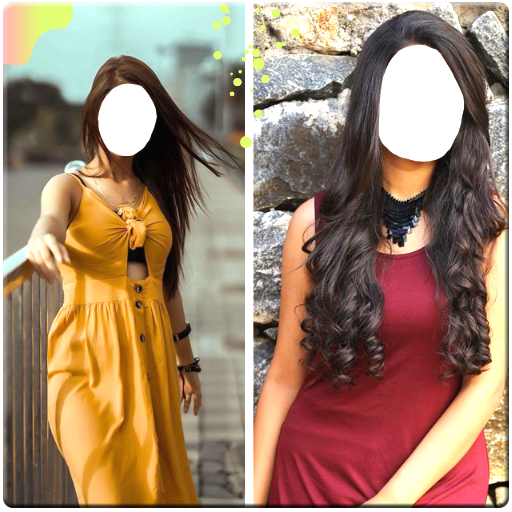
Transform your look with this app, experimenting with dresses & hairstyles to find your perfect style effortlessly!
- 1.5 Version
- 1.2 Score
- 420K+ Downloads
- Free License
- 3+ Content Rating






About the app
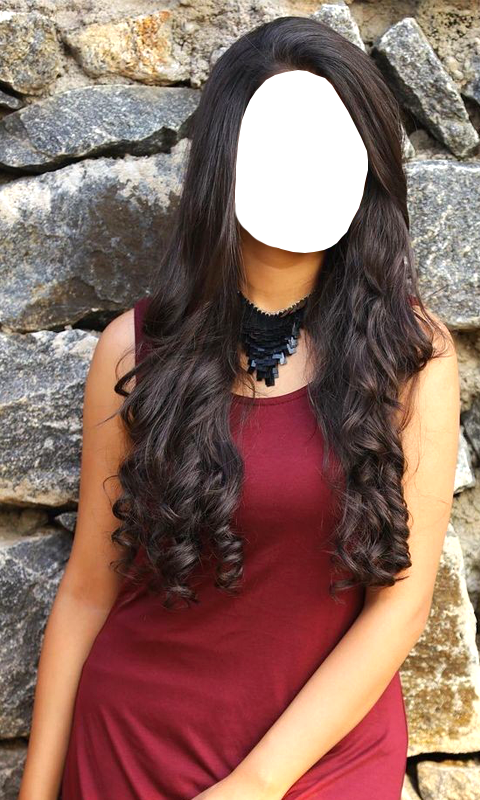
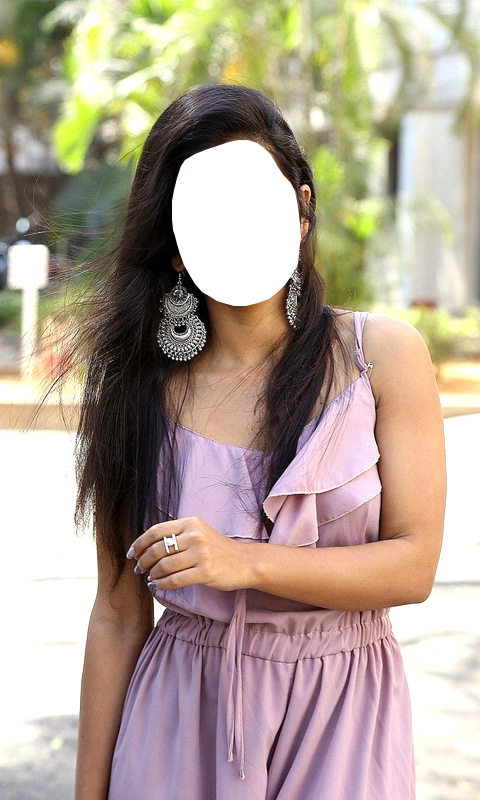
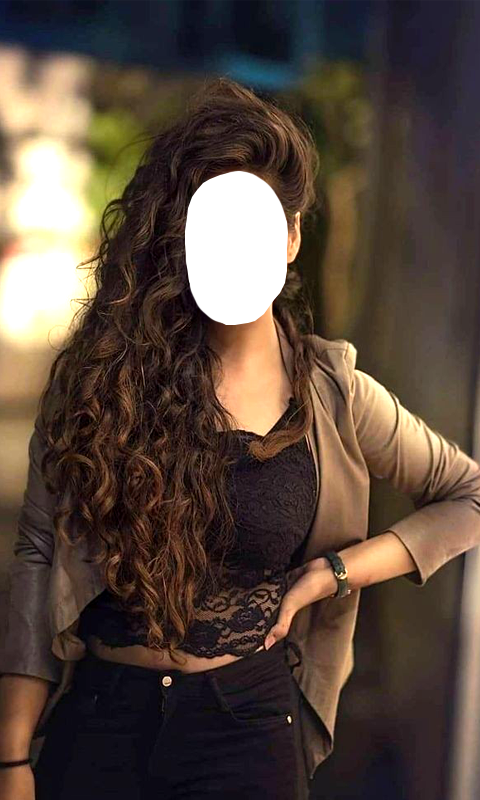
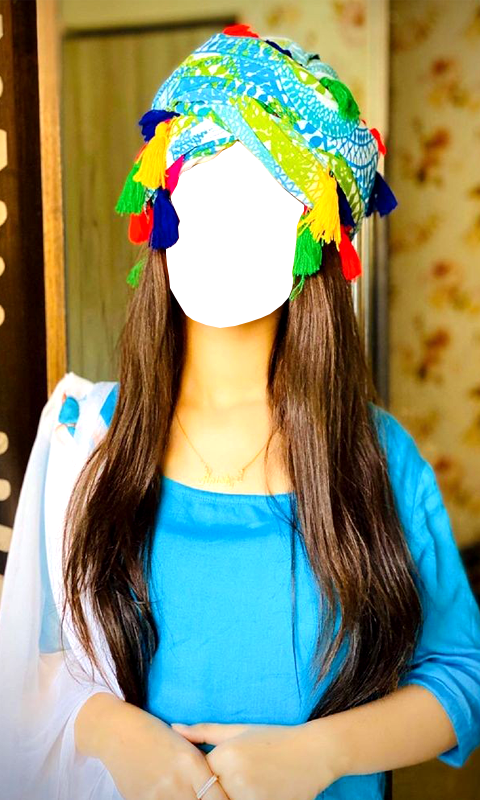
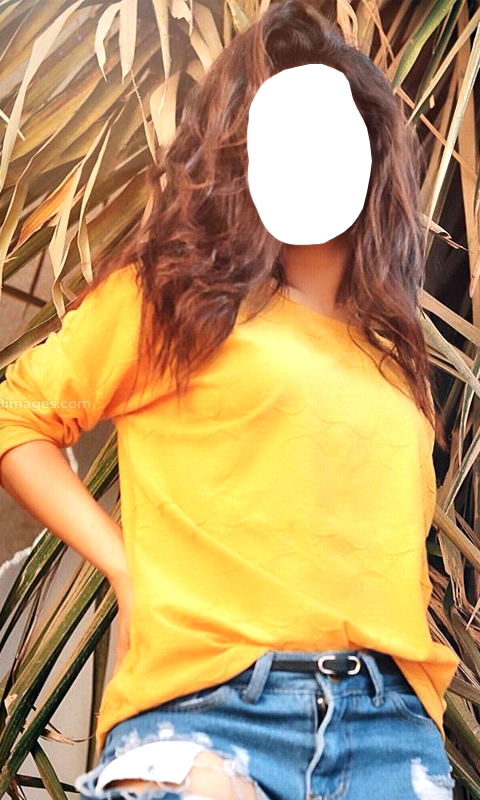
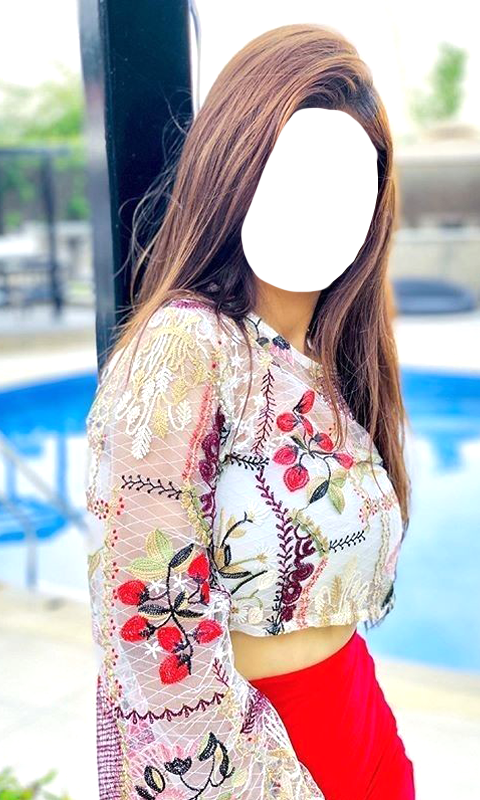
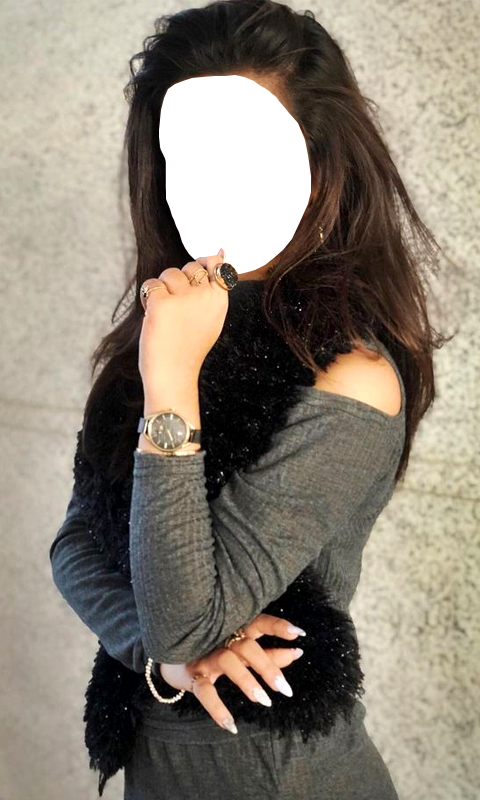
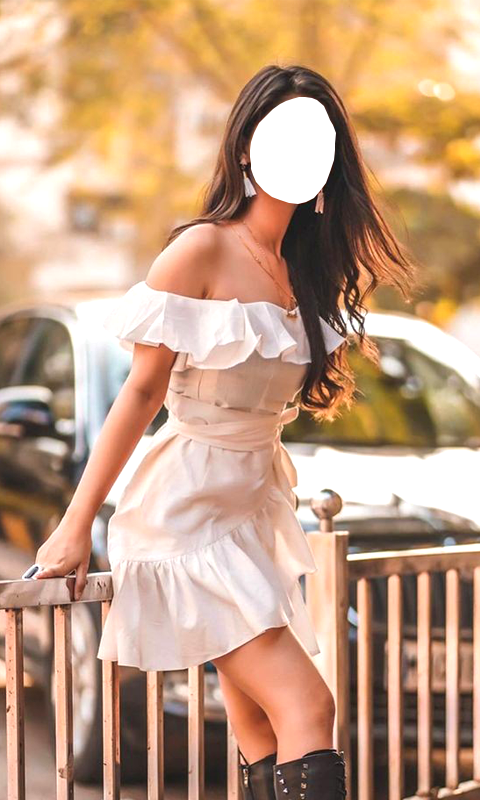
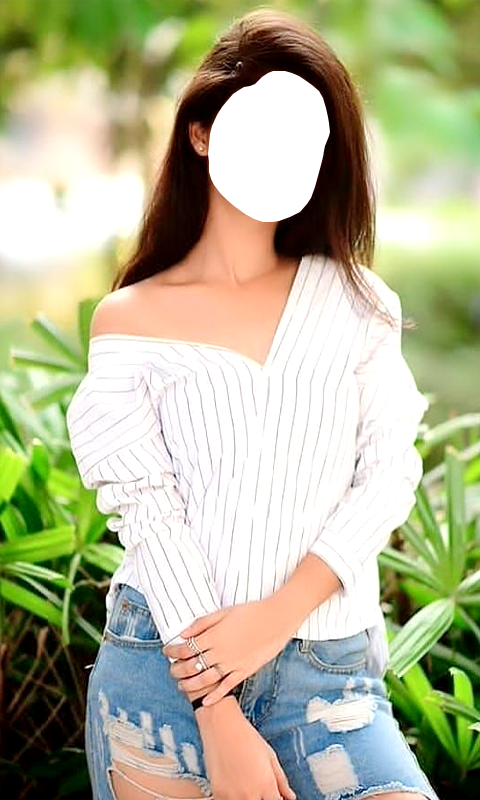
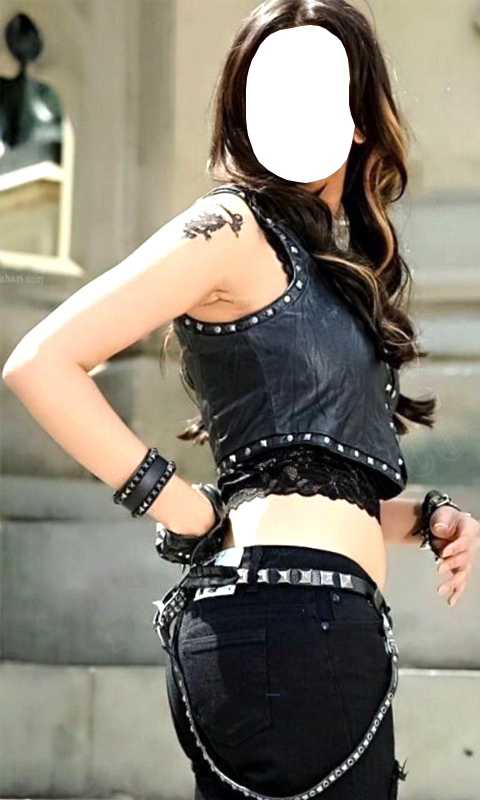
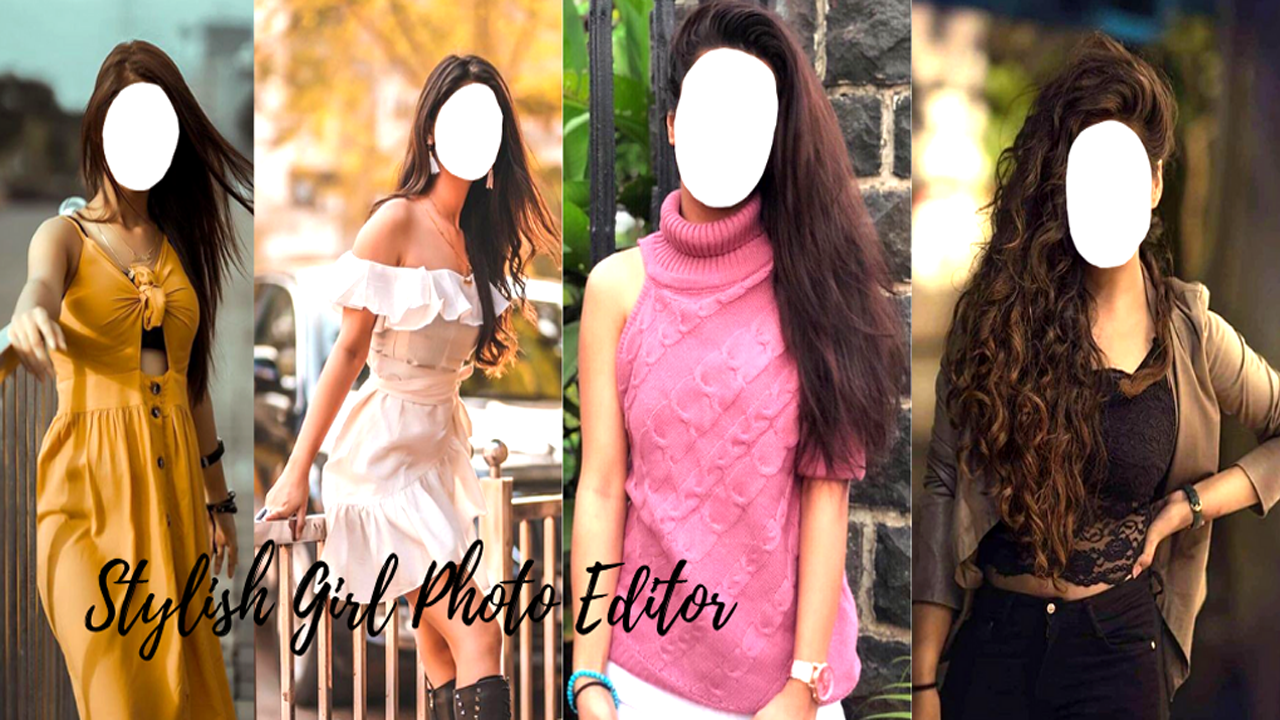
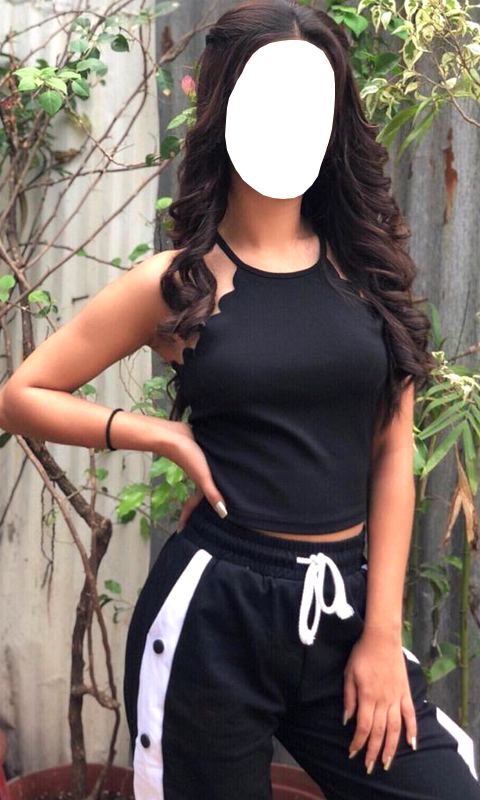
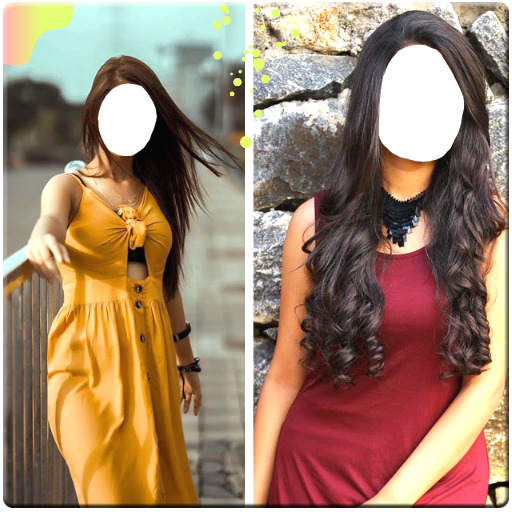
We have curated a stunning selection of images featuring girls in fashionable outfits and attractive hairstyles. This app has been created primarily for young women who may feel uncertain about their wardrobe choices, helping them see how they would look in various western dresses and trending hairstyles.
You can now visualize your appearance and determine which styles best suit you without spending any money. We hope you enjoy all the fashionable girl photo options available in the app. Notable features include that the app is free to download and simple to navigate. You can personalize your edited pictures by adding text and modifying the font style and colors. We hope you appreciate all the stylish girl images!
This app offers an easy way to incorporate or update images—just double-click on the face area to make changes. You can also choose selfies from your device's gallery.
NOTE: All images are sourced from the web. This application is intended solely for fun and entertainment.
Key Highlights:
An incredibly useful tool for enhancing your pictures with stylish elements.
A stunning collection of images featuring girls with chic hairstyles and outfits.
Ability to save and share your edited images.
Add text using various fonts and sizes.
Easily adjust your images by zooming in and out using touch controls.
No internet connection required to use this app.
How to Use:
1. **Download and Install**:
Search for the app in your phone's app store. Once found, tap "Download" or "Install" to complete the download and installation.
2. **Open the App**:
After installation, tap the app icon to open it.
3. **Select an Image**:
You can select a selfie from your device's camera roll or use an image within the app. If using an image within the app, browse and select your favorite female fashion photos.
4. **Edit an Image**:
- **Replace Face**: Double-tap the face area in the image and select a suitable face from your device to replace it. This allows you to preview your look in different styles.
- **Add Text**: Use the in-app text feature to add text to your image, selecting from a variety of fonts, sizes, and colors.
- **Zoom and Adjust**: Use touch to zoom in or out on the image to easily view details or adjust the overall composition.
5. **Save and Share**:
After editing, save your edited image to your device and share it directly.
6. **Offline Use**:
Open the app to access all features without an internet connection.
Q&A
1. What are the core functions of the app?
It features a curated selection of fashionable outfits and trendy hairstyles for women. Users can replace their own faces with templates, preview different styling effects, edit text and images, and save and share. It's purely for entertainment purposes.
2. Who is it suitable for?
Suitable for young women struggling with outfit and hairstyle choices. Free previews show how Western-style outfits and trendy hairstyles will suit them.
3. What are its core features?
Rich templates support face replacement, text addition (multiple fonts/colors/sizes), and image scaling adjustments. Fully functional for offline use, free download, simple operation, and the ability to save and share after editing.
4. How do I replace the face and preview the style?
After selecting a fashionable template within the app, double-click the face area of the template and select your own selfie/photo from your album to replace it.
5. Can it be used offline?
Yes, no internet connection is required. All editing and preview functions are available as soon as the app is opened.
- Version1.5
- UpdateOct 13, 2026
- Developersknapps
- CategoryPhotography
- Requires AndroidAndroid 4.4+
- Downloads420K+
- Package Namecom.kingsstore.StylishGirlPhotoEditor
- Signature4fbad3f1d325040ae667653391751c5e
- Available on
- ReportFlag as inappropriate













Free to use
Easy to use
Rich features
Offline compatible
Data source issues
Insufficient functionality
Lack of social interaction