
Visiting Card Maker - Business card design & sharing
Create stylish business cards effortlessly with customizable templates & professional features for instant promotion!

- 1.2 Version
- 1.3 Score
- 241K+ Downloads
- Free License
- 3+ Content Rating

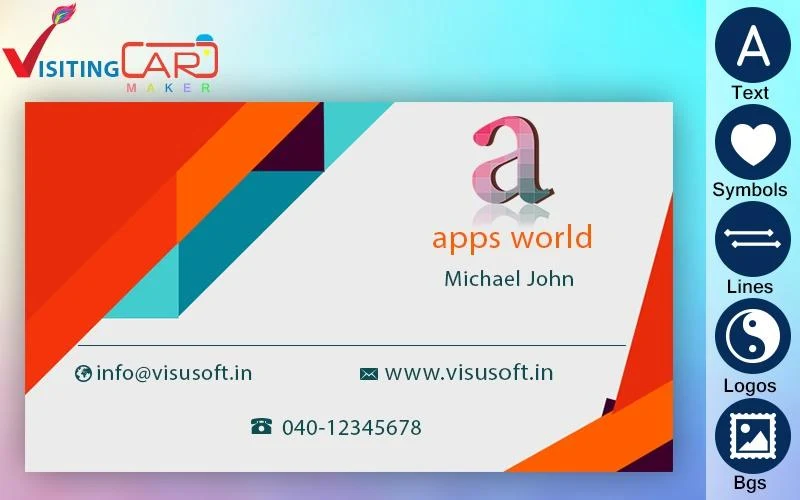
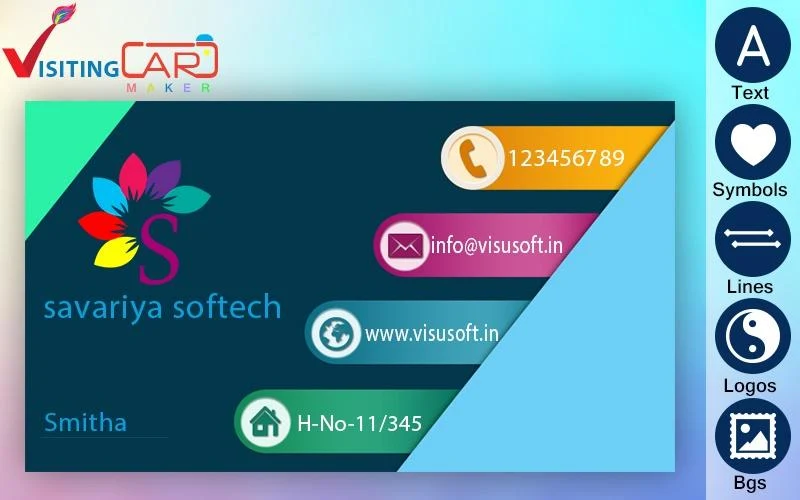
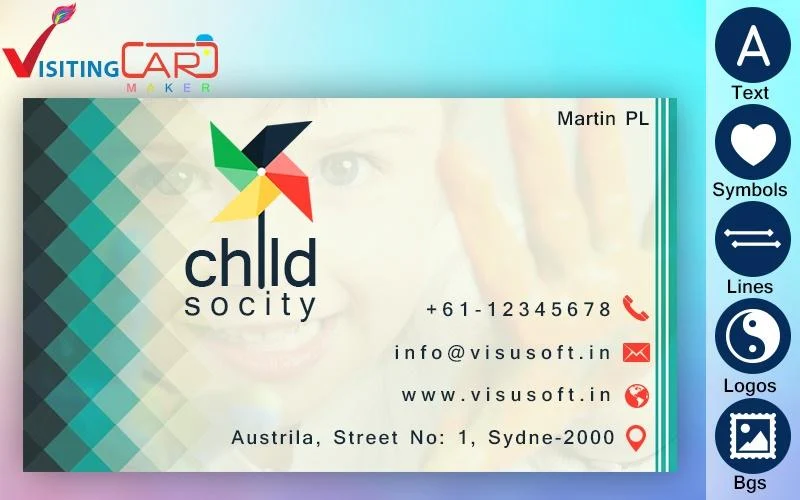

Business Card Creator
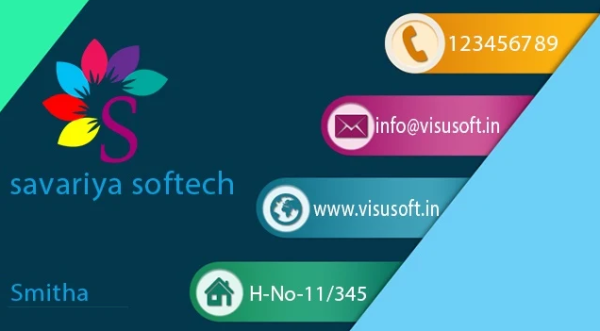
Create your own Visiting or Business Cards effortlessly using our free Business Card Creator app for Android. It's completely free and user-friendly.
What exactly is a Visiting Card?
A Visiting Card serves as a distinctive marketing tool intended to showcase a business in the marketplace. These cards are crucial for expanding one's professional presence and promoting business growth.
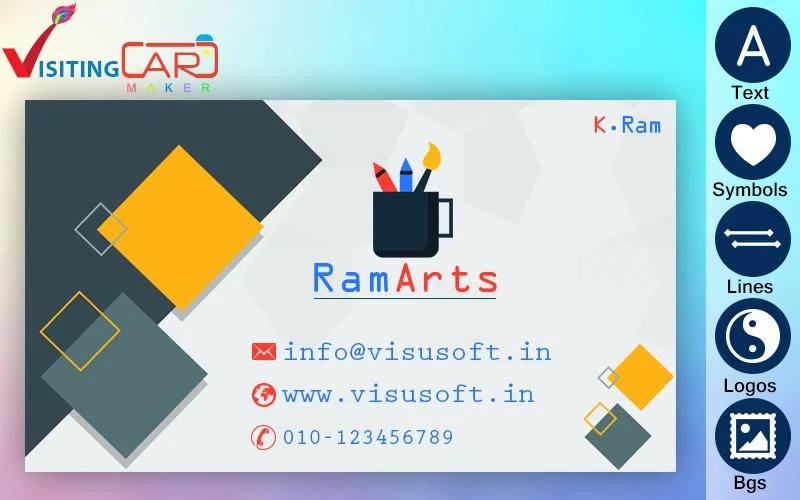
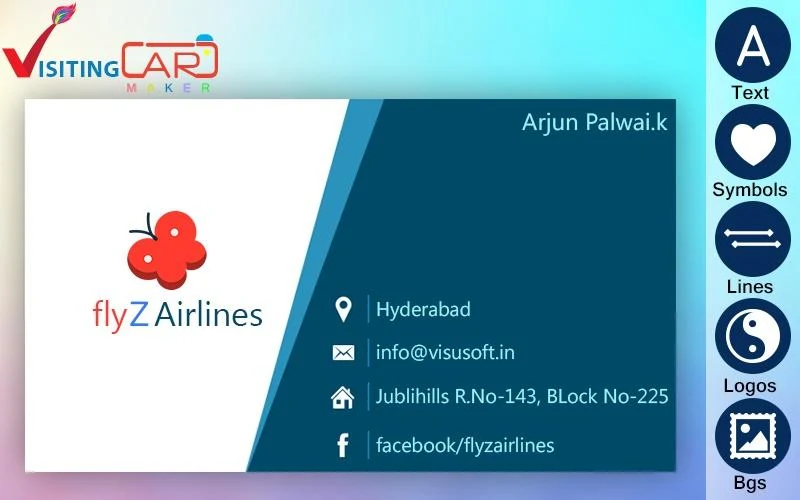
This remarkable application allows you to design business cards for your firm or personal use with ease, thanks to an efficient card maker that boasts numerous features, facilitating user-friendly design and creation of visually appealing cards.
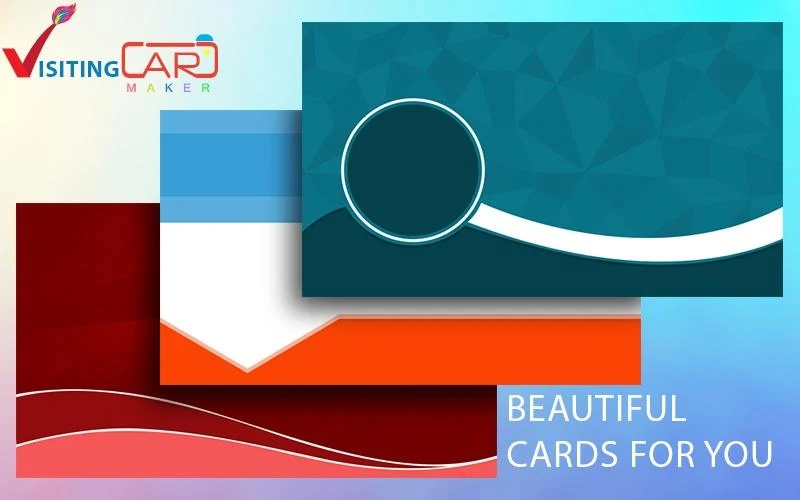
The Business Card Creator offers a variety of stunning templates and customizable options, enabling you to tailor the text, symbols, and other components to align perfectly with your business identity.
While some card-making tools fail to produce high-quality designs, there are others that excel in offering superior graphics and aesthetics.
How does the Business Card Creator benefit users and function?
★ With this Business Card Maker, you can craft elegant and stylish Visiting Cards for your enterprise.
★ This app provides you with professional-grade features for creating visiting cards.
It's the ideal toolkit for entrepreneurs, allowing them to generate Business Cards within moments.
★ You can create, save, and share your Visiting Card across various social media platforms or via email with friends, family, and business associates.
How to Design Your Business Card with the Business Card Creator?
★ Tailor your Visiting Card to suit your specific requirements.
★ Enter your Organization Name to feature on the card.
★ Select from the pre-designed card templates available.
★ Develop profiles for your business to assist in card creation.
★ Edit or remove text easily at any time.
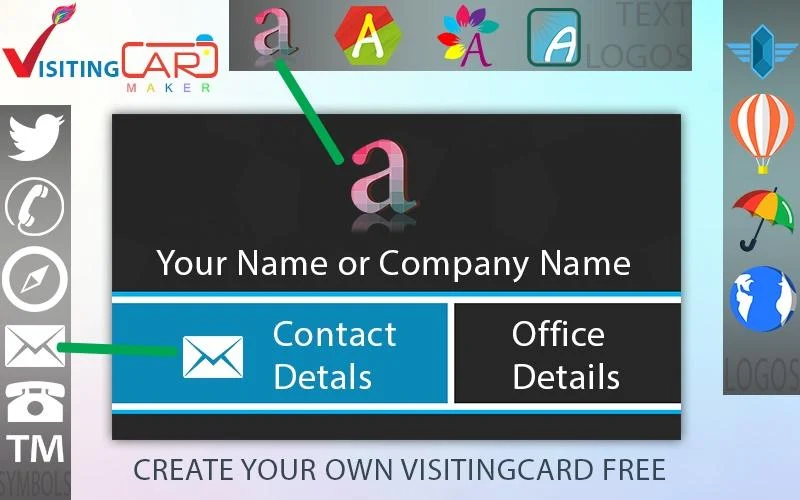
★ Customize the color of your text or card, or choose a beautiful background from the selection provided.
★ Add text, adjust font styles, and set text colors on your card.
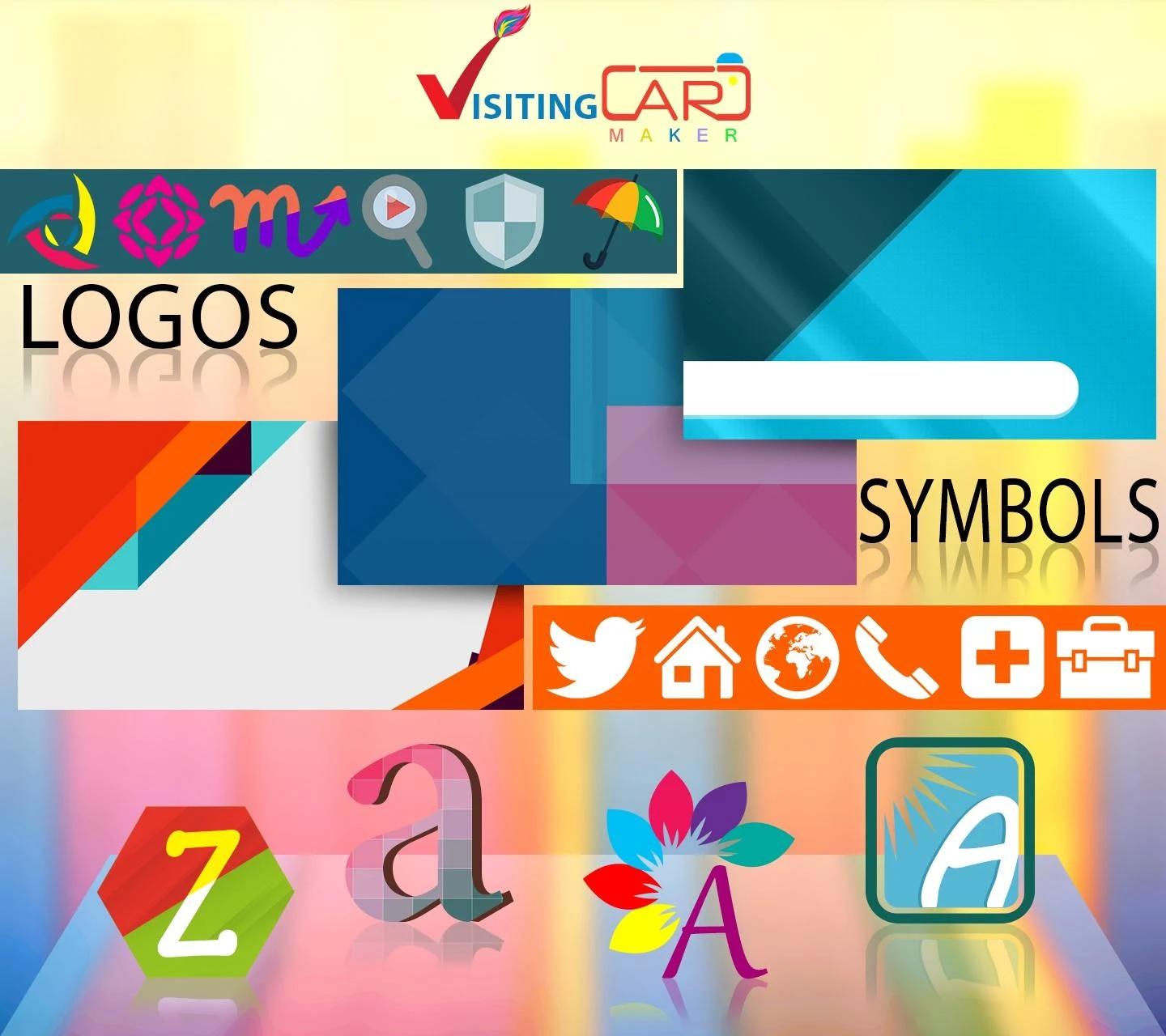
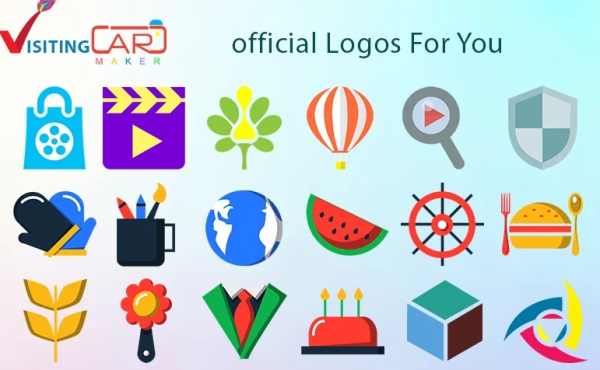
★ Enhance your card's visual appeal with vibrant logos and decorative elements.
★ You can also beautify your card by including various symbols.
★ Adjust any elements as needed to achieve your desired look.
Your Visiting Card should not just be viewed as a simple means of sharing contact information; it holds significant importance in representing your brand's identity.
Experience the Business Card Creator—an innovative marketing app available for free and take strides towards increasing your business success.
Application Review
Business Card Creator, a free business card maker app for Android, offers an overall experience tailored to the core needs of ordinary users and small and medium-sized entrepreneurs. It's easy to use, highly practical, and a cost-effective lightweight business card design tool. The application interface is clean and user-friendly, requiring no professional expertise. Even those without design experience can quickly get started. From selecting a template to adjusting elements, the entire process is clearly defined, allowing you to create aesthetically pleasing and professional personal or corporate business cards in minutes, perfectly meeting the needs of rapid creation.
The application's customization capabilities are sufficient for daily business use. A wealth of beautiful templates, combined with multi-dimensional customization options for text, colors, backgrounds, and fonts, allow you to add logos, decorative elements, and symbols. This enables you to flexibly create business cards that match your brand's style, making business cards more than just contact information; they showcase your personal or corporate brand image. Furthermore, completed business cards can be saved directly and shared with business partners via social media platforms and email, providing convenient sharing channels and further enhancing its practicality for business use.
Related Questions and Answers
- **Q1**: What is Business Card Creator?
**A**: Business Card Creator is a free Android app that allows users to easily create their own business cards or business cards. It features a user-friendly interface and a variety of features.
- **Q2**: What are the benefits of using Business Card Creator?
**A**: It provides professional-level features, allowing users to design elegant and stylish business cards for businesses or individuals. Users can generate business cards in a fraction of the time and can create, save, and share them with friends, family, and business partners via various social media platforms or email.
- **Q3**: How do you design a business card with Business Card Creator?
**A**: First, customize your business card to your specific needs. Then, enter the organization name you want to appear on the card. Next, choose from available pre-designed templates. Create a profile for your business to assist with card creation. You can easily edit or delete text at any time, customize the text or card color, or choose a beautiful background from the options provided. You can also add text, adjust the font style, and set the text color. Enhance the card's visual appeal by adding vibrant logos and decorative elements, or incorporate symbols to enhance the card. Finally, adjust any element to achieve the desired effect.
- **Q4**: Does Business Card Creator offer a wide range of templates and design options?
**A**: The app offers a variety of stunning templates and customizable options. Users can customize text, symbols, and other elements to perfectly suit their business identity, making their business cards perfectly tailored to their needs.
- **Q5**: Is there a fee to use Business Card Creator?
**A**: Business Card Creator is completely free.
- Version1.2
- UpdateOct 12, 2026
- DeveloperVisu Entertainment
- CategoryPhotography
- Requires AndroidAndroid 4.1+
- Downloads241K+
- Package Namecom.visu.visiting.card.maker
- Signature164954d40778a900d22e4af34b17554c
- Available on
- ReportFlag as inappropriate





















Easy to use
Rich templates
Efficient design
Excellent performance
Ads interruption
Save issues
Limited customization