
Flora Photo Frame Photo Editor - Nature Photo Editing & Collage
Unleash your creativity! Transform photos with stunning nature frames & seamless edits to create perfect memories.
- 0.15 Version
- 3.3 Score
- 2M+ Downloads
- In-app purchases License
- 3+ Content Rating

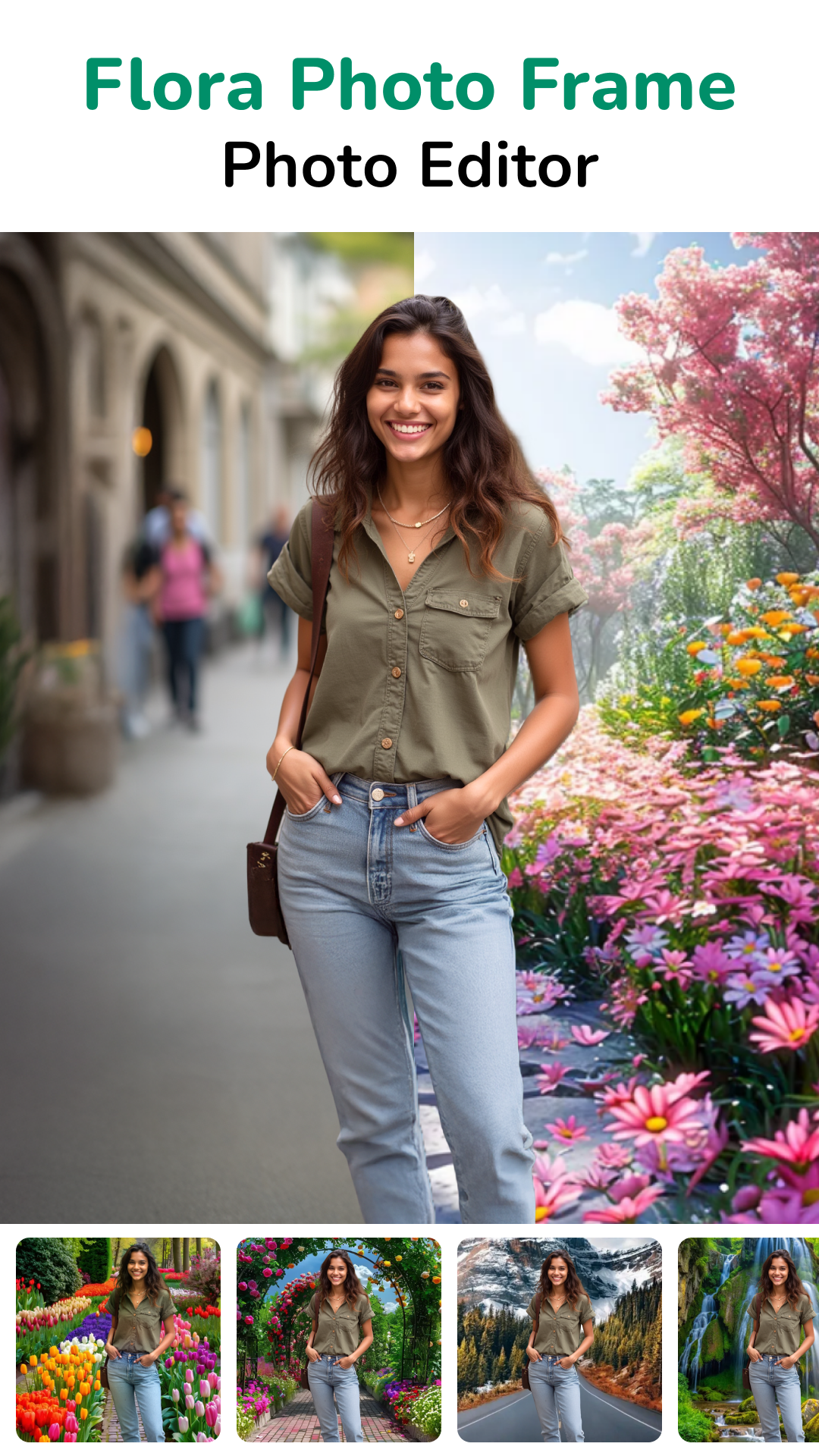
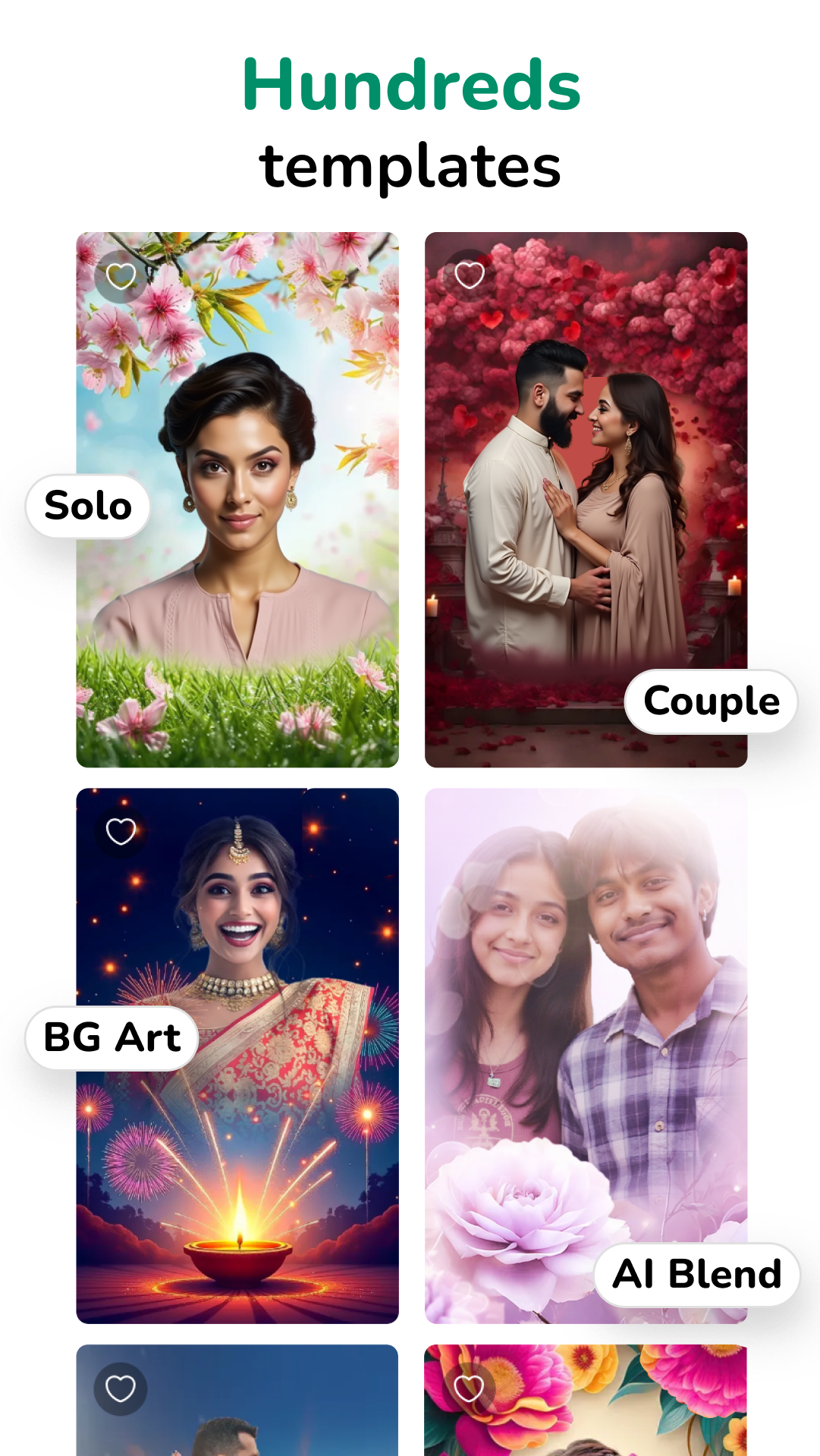
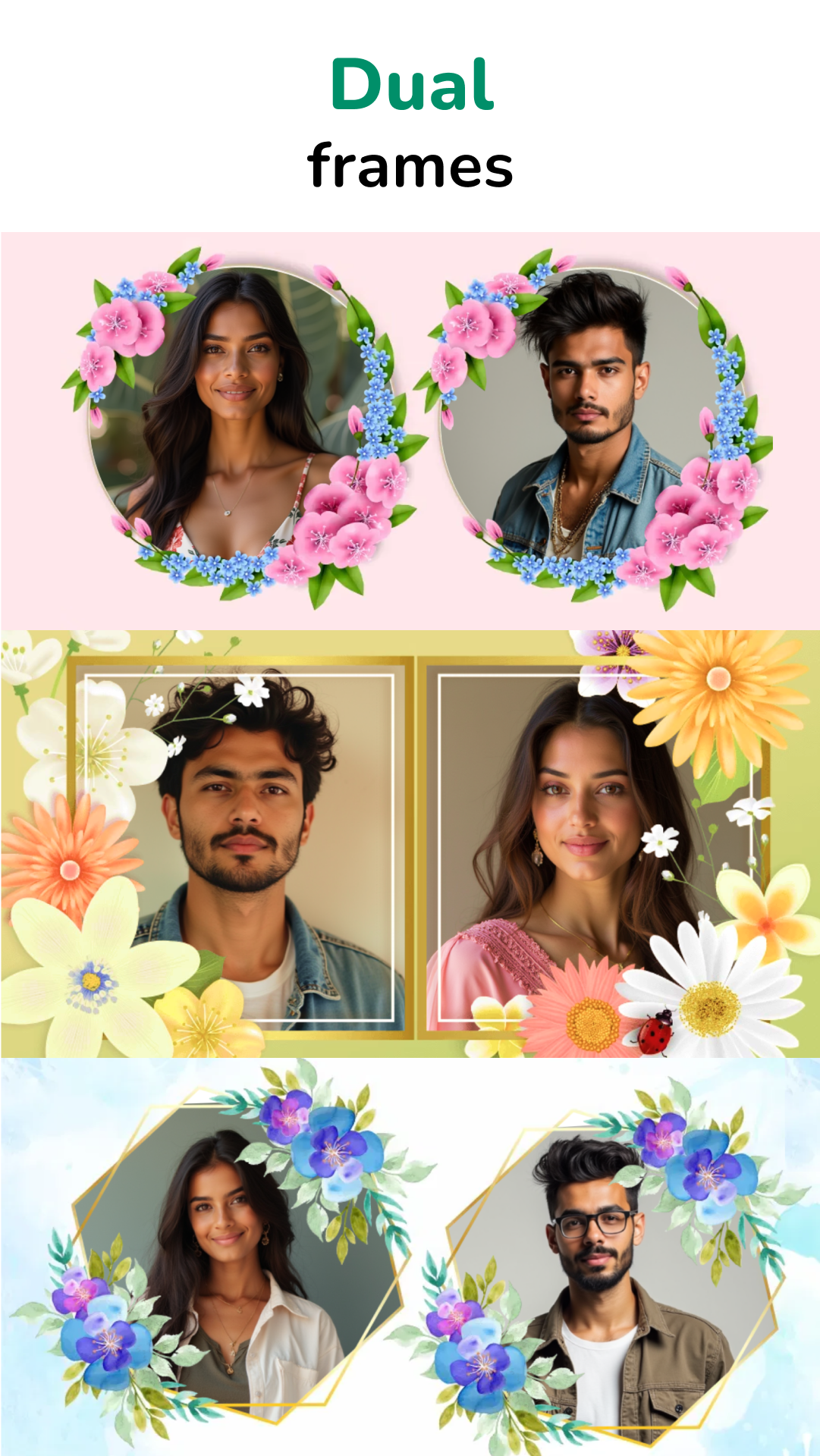
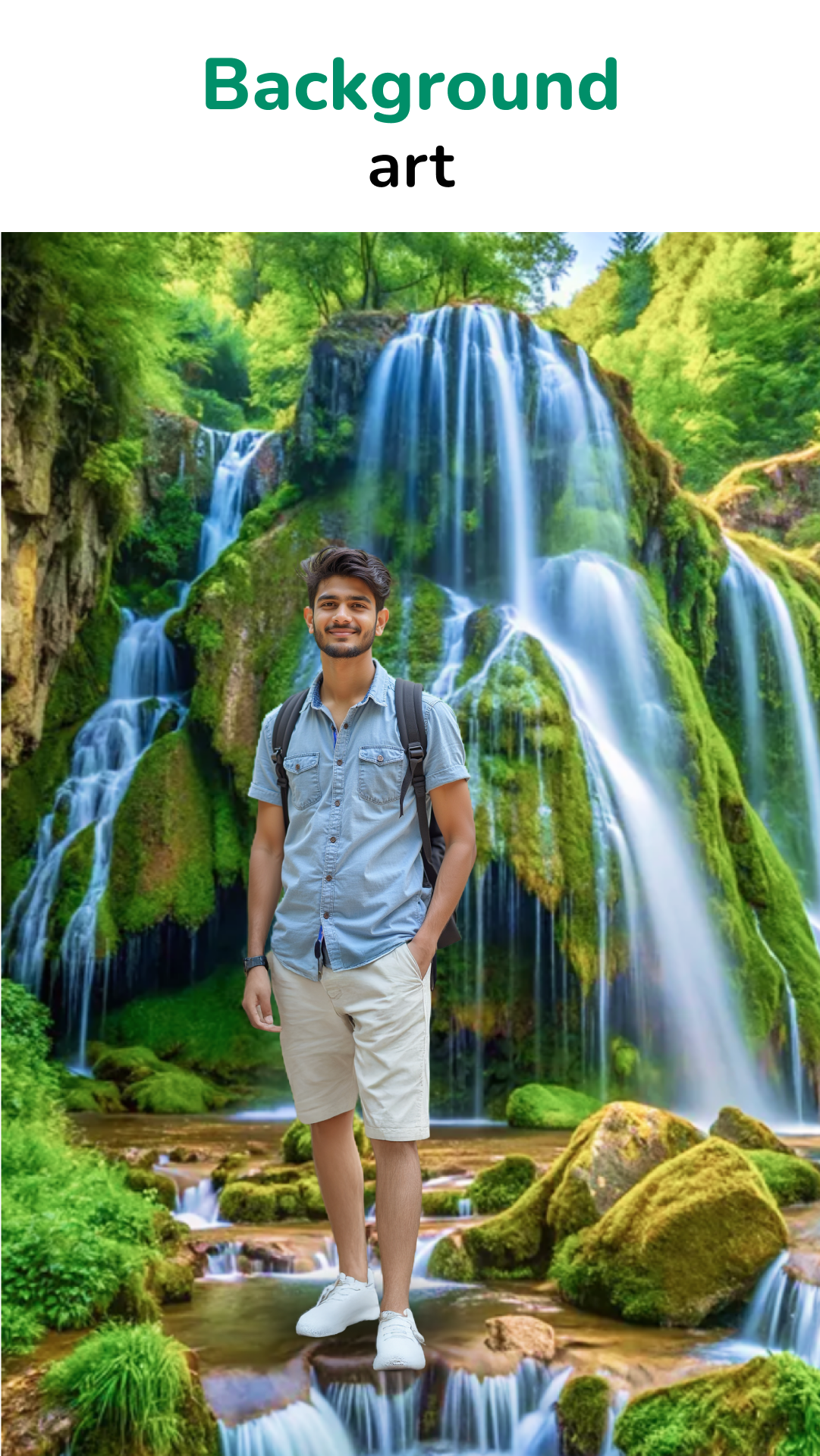
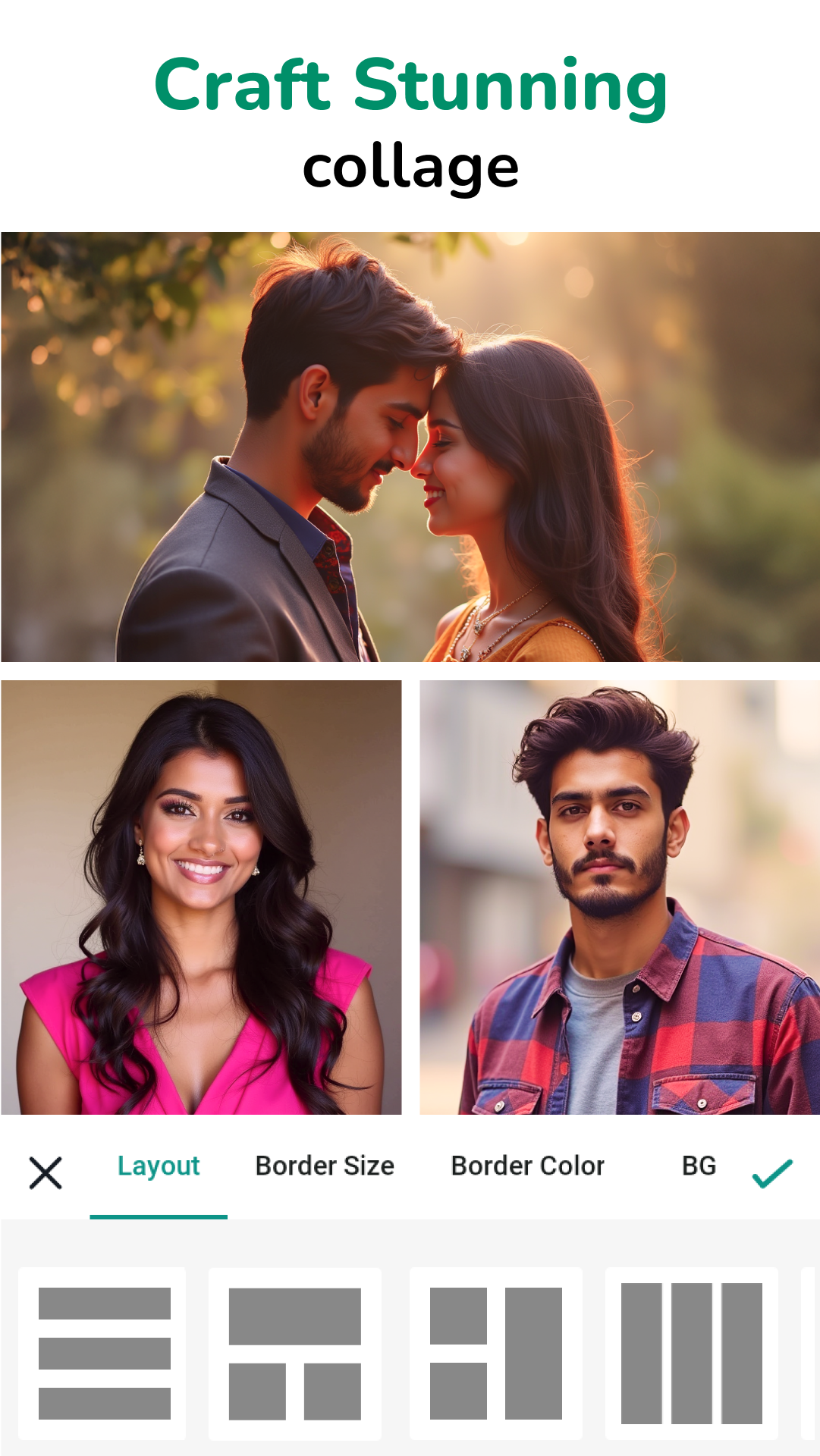
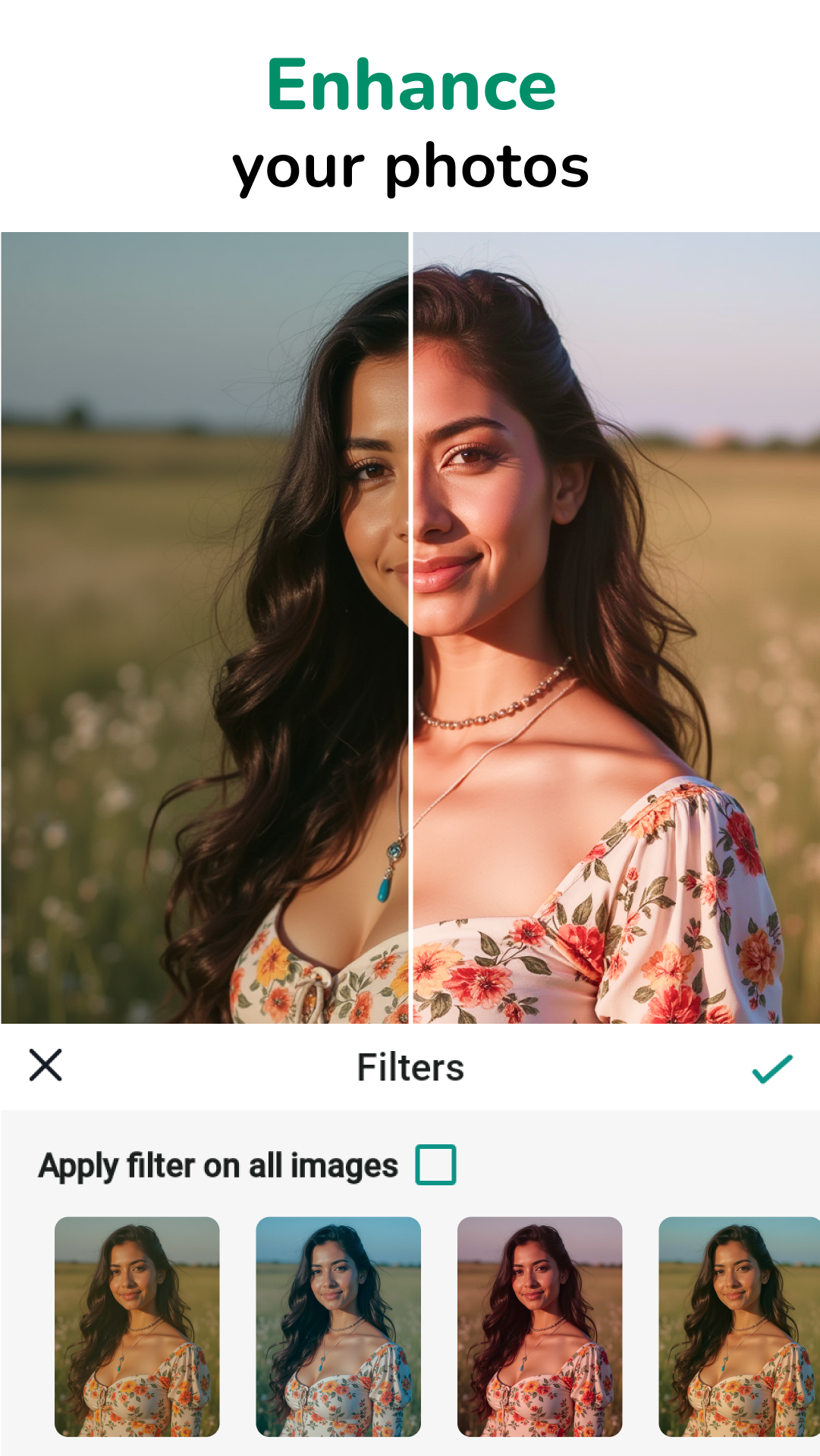
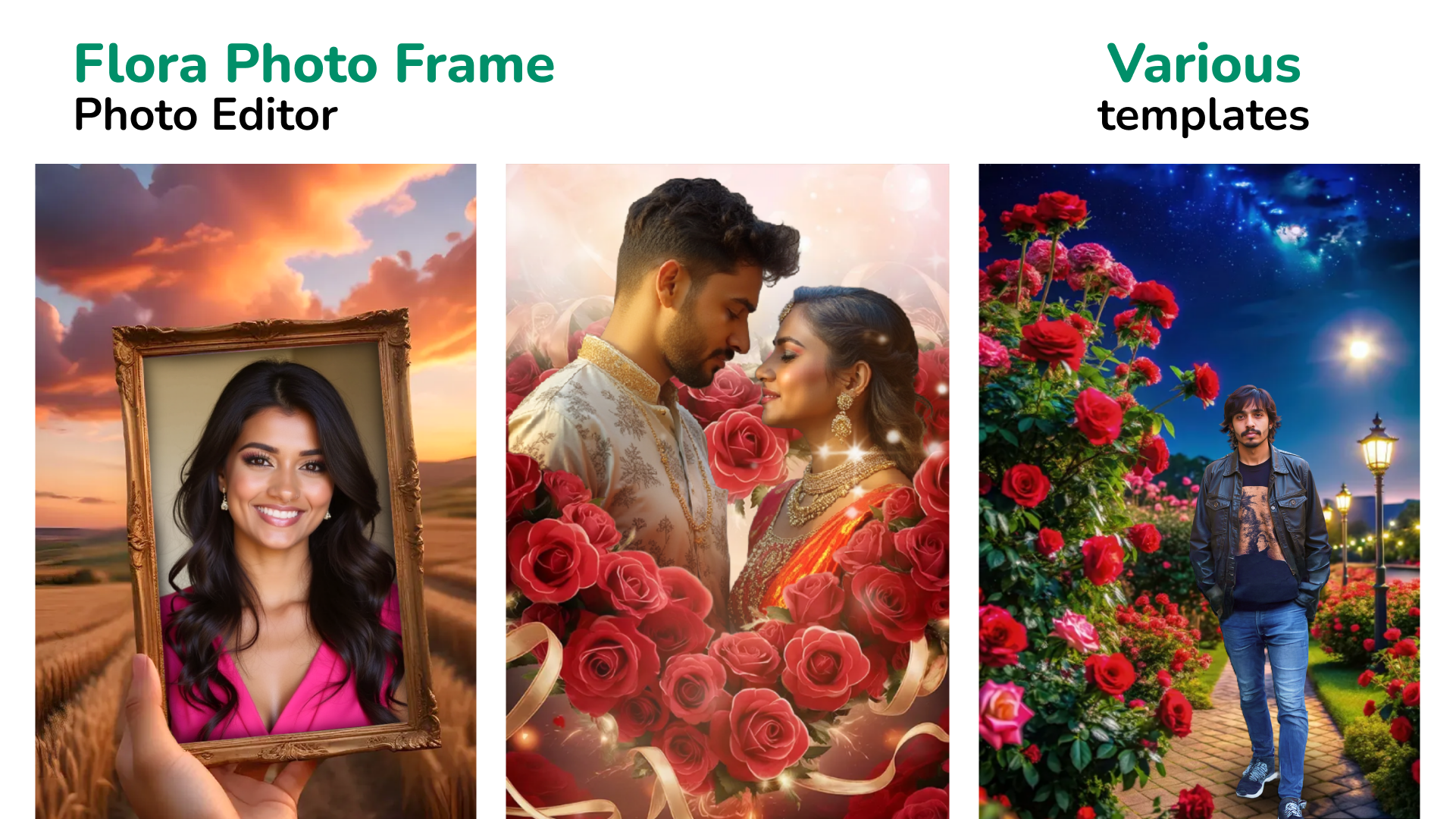
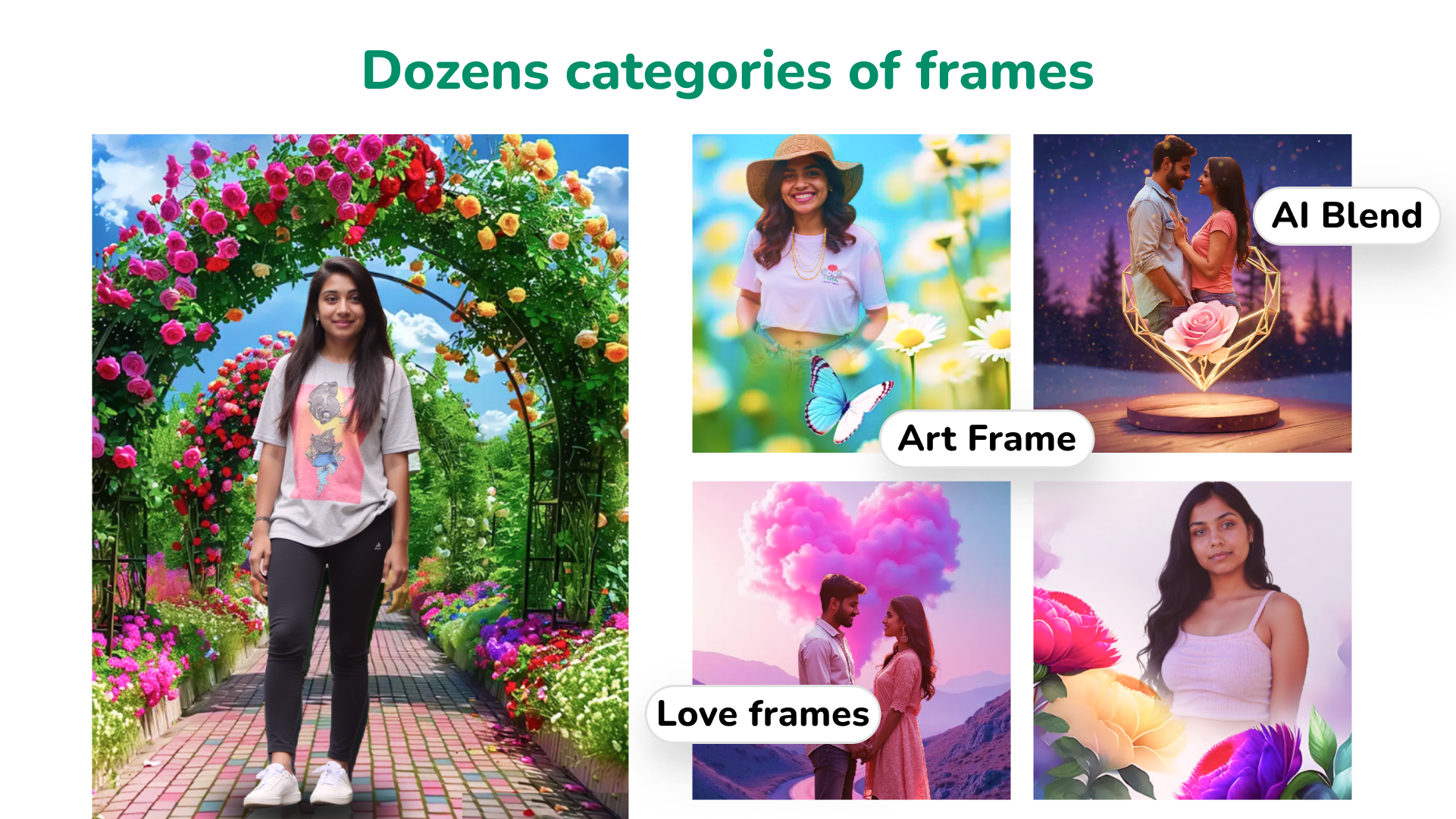
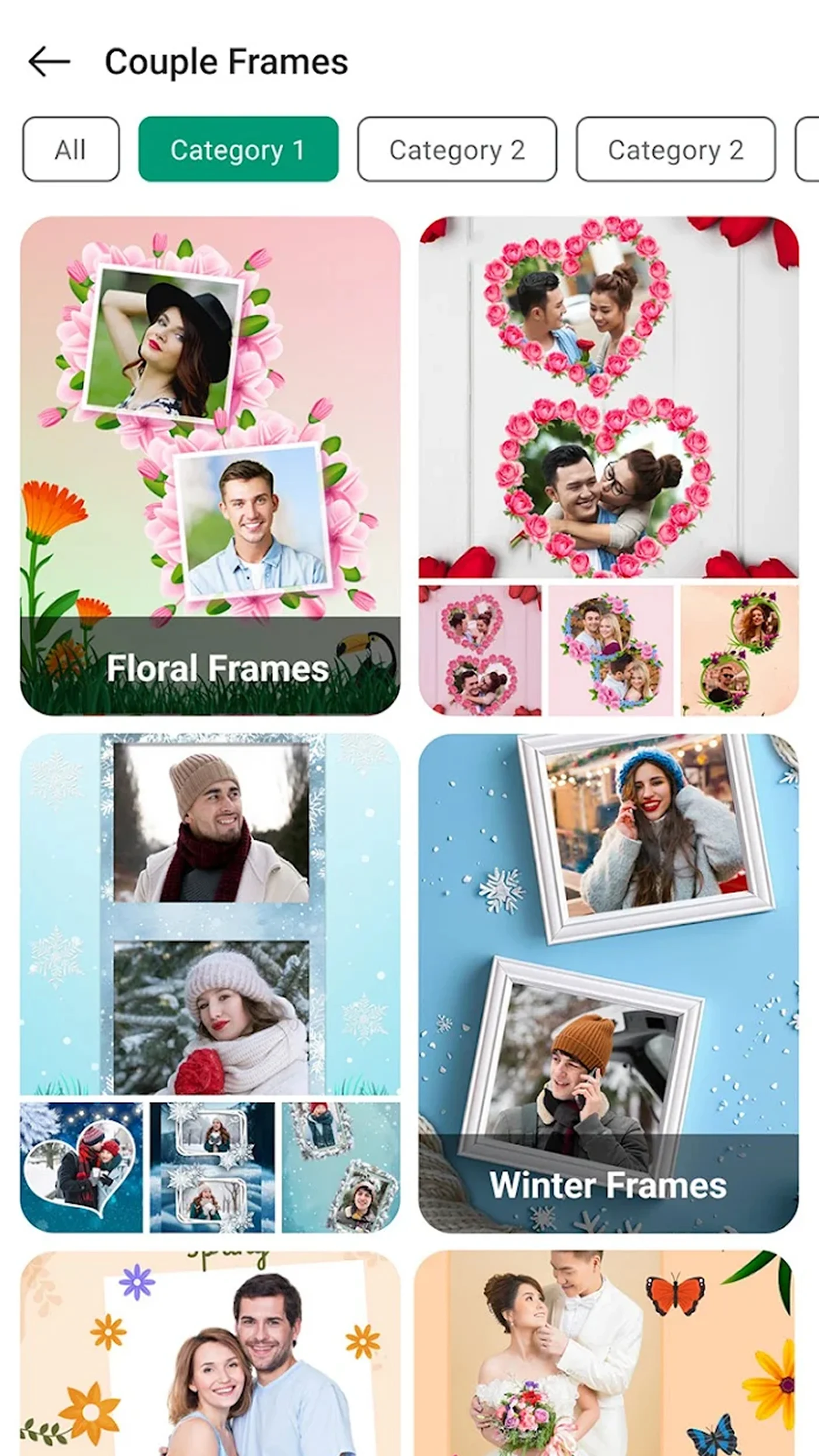
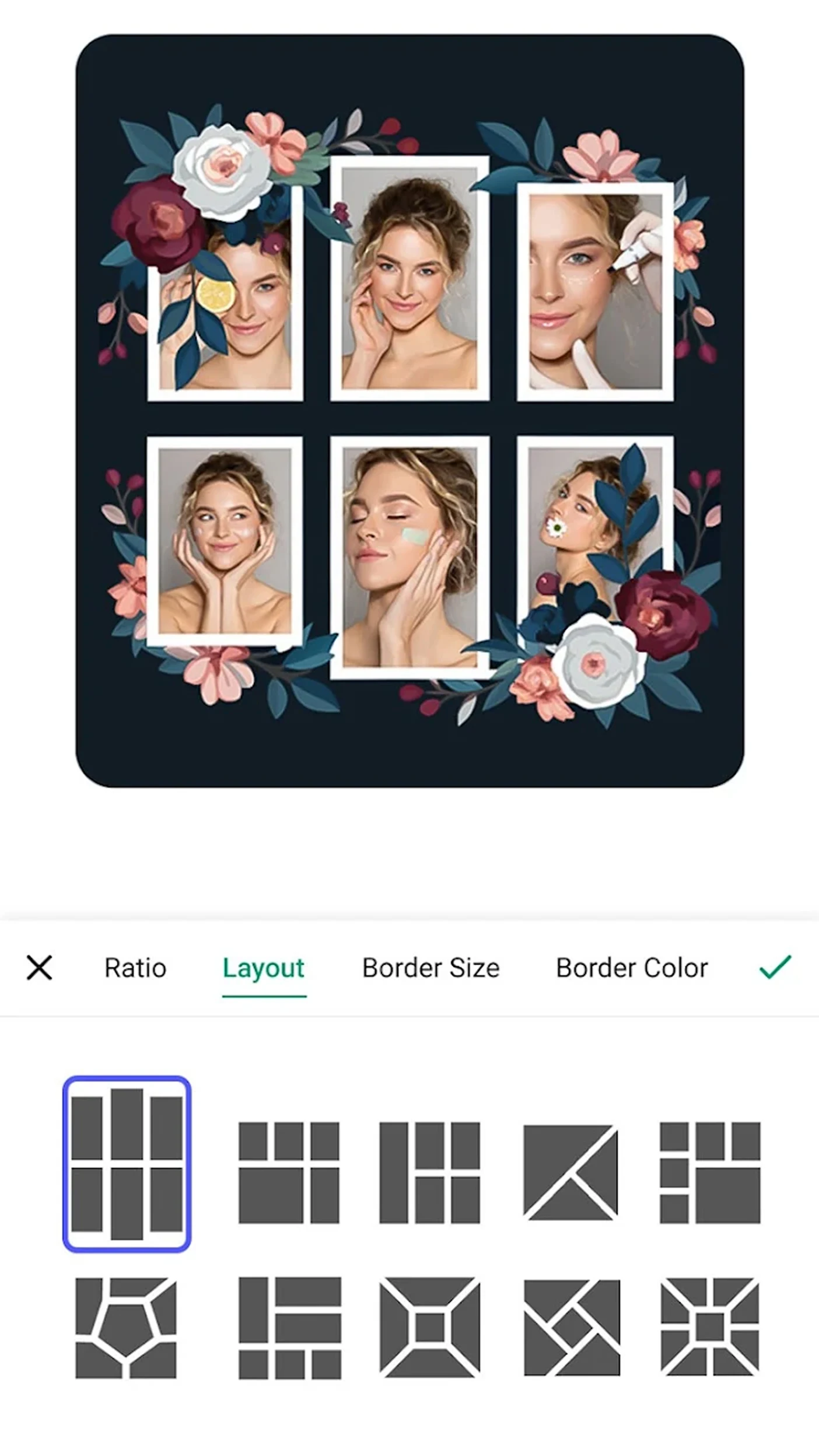
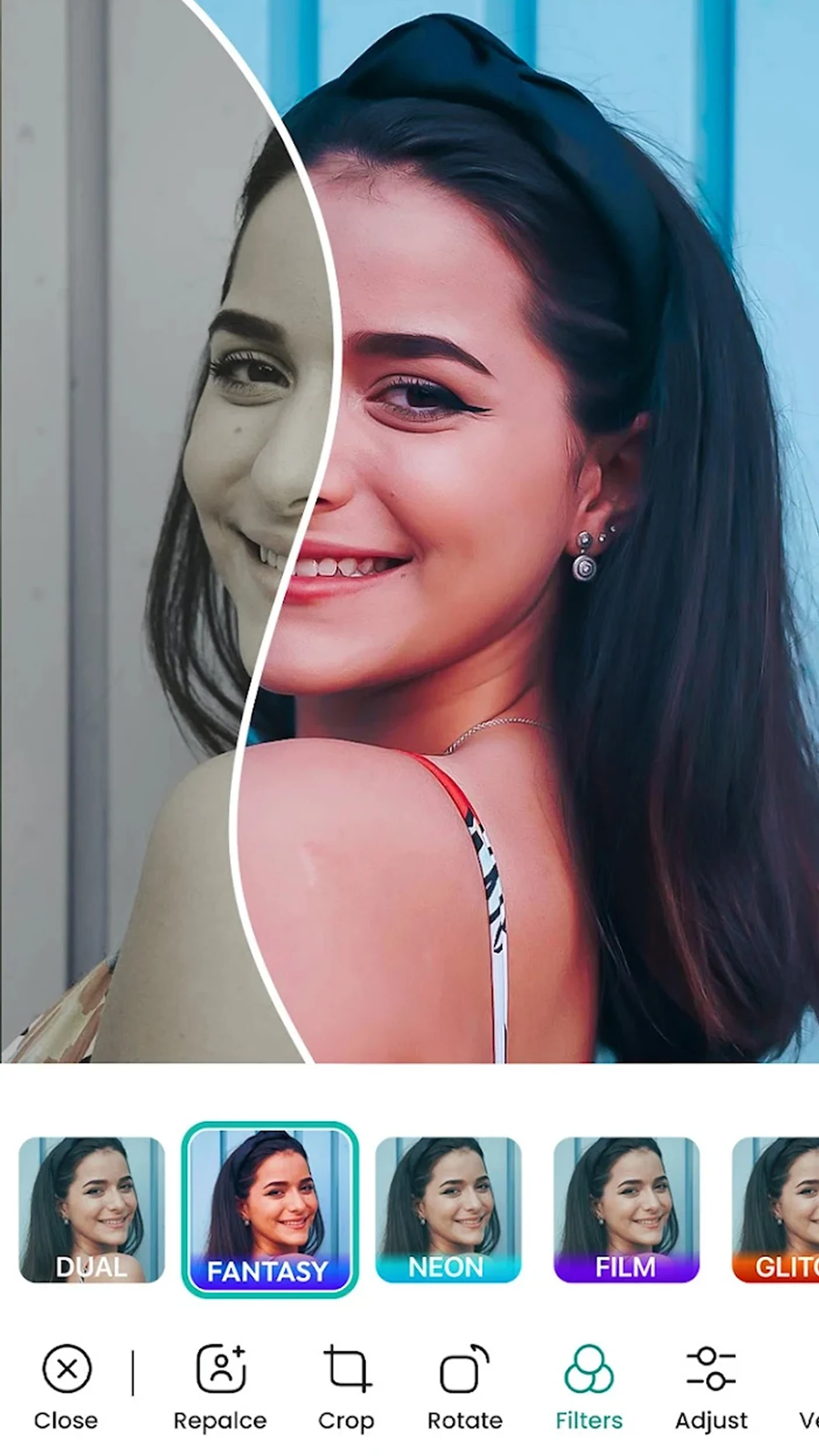
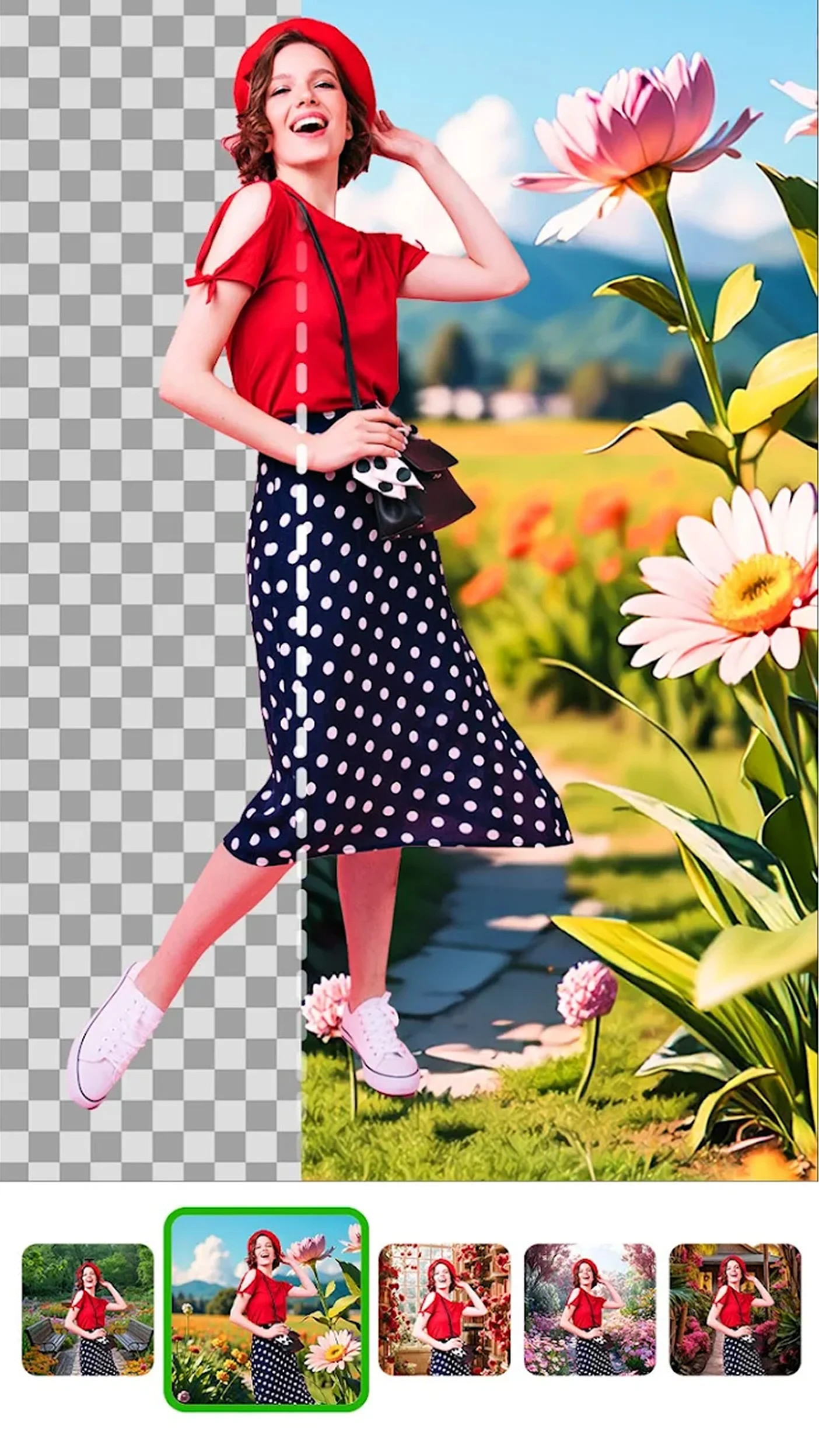

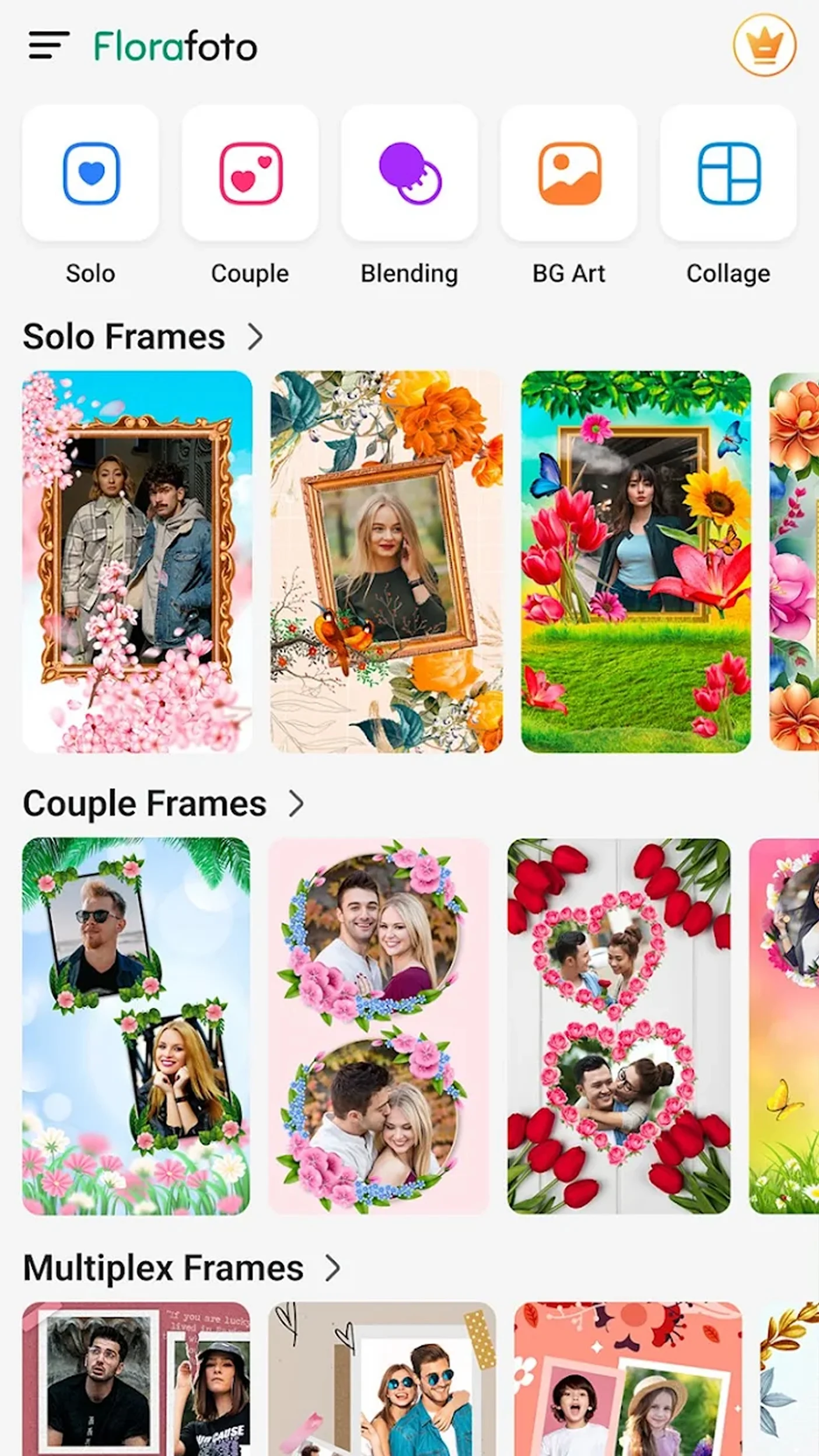
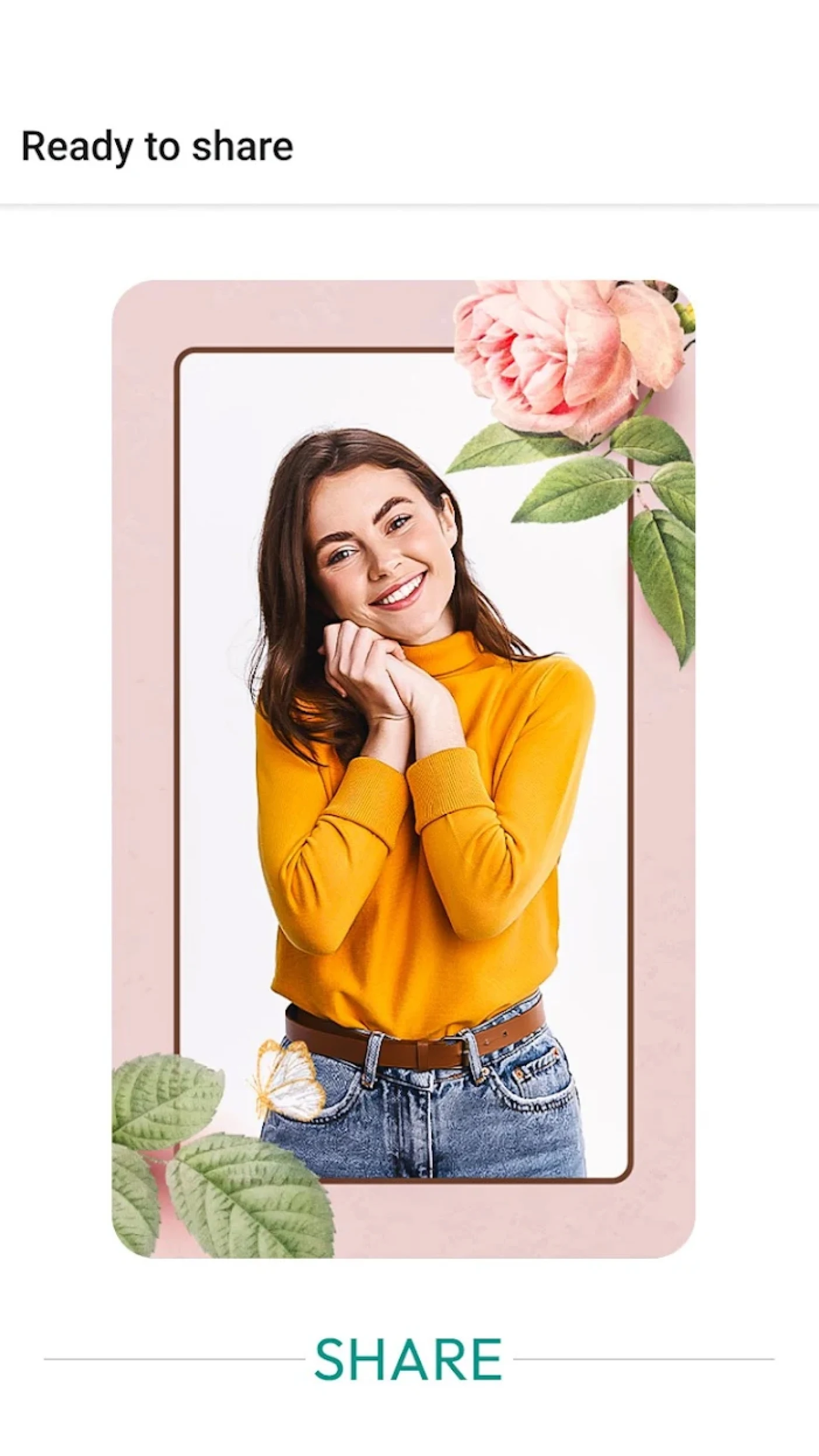
Nature Photo Frames: Background Remover and Collage MakerAre you ready to infuse your images with the beauty of nature?
Capture your favorite memories through Nature Photo Frames: Background Remover and dive into enchanting forests, beautiful gardens, and tranquil landscapes. The Picture Frames Background Changer & Photo Editor aids in turning every moment into a work of art that showcases nature in all its glory. With this tool, you can easily edit, enhance, and merge your photos. Be it creating a personalized memory or expressing your creativity, the options are limitless.
📄Key Features of Nature Photo Frames: Background Remover:📄
🌿 Nature Photo Frames: Background Remover is equipped with picturesque backdrops for effortless image removal;
🌿 The Picture Frame Background Changer and Photo Editor offers robust background alteration capabilities;
🌿 Photo Blender and Picture Collage Maker facilitate smooth merging and blending of images;
🌿 Foto Grid: Photo Filters features an array of cool filters and professional graphic effects;
🌿 Photo Collage: Frames For Pictures enables the creation of distinctive arrangements, enhancing your photos beautifully!
Capture Memories Creatively With Nature Frames!Transforming your pictures with Nature Photo Frames: Background Remover adds a delightful touch. You have countless backgrounds at your disposal, ranging from serene green woods to colorful floral gardens. Magic can happen with just a few taps. Whether you're taking a solo portrait or capturing moments with friends and family, Picture Frames Background Changer & Photo Editor ensures your photos shine.
Functions
Remove, Replace, and Refresh Your Backgrounds: 🖼
Merging multiple moments into one image can be challenging. Use Photo Blender & Picture Collage Maker to seamlessly combine photos. Enhance your images artistically with adjustable opacity and layer settings. If you’re looking to try out different styles or achieve a double-exposure look, this tool has everything you need.
Edit and Transform Like a Professional: 🎨
Breathe life into your images with vivid effects and color modifications using Foto Grid: Photo Filters. Incorporate stickers, text, or frames to narrate your story and add personal touches to make them unique. Preserve those cherished memories with stunning Picture collages—Photo Collage: Frames For Pictures makes it all possible. Picture Frames Background Changer & Photo Editor provides full control over editing, from cropping and resizing to blending images together seamlessly.
Your All-in-One Creative Toolbox: ✨
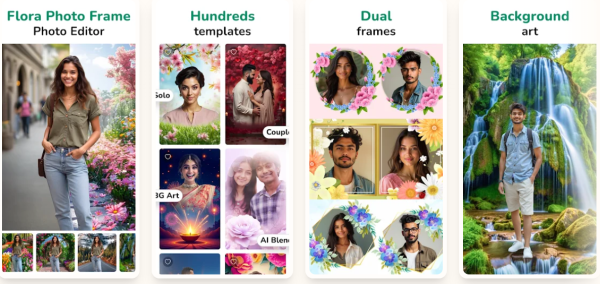
No matter your project, whether it's framing or blending images, you'll find everything you need in one place. For visuals with a professional look, Photo Blender & Picture Collage Maker has you covered. To achieve a modern flair, apply dynamic filters through Foto Grid: Photo Filters. And when it's time to piece everything together, Photo Collage: Frames For Pictures presents fantastic layouts that simplify creating your narrative in an appealing way.
Start Framing Your Nature-Inspired World Today!Transform your images into art inspired by nature with Nature Photo Frames: Background Remover. You can now access exceptional photo editing capabilities with Picture Frames Background Changer & Photo Editor, Photo Blender & Picture Collage Maker, Foto Grid: Collage And Grill Photo, and Photo Collage: Frames For Pictures. The possibilities truly are endless.
How to Use:
1. **Select a Photo**:
After opening the app, select the photo you want to edit from your phone's gallery or take a new one with your camera.
2. **Change Background**:
Use the "Nature Photo Frames: Background Remover" feature to select a natural background of your choice, such as a forest or garden. The app will automatically remove the original photo's background and replace it with your chosen natural background. If you need a more precise background removal or replacement, use the related features in the "Picture Frame Background Changer and Photo Editor."
3. **Edit Photos**:
- **Merge Photos**: To combine multiple photos, use the "Photo Blender and Picture Collage Maker" feature to seamlessly blend them together. Adjust transparency and layer settings for enhanced artistic effects, such as double exposure.
4.**Apply Filters and Effects**:
Use the "Foto Grid: Photo Filters" feature to apply a variety of cool filters and professional graphic effects to your photos. You can also adjust color to make your photos more vivid. - **Add Stickers and Text**: Use "Photo Collage: Frames for Pictures" to add stickers, text, or frames to your photos to tell your story and add a personal touch.
5. **Adjust Photo Position and Resize**:
Use two-finger gestures to rotate, zoom, or move your photo within the frame for the perfect composition.
6. **Save and Share**:
When you're done editing, tap the Save button to save your photo to your phone's camera roll, then share your creation with friends and family through social media and other platforms.
Q&A
1. What are the core functions of the application?
A versatile image editing tool with a nature theme, primarily focusing on background removal and replacement. It also supports image stitching and merging, adding filter effects, and creating collage layouts. It offers one-stop image enhancement for creating natural-style creative works.
2. What are the core editing functions?
Includes one-click natural background removal and replacement, seamless multi-image merging (adjustable transparency/double exposure of layers), a vast library of filters/professional effects, sticker and text addition, free cropping, scaling, and rotation, and various collage layouts.
3. What natural-themed materials are available?
Provides a rich selection of natural backgrounds, covering tranquil forests, colorful flower fields, and fresh pastoral scenes, among other beautiful natural settings, meeting the image enhancement needs of different scenarios.
4. Is it difficult to use?
Simple operation, entirely touch-based. Background removal and replacement can be done automatically, while details can be fine-tuned manually. Functions such as multi-image merging and adding effects all have intuitive operation interfaces, allowing even beginners to quickly get started.
5. How can I process the edited images?
You can save them to your phone's photo album with one click, or share them directly to social media platforms, easily sending your created nature-themed creative images to friends and family.
- Version0.15
- UpdateOct 13, 2026
- DeveloperPhoto & Video Editors - Instant Solution
- CategoryPhotography
- Requires AndroidAndroid 7.0+
- Downloads2M+
- Package Namecom.xenstudio.garden.photoframe
- Signature6c675f40ccd98759beb549003a6e7622
- Available on
- ReportFlag as inappropriate
-
NameSizeDownload
-
65.58 MB
-
66.45 MB
-
66.60 MB





















Rich in features
Easy to use
High-quality materials
Limited frame selection
Network-dependent
Poor integration