
Winter Photo Frames - Winter photo editing & sharing
Capture winter magic with stunning frames, effects, & stickers to create unforgettable memories with friends!
- 2.3.1 Version
- 1.5 Score
- 161K+ Downloads
- In-app purchases License
- 12+ Content Rating

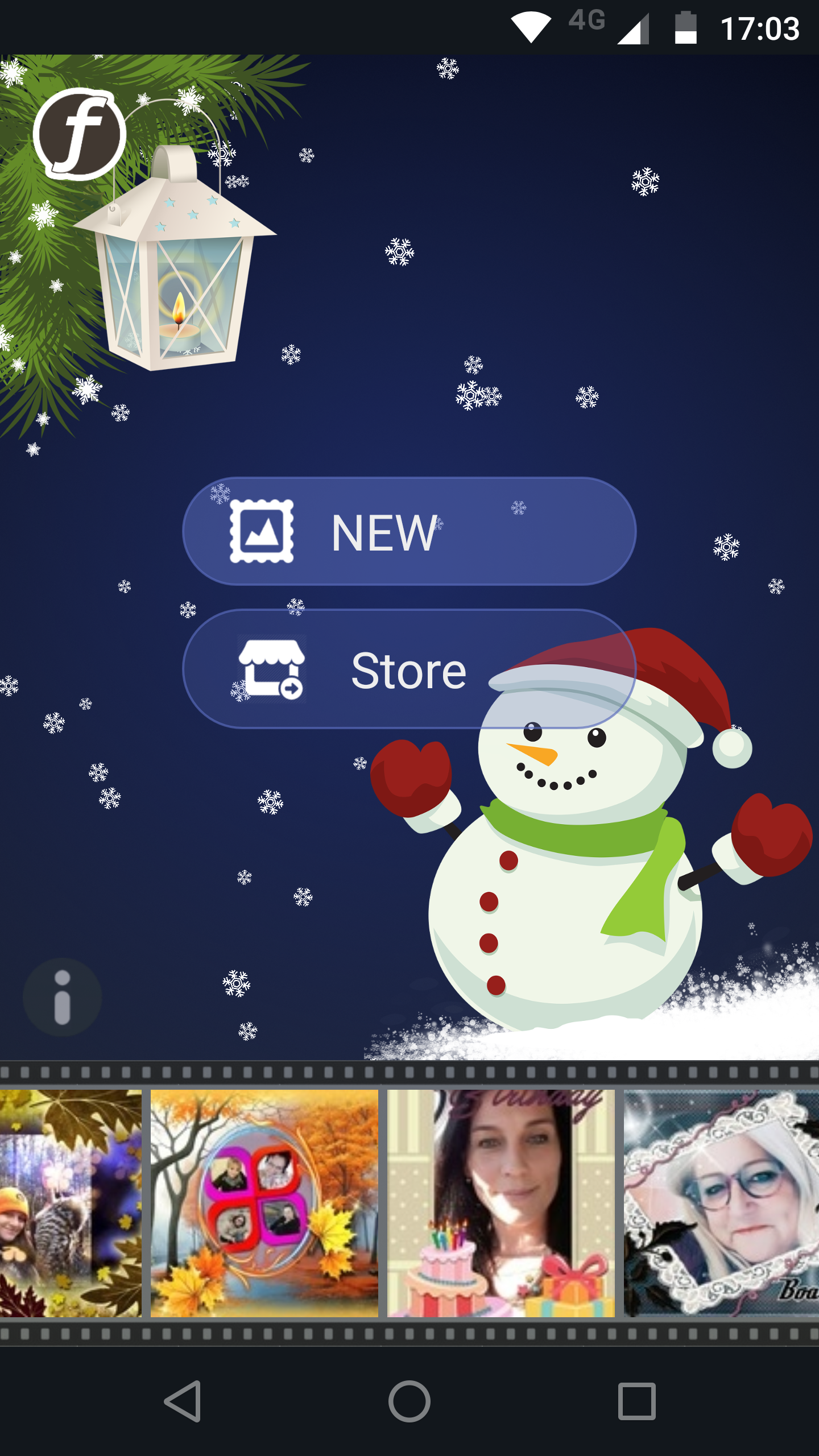
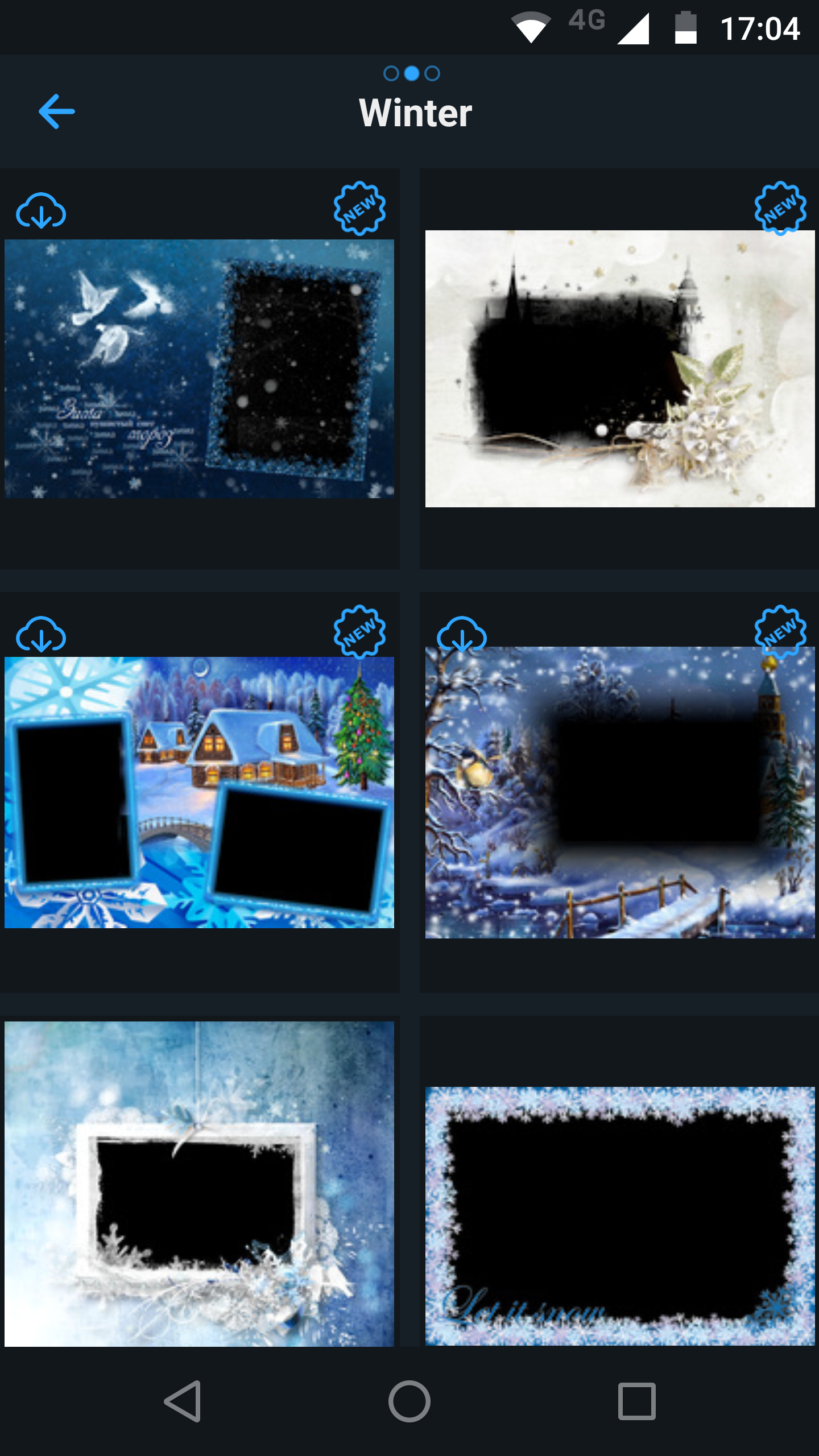
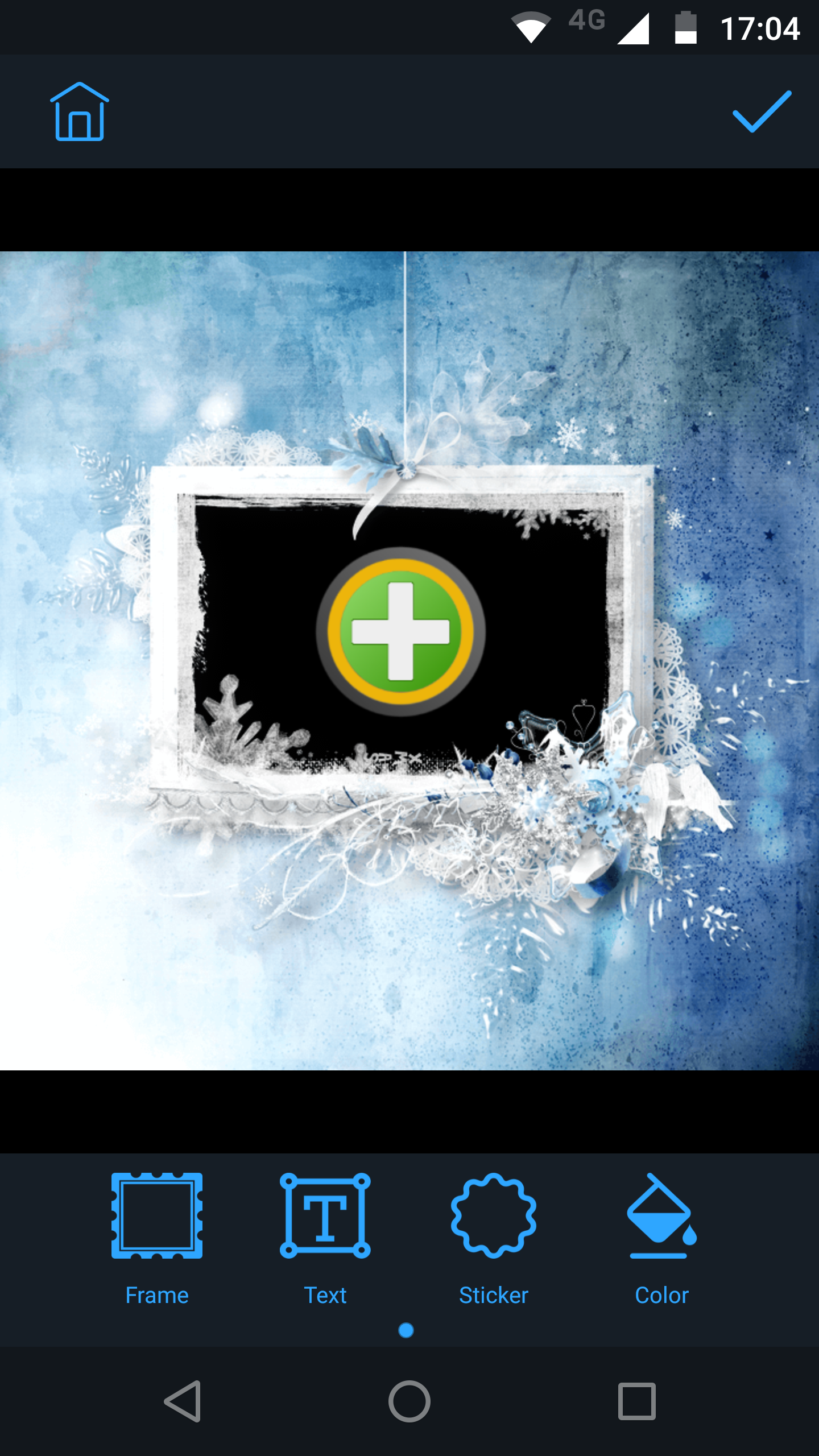
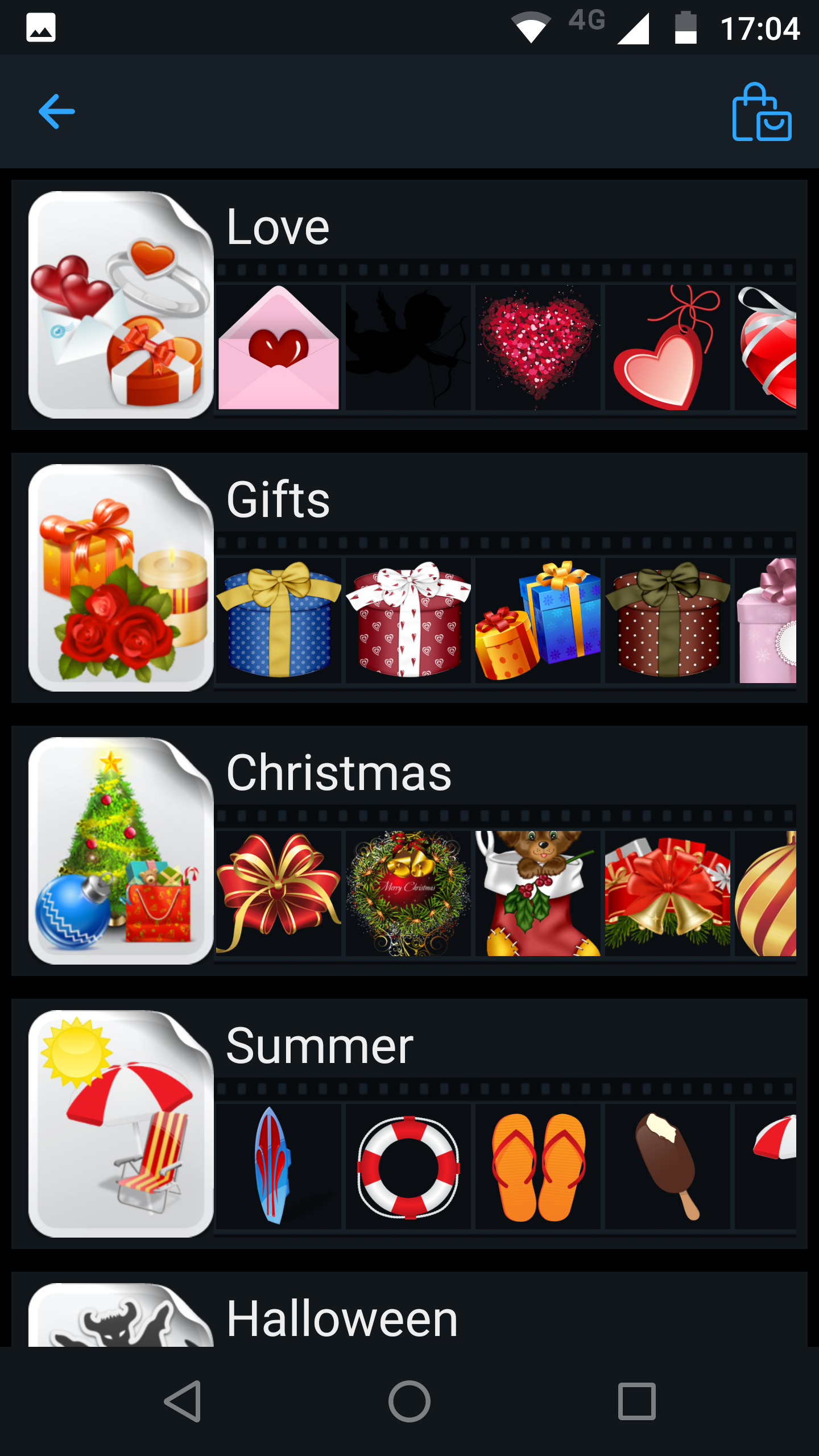
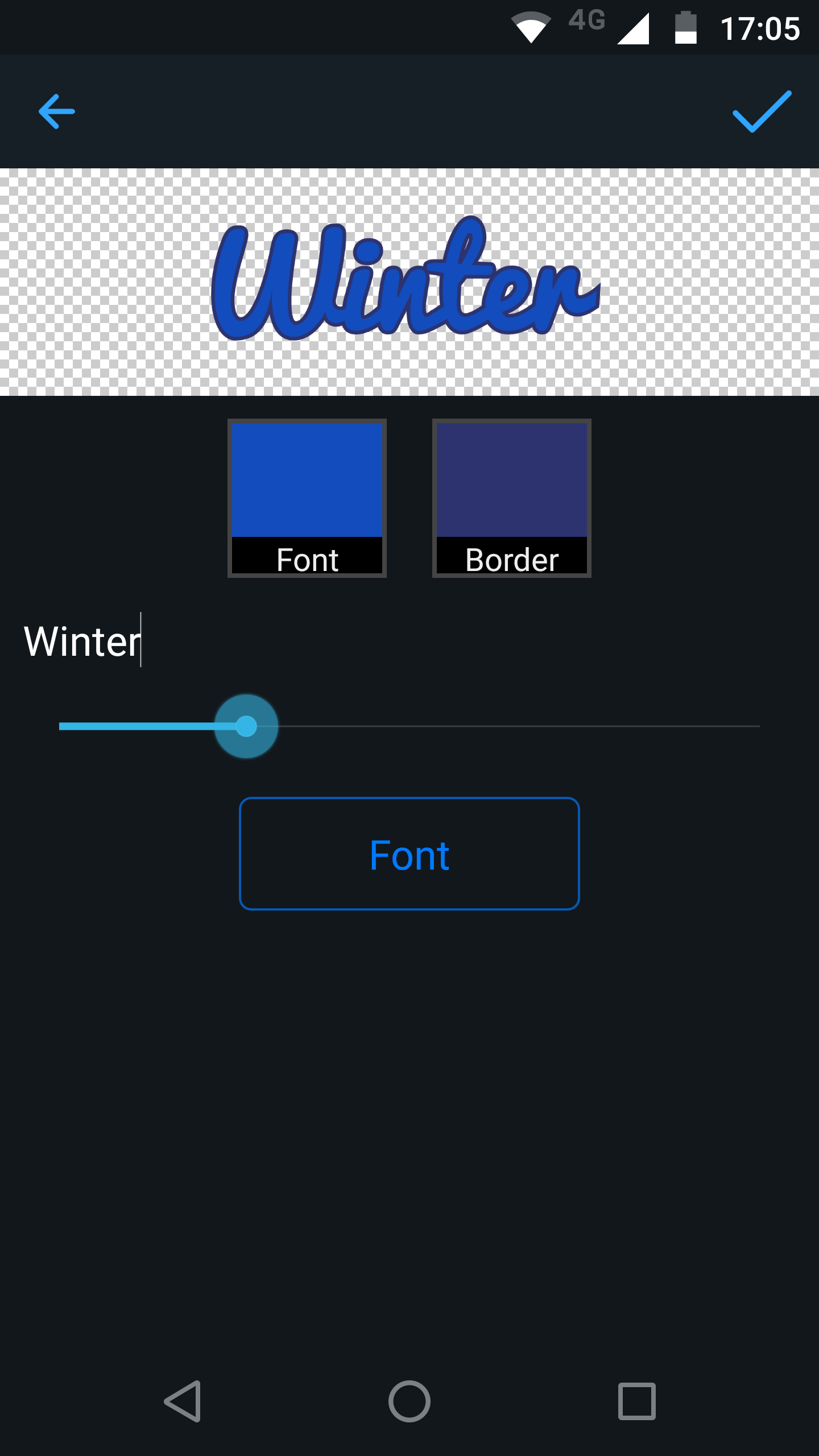
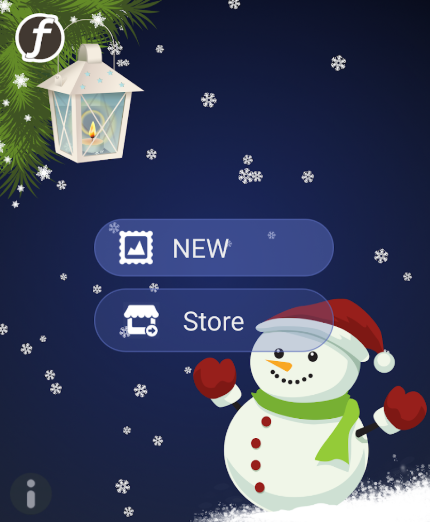
Capture the beautiful moments of winter with Winter Frames Plus.
Create unforgettable memories with your winter photos!
Add one of the incredible stickers or labels and share it with your friends.
Key Features:
- over 30 frames
- color enhancements
- bokeh effects
- stickers
- user-friendly interface
Usage Process:
1. **Ensure Device Environment**: Android requires Google Framework.
2. **Open App**: Find and open the Winter Photo Frames app on your phone.
3. **Select Photo**: Tap the corresponding button to select the photo you want to frame from your phone's gallery, or take a photo directly with your camera.
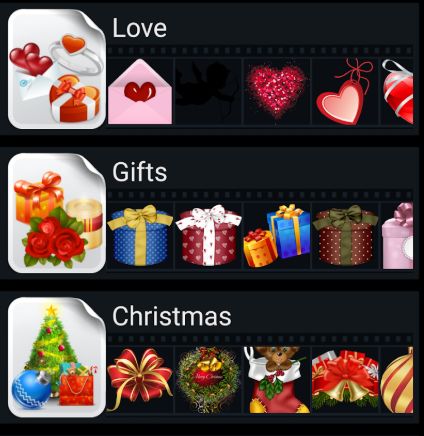
4. **Choose Frame**: Browse the list of frames and choose the one that suits your needs and photo style.
5. **Customize**: Enter the settings page and customize your photo by adding various editing elements, such as adjusting the photo's position, size, and angle, and adding stickers.
6. **Save and Share**: After completing all modifications, tap the Save button to save the edited photo to your phone's gallery. You can then share the photo with friends or post it on social networks using the in-app sharing feature.
FAQs:
1. Q: What is the Winter Frames Plus app used for?
A: It's a photo enhancement tool with a winter theme. It allows you to add winter-themed frames and stickers to your photos, and also supports color enhancement and blurring effects. It helps users capture and beautify beautiful winter moments, and you can share your creations with friends.
2. Q: What are the core features of this app?
A: It offers over 30 winter frames to choose from, supports photo color enhancement, adding blurring effects and fun stickers, and features a user-friendly interface that's easy for beginners to use.
3. Q: Are there any prerequisites for using this app?
A: Android devices need to have Google Play Services installed to run the app properly.
4. Q: What are the steps to create a winter-themed photo using Winter Frames Plus?
A: First, open the app and select an image from your album or take a photo directly. Next, choose a suitable winter frame. Then, go to the settings page to adjust the photo's position, size, and angle, and add stickers for personalization. Finally, save the photo, or share it directly to social media platforms.
5. Q: How can I share edited photos?
A: After saving them to your phone's photo album, you can use the app's built-in sharing function to send them directly to friends or post them on social networks.
- Version2.3.1
- UpdateOct 30, 2026
- DeveloperPhotofram.es
- CategoryPhotography
- Requires AndroidAndroid 7.0+
- Downloads161K+
- Package Namephotofram.es.winter
- Signature2b0a29e766660a579cb469b42e1e26d9
- Available on
- ReportFlag as inappropriate
-
NameSizeDownload
-
28.89 MB
-
27.92 MB
-
19.14 MB

















Highly adaptable themes
Practical, basic features
Easy to use
Simple and user-friendly
Limited content resources
Lack of functional depth
Highly limited scenarios