
Shutterstock Contributor - Monetize Your Creativity
Designed for visual artists, photographers, and content creators to monetize their creative work

- 1.35.0 Version
- 4.6 Score
- 4M+ Downloads
- Free License
- 3+ Content Rating



Shutterstock Contributor
App Overview
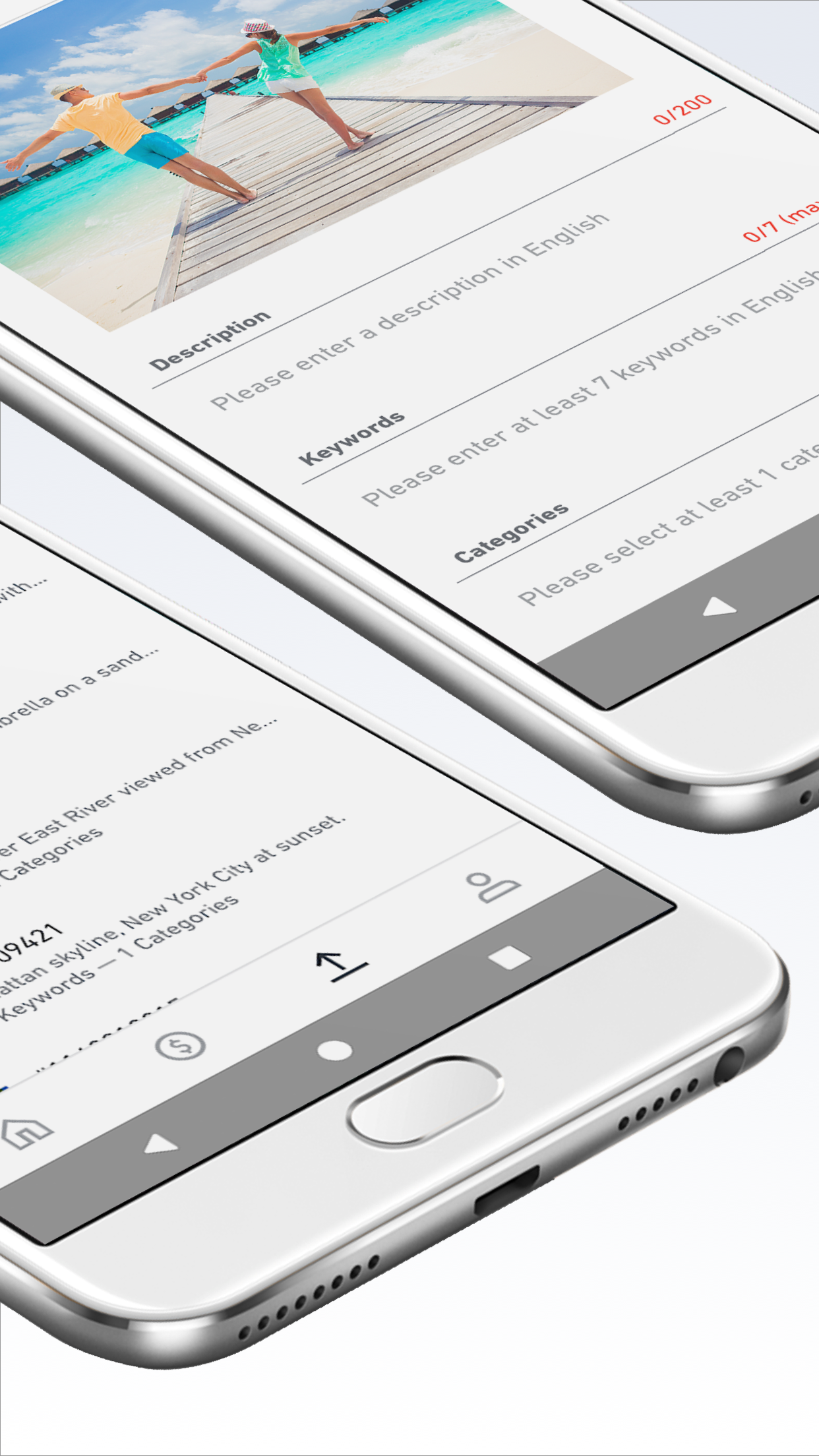
Shutterstock Contributor is a mobile app for approved Shutterstock contributors, including photographers, illustrators, and other visual content creators. It allows users to upload images directly from their phones and earn royalties when their work is licensed by customers.
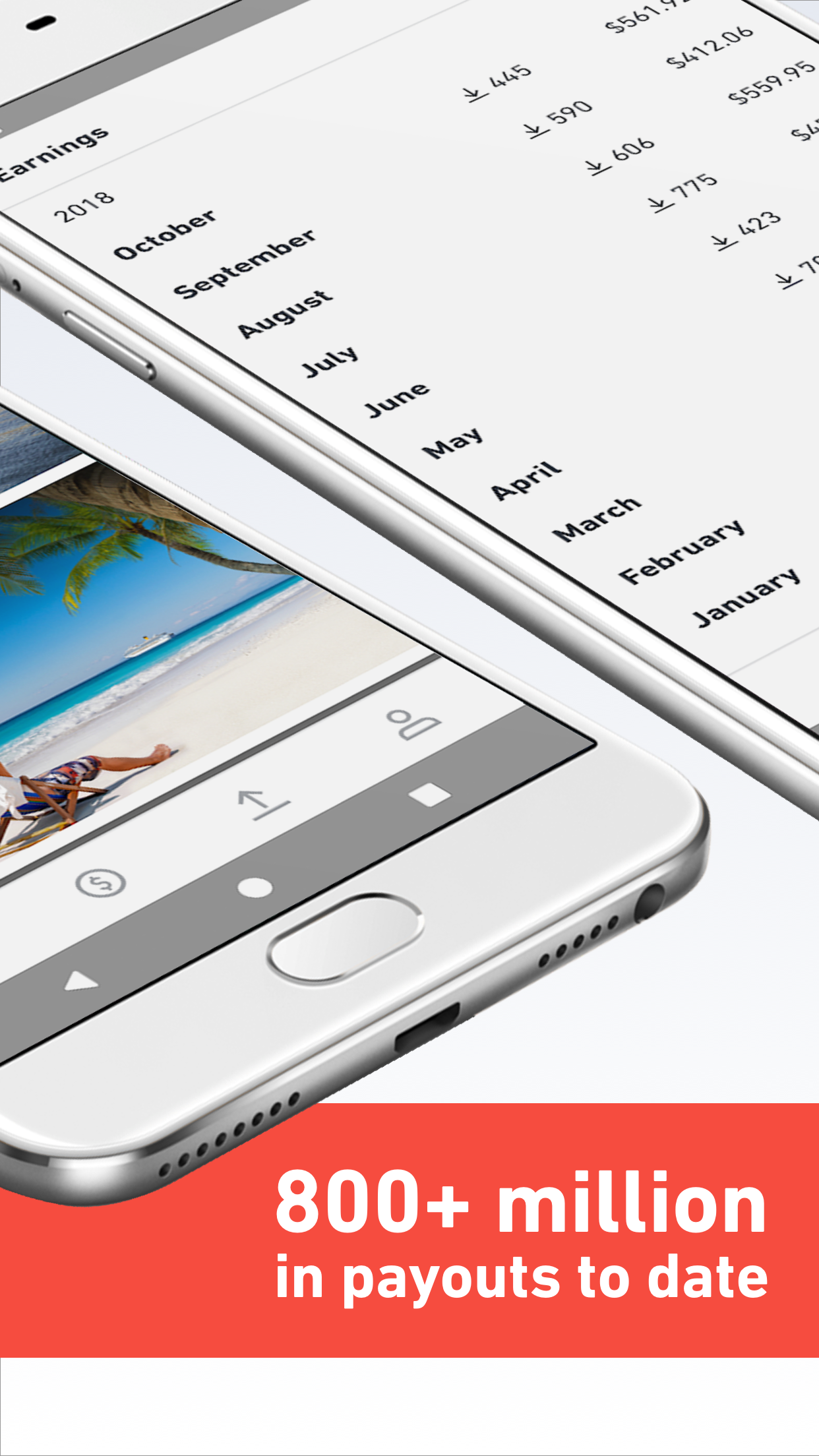
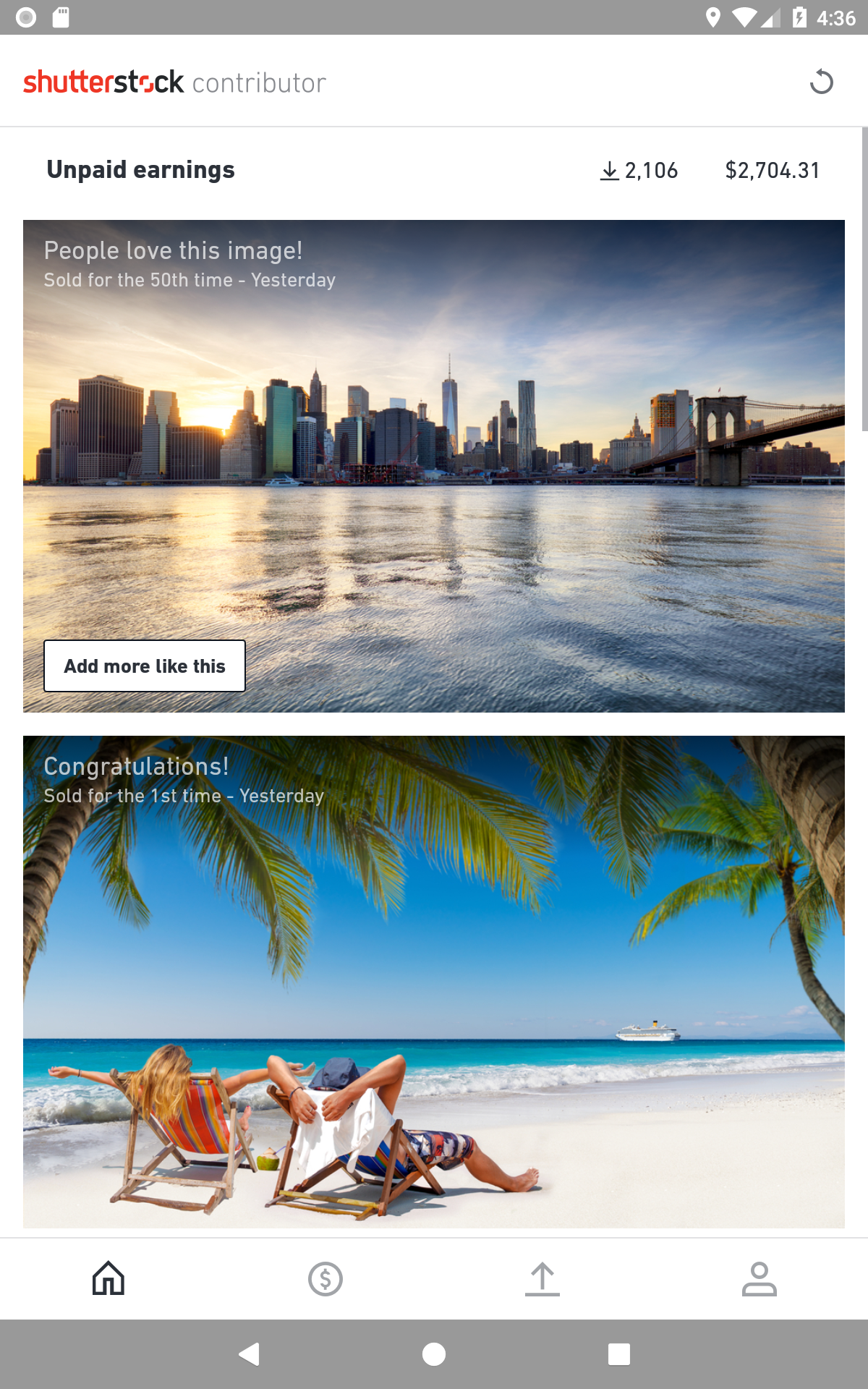
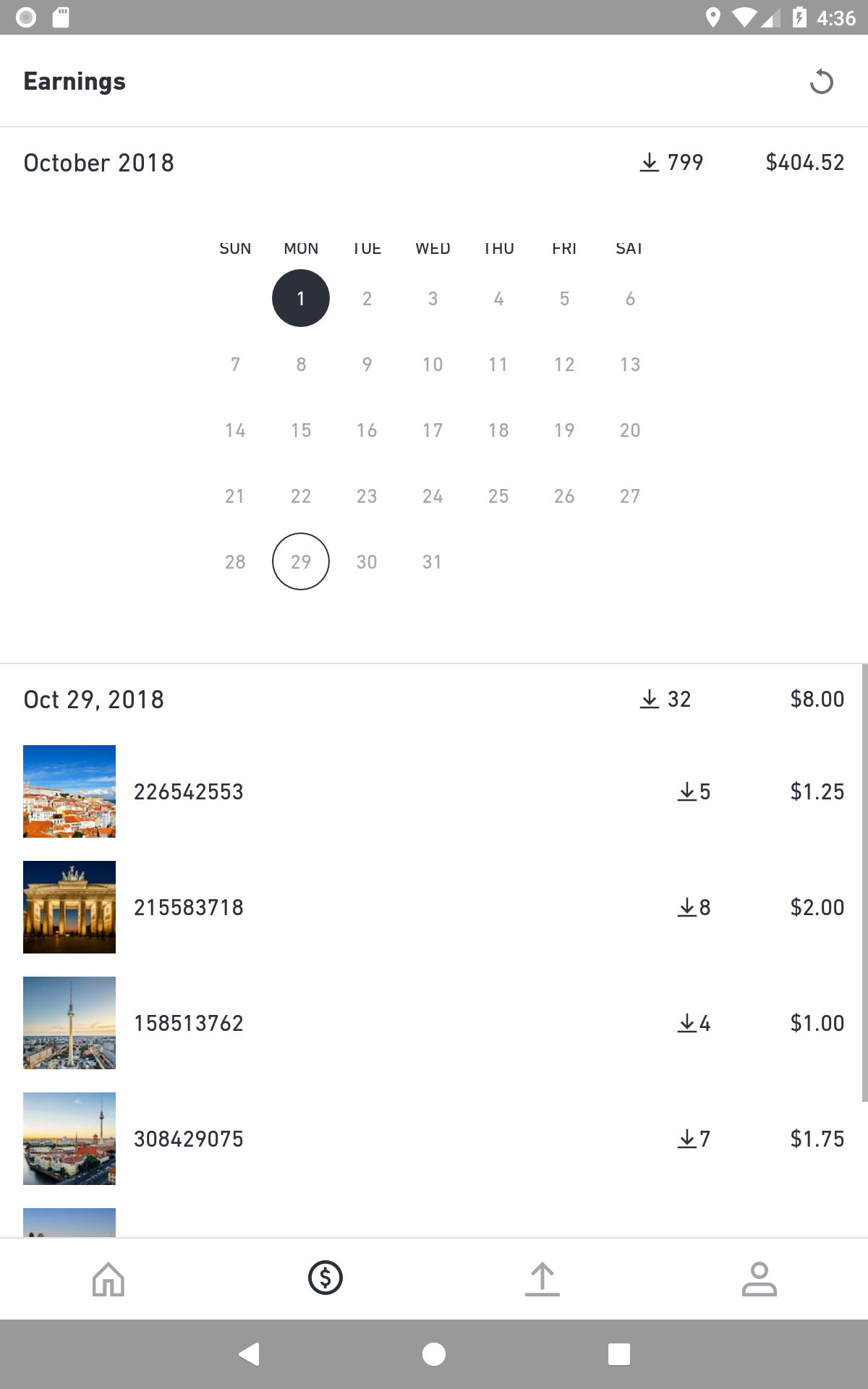
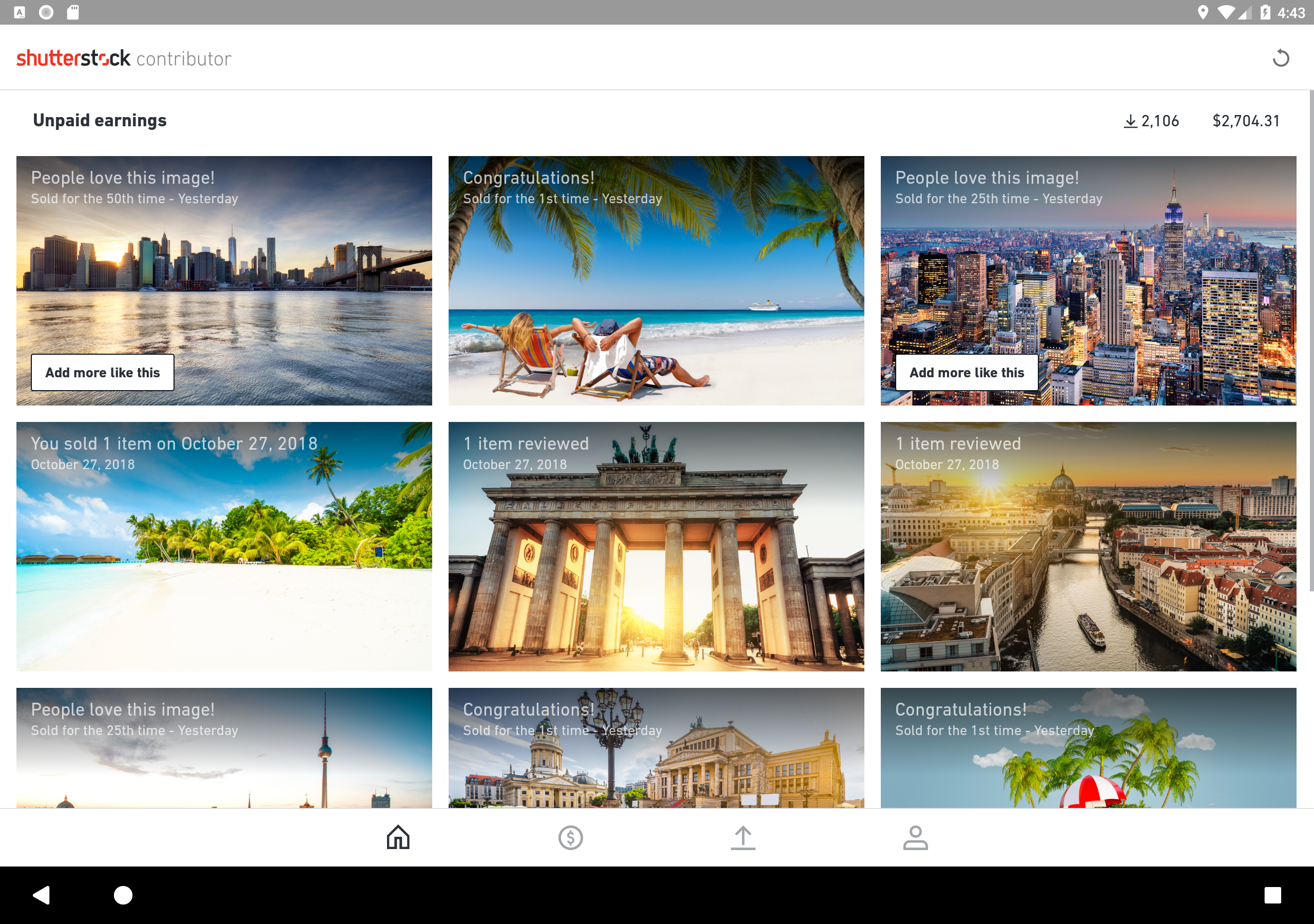
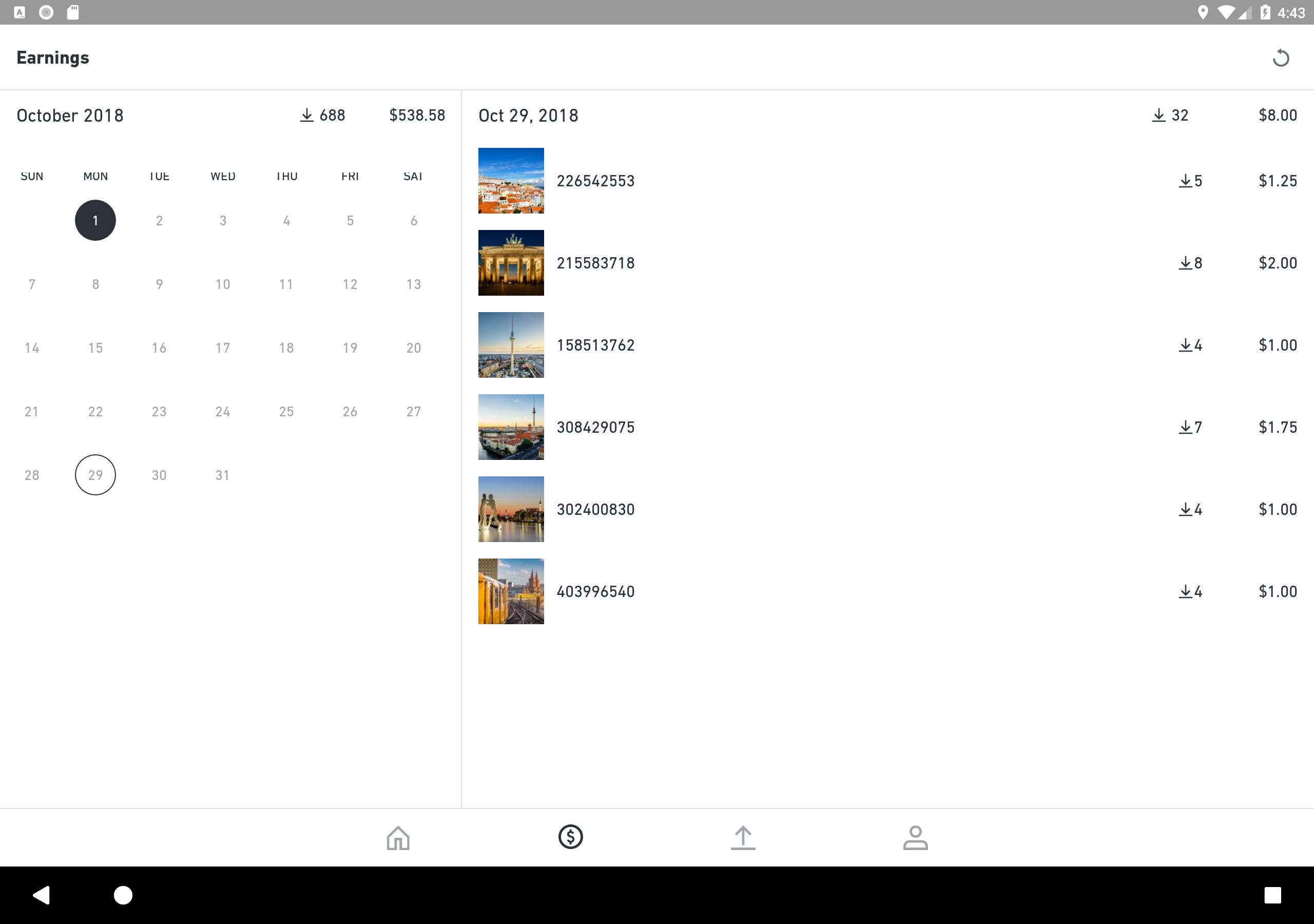
The app includes portfolio statistics and sales reports, allowing contributors to monitor downloads, track image performance, and review earnings. It also provides notifications when customers view submitted content, along with insights into customer interests and emerging creative trends.
These tools give contributors access to their portfolio activity and sales information without needing to use the desktop website.
Key Features
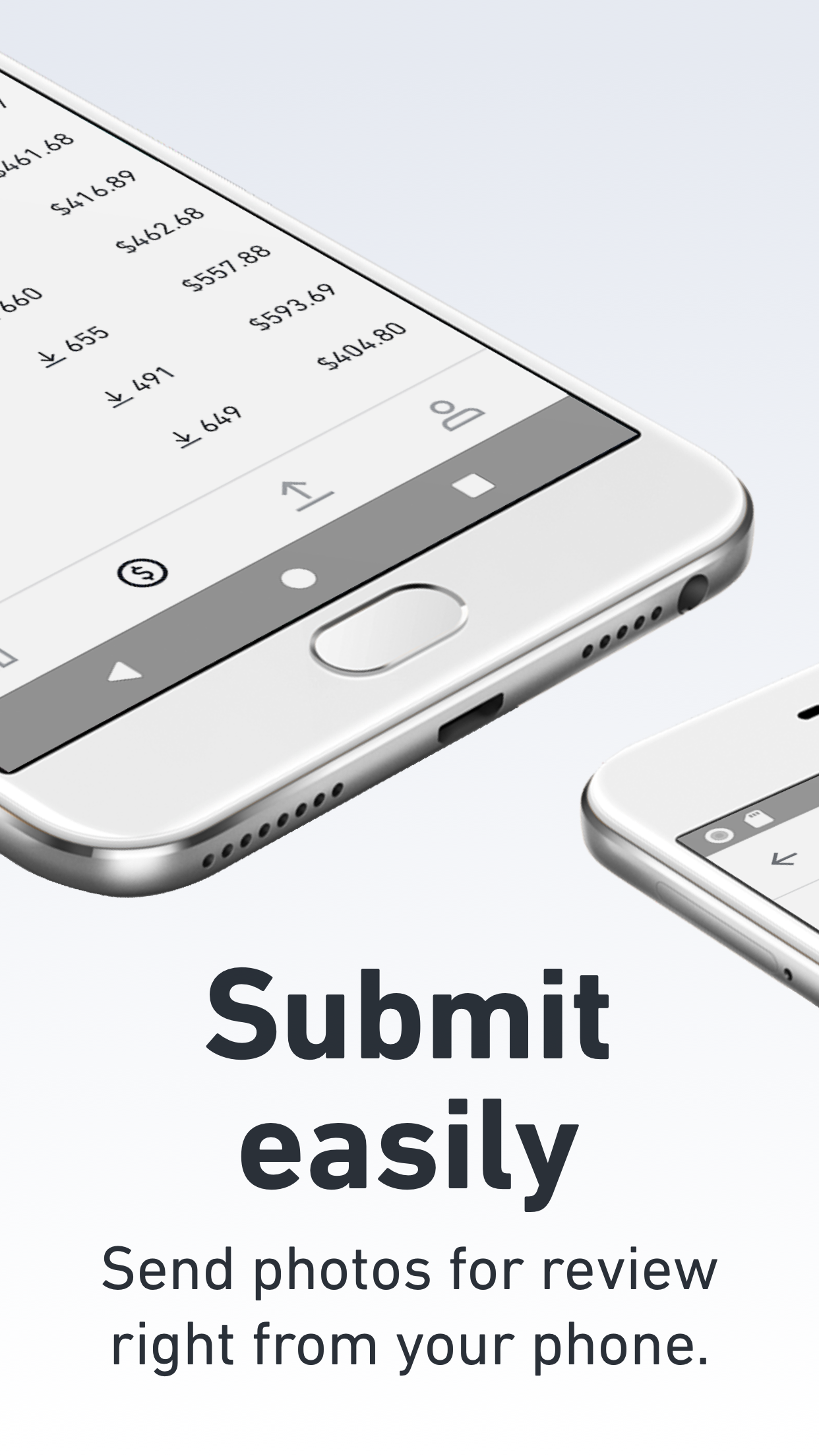
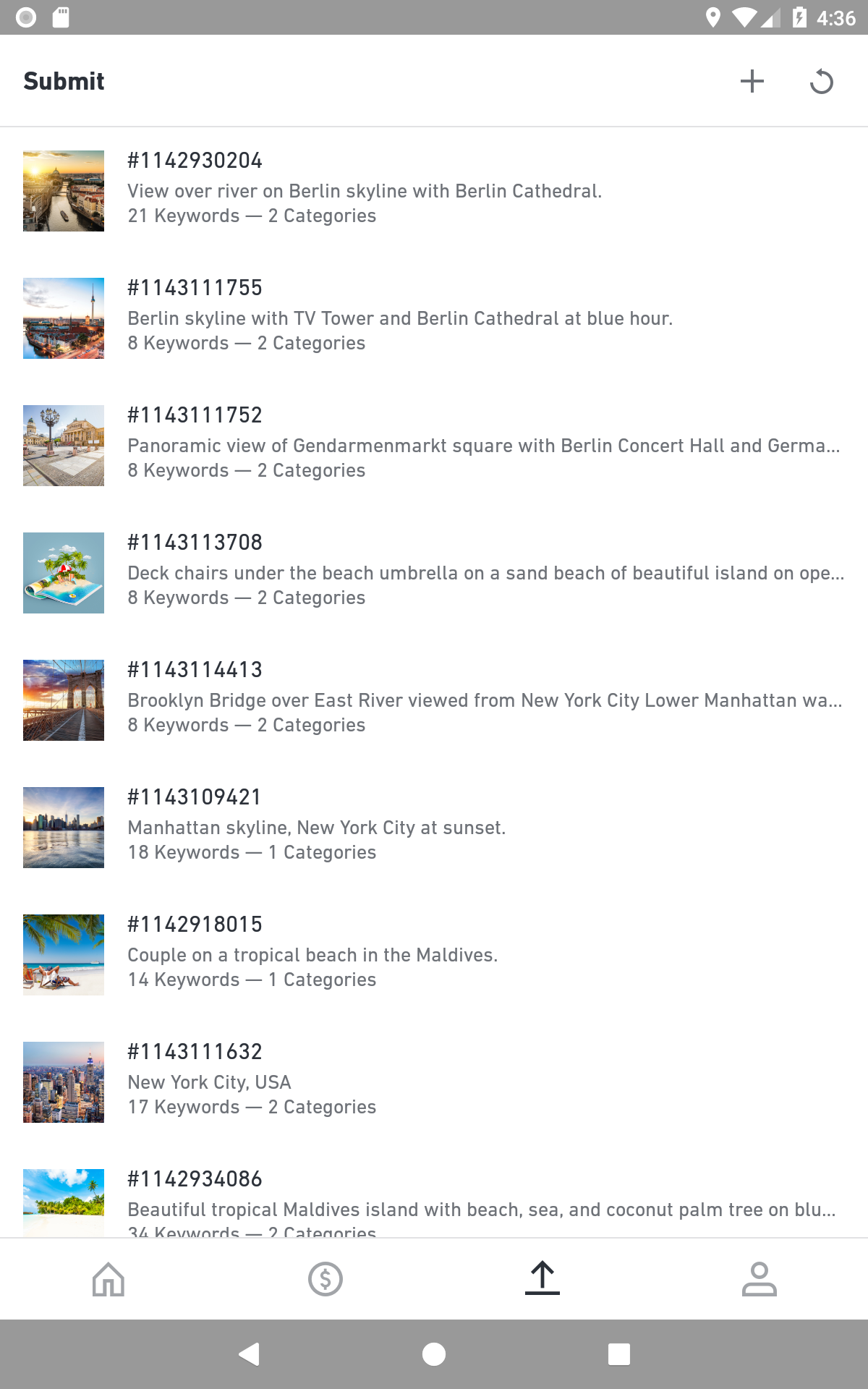
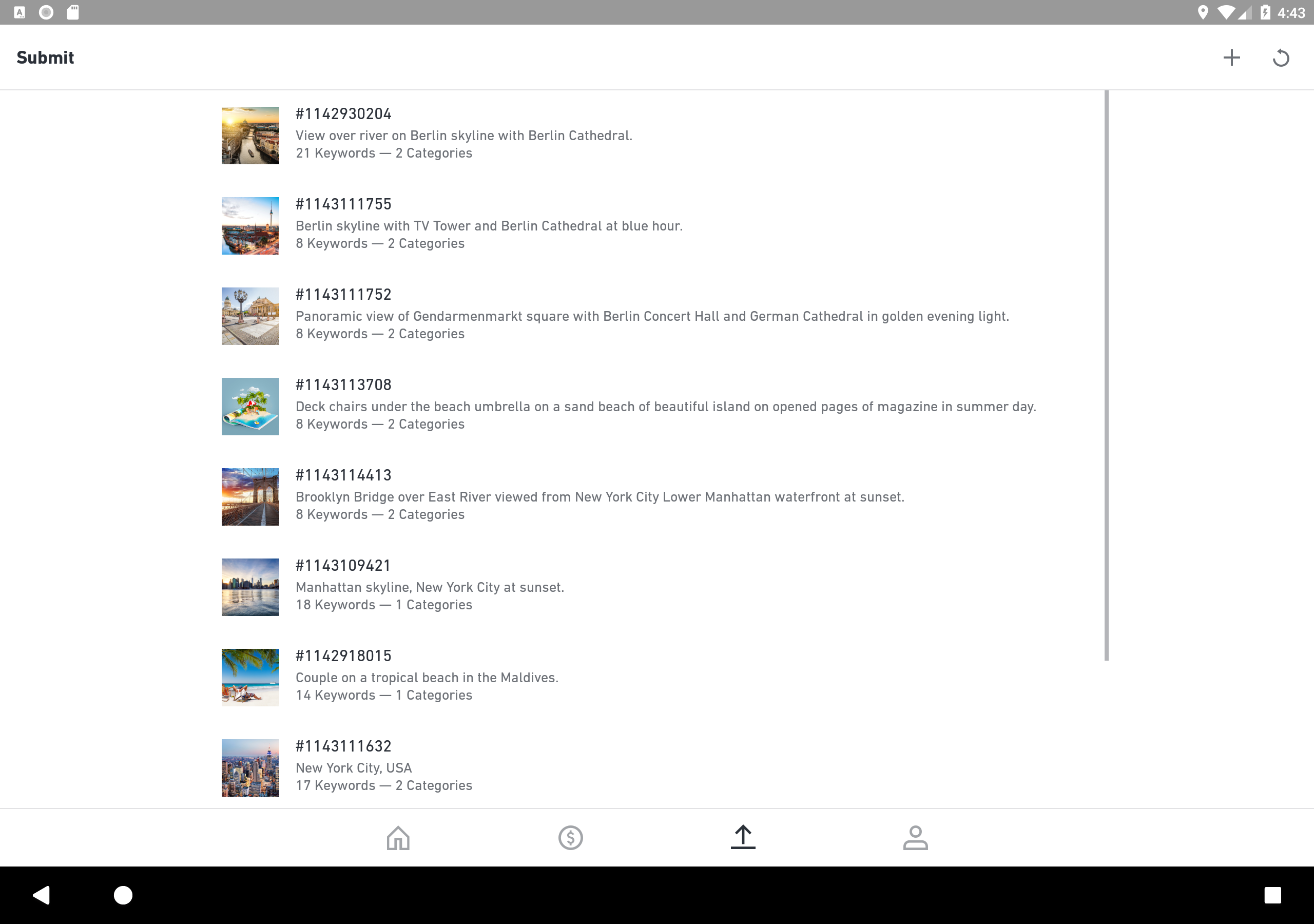
Mobile Image Uploads: Select images from your phone and submit them directly through the app.
Sales and Earnings Tracking: Monitor licensing activity, downloads, and portfolio revenue.
Portfolio Performance: Review statistics for individual images and submitted content.
Customer View Notifications: Receive alerts when customers view your images.
Customer Interest Insights: Explore information about customer activity and popular visual subjects.
Creative Trend Updates: Follow emerging trends and identify potential themes for new submissions.
How to Use Shutterstock Contributor
Apply for a Contributor Account: Visit submit.shutterstock.com and complete the registration process. New contributors must receive approval before submitting content.
Sign In: Open the app and log in using your approved Shutterstock contributor credentials.
Submit Images: Select images from your mobile device and upload them for review. Ensure that each file meets Shutterstock's technical and content requirements.
Monitor Portfolio Activity: Check licensing activity, downloads, earnings, and individual image performance.
Research Content Ideas: Review customer interests and trending keywords to identify subjects that may be suitable for future submissions.
Tips for Increasing Sales on Shutterstock
Build Your Portfolio Consistently: Upload new work regularly to expand the range of images available to customers.
Explore Different Subjects: Cover varied themes, environments, and visual styles to reach different customer interests.
Maintain Image Quality: Pay attention to composition, lighting, resolution, and technical requirements before submitting files.
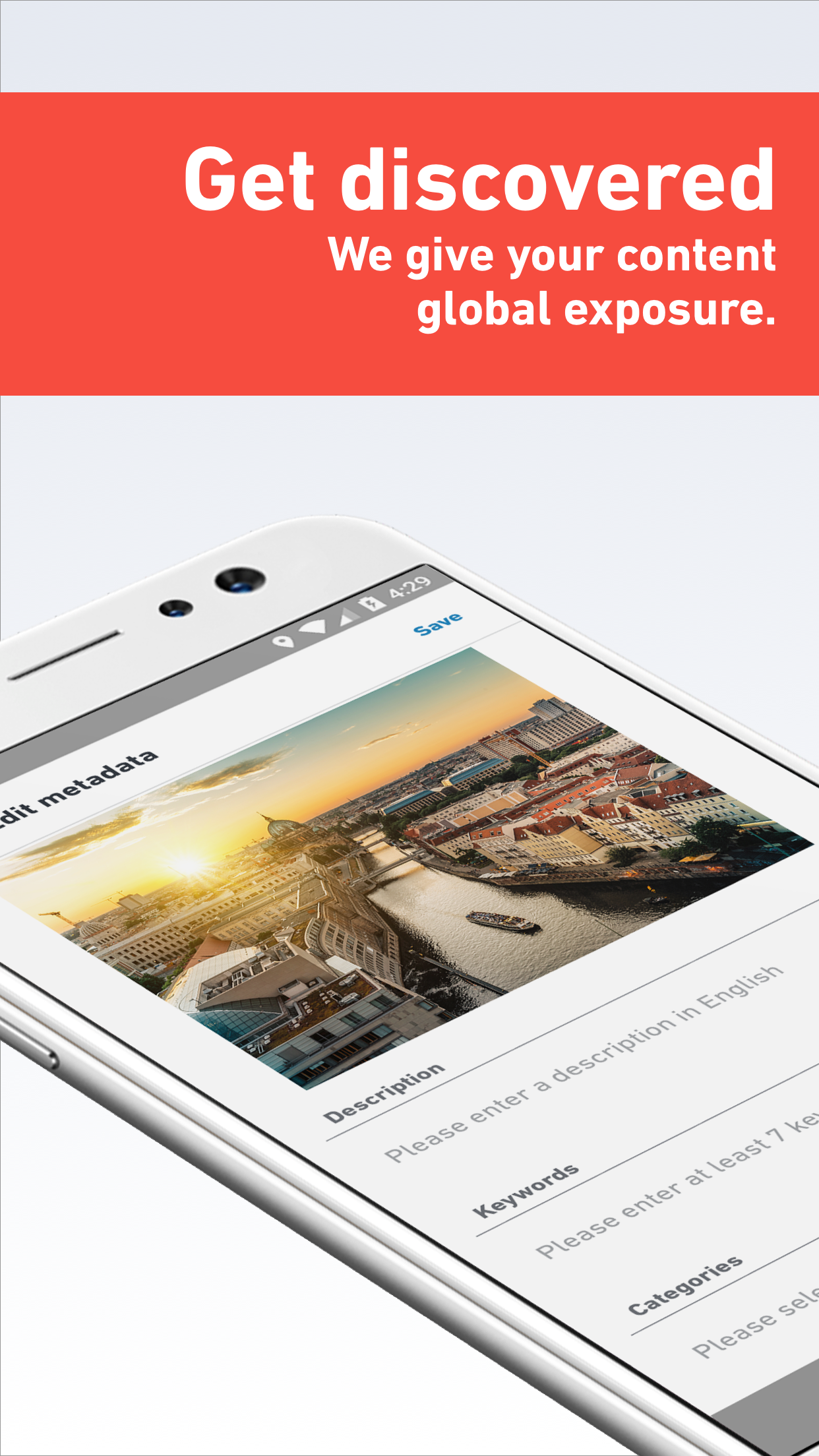
Choose Relevant Keywords: Use accurate, specific keywords that describe each image's subject, setting, and visual details.
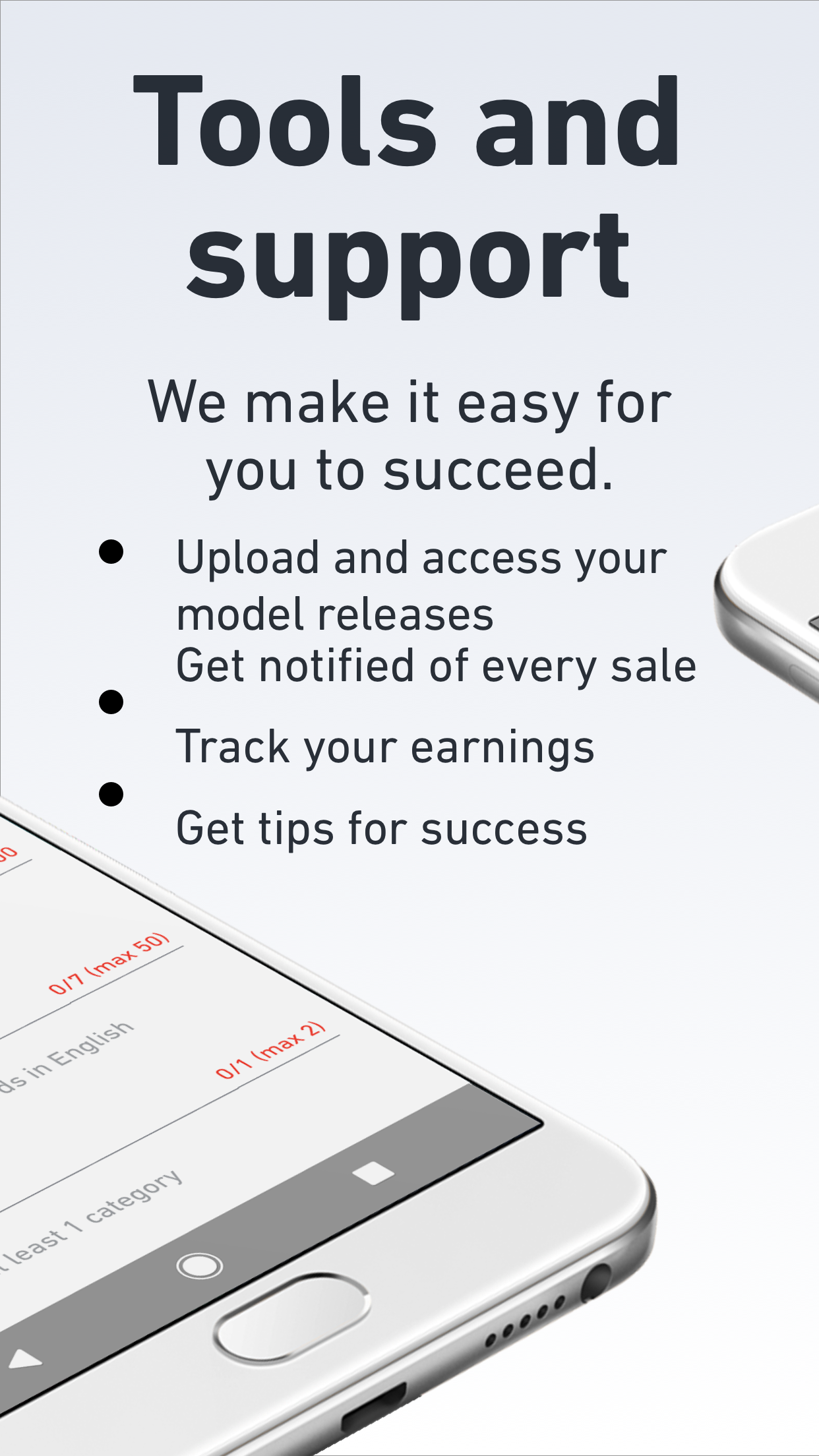
Check Licensing Requirements: Only submit content you own or have the necessary rights to license, including appropriate model and property releases where required.
FAQs
1. Who can use Shutterstock Contributor?
The app is designed for approved Shutterstock contributors, including photographers, illustrators, and other visual content creators. New users must apply through the official contributor website.
2. Can I upload images directly from my phone?
Yes. Approved contributors can select images stored on their mobile devices and submit them through the app.
3. Can I check my earnings and downloads?
Yes. The app displays portfolio statistics, licensing activity, download records, and earnings information.
4. Does the app notify me when customers view my images?
Yes. Contributors can receive notifications when customers view their submitted content.
5. Where can I find ideas for new images?
Check the customer interest insights and trending keyword information in the app for popular subjects and emerging content trends.
- Version1.35.0
- UpdateNov 11, 2026
- DeveloperShutterstock Inc.
- CategoryPhotography
- Requires AndroidAndroid 6+
- Downloads4M+
- Package Namecom.shutterstock.contributor
- Signature905a0c326c77b85093924be28e2d5d95
- Available on
- ReportFlag as inappropriate
-
NameSizeDownload
-
70.18 MB
-
93.08 MB
-
93.08 MB













Clean UI design
Free of charge
Wide audience reach
Low Initial Royalties
Fixed Pricing
High Competition