
Square Quick - Square photo editing & sharing
Transform your photos with stylish effects & filters, perfect for sharing stunning square shots on Instagram!
- 1.2.0 Version
- 4.3 Score
- 4M+ Downloads
- In-app purchases License
- 12+ Content Rating

Square Quick
1. Overview
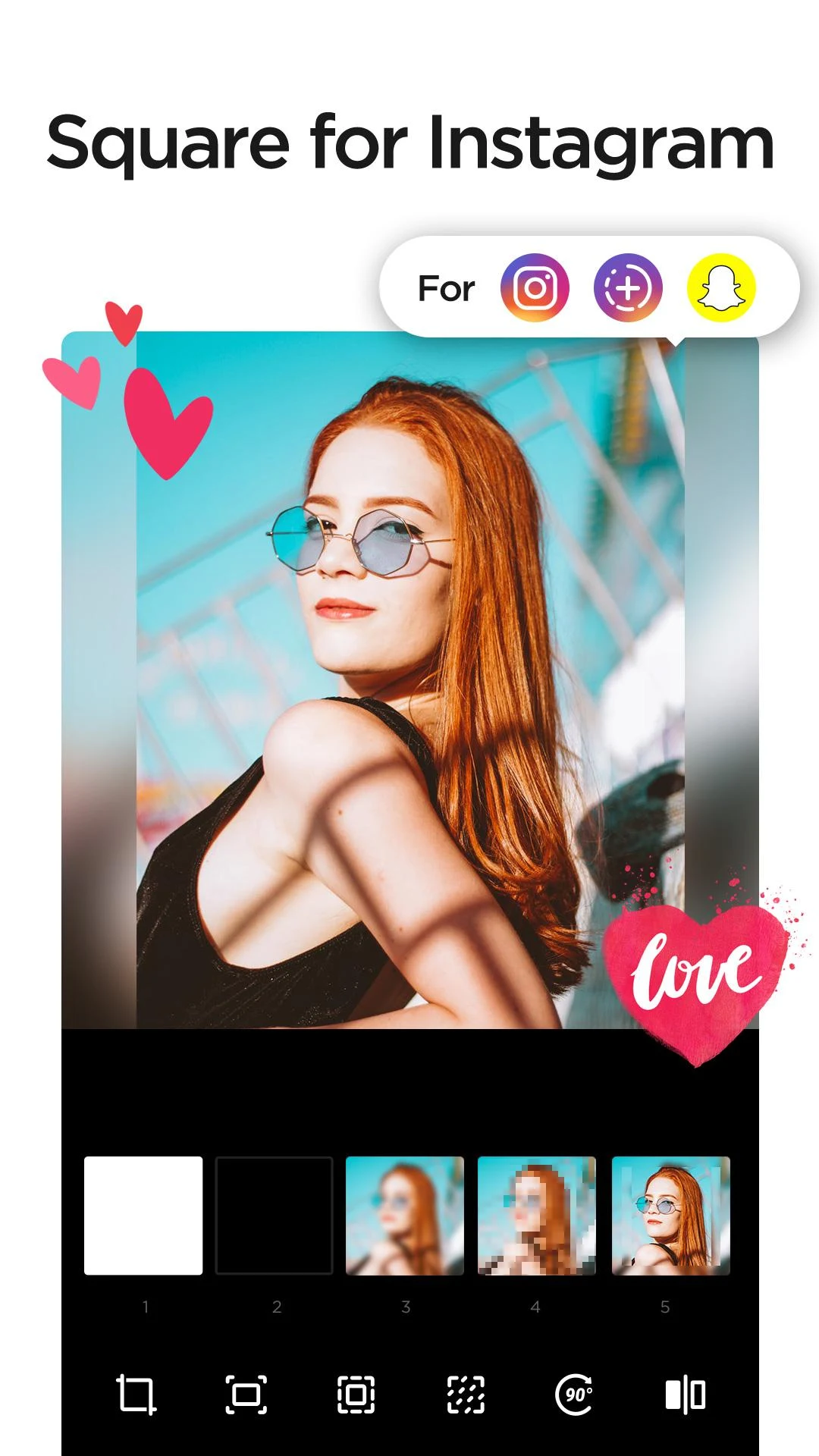
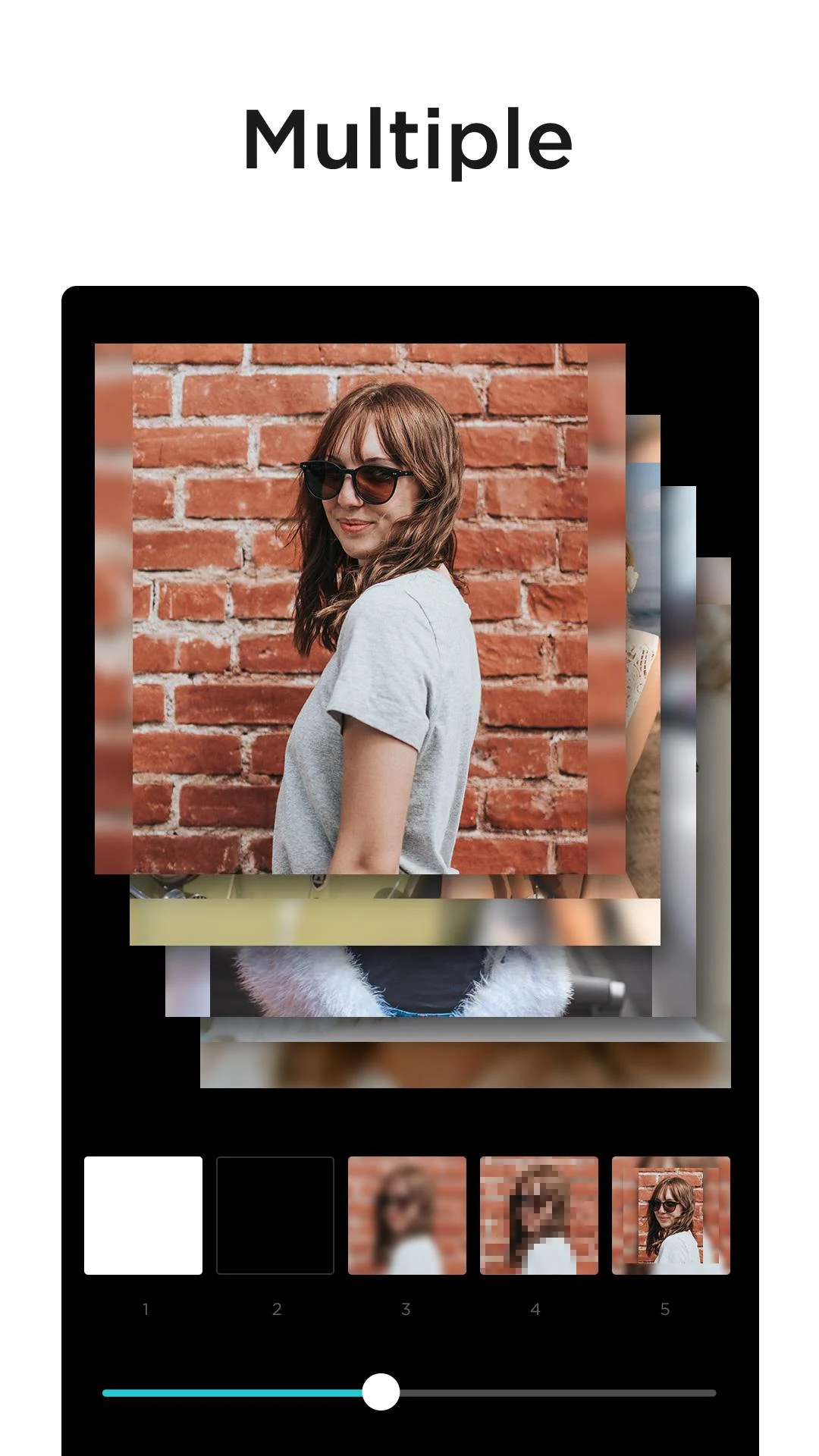
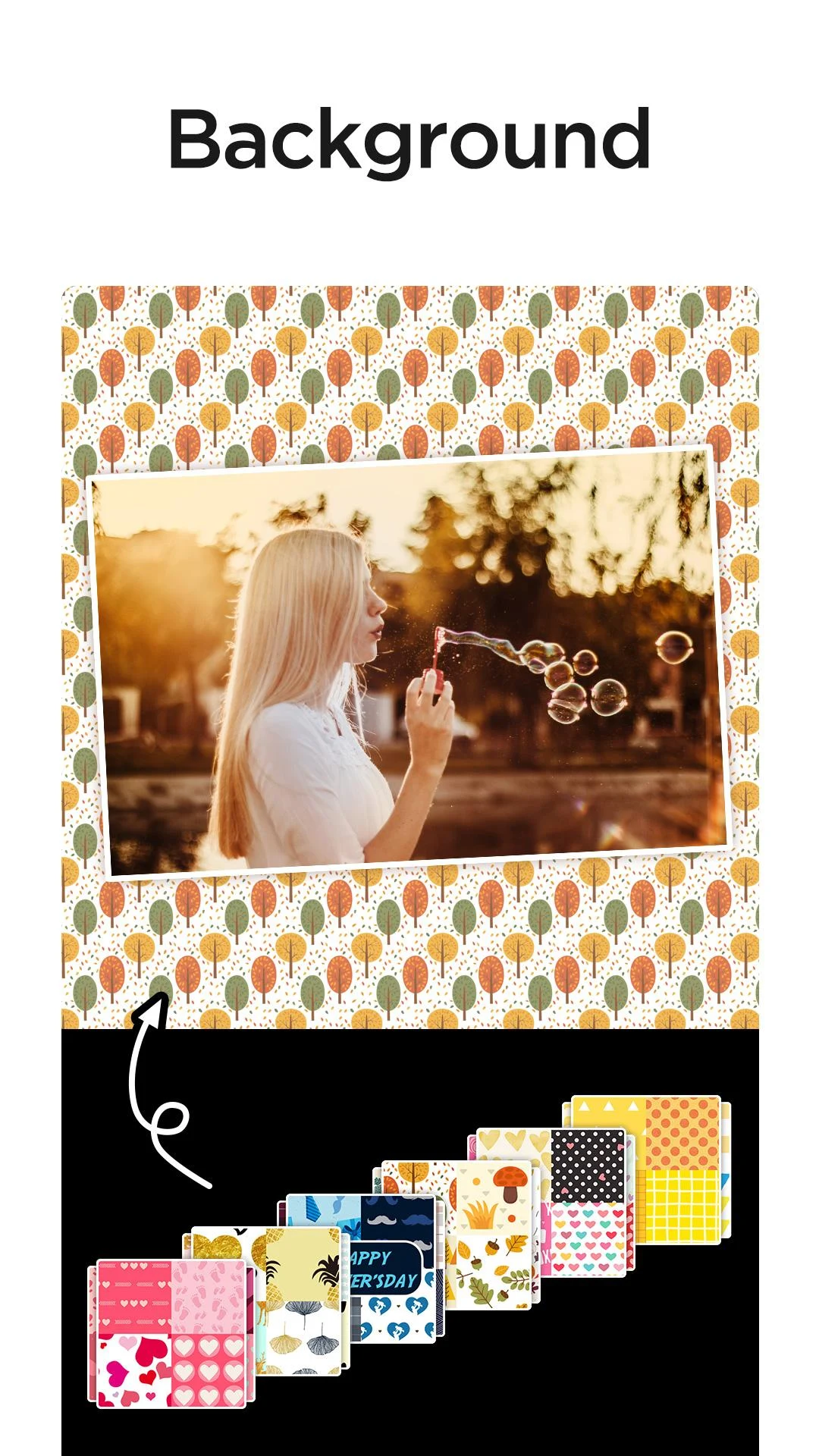
Square Quick is a photo editing app for preparing square images for Instagram and other social media platforms. Its No Crop feature fits regular photos into a 1:1 layout without removing any part of the original picture. Users can fill the surrounding space with blurred or mosaic backgrounds to complete the square composition.
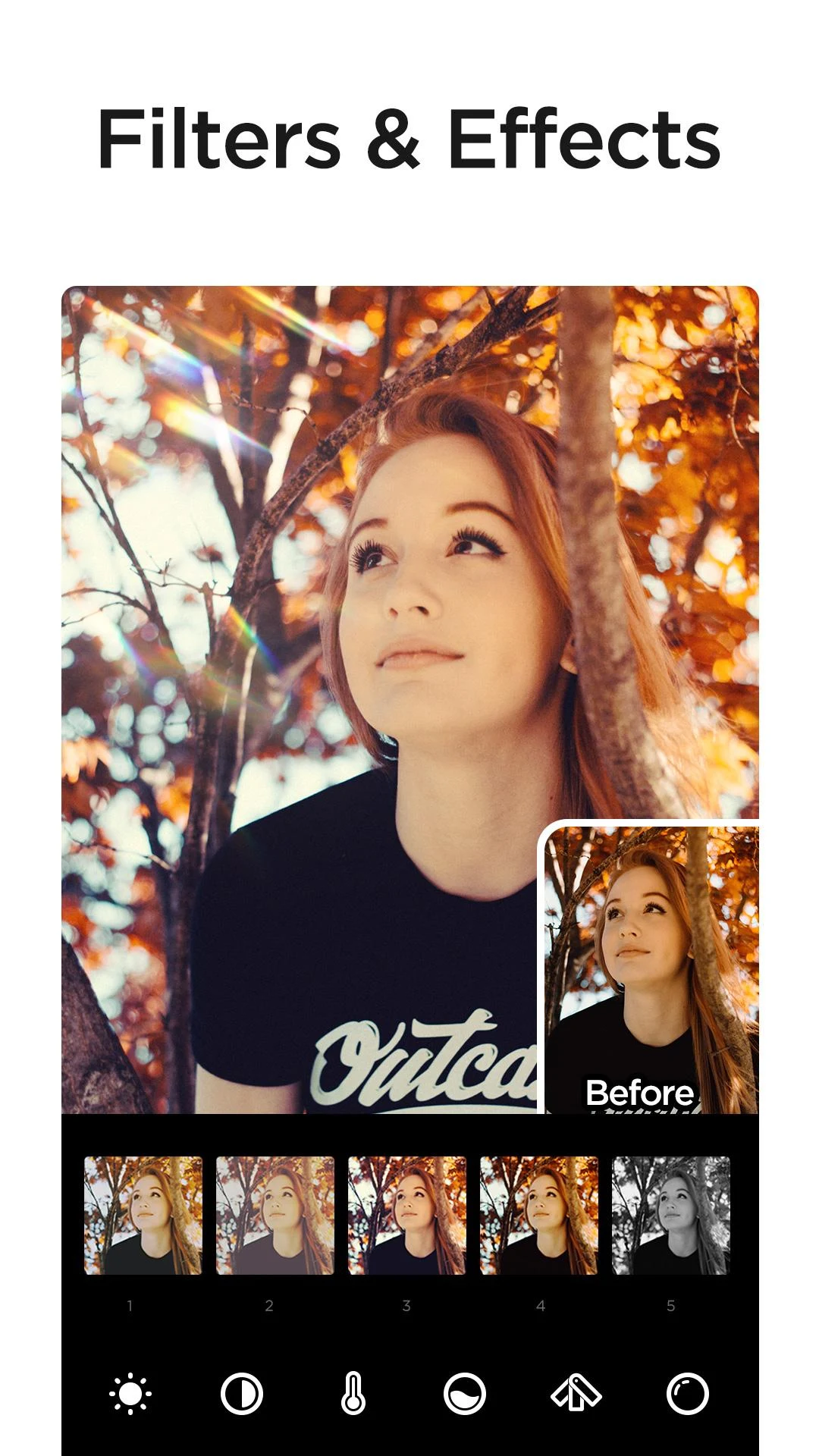
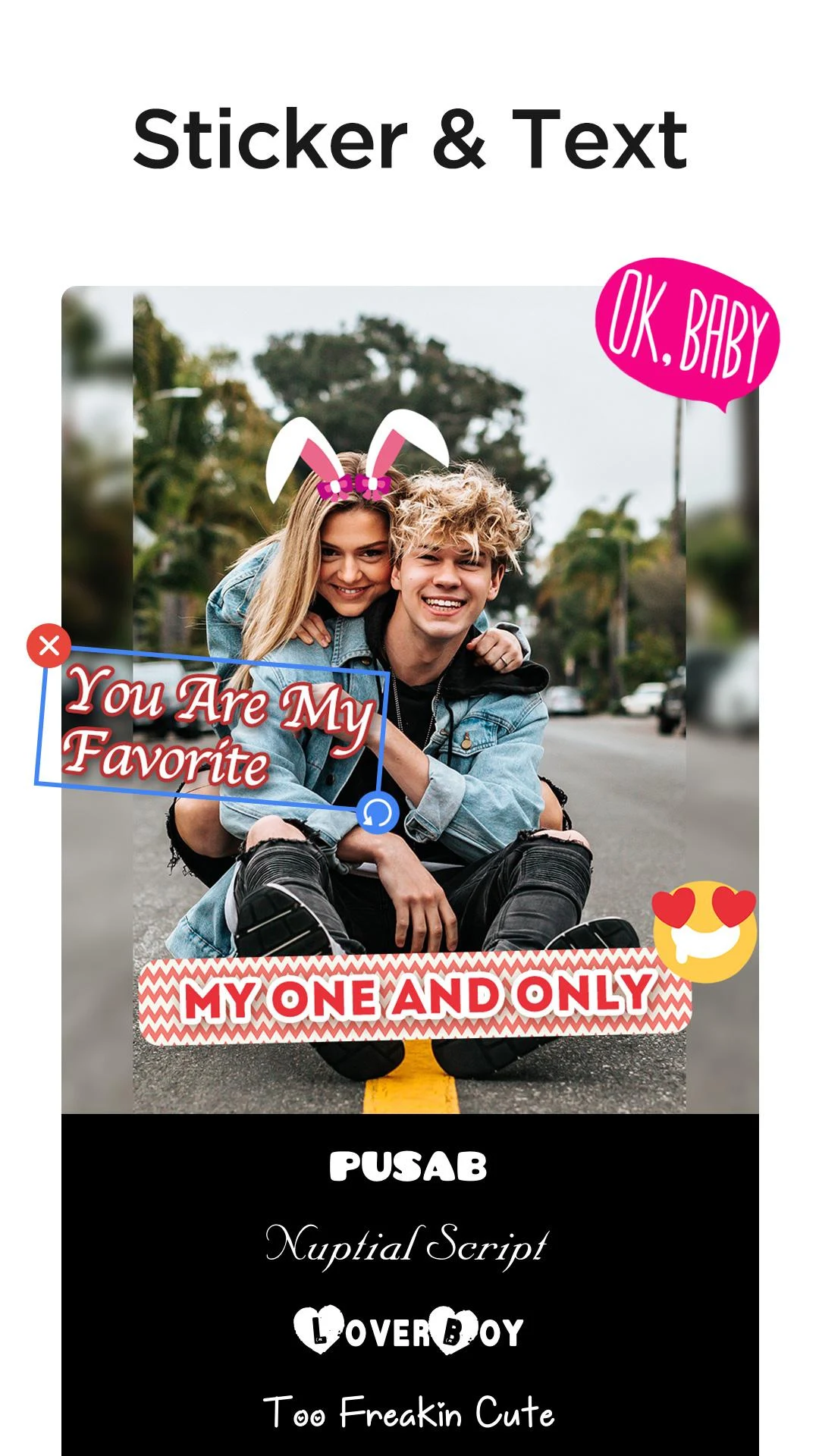
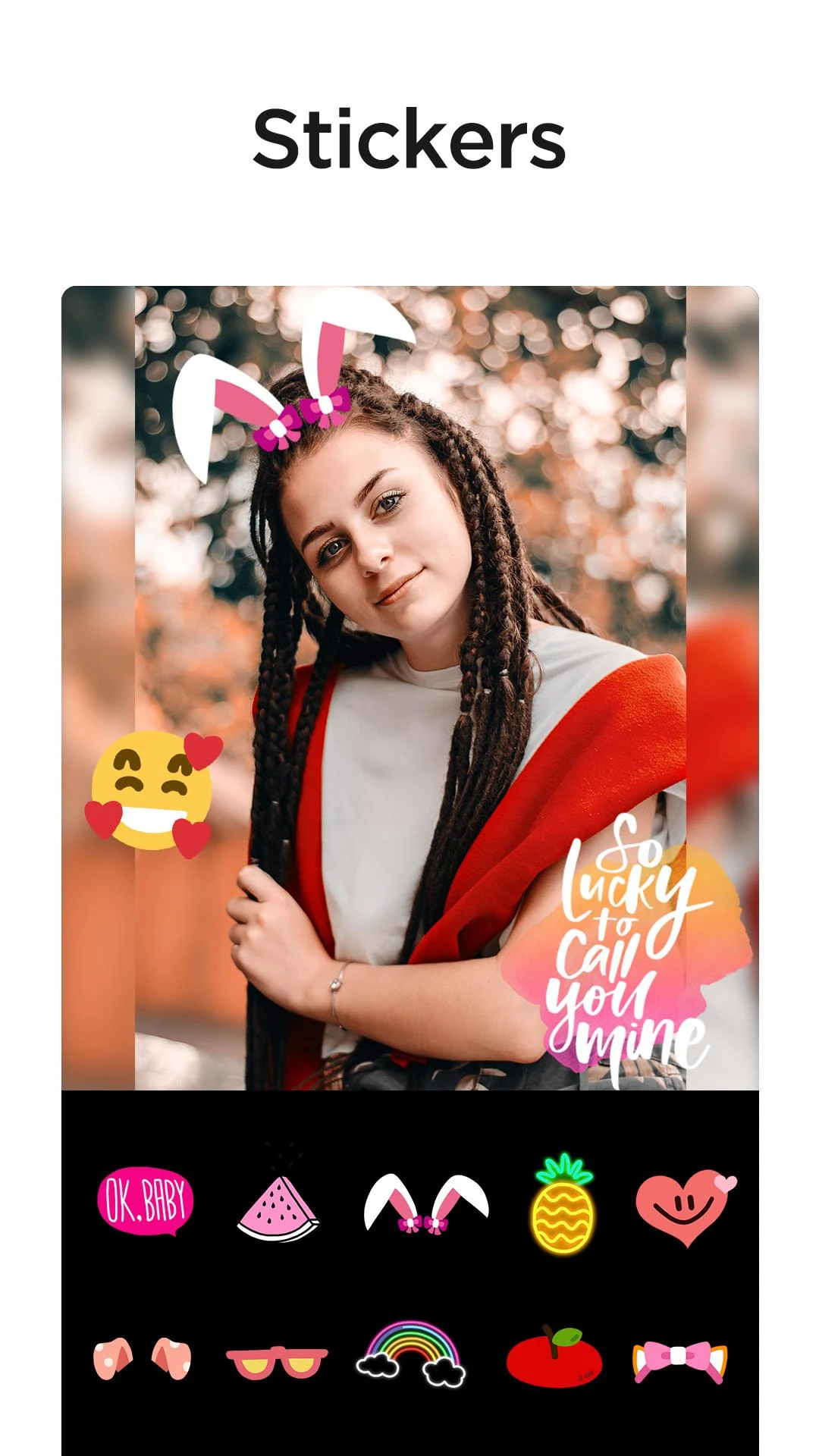
The app also includes a range of creative editing tools, such as more than 50 filters, overlays, visual effects, and adjustable image settings. Its sticker collection contains over 100 themed designs, while a manual cutout tool allows users to select objects or specific areas from their photos and turn them into custom stickers.
2. Key Features
No Crop Editing: Convert regular photos into square images without cutting off the original picture
Background Effects: Fill empty spaces with blurred or mosaic backgrounds
Photo Filters: Choose from more than 50 filters to change the appearance of images
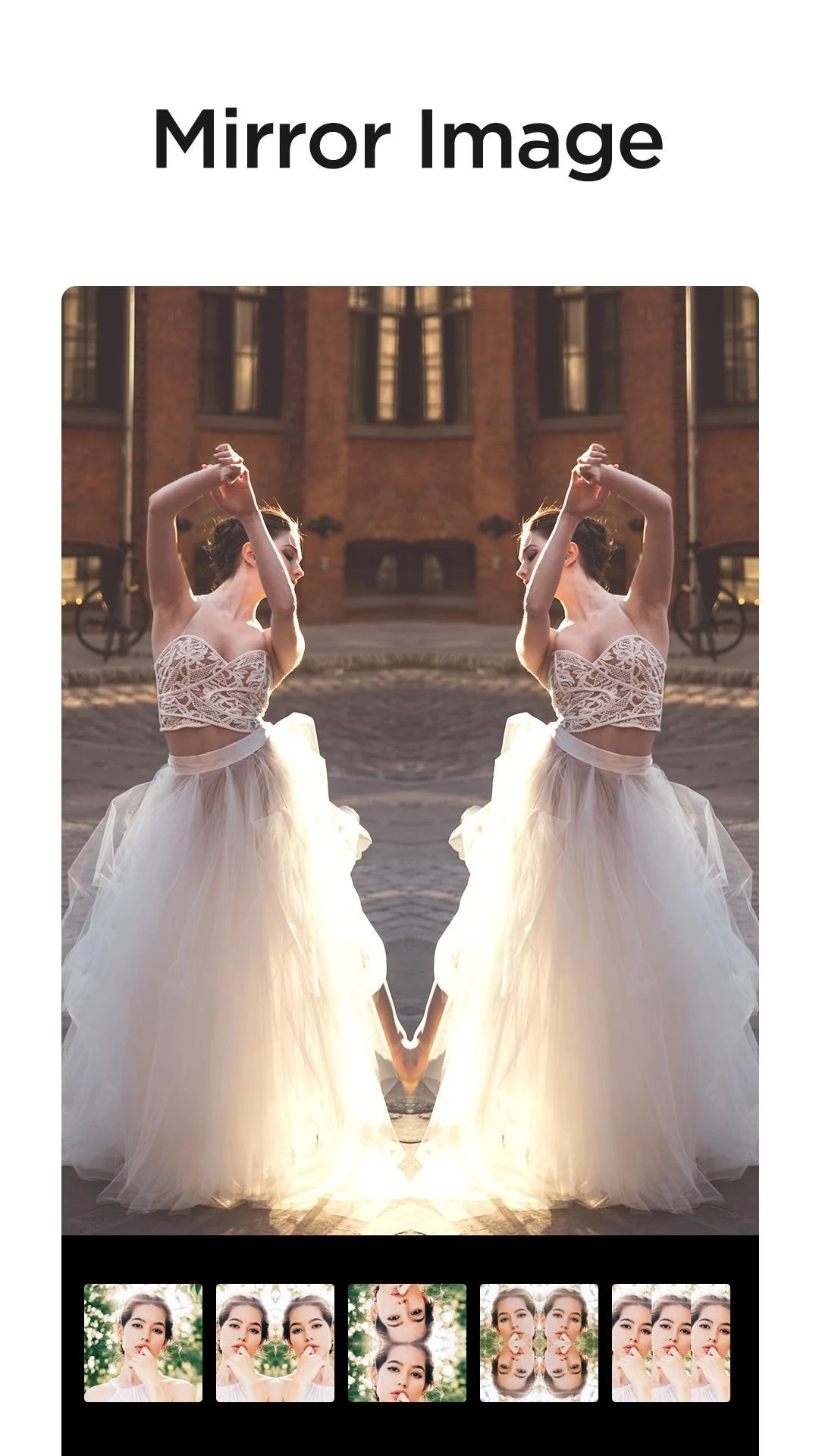
Creative Effects: Apply glitch, mirror, bokeh, lens, splash, and light leak effects
Image Adjustments: Modify brightness, contrast, saturation, hue, and warmth
Themed Stickers: Browse over 100 stickers covering food, animals, love, doodles, and other themes
Custom Stickers: Trace objects or selected areas in photos using the manual cutout tool
Basic Editing Tools: Crop, rotate, and reposition images horizontally or vertically
Social Sharing: Share edited pictures through Instagram, Facebook, Twitter, WhatsApp, Snapchat, and other supported platforms
3. How to Use Square Quick
Import a Photo: Open Square Quick and select an image from your device's gallery.
Set the Image Format: Choose the 1:1 layout and use No Crop to preserve the entire original picture.
Adjust the Background: Select a blurred or mosaic background to fill the empty space around the image.
Edit the Picture: Modify color settings, apply filters, or add visual effects.
Add Decorations: Choose stickers or emoji from the available collection, or create a custom sticker with the cutout tool.
Save or Share: Save the finished image or share it through a supported social platform.
4. App Experience
Square Quick combines preset editing options with manual controls, allowing users to choose how much they want to customize each picture. Its ready-made filters and effects suit quick edits, while the adjustment tools and sticker cutout function offer more control over individual details.
The editing workflow is centered on preparing and decorating photos rather than advanced image manipulation. It is particularly suited to users who frequently create square social media posts and want to preserve the full composition of their original pictures.
5. Frequently Asked Questions
Q1: Can I use Square Quick to create square photos without cropping?
Yes. The No Crop feature fits regular photos into a square layout while retaining the entire original image.
Q2: Can I make a sticker from an object in my own photo?
Yes. Use the manual cutout tool to trace the outline of an object or selected area with your finger and turn it into a custom sticker.
Q3: Can I change the position or orientation of a picture?
Yes. The editing tools include cropping, rotation, and horizontal or vertical positioning adjustments.
Q4: How many stickers are included in Square Quick?
The app offers more than 100 themed stickers, covering categories such as food, animals, love, and doodles. You can also add emoji to your pictures.
Q5: Where can I share my edited photos?
You can share pictures through supported platforms such as Instagram, Facebook, Twitter, WhatsApp, and Snapchat.
Q6: Can I adjust the colors and appearance of my photos manually?
Yes. Square Quick includes controls for brightness, contrast, saturation, hue, and warmth, allowing you to fine-tune the appearance of an image.
- Version1.2.0
- UpdateNov 11, 2026
- DeveloperPic Collage Maker & Photo Editor
- CategoryPhotography
- Requires AndroidAndroid 4.2+
- Downloads4M+
- Package Namenocrop.photoeditor.squarequick
- Signature65d8e97ed9aa11befb1def43123640fd
- Available on
- ReportFlag as inappropriate
-
NameSizeDownload
-
27.33 MB
-
22.47 MB
-
22.47 MB











User-friendly interface
Ability to edit based on social media requirements
Multiple photo editing options
Variety of filters and backgrounds
Clean and minimal design
Quick processing speed
Easy cropping and framing for Instagram
Constant updates improve functionality
Positive feedback from long-term users
Poor image quality post-editing
Unskippable ads disrupt user experience
Limited batch editing features
Missing desired tools like drawing or text positioning
Frequent crashes and freezing issues
High compression reduces photo resolution
Recent updates have removed useful features
App demands excessive permissions
Difficulties with restoring purchases and accessing files