
Threads, an Instagram app - Instagram threads messaging
Easily share your status with close friends, using visual stories.

- 387.0.0.0.21 Version
- 3.5 Score
- 314M+ Downloads
- In-app purchases License
- 12+ Content Rating

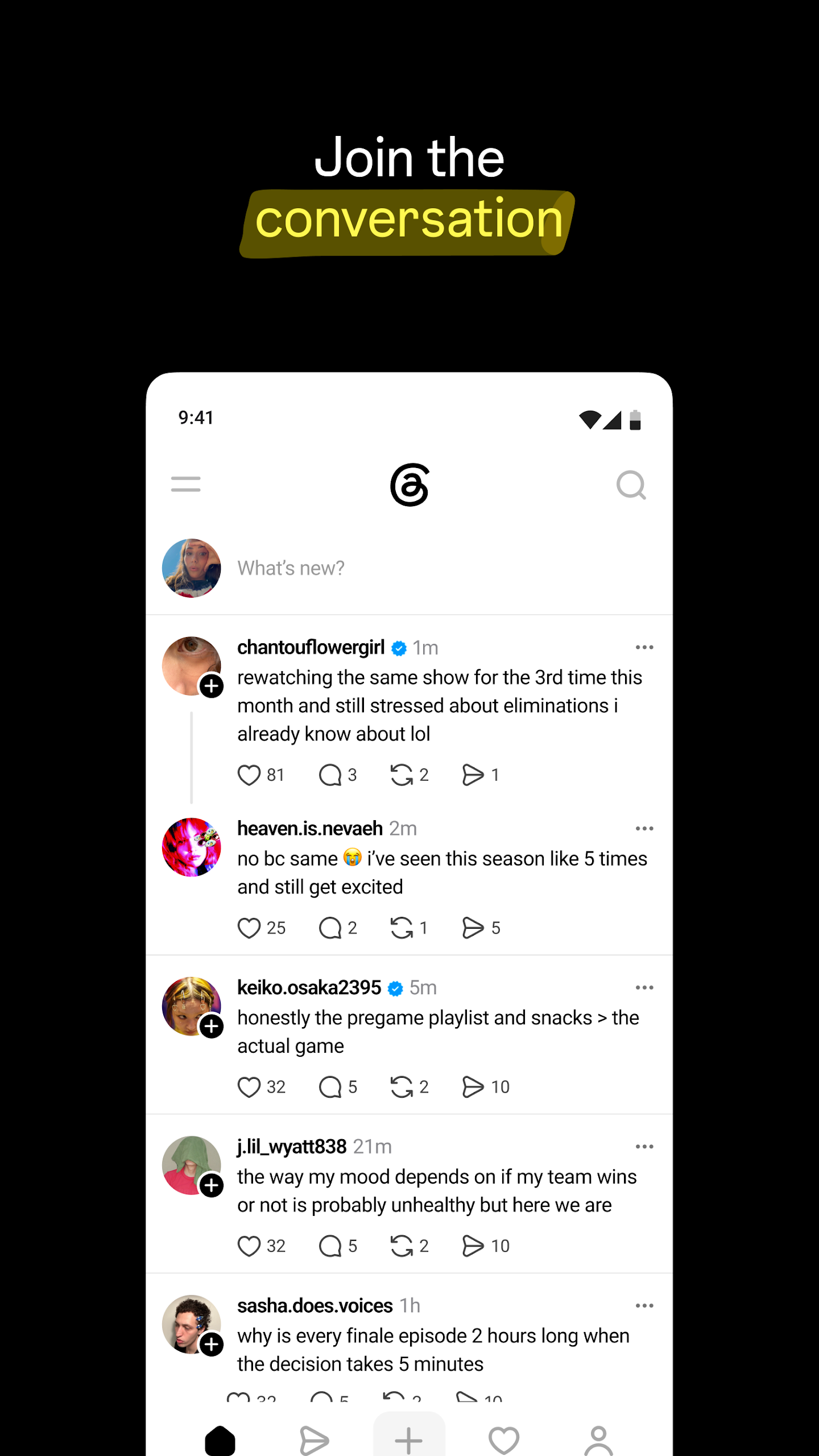
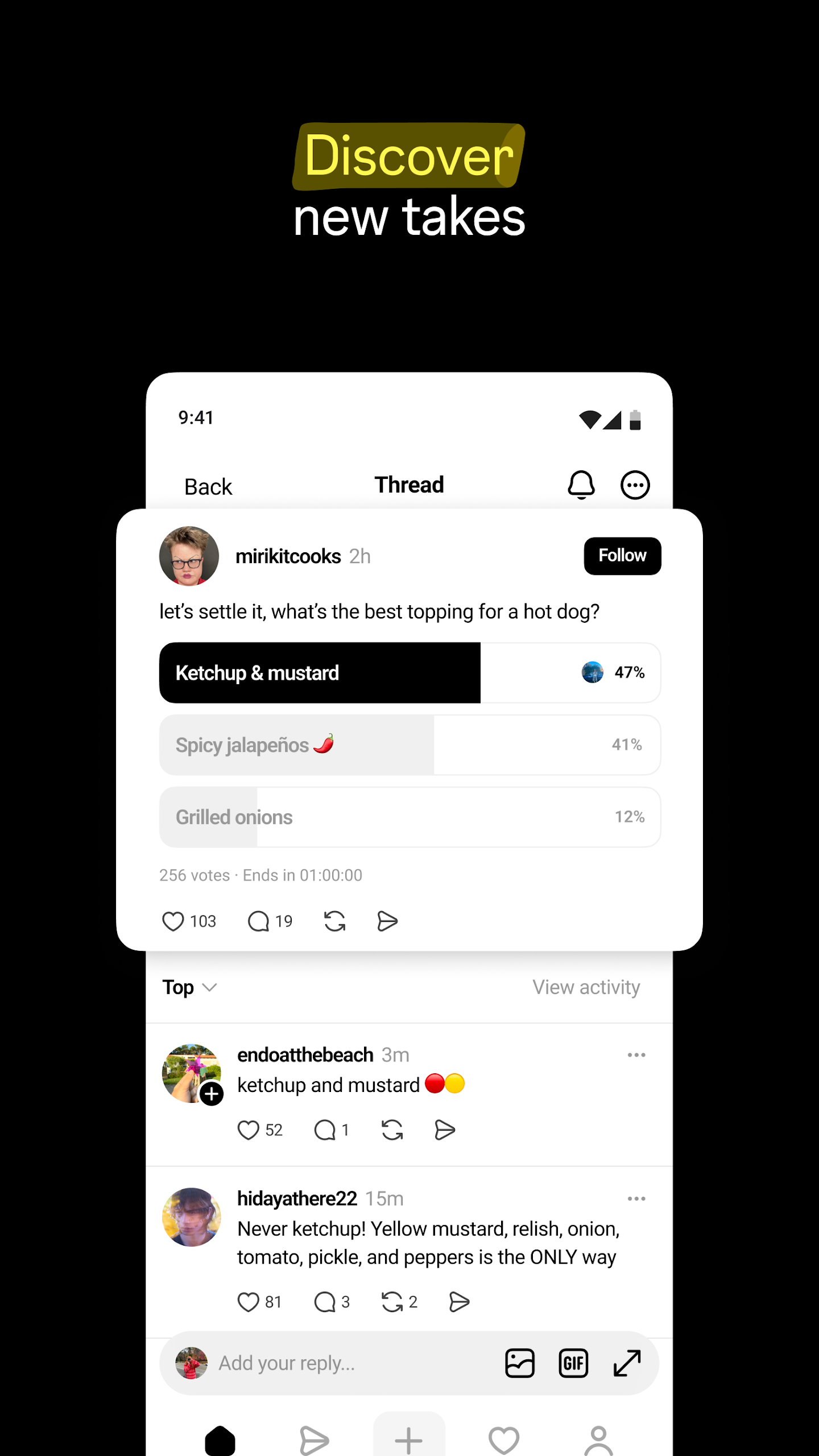
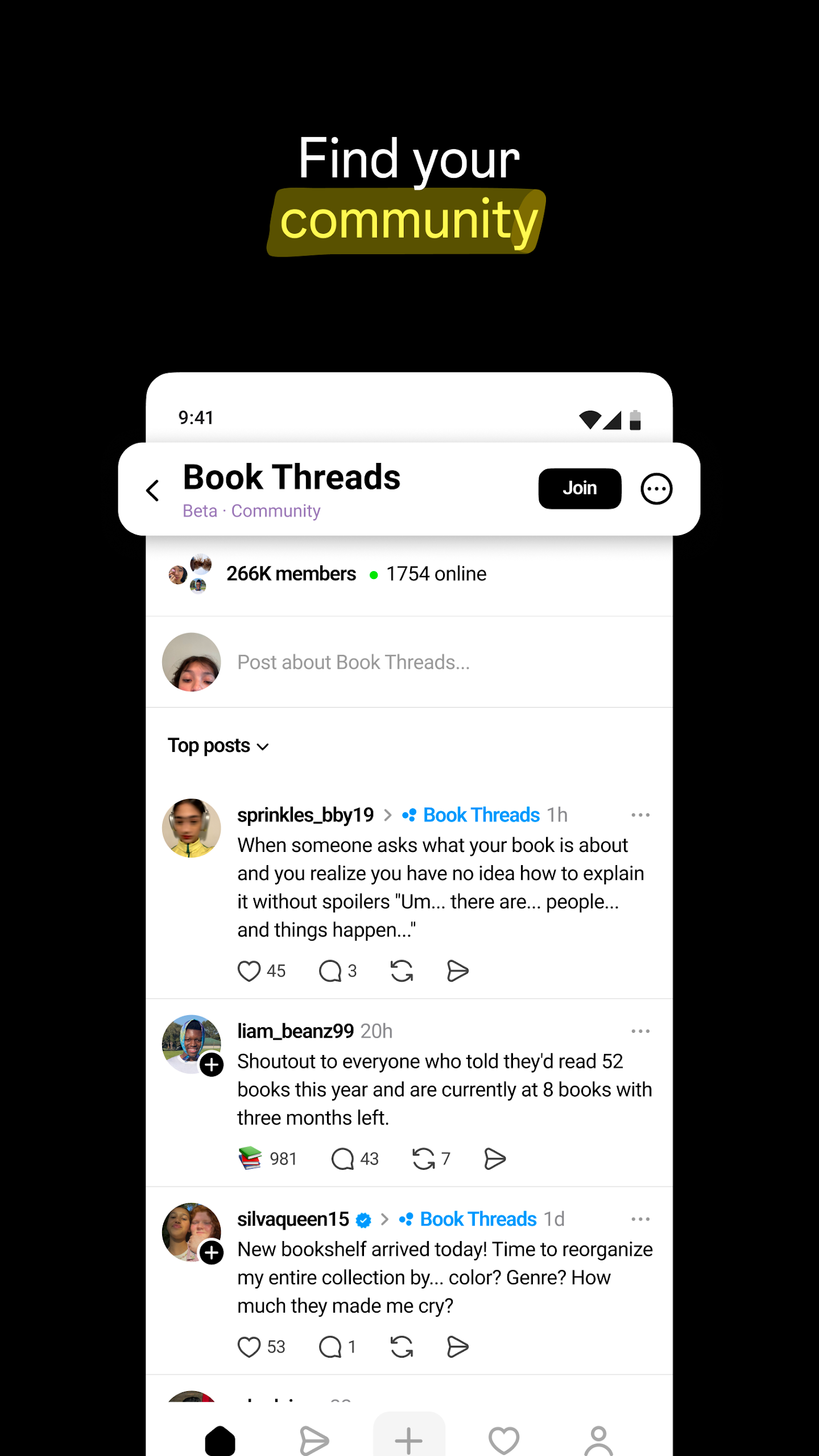
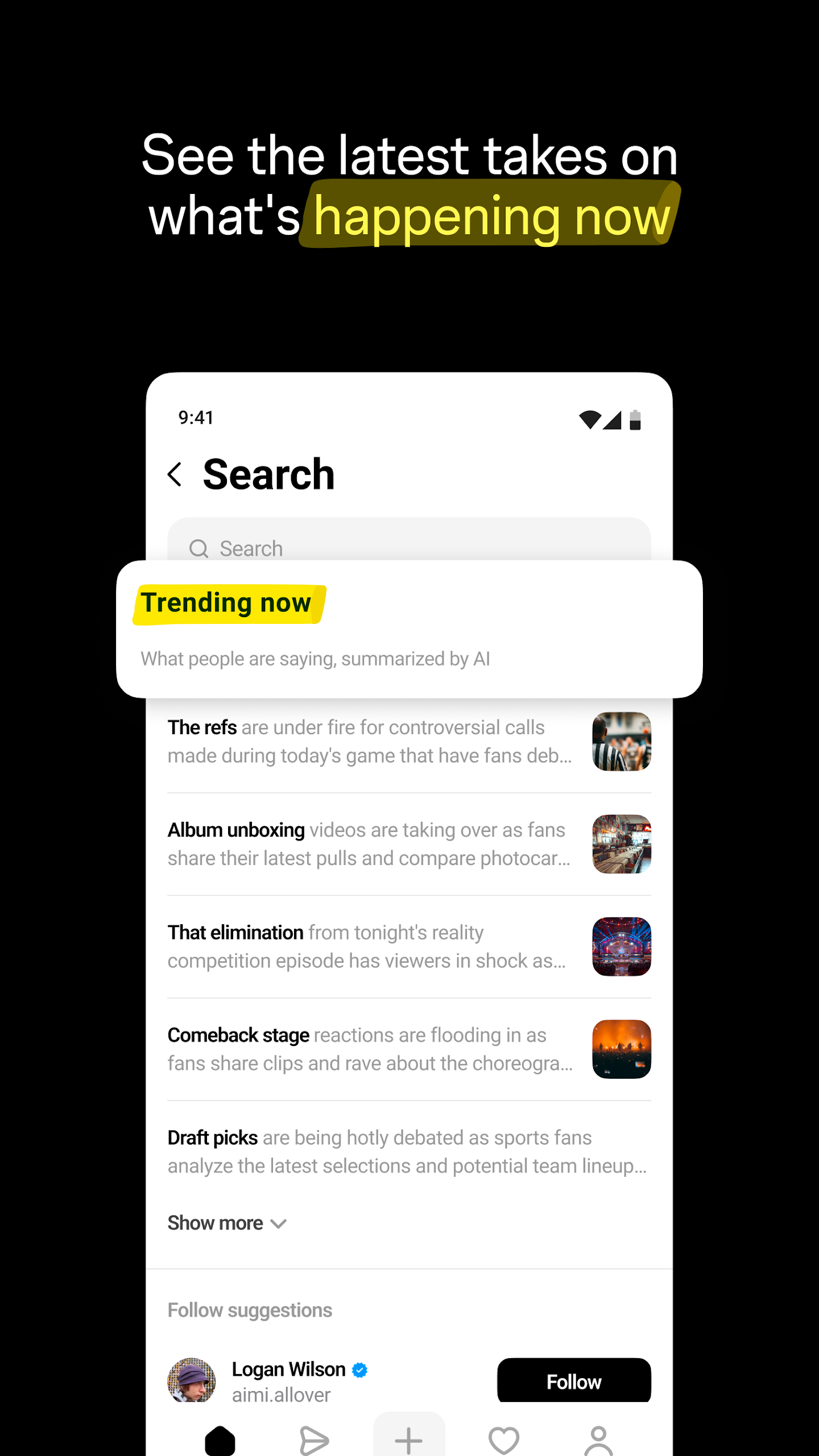
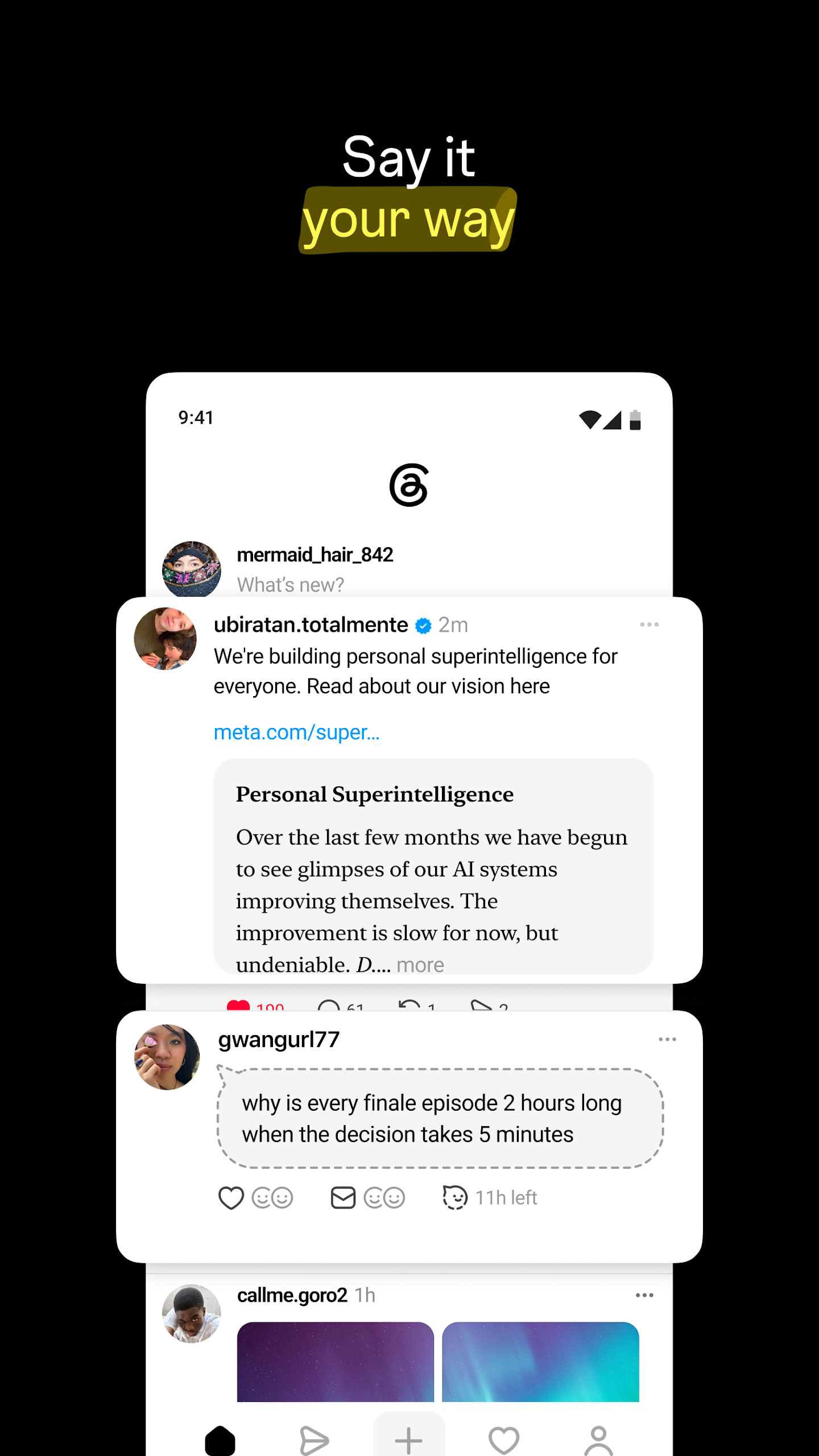
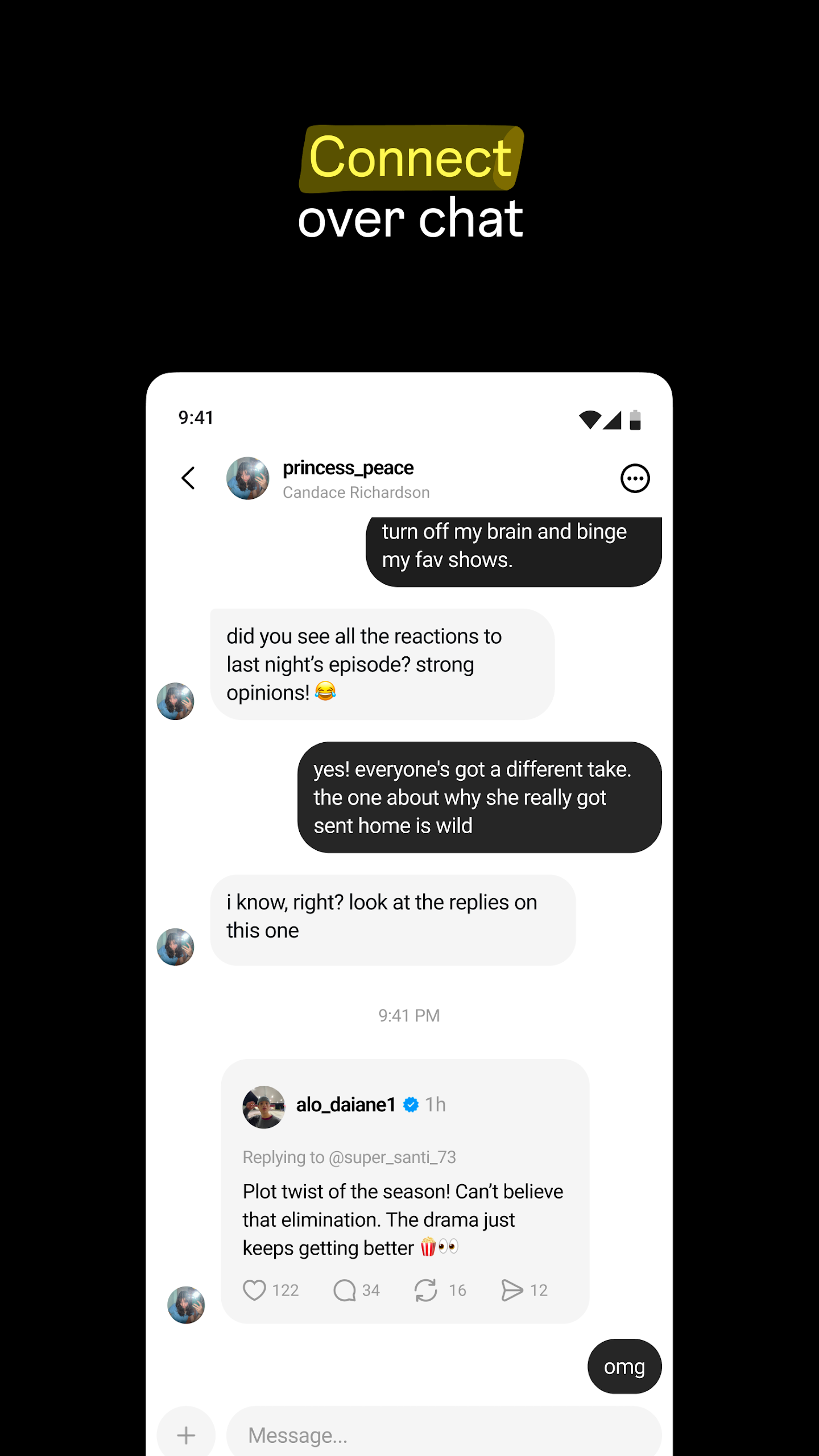
Unveiling Threads — Instagram's Groundbreaking Text-Based Interaction Platform
Threads serves as the nexus for diverse communities to deliberate on a gamut of topics, from current concerns to upcoming buzzworthy subjects. Whatever captivates your interest, you have the opportunity to follow and engage with your favored creators and like-minded individuals—or cultivate a devoted following of your own to showcase your thoughts, viewpoints, and ingenuity to the world.
Features:
Post Creation: Share text, emojis, images, and videos.
Privacy Controls:
-Option to make your profile private.
-Restrict comments to "Anyone", "People you follow", or "People you have mentioned".
Interactions:
-Follow profiles to see their content in your feed.
-Follow Instagram contacts on Threads seamlessly.
-Like, retweet, reply to, and share posts or threads.
-Create and post multiple messages in a single thread.
An Array of Possibilities on Thread
■ Engage with your Instagram followers
Secure your Instagram handle and verification emblem exclusively for yourself. Seamlessly track the accounts you follow on Instagram with just a few taps and stumble upon fresh profiles as well.
■ Express your perspective
Kick off a fresh thread to articulate your musings. This realm is yours to exhibit authenticity while regulating who can respond.
■ Forge connections with friends and beloved creators
Delve into replies to partake in the ongoing excitement and react to the banter, wit, and sagacity from the creators you admire. Discover your kin and bond with individuals impassioned about the same interests as you.
■ Dictate the discourse
Fine-tune your preferences and employ controls to oversee who can peruse your posts, reply to your threads, or tag you. The block list from Instagram will be carried over, and we adhere to identical Community Guidelines to facilitate secure and authentic interactions for all users.
■ Harvest inspiration and innovation
Seek counsel on television shows, career pathways, or glean insights from user-generated discussions, revered thought leaders, and industry mavens.
■ Stay abreast of every happening
Remain updated on the latest developments and live occurrences. Be it new music drops, movie debuts, sports fixtures, gaming updates, TV series revelations, fashion trends, or product launches, participate in dialogues and receive alerts whenever your cherished profiles initiate a new thread.
■ Immerse in the fediverse
Threads forms a segment of the fediverse—a global, transparent social network comprising autonomous servers managed by external entities globally. These servers exchange data to facilitate connections and unveil novel discoveries throughout the fediverse.
Frequent questions
-Where can I download the Threads APK for Android?
You can download the Threads APK for Android from Uptodown. On our website and native app, you can download the latest update or previous versions of this social media platform.
-Can I use Threads on PC?
Yes, you can use Threads on PC. The best way to do this is downloading the APK and installing it on an Android emulator for Windows. You can also use the web version by visiting the official website.
-Can I sync my Instagram followers to Threads?
Yes, you can sync your Instagram followers to Threads. All you have to do is import them when you create your account. You can also use the same bio and profile picture.
-Can I verify my Threads account?
Yes, you can verify your Threads account. If you have a verified profile on Instagram, the platform will automatically verify you on Threads as well.
How to set up and use threads on your mobile iphone
There is a very similiar application to twitter,apart from it's created by meta. We first just need to open up the app store on your mobile device and then using the search box,just go and search fir the word threads and click on search.Now scroll down and click on the download button to go and install this.
Once it's installing,we can press open to go and open up the application.Now you'll be orimpted to go and sigh in with your instagram account.This will essentially connect your two accounts together.You can decide to use a differnet account at the bottom here.If this is your first time signing into threads,then you'll get this setup experience.Decide whether you want a public or a private profile.So this works in a similar sort of way to instagram.If you want other people to be able to find and see your centent content online,you can select public profile,but if you just want to keep your content to your followers,we can go and select private and then click on next to join threads at the bottom of this window.
If you like any of these posts,you can click on the heart button to go and like this post.You can also click on the comment icon to go and send a reply to this thread.Finally,you can click on this reshare button and you can go and repost this to your own thread's timeline.
Additional feature
You can control who can mention you or reply to you ,you have anyone profiles you. follow mentioned only as your three options.If you jave already blocked an account on instagram.When you create your threads account they will also block bl that threads user.That's a really seamless inttegration that they created.And if you need to go like that extra step of unblocking or bllocking restricting,reporting accounts,thread profiles.You also have the ablility to do that by going to the three dots and selecting the action that you need to take.
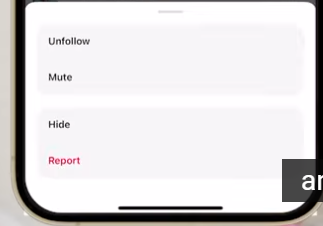
Ofcourse similarly to instagram you can filter out or have certain hidden words,So if you don't want to see a specific word pop up in your comments or on your profile.Or on your thread you can add hidden words to block comments that use those words.
Some common terminology
Now on a thread there are multiple ways to interact with it you can reply to somenone's thread,so you can reply to the discussion you can repsot,so when you repost a thread that's taking that person's thread and just slapping it on your profile.Or you can quote someone's thread.Comment you have your own little note you get to make your own little statement.so repost is just copy paste you don't get to say your peace of mind quoting.You get a little add your own little flavor to it.
- Version387.0.0.0.21
- UpdateNov 25, 2025
- DeveloperInstagram
- CategorySocial
- Requires AndroidAndroid 9+
- Downloads314M+
- Package Namecom.instagram.barcelona
- Signature48ebebf66fd0777f304c3fe7a2b12e0e
- Available on
- ReportFlag as inappropriate
-
NameSizeDownload
-
62.89 MB
-
63.71 MB
-
63.62 MB











Threads is a refreshing social media app that seamlessly integrates with Instagram
offering a user-friendly interface and a positive, engaging community
Can't interact with other people but a couple times a day