
Text Scanner - Image to Text - Image to Text Conversion
Unleash instant text extraction from images, PDFs & handwritten notes with powerful AI features for speed & accuracy.
- 1.0.201 Version
- 2.8 Score
- 283K+ Downloads
- In-app purchases License
- 3+ Content Rating

About Text Scanner - Image to Text:
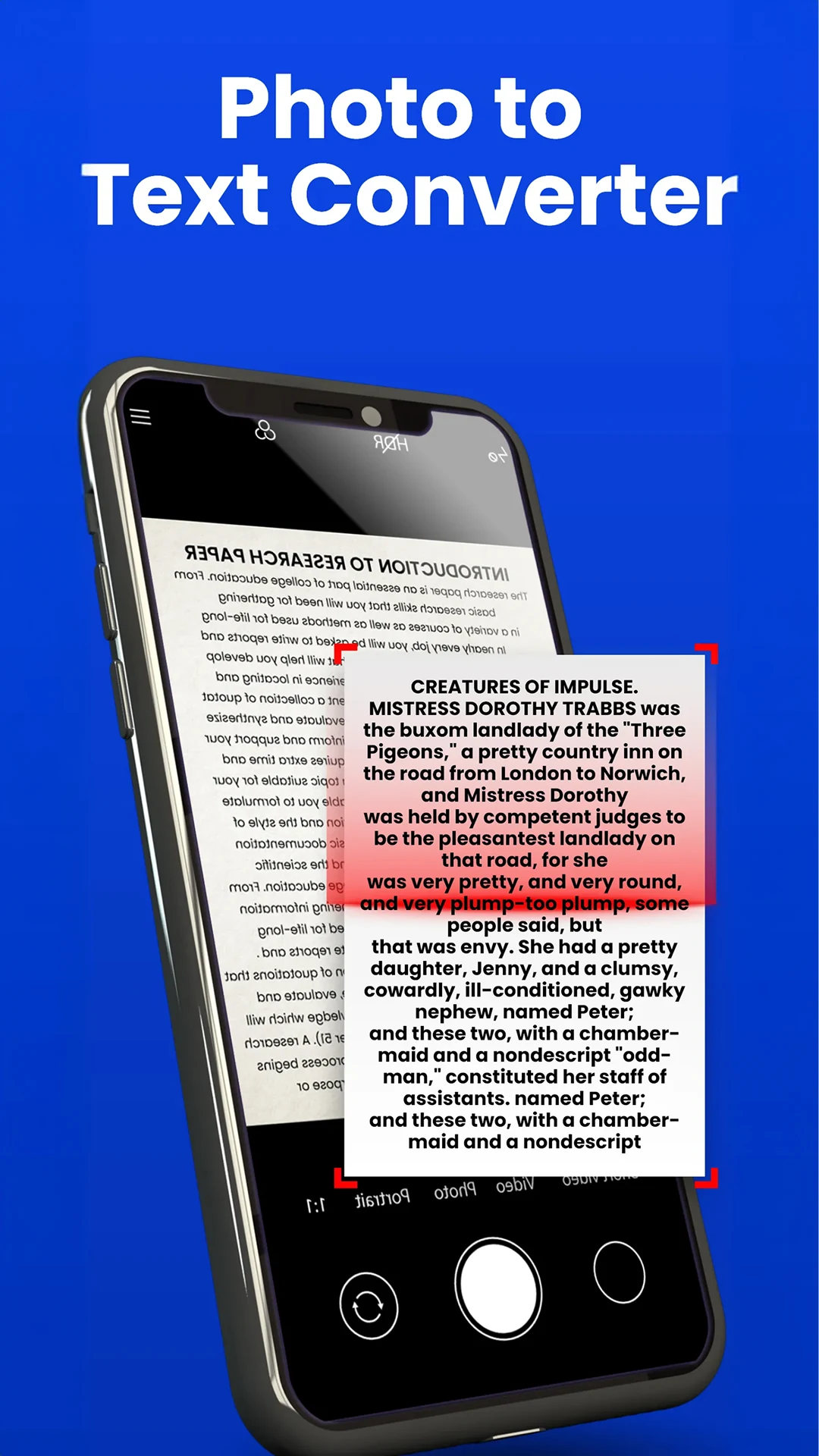
Text Scanner - Image to Text is an Android OCR app by Wallet Passes Alliance that turns photos, documents, handwritten notes, and scanned pages into editable digital text. Instead of retyping receipts, class notes, articles, or paperwork, the Text Scanner app uses optical character recognition to capture the words straight from an image.
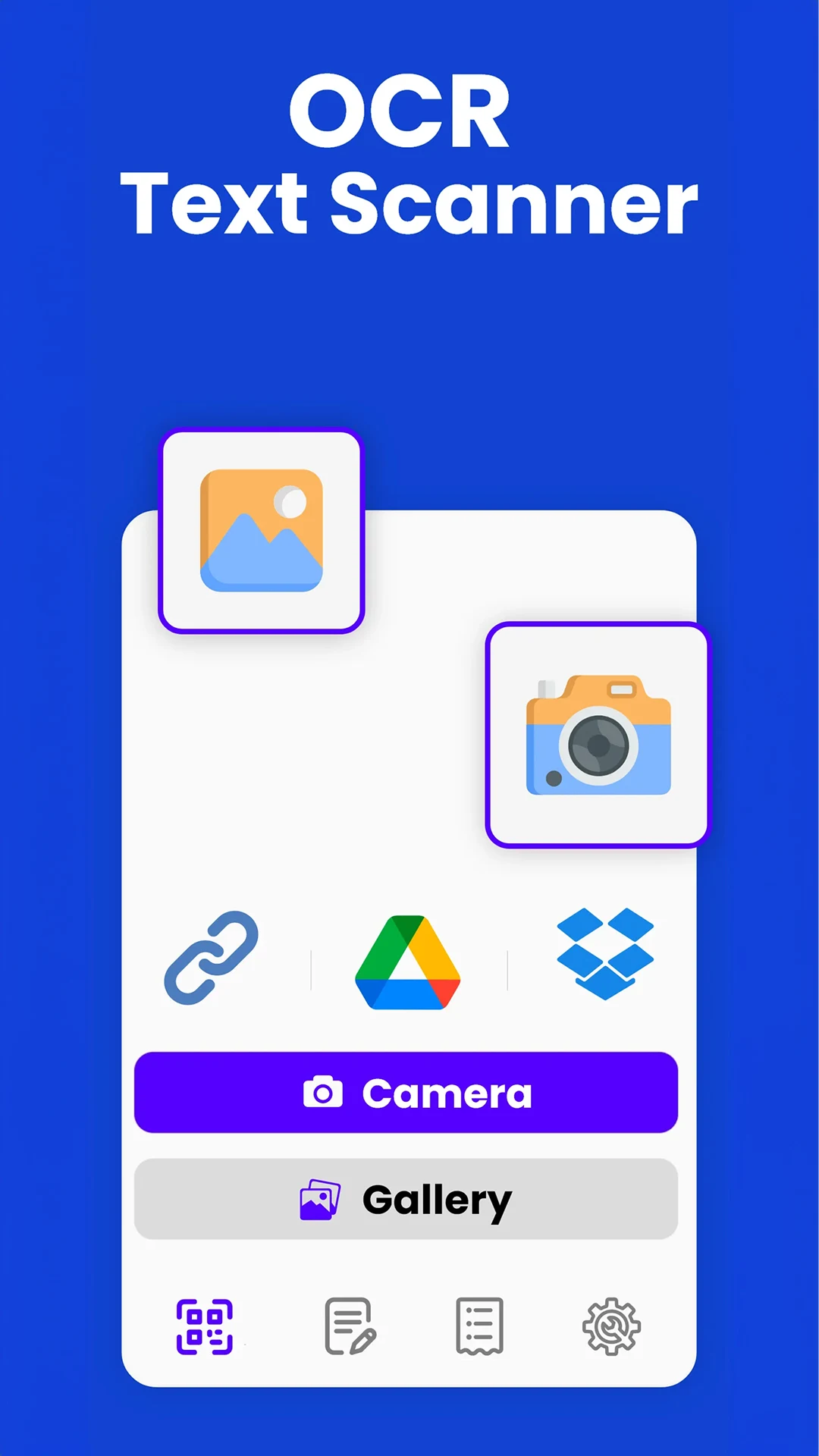
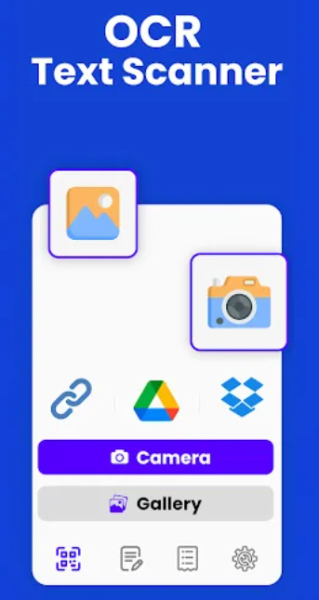
The Text Scanner app is built for quick extraction first — point the camera or pick a gallery image, let OCR read the page, then copy, edit, summarize, or share the result.
Store-ready features:
Image-to-text OCR — extract printed text from photos and documents
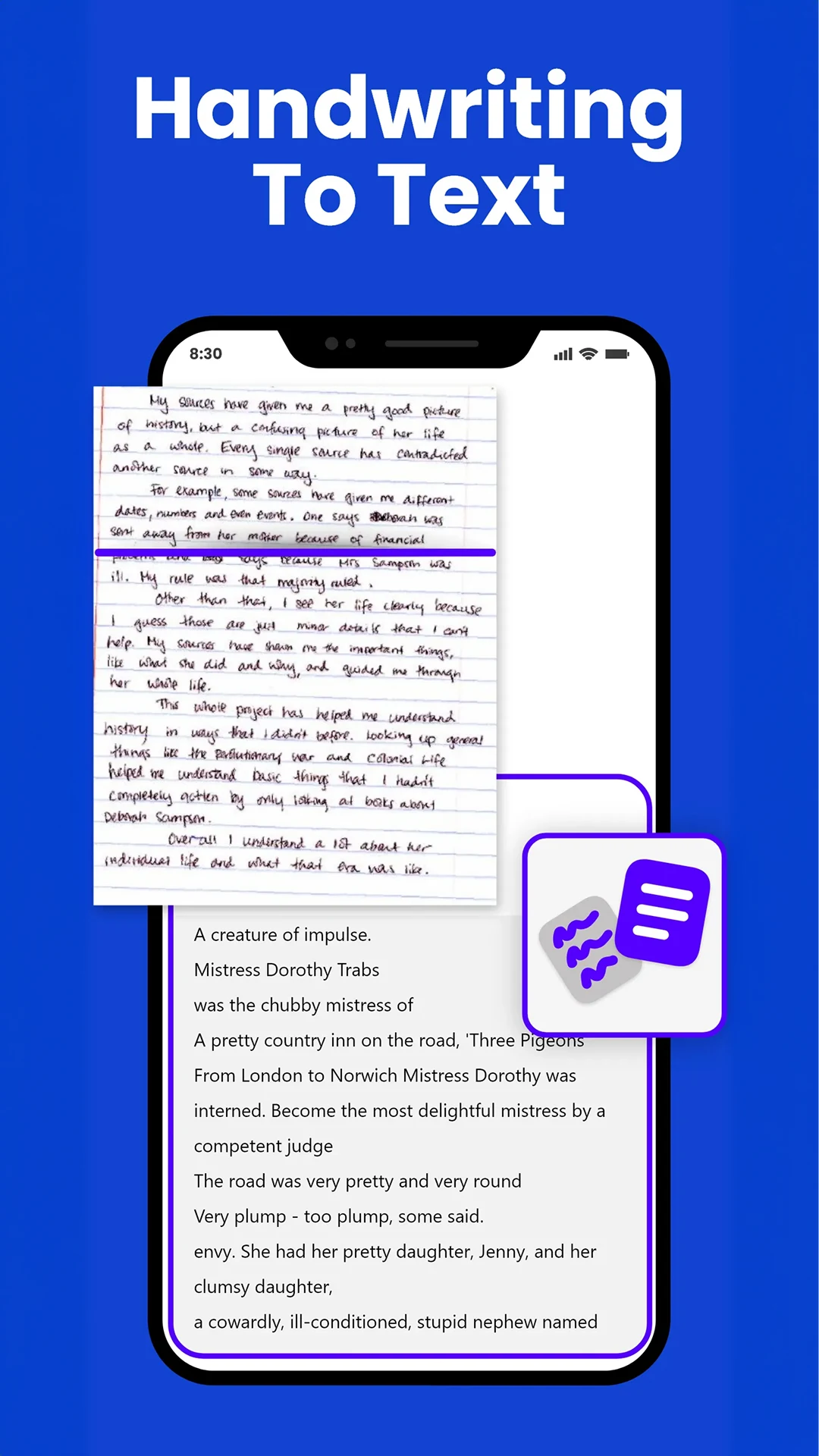
Handwriting recognition — convert handwritten notes into editable text
Batch / multi-page scanning — process several pages in one session
AI text summarization — condense long scanned articles into key points
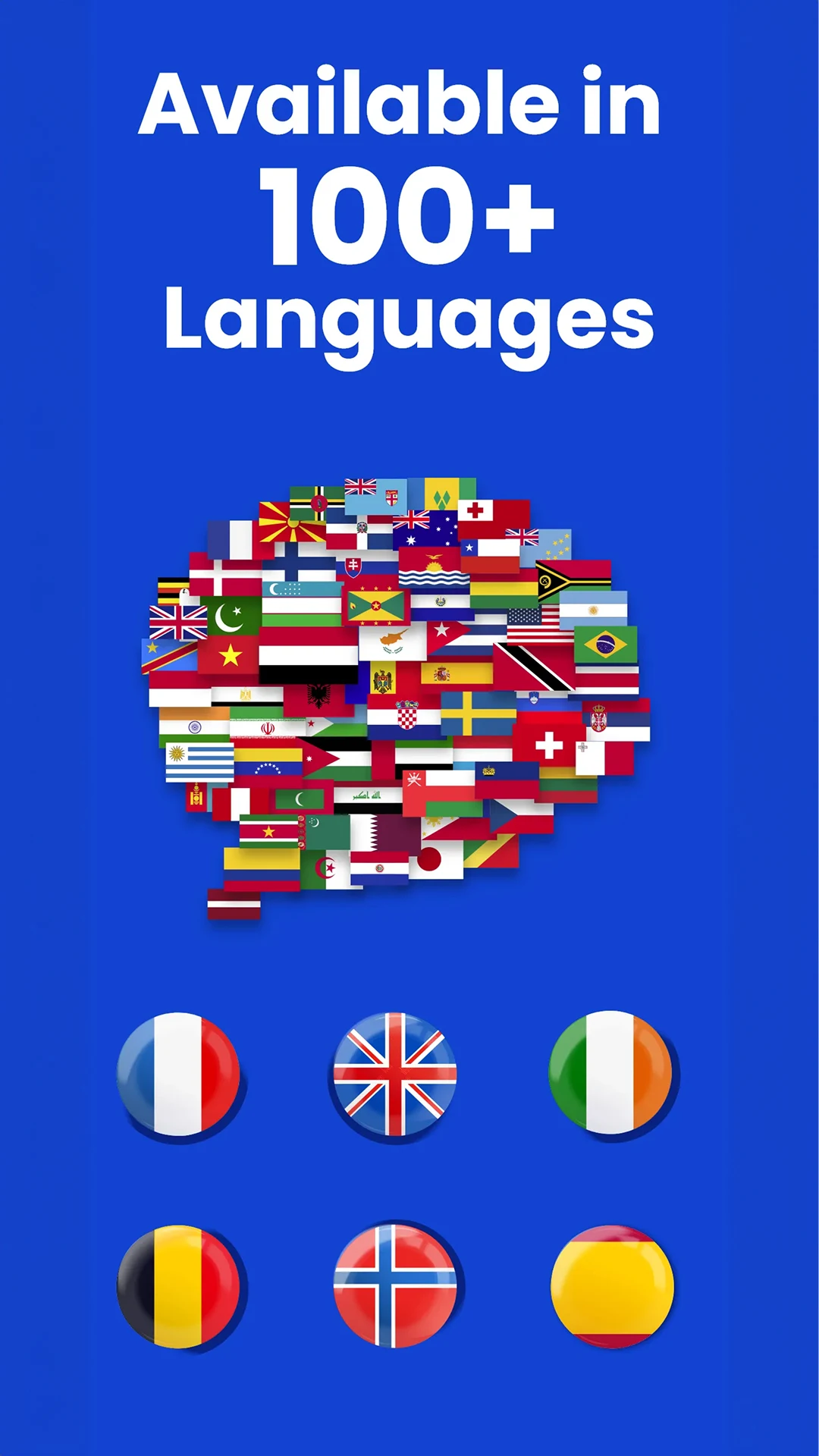
Multi-language support — works across global document languages
URL scanning — pull text content from web pages inside the Text Scanner app
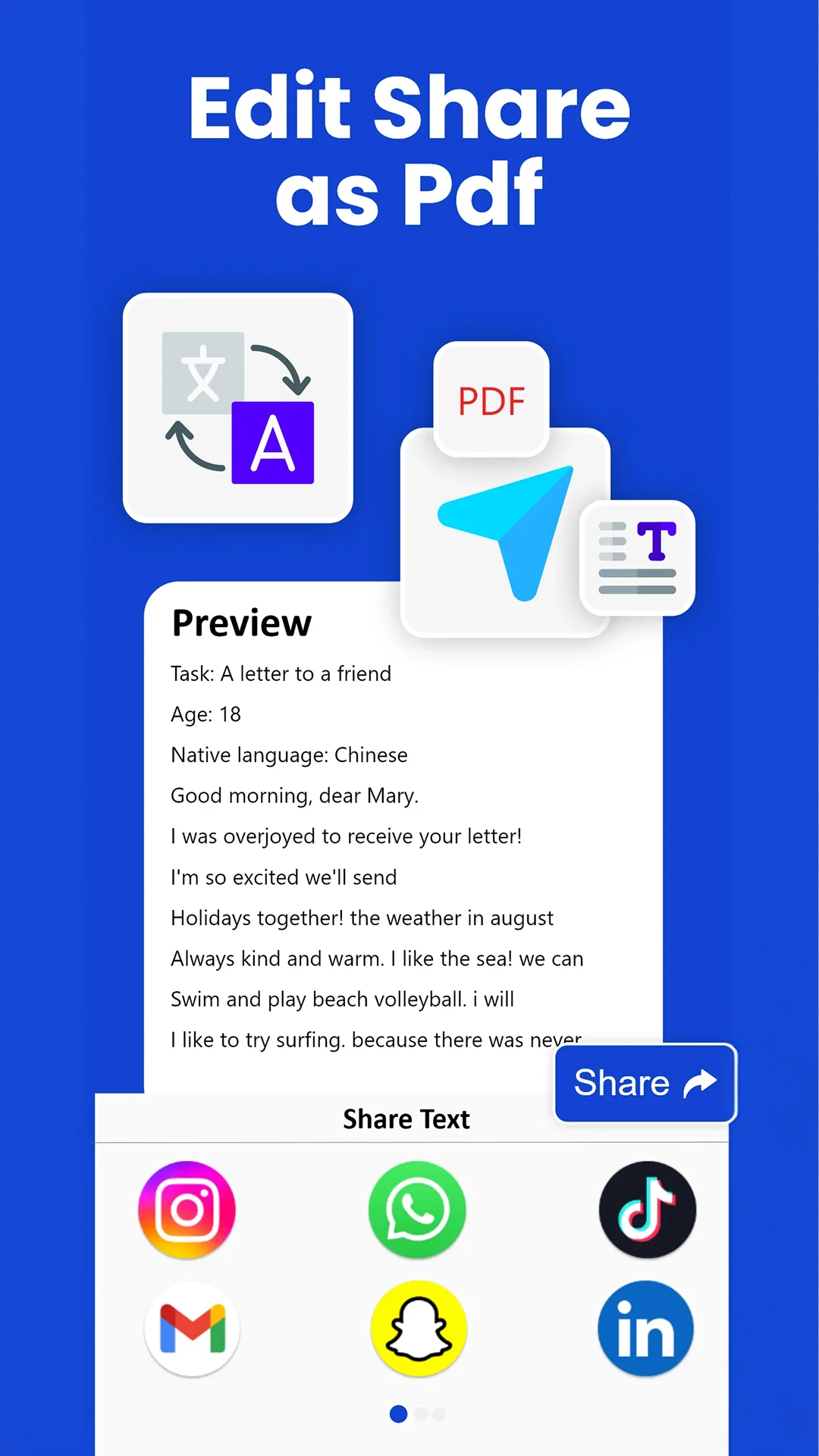
Export & share — save scans and send text to other apps
Camera-based capture from paper, receipts, boards, and books
Google Play package:et.image.text.converter.doc.ocr.scanner.pdf.
How to Use the Text Scanner App:
The Text Scanner app runs on a simple loop: capture image → OCR reads text → review/edit → copy or export.
Quick guide:
Install Text Scanner - Image to Text from Google Play.
Open the app and allow camera/storage access when prompted.
Capture a photo of the document, or pick an image from gallery.
Wait for the Text Scanner app to recognize the text on the page.
Review the extracted output and edit anything misread.
Copy the text, share it to another app, or save the scan.
For long articles, use the built-in AI summarization to get key points.
For multi-page documents, use batch scanning instead of scanning one page at a time.
Better-scan tips:
Use flat, well-lit shots — shadows and blur lower OCR accuracy
Frame only the text area when possible
Handwritten pages work best with clear pen strokes, not cursive scribbles
Scan foreign-language pages directly; the Text Scanner app supports multi-language OCR
Text Scanner App FAQ:
Who develops the Text Scanner app?
Wallet Passes Alliance — listed as the developer on Chrome-Stats and the official site.
What does the app actually do?
It extracts text from images, photos, scanned documents, and handwriting using OCR, then lets you copy, edit, summarize, or share it.
Does it support handwriting?
Yes. The Text Scanner app lists handwriting recognition as a core feature.
Can it scan multiple pages?
Yes — batch scanning is supported for multi-page documents.
Does it translate text?
The official site emphasizes OCR, summarization, and multi-language recognition. Translation is not listed as a confirmed core feature, so store copy should avoid over-claiming it.
Why does it ask for camera and storage?
Camera is needed to scan documents; storage access is used for gallery images and saved scans. Chrome-Stats also lists ad-related permissions.
Is the Text Scanner app free?
It is free to install. The Play listing notes ads/in-app purchases; exact premium limits aren’t detailed on the official site.
Why Install Text Scanner - Image to Text:
Install the Text Scanner app if you want to stop retyping text from physical pages and images.
Best-fit users:
Students digitizing class notes and board photos
Professionals extracting text from contracts or receipts
Researchers pulling quotes from scanned PDFs
Users who need handwriting converted to editable text
Anyone dealing with multi-language documents or long articles
- Version1.0.201
- UpdateOct 19, 2026
- DeveloperWallet Passes Alliance
- CategoryProductivity
- Requires AndroidAndroid 5.0+
- Downloads283K+
- Package Nameet.image.text.converter.doc.ocr.scanner.pdf
- Signature88b5a6155a710f8f4465bcd679674a8a
- Available on
- ReportFlag as inappropriate
-
NameSizeDownload
-
36.37 MB
-
36.36 MB
-
36.24 MB



















User-friendly interface for easy navigation
High accuracy in text recognition
Ability to scan and save images quickly
Supports multiple languages
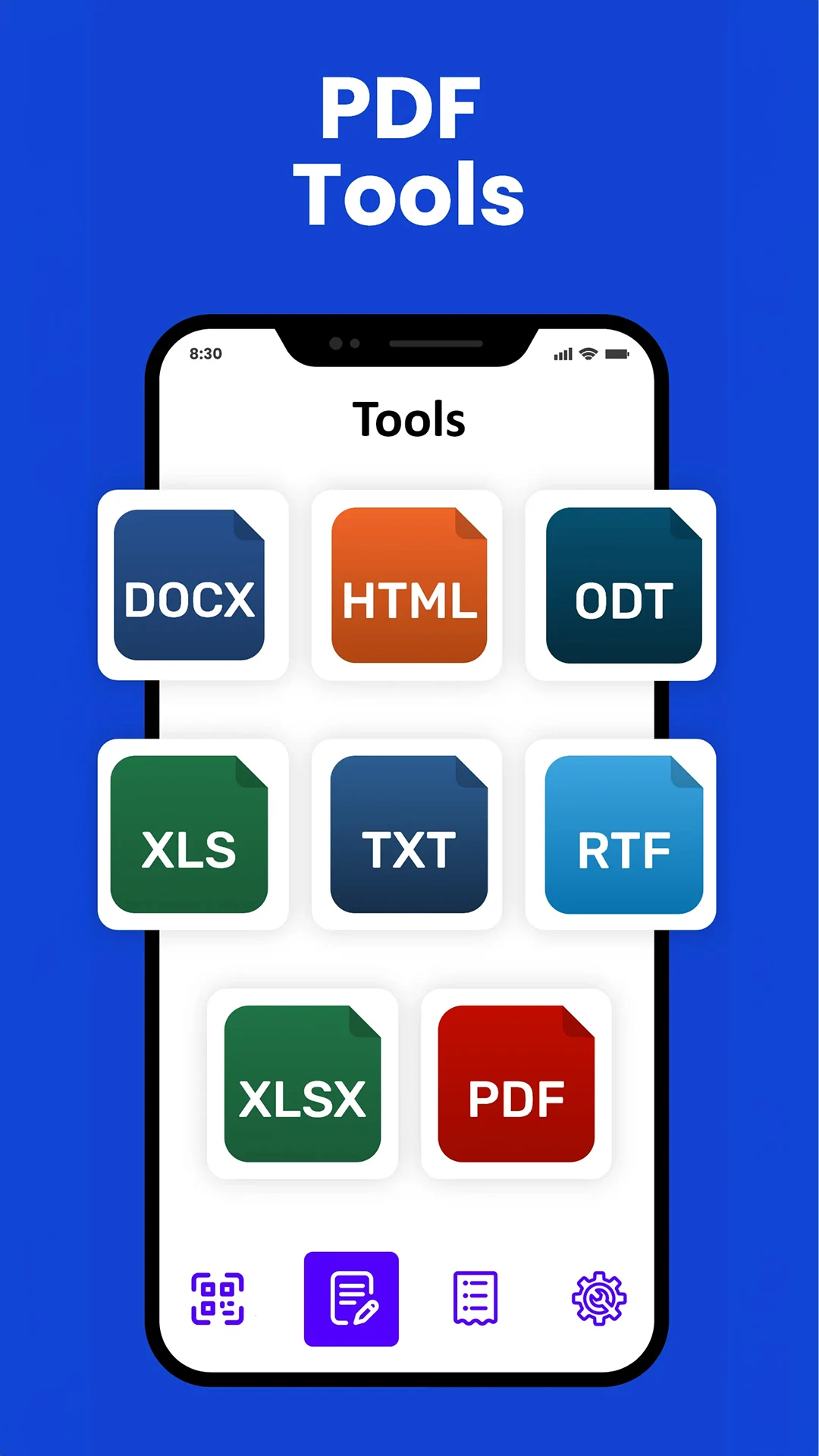
PDF conversion feature available
Offline scanning capability
Helpful for students and professionals
Efficient for long screenshots
Allows editing of recognized text
Frequent intrusive ads disrupting user experience
Limited free scans before requiring payment
Premium subscription cost can be high
Issues with accuracy on unclear or handwritten text
No proper trial period for premium features
Complaints about incomplete text recognition
Concerns over security and data privacy
Feedback ignored regarding language support
Difficulties in correcting errors found in scans