
Bird ID: Certificado Digital - Digital signature & security
Experience seamless document signing & enhanced security, managing your digital identity effortlessly with our intuitive app.

- 1.3.6 Version
- 2.0 Score
- 214K+ Downloads
- In-app purchases License
- 3+ Content Rating

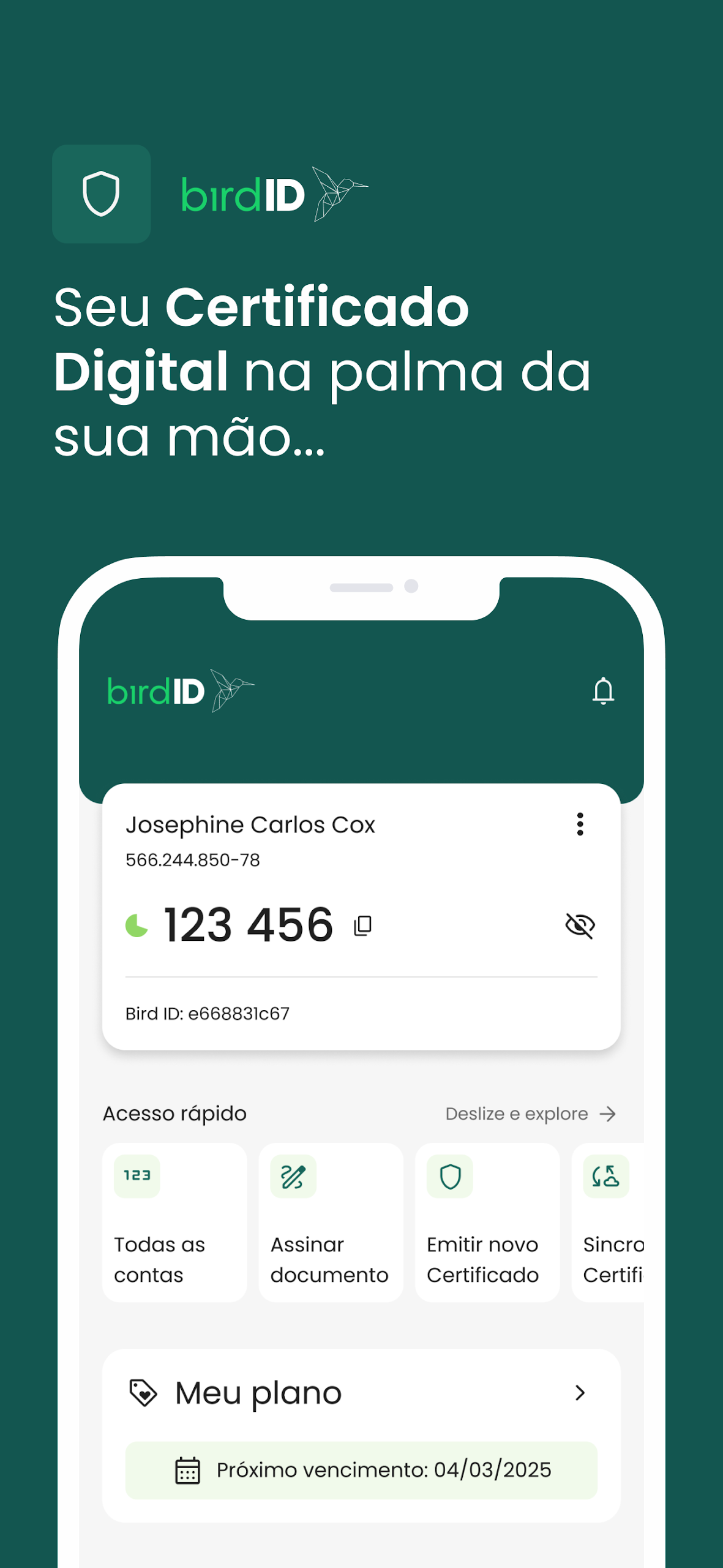
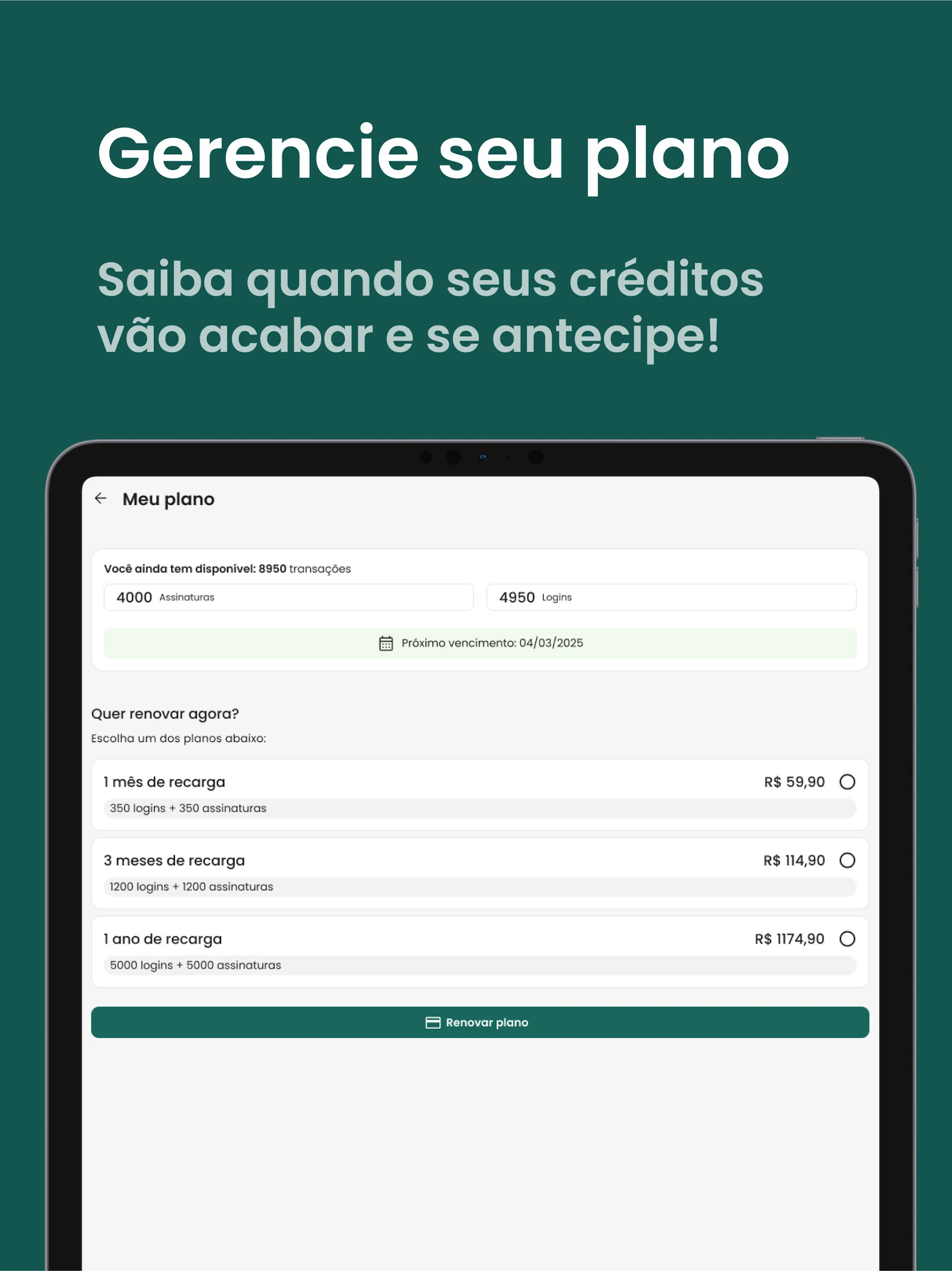
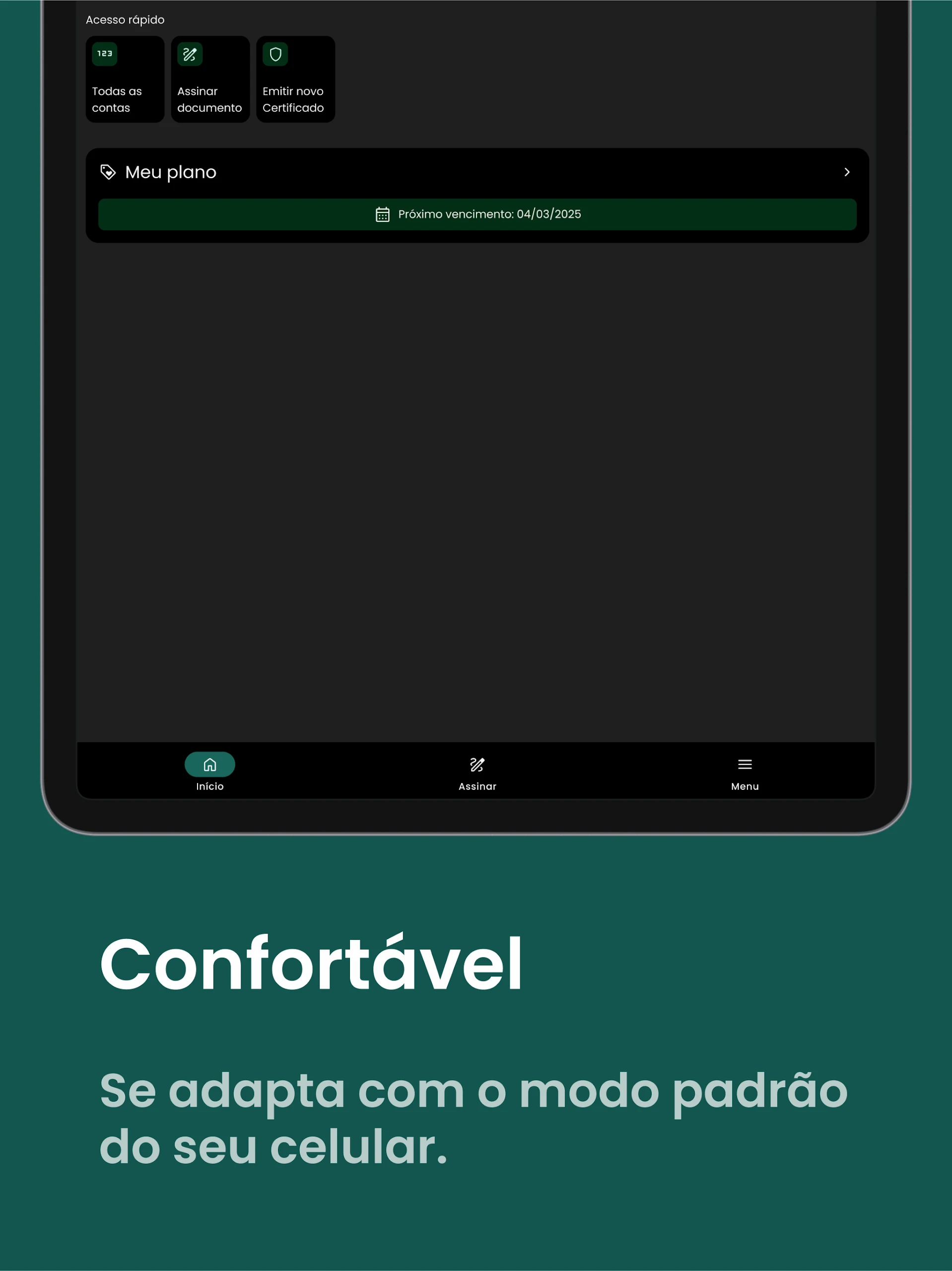
Introducing Bird ID, the ICP-Brazil Cloud Digital Certificate designed to enhance your convenience and security!
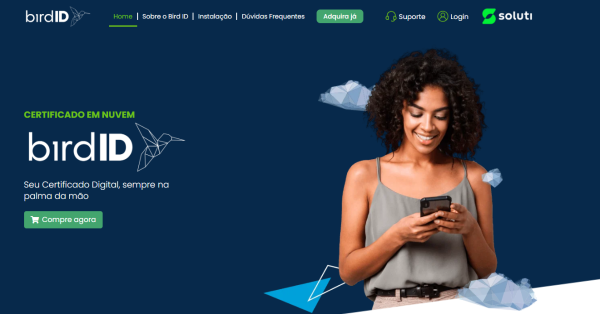
Our application provides you with speed, flexibility, and protection for a variety of tasks such as:
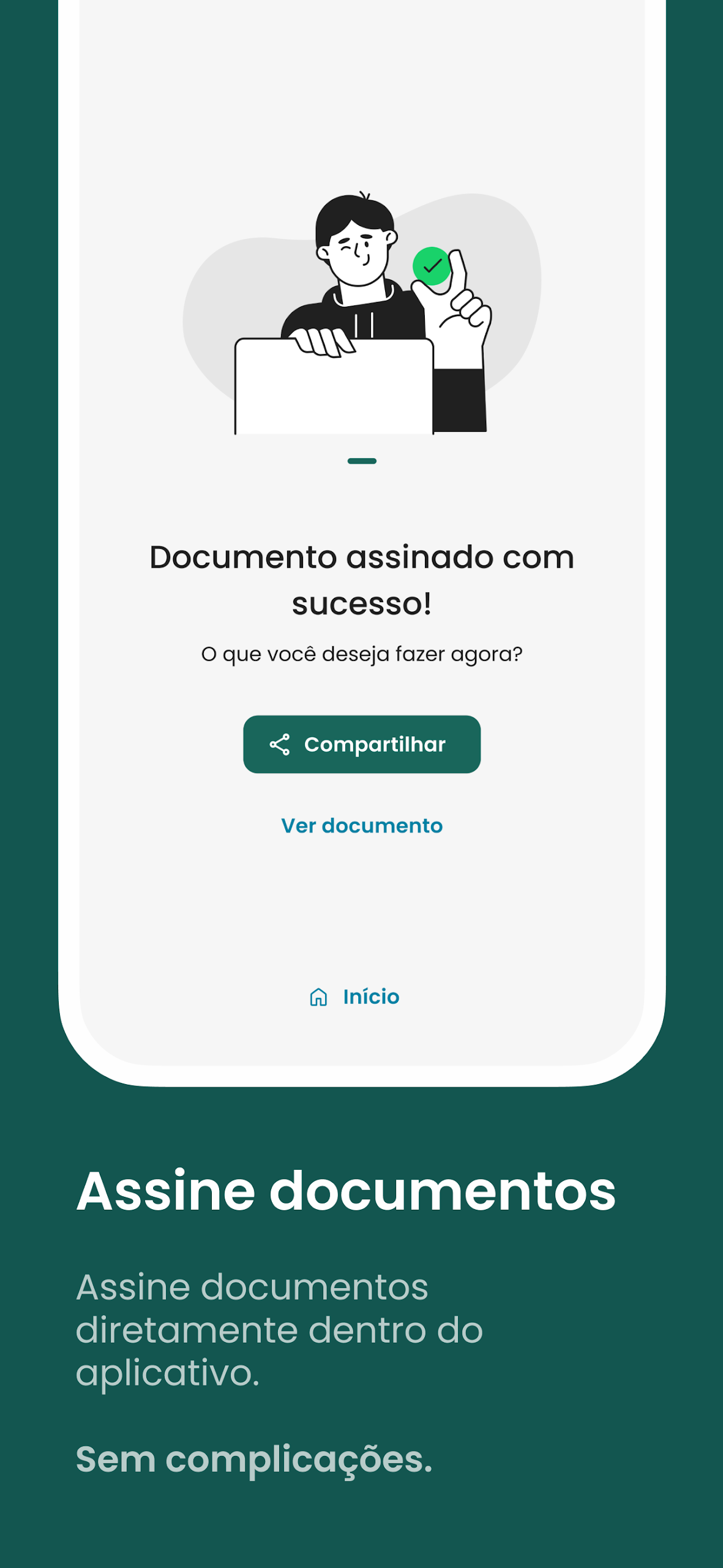
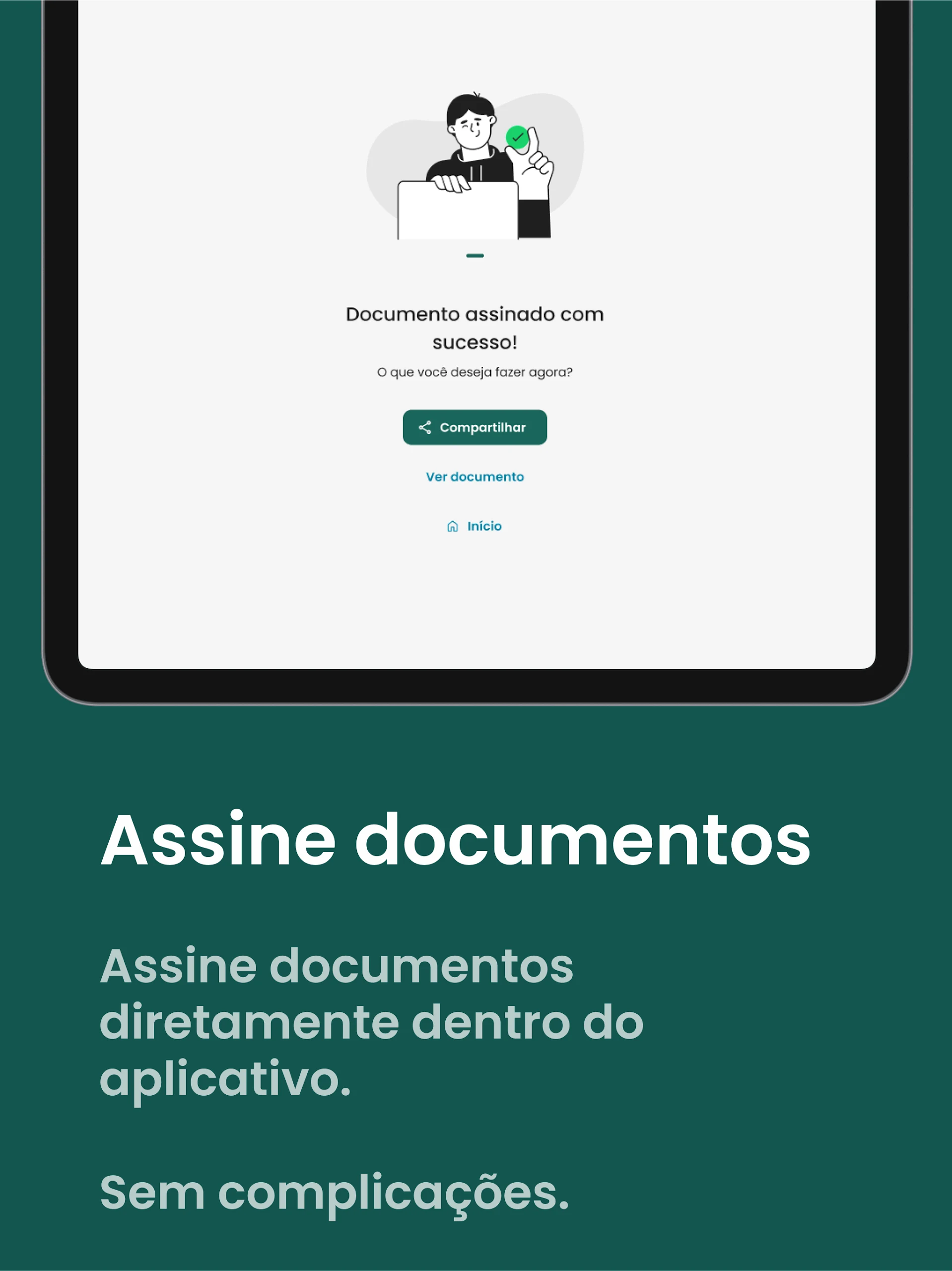
✅ Signing documents directly within the app, offering the same legal standing as signatures authenticated by a notary.
✅ A refreshed interface for improved user experience and functionality.
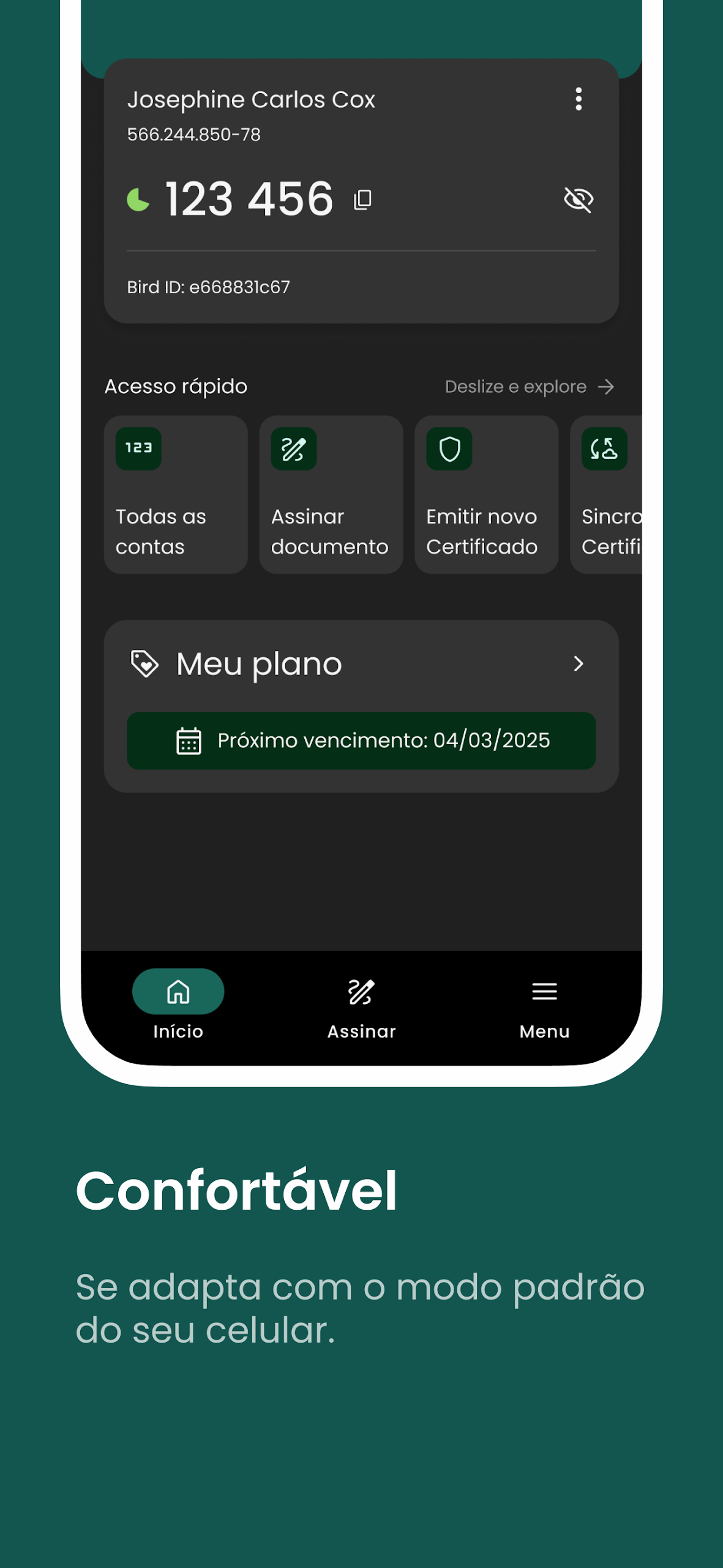
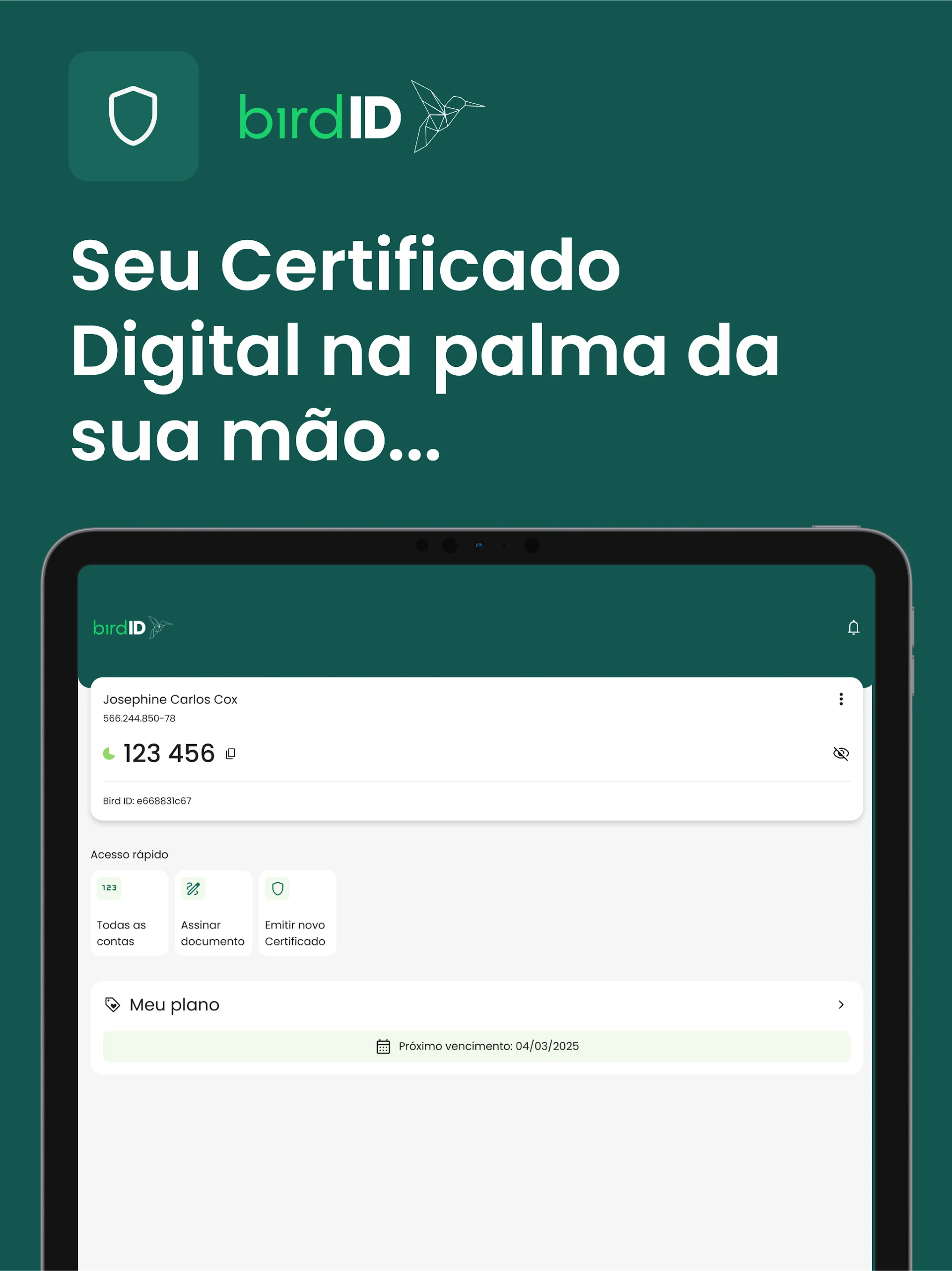
✅ Monitoring the OTP code that refreshes every 30 seconds on the main screen, ensuring secure transactions.
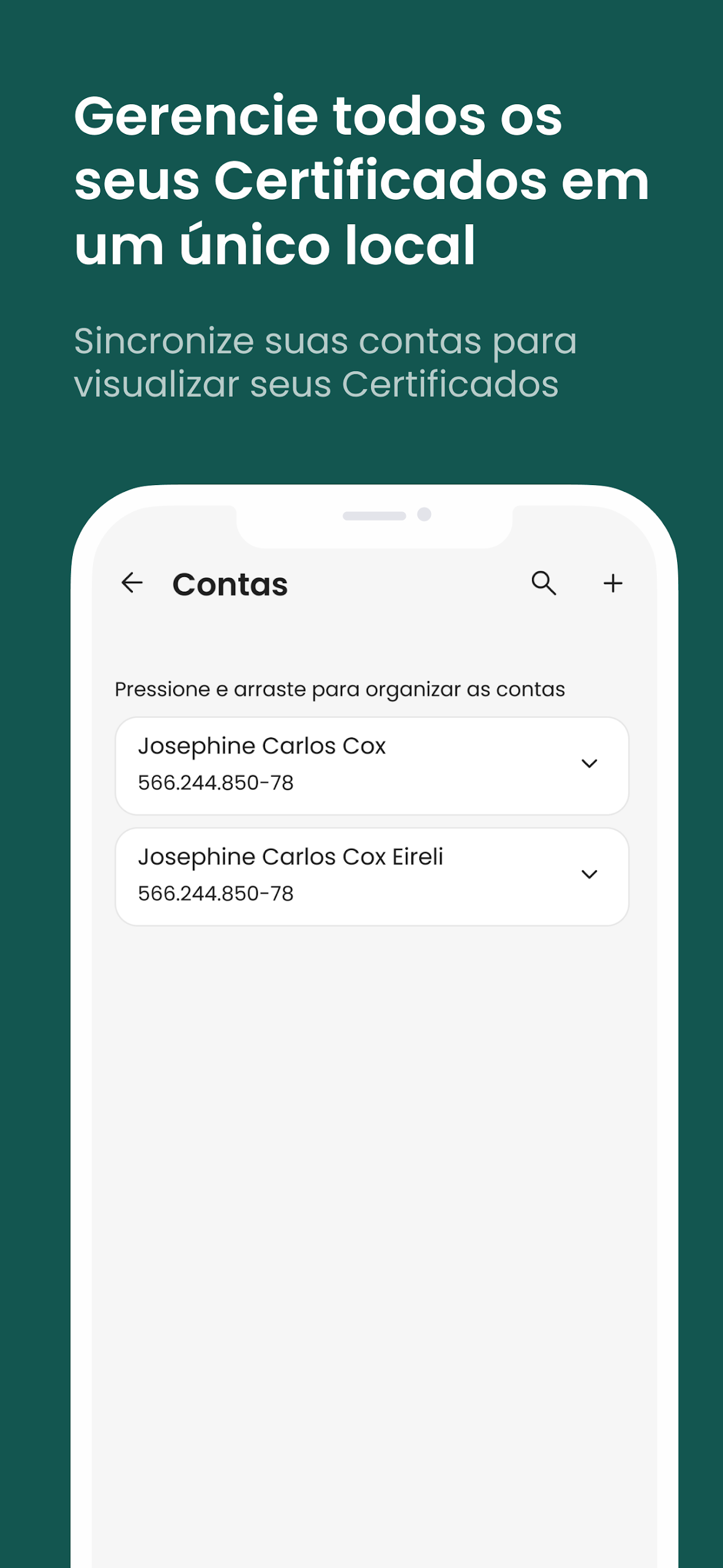
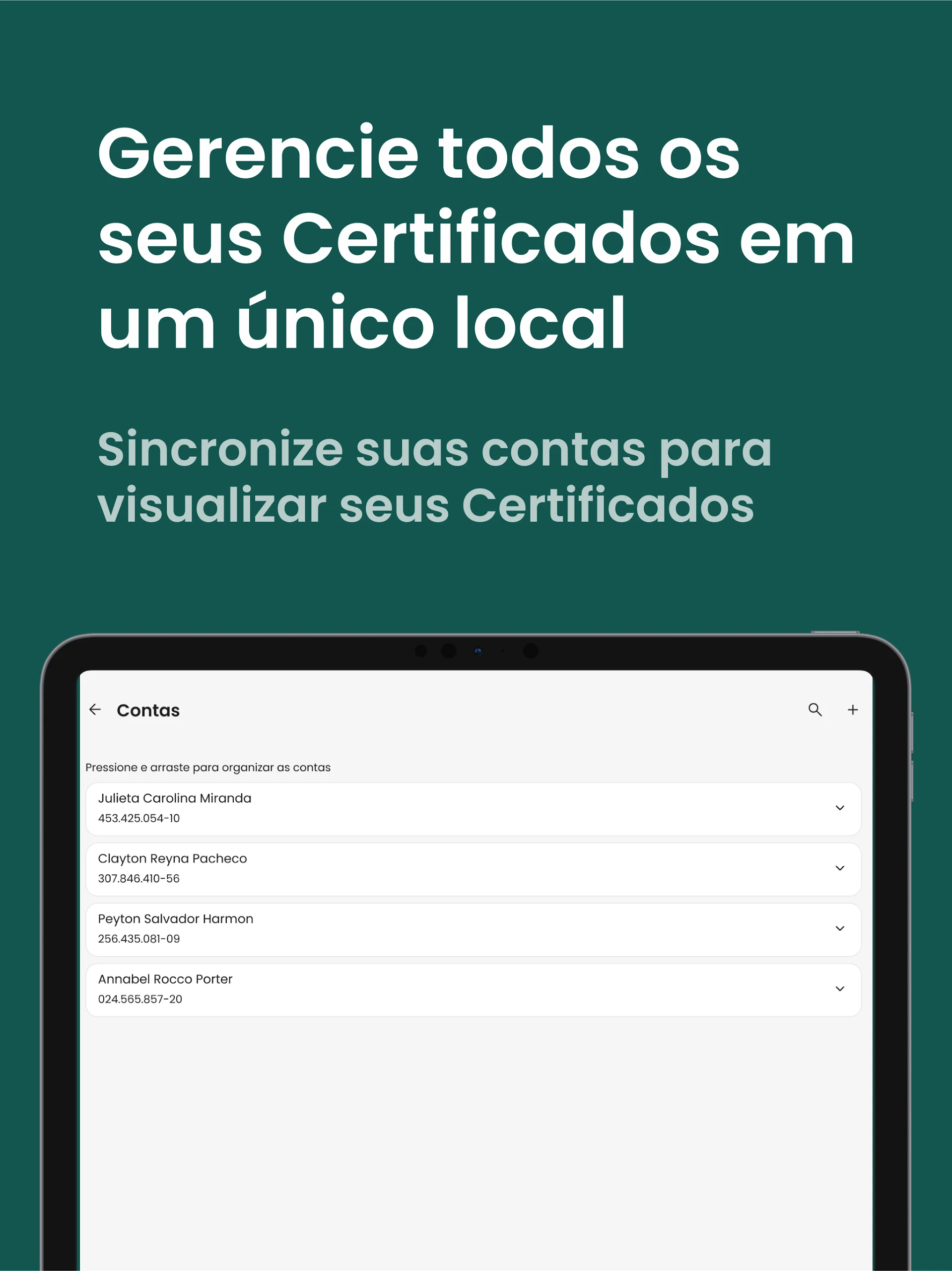
✅ Effortlessly managing your Bird ID Accounts in an intuitive manner.
✅ Viewing devices linked to your account.
✅ Accessing transaction history to stay updated on all your activities.
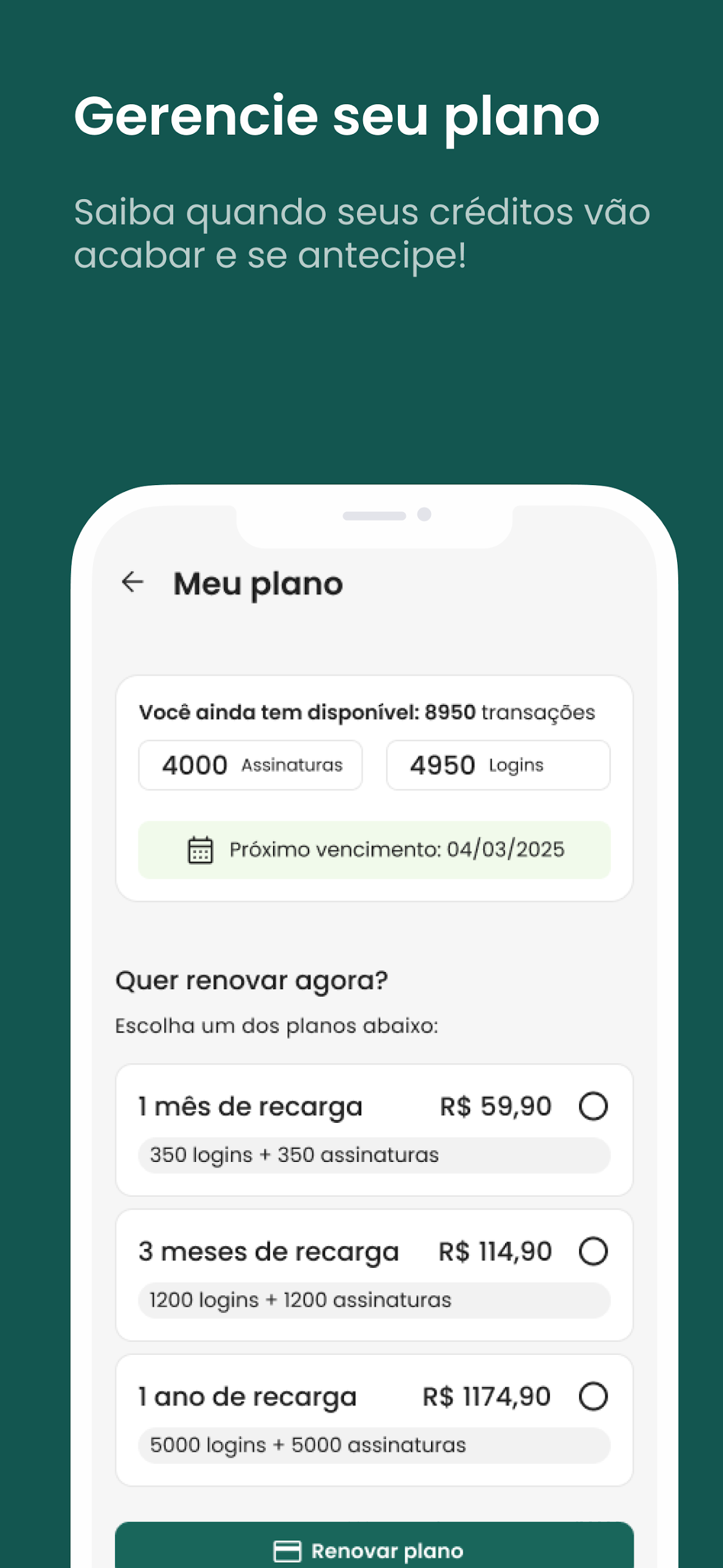
✅ Purchasing additional usage credits conveniently within the app.
And there’s even more...
💡 A better experience awaits you!
🔹 Streamlined password requirement – Now, just your Bird ID Account password is needed to enter the app.
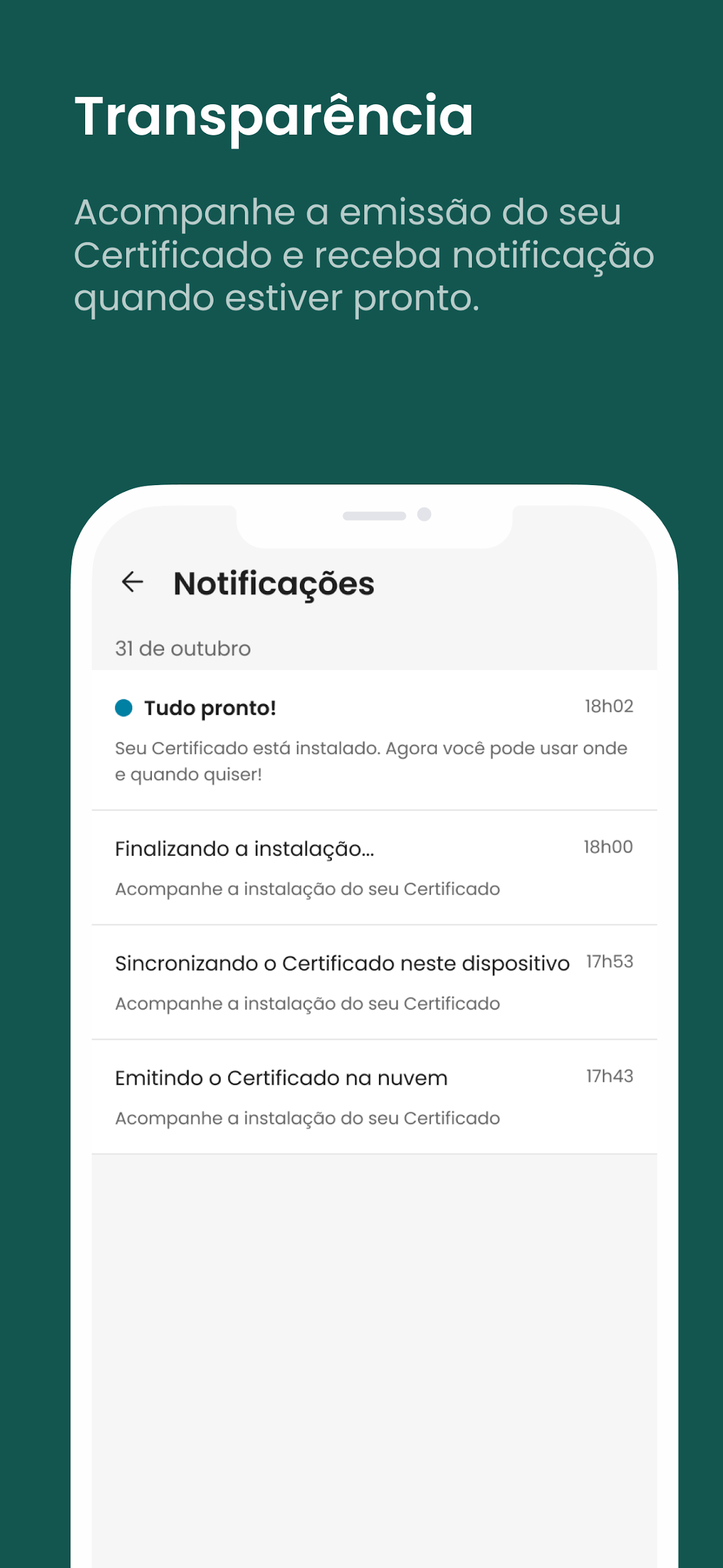
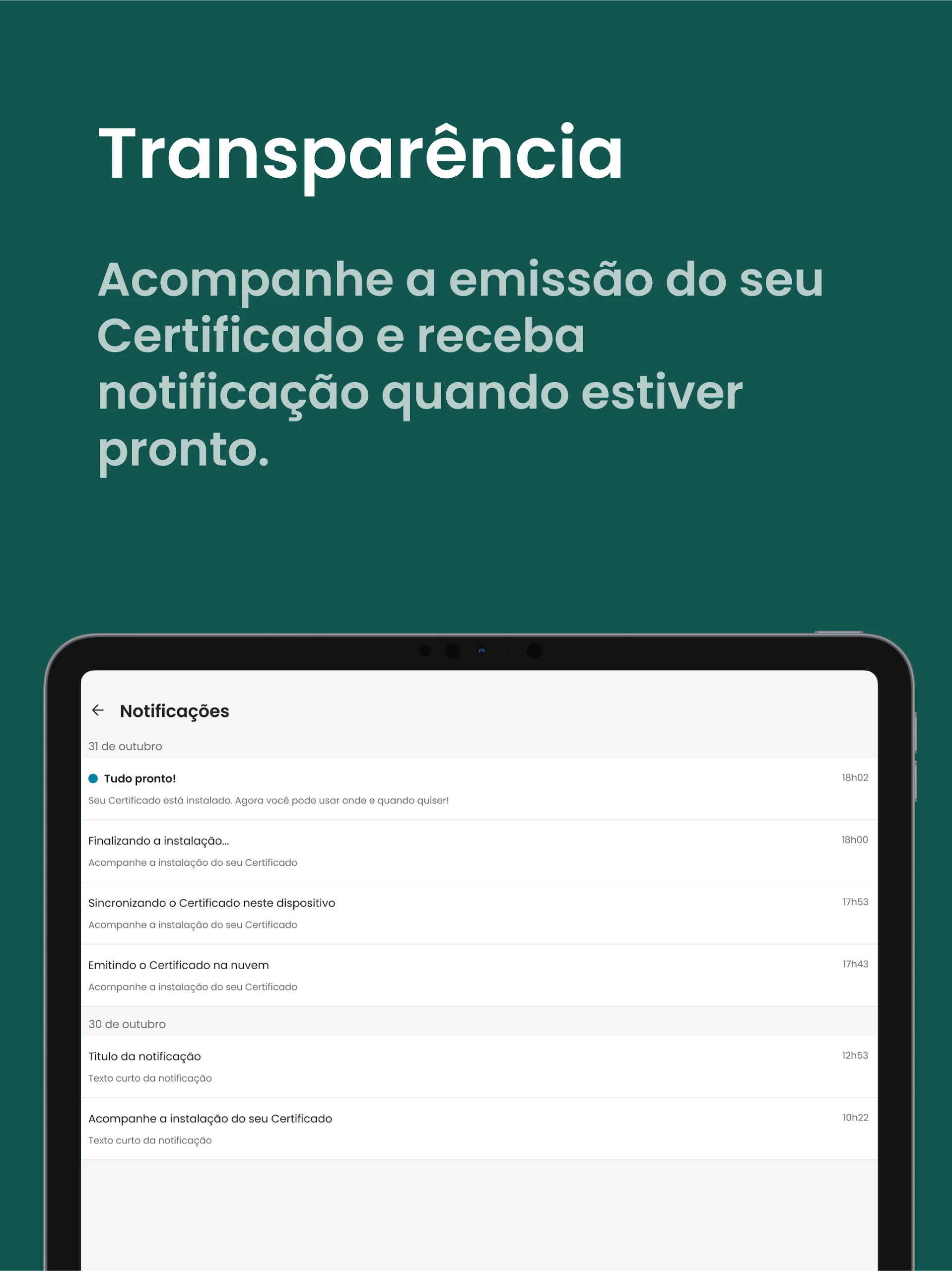
🔹 Reminders for certificate renewal – You’ll receive notifications when your Certificate is nearing expiration.
🔹 Strengthened security measures – New authentication techniques have been introduced to further safeguard your information.
Looking for more?
🖥️ Enjoy a desktop version! Integrated within the app, it allows for effortless, quick document signing.
🚀 Embrace your digital freedom today! Download Bird ID and take advantage of all the perks of the Digital Cloud Certificate.
Soar high with our little bird!
User Guide:
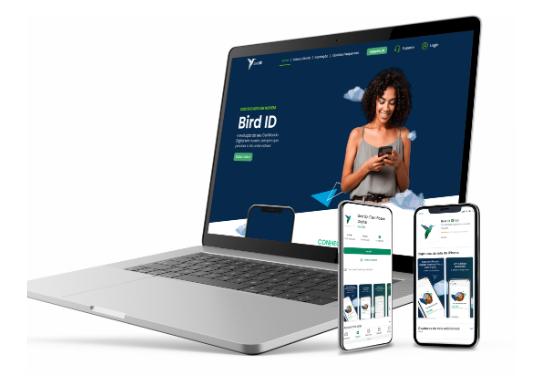
1. After downloading and installing, log in with your account and password to use the cloud digital certificate function.
2. Core Operations: Sign documents with notarized validity within the app; view OTP verification codes that refresh every 30 seconds to ensure transaction security; manage your account, view bound devices and transaction records; purchase usage credits.
3. Practical Functions: Enable push notifications to receive certificate expiration reminders; directly use the desktop version to sign documents through the app's built-in entry; remove and change the password of any unfamiliar bound devices.
FAQs:
1. **Q**: Are documents signed in the Bird ID app legally equivalent to documents signed in person by a notary?
**A**: Yes. Bird ID's document signing feature has the same legal status as a notary's signature. Documents signed online are legally equivalent to documents notarized in person, without the need for a notary.
2. **Q**: Bird ID's OTP verification code refreshes every 30 seconds. If a transaction occurs during this refresh, will this affect verification?
**A**: No. There's a transition between OTP code refreshes, and transaction verification typically allows a brief window (e.g., a few seconds) for the user to complete the transaction. As long as the currently displayed verification code is entered within a reasonable amount of time, verification will complete normally. If the code refreshes, you can simply retrieve the latest verification code and enter it again without interrupting the transaction.
3. **Q**: What should I do if I discover an unfamiliar device is associated with my Bird ID account?
**A**: You can find the "Linked Devices" list in the "Account Management" section of the app and directly remove unfamiliar devices. We also recommend changing your Bird ID account password immediately and checking your recent transaction history to confirm any unauthorized activity. If any anomalies are detected, please contact platform customer service for further account protection.
4. **Q**: My Bird ID certificate is about to expire. Besides app notifications, are there other ways to be notified?
**A**: Currently, we rely primarily on in-app notifications for certificate expiration. We haven't mentioned any other notification methods (such as SMS or email) at this time. We recommend enabling push permissions in the app to ensure timely receipt of expiration notifications to avoid missing notifications and potentially affecting certificate expiration.
5. **Q**: Are there any expiration dates or usage restrictions for "use credits" purchased in the app?
**A**: The validity period and scope of credits are usually clearly defined, and can generally be found on the purchase page or in the "Credit Usage Instructions" section within the app. For example, credits may have an expiration date (e.g., use within one year of purchase) and be limited to specific Bird ID services (e.g., document signing times, additional authentication features, etc.). The specific details are subject to the platform's rules, so we recommend confirming this before purchasing.
6. **Q**: Do I need to download the Bird ID desktop version separately, or can I use it directly within the app?
**A**: No. The desktop version is integrated into the app. After opening the Bird ID app, you can access the desktop version through the corresponding entry (e.g., the "Desktop Mode" or "Sign on PC" button) to complete document signing and other operations directly on your computer without installing any additional software.
- Version1.3.6
- UpdateOct 19, 2026
- DeveloperSoluti - BirdID
- CategoryProductivity
- Requires AndroidAndroid 6+
- Downloads214K+
- Package Namebr.com.vaultid.apps.authenticator
- Signature623b8cd16fdd3e5b293b1c81833c0b1d
- Available on
- ReportFlag as inappropriate










Simplified operation
Multi-terminal compatibility
Comprehensive security
High efficiency
Relying on app push notifications, which are prone to being missed.
Credit usage rules require additional research; they are not directly specified.
This app is only compatible with the Brazilian ICP standard and may not be available to non-Brazilian users.