
Princh - Nearby printing made easy
Discover & connect to nearby printers instantly, print on-the-go, and enjoy seamless document handling with ease!

- 4.6.6 Version
- 1.6 Score
- 195K+ Downloads
- Free License
- 3+ Content Rating


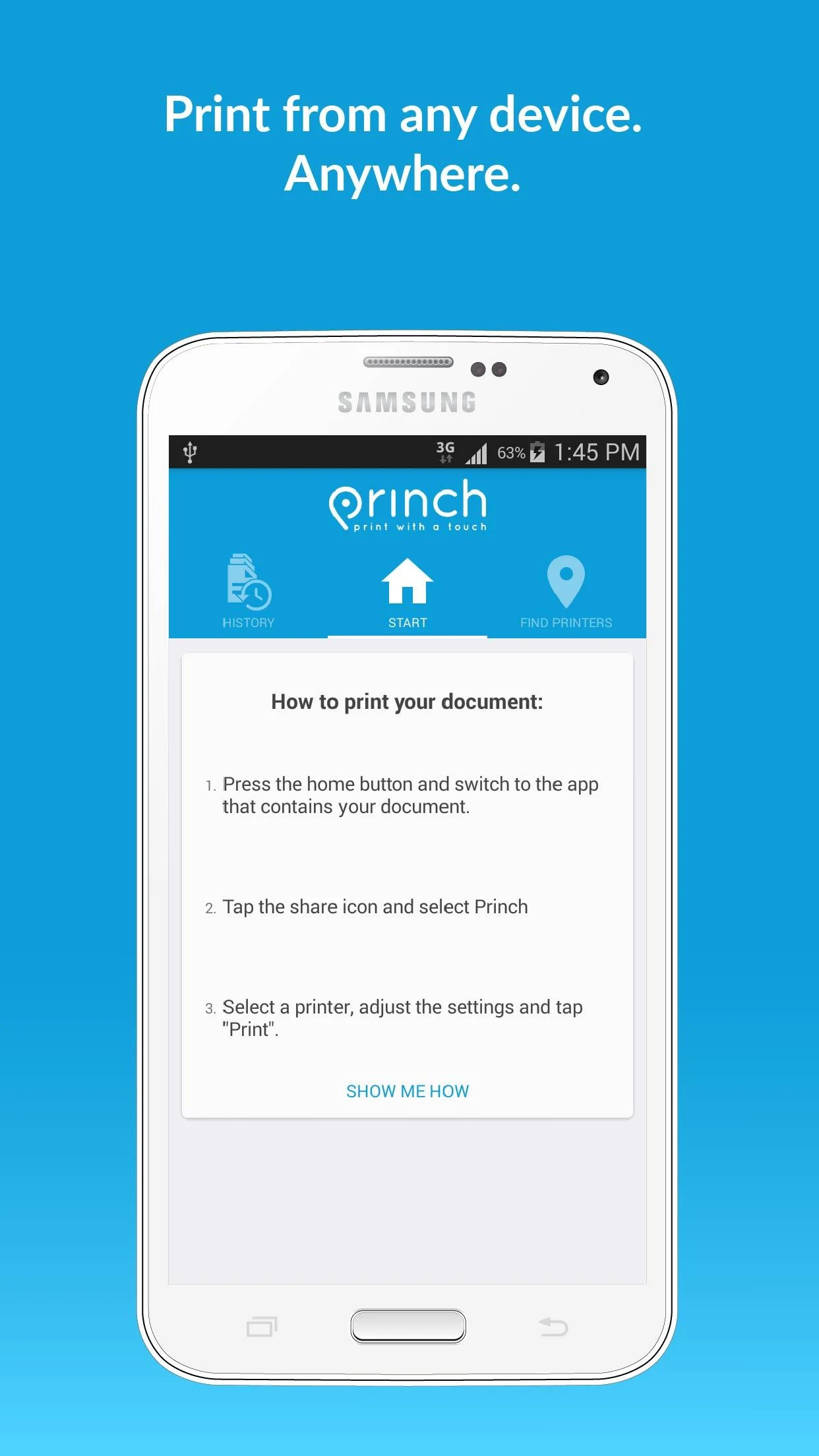
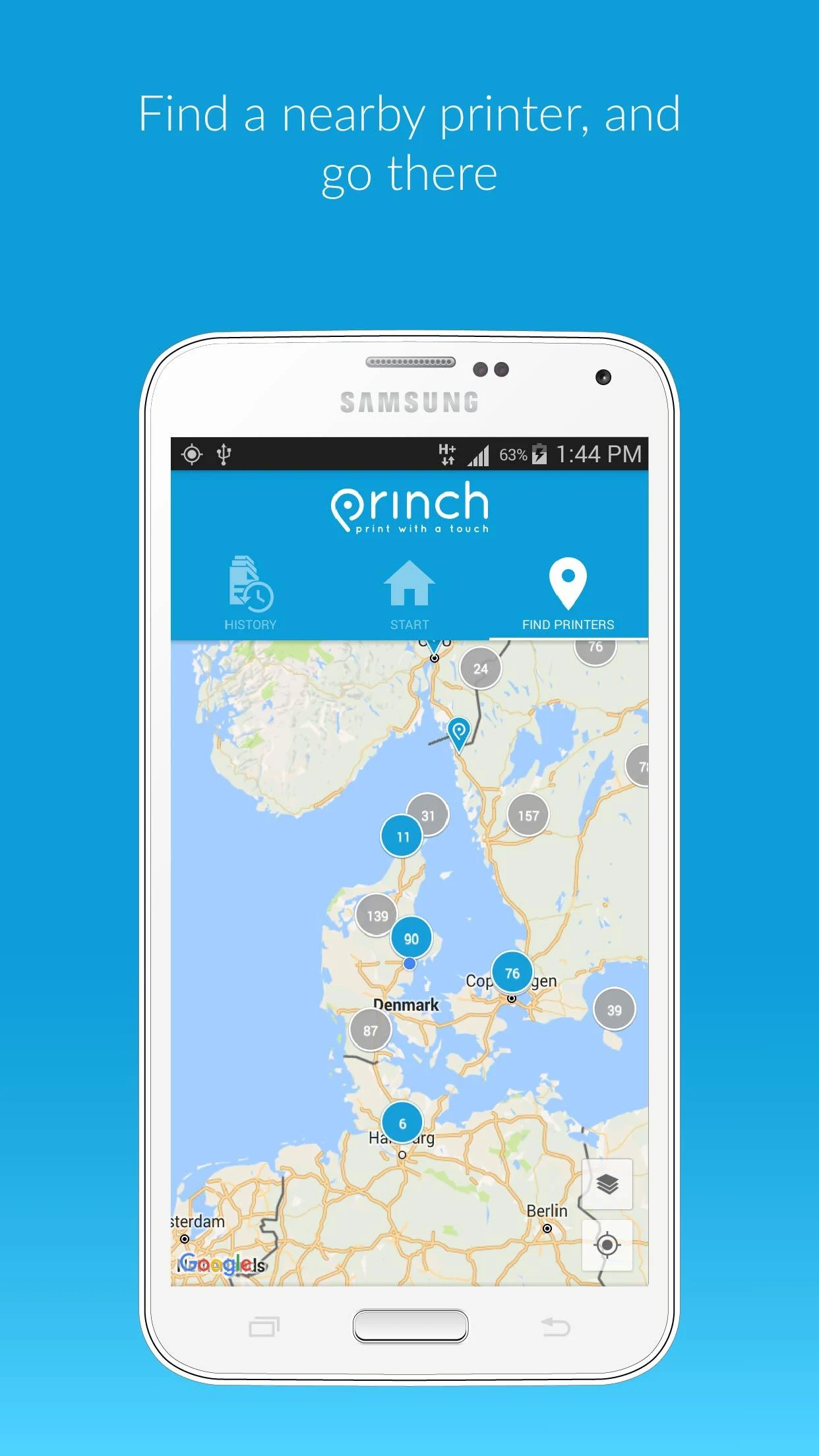
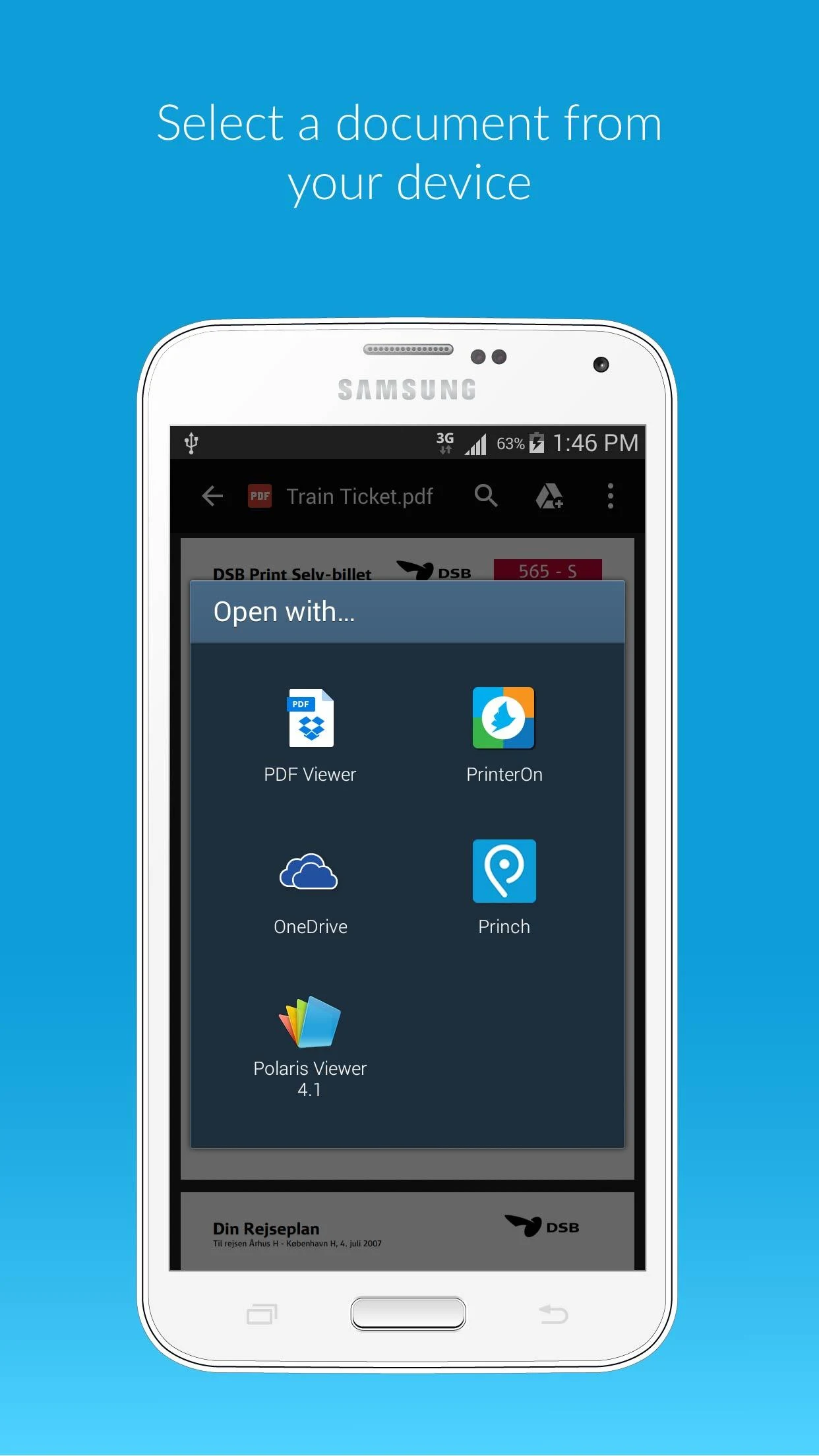
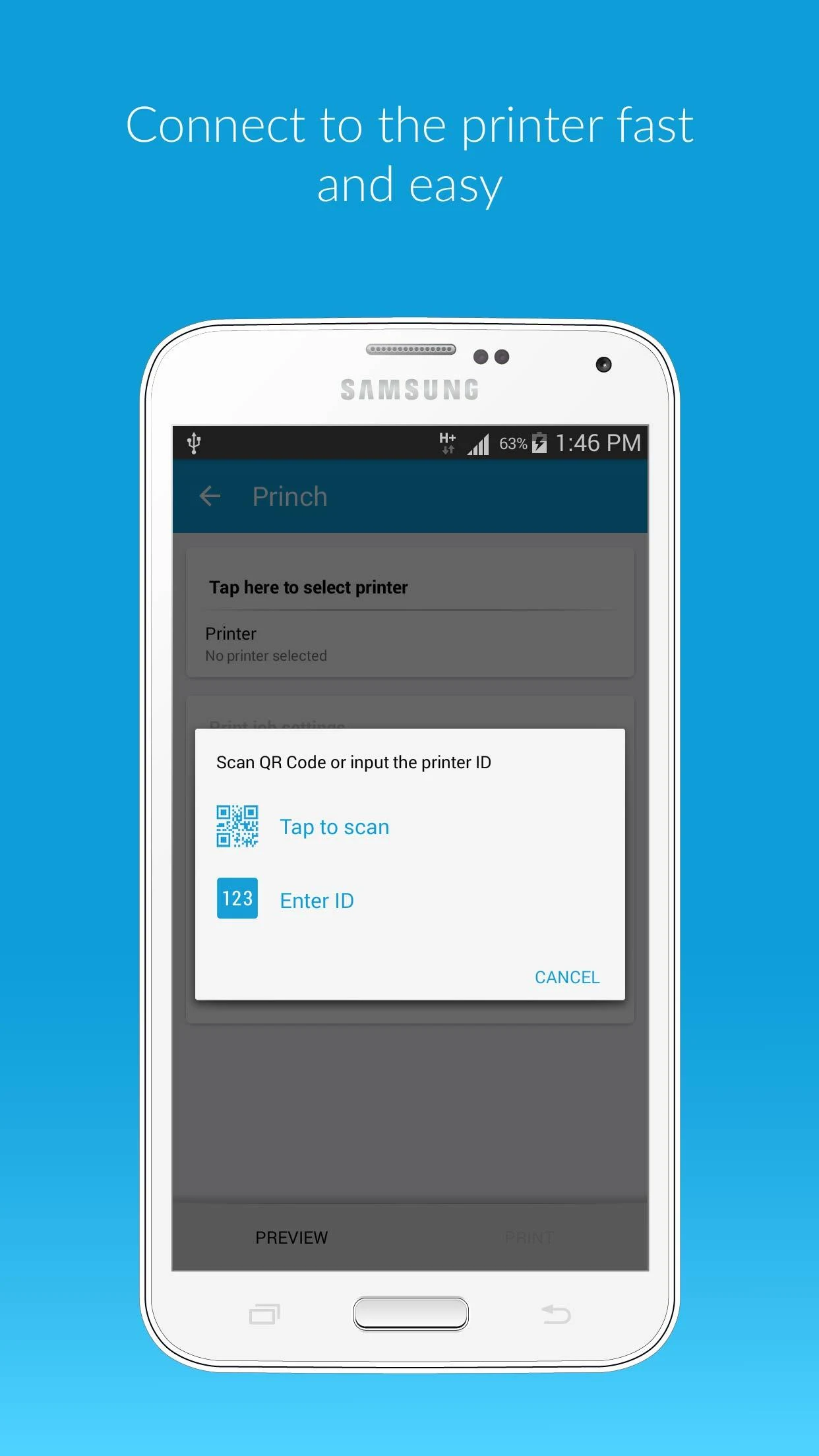
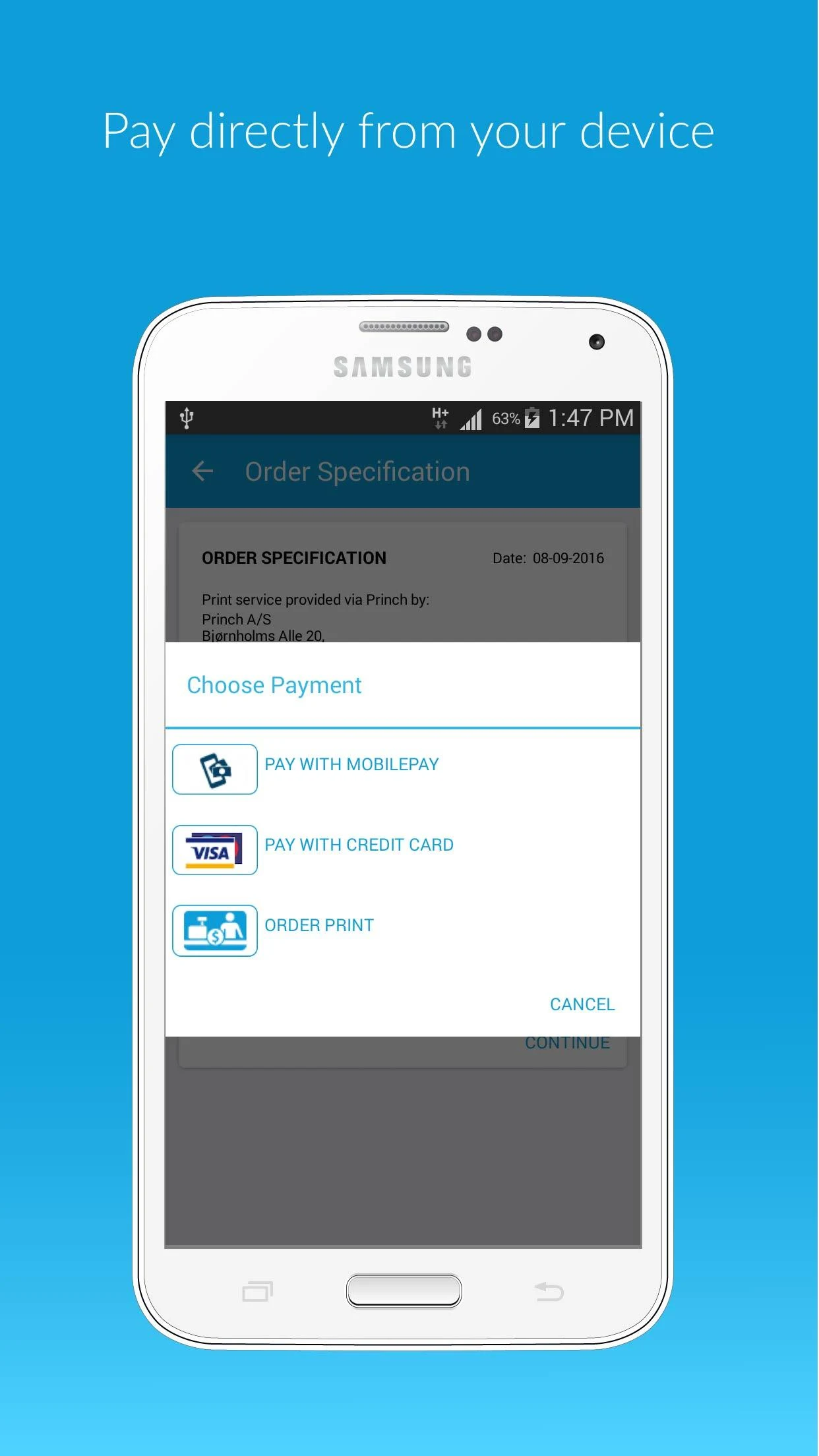
The Princh app enables you to easily find nearby printers and print documents straight from your device.
Quick guide to using the app:
- Identify a printer close to you on the Princh map and head to it.
- Access the document you want to print and select “open in” Princh.
- Choose the printer by entering the printer ID or scanning the QR code located on the printer.
- Complete the process by paying for your print job with a credit card or another payment method, and retrieve your document from the printer.
# Reasons to Choose Princh:
## 1. Leading Security
- As the first brand in the industry to receive ISO 27001:2022 certification, Princh leads the industry in security and offers outstanding safety assurance capabilities.
## 2. User-Friendly Operation
- With an intuitive interface, even tech-savvy beginners can print and pay on their personal devices in under 60 seconds.
- No app download or account registration required; the process is simplified to "Print → Pay → Go."
## 3. Wide Coverage and Compatibility
- Over 5,000 active locations worldwide.
- 100% compatibility with all multifunction printers (MFPs) of all brands.
- Printing frequency reaches over 1 per second worldwide, ensuring high-frequency and widespread use.
## 4. Flexible and Convenient Payment (Modern and Hassle-Free)
- Diverse payment methods: Support Apple Pay, Google Pay, bank cards, and cash in some scenarios, adapting to mainstream usage habits;
- No additional costs: No deposit required, no hidden fees, and the payment process is simple and transparent, similar to a modern online store.
## 5. Fully Managed Payment (Integrated Service)
- Merchants don't need to set up payment protocols, deploy payment terminals, or POS hardware on their own. All payment steps are fully handled by Princh;
- Documents are printed only after payment is completed, ensuring merchants don't miss out on any printing revenue.
Product Series Introduction:
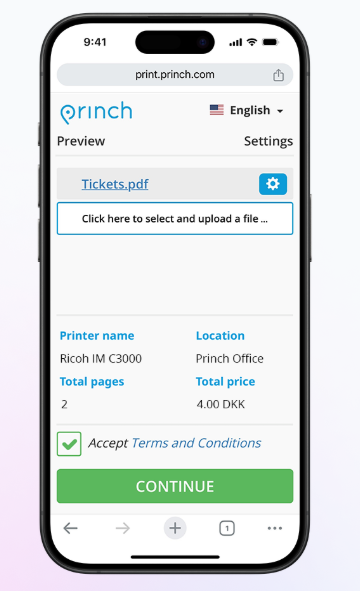
BYOD Printing (Bring Your Own Device Printing)
- **Core Advantage**: Users can print from their personal devices (phones, tablets, etc.) in under 60 seconds.
- **Operational Process**:
1. Scan the QR code next to the printer or visit print.princh.com;
2. Upload your file and adjust the print settings;
3. Pay with your preferred payment method to complete the print.
PC Printing (Printing from Public Computers)
- **Core Advantage**: Leverages familiar "native printing functionality" with no additional learning required.
- **Operational Process**:
1. Click "Print" on the document;
2. Adjust print settings using the Princh interface;
3. Complete the payment process on a public computer or with your personal device.
Copy Function
- **Core Advantage**: Simplified operation, balancing user convenience and reducing errors. **Core Features**:
1. Clear on-screen instructions lower the barrier to entry;
2. Mandatory document preview reduces erroneous copying and unnecessary printing;
3. Payments can be completed on both public and personal devices.
Scanning
**Core Advantage**: Focused on "high security" while maintaining ease of use.
**Security and Operational Highlights**:
1. Full encryption during file transfer and storage to ensure privacy;
2. Scanned files are not directly attached to emails but are temporarily stored on Princh servers and automatically deleted after 24 hours;
3. This balance of "simple operation" and "security" is unmatched by any other solution.
Admin Panel
**Core Advantage**: Centralized web-based management allows for efficient control of all printing-related matters within your organization. **Core Features**:
1. Manage all locations and printers from one place;
2. Assign different permissions to employees/administrators through single sign-on (SSO) or in-panel settings;
3. Convenient operations: Release documents, cancel payments, monitor printing status, and support troubleshooting.
That’s all there is to it!
The Princh network comprises various publicly accessible printers found at locations like libraries and print shops.
We strive to provide you with the best possible printing experience. Your feedback is welcome!
Thank you for your support!
Key Questions & Answers:
1. **Q: How do I print using Princh?**
A: Find nearby printers on the map → Select "Open with Princh" for your document → Enter the printer ID/scan the QR code to select the printer → Pay and pick up your print; you can also scan the QR code/login to print.princh.com to upload files.
2. **Q: Is it safe to use?**
A: Yes, it's the first in the industry to receive ISO 27001:2022 certification. File transfer and storage are fully encrypted, and scanned files are automatically deleted after 24 hours.
3. **Q: Do I need to download an app or register an account?**
A: No, it supports no download or registration, and printing payment can be completed within 60 seconds.
4. **Q: Which devices/printers are supported?**
A: Mobile phones, tablets, and computers can all be used; compatible with all brands of multifunction printers, with over 5000 available locations worldwide.
5. **Q: What payment methods are available?**
A: Supports Apple Pay, Google Pay, and bank cards; cash is accepted in some scenarios; no deposit or hidden fees.
6. **Q: What are the advantages for merchants using this service?**
A: No need to build your own payment system; Princh handles the entire process. Payment is made before printing, ensuring revenue is not lost.
- Version4.6.6
- UpdateOct 19, 2026
- DeveloperPrinch A/S
- CategoryProductivity
- Requires AndroidAndroid 8.1+
- Downloads195K+
- Package Nameprinch.princh
- Signature4b016b54795c1402e0c891ae86c0b008
- Available on
- ReportFlag as inappropriate
-
NameSizeDownload
-
50.53 MB
-
7.50 MB
-
23.22 MB














Fairly easy and intuitive to use for technophobes
Cost-effective pricing at local library
Option to pay 'at desk'
User-friendly app interface
Fast printing process from mobile devices
Responsive tech support
Convenient for printing documents without owning a printer
Allows printing from anywhere
Great for urgent document needs
Needs improvement in the printer selection process
Cannot save favorite printers or settings
Confusing user experience with multiple steps
Issues with payment processing and document pending status
Limited functionality for changing document scale or orientation
Lack of ability to queue multiple print jobs
Problems with pdf conversion and compatibility
Unnecessary permissions requested by the app
Occasional app crashes or slow performance