
My GoodBarber - App management & testing
Create, test & manage your apps effortlessly with powerful tools for notifications, analytics & support at your fingertips.
- 3.0.9640 Version
- 2.8 Score
- 172K+ Downloads
- Free License
- 3+ Content Rating

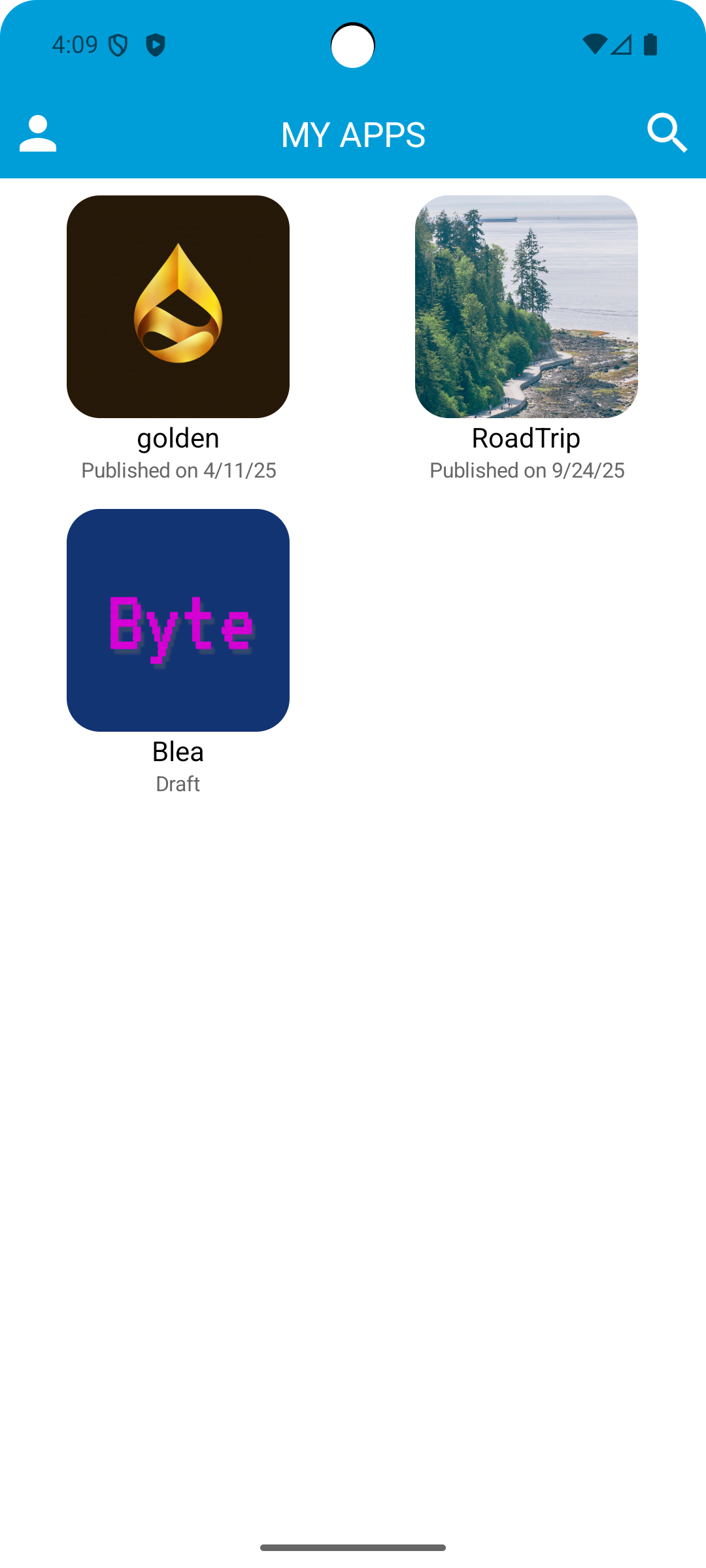
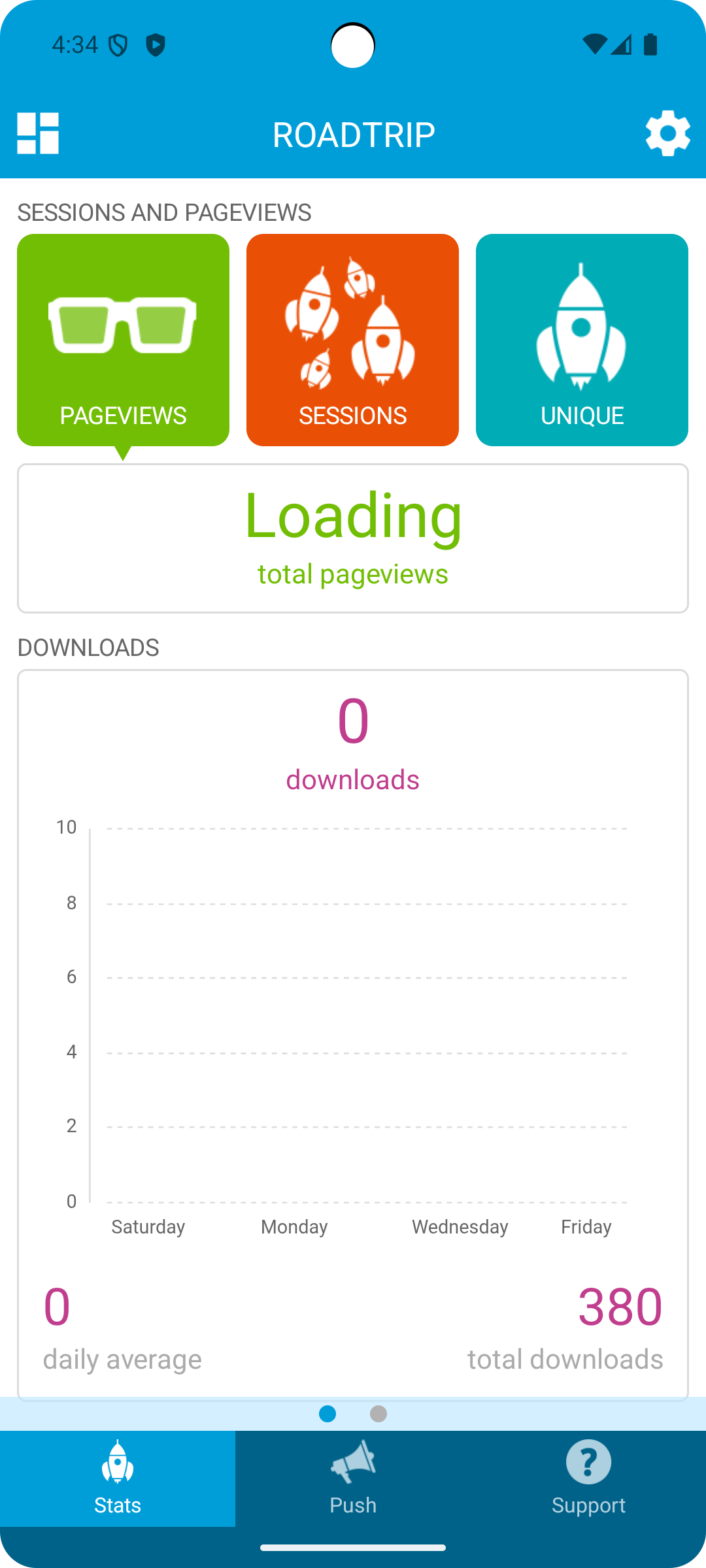
My GoodBarber allows you to oversee all the applications you’ve developed using GoodBarber.
Prior to launching your app, take advantage of MyGoodBarber to evaluate your project. This platform lets you install the app you are in the process of creating on your mobile device for testing purposes before it goes live.
Once your app is launched, you can use My GoodBarber as a remote control to:
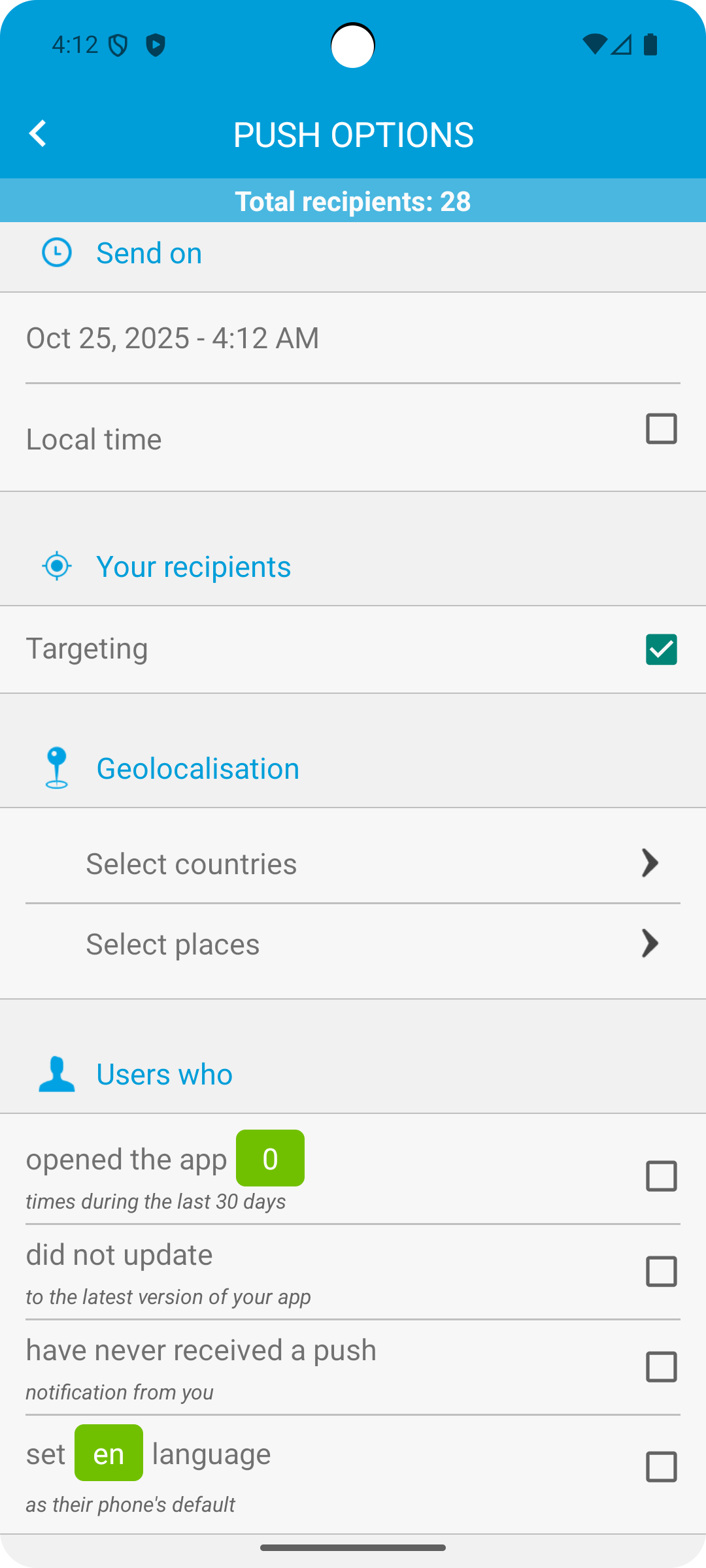
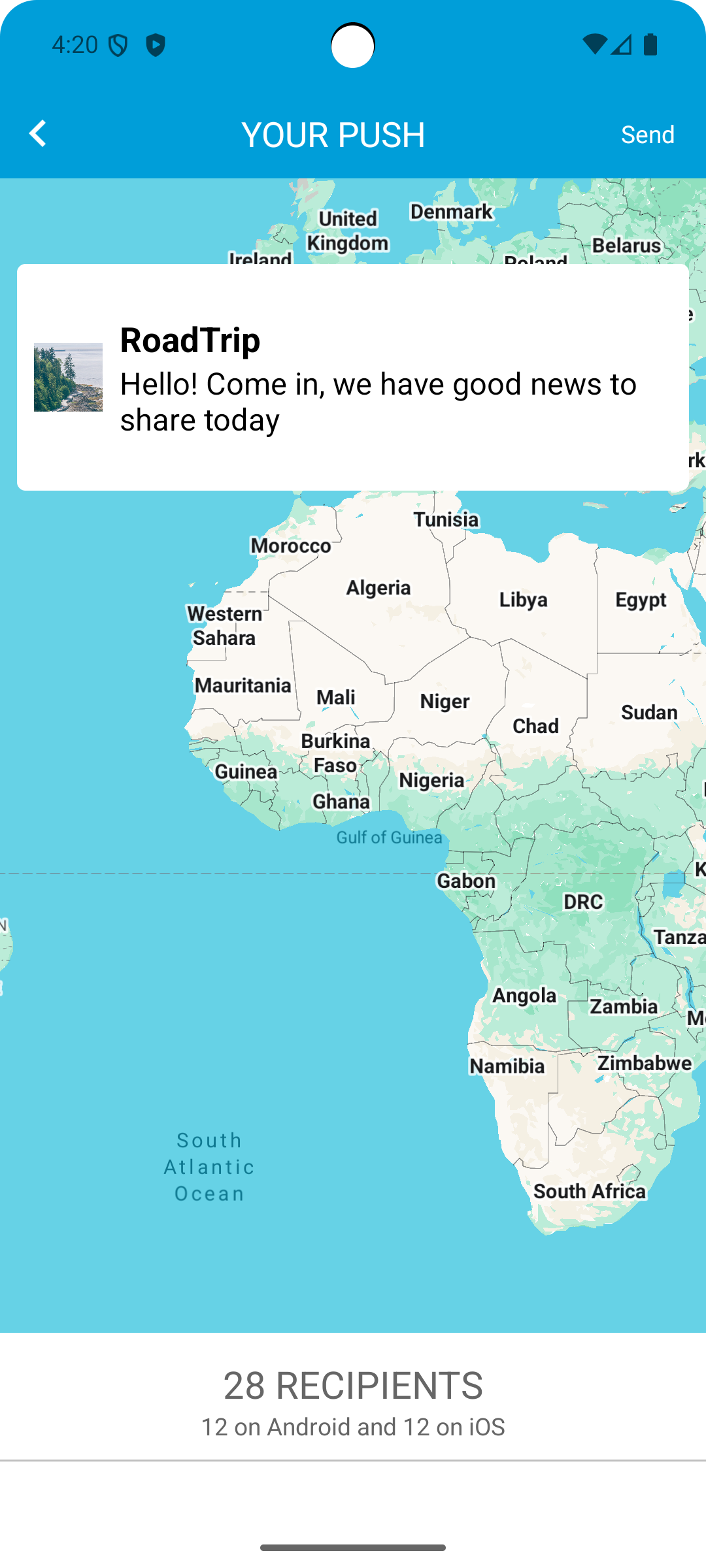
- dispatch push notifications to your users;
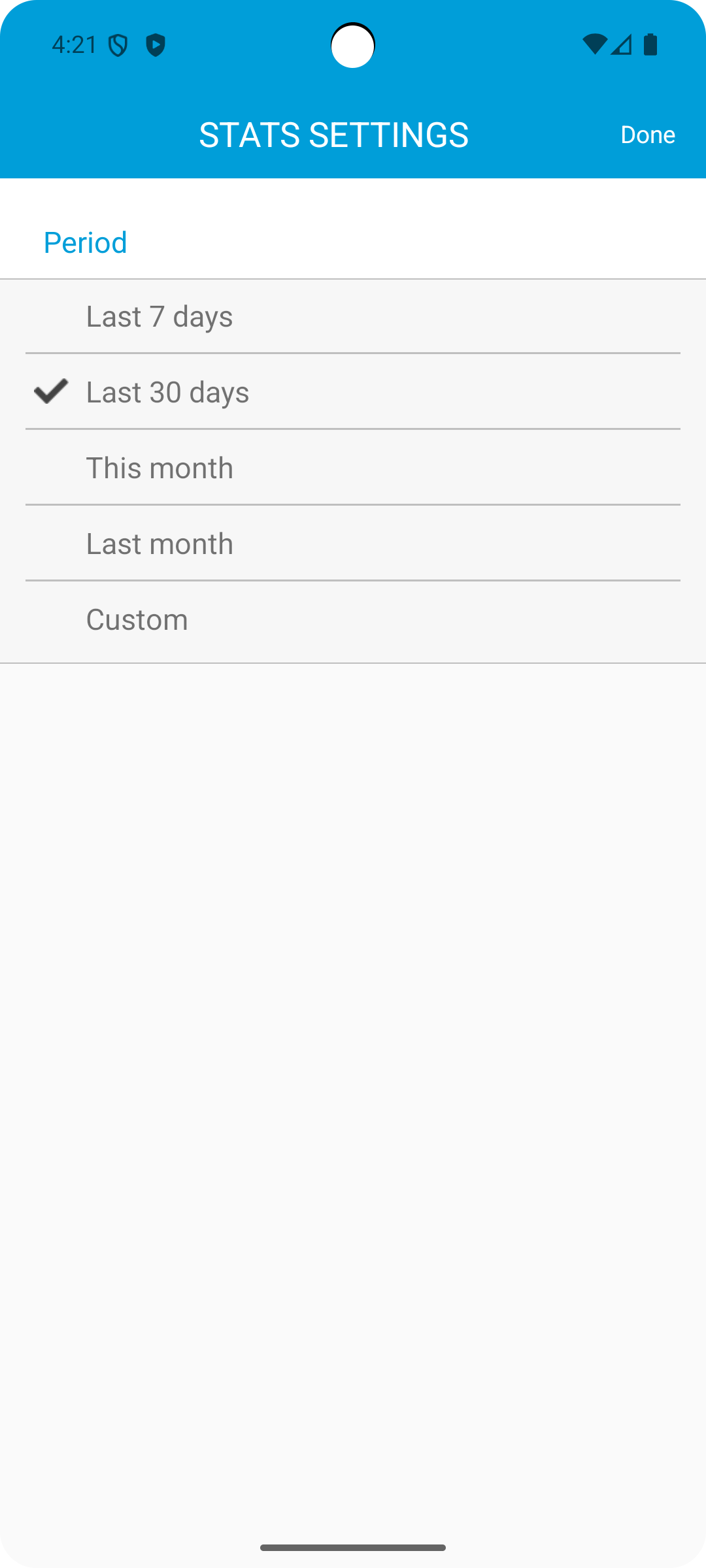
- review your analytics. You can monitor downloads, user engagement, and identify your audience;
- open a support ticket with the GoodBarber team if you require help with your app.
Core Features:
1. **Full Lifecycle Adaptation**
2. **Easy Testing**
3. **Lightweight Operation**
4. **Support for Direct Access**
5. **Project Relevance**
NOTE: Accessing My GoodBarber requires at least one active project on the platform.
Applicable Scenarios:
1. **Application Developers (Individuals/Small Teams)**
During development, developers need to test application functionality and compatibility on mobile devices. They can troubleshoot issues without waiting for development to complete, reducing launch risks.
2. **Multi-Application Operators**
Owning multiple applications developed with GoodBarber requires a unified platform for centralized management, batch sending push notifications, and viewing download numbers and user data for each application.
3. **Post-Launch Operations Personnel**
After application release, developers need to monitor user activity in real time, analyze audience characteristics, and quickly submit support tickets to seek technical support from the GoodBarber team.
4. **Startups/Studios**
Small teams with limited operational resources need lightweight tools to cover the entire process of application testing and post-launch management without needing to build an additional management system.
FAQs:
1. **Q**: If I haven't completed my app development, can I test it on My GoodBarber?
**A**: Yes. Even if your app isn't complete, you can install it on your mobile device through My GoodBarber for testing. This makes it easy to check for functionality, compatibility, and other issues beforehand, without having to wait until it's fully developed.
2. **Q**: Can I send push notifications to specific users using My GoodBarber?
**A**: The original text doesn't explicitly mention "specific users," but judging by its core functionality, it primarily supports the basic operation of "sending push notifications to users." If you need targeted push notifications (for example, targeting specific user groups), you may need to integrate other platform features or further review GoodBarber's detailed settings. Currently, we only confirm that it supports sending notifications to user groups, and we're not sure if it supports segmented filtering.
3. **Q**: Can I export and save the analytics data I view on My GoodBarber?
**A**: The original text doesn't mention data export; it only states that you can "view core data" such as downloads, user engagement, and audience information. If you need to save data, you may need to record it manually or monitor the platform for updates on data export. Currently, basic functionality focuses on "viewing" rather than "exporting."
4. **Q**: If I have multiple applications developed with GoodBarber, can they be managed together on My GoodBarber?
**A**: Yes. The core function of My GoodBarber is to "oversee all the applications you've developed using GoodBarber." Whether they're in testing or already live, you can view and operate them all on the same platform, eliminating the need for separate management.
5. **Q**: After submitting a support ticket, how can I stay informed of the GoodBarber team's response status?
**A**: The original article doesn't specify how to check the status of your support ticket, but ticket systems like these typically have a notification mechanism—you might receive a response notification within the My GoodBarber platform or receive progress updates via the email address or phone number you registered with. After submitting a ticket, we recommend monitoring the platform's message center or contact information to receive timely feedback.
6. **Q**: If my previous project has expired, can I still log in to My GoodBarber?
**A**: No. Access to My GoodBarber requires "at least one active project." If all your projects are expired (inactive), you will not be eligible for access and will need to create or activate a new project before you can log in and use the platform's features.
- Version3.0.9640
- UpdateOct 19, 2026
- DeveloperGoodBarber SAS
- CategoryProductivity
- Requires AndroidAndroid 7.0+
- Downloads172K+
- Package Namecom.goodbarber.mygoodbarber
- Signature09b94509f7e45b5a6ad4c0abdae0fa57
- Available on
- ReportFlag as inappropriate
-
NameSizeDownload
-
51.25 MB
-
51.21 MB
-
36.13 MB









User-friendly interface for app creation
Free trial offers exploration opportunity
Options to publish without charging fees
Quick app development time
No coding skills required for app building
Detailed educational resources available
Positive community feedback and success stories
Frequent freezing issues reported
Difficulty with customer support response
App installation problems persist
Limited customization options
Inability to easily delete apps created
Login issues causing access difficulties
Poor overall service experience post-update
Confusing user interface and controls
Buggy native preview and editing features