
Should I Answer? - Block unwanted calls & protect privacy
Eliminate unsolicited calls effortlessly with real-time alerts & blocking based on a user-driven database—your personal caller shield!

- 1.8.273 Version
- 4.4 Score
- 1M+ Downloads
- In-app purchases License
- 3+ Content Rating

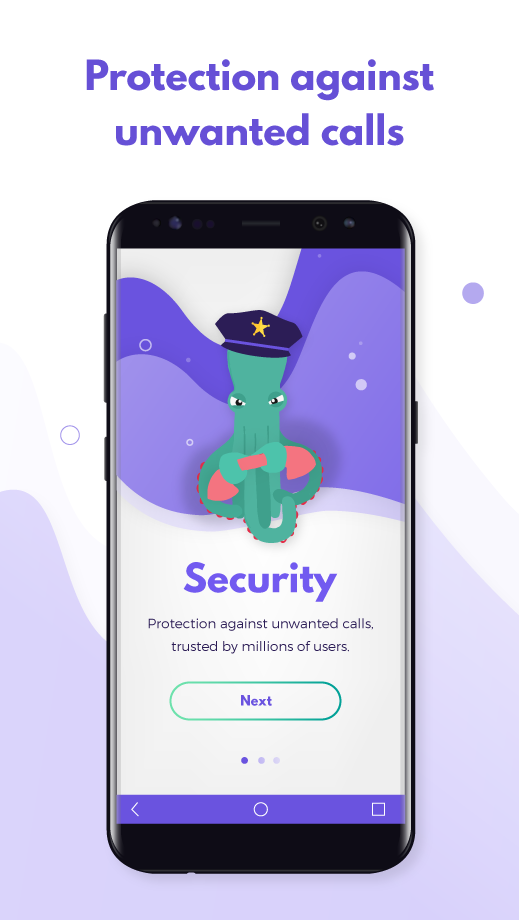
Eliminate unwanted calls for good. Safe and completely free.
Are you tired of telemarketers, phone scams, or unsolicited surveys? The Should I Answer app can help you eliminate these intrusive calls.
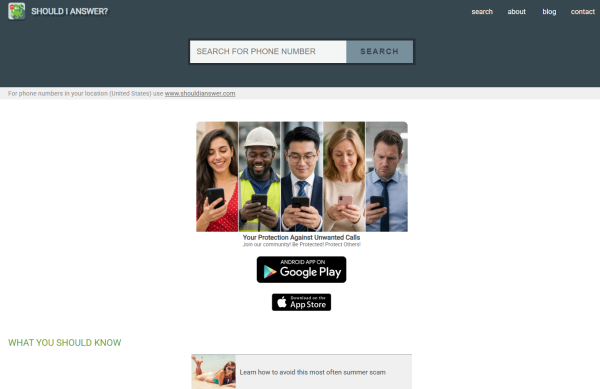
How does the app function?
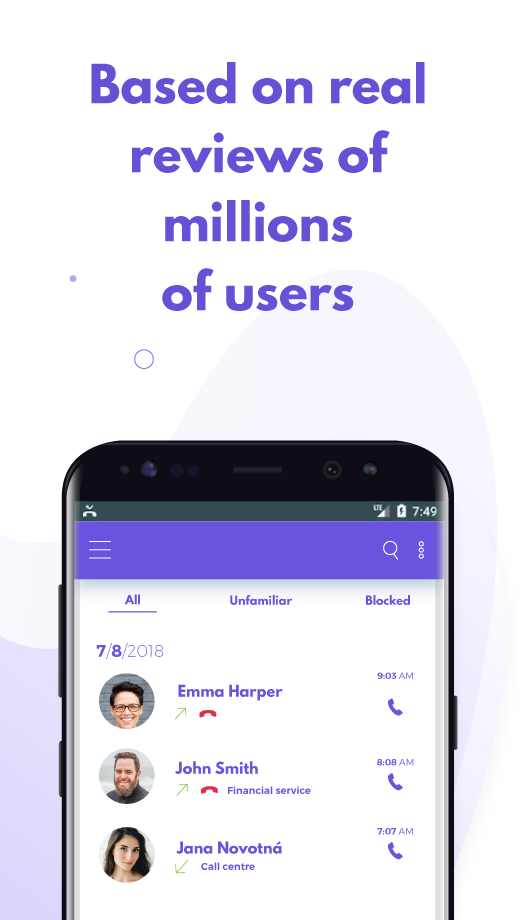
Each time an unfamiliar number calls, the app checks it against its constantly updated database—instantly and without needing an internet connection. If it discovers that other users have flagged the number as troublesome, it provides a warning. Alternatively, if you prefer, it can block the number outright, preventing the caller from reaching you.
The unique aspect of the Should I Answer app lies in its database, which is user-generated. After each unknown call, users can anonymously label the call as either safe or spam. Once verified by our administrators, these reports become accessible in the database for all users to utilize.
What features does the app offer?
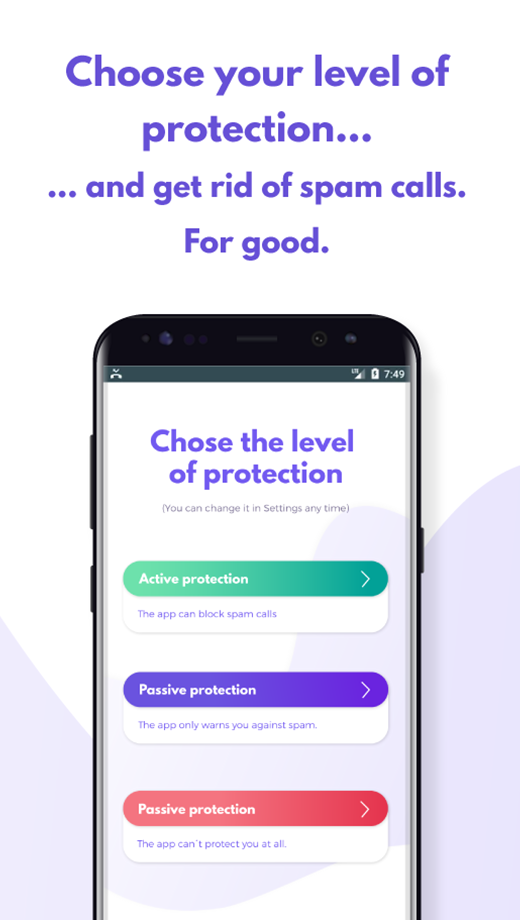
• It effectively safeguards you from unwanted calls. You can customize your level of protection, ranging from simple alerts to complete blocking of unwanted numbers.
• It can also block hidden, international, or premium rate numbers. Additionally, you can create personalized lists of blocked or approved numbers.
• The app serves as a fully functional dialer, allowing you to access all your Contacts, favorite entries, and complete call history.
• The app offers protection even when offline. It will only attempt to update the local database when connected to Wi-Fi.
• Its user-friendly interface makes it accessible for everyone, including those who may not be tech-savvy.
What happens to your personal data with the app?
All processes take place solely on your device, ensuring that your data isn’t shared with any third parties. The app cannot access your phone number, and all reports remain completely anonymous; it doesn’t transmit your Contacts anywhere.
What's your experience with the Should I Answer app?

Still don’t know which spam blocker to choose? Don’t listen to advertisement. Listen to real people. Here’s what they have to say.
The Should I Answer app is one of the most popular call blocking apps in the world. It was released in 2014 and since then, it’s been used by millions of users all around the world. It blocks around 10 millions spam calls and robocalls a month (and warns against much more of them, in the same time).
There are lot of reason why it’s been so popular for all these years. Read some of the latest comments on Google Play.
The Should I Answer app will get you rid of spammers
I recommend this app to everyone. It has made my life simpler by getting rid of spam and unwanted calls. I like the fact that I can mark personal contacts as safe and if I get a call not in my contact list or an unknown number I can block it. I can always unblock numbers if I want too.
(Donna, June 2020)
The Should I Answer app is easy to use
One of THE BEST call blockers that I've tried! (and I've tried several!) I rarely have an unwanted call ring through; and when I do, it's just a matter of one click on my set notification and I'm never bothered again! Super easy to use & set your preferences. Love the fact that information on most calls can be seen with the community experience on my set pop-up! I've recommended this app to all my family and friends too!
(Tee, May 2020)
The Should I Answer app is free for our Android
I am a difficult person to please. This app makes me smile every day , many times a day. It does more than it promises in my opinion. The intelligent folks who put this app together and then were kind enough to offer a free version that is phenomenal should be praised. Before installing this app my cell drive me damn near insane with BS callers. I wish I knew how to really put into words how great this app works and how it takes away the anxiety caused by the callers that have nothing to offer.
(Alan, June 2020)
3 reasons why you should install the Should I Answer app for your Android right now
Still not sure which spam blocker to choose? Here are 3 reasons why you should install the Should I Answer app, one of the most popular call blocking apps in the world, to your Android phone right now.
1. The SIA app blocks all incoming spam calls
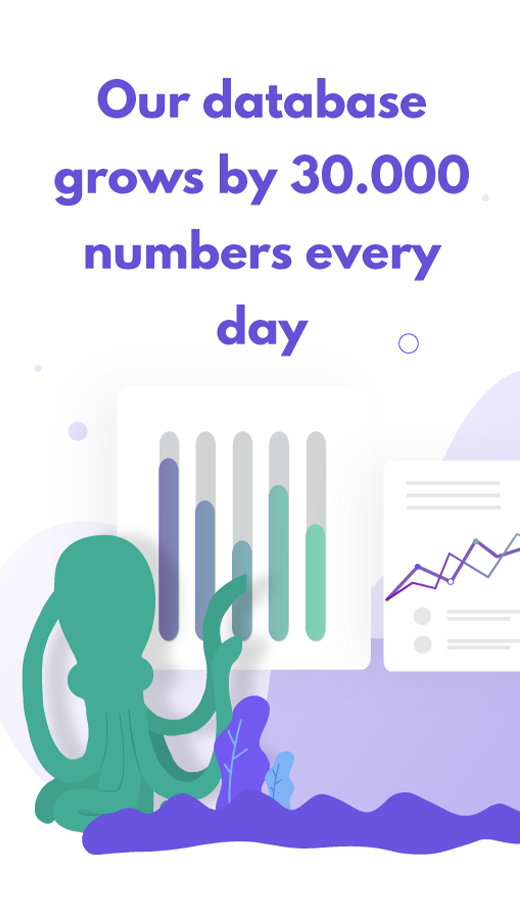
The Should I Answer app uses its own database of spam numbers. This daily updated databases has three sources: all numbers reported to Do Not Call Registry, all numbers reported to Federal Communication Commision and, most importantly, all community reviews from the Should I Answer app and from our website. Nowadays, the app grows by 30 000 new reports every day.
Whenever an unknown call comes, the app looks into this database. If it finds out the caller has been reported as “spam”, it warns you. Or it block the call before the caller even reaches you.
–> How to say “no” to spammers with the Should I Answer app. Simply disallow (or reject) them
2. The SIA app values your privacy
The Should I Answer app works strictly on an anonymous basis. We’re interested neither in your phone number, nor in your phone contacts. Those information stay safe in your mobile phone, they’re never sent to our servers.
Here’s the full list of the permissions the Should I Answer app needs to work properly:
Access to your contacts: Without this permission we are not able to distinguish which number is unknown to you. However, everything happens only in your phone, we never send your contacts’ information to our servers (and what’s more, we don’t even really „see“ them).
Access to call log and call history: Without this permission we are not able to check if and which number is calling. Again, it all happens only in your phone.
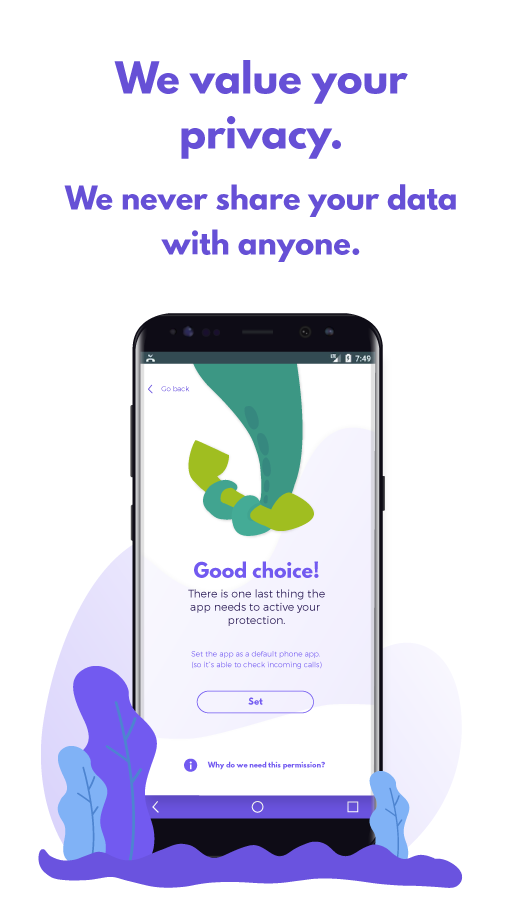
Set the application as default phone application: Without this permission we are not able to grant that the app will work without problems.
3. The SIA app is free for your Android
Our main point for developing this application was to help in fight against unfair practices and phone harassment. So everyone can use the app and benefit from it without any fee. We keep this project running from voluntary contributions of our users and from adds on the shouldianswer.com web pages.
- Version1.8.273
- UpdateSep 29, 2026
- DeveloperMister Group s.r.o.
- CategoryCommunication
- Requires AndroidAndroid 10+
- Downloads1M+
- Package Nameorg.mistergroup.shouldianswer
- Signatured4a692e97757a5430f9536d41f37b2cf
- Available on
- ReportFlag as inappropriate
-
NameSizeDownload
-
69.31 MB
-
67.02 MB
-
60.69 MB
















Completely free to use
Highly effective at blocking unwanted calls
User-friendly interface
Crowd-sourced database of spam numbers
Configurable settings for personal preferences
Silent blocking capability for immediate call handling
Ability to report spam numbers for community benefit
Customizable filters for block options
Option to allow known contacts while blocking others
Requires the app to be set as the default dialer
Occasional issues with call notifications not displaying
Possible impact on call quality and phone battery life
Frequent prompts for subscription upgrades
Some users find the interface less intuitive
Inconsistent performance reported after updates
Limited features compared to previous versions
Occasional bugs that hinder functionality