
Yettel SRB - Manage account & payments
Experience fast & secure account management with easy bill payments, personalized offers & exciting weekly gifts.

- 2.12.2 Version
- 3.0 Score
- 2M+ Downloads
- Free License
- 3+ Content Rating

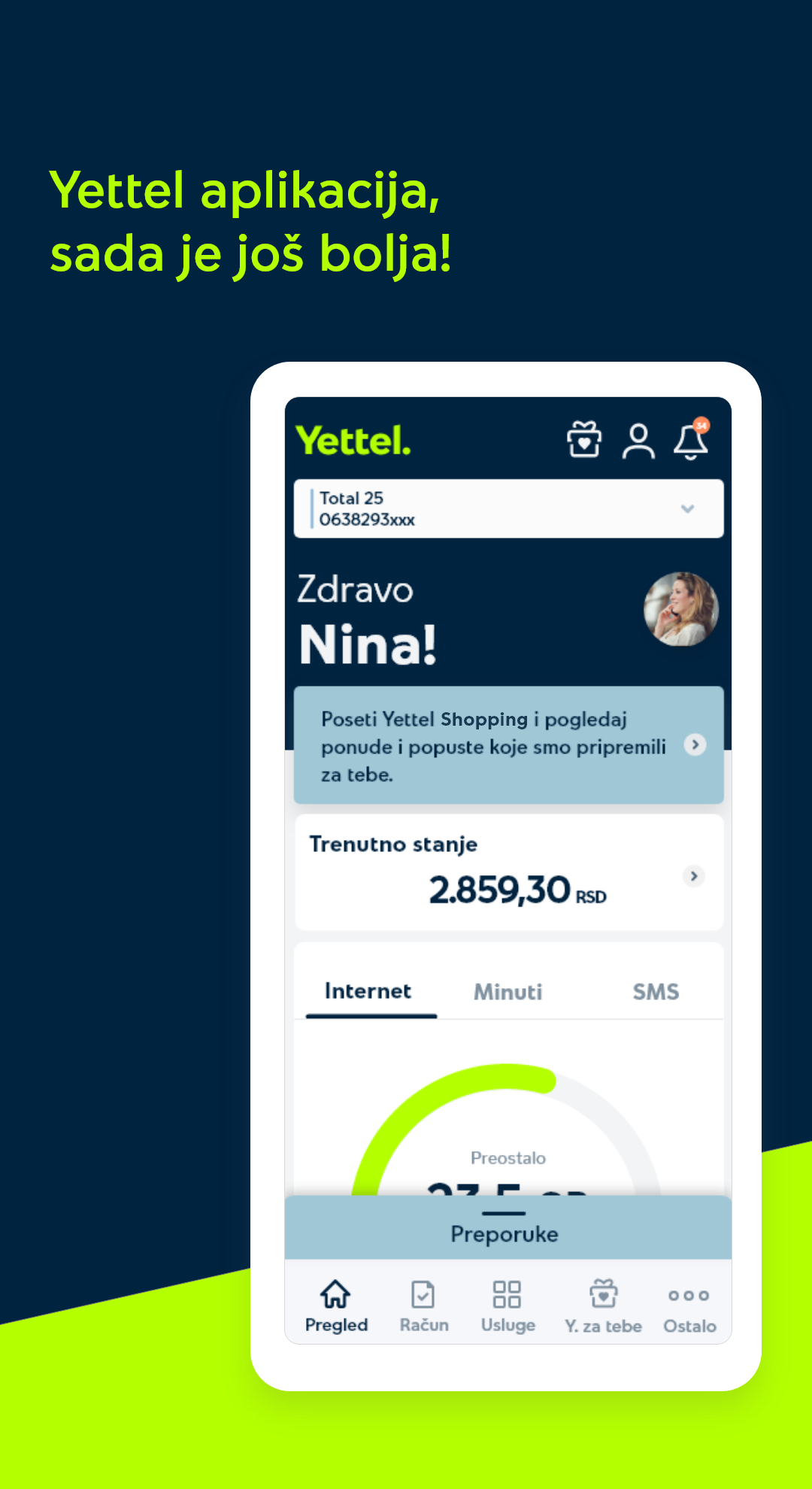
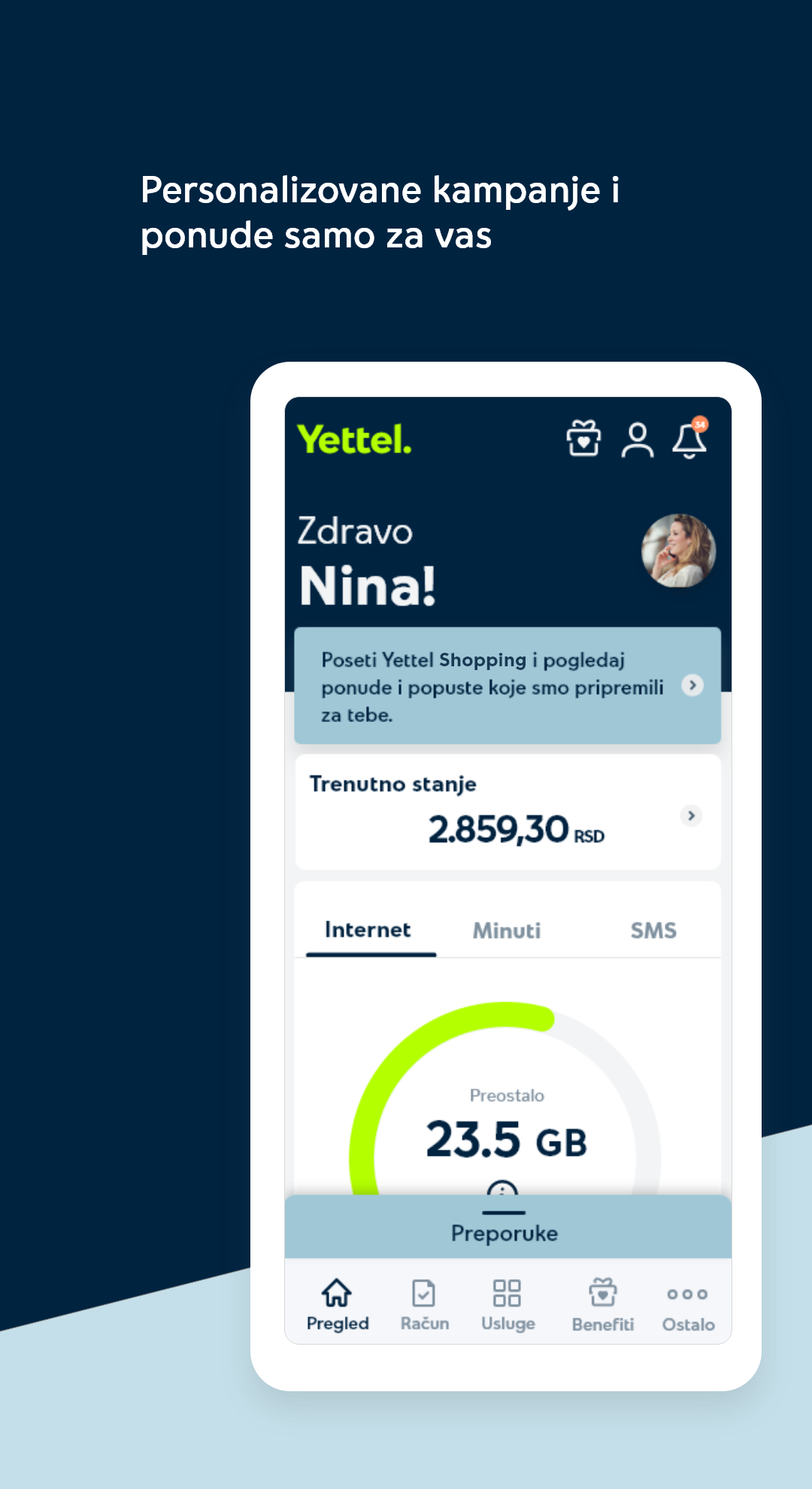
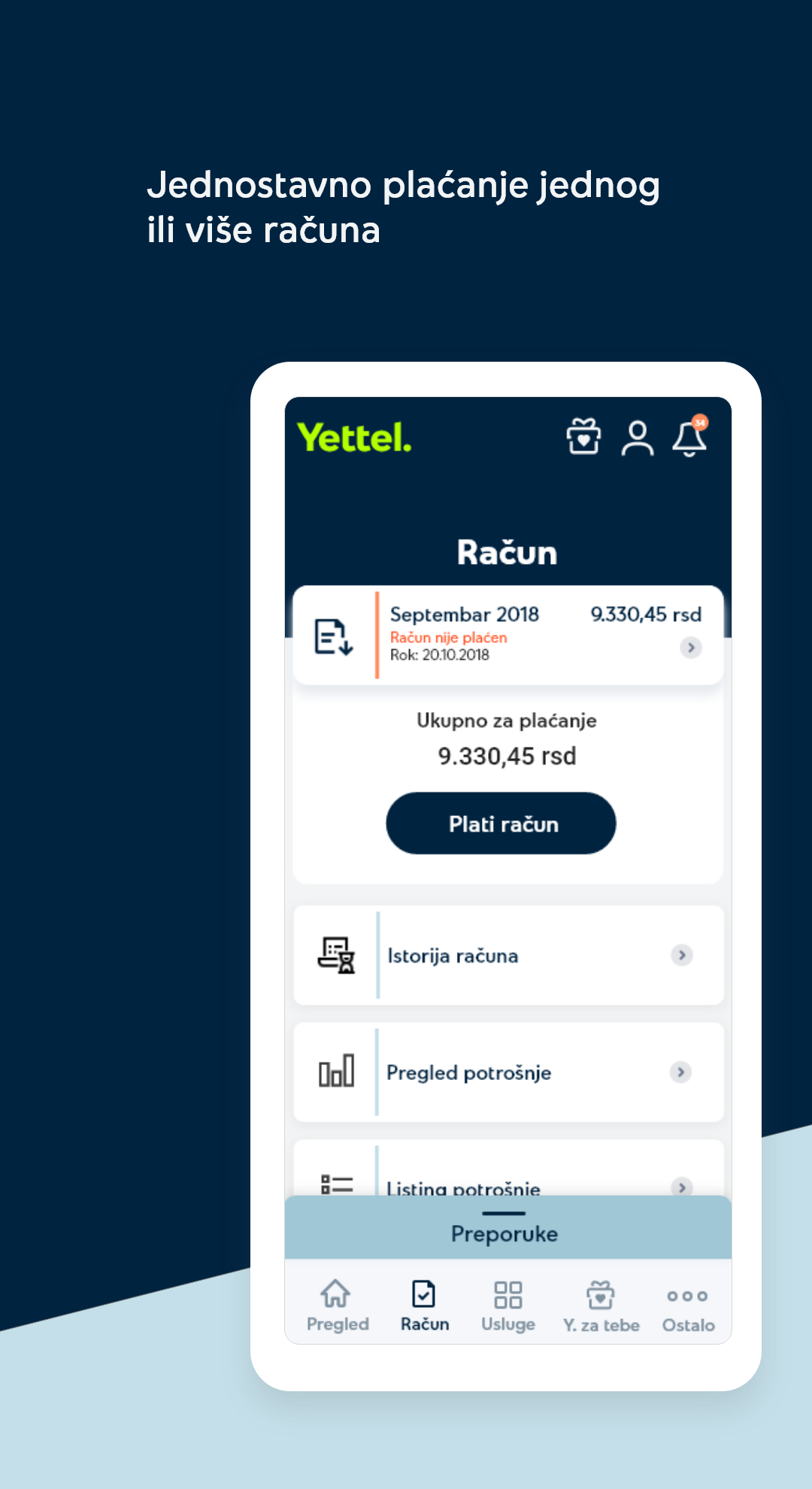
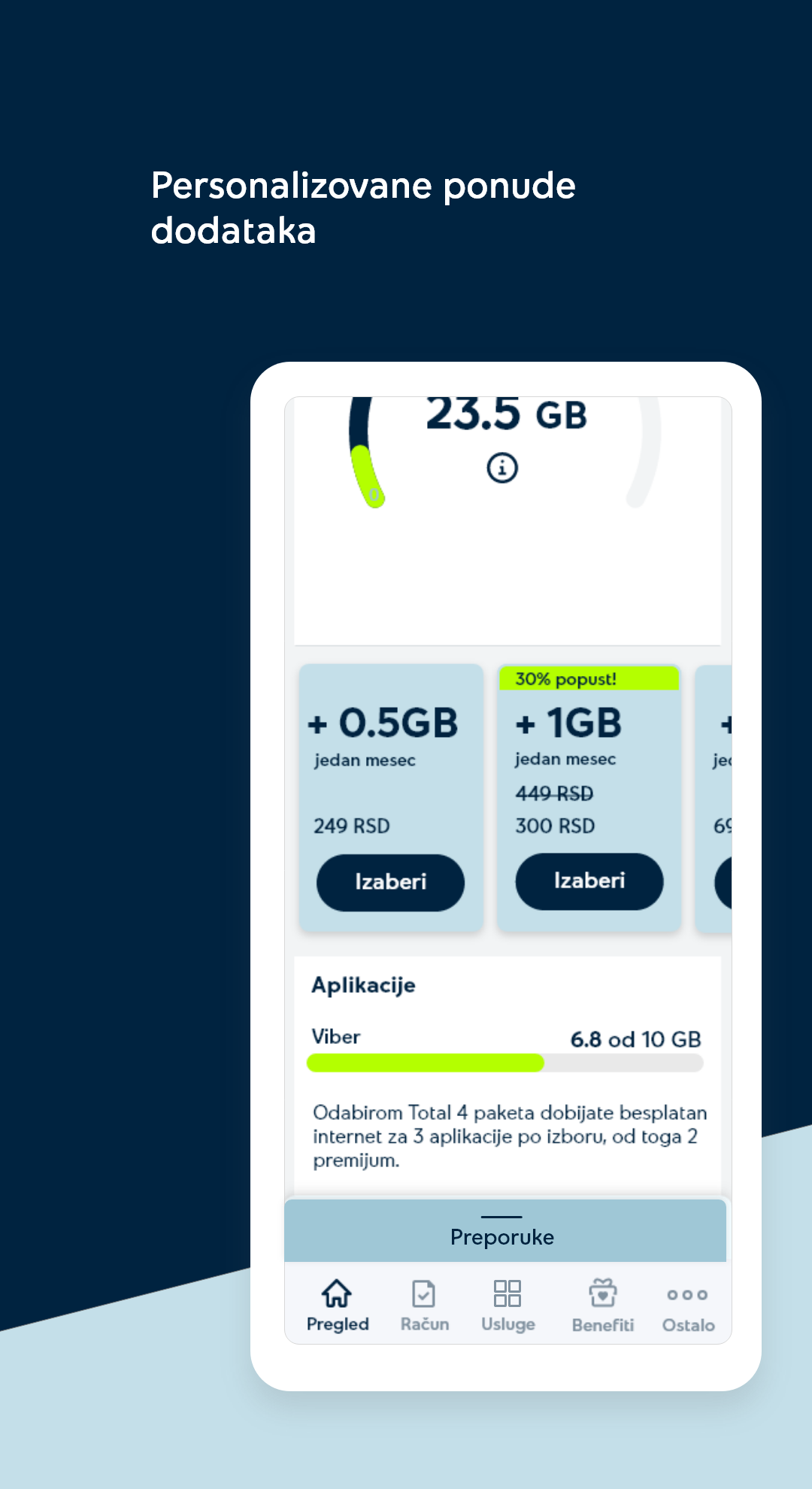
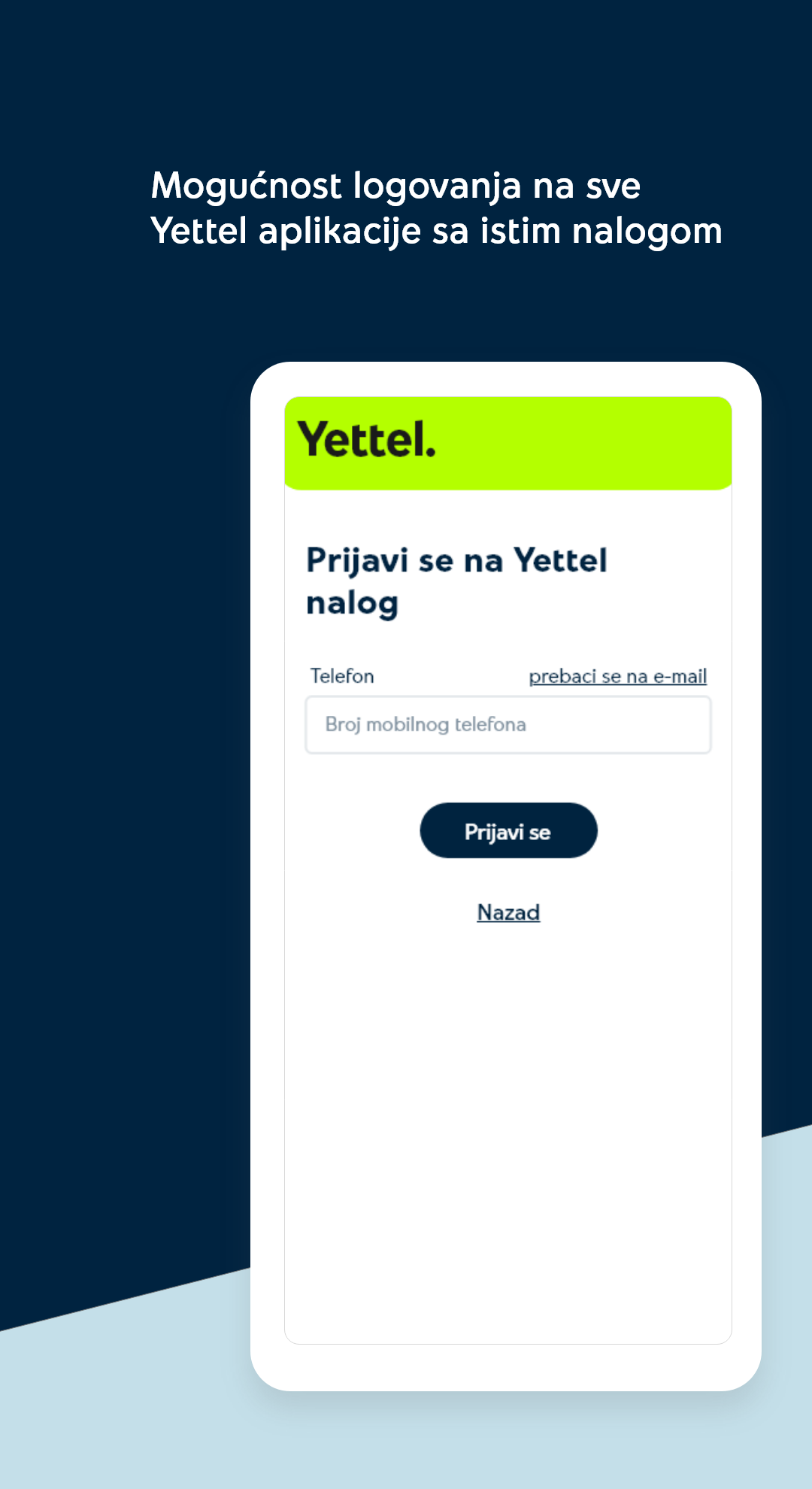
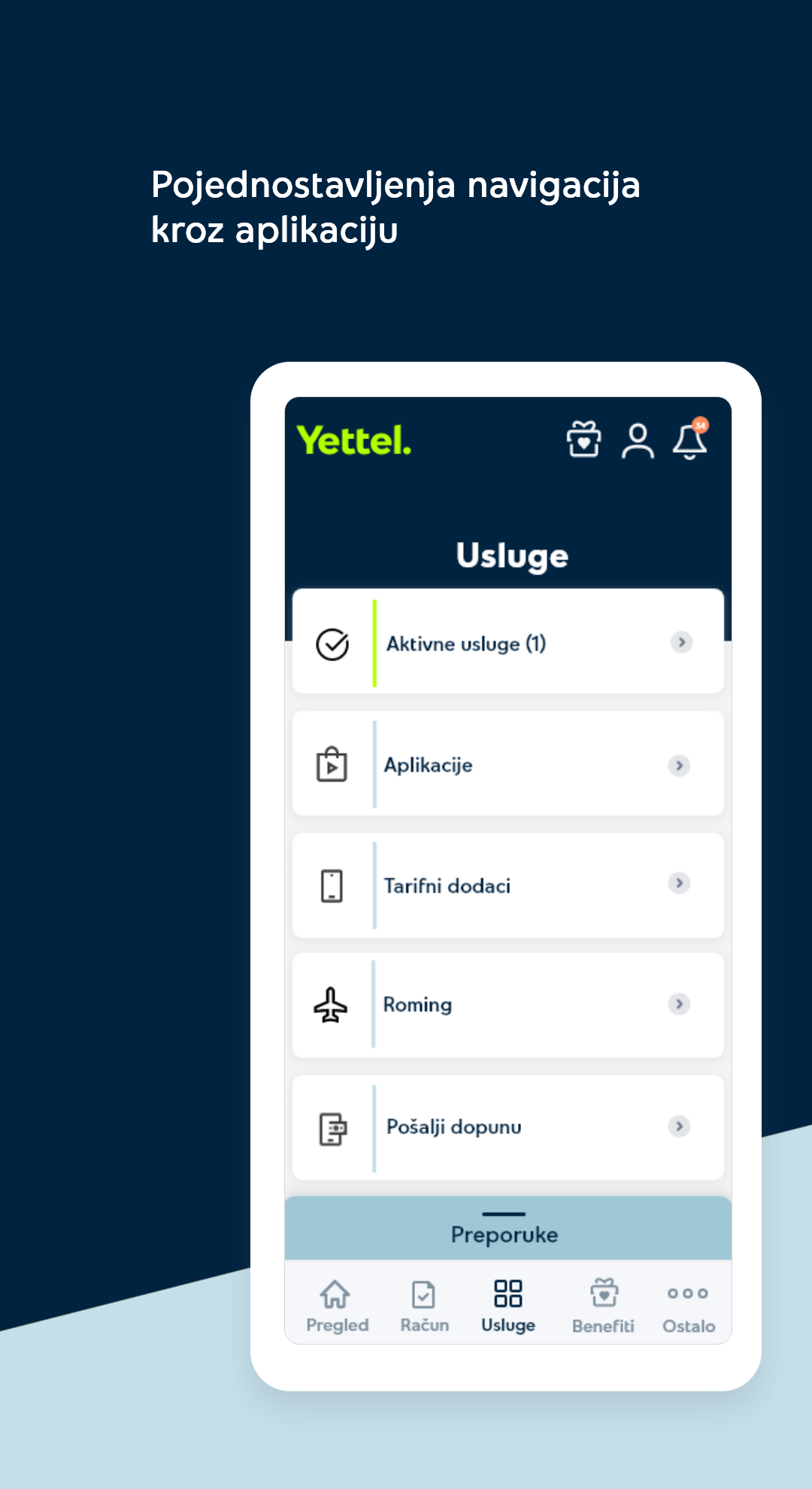
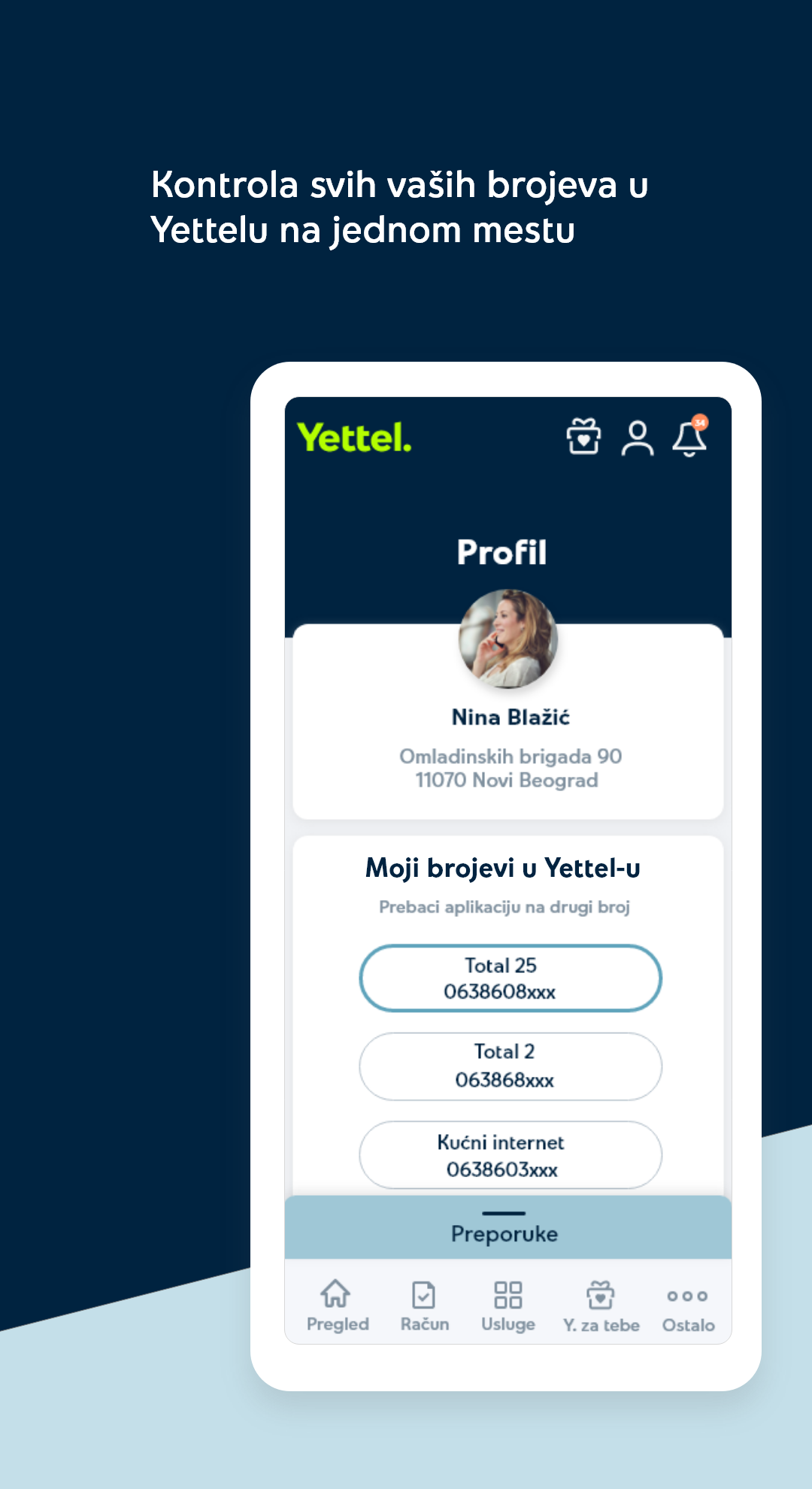
Why waste your time filling out deposit slips and dealing with customer service? The Yettel app is a fast, secure, and easy alternative – and much more.
POSTPAID USERS
• Check your account balance and track the consumption of active services and add-ons
• Pay bills – either in two clicks or automatically
• Activate add-ons, applications, and digital services
• Change your plan
• Access personalized offers
• Review account details and consumption history
• Send top-ups to another number
• Find the nearest Yettel stores and Mobi bank ATMs
• Treat yourself every Friday with a Yettel Friday gift
• Access Yettel Shopping and Yettel Green Trails apps
PREPAID USERS
• Top-up your own or another number
• Check remaining credit
• Monitor consumption of active applications and services
• Activate add-ons, applications, and digital services
• Switch to postpaid
• Access personalized offers
• Activate SOS credit
• Check consumption history
• Find the nearest Yettel stores and Mobi bank ATMs
• Treat yourself every Friday with a Yettel Friday gift
• Access Yettel Shopping and Yettel Green Trails apps
HYPERNET USERS
• Check your account balance and monitor the consumption of active services and add-ons
• Pay bills in just two clicks
• Activate add-ons and additional TV services
• Review account details and consumption history
• Find the nearest Yettel stores
• Access Yettel Shopping and Yettel Green Trails apps
How to become Business Portal user?
In order for you and your company to become a user, an application form submission via biznis.korisnici@yettel.rs or FAX 063/9002 is necessary. Provide a signature of the authorized person.
Download the application form here: Activation Request and Terms of Use.
An authorized person or the Administrator, stated within the application form for Business Portal activation will duly get the email stated in the Request, including the activation link.
After activating the link, the Administrator will be issued a security access code through a text message sent by Yettel, which is imperative for successful Business Portal activation. The security code will be sent to the number provided in the application.
The Administrator is to enter the password and the security code from the text message into required fields on the registration page of the Business Portal. Upon password confirmation, the Administrator will have successfully activated the portal.
Both the activation email and the security code are valid for 48 hours. Should the Administrator not redeem the code within 48 hours, a call is to be placed to the Yettel Business Contact Center at 063/9000 in order to have activation process reinitialized.
Business Portal services activation is free of charge.
Certificate
The portal access is granted upon username and password entry. One company is eligible to open multiple access accounts, hence every employee may create a username and password. By that, each account can have different predefined rules and different services access options within the portal.
Portal access is certified by Thawte-a
NEWS
A New Era Begins for Yettel Customers – All Sports Content Unified for the First Time
Belgrade, April 2, 2025 – Yettel TV enters a new era today, expanding its offering with a wide range of new sports content and enhancing Serbian customers’ access to world-class sports, film and entertainment channels.
Via the Arena channels, customers can now enjoy access to all local and global sports leagues, competitions and events - from the Premier League and UEFA Champions League, to the EuroLeague, NBA, ABA League, Formula 1, NFL, ATP, Moto GP, and much more.
“This is an exciting time for Yettel. We are thrilled to now offer all available sports content to our customers. This move also marks a significant step for the broader market, raising the quality and diversity of the available offering across the country. I also want to extend a warm welcome to SBB into the e& PPF Telecom Group. I believe that together, along with Yettel Bank, we can achieve great things for our customers,” said Mike Michel, CEO of Yettel.
Plans for additional future channels will be facilitated by the modernisation of Yettel’s TV platform, which is already underway and is expected to complete in the coming three months. Once the platform is completed, customers will be able to enjoy an enhanced, seamless, personalised, and immersive user experience and more content, including United Media channels.
Under e& PPF Telecom Group, both Yettel Serbia and SBB will continue to invest in network expansion, content enrichment, and digital innovation, aligned with the integration of the e& PPF Telecom Group portfolio in Serbia and the evolving needs of its users.
- Version2.12.2
- UpdateApr 07, 2025
- DeveloperYettel Serbia
- CategoryCommunication
- Requires AndroidAndroid 6+
- Downloads2M+
- Package Namers.telenor.mymenu
- Signature58646182b623ee886b44ccce51b7130b
- Available on
- ReportFlag as inappropriate
-
NameSizeDownload
-
8.08 MB
-
8.08 MB
-
8.08 MB


















Immediate issue reporting capabilities
User-friendly billing management
Convenient account administration
Attractive and logically designed interface
Access to special offers and promotions
Smooth payment processing features
Long wait times for customer support
Poor user experience with frequent app bugs
Lack of English language option for foreign users
Complicated login and registration processes
Application crashes or fails to load properly
Removal of previously available functions and features
Inadequate communication regarding service changes and price increases