
S Plus Hybrid - Set-top box control & convenience
Unlock the full potential of your set-top box with seamless control & easy text input for an enhanced entertainment experience.

- 1.1.19 Version
- 2.0 Score
- 238K+ Downloads
- Free License
- 3+ Content Rating

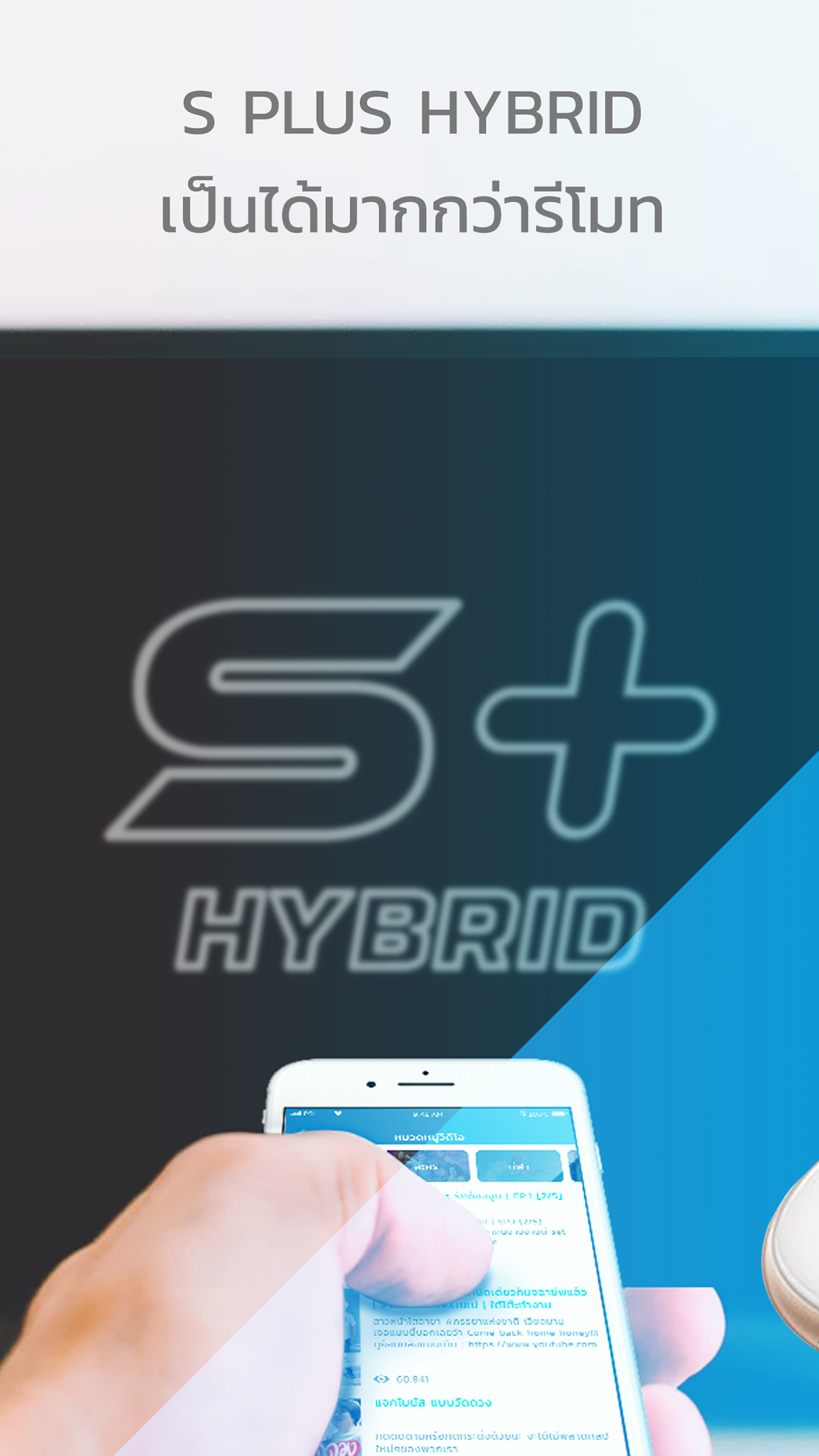
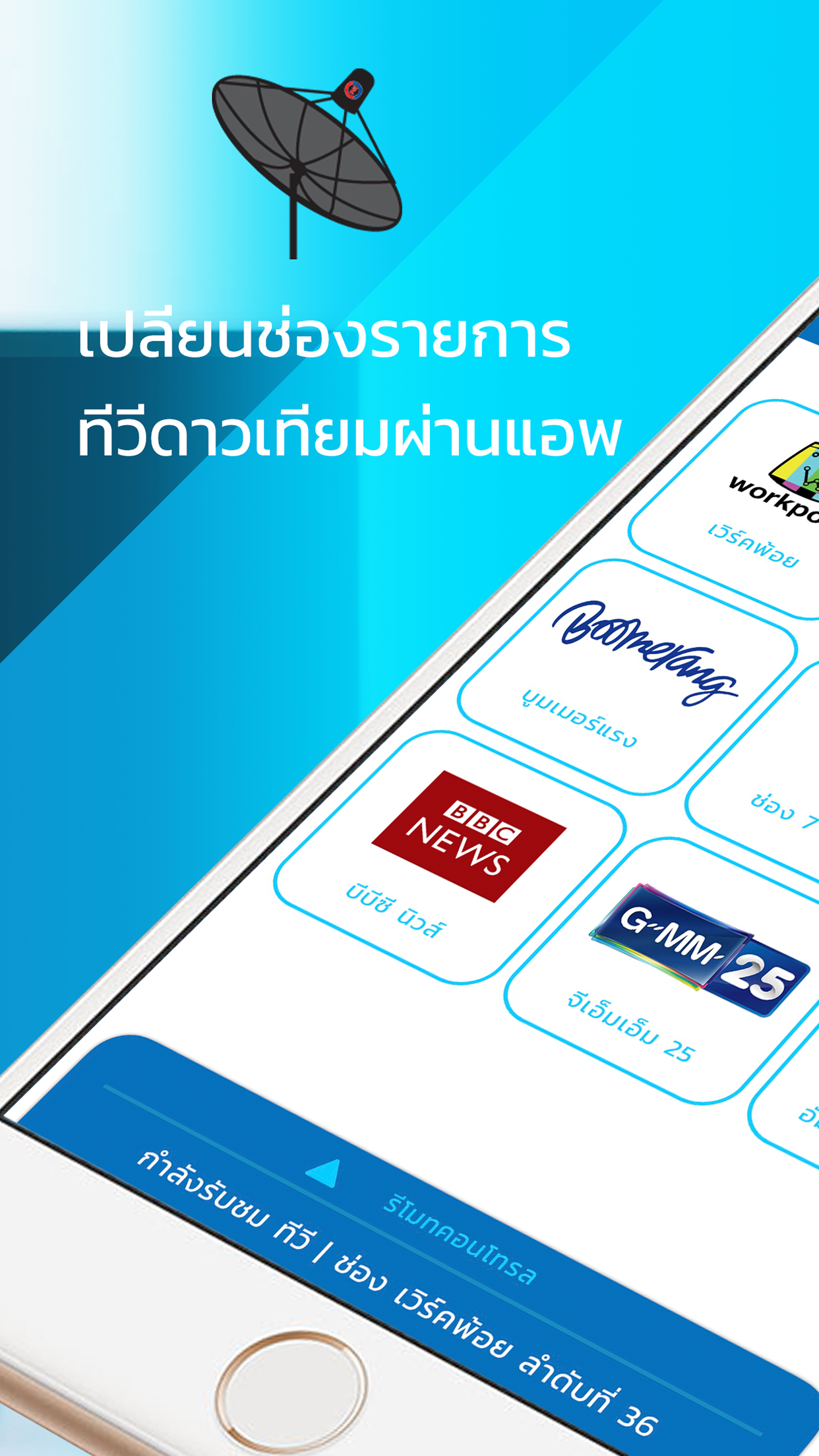
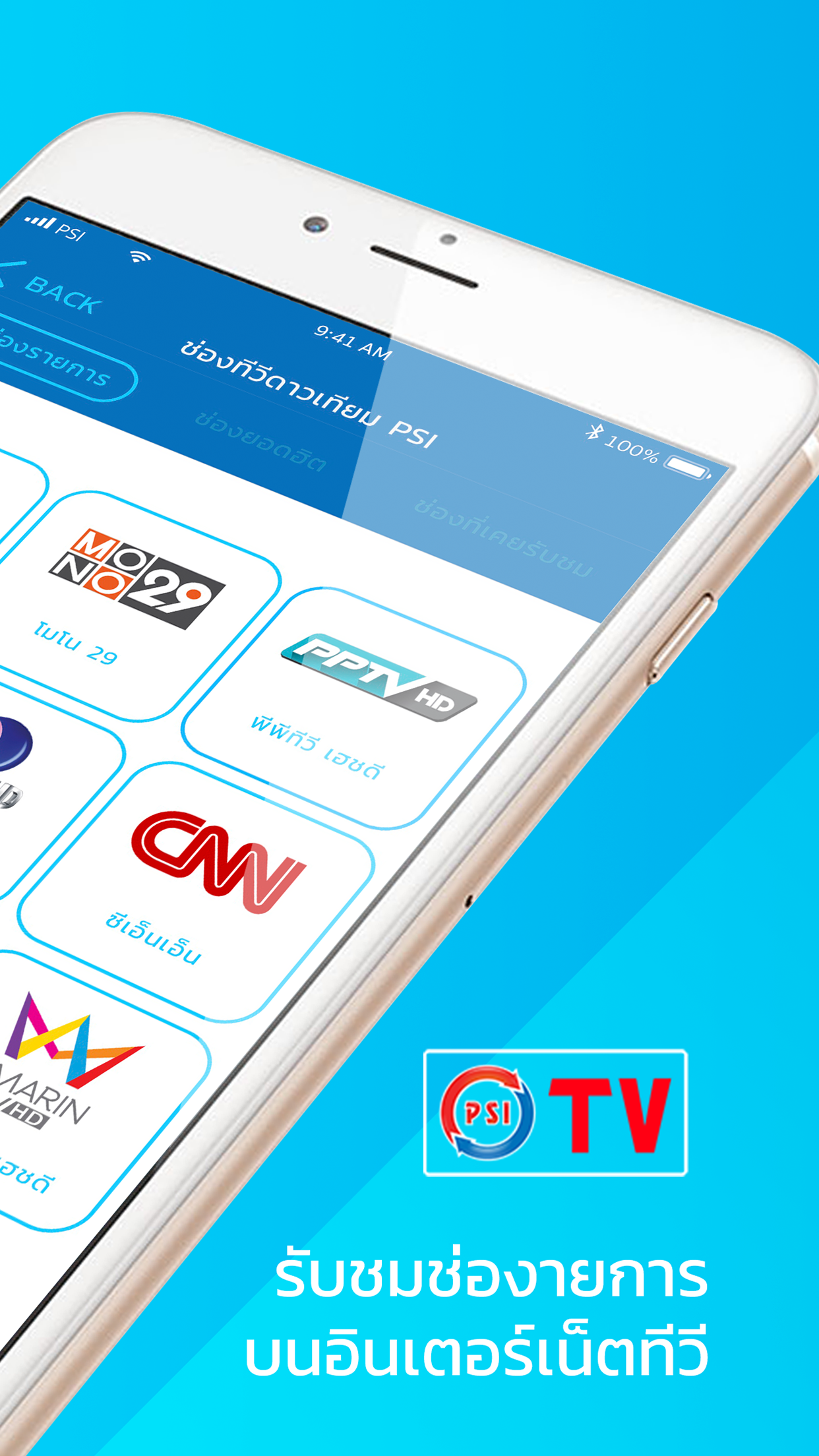
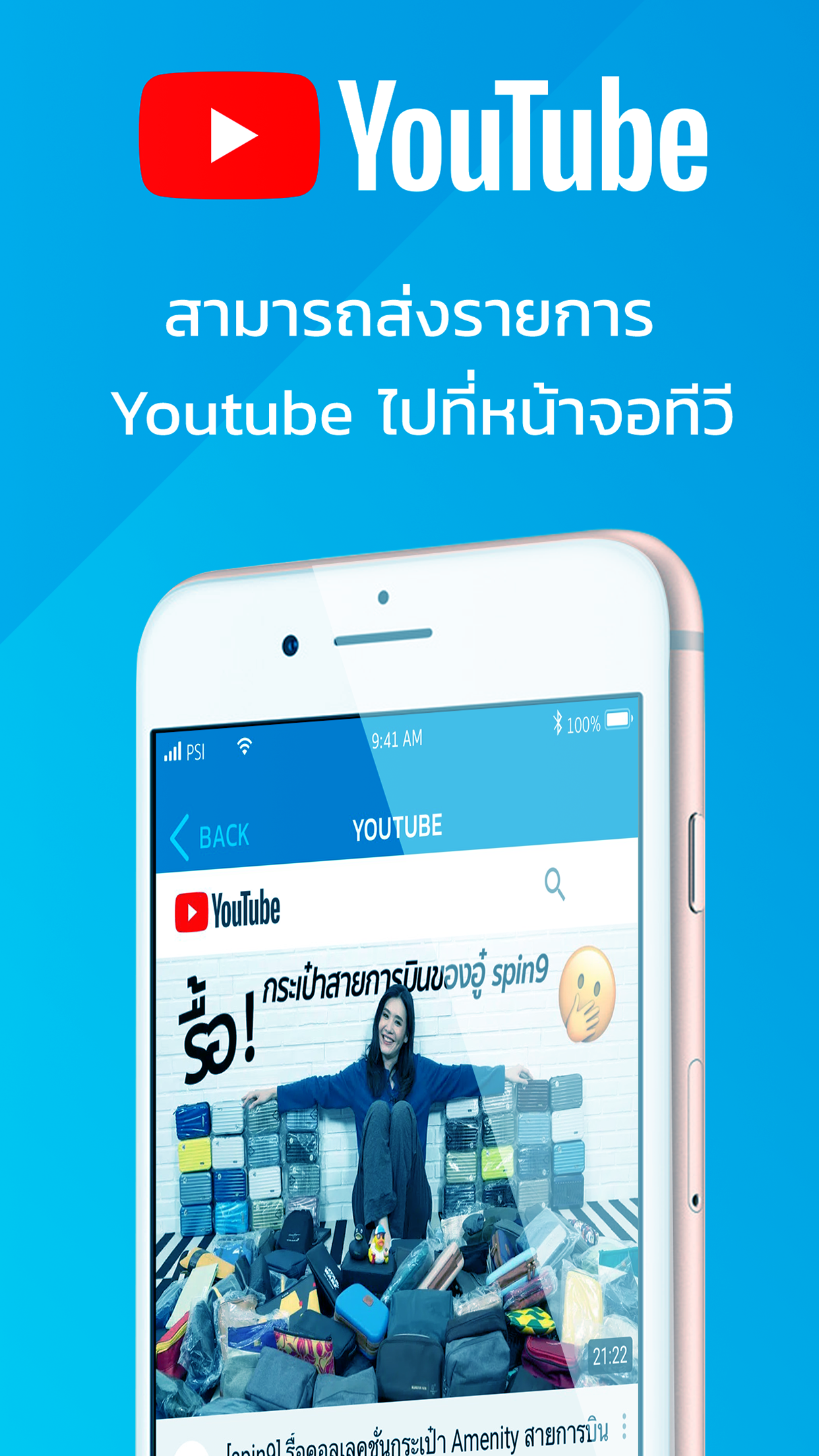
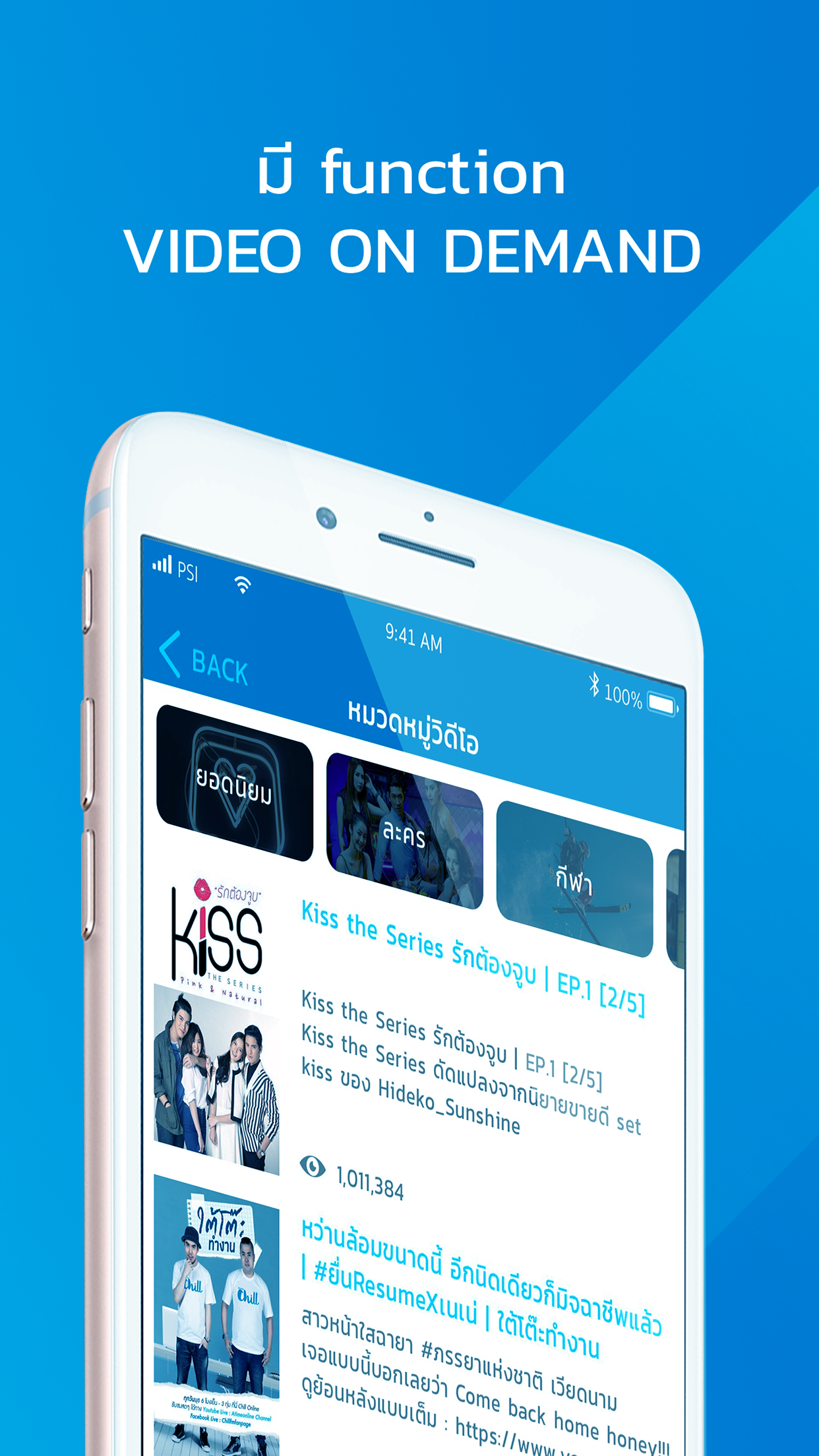
The S Plus application enables you to fully utilize the capabilities of the S Plus Set-top-box through the S Plus Hybrid Application, enhancing your control experience. Its slide feature for text input streamlines usage, making it quicker and more user-friendly.
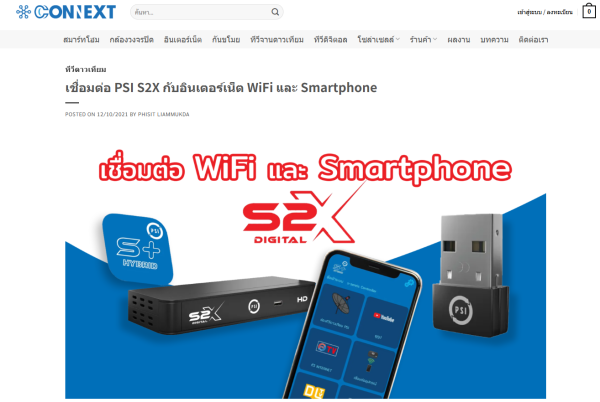
Features
Convenient Controls
Controlling the S Plus set-top box is greatly simplified with swipe controls and a text keyboard. For example, when changing channels, a simple swipe of the screen quickly locates your favorite channel. The text keyboard is incredibly convenient when entering search terms or setting usernames and passwords, making previously tedious operations simpler and faster, significantly improving user efficiency.
Multi-Platform Compatibility
Supports mainstream Android and iOS operating systems, making it easy to download and use whether you're using an Android phone or tablet, an iPhone, or an iPad. You can even use it on Windows 7/8/10 PCs and laptops with Android emulators like BlueStacks or MEmu Play, eliminating device limitations and meeting the needs of diverse users to control their set-top box on a variety of devices.
Regular Updates and Optimizations
Updates are released on average every 29 days, with developers dedicated to performance optimization. Each update may address issues present in previous versions, such as unstable connections and lag, continuously improving the app's efficiency and stability, providing users with a smoother and more reliable user experience.
How to Use:
1. Ensure your phone and set-top box are connected to the same network.
2. Open the app and control the set-top box using swipe controls.
3. Use the built-in keyboard to quickly input text, search, and log in to your account.
4. Swipe the screen to switch channels for convenient control.
Frequently Asked Questions and Answers
- **Question**: The app cannot connect to the S Plus set-top box.
- **Answer**: First, make sure the S Plus set-top box is turned on and connected to the internet. Then check whether your phone or other device is connected to the same network as the set-top box. If the problem persists, try restarting the set-top box and the app, or check the app's permissions to ensure it has network and device access.
- **Question**: The app frequently freezes or freezes during use.
- **Answer**: This may be due to insufficient device performance or excessive app cache. Try closing other background apps to free up device resources or clearing cached data in the app settings. If the problem persists, you may need to wait for the app developer to release an update to fix performance issues.
- **Question**: The selected IPTV channel cannot be displayed.
- **Answer**: This may be due to an unstable network connection or an issue with the IPTV service provider. Check your network connection or contact your IPTV service provider to confirm whether there is a service outage or other issues. Alternatively, try searching for or setting up IPTV channels again in the app.
- **Question**: I'm concerned about the app leaking personal data.
- **Answer**: According to the app's information on different platforms, on Google Play, this app may share data such as app information, performance data, and device or other IDs with third parties. However, on the App Store, the developer states that no data is collected from the app. Users should carefully consider whether to use this app based on their platform and their level of concern for data security. If you are particularly concerned about data security, you can choose not to use the app or carefully limit its permissions when using it.
- **Question**: Compatibility issues occurred after updating the app.
- **Answer**: Sometimes, after an app update, compatibility issues may occur with the device's operating system or other software. If this happens, check the app's update log to see if there are any known compatibility issues and how to resolve them. If the issue significantly impacts your use, you can consider uninstalling the update and reverting to the previous stable version. However, please note that this may disable some new features.
- Version1.1.19
- UpdateSep 29, 2026
- DeveloperSoftTech Network
- CategoryTools
- Requires AndroidAndroid 7.0+
- Downloads238K+
- Package Namecom.softtechnetwork.psis4
- Signatured38dbdca3f9a7dfbd65f2a9ba7237012
- Available on
- ReportFlag as inappropriate
-
NameSizeDownload
-
16.77 MB
-
17.64 MB
-
18.44 MB













Easy to use
Multi-platform compatibility
Continuous performance optimization
Compatibility issues exist.
Relatively limited functionality.