
Music Wallpaper Live HD/3D/4K - Music wallpaper & backgrounds
Transform your device with stunning music-themed wallpapers & videos, personalizing your screens with vibrant 3D animations.
- 4.0.8 Version
- 1.4 Score
- 152K+ Downloads
- Free License
- 3+ Content Rating

Music Wallpaper and Background
1. App Overview
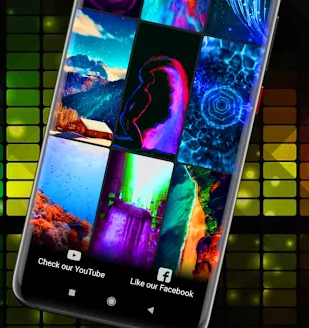
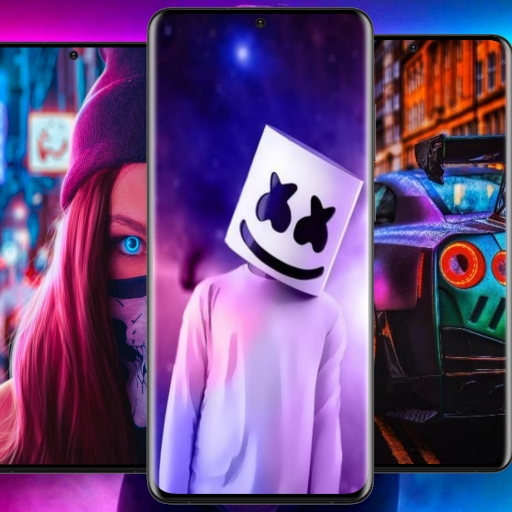
Music Wallpaper and Background is an Android personalization app that provides music-themed live wallpapers for home and lock screens. Its collection includes more than 1,000 backgrounds inspired by rock, hip-hop, pop, jazz, reggae, and country music. Users can choose from colorful music artwork, animated designs, and high-resolution backgrounds to customize their device's appearance.
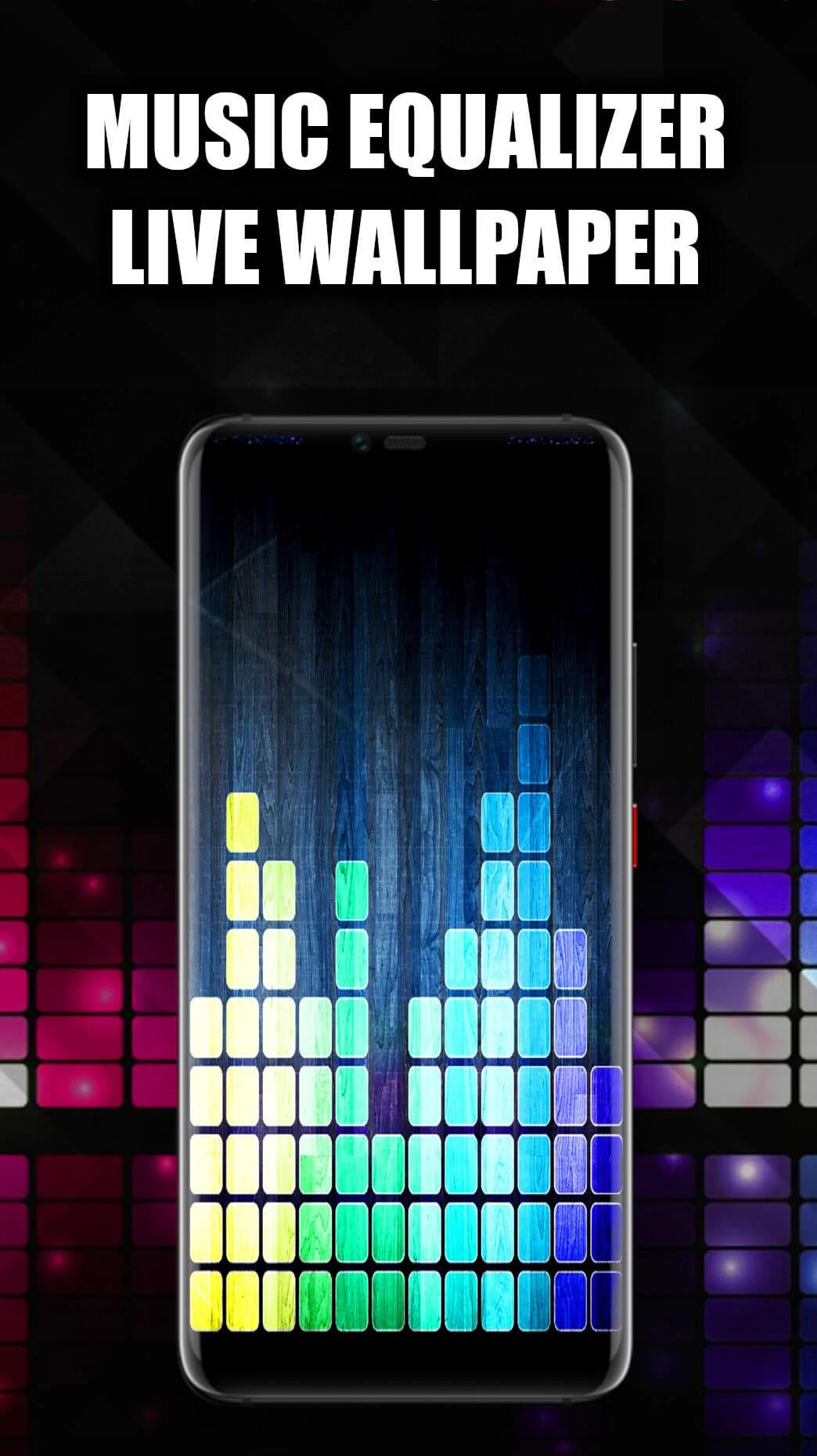
In addition to static wallpapers, the app features 3D animations, parallax effects, and music equalizer visuals. Its designs incorporate elements such as speakers, headphones, musical notes, and sound waves. The 3D Song Equalizer adds animated audio visualization effects that respond to music playback, giving the screen a more dynamic appearance.
Users can preview wallpapers before applying them, select their preferred screen placement, and download designs for offline access. The combination of music-inspired artwork, animated backgrounds, and audio visualization makes the app suitable for users who want their device's appearance to reflect their interest in music.
2. Key Features
2.1 Large Collection of Music-Themed Wallpapers
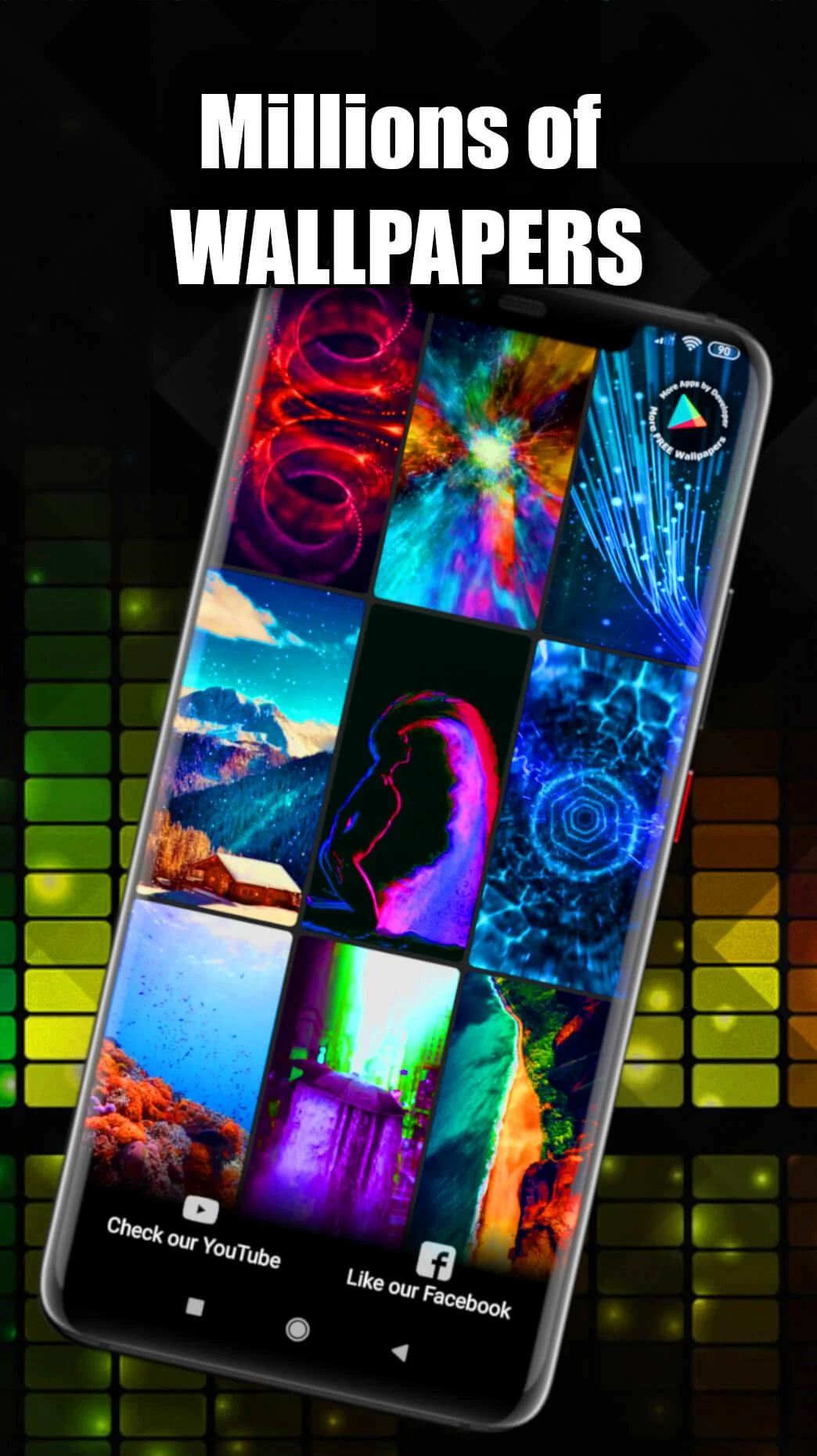
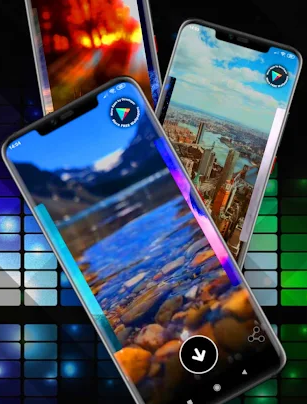
Browse more than 1,000 HD and 4K wallpapers featuring rock, pop, hip-hop, jazz, reggae, and country-inspired designs. The collection includes music artwork, colorful graphics, and animated backgrounds.
2.2 3D Live Wallpaper Effects
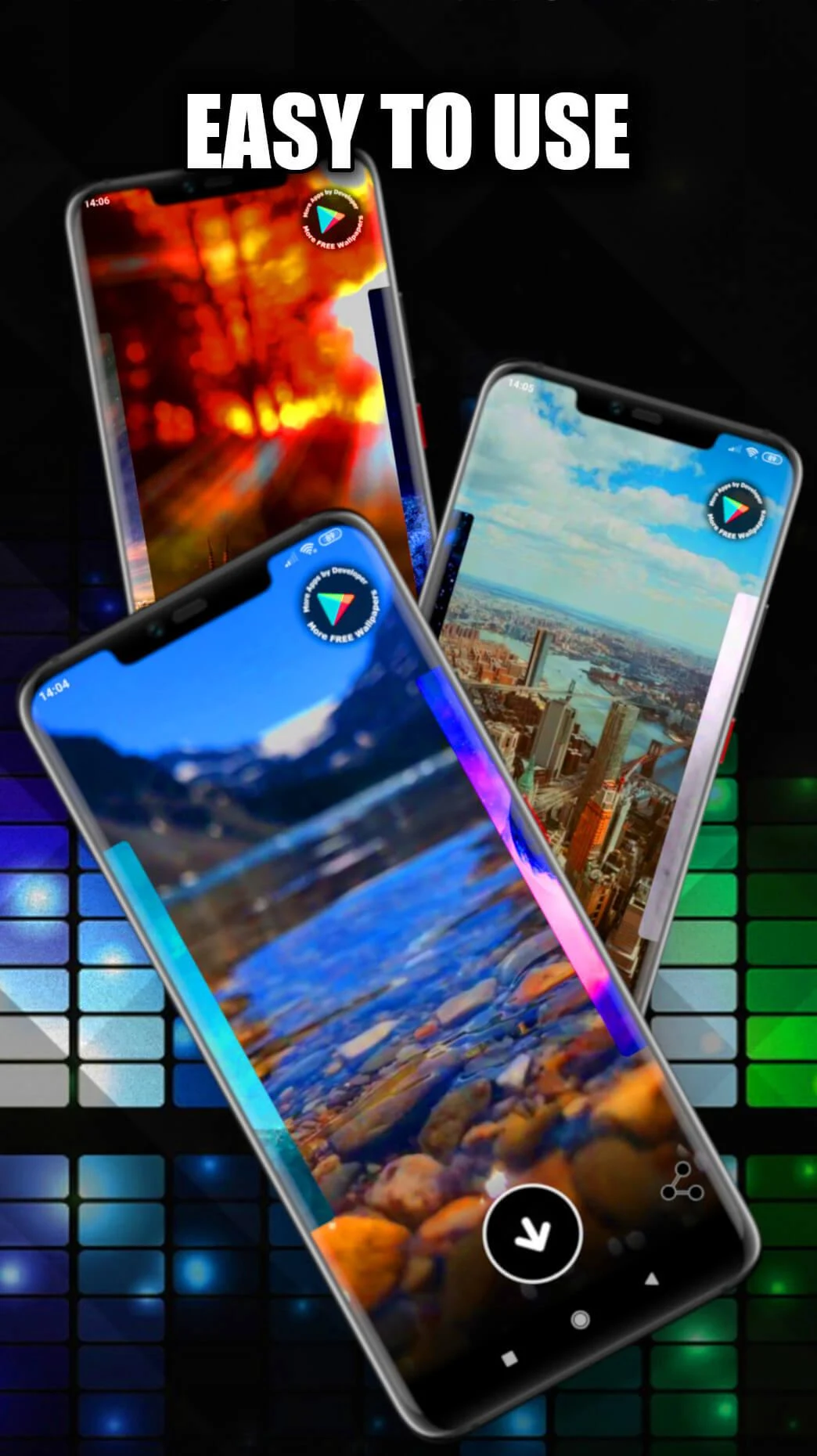
Customize your screen with animated backgrounds featuring 3D visuals and parallax effects. These effects add movement and depth to selected wallpaper designs.
2.3 Music Equalizer and Audio Visualization
The 3D Song Equalizer displays animated visual effects that respond to music playback. Audio-inspired graphics, including sound waves and equalizer animations, add a music-focused look to your screen.
2.4 Home Screen and Lock Screen Customization
Preview your preferred design and choose where to apply it. Depending on your device, you can set a wallpaper on the home screen, lock screen, or both.
2.5 High-Resolution Animated Wallpapers
Choose from HD and 4K images and animated backgrounds designed for Android displays. Actual image quality and playback performance may vary depending on your device.
2.6 Wallpaper Downloads and Offline Access
Download selected wallpapers to your device for later use. Saved images remain accessible without an internet connection.
3. How to Use Music Wallpaper and Background
Install and Open the App: Download Music Wallpaper and Background from your Android app store and launch it. Grant any permissions needed for the features you want to use.
Browse Available Wallpapers: Explore the collection and select designs from categories such as rock, pop, hip-hop, and jazz.
Preview a Wallpaper: Tap a design to check its appearance and animation before applying it.
Apply Your Selected Design: Choose the home screen, lock screen, or both, depending on the available options. Alternatively, download the image and set it through your phone's wallpaper settings.
Try the 3D Song Equalizer: Open the equalizer section to explore its music-responsive visual effects.
Download Wallpapers: Save your preferred designs to your device for offline access.
4. Tips for a Better Experience
Choose Wallpapers by Genre: Explore different music categories to find designs that suit your preferences.
Preview Animated Designs: Check how a live wallpaper looks and moves before setting it as your background.
Try Different Visual Effects: Experiment with the available 3D and equalizer effects to find a style you like.
Save Wallpapers in Advance: Download your favorite designs while connected to the internet so you can access them offline.
Manage Battery Usage: Animated wallpapers and audio visualization may consume more power than static images. Switch to a static background or disable unnecessary effects to reduce battery consumption.
5. Frequently Asked Questions
Q1: How do I set a wallpaper?
Open the app, select a design, and preview it. Choose the option to apply it to your home screen or lock screen. If direct application is unavailable, download the image and set it through your phone's wallpaper settings.
Q2: How do I use the 3D Song Equalizer?
Open the 3D Song Equalizer section and activate the available audio visualization effects. The animations respond to music playback, adding dynamic visuals to your screen.
Q3: Can I use downloaded wallpapers offline?
Yes. Wallpapers saved to your device can be viewed and applied without an internet connection. An internet connection is required to browse and download additional designs.
Q4: Do live wallpapers consume more battery?
Yes. Animated backgrounds and audio visualization can use more battery power than static wallpapers. Using simpler designs or disabling unnecessary effects can help reduce consumption.
Q5: Which Android devices are compatible with the app?
The app is designed for Android devices, including models from Samsung, Sony, OPPO, Google Pixel, Xiaomi, Realme, Vivo, Motorola, and OnePlus. Compatibility depends on your device's Android version and hardware.
Q6: Why is my wallpaper blurry or not displaying correctly?
Try selecting a higher-resolution design and check whether the app has the necessary permissions. You can also restart the app or clear its cache before applying the wallpaper again.
- Version4.0.8
- UpdateNov 09, 2026
- DeveloperGO Wallpaper
- CategoryPersonalization
- Requires AndroidAndroid 7.0+
- Downloads152K+
- Package Namecom.lwpgo.wallpaper.music
- Signatured765830efb88baba8997259f39f700ce
- Available on
- ReportFlag as inappropriate
-
NameSizeDownload
-
7.69 MB
-
5.46 MB











Free and resource-rich
Diverse functions
Privacy-friendly
Resource consumption may be high.
Advertising risks.
Copyright and quality may vary.