
Live Analog Clock Wallpaper - Analog Clock Wallpaper & Customization
Transform your device with vibrant, customizable analog clock wallpapers that showcase your unique style and personality.
- 1.0.1.8 Version
- 1.5 Score
- 173K+ Downloads
- In-app purchases License
- 3+ Content Rating

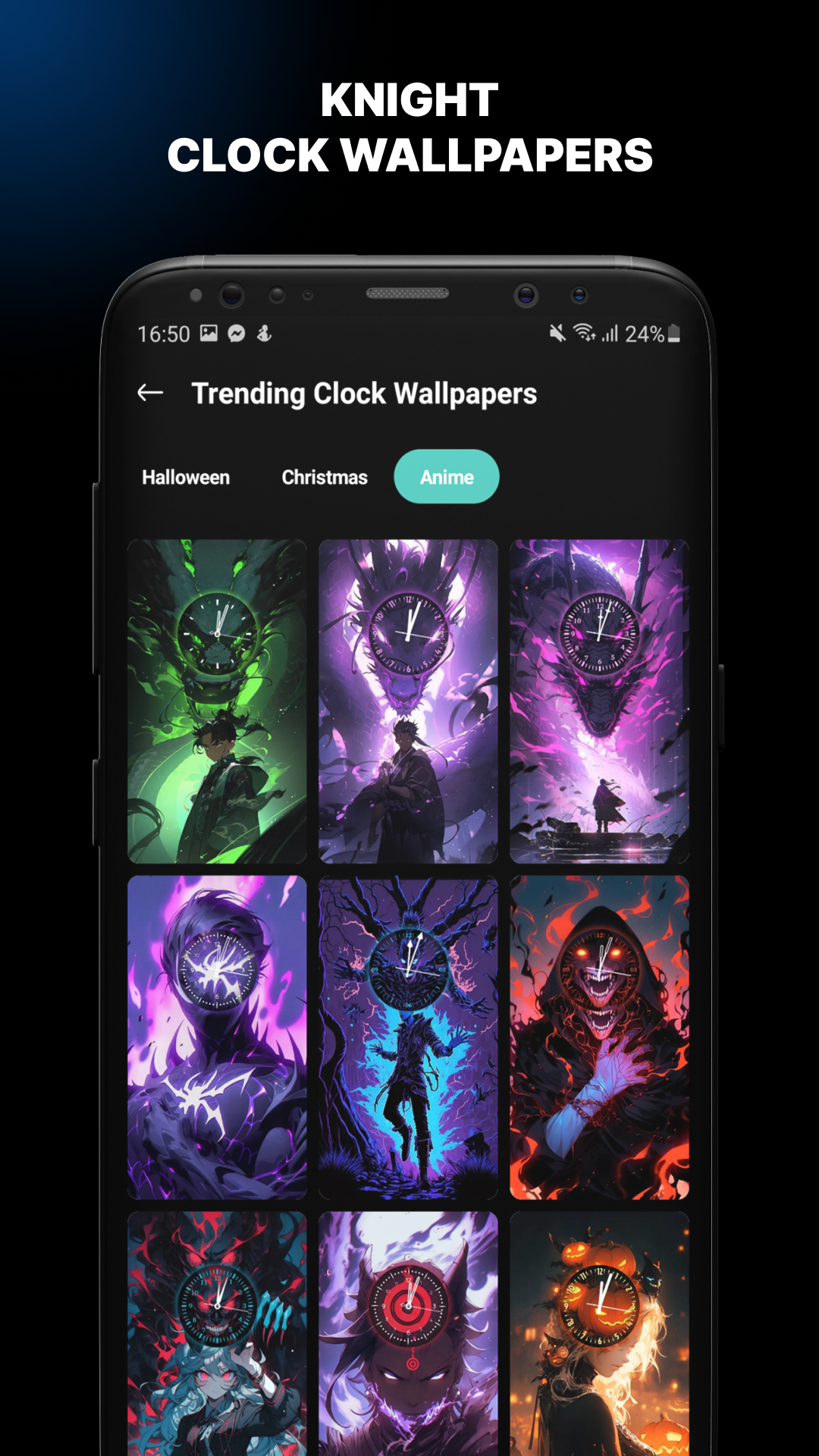
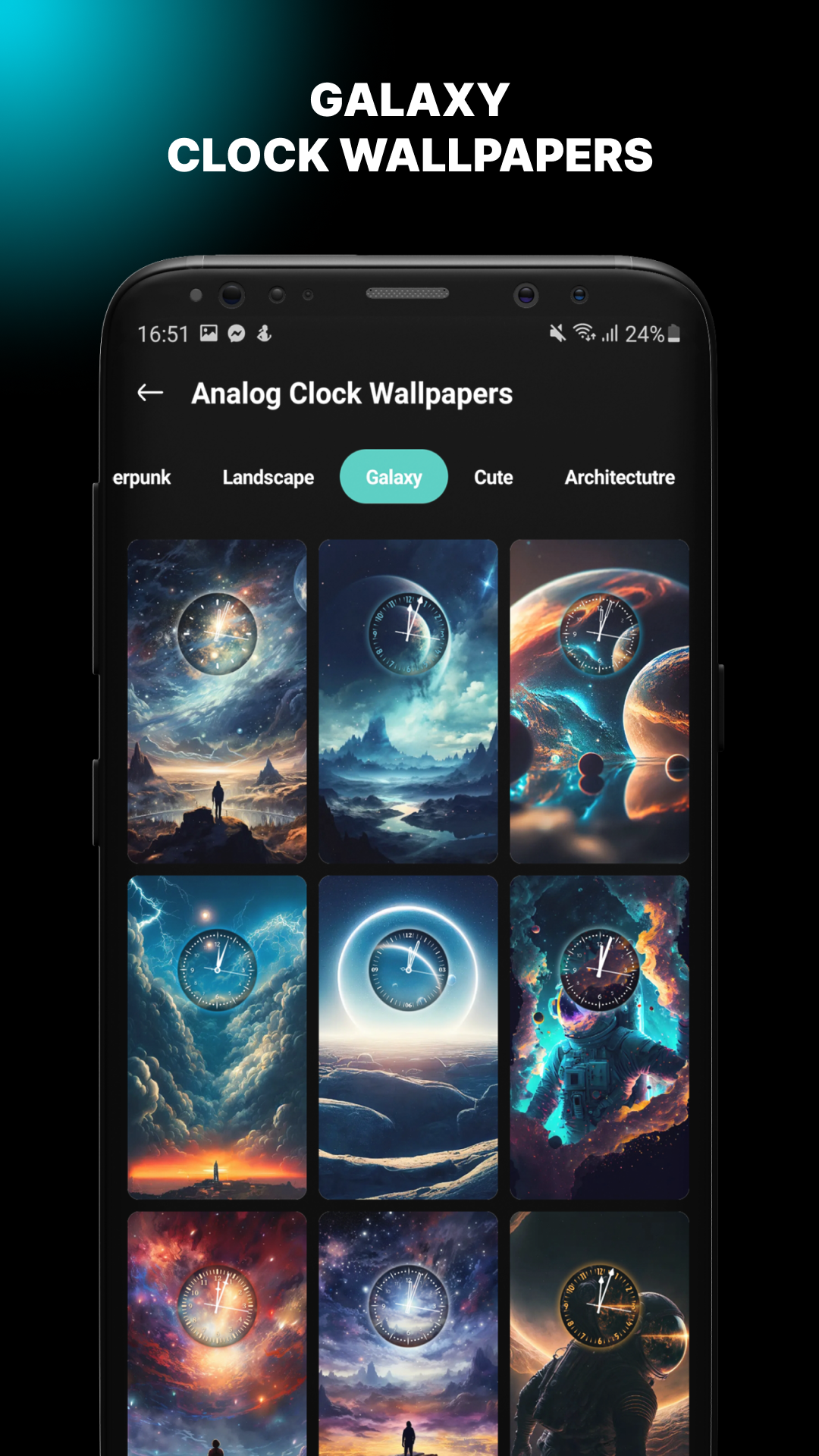
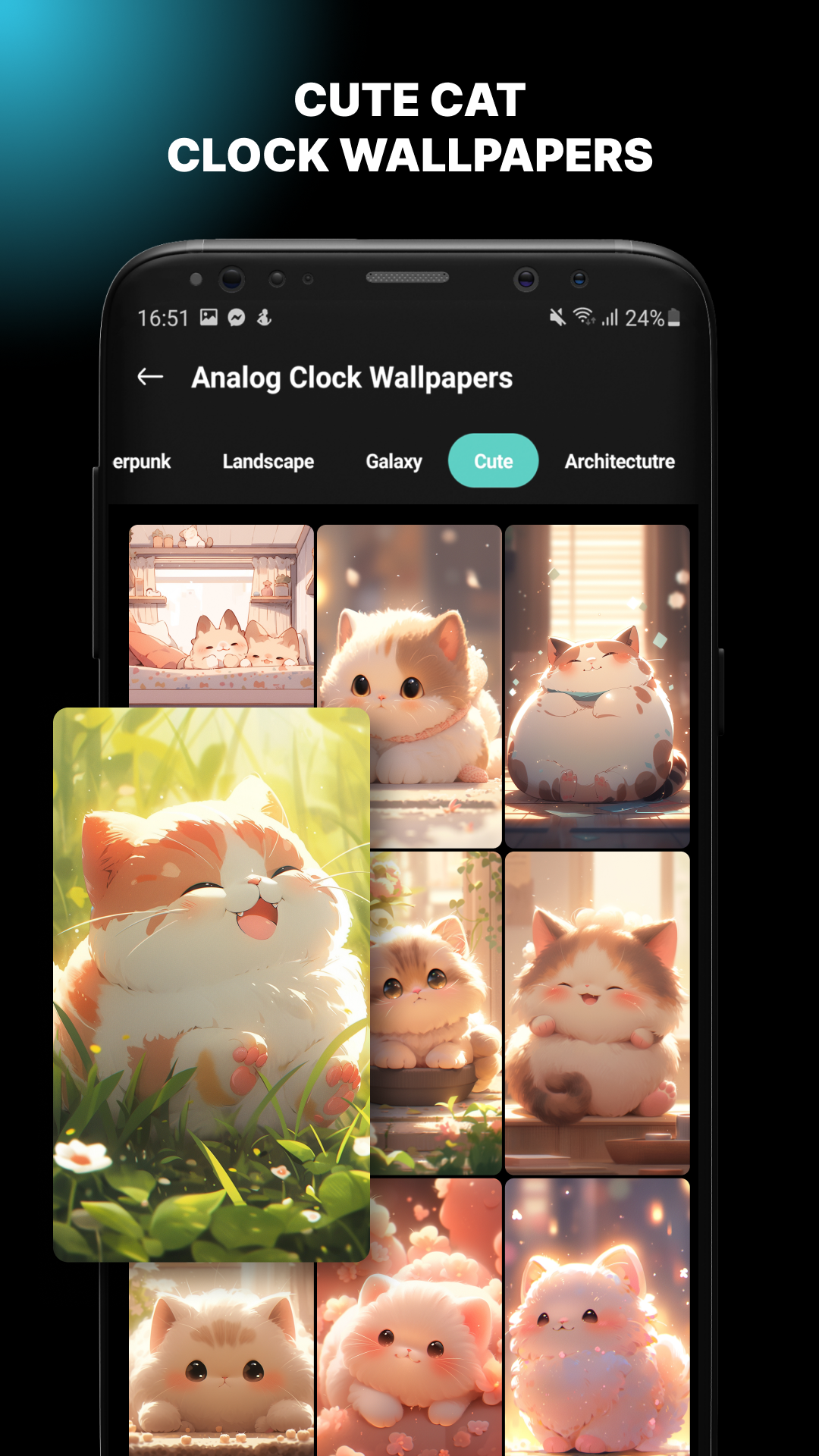
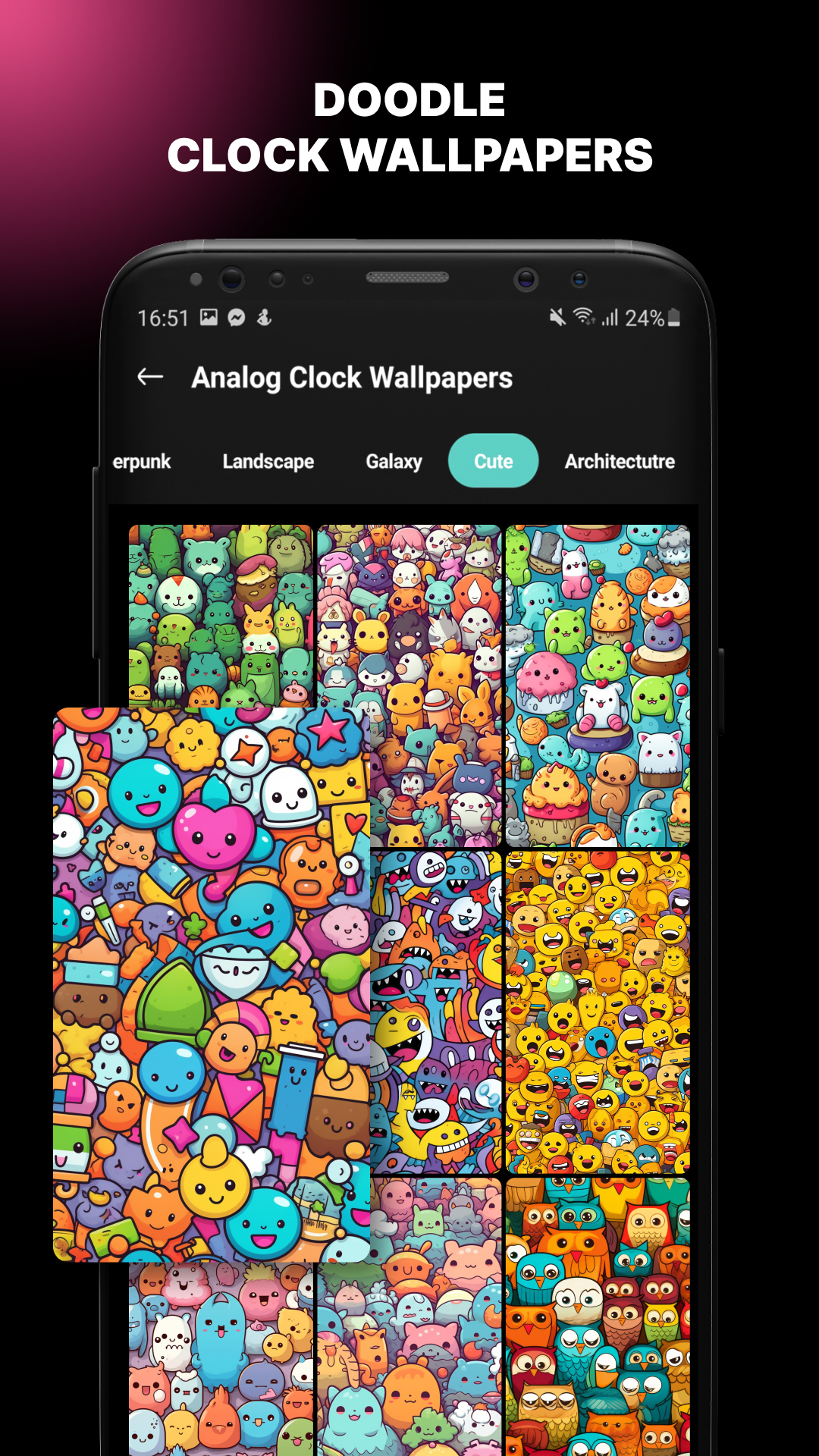
Live Analog Clock Wallpaper
1. App Overview
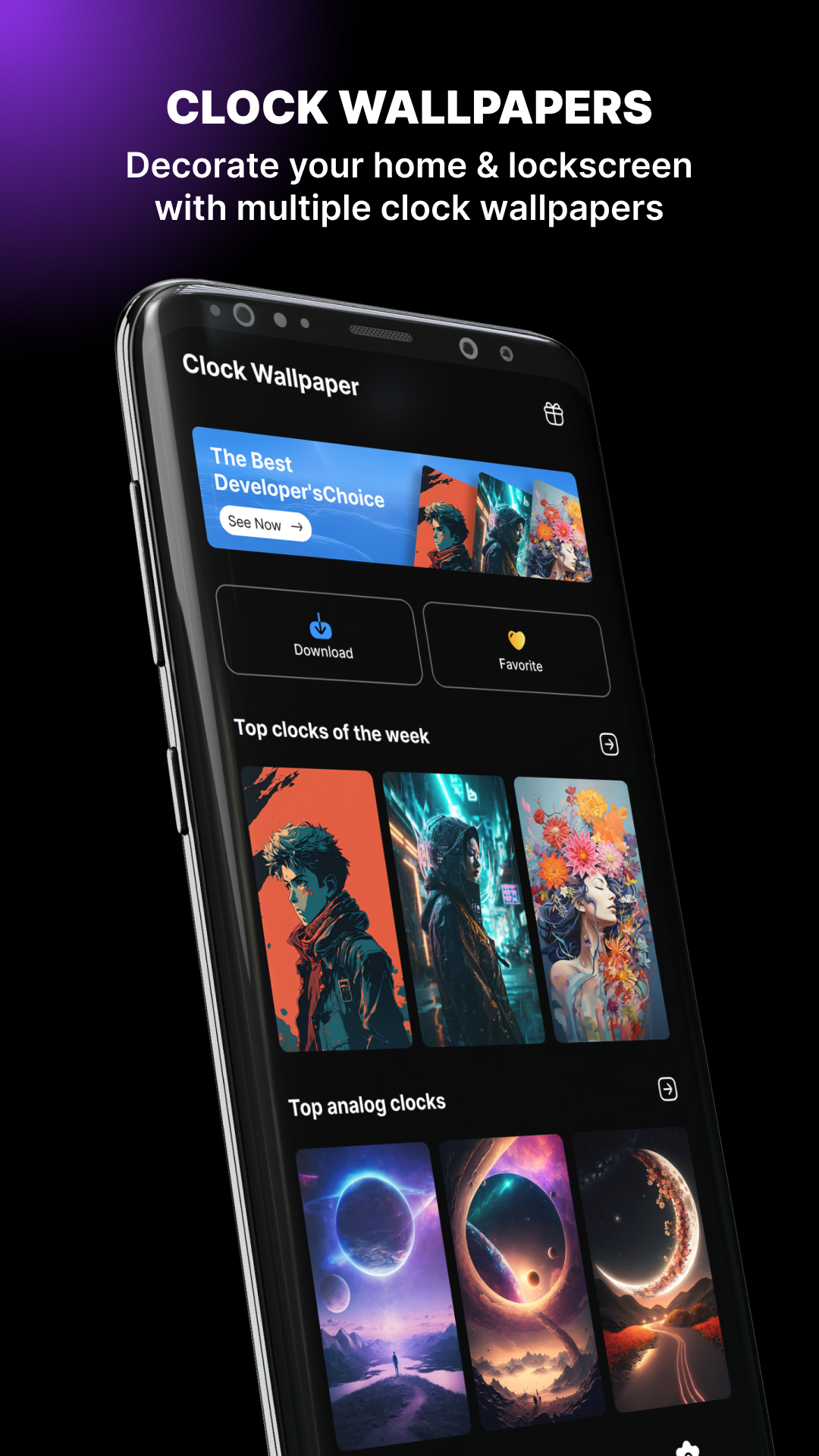
Live Analog Clock Wallpaper is an Android personalization app that combines traditional analog clocks with live wallpaper designs. It allows users to display a decorative clock on their home screen or lock screen, turning the background into a visual time display.
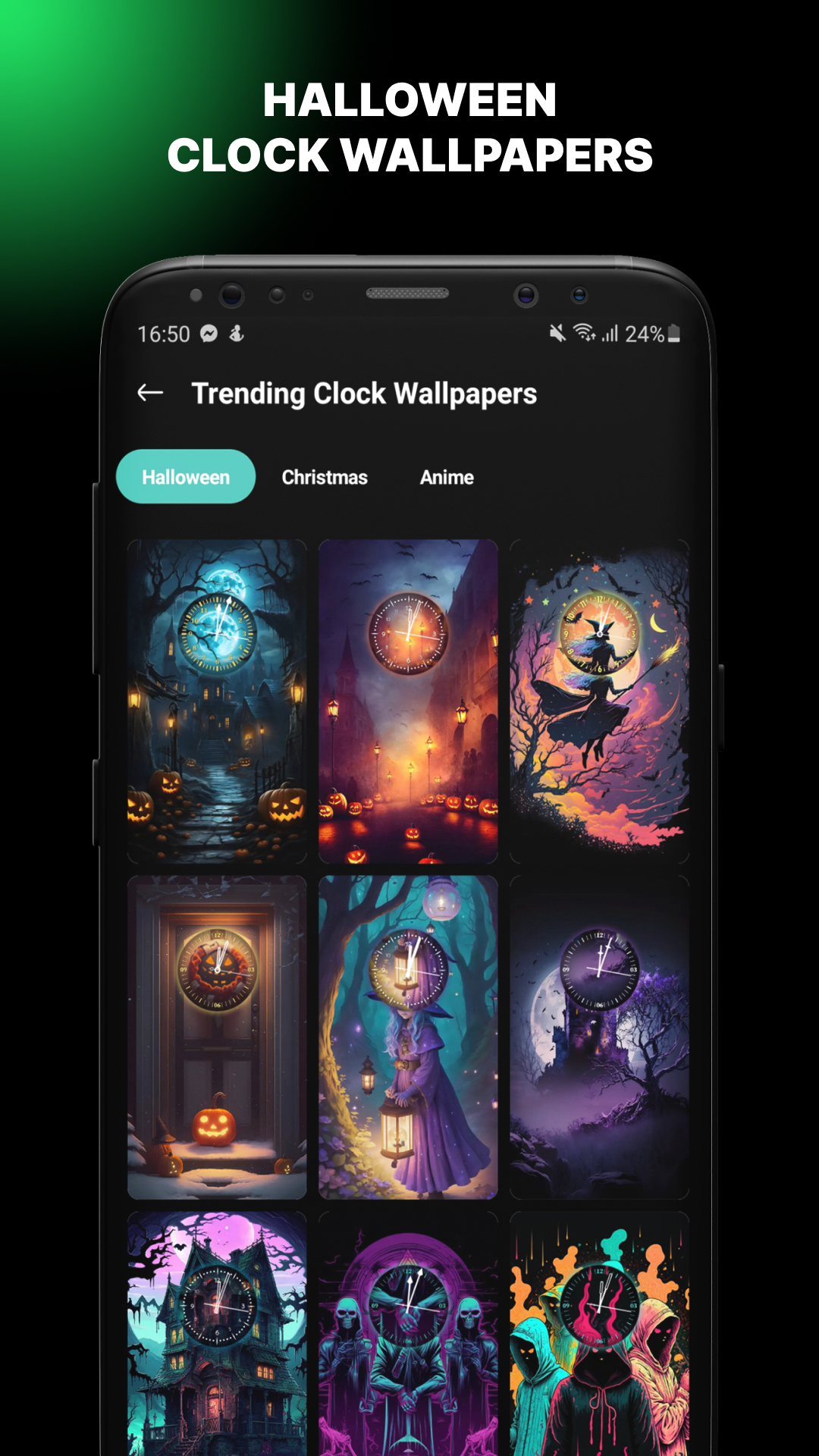
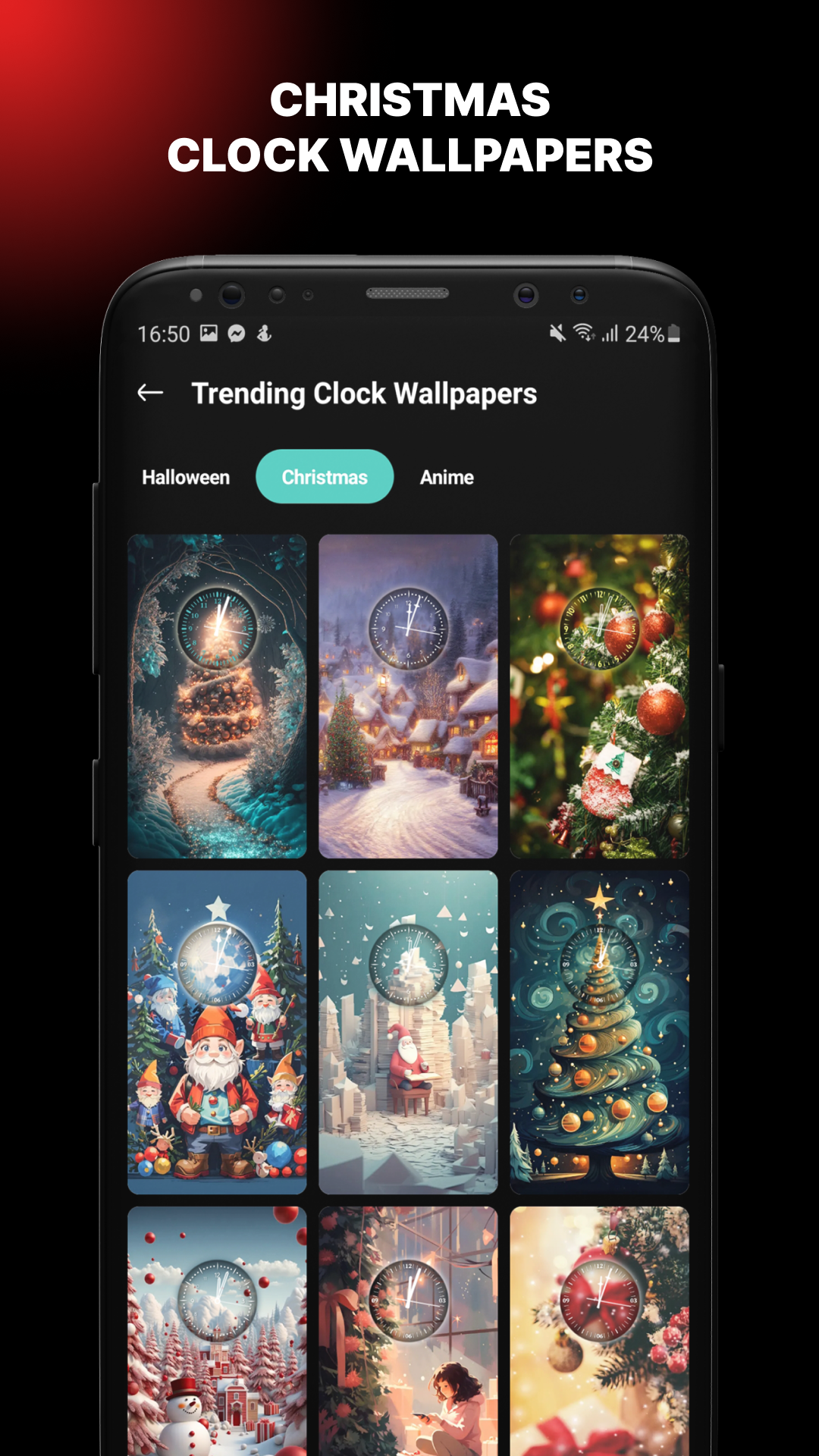
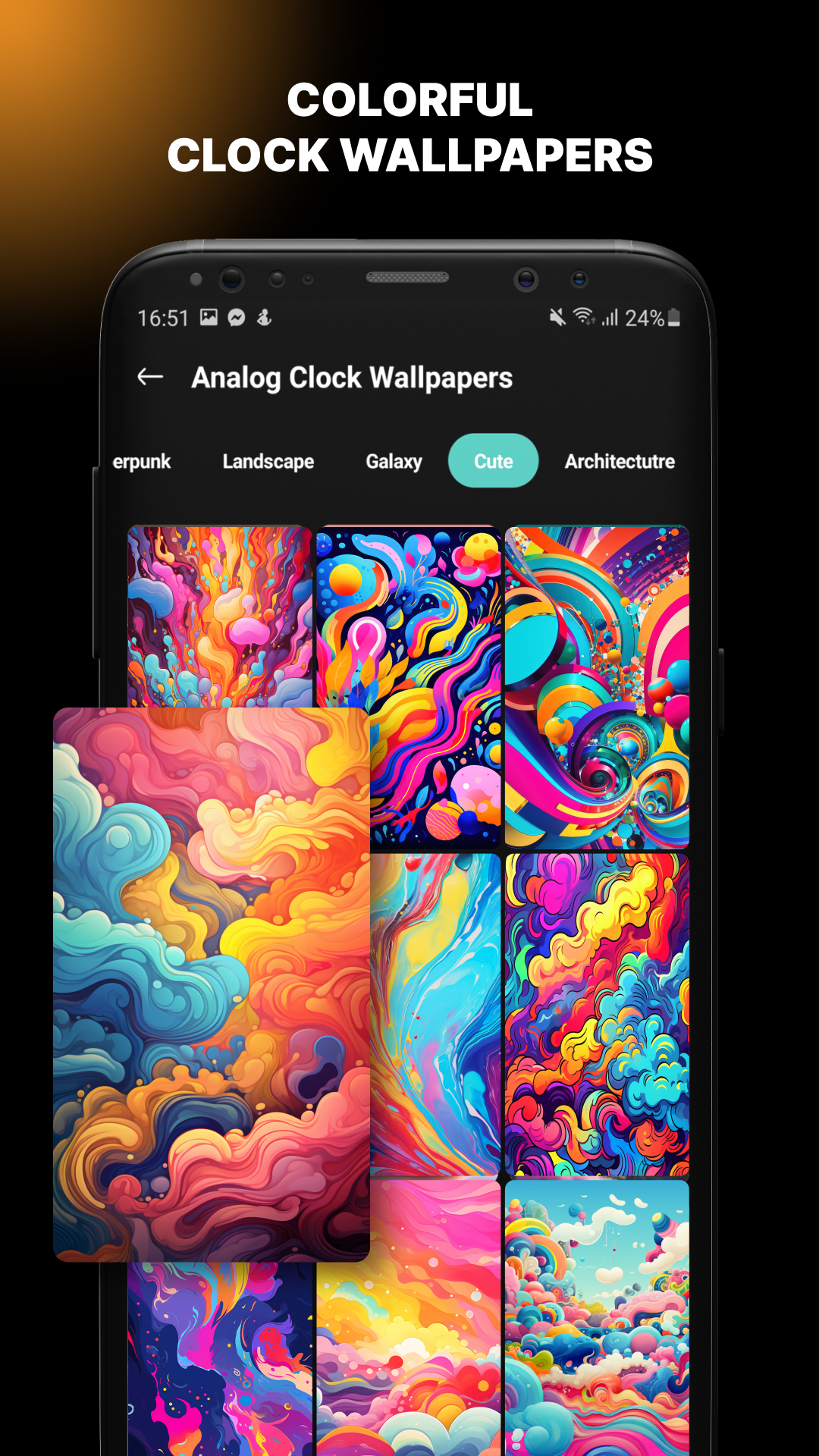
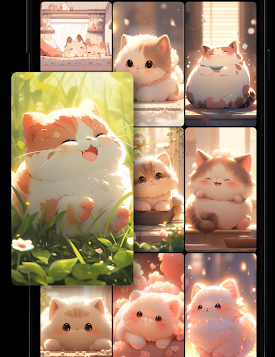
The app features a range of visual themes, from futuristic graphics and galaxy scenes to natural landscapes, colorful illustrations, and architectural designs. Each wallpaper pairs an analog clock with a background that gives the screen a distinct appearance.
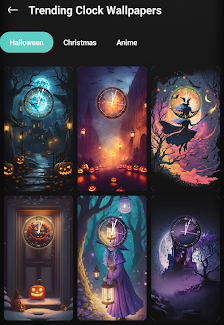
Users can browse the collections, preview individual designs, and apply their preferred wallpapers to the home screen, lock screen, or both. They can also save selected designs to a favorites list for easier access later. By combining analog clock displays with decorative backgrounds, the app offers an alternative to standard wallpapers while keeping the time visible.
2. Key Features
Multiple Wallpaper Categories: Explore Cyberpunk, Landscape, Galaxy, Cute, Colorful, and Architecture collections.
Analog Clock Designs: Choose from different clock layouts, colors, and decorative elements.
Wallpaper Discovery: Browse collections and explore popular designs.
Flexible Screen Placement: Apply wallpapers to the home screen, lock screen, or both.
Favorites List: Save preferred designs for quick access later.
3. How to Use
Install the App: Download and install Live Analog Clock Wallpaper on your Android device.
Browse Wallpaper Collections: Open the app and explore categories such as Cyberpunk, Galaxy, Landscape, and Cute.
Choose a Design: Tap a wallpaper to view its clock layout, colors, and background.
Preview and Apply: Check the design before selecting the home screen, lock screen, or both as the display location.
Save Favorites: Add preferred designs to your favorites list so you can find them again without browsing the entire collection.
4. Frequently Asked Questions
Q1: Can I use the same clock wallpaper on both screens?
Yes. You can apply a selected wallpaper to your home screen, lock screen, or both. Available options may vary depending on your Android version and device.
Q2: What types of clock wallpapers are available?
The app includes Cyberpunk, Landscape, Galaxy, Cute, Colorful, and Architecture collections, each featuring different analog clock and background combinations.
Q3: Where can I find my saved wallpapers?
Open the favorites section to view your saved designs. You can select any of them when you want to change your wallpaper.
Q4: Is the app compatible with Android tablets?
The app is designed for Android devices and may work on compatible tablets. Its layout and appearance can vary depending on screen size and device compatibility.
Q5: Does using a live clock wallpaper affect battery life?
Live wallpapers may consume more battery than static backgrounds because they require continuous screen rendering. Actual consumption depends on your device and display settings. If you want to reduce battery usage, consider using a static wallpaper instead.
- Version1.0.1.8
- UpdateNov 06, 2026
- DeveloperLike Sky Technology Limited
- CategoryPersonalization
- Requires AndroidAndroid 7.0+
- Downloads173K+
- Package Namecom.vietdev.wallpaper.clockwallpaper
- Signaturef58a70ec9bc324372bb0f41d5e82db3b
- Available on
- ReportFlag as inappropriate
-
NameSizeDownload
-
19.03 MB
-
22.86 MB













Highly customizable
Practical and easy to use
Resource-friendly
Frequent ad interruptions
Functions are mostly basic
Battery life is a concern