
Underwater Wallpapers 4K - Underwater wallpapers & fish
Dive into stunning underwater worlds with HD & 4K wallpapers! Fresh and curated images for your device await you.
- 5.7.0 Version
- 1.5 Score
- 164K+ Downloads
- Free License
- 3+ Content Rating

7Fon – Underwater Wallpapers
1. App Overview
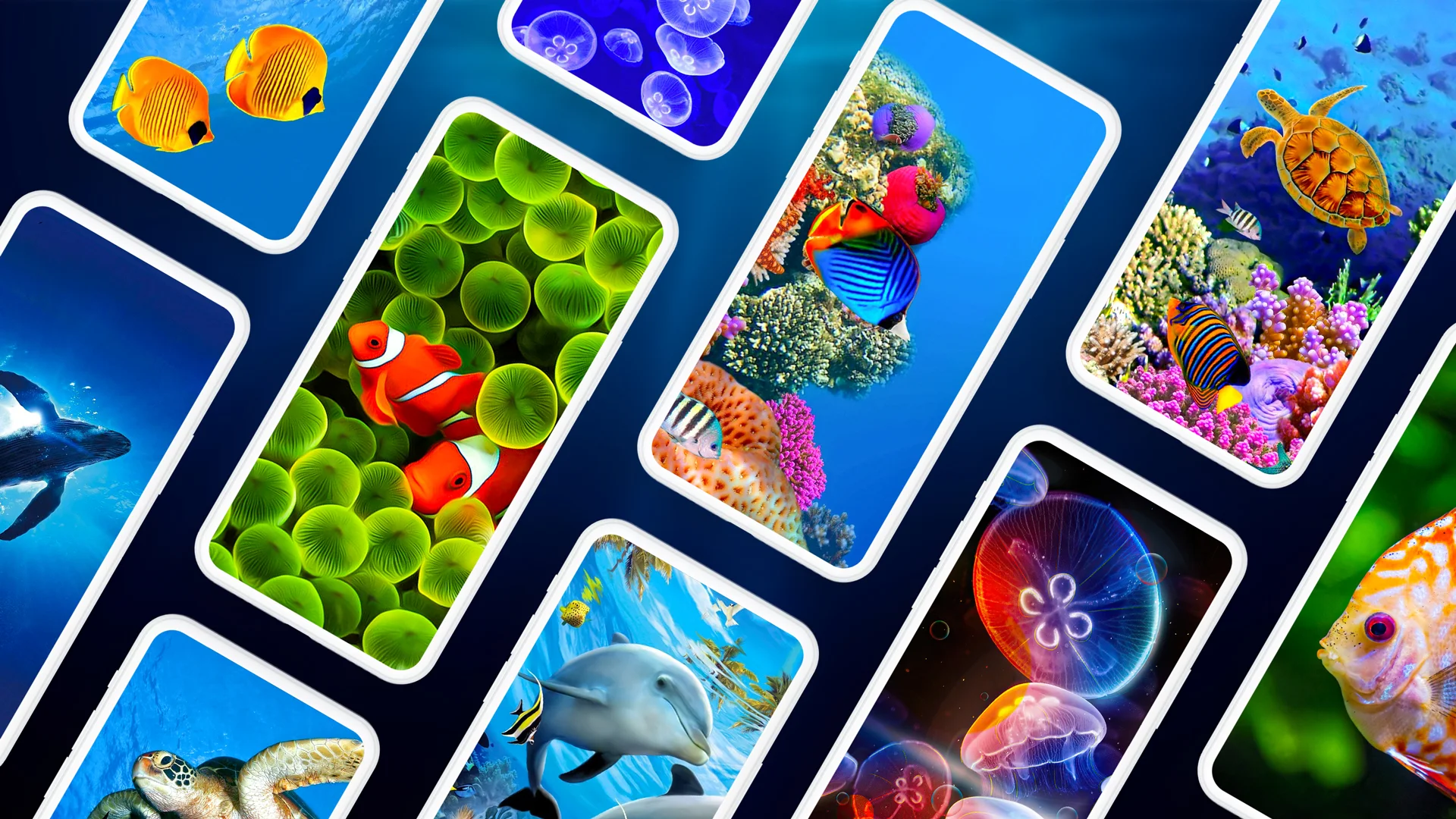
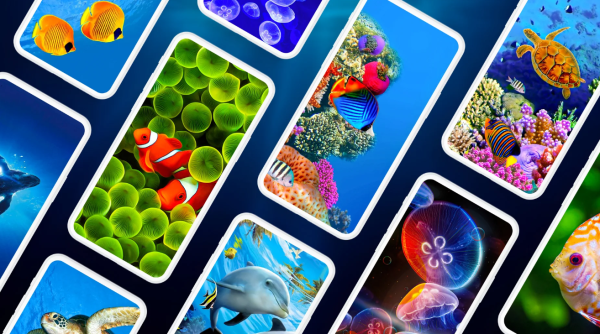
7Fon is a wallpaper app featuring underwater scenery and marine life. Its collection includes colorful tropical fish, coral reefs, and various underwater landscapes, with images available in HD and 4K resolutions for smartphones and tablets.
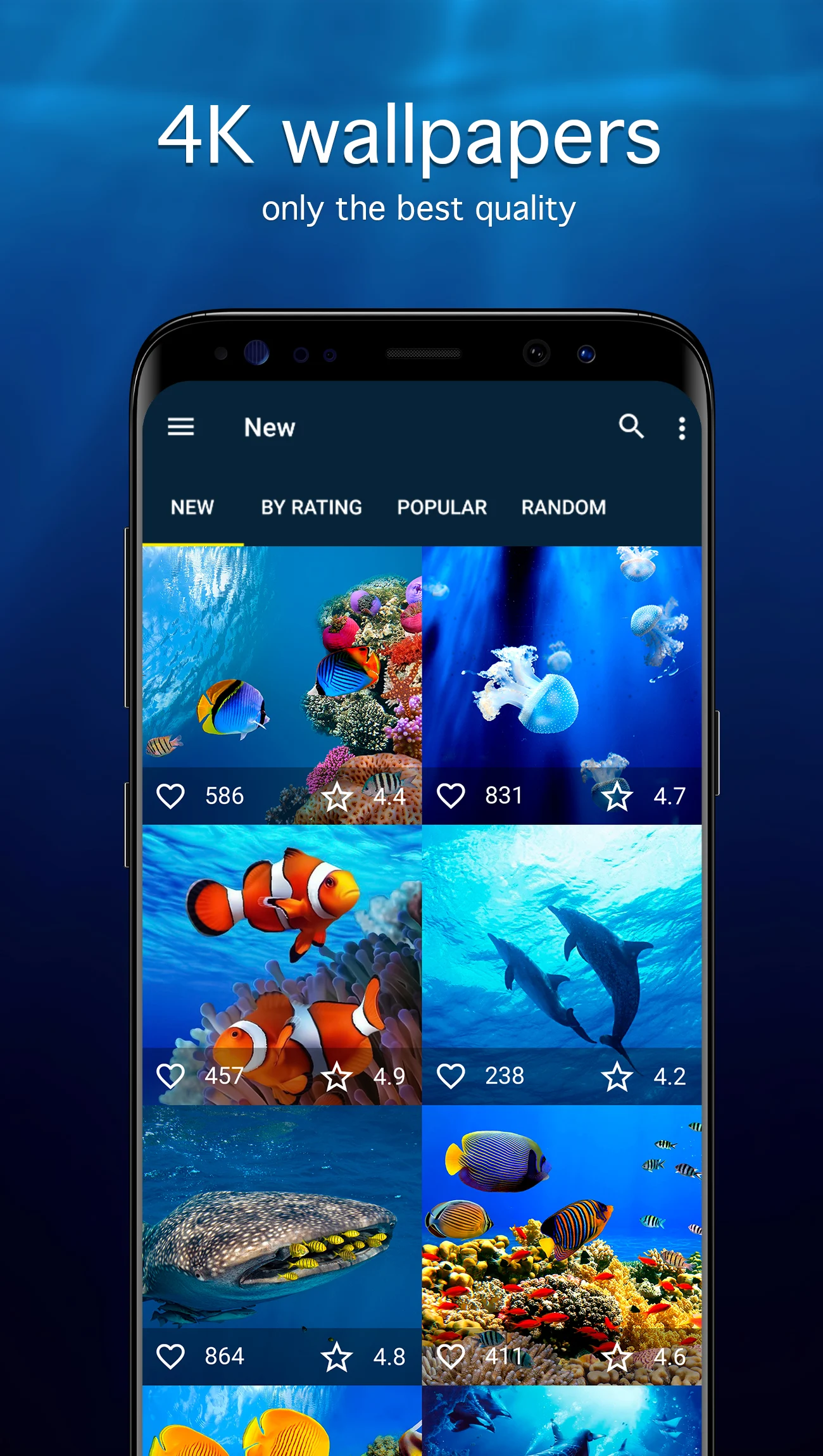
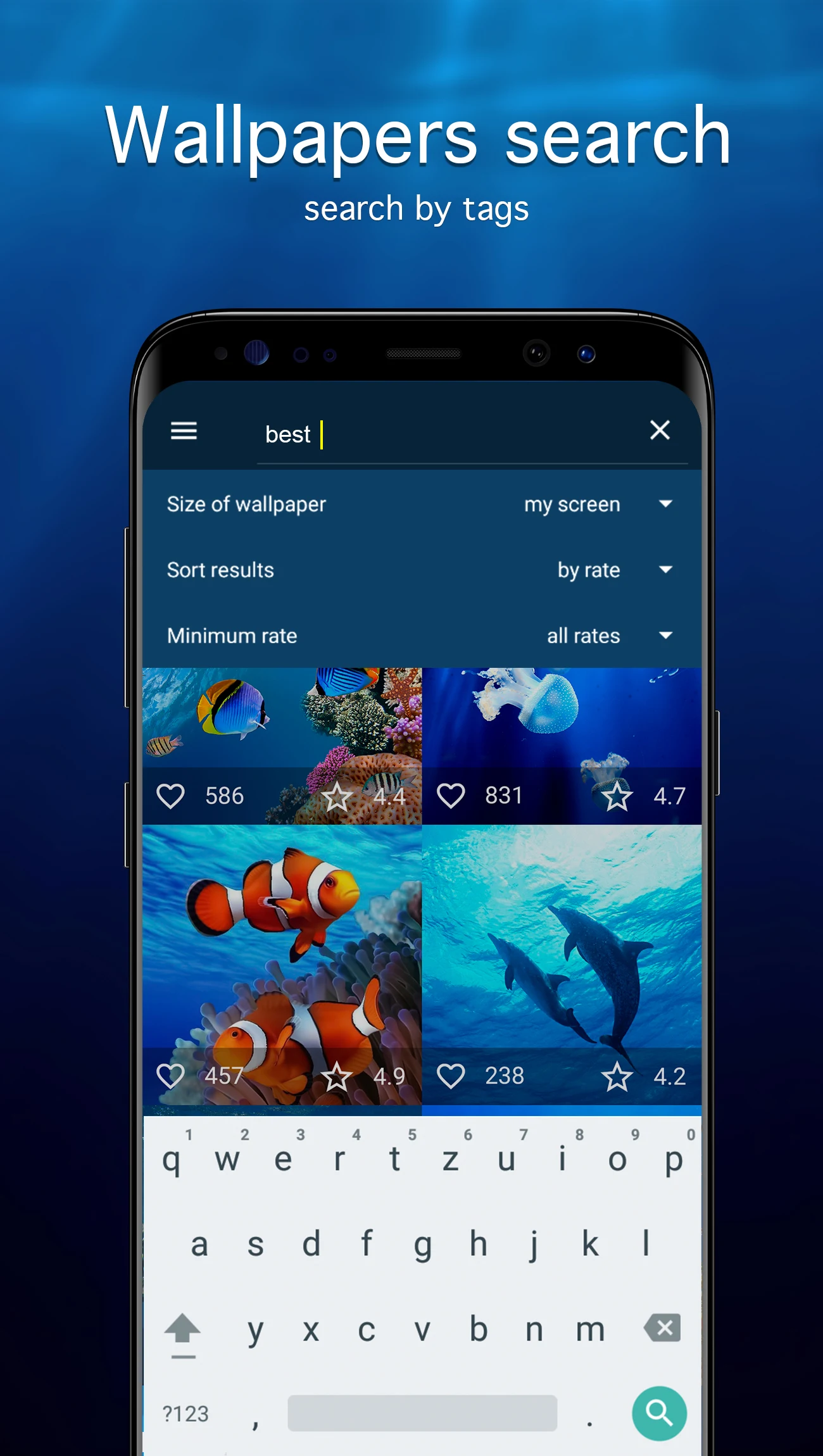
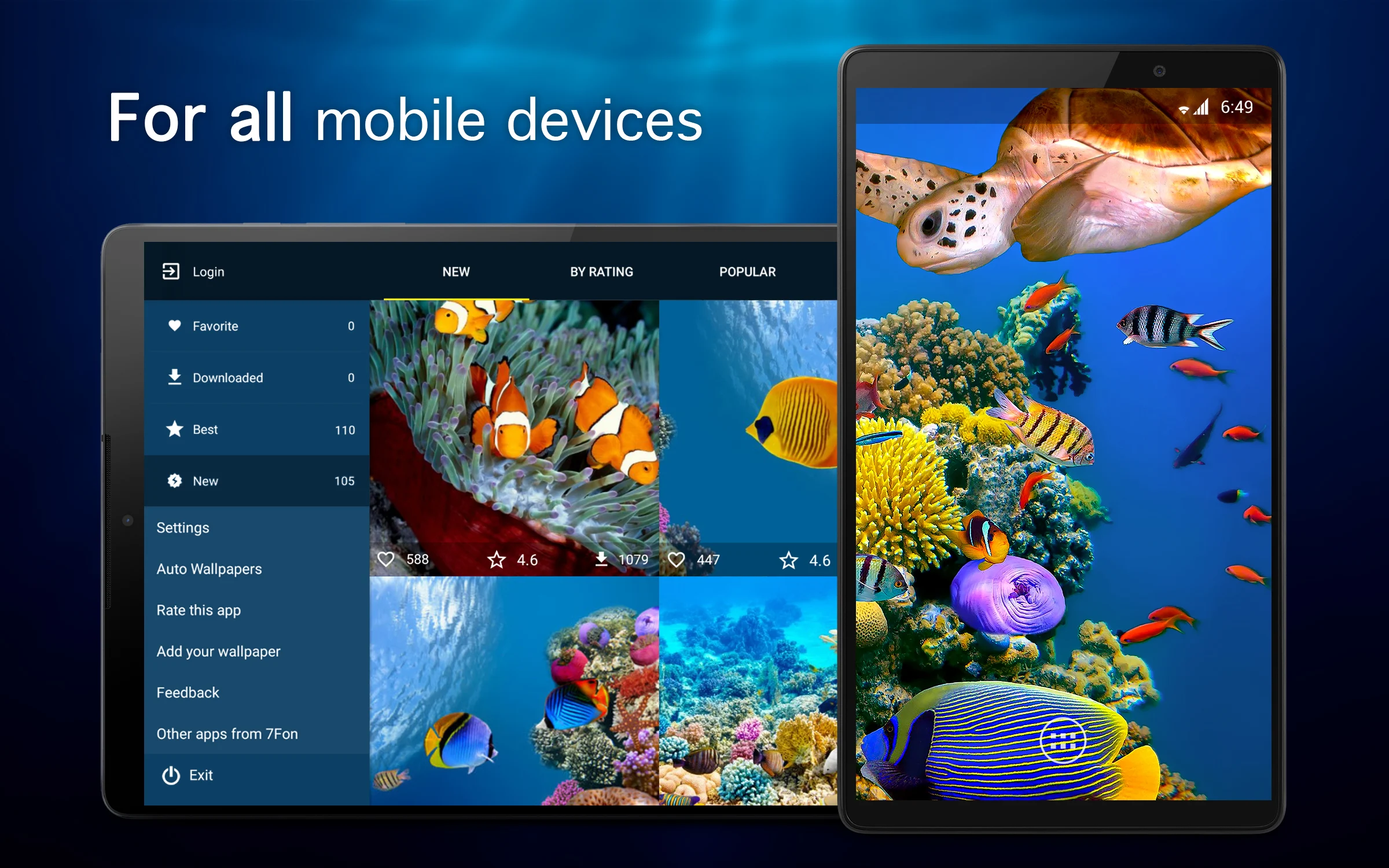
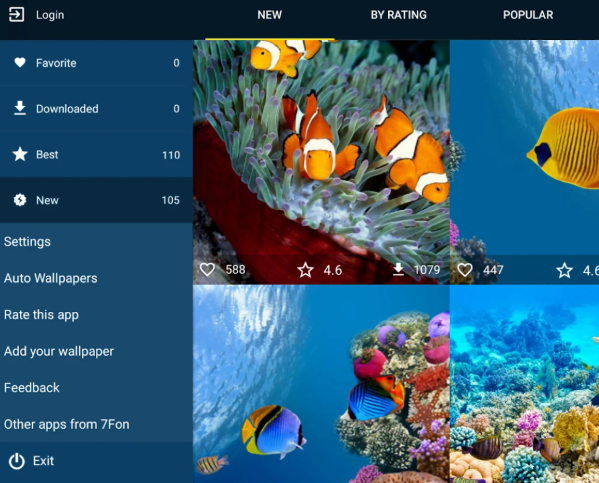
Users can browse wallpapers by upload date, rating, or popularity, or find specific subjects through image tags. The app also provides a favorites section for saving selected pictures and download options for storing images on the device or an SD card.
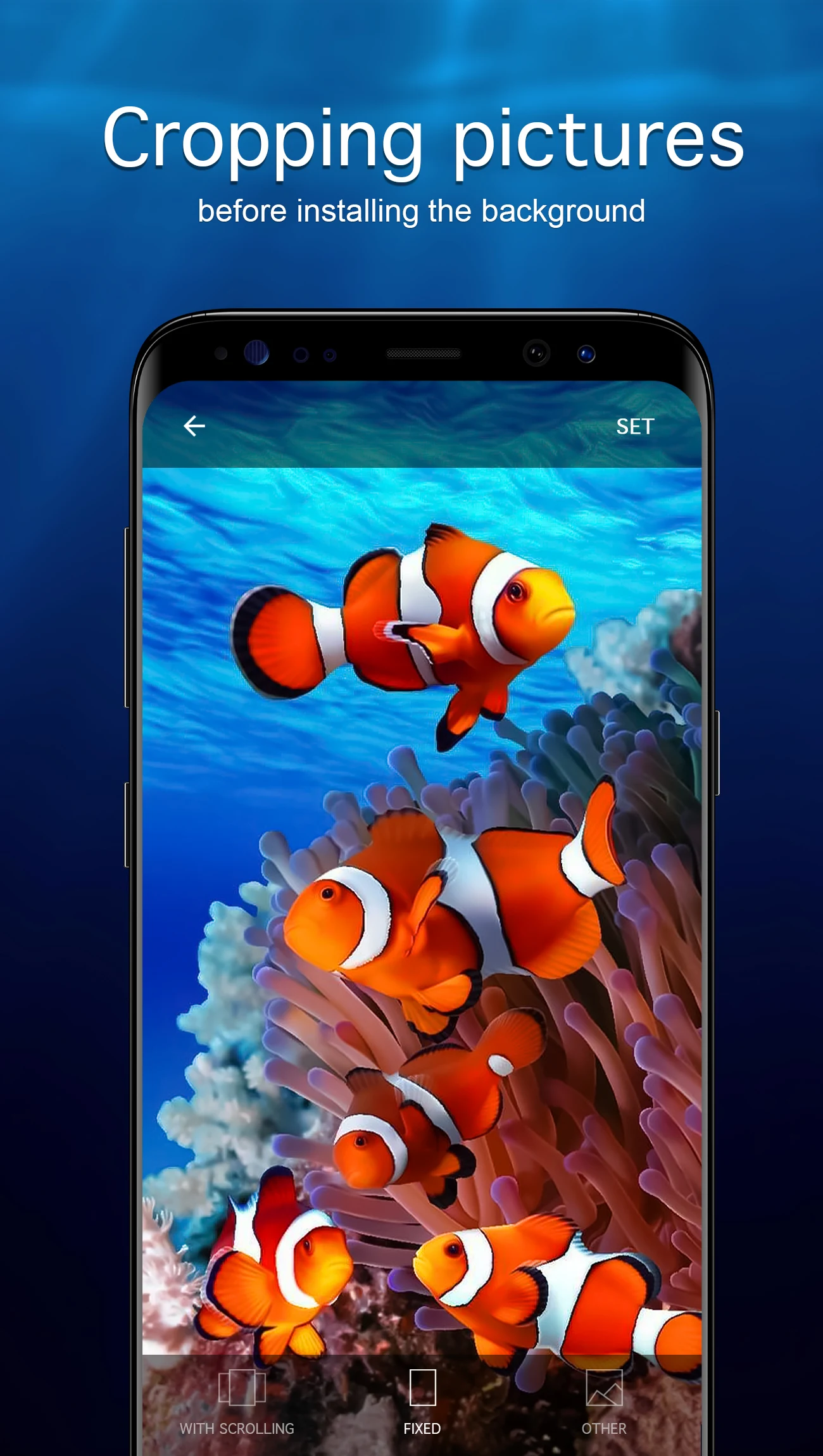
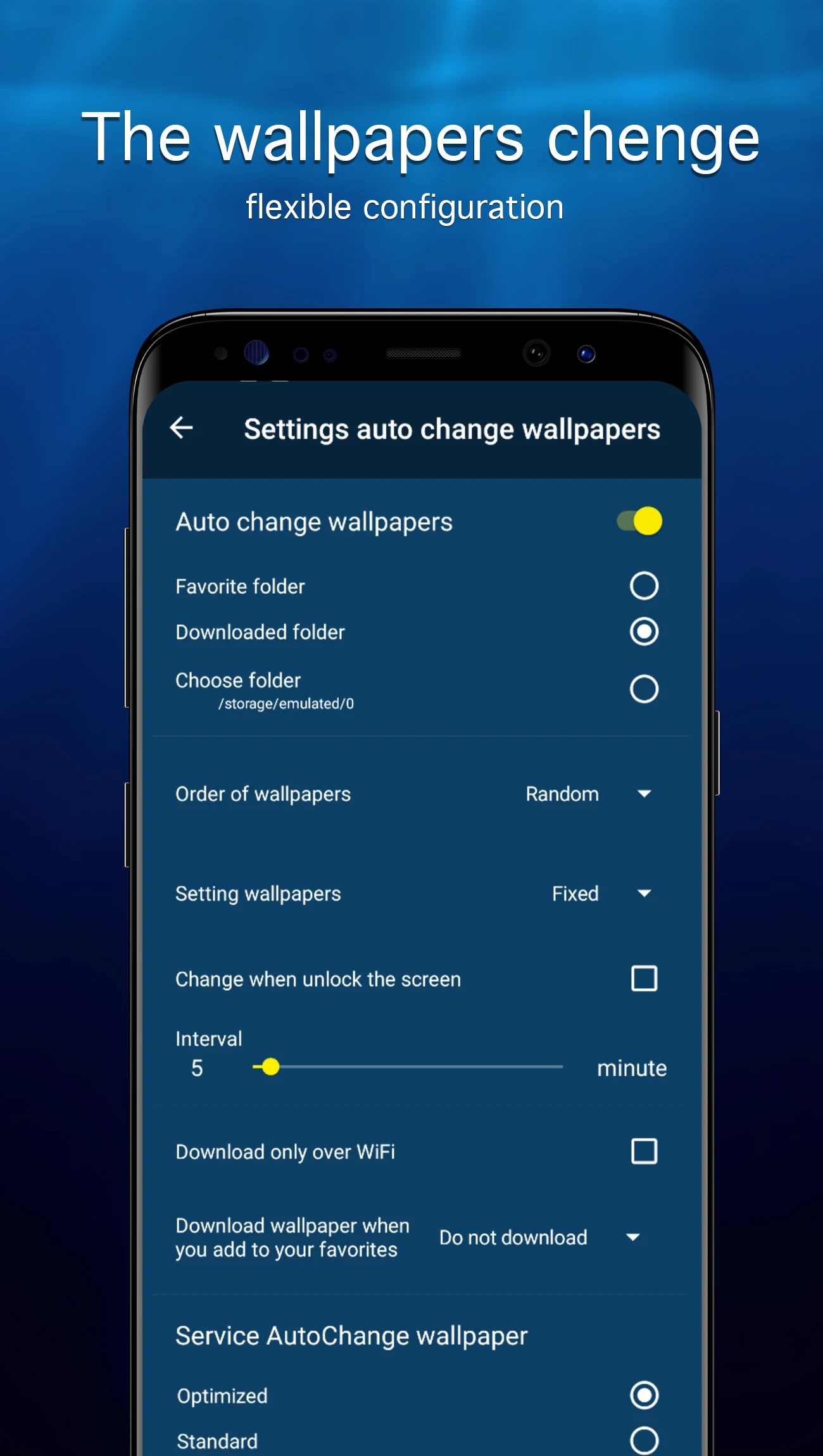
Several tools are available for customizing wallpapers before applying them. Users can crop images, adjust their positioning, and choose whether to display them on the home screen or lock screen. The app also offers automatic wallpaper rotation at selected intervals, along with daily or weekly notifications about newly added images. Its collection is regularly updated, and new images undergo manual quality checks before publication.
2. Key Features
HD and 4K Wallpapers: A collection of underwater photography featuring tropical fish, coral reefs, marine animals, and aquatic landscapes.
Regular Content Updates: New wallpapers are added regularly and manually checked for image quality.
Multiple Sorting Options: Arrange images by upload date, rating, or popularity.
Tag-Based Search: Find wallpapers by browsing tags related to specific marine subjects and themes.
Favorites Collection: Save preferred images for quick access.
Image Downloads: Store wallpapers on internal storage or an SD card.
Wallpaper Customization: Crop images and adjust their positioning to fit the screen.
Automatic Wallpaper Rotation: Set backgrounds to change automatically at selected intervals.
New Wallpaper Notifications: Receive daily or weekly alerts about newly added images.
Device Compatibility: Wallpapers are available for different smartphone and tablet screen resolutions.
Free Access: Browse and download available wallpapers without purchasing the application.
3. How to Use
Step 1: Install and Launch 7Fon
Download and install the app from an available app store. Open it to access the underwater wallpaper collection.
Step 2: Browse the Collection
Explore the available images or sort them by date, rating, or popularity. Use tags to find specific subjects, such as tropical fish or coral reefs.
Step 3: Select and Download a Wallpaper
Tap an image to open its preview. Add it to your favorites or download it to your device or SD card.
Step 4: Apply a Wallpaper
Open the selected image and choose the wallpaper setting. Adjust its crop and position, then select the home screen or lock screen as the destination.
Step 5: Configure Automatic Changes
Open the app settings and enable automatic wallpaper rotation. Select a preferred switching interval. You can also enable daily or weekly notifications to receive updates about new images.
4. Frequently Asked Questions
Q1: Where are wallpapers downloaded from 7Fon stored?
Downloaded images are generally saved to your device's gallery or designated storage folder. If you cannot find them, check the download directory or the SD card location selected in the app.
Q2: Why is automatic wallpaper rotation not working?
Check whether automatic rotation is enabled and whether a switching interval has been selected. Also, review your device's background activity and battery settings, as restrictions may prevent the app from changing wallpapers automatically.
Q3: What can I do if a wallpaper fails to download?
Check your internet connection and available storage space, then try downloading the image again. If the issue persists, close and reopen 7Fon before retrying.
Q4: Can I use 7Fon on a tablet?
Yes. The app provides wallpapers suitable for different screen resolutions, including tablet displays. You can also adjust image positioning before applying a wallpaper.
Q5: Can I use my own photos as wallpapers?
Yes. You can select personal photos through your device's built-in wallpaper settings. This does not require downloading images from 7Fon.
Q6: How can I receive notifications about new wallpapers?
Enable notifications in the app settings and select daily or weekly updates. You will then receive alerts when new wallpapers are added.
- Version5.7.0
- UpdateNov 06, 2026
- Developer7Fon Wallpapers Apps
- CategoryPersonalization
- Requires AndroidAndroid 4.1+
- Downloads164K+
- Package Nameunderwater.wall7Fon
- Signature07f55197c5e3bbeb4976f7155b6b1eaa
- Available on
- ReportFlag as inappropriate













Offers a large selection of high-definition/4K underwater and fish wallpapers with excellent image quality;
Supports sorting by date/rating/popularity and tag search for easy browsing;
Download, save, crop/frame, and set as wallpaper; adaptable to all screen resolutions.
Some versions may contain ads that negatively impact the user experience;
Compatibility issues exist on certain devices or systems;
Image source and copyright information are missing;