
Husky Dog Wallpapers - Husky wallpapers & personalization
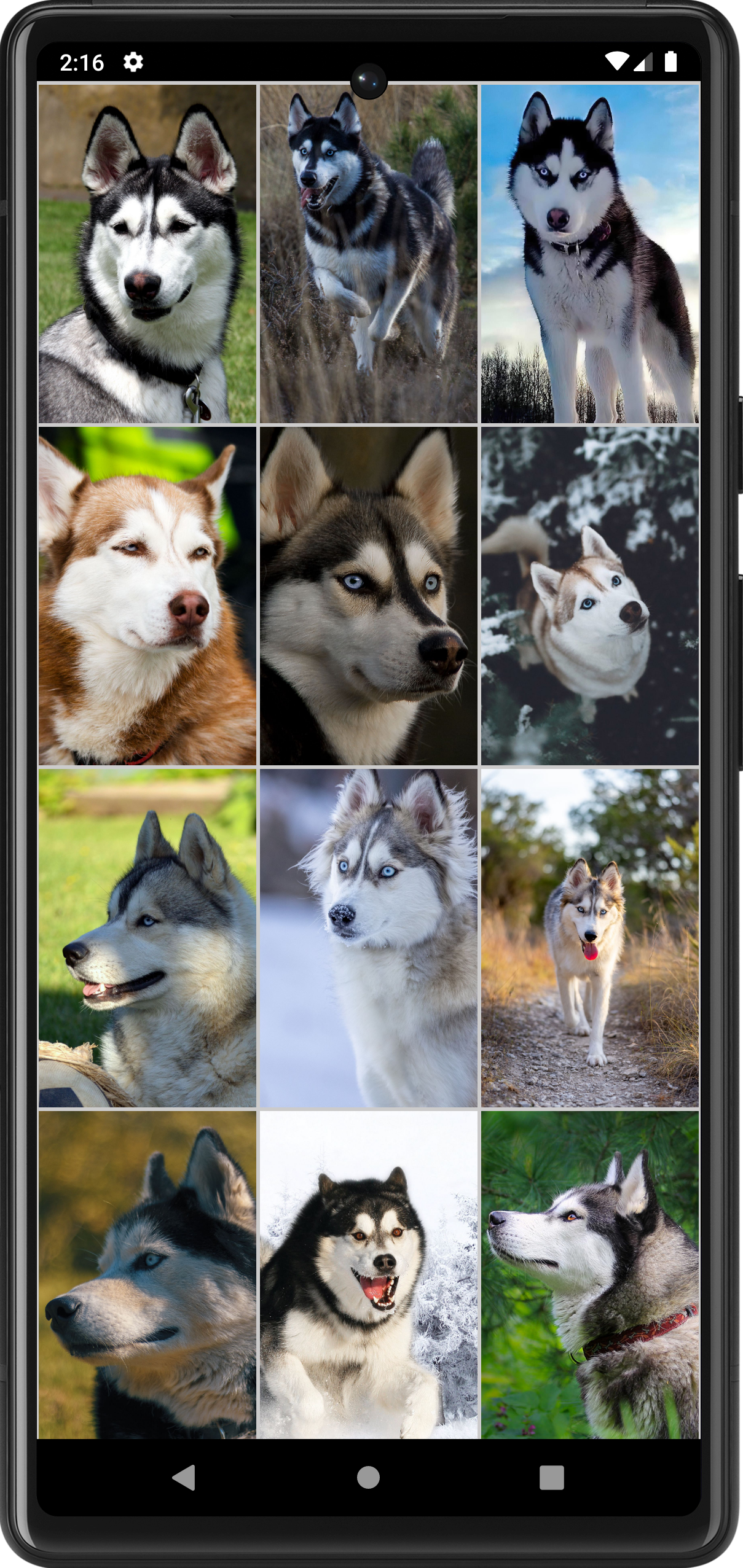
Transform your device with stunning husky dog wallpapers, perfect for every dog lover looking to personalize their screen.
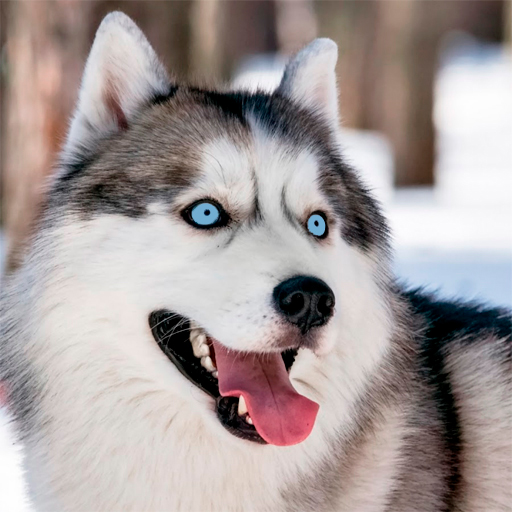
- 4.21.husky Version
- 1.6 Score
- 136K+ Downloads
- Free License
- 3+ Content Rating

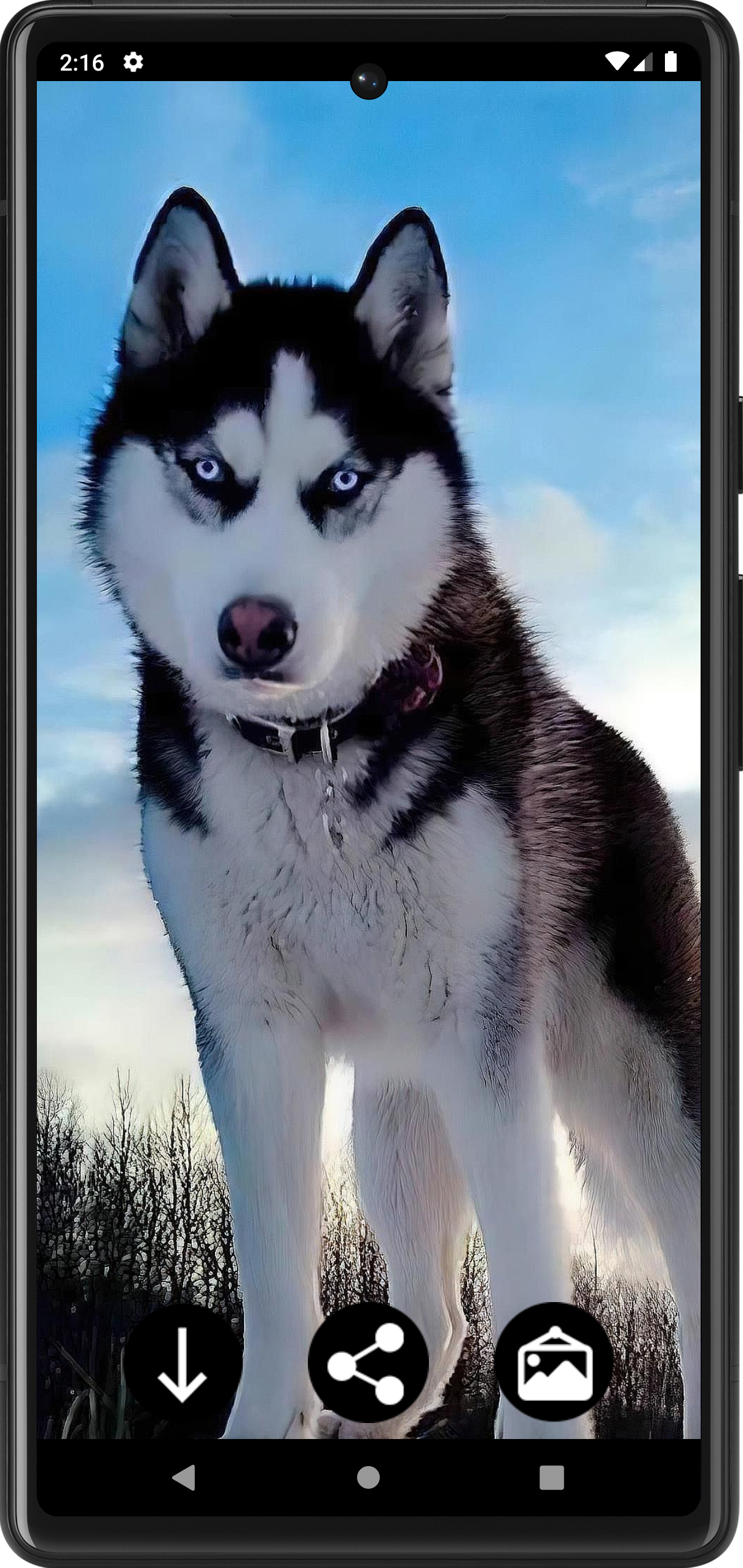
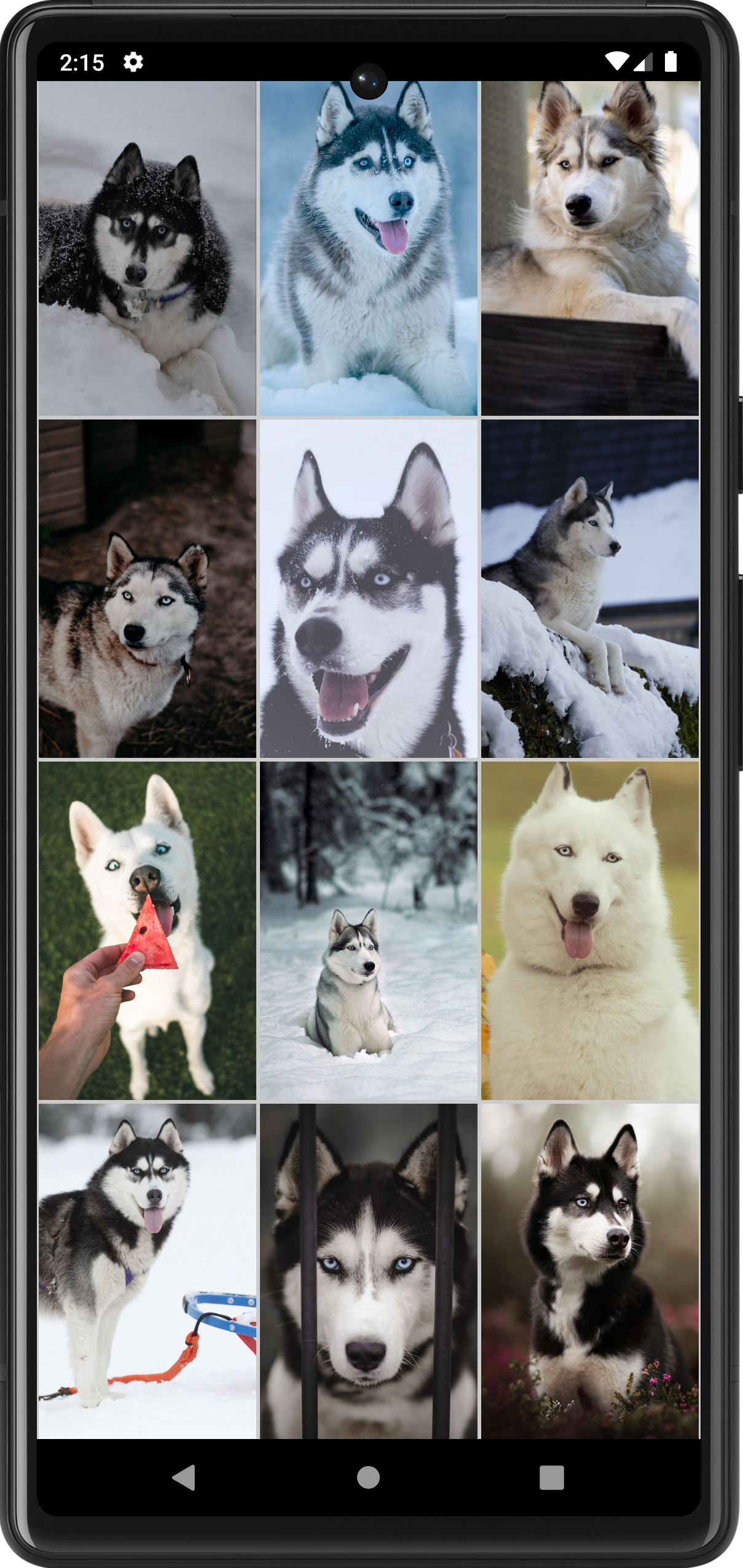
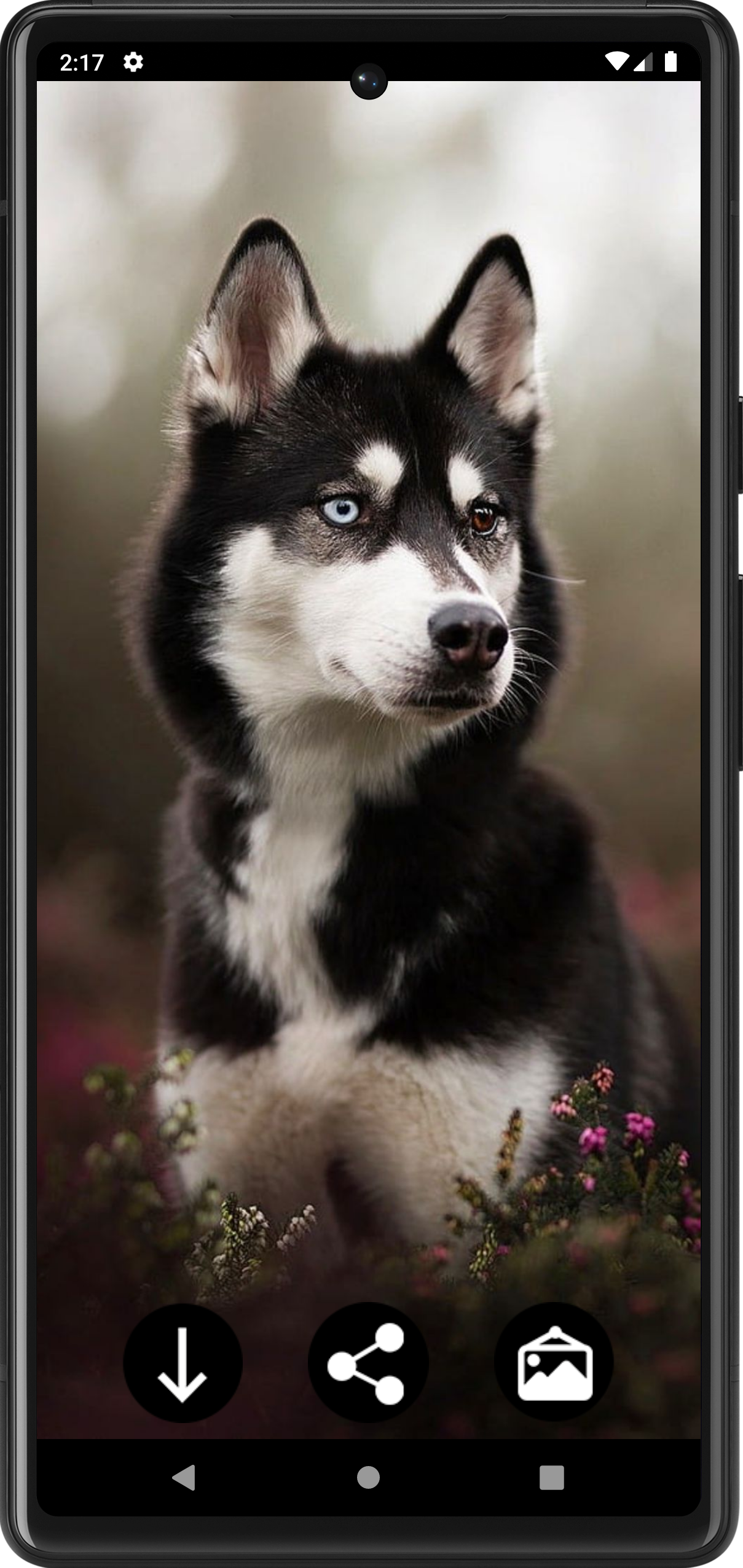
Husky Dog Wallpapers – App Overview, Key Features, User Guide, and FAQs
1. App Overview
Husky Dog Wallpapers is a wallpaper app for dog lovers who want to personalize their mobile devices with photographs of Huskies. Its collection features the breed in a variety of poses and settings, from adorable puppies and playful dogs to striking portraits of adult Huskies. The images showcase recognizable characteristics such as expressive eyes, distinctive facial markings, thick coats, and different fur patterns.
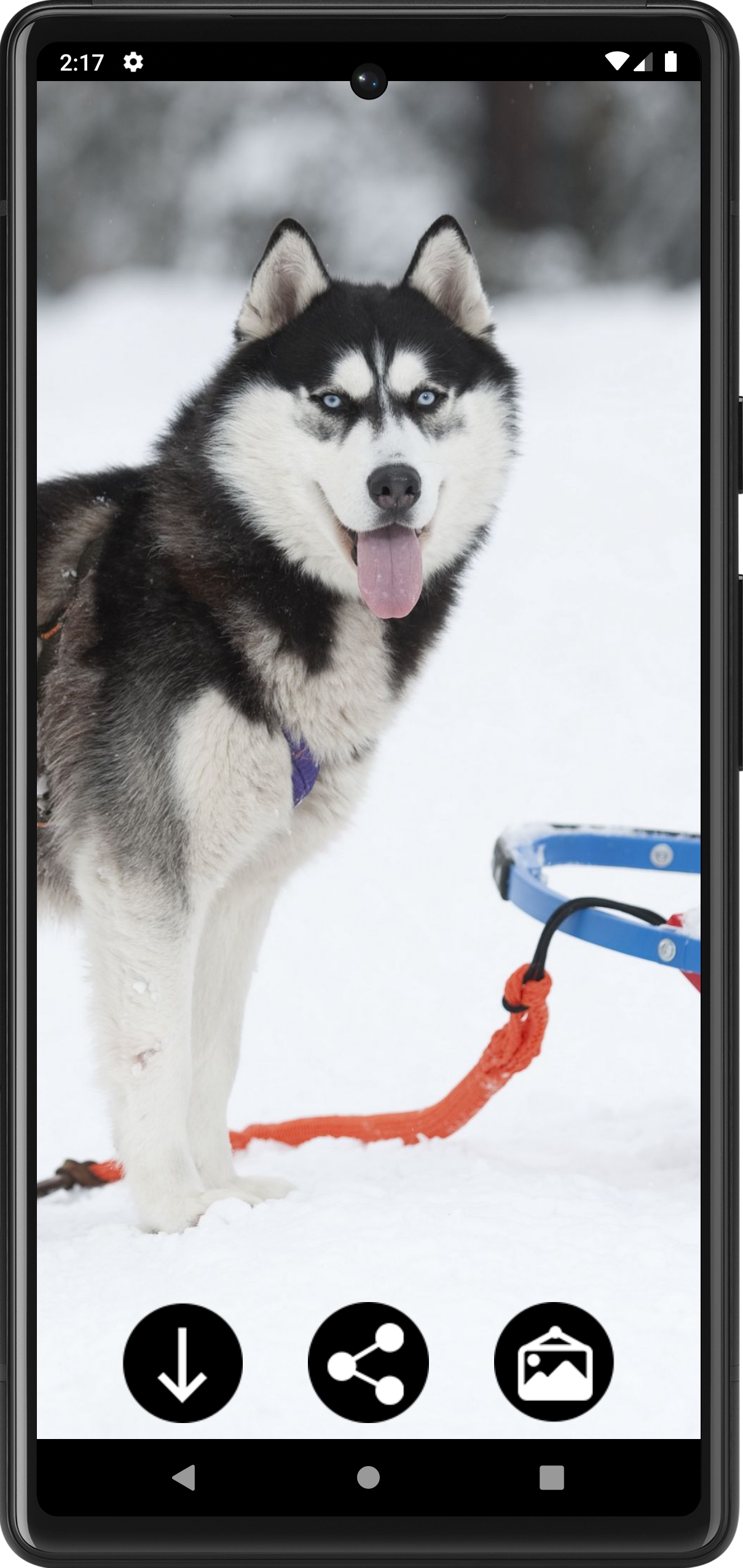
The app allows users to browse the available pictures, preview their favorites, and select images for their device backgrounds. Wallpapers can be applied to the home screen or lock screen, depending on the device's settings. Users can also download pictures for later use or share them through compatible apps.
Designed for Android smartphones and tablets, Husky Dog Wallpapers brings together different photographic styles to suit a range of tastes. Whether you prefer close-up portraits, lively puppy photographs, or full-body images, the collection offers plenty of Husky-themed options for customizing your screen.
2. Key Features
• Husky Wallpaper Collection: Browse photographs of Husky puppies and adult dogs in various poses and environments.
• High-Quality Images: Enjoy detailed photography highlighting the breed's distinctive appearance, facial features, and coat patterns.
• Flexible Wallpaper Settings: Apply pictures to the home screen, lock screen, or both, depending on device compatibility.
• Image Downloads: Save favorite pictures directly to your device for future use.
• Easy Navigation: Explore the collection and access image settings through a straightforward interface.
• Image Sharing: Send selected pictures through compatible messaging apps and social platforms.
3. How to Use
1. Browse Wallpapers: Open the app and scroll through the available Husky pictures.
2. Preview an Image: Tap a picture to view it in detail before selecting it.
3. Download Your Favorite: Use the download option to save the image to your device.
4. Set Your Wallpaper: Tap Set as Wallpaper and choose the home screen, lock screen, or both if supported.
5. Share a Picture: Tap the share option and select a compatible application to send the image.
4. User Guide
Choosing the right wallpaper depends on your preferred style and screen layout. Close-up portraits are suitable for highlighting a Husky's facial features, while full-body photographs provide a more complete view of the dog. Images with simpler backgrounds may also work better if you want app icons and widgets to remain clearly visible.
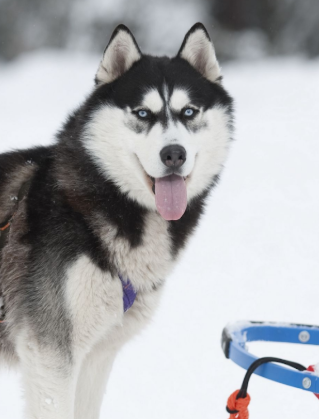
Pay attention to image cropping when applying a picture. Since phone screens have different aspect ratios, some photographs may be repositioned or partially cropped to fit the display. Preview the result before confirming the wallpaper, especially when the dog's face or other important details are near the edges.
For more variety, consider saving several favorite images to your device. You can then switch between different Husky wallpapers without browsing the entire collection again. If your Android device supports separate background settings, you can also use one photograph for the home screen and another for the lock screen.
5. Frequently Asked Questions
Q1: Is Husky Dog Wallpapers compatible with Android phones and tablets?
A: Yes. The app is designed for Android smartphones and tablets. Compatibility may vary depending on the device model and Android version.
Q2: How do I set a picture as my lock screen wallpaper?
A: Open the app, select your preferred image, and tap Set as Wallpaper. If your device provides separate wallpaper settings, choose Lock Screen.
Q3: Where can I find downloaded wallpapers?
A: Downloaded pictures are generally stored in your device's image gallery or a designated download folder. If an image does not appear in your gallery, check the Downloads folder using your file manager.
Q4: Can I share Husky wallpapers with friends?
A: Yes. Open the picture you want to share, tap the share option, and select a compatible messaging app or social platform.
Q5: Can I use different pictures for the home screen and lock screen?
A: Yes, provided your Android device supports separate wallpaper settings. You can select one Husky photograph for the home screen and another for the lock screen.
- Version4.21.husky
- UpdateNov 06, 2026
- DeveloperInfinity
- CategoryPersonalization
- Requires AndroidAndroid 4.1+
- Downloads136K+
- Package Namecom.Infinity.husky
- Signature8eb37f595e369767ddf0b2b532cf2659
- Available on
- ReportFlag as inappropriate
-
NameSizeDownload
-
13.43 MB
-
11.10 MB












High-definition image quality
Easy to use
Optimized performance
Strong compatibility
Ads present
Limited functionality