
Dynamic Dash - Widgets, Themes - Themes & Widgets Customization
Elevate your phone's aesthetics with stunning themes, dynamic widgets, and personalized wallpapers for a unique experience

- 203 Version
- 2.5 Score
- 146K+ Downloads
- In-app purchases License
- 12+ Content Rating


Dynamic Dash
1. App Overview
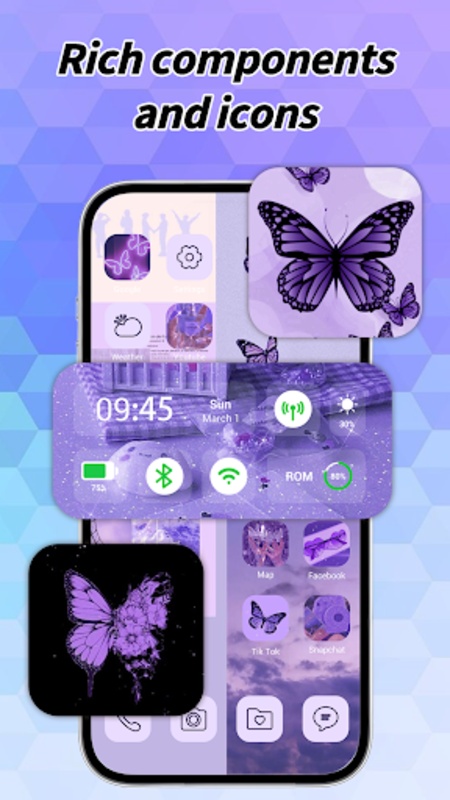
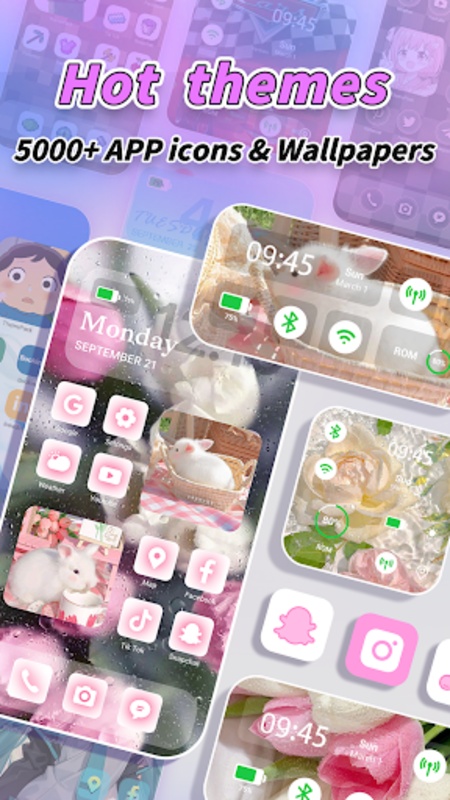
Dynamic Dash is a phone customization app that brings together wallpapers, app icons, widgets, and theme collections. It offers several ways to personalize a home screen, whether users prefer a coordinated theme or want to change individual elements.
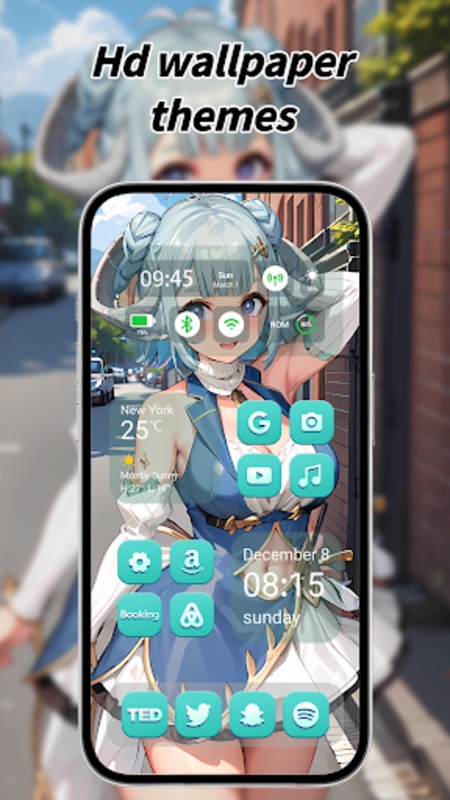
The app includes a widget library with different styles, sizes, and layouts. Options include weather displays and shortcuts to frequently used apps, providing quick access to useful information and everyday tools. Widgets can be resized and repositioned to fit different home screen arrangements.
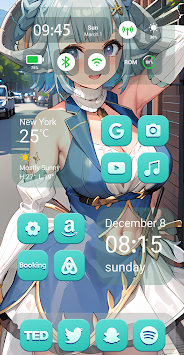
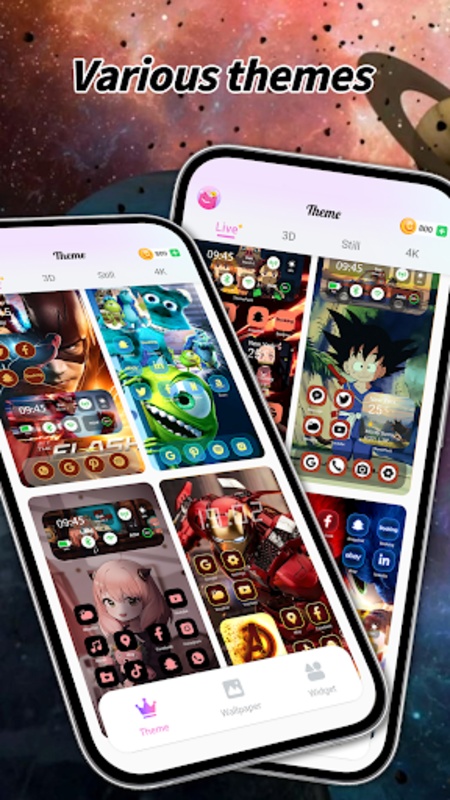
Dynamic Dash also offers live wallpapers for users who prefer animated backgrounds. Users can import personal videos from their devices and turn them into animated wallpapers or choose from ready-made templates. For a more coordinated look, the app provides theme packs that combine matching wallpapers, app icons, and widgets. These packs can be applied as a whole, or individual elements can be selected and combined with designs from other collections.
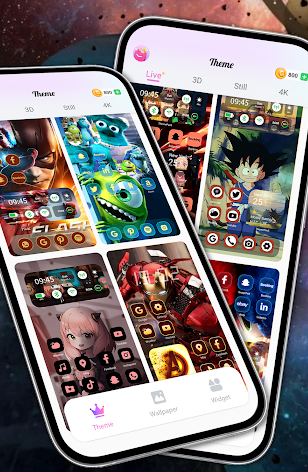
Its visual styles include minimalist layouts, dark themes, pastel colors, and animated backgrounds. Users can choose a complete theme or make smaller changes to specific parts of their home screen.
2. Key Features
Customizable Widgets: Browse different widget styles, sizes, and layouts, including weather displays and shortcuts to frequently used apps.
Video Live Wallpapers: Import personal videos to create animated backgrounds or choose from available wallpaper templates.
Ready-Made Theme Packs: Explore collections of matching wallpapers, app icons, and widgets for a coordinated home screen design.
Individual App Icons: Select alternative icon designs for specific apps without changing the entire theme.
Mix-and-Match Customization: Combine wallpapers, widgets, and app icons from different collections to create individual designs.
Flexible Widget Layouts: Resize and reposition widgets to fit the available home screen space.
3. How to Use
1. Add Widgets
Open Dynamic Dash and browse the widget library. Select a design and follow the on-screen instructions to add it to your home screen. Adjust its size and position to fit your layout.
2. Set a Live Wallpaper
Go to the Live Wallpaper section and select a ready-made template or import a video from your device. Preview the animation before following the instructions to apply it as your wallpaper.
3. Apply a Theme or Change App Icons
Browse the theme collections and select a pack to apply its coordinated designs. To change only certain app icons, open the icon library and choose alternative designs for individual apps.
4. Create a Custom Theme
Start by choosing a wallpaper, then browse the widget and icon collections for complementary designs. Combine elements from different packs and arrange them to create your preferred home screen layout.
4. FAQs
Q1: What devices are compatible with Dynamic Dash?
Compatibility depends on the device model and operating system version. Check the app's download page for supported platforms and minimum system requirements.
Q2: Why isn't my widget displaying correctly?
Check whether the widget was added and positioned correctly. If the problem persists, remove it and add it again. You can also check your device's widget settings.
Q3: Can I preview a live wallpaper before applying it?
Yes. You can preview an imported video or selected wallpaper template in the Live Wallpaper section before setting it as your background.
Q4: Can I change app icons without applying a complete theme?
Yes. You can select individual icon designs and update specific app icons without changing the rest of your home screen.
Q5: Can I combine elements from different theme packs?
Yes. You can choose wallpapers, widgets, and icons from different collections and use them together rather than applying every element from a single pack.
Q6: Does Dynamic Dash support iOS 18 customization?
The app description mentions iOS 18-related customization options, including Dynamic Island and Control Center styling. The availability of these options depends on device compatibility and the installed operating system version.
- Version203
- UpdateNov 06, 2026
- DeveloperLAMBDA TECHNOLOGY CO., LIMITED
- CategoryPersonalization
- Requires AndroidAndroid 7.0+
- Downloads146K+
- Package Namecom.theme.wallpaper.widget.dynamicdash
- Signatureed5a8d0b4260a51a51045f469e8ad366
- ReportFlag as inappropriate
-
NameSizeDownload
-
122.53 MB
-
98.68 MB
-
120.96 MB









Diverse functions
Rich selection of themes and wallpapers
Highly customizable
The learning curve is steep.
Compatibility issues may exist.