
Myanmar Typing Keyboard - Myanmar & English typing
Unlock seamless Myanmar & English typing with vibrant themes, emojis, & fast performance at your fingertips!
- 1.7 Version
- 3.2 Score
- 187K+ Downloads
- In-app purchases License
- 3+ Content Rating

Myanmar Keyboard 2020
1. App Overview
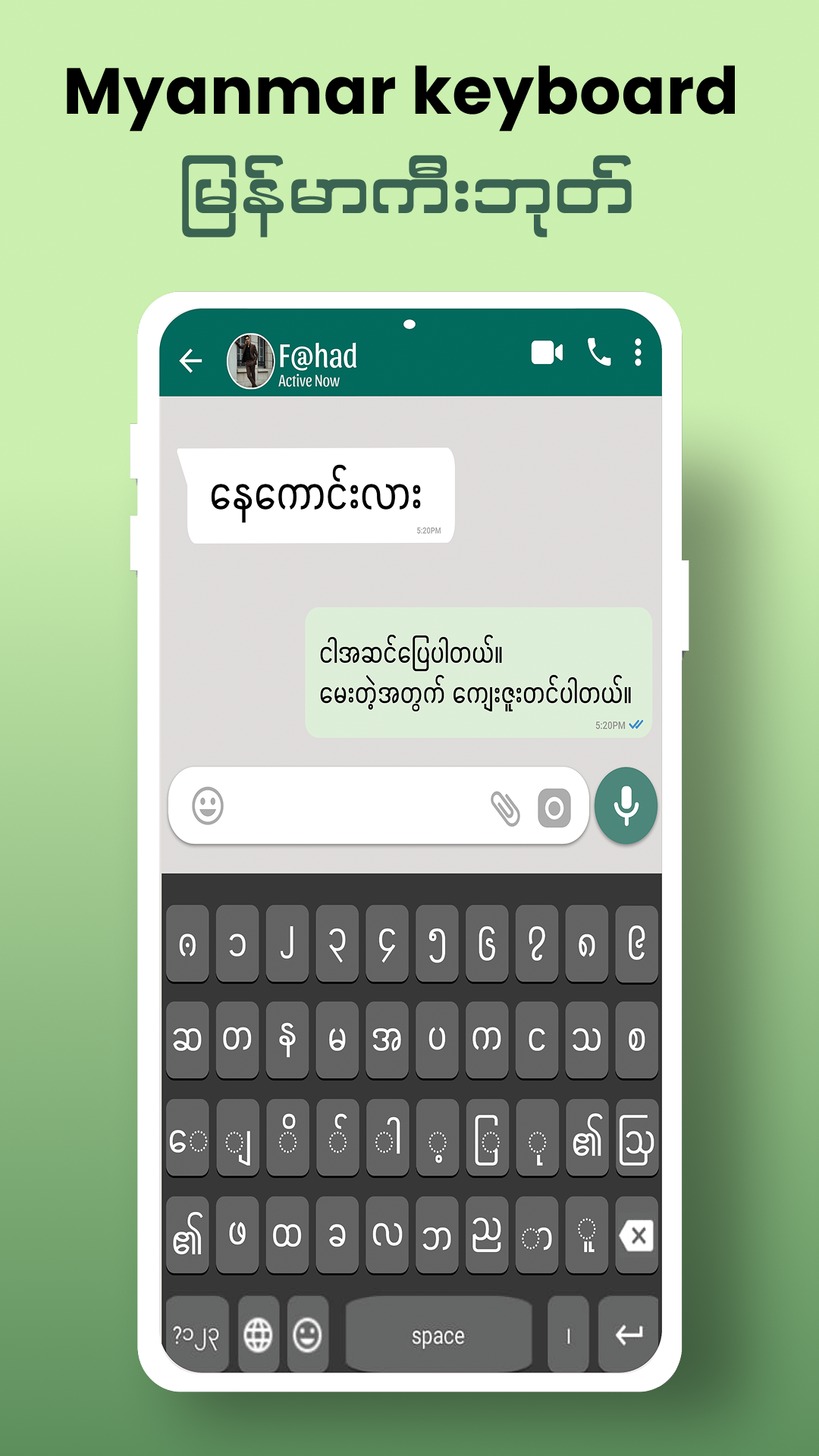
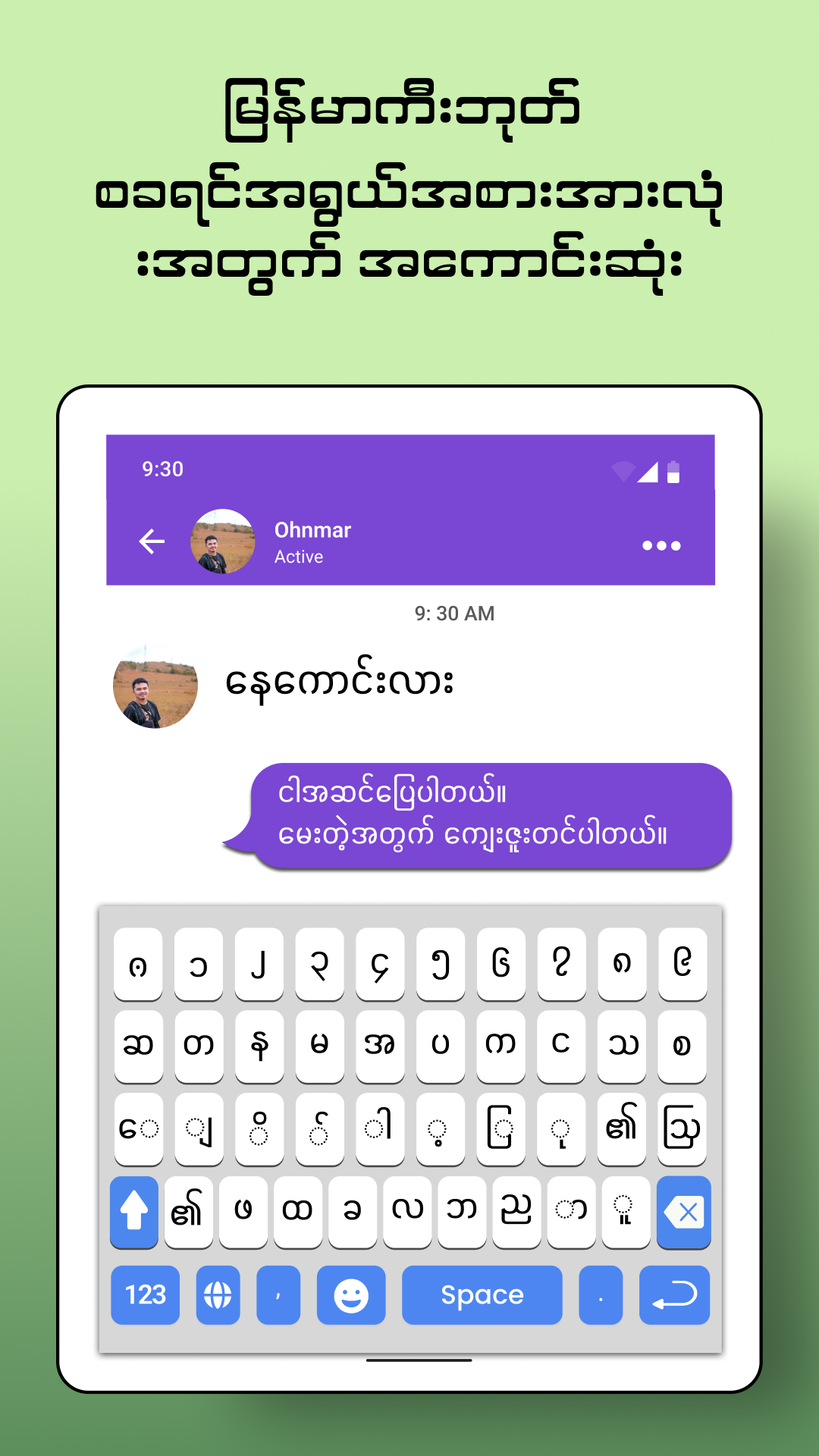
Myanmar Keyboard 2020: Easy Typing Keyboard is an Android keyboard application designed for users who regularly communicate in Burmese and English. It combines both languages in one input method, allowing users to switch between Burmese and English without installing separate keyboard apps.
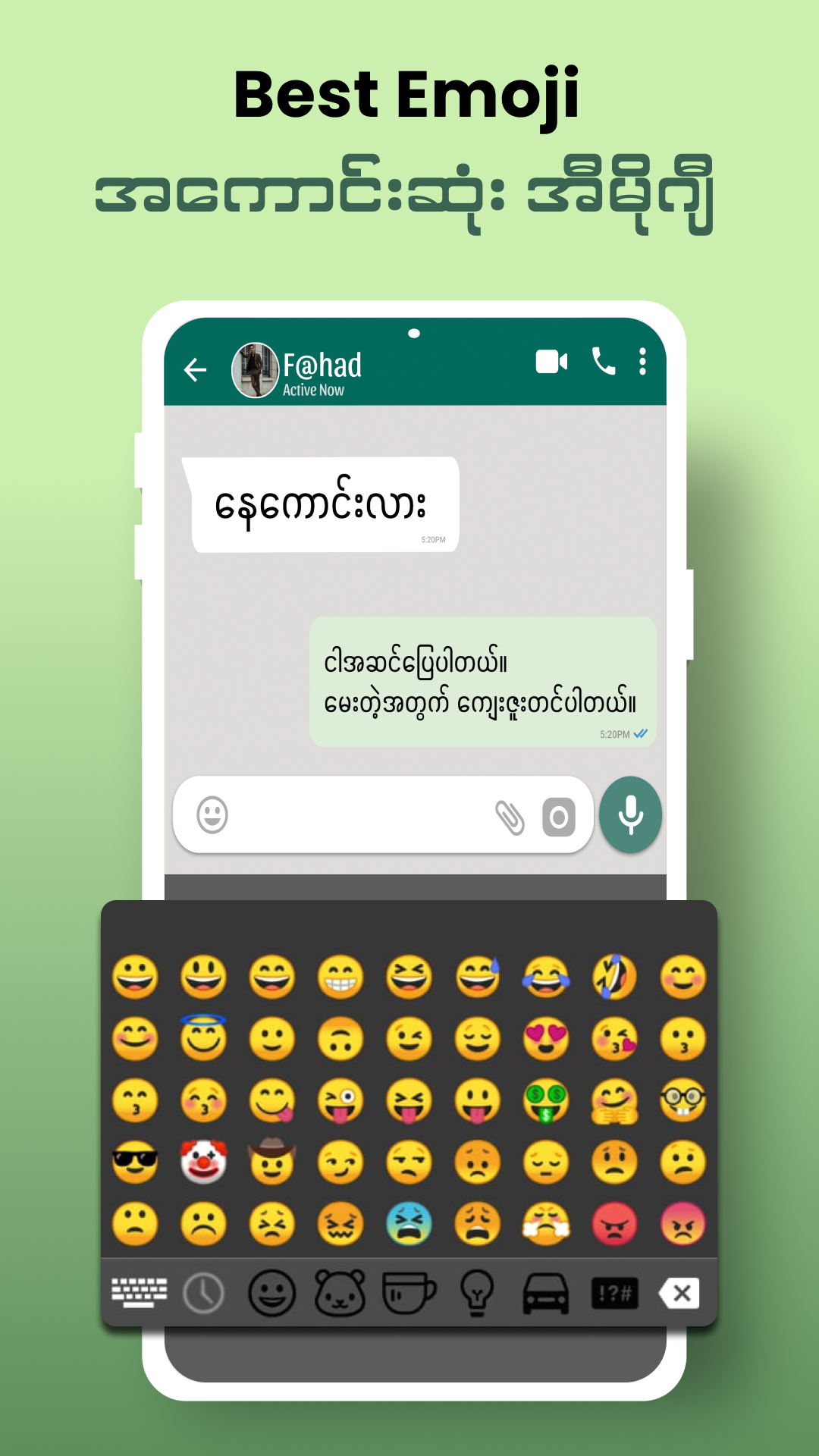
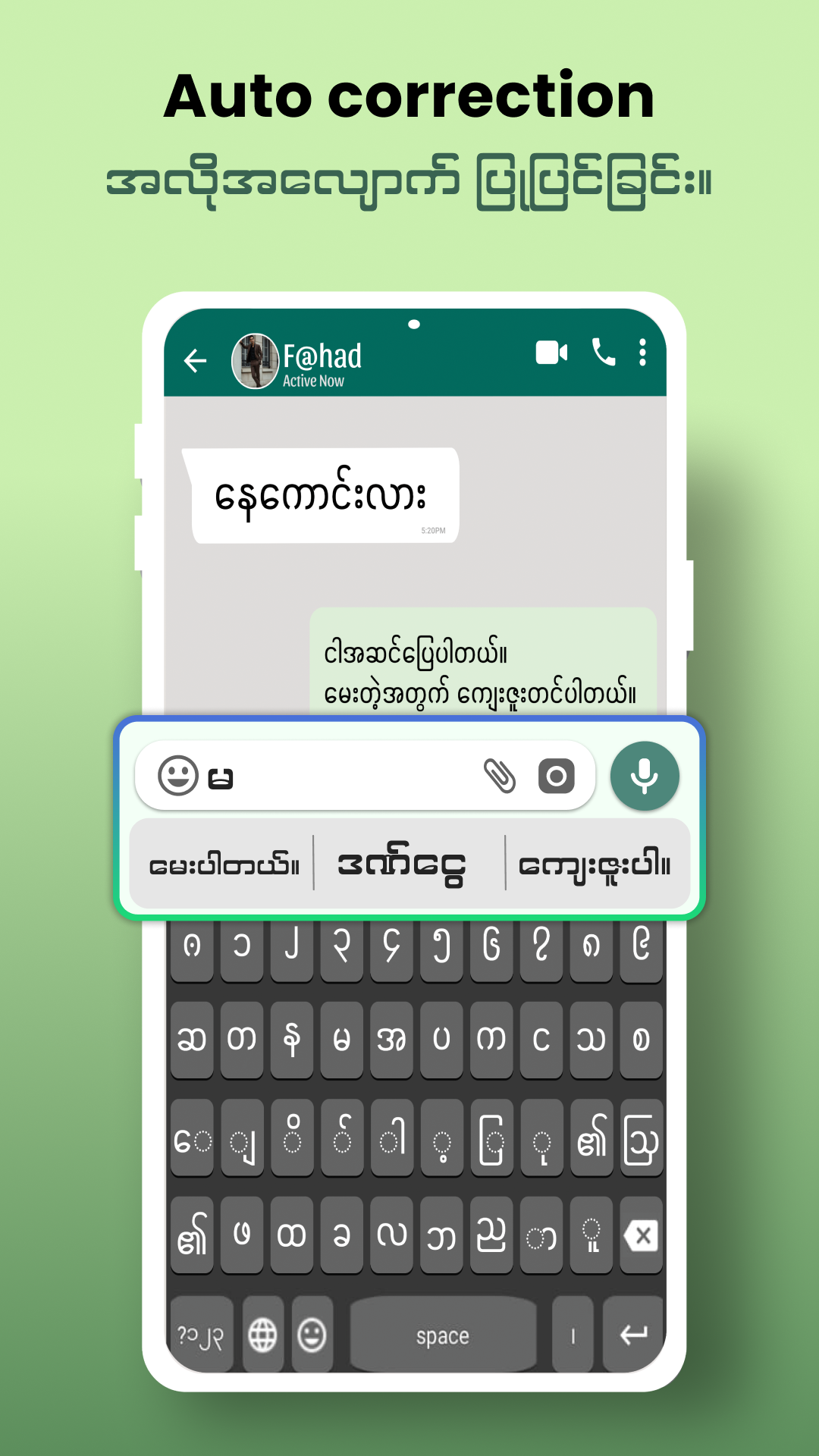
The keyboard includes an automatic Burmese text correction feature that helps identify spelling mistakes during typing. It also comes with a built-in emoji collection for adding visual expressions to messages and conversations.
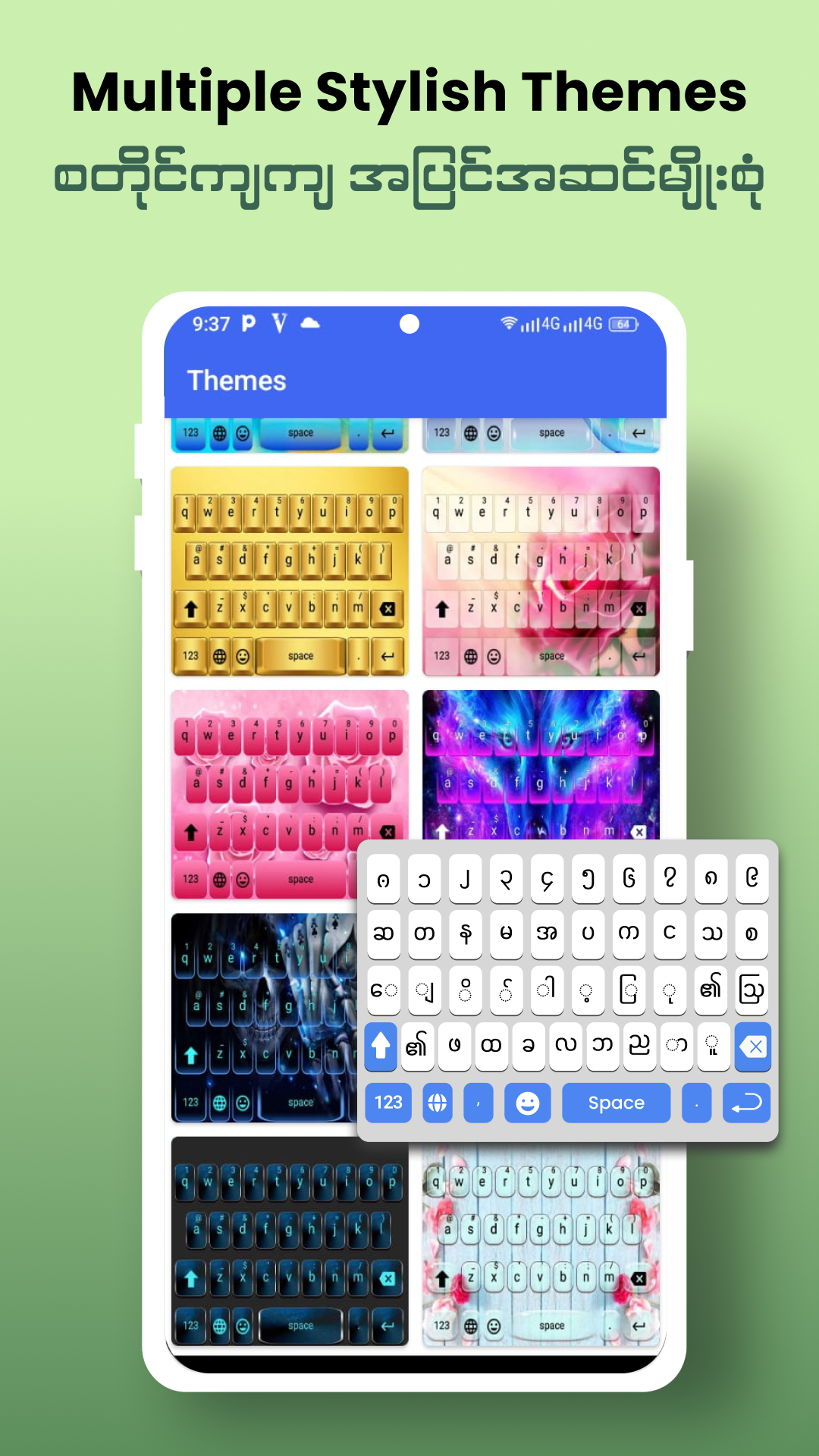
For users who prefer a personalized keyboard layout, the app offers multiple themes that change its visual appearance. These options allow users to adjust the keyboard's style while keeping its main typing functions. With bilingual input, spelling correction, emoji support, and theme customization, Myanmar Keyboard 2020 is designed for everyday messaging and text entry.
2. Key Features
Burmese and English Input: Type in both languages using a single keyboard.
Automatic Burmese Text Correction: Detects potential spelling mistakes and helps correct Burmese text.
Built-in Emojis: Provides emojis for expressing emotions in messages and conversations.
Multiple Keyboard Themes: Offers different visual designs to personalize the keyboard.
Free to Use: Provides its main keyboard functions without requiring a purchase.
3. How to Use Myanmar Keyboard 2020
Install the App: Download and install Myanmar Keyboard 2020 on your Android device.
Open the App: Launch it to access the keyboard activation instructions.
Enable the Keyboard: Follow the on-screen instructions to activate Myanmar Keyboard in your Android input settings.
Set as the Input Method: Select Myanmar Keyboard from the available keyboard options.
Choose a Theme: Open the app's theme section and apply your preferred keyboard design.
Start Typing: Open any messaging app or text field and enter Burmese or English text.
4. Frequently Asked Questions
Q1: Is Myanmar Keyboard 2020 available for iOS?
A: No. The app is designed for Android devices. iPhone users can look for alternative Burmese keyboard apps in the Apple App Store.
Q2: Can I switch between Burmese and English?
A: Yes. Myanmar Keyboard 2020 supports both languages, allowing you to type in Burmese and English using the same keyboard.
Q3: Does the app have a Burmese spelling correction feature?
A: Yes. Its automatic text correction feature helps identify and correct potential Burmese spelling mistakes while typing.
Q4: How do I change the keyboard theme?
A: Open Myanmar Keyboard 2020, go to the theme selection section, and choose an available design.
Q5: What should I do if Myanmar Keyboard does not appear in my keyboard list?
A: Check whether the keyboard has been enabled in your Android language and input settings. If it is already enabled, open the available input methods and select Myanmar Keyboard.
Q6: Is Myanmar Keyboard 2020 free to download?
A: Yes. The app is free to download and use.
- Version1.7
- UpdateNov 06, 2026
- DeveloperKeyboardpad
- CategoryPersonalization
- Requires AndroidAndroid 5.0+
- Downloads187K+
- Package Namecom.myanmar.english.typing.keyboard.emoji.burmese.language
- Signaturefff734fa09e6a75dd5554067b1825fd5
- Available on
- ReportFlag as inappropriate
-
NameSizeDownload
-
19.55 MB
-
16.17 MB
-
15.85 MB











Supports quick switching between Burmese and English, with convenient input;
The interface is simple and easy to use, with a low learning curve;
Offers a variety of themes and emoticons for personalized appearance;
Features automatic Burmese error correction to reduce spelling mistakes;
As a free application, it may contain a lot of ads that could negatively impact the user experience;
Some users have reported compatibility issues on different devices or system versions, which may cause lag or activation problems;
Compared to some professional input methods, it has relatively fewer advanced features.