
خلفيات شاشة فخمة خلفيات للجوال - HD & 4K wallpapers
Elevate your screen's style with stunning HD & 4K wallpapers that brighten your mood every time you unlock your phone.
- 41 Version
- 2.4 Score
- 135K+ Downloads
- Free License
- 3+ Content Rating

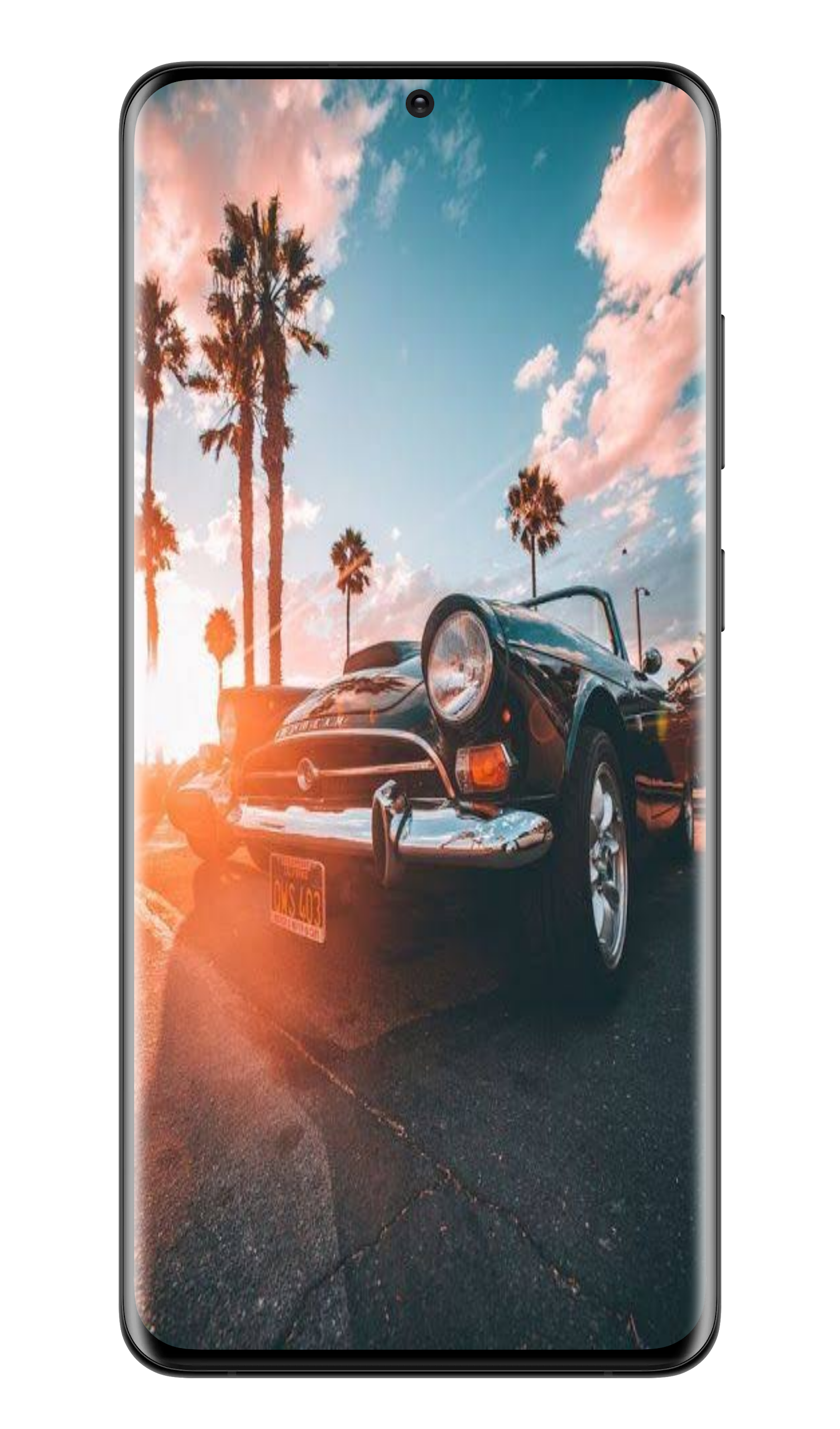
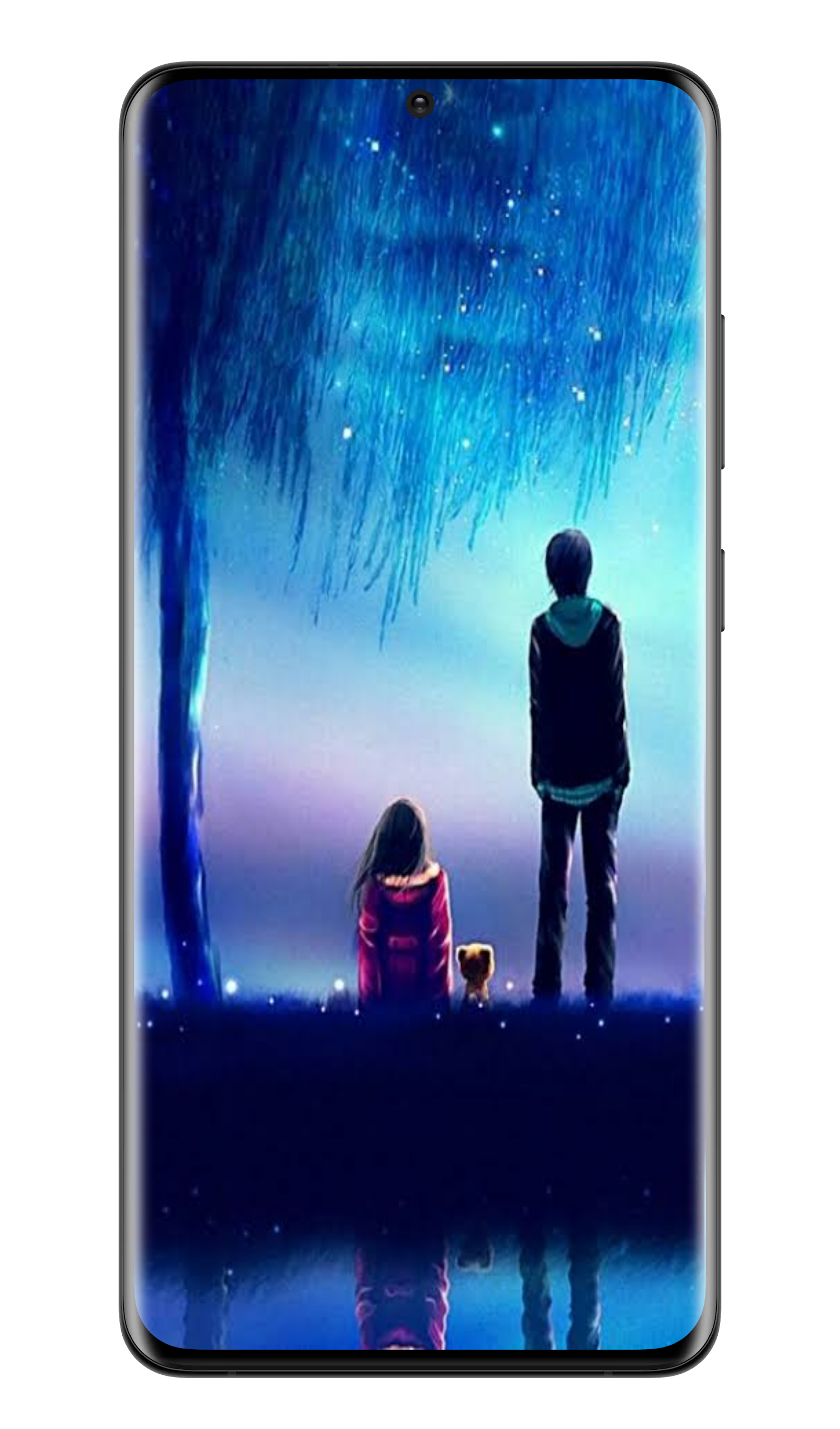
Luxurious Wallpapers
1. App Overview
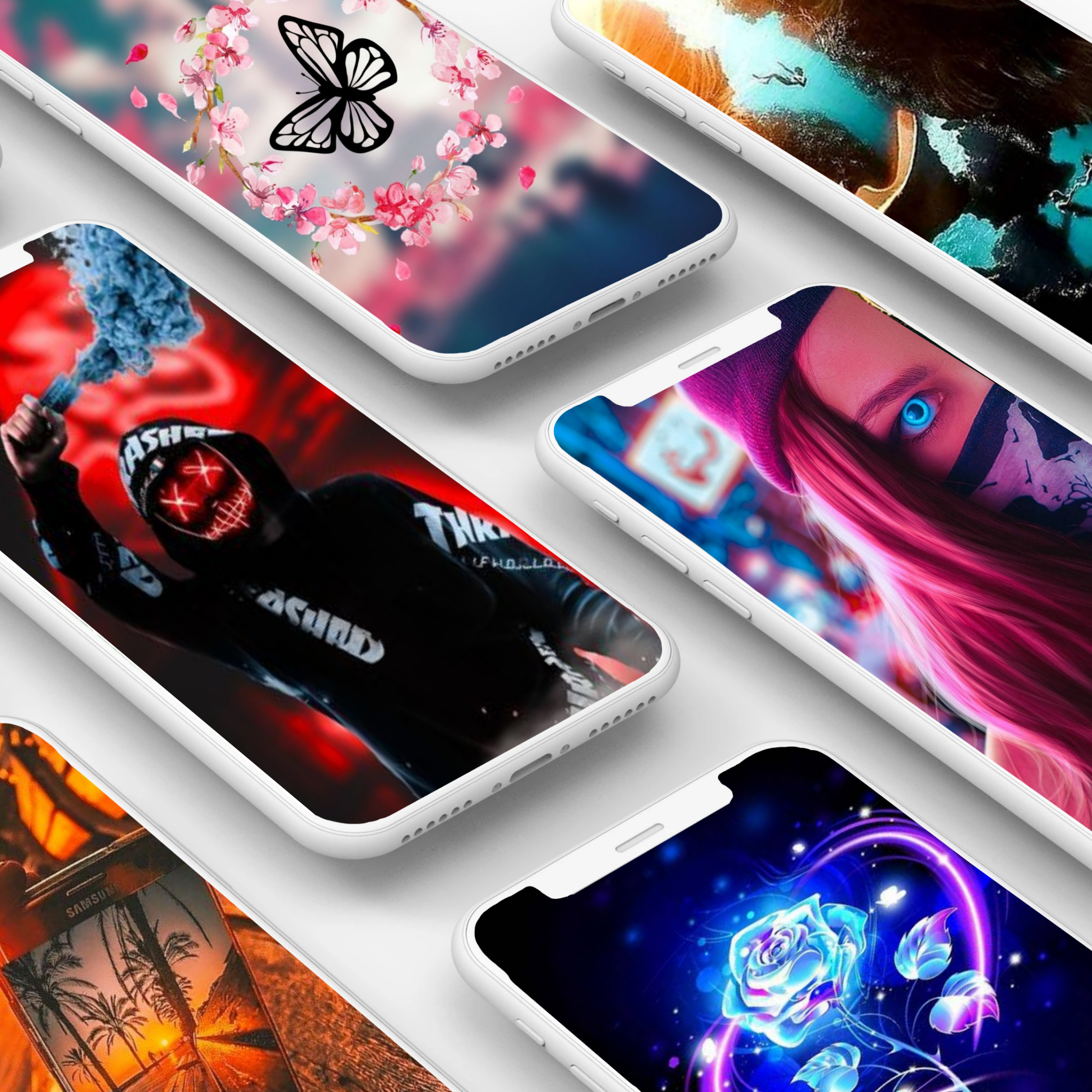
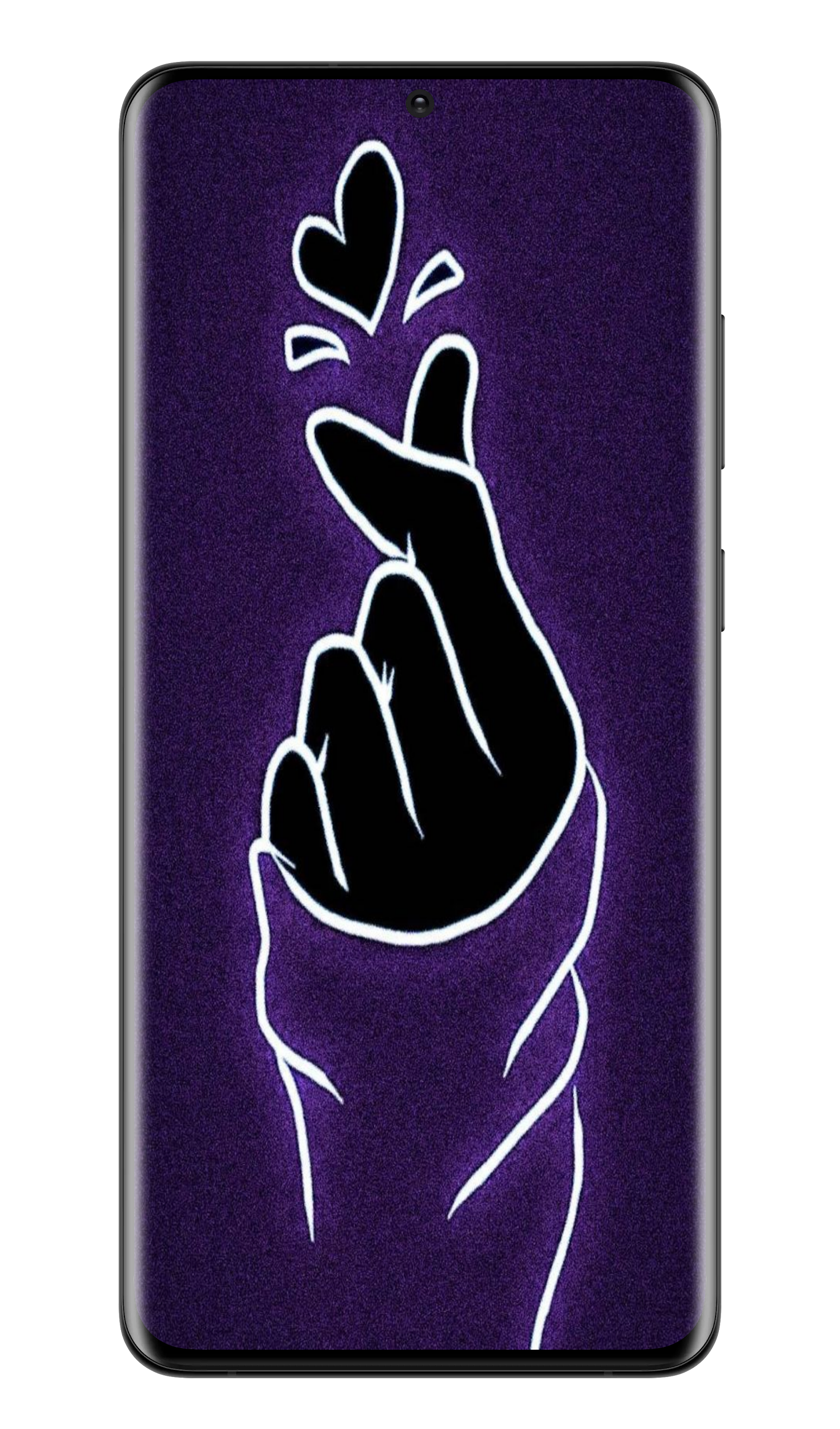
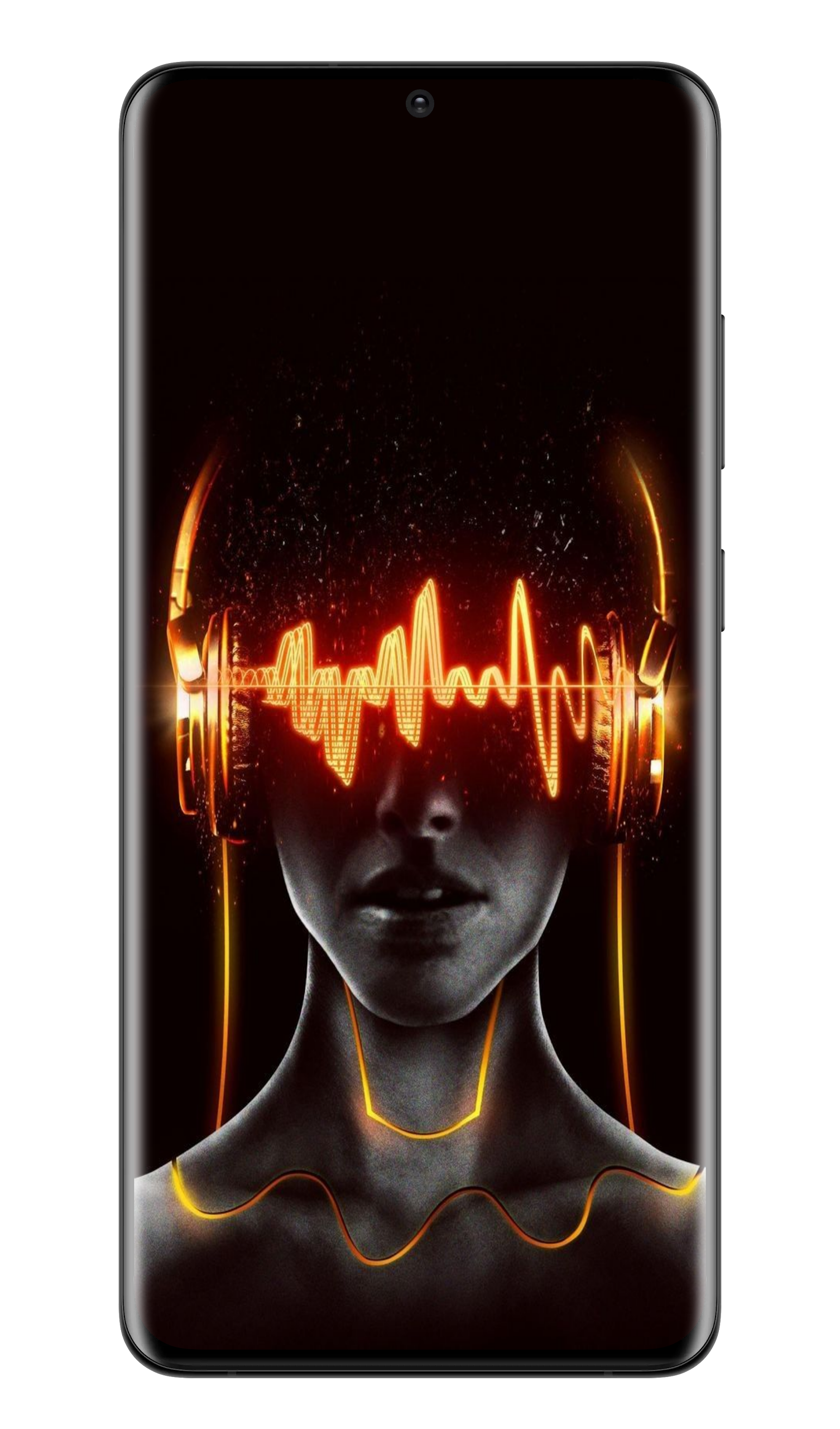
Luxurious Wallpapers is a free wallpaper app offering more than 500 HD and 4K backgrounds for personalizing mobile screens. Its collection covers a range of visual styles, including natural scenery, landscapes, abstract artwork, and decorative patterns. The wallpapers are designed for mobile displays, with clear details and high-resolution images suitable for both home screens and lock screens.
New designs are added daily, expanding the collection with fresh backgrounds to explore. Users can browse different styles, preview images in full-screen mode, and choose wallpapers that match their preferences. Whether you prefer scenic views, colorful artwork, or elegant patterns, the app provides a variety of options for changing your phone's appearance.
Wallpapers can be downloaded to the device or applied directly from the app. Users can choose to set an image as their home screen wallpaper, lock screen wallpaper, or both. Downloaded images remain available in the device's gallery for later use. With free wallpaper downloads, daily content updates, and simple customization options, Luxurious Wallpapers provides a straightforward way to refresh your phone's display.
2. Key Features
HD and 4K Wallpapers: Browse high-resolution backgrounds optimized for mobile displays.
500+ Wallpaper Collection: Explore a library of more than 500 images in different styles.
Daily Updates: Discover new wallpaper designs added to the collection every day.
Multiple Visual Categories: Find landscapes, nature scenes, abstract artwork, and decorative patterns.
Free Downloads: Save available wallpapers without purchasing individual images.
Full-Screen Preview: View images in detail before downloading or applying them.
Home and Lock Screen Settings: Apply different wallpapers to either screen or use the same image for both.
Offline Access: View and use previously downloaded wallpapers without an internet connection.
3. How to Use
Open the App: Install Luxurious Wallpapers and launch it on your device.
Browse the Collection: Explore the available wallpapers and find a design you like.
Preview an Image: Tap a wallpaper to view it in full-screen mode.
Apply a Wallpaper: Select the apply option and choose the home screen, lock screen, or both.
Download an Image: Use the download option to save your preferred wallpaper to your device's gallery.
4. Frequently Asked Questions
Q1: Is Luxurious Wallpapers free to use?
Yes. The app provides free access to its available wallpaper collection, allowing users to download images without purchasing them individually.
Q2: How many wallpapers are available?
The app offers more than 500 HD and 4K wallpapers across various visual styles.
Q3: How often is the wallpaper collection updated?
New wallpaper designs are added daily, giving users more backgrounds to choose from.
Q4: Can I set different wallpapers for the home screen and lock screen?
Yes. You can choose a separate image for each screen or apply the same wallpaper to both.
Q5: Where are downloaded wallpapers stored?
Downloaded images are saved to your device's photo gallery, where you can view and reuse them.
Q6: Can I use downloaded wallpapers offline?
Yes. Once saved to your device, wallpapers can be viewed and applied without an internet connection. Browsing new designs and downloading additional images requires internet access.
- Version41
- UpdateNov 09, 2026
- DeveloperAliAloosh99
- CategoryPersonalization
- Requires AndroidAndroid 5.0+
- Downloads135K+
- Package Namecom.klffffiyyyyaaatt.shasheaa.fakkmmaa99
- Signature548a0ce65ad17c8a85a85b07f3171c13
- Available on
- ReportFlag as inappropriate
-
NameSizeDownload
-
30.90 MB
-
29.27 MB
-
30.22 MB






Free to use, with abundant HD/4K wallpaper resources, updated daily;
Intuitive interface, easy to operate, allowing for quick previewing and setting of wallpapers;
Built-in download function for convenient saving for later use.
Excessive advertising pops up frequently during browsing and downloading, impacting the user experience;
Some users have reported issues with wallpapers displaying blurry, stretched, or poorly adapted images;
There is no search function; users must manually swipe or search by category, which is inefficient;
Compatibility issues may occur on some devices, such as crashes or lag.