
Black Water Live Wallpaper - Live wallpaper & effects
Transform your home screen with stunning water ripple effects & interactive droplets for a mesmerizing experience!
- 1.0.4 Version
- 1.4 Score
- 136K+ Downloads
- Free License
- 3+ Content Rating

Black Water Live Wallpaper
1. App Overview
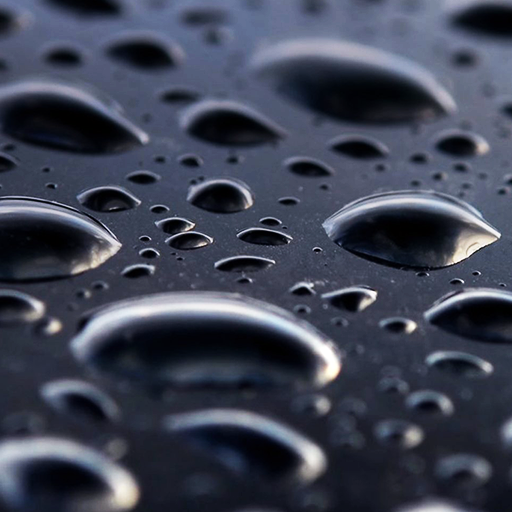
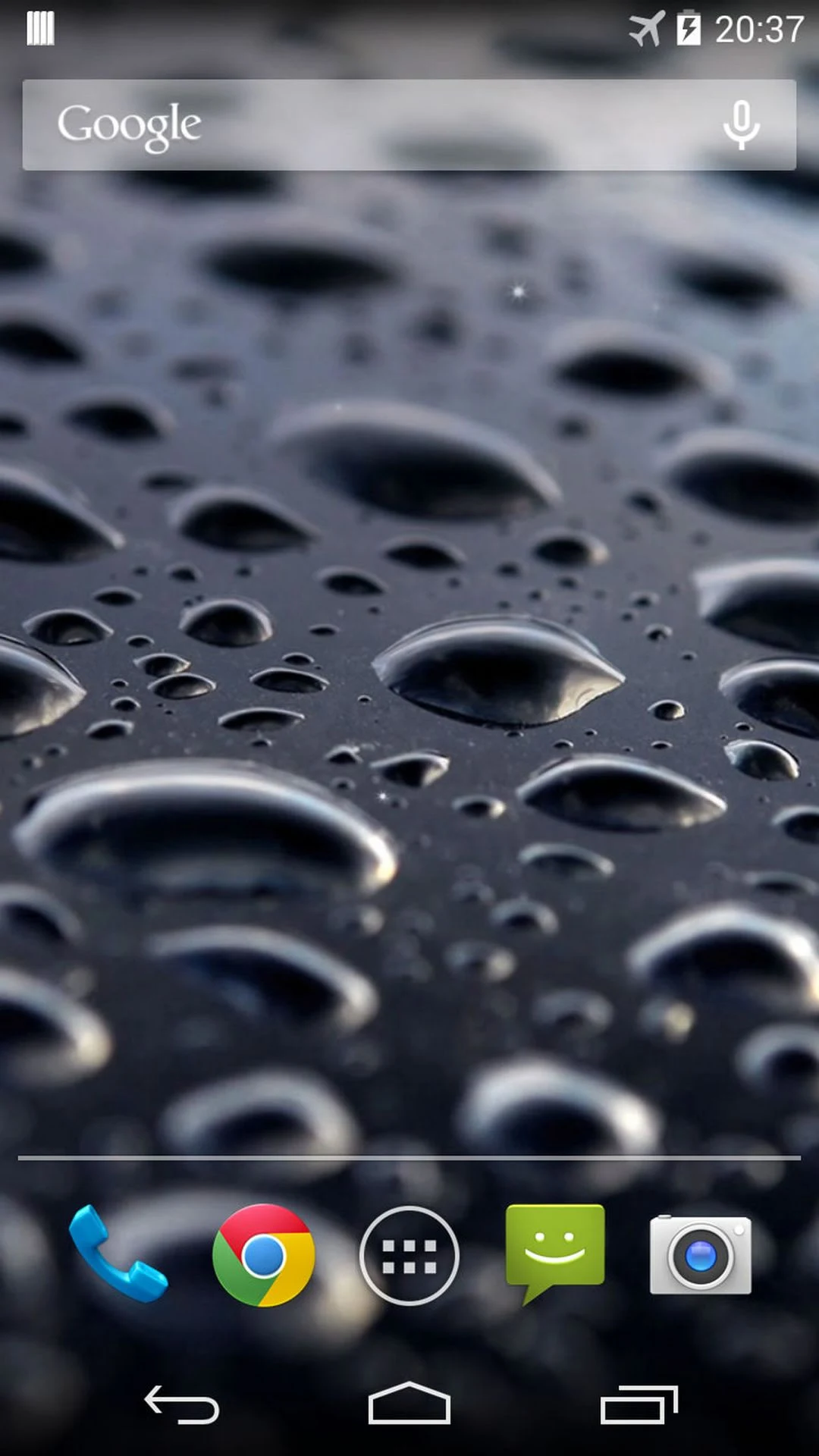
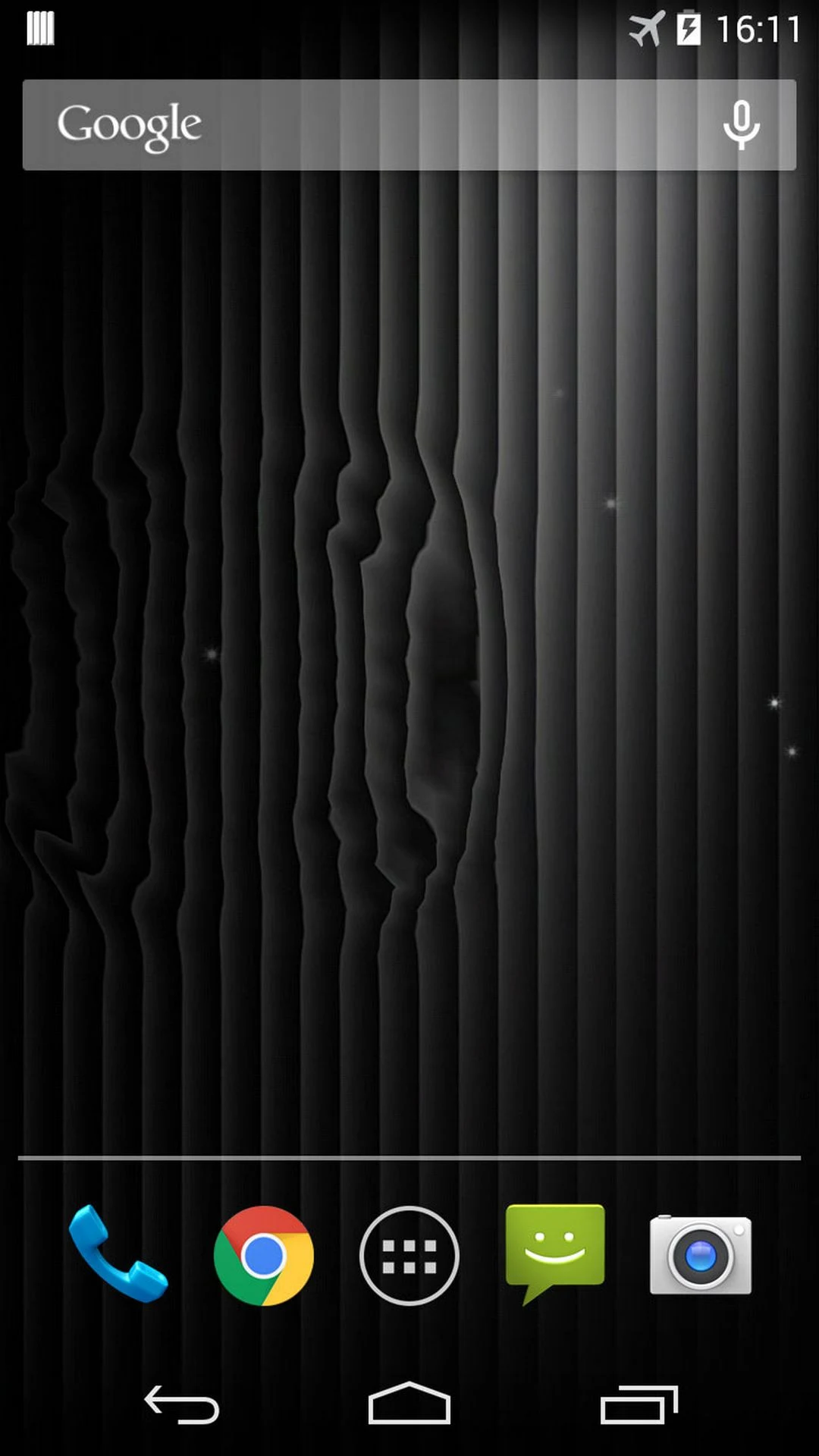
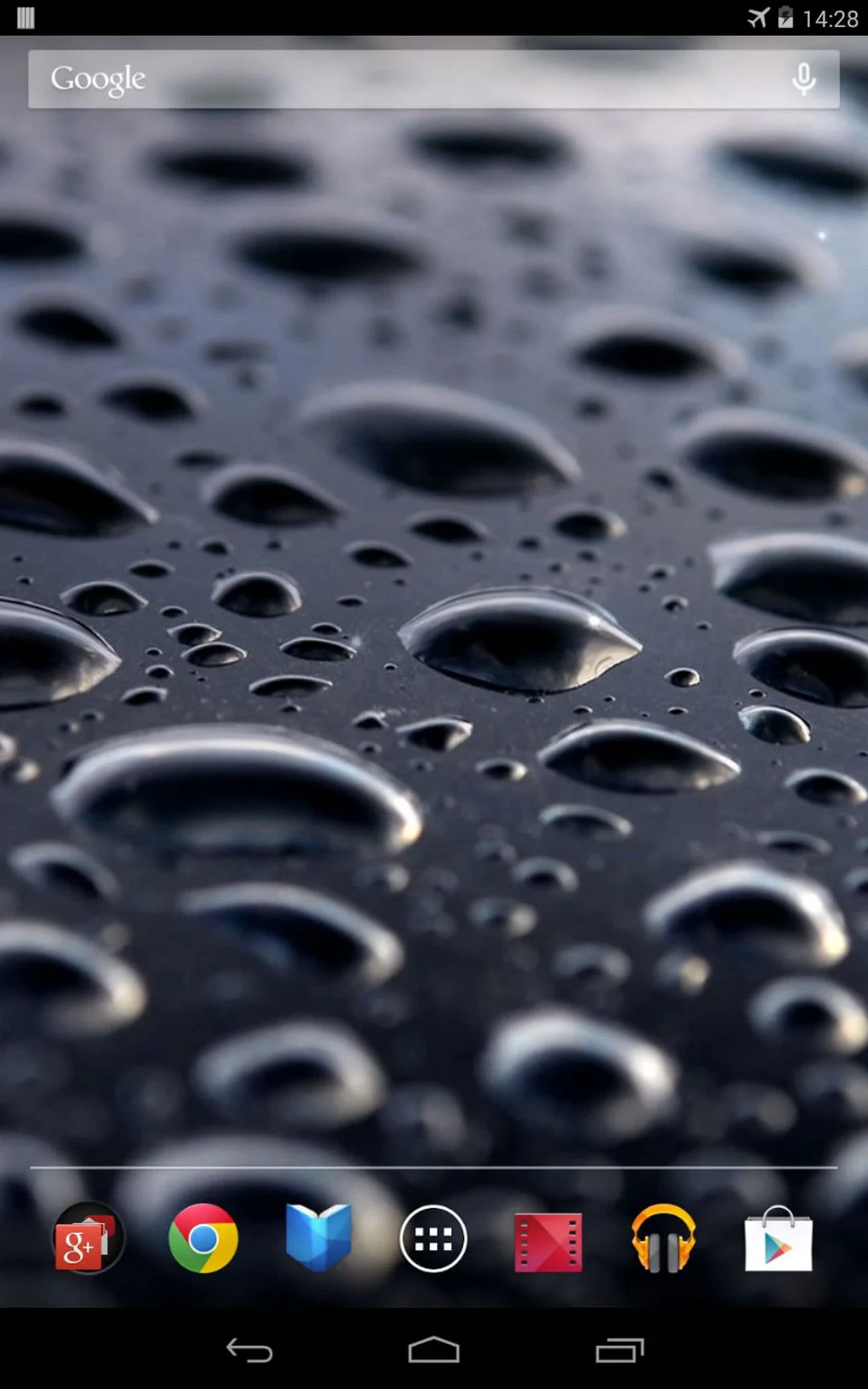
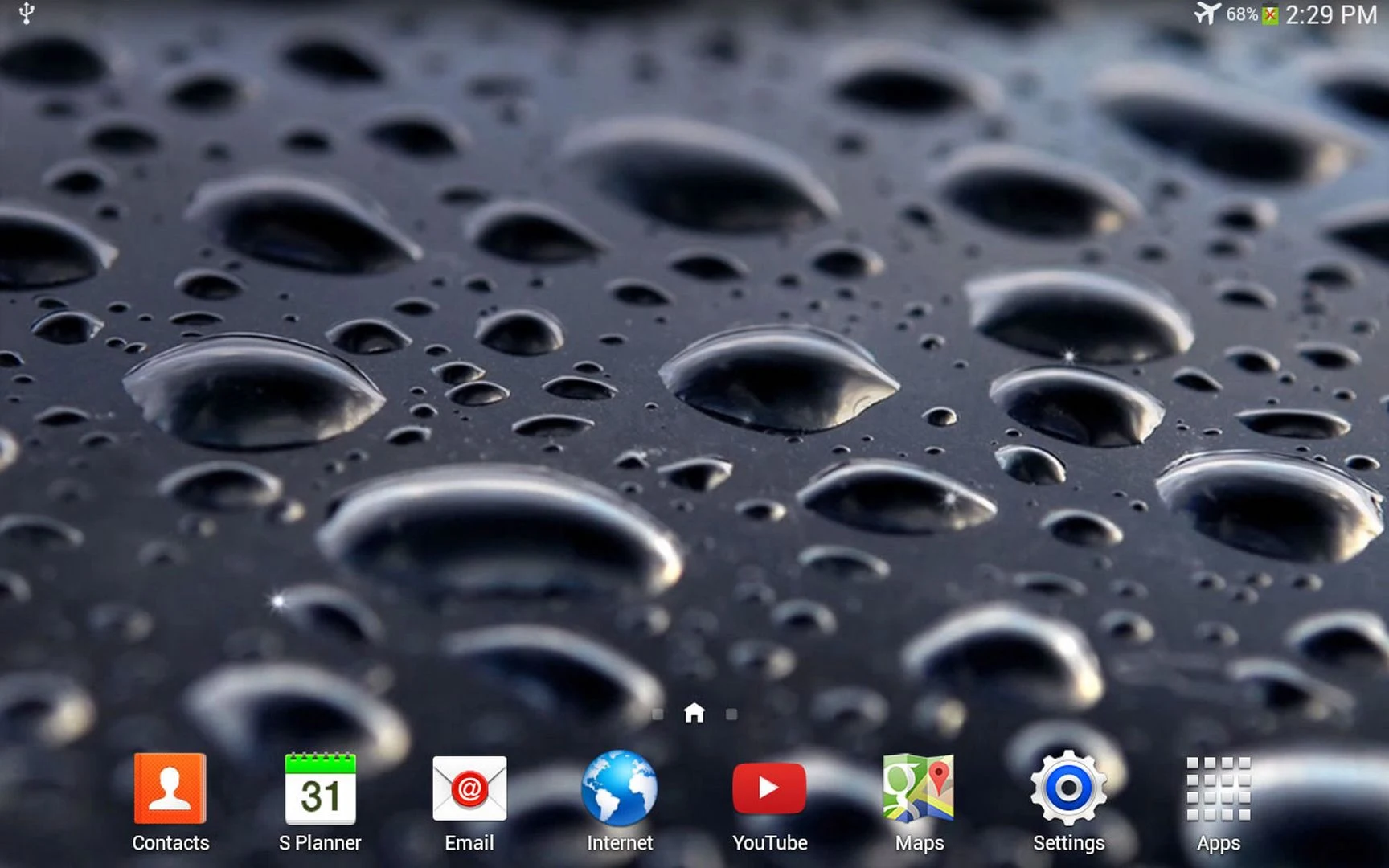
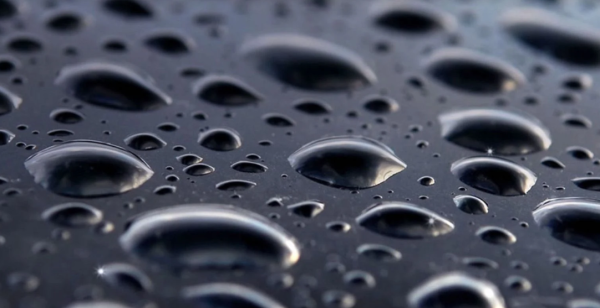
Black Water Live Wallpaper is a free Android app that adds animated water effects to your phone's home screen. It features a deep black background with flowing water ripples and floating light particles, creating a subtle sense of movement without making the display look cluttered. The wallpaper also includes an interactive water droplet effect, allowing you to tap the screen and create water drops that respond to your touch.
The app combines a dark, minimalist design with gentle animations. Flowing ripples give the background a liquid-like appearance, while floating particles add depth and visual detail. The touch-responsive droplets provide an interactive element, making the wallpaper more engaging than a static background.
Black Water Live Wallpaper is free to use and does not require a subscription or in-app purchase. Advertisements appear in the settings to support the development of additional free live wallpapers, rather than as part of the active wallpaper. Users can activate it through Android's built-in Live Wallpapers menu. If the wallpaper resets after restarting the device, installing the app in internal storage instead of on an SD card may help resolve the issue.
2. Key Features
Animated Water Ripples: Flowing water effects create a dynamic appearance against a deep black background.
Floating Light Particles: Subtle particle animations add depth and movement to the wallpaper.
Interactive Water Droplets: Tap the screen to generate water drops in response to your touch.
Dark Minimalist Design: A predominantly black background gives the home screen a clean, understated appearance.
Free to Use: Enjoy the live wallpaper without a subscription or in-app purchase.
Built-in Wallpaper Support: Apply the animation through Android's standard Live Wallpapers settings.
3. How to Use
Install the App: Download and install Black Water Live Wallpaper on your Android device.
Open Wallpaper Settings: Navigate to Home → Menu → Wallpapers → Live Wallpapers.
Select the Wallpaper: Find Black Water Live Wallpaper and open its preview.
Apply the Wallpaper: Choose the option to set it as your home screen background.
Use the Droplet Effect: Tap or touch the screen to create animated water droplets.
Fix Restart Issues: If the wallpaper resets after restarting your device, move the app to internal storage and apply it again.
4. Frequently Asked Questions
Q1: How do I create water droplets on the screen?
A: Activate Black Water Live Wallpaper, then tap or touch the screen to trigger the water droplet animation.
Q2: Does the app display advertisements on the home screen?
A: No. Advertisements are included in the settings to support the development of additional free wallpapers. They are not part of the active wallpaper.
Q3: Why does the wallpaper reset after restarting my phone?
A: This may happen if the app is installed on an SD card. Try moving it to your phone's internal storage and selecting the live wallpaper again.
Q4: Can I use the live wallpaper on my lock screen?
A: This depends on your Android device and system version. Some devices support live wallpapers on both the home screen and lock screen, while others only allow them on the home screen.
Q5: What should I do if the water effects stop responding?
A: Check that Black Water Live Wallpaper is still active. If tapping the screen no longer triggers the droplet effect, restart your device and apply the wallpaper again.
- Version1.0.4
- UpdateNov 09, 2026
- DeveloperWasabi
- CategoryPersonalization
- Requires AndroidAndroid 6+
- Downloads136K+
- Package Namecom.androidwasabi.livewallpaper.s4black
- Signature6a4db1a4efff74331c90787345f480e1
- Available on
- ReportFlag as inappropriate
-
NameSizeDownload
-
5.39 MB
-
2.54 MB
-
2.01 MB









The dynamic effects are intuitive and highly interactive;
It's free and easy to set up, with low requirements for phone specifications, and can be installed on older devices;
Advertisements only appear in the settings page and do not affect the desktop user experience.
Limited functionality; currently does not support custom background colors, water ripple speed, etc.
Power consumption is relatively high after setting on some devices;
The wallpaper easily reverts to the default after a restart;
Lacks additional visual styles to choose from, which can easily become monotonous over time.