
Assist Touch OS - Smartphone control & shortcuts
Experience seamless smartphone navigation with customizable shortcuts & easy access to your favorite apps in one touch.

- 1.1.2 Version
- 3.2 Score
- 320K+ Downloads
- Free License
- 3+ Content Rating

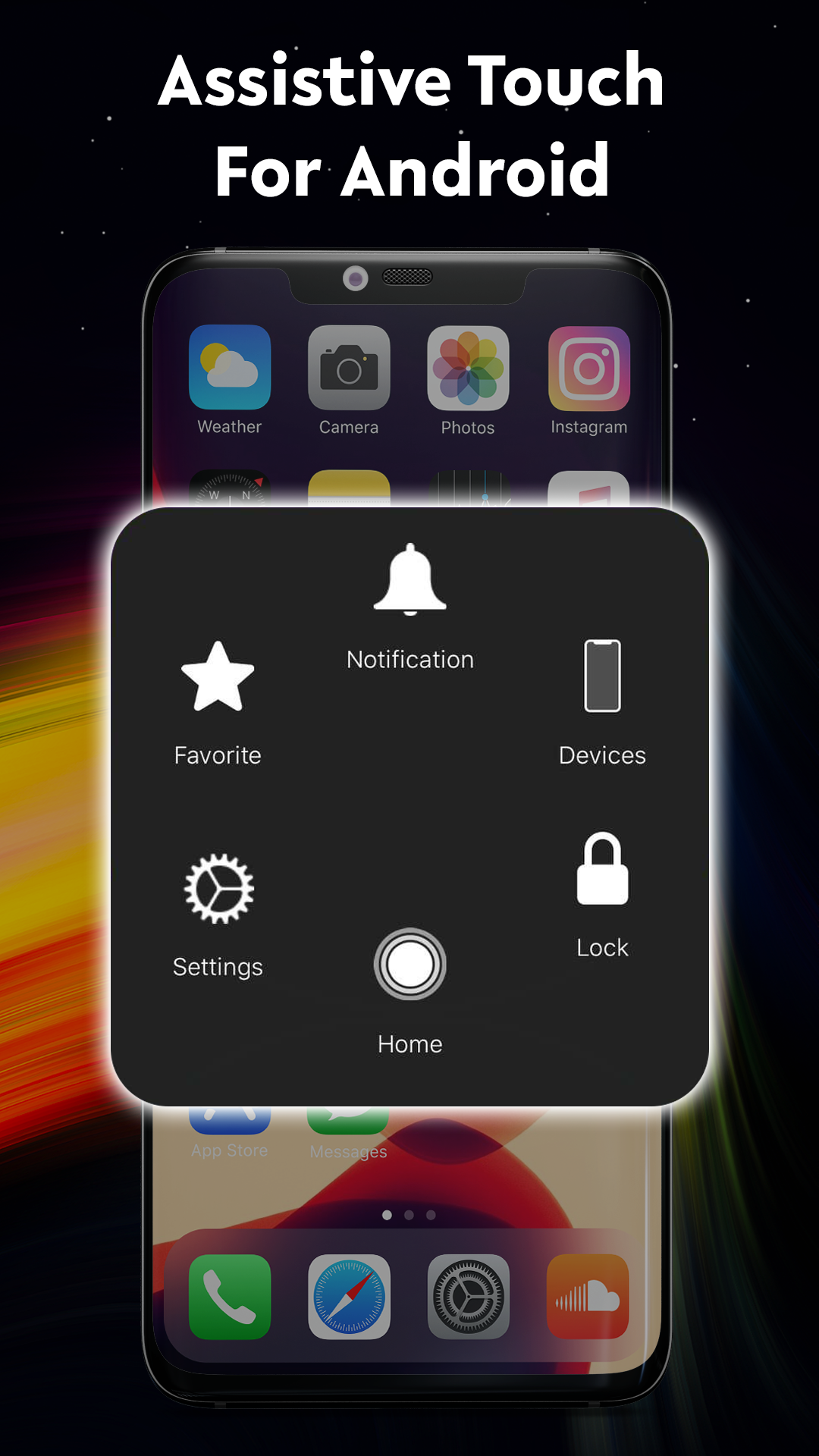
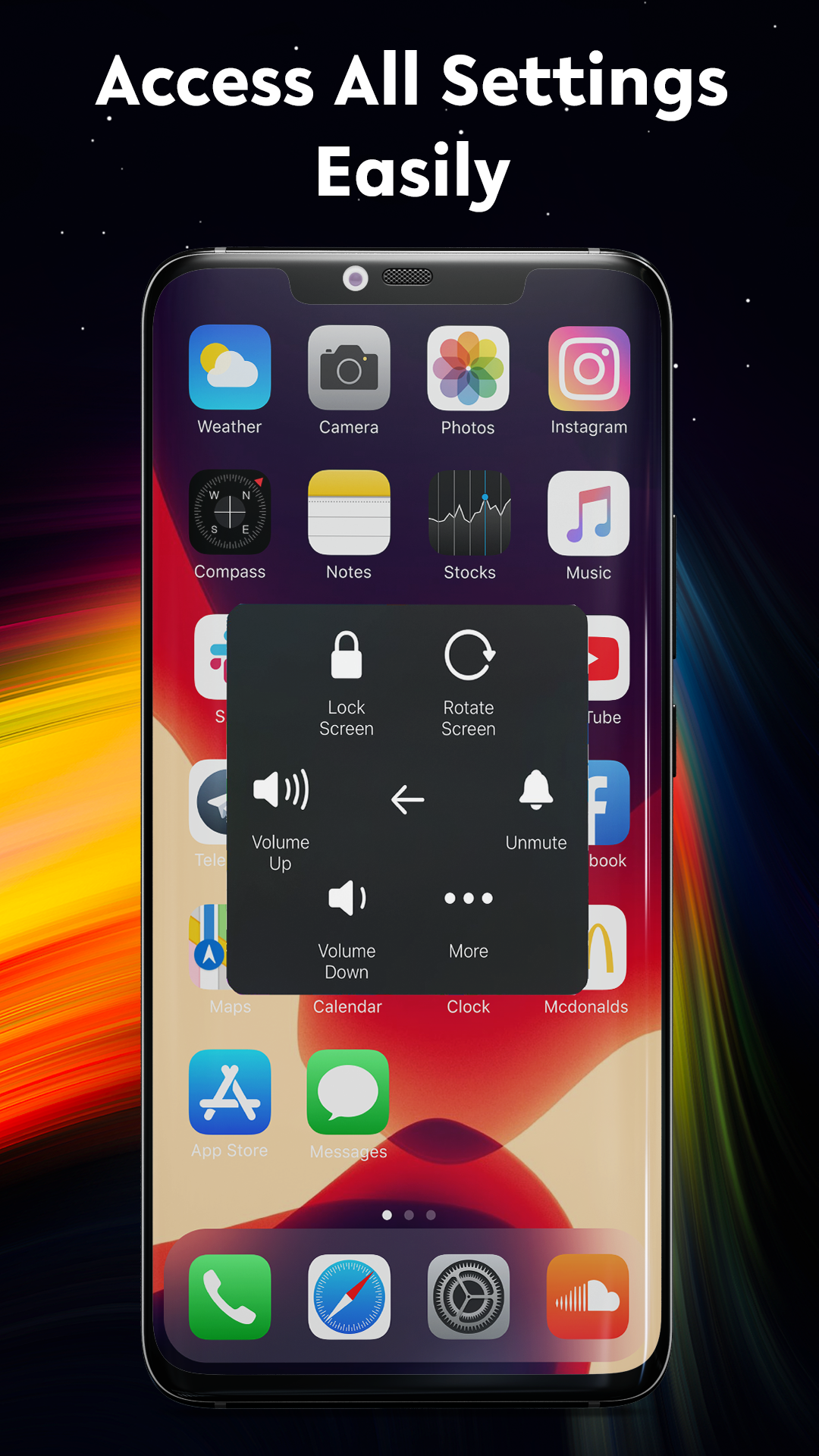
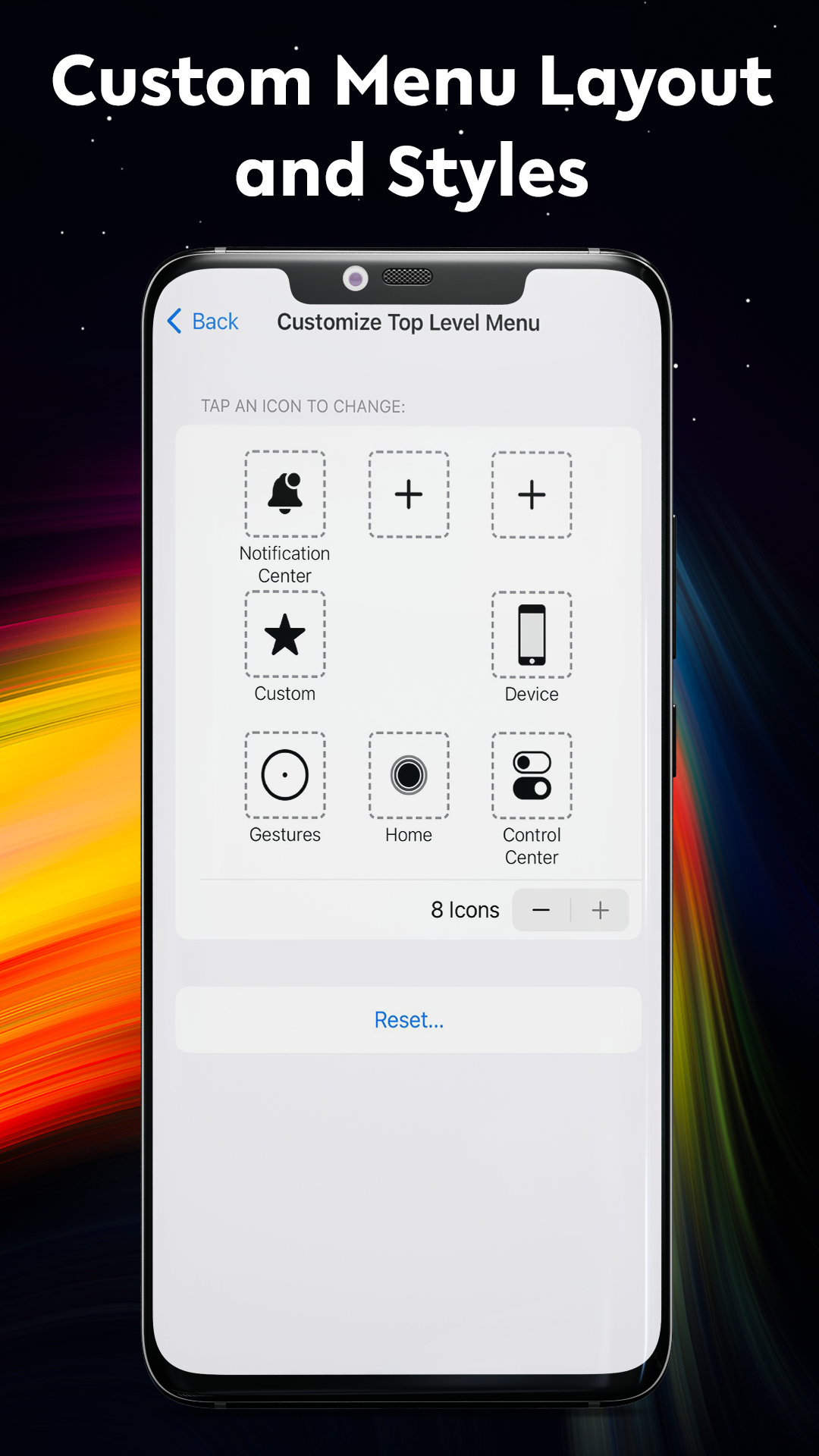
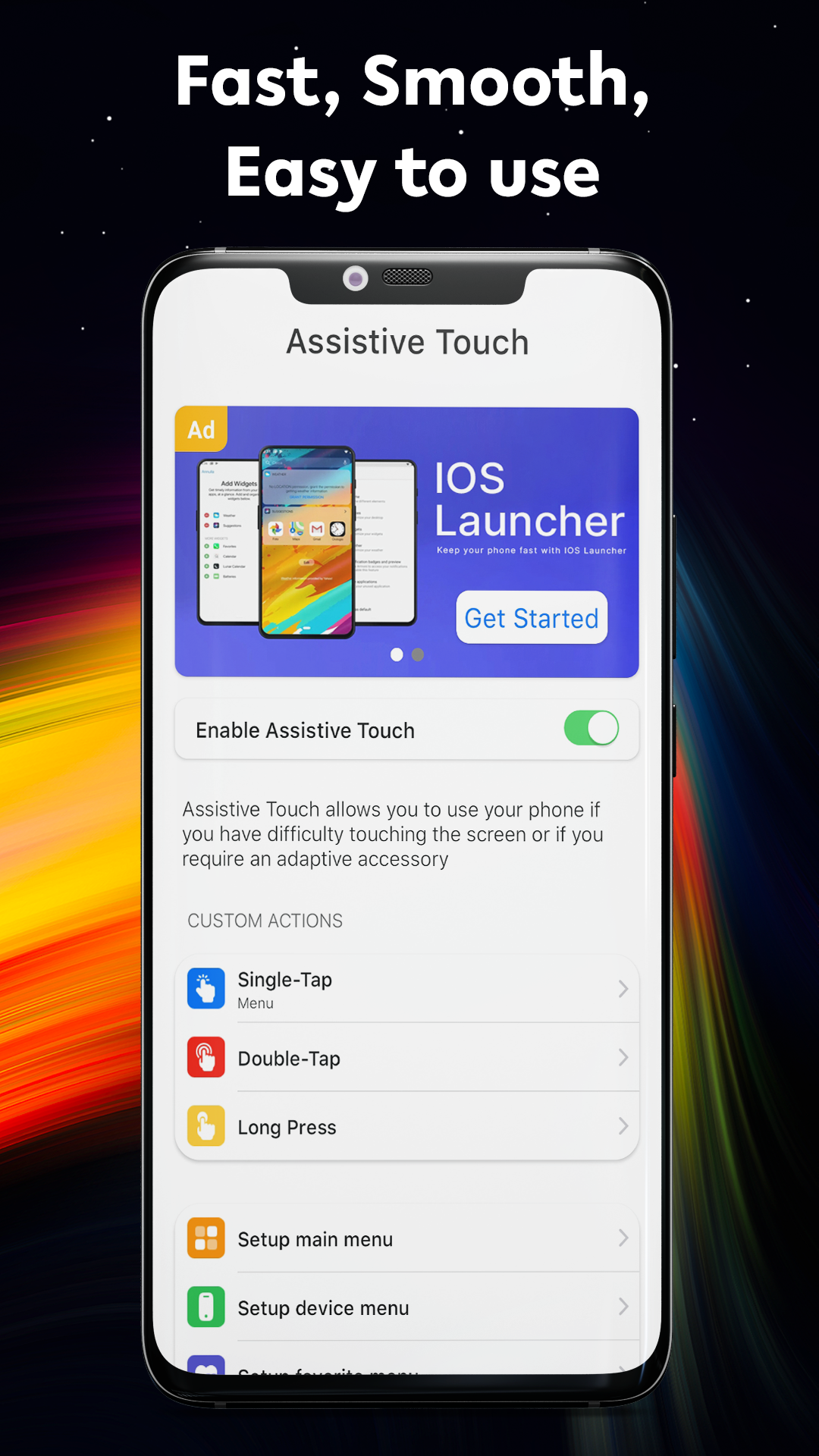
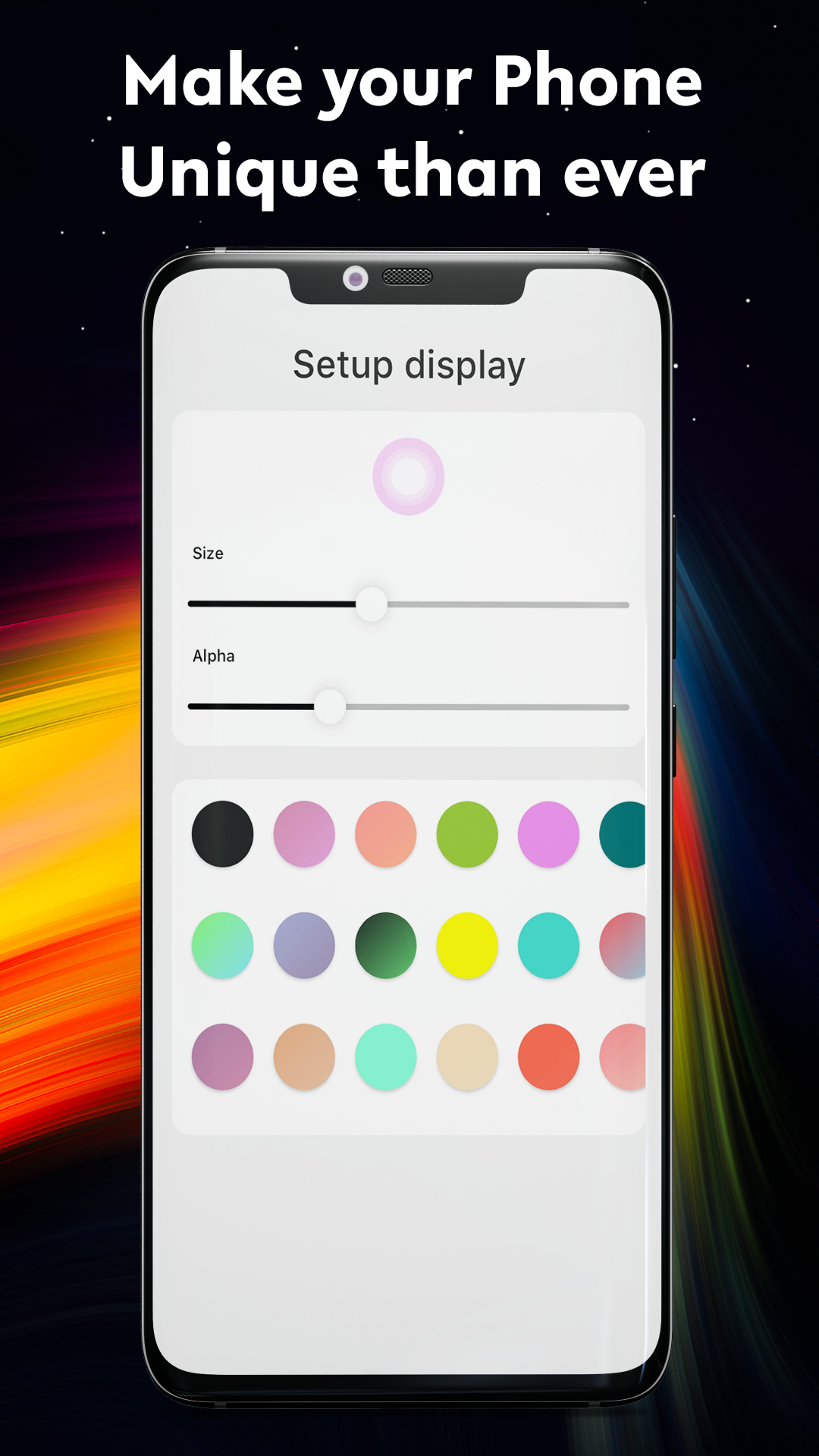
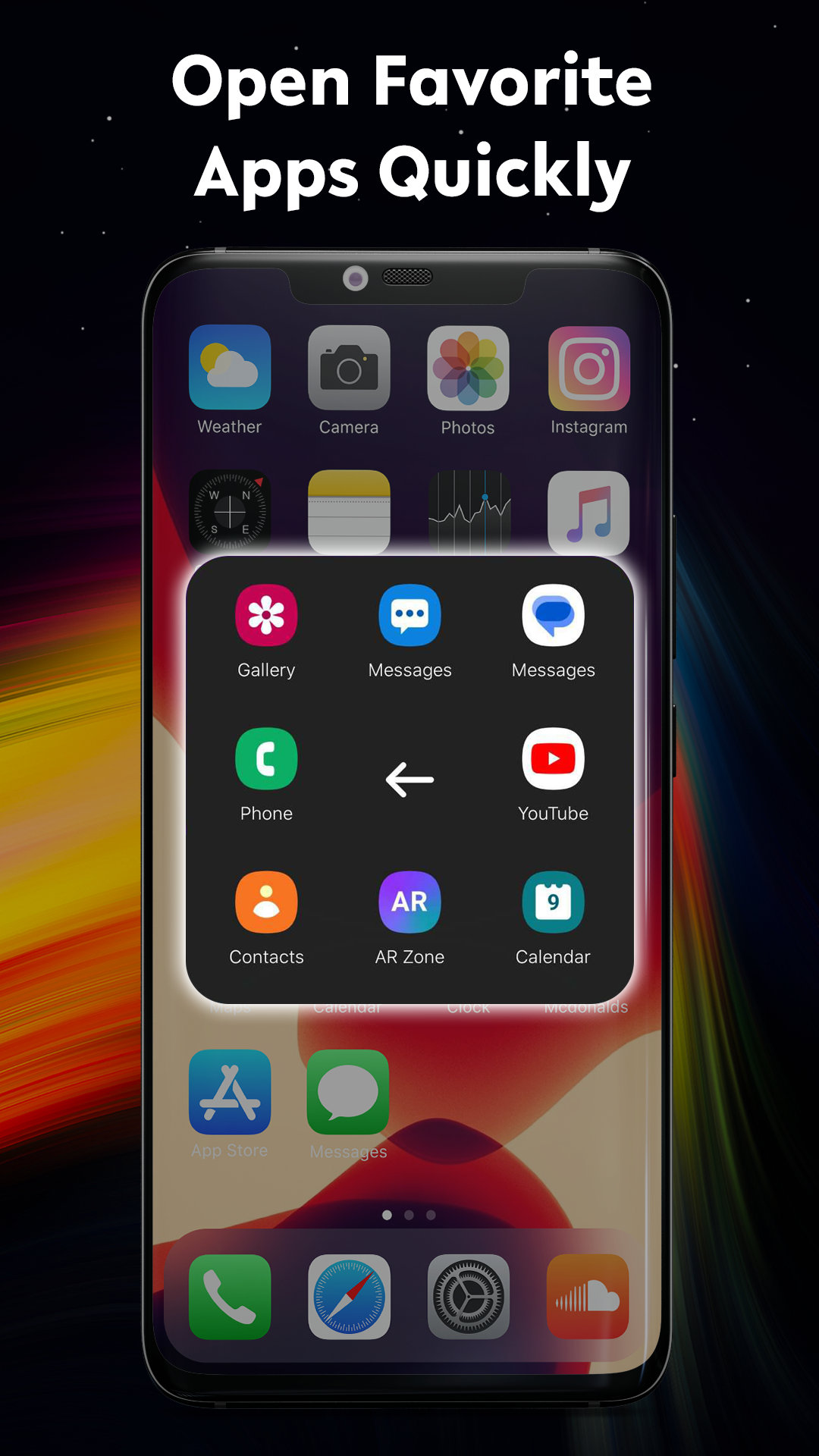
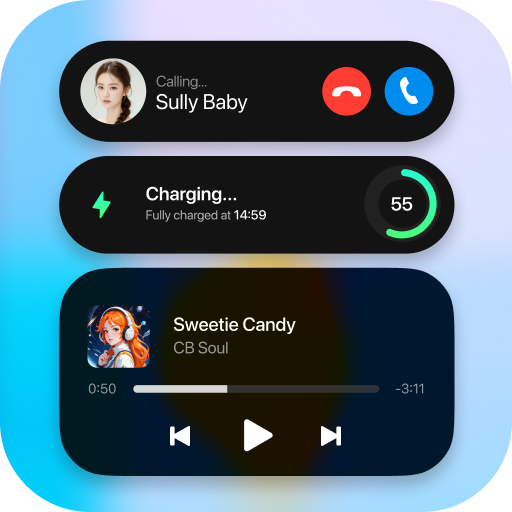
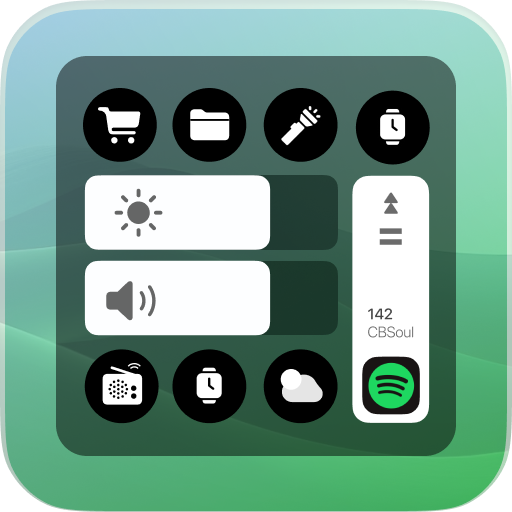
Assistive Touch OS is a user-friendly tool designed for Android devices. It is quick, smooth, and completely free. Featuring a floating panel on your screen, it allows you to effortlessly manage your Android smartphone. Additionally, you can swiftly access all of your favorite apps, settings, and quick toggles. Assistive Touch serves as an excellent application to safeguard the home and volume buttons, proving to be quite beneficial for your device while transforming your smartphone experience.
With Assistive Touch, handling your smartphone is as simple as using an operating system interface. You can control your device or launch preferred applications easily without having to leave the current app, and locking the screen is just a single touch away.
💡 Key Features:
- Manage your device through the Assistive Touch menu.
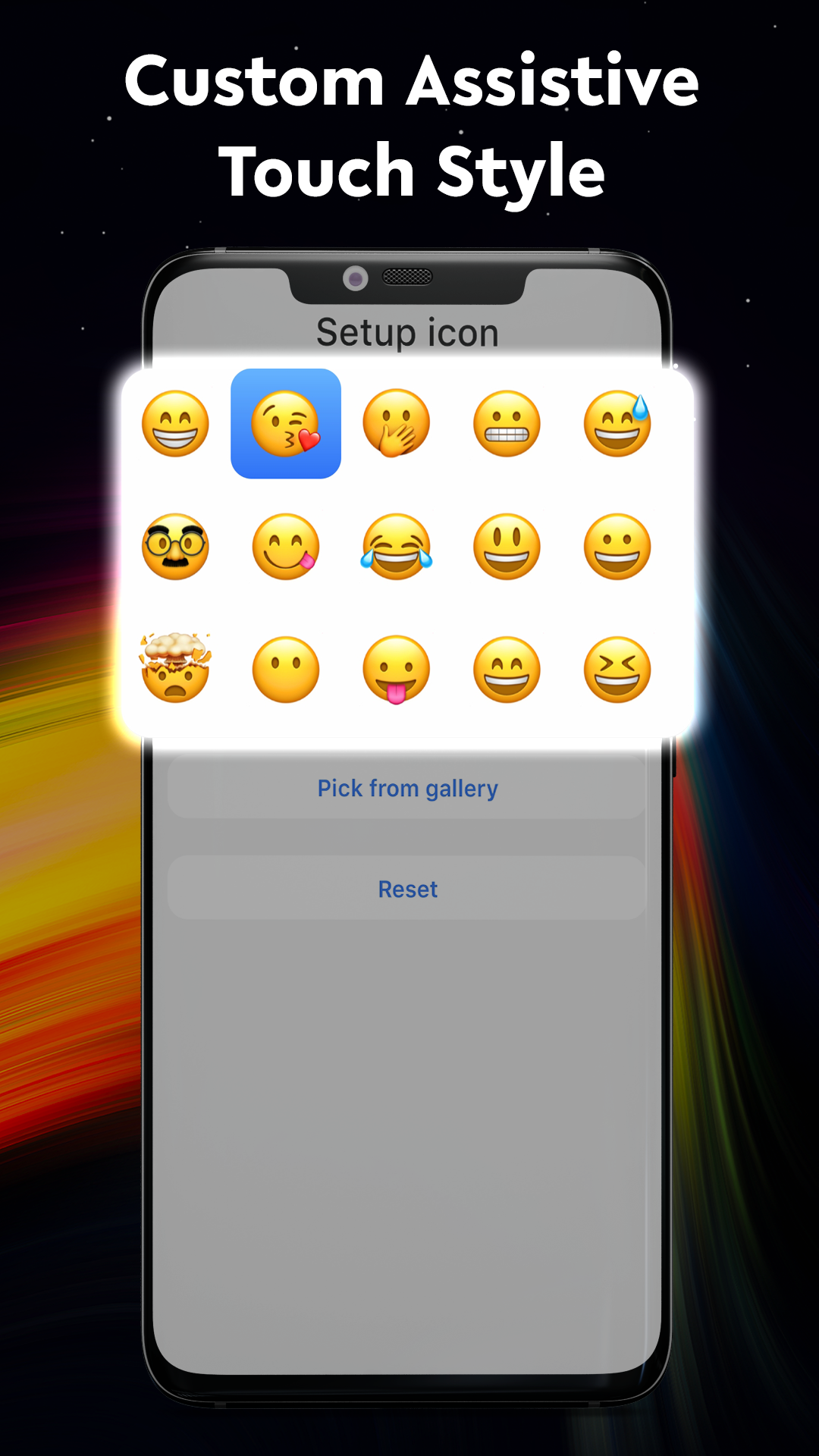
- Adjustable size and color of the floating icon.
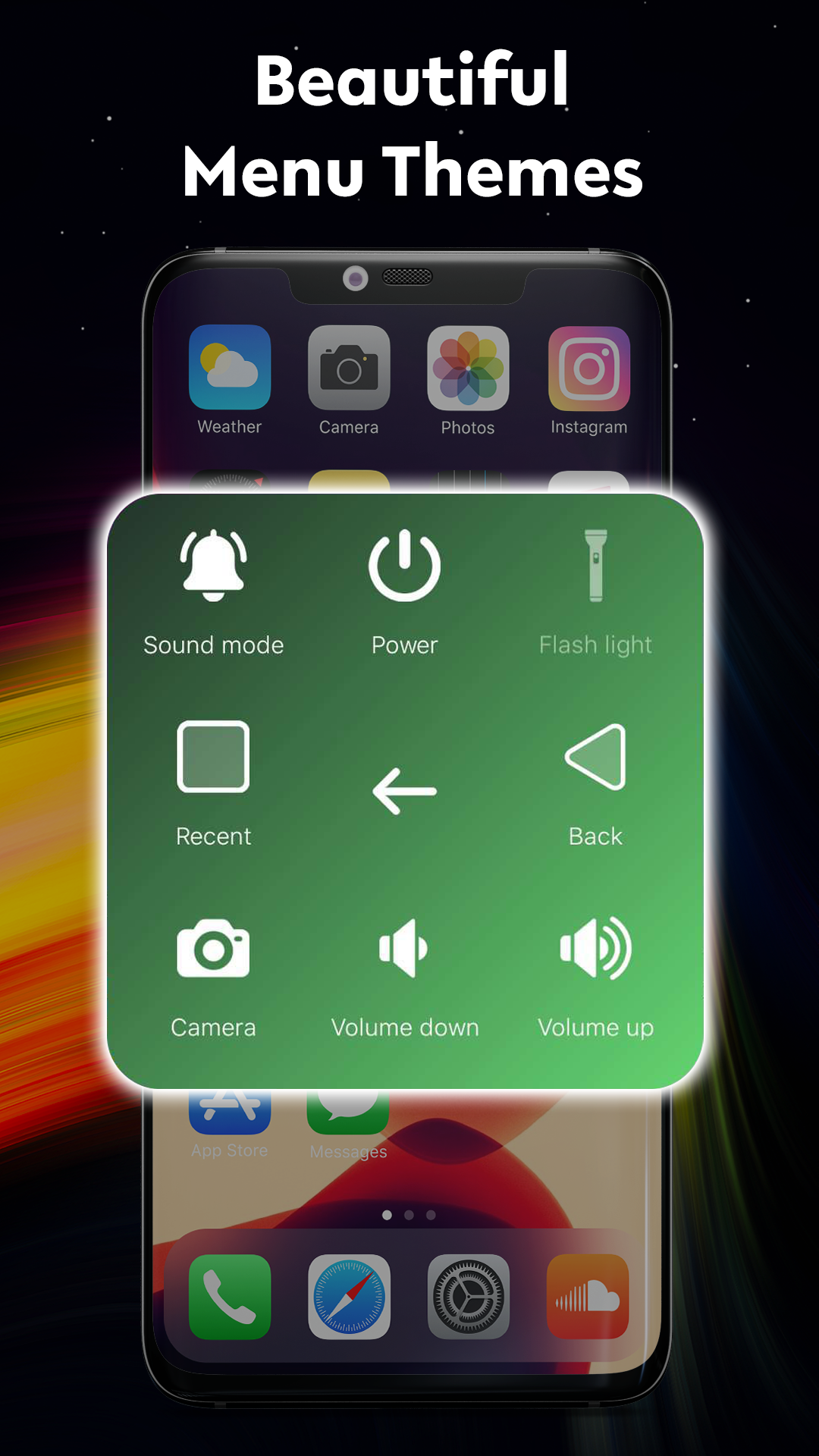
- Customizable color of the Assistive Touch menu.
- One-touch access to your favorite applications.
- Quickly navigate to all settings with a single touch.
- And more.
PERMISSION REQUIREMENTS:
- OVERLAY Permission is required to display Assistive Touch over other screen views, allowing for dragging, dropping, and repositioning.
- ACCESSIBILITY Services Permission is necessary solely to execute global actions such as going back, returning home, opening recent apps, accessing power options, or the notification center. This permission must be granted to utilize those functions. The application guarantees that no user information will be collected or shared concerning this accessibility right.
- DEVICE ADMINISTRATOR Permission is essential for locking the device when utilizing the feature to turn off the screen. This administration needs to be enabled for that functionality to work.
Assistive Touch OS is a fantastic application that enhances your phone to operate like an OS.
We appreciate your support and hope you enjoy the app! 💚
Your feedback is welcome, as it can help us improve this application.
Operation
1. Enable floating window, accessibility, and device administrator permissions
2. Tap the floating icon on the screen to use shortcut functions
3. Customize the size and color of the floating icon
4. One-click return, home, lock screen, and open app
5. Protect physical buttons, free and smooth operation

FAQs
- **Q**: What is Assistive Touch OS?
- **A**: It's a user-friendly tool designed for Android devices. It's fast, smooth, and completely free. It helps users easily manage their phones through a floating panel on the screen, improving their user experience.
- **Q**: What conveniences does this app offer?
- **A**: You can control your device or launch frequently used apps without leaving the current app. You can lock the screen with one click, and it protects the phone's home and volume buttons, reducing wear and tear on physical buttons.
- **Q**: Besides basic device management, what other customization options does it offer?
- **A**: You can adjust the size and color of floating icons and customize the color of the Assistive Touch menu, allowing you to customize the interface style to your preferences.
- **Q**: How can I quickly access frequently used functions?
- **A**: The floating panel menu allows you to open favorite apps, navigate to various settings, and quickly switch between functions (such as Wi-Fi and Bluetooth) with one click, ensuring efficient operation.
- **Q**: Why is the OVERLAY permission required?
- **A**: This permission allows the Assistive Touch floating panel to appear above other apps, making it easy for users to drag, place, and reposition it, ensuring it remains accessible from any interface.
- **Q**: What is the purpose of the ACCESSIBILITY Services permission? Does it collect user information?
- **A**: This permission is only used to perform global actions, such as returning to the home screen, opening recent apps, accessing power options, or the Notification Center. The app explicitly guarantees that it will not collect or share user information related to this permission.
- **Q**: Is the DEVICE ADMINISTRATOR permission required?
- **A**: This permission must be enabled if you want to use the "Lock Screen" feature. It is a prerequisite for turning off the screen and locking the device.
- **Q**: Who is this app suitable for?
- **A**: It is suitable for all Android users, especially those who want to reduce the use of physical buttons and pursue faster operations, such as those who are concerned about button wear, or those who are accustomed to efficiently managing their phone using the floating panel.
- Version1.1.2
- UpdateSep 29, 2026
- DeveloperApps Genz
- CategoryTools
- Requires AndroidAndroid 6+
- Downloads320K+
- Package Namecom.appsgenz.assistivetouch.phone.ios
- Signature0485310030a455d644be7569fbb84a2e
- ReportFlag as inappropriate
-
NameSizeDownload
-
12.73 MB
-
14.84 MB
-
10.78 MB



















Free and practical
Smooth operation
Customizable interface
Quick access to functions
Protecting physical buttons
Multiple permissions required
Floating panels may obscure screen content